
Social media
Research audiences, plan content and manage social workflows.
Explore Social media ↗Explore Facebook ad-library results and compare advertiser creative patterns.
เรียกดู Skills ↓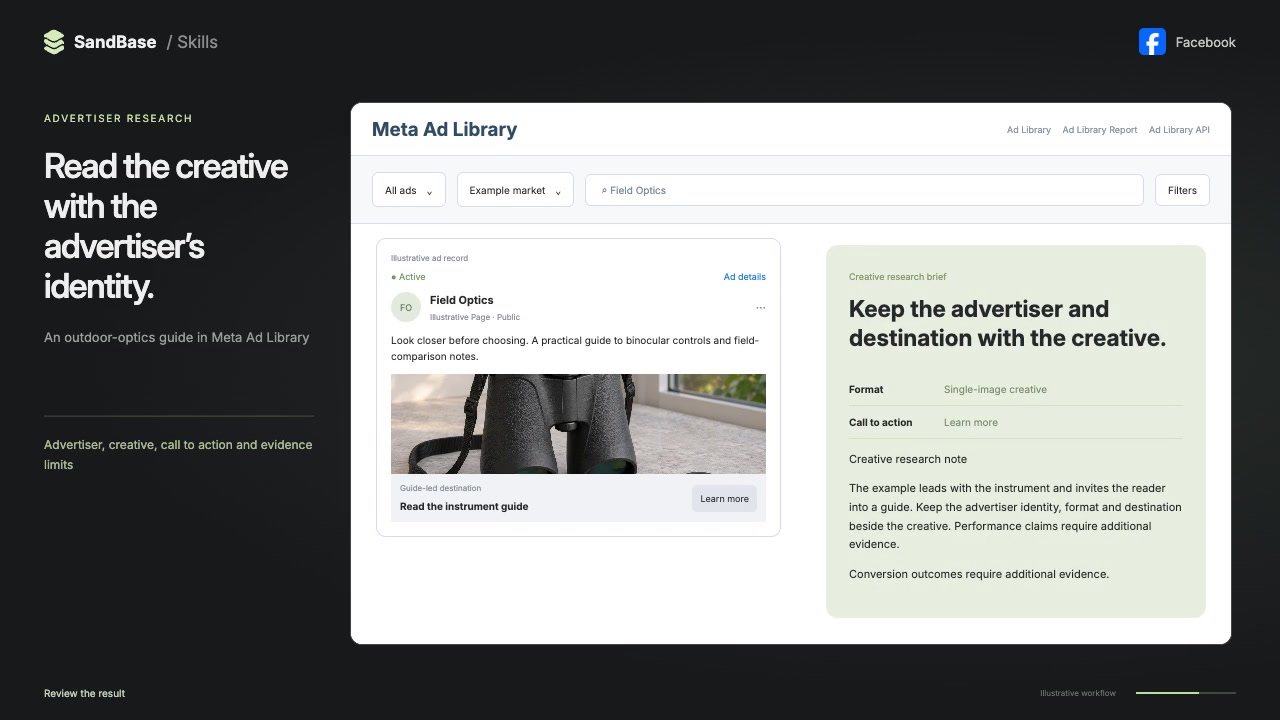
Explore Facebook ad-library results and compare advertiser creative patterns.
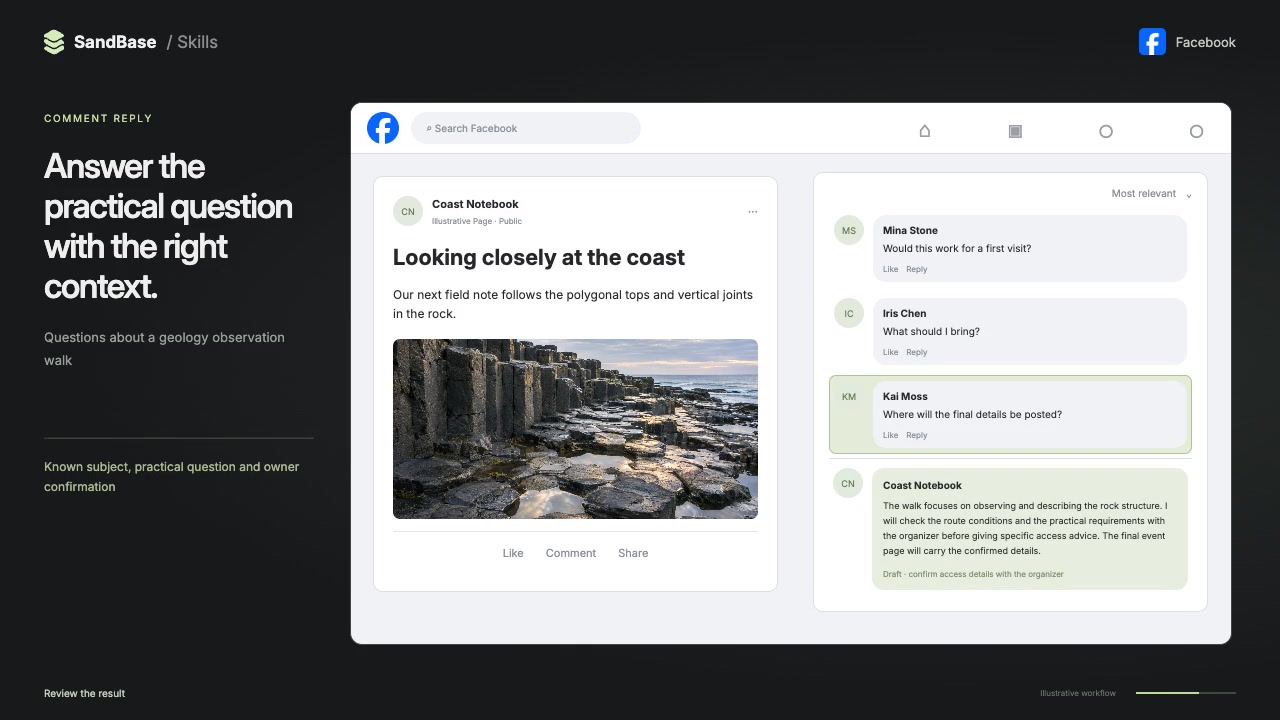
Sort the comments under a Facebook post and draft replies for the ones that need an answer.
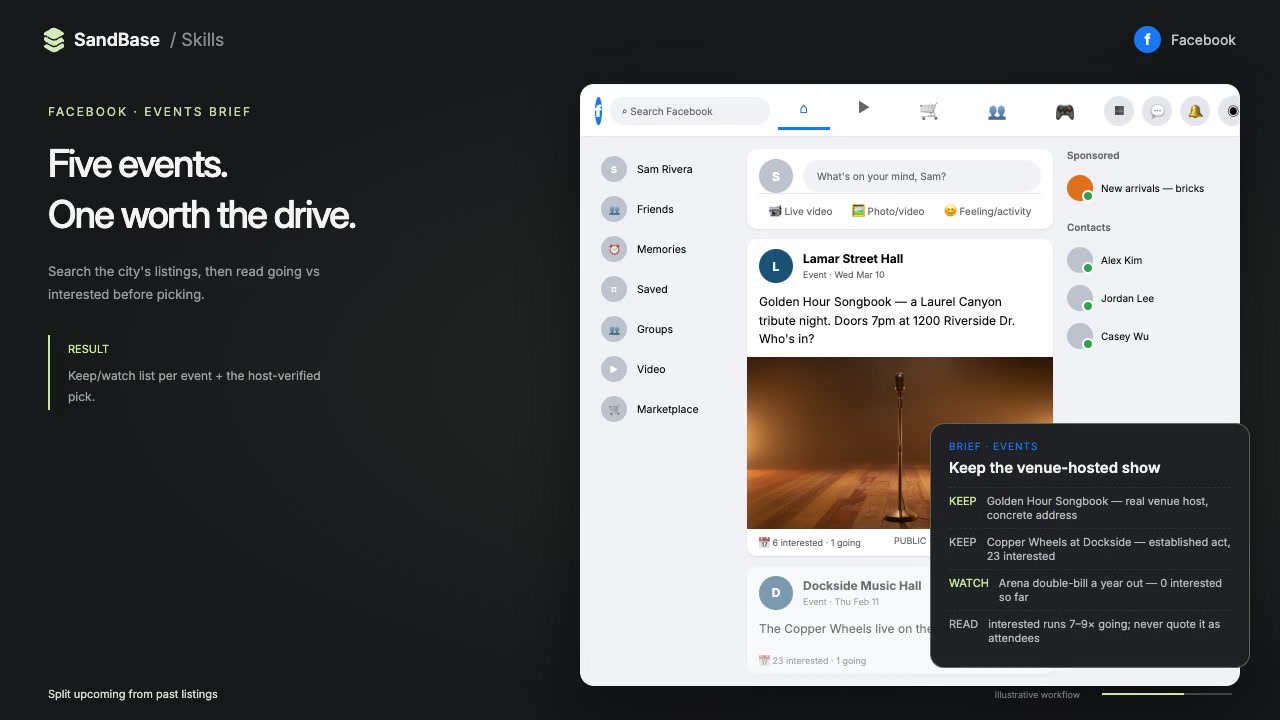
See which public Facebook events on a topic or in a place are coming up — and which are actually worth your time.
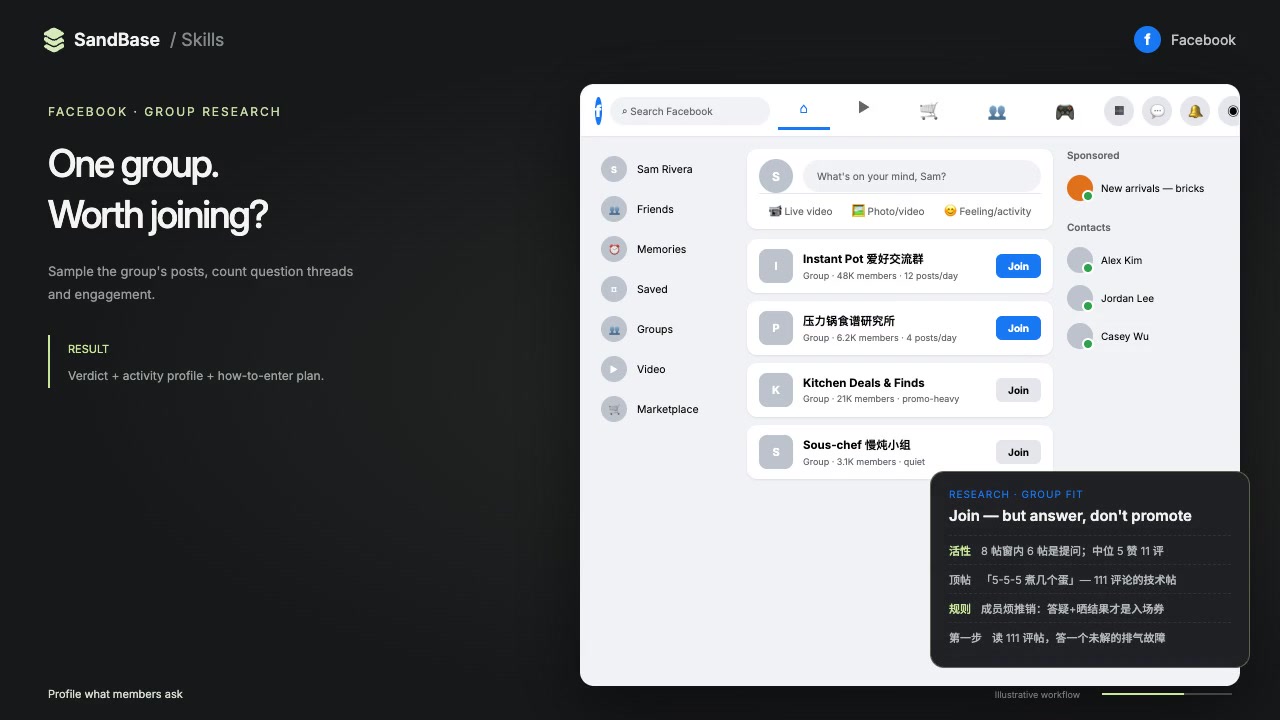
Decide whether a public Facebook Group is worth joining — how active it is, what members post and ask, and what it rewards.
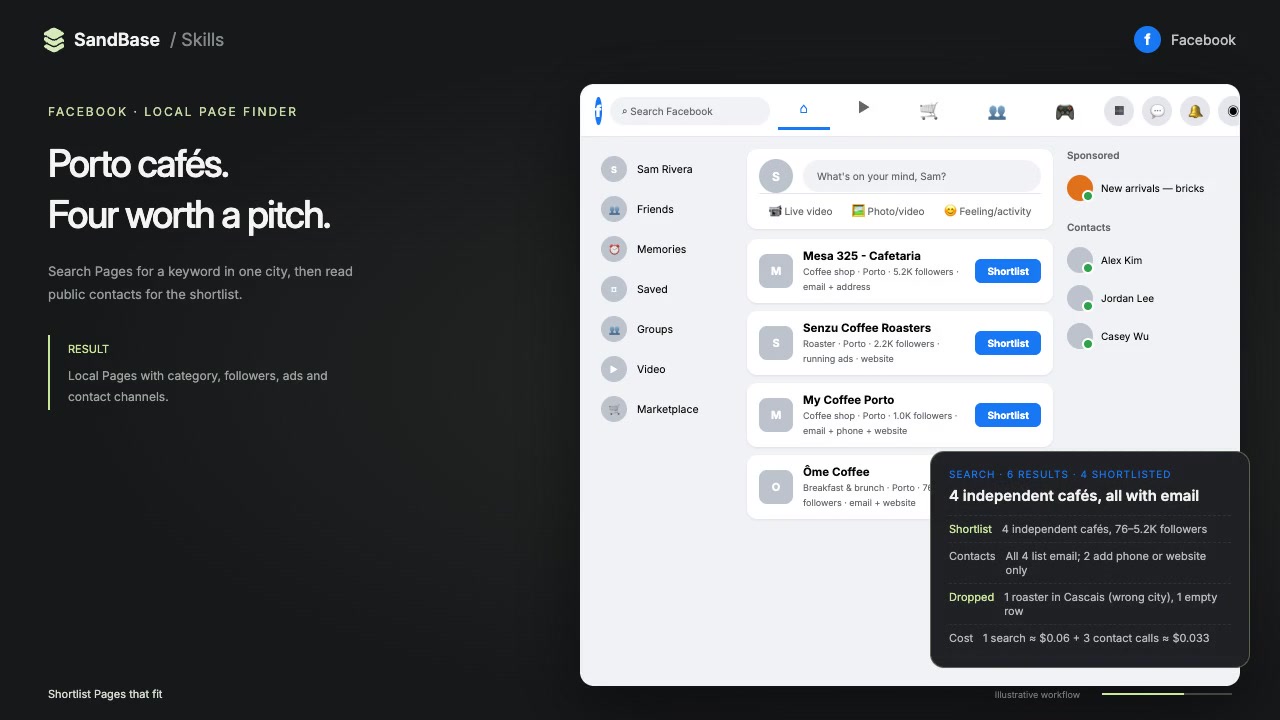
Build a local partner or outreach list from Facebook Pages.
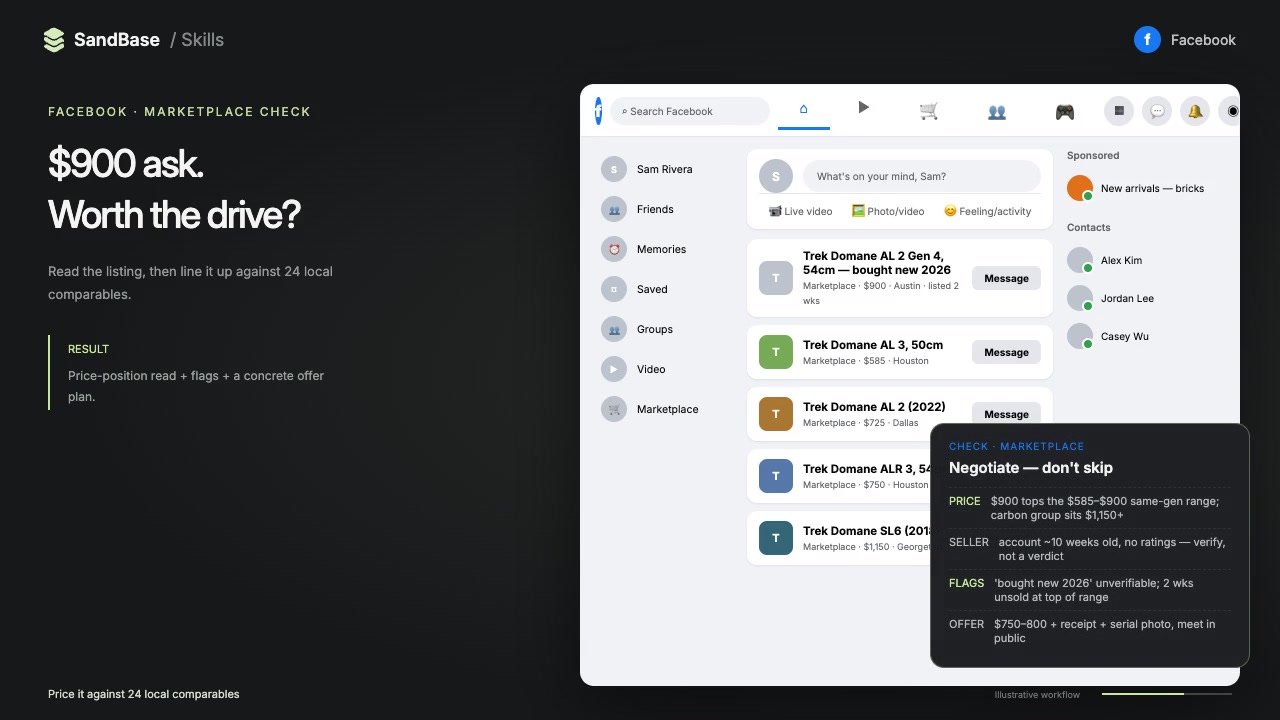
Someone sent you a Marketplace listing — verify the item, the price and the seller before driving across town.
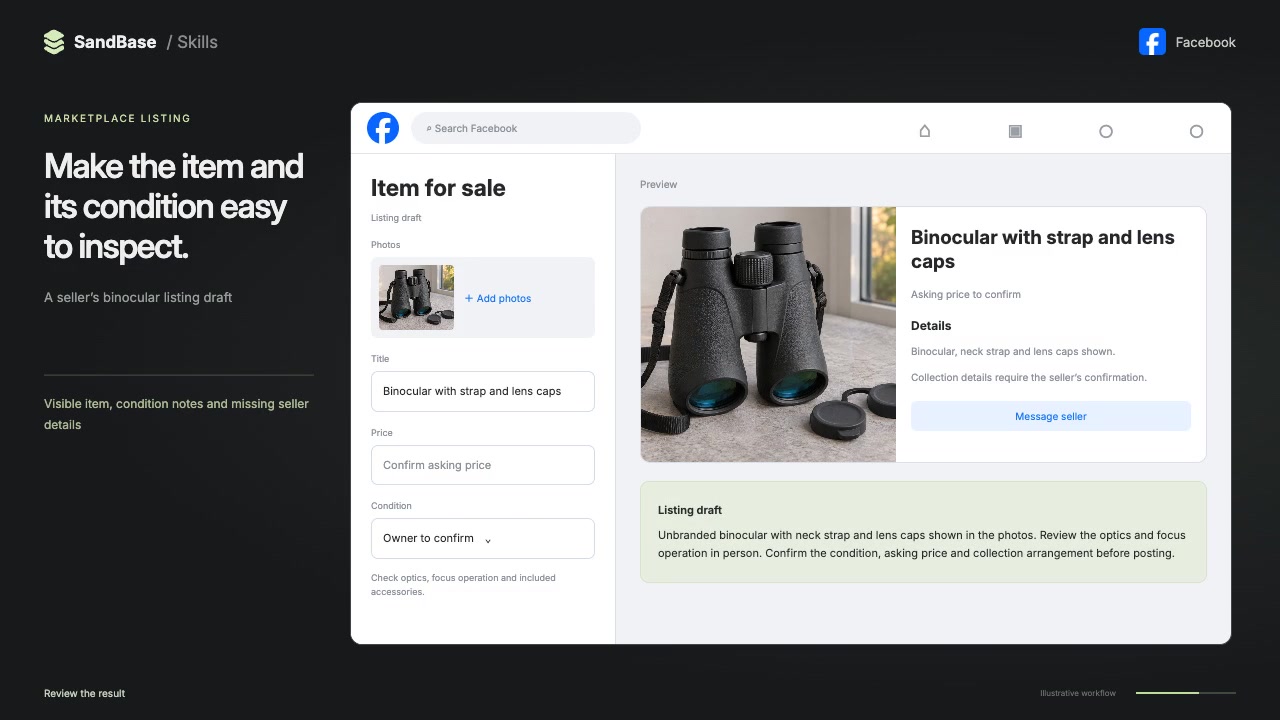
Price an item from real local listings and write a Facebook Marketplace listing that gets messages.
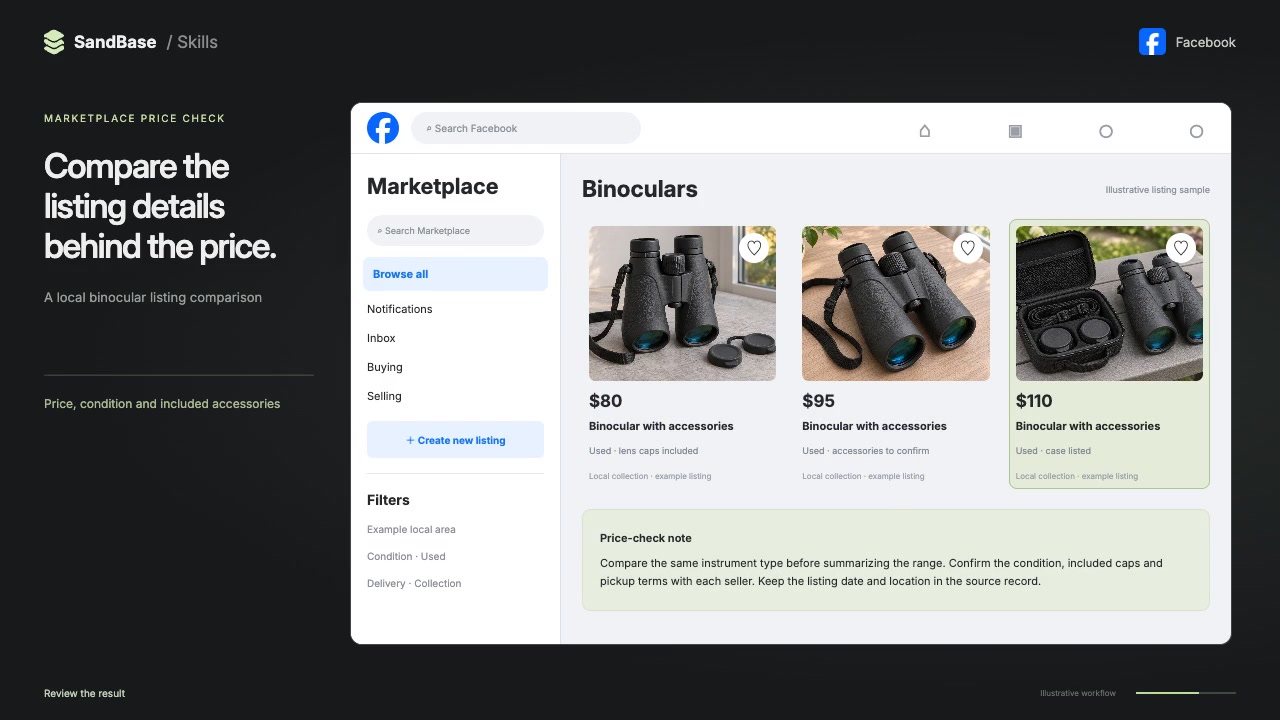
Find out what an item sells for on Facebook Marketplace near you, so you can price a listing or spot a good deal.
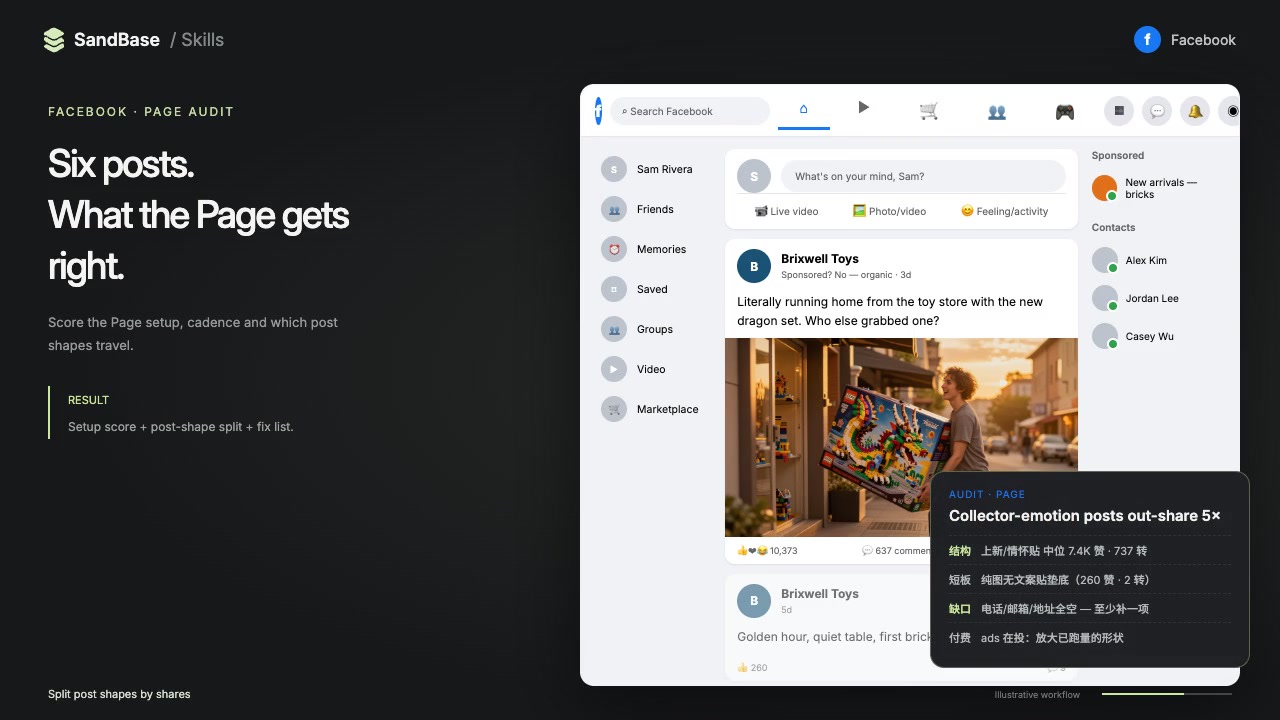
See how a Facebook Page is really doing — setup, posting rhythm, and which posts actually earn shares.
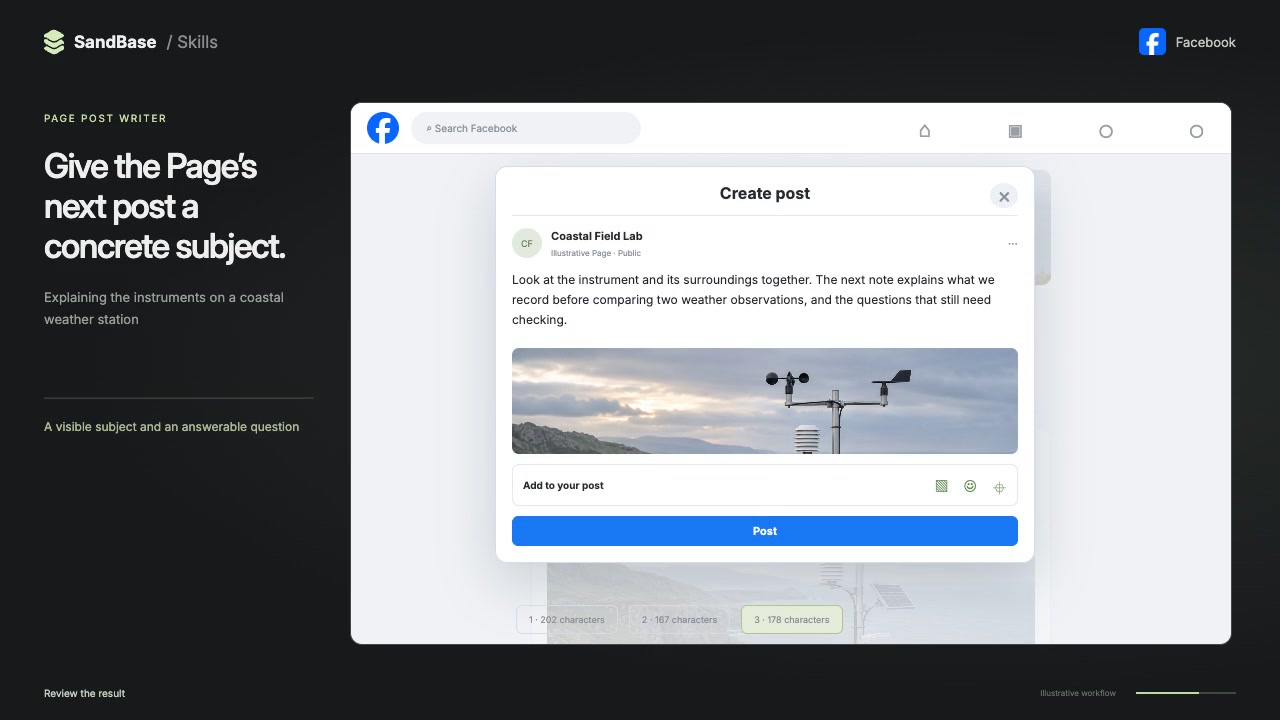
Write Facebook Page posts in the shape a Page’s audience already shares and comments on.
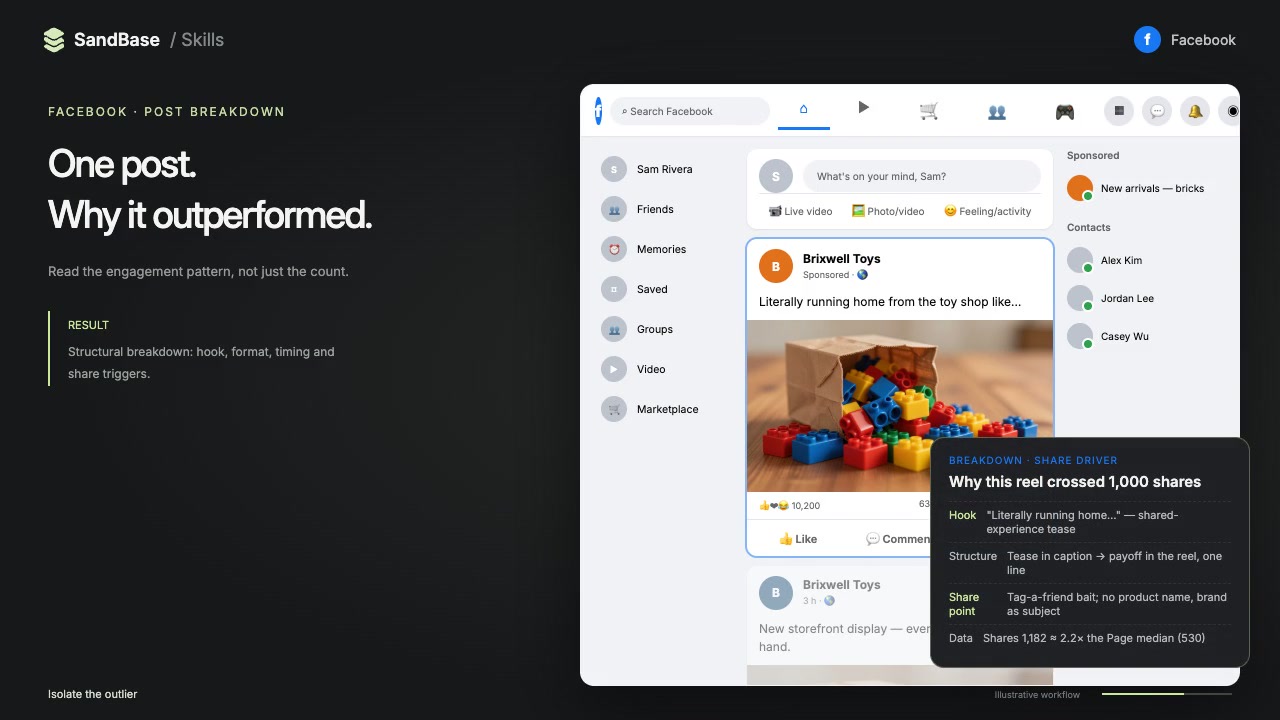
Find out exactly why one Facebook post worked — its numbers against the Page's own median, its structure, and its comment section.
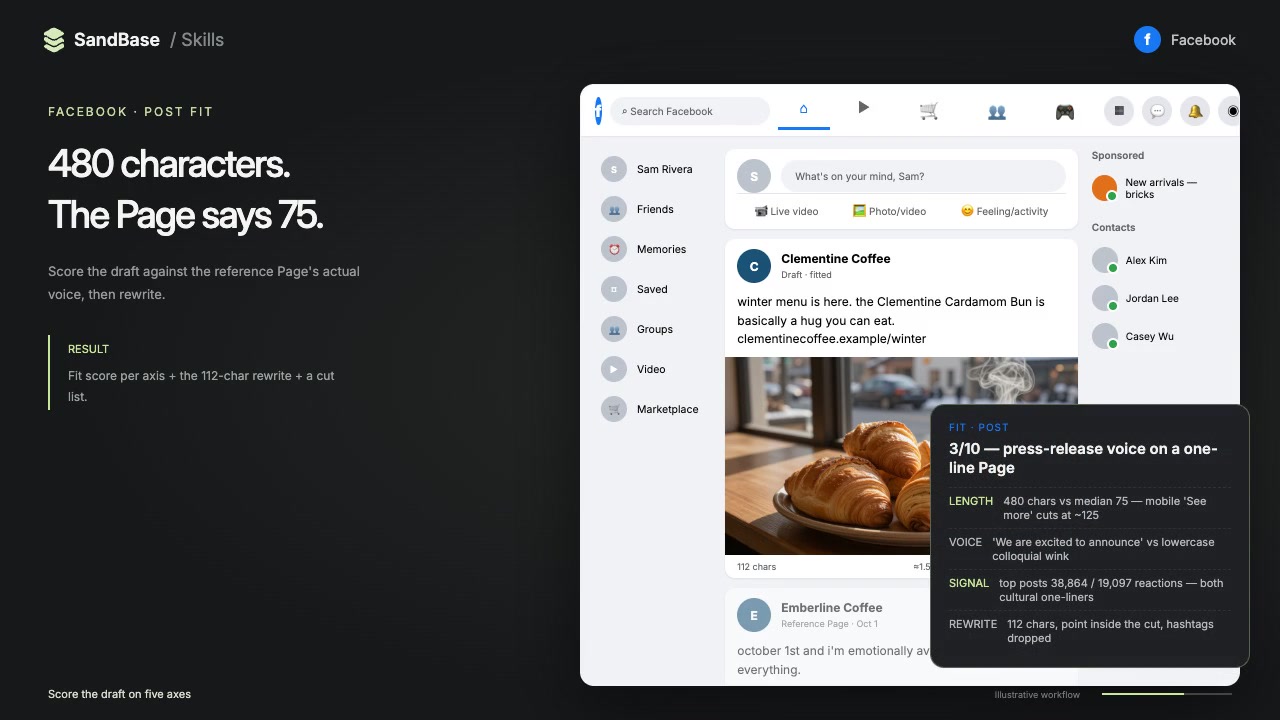
You already wrote the draft — score it against how the Page's own posts actually perform, then get a rewrite that keeps every fact.
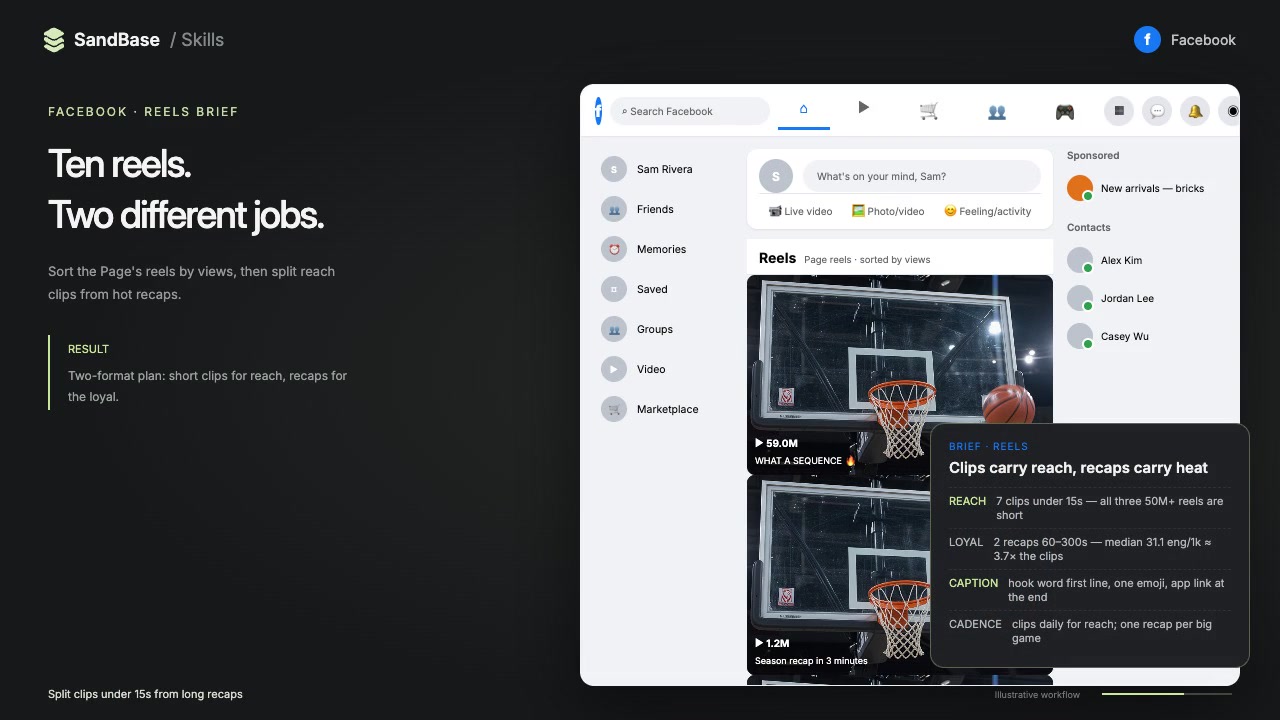
See which Reel formats actually earn views and conversation on a Page — short clips versus long recaps.
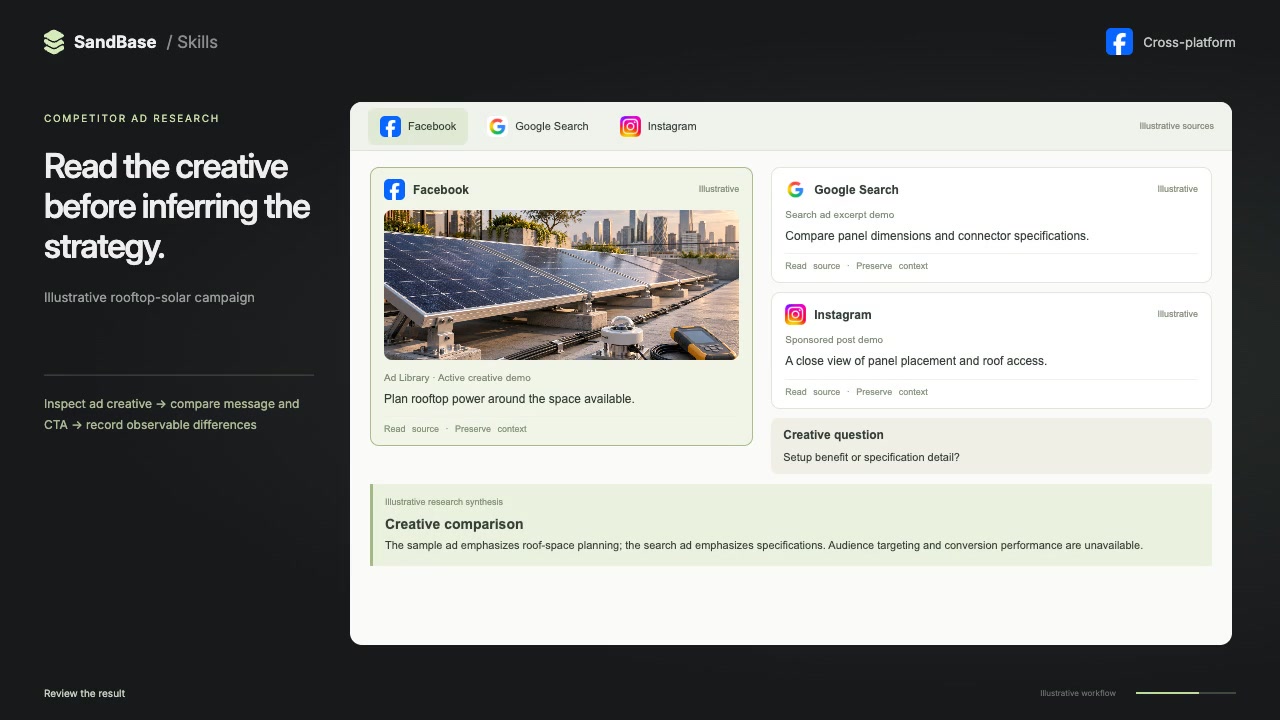
Research competitor advertising strategies through Facebook Ad Library, Google SERP ads, and social media sponsored content. Covers creative analysis, messaging patterns, targeting signals, and campaign frequency for competitive marketing intelligence.
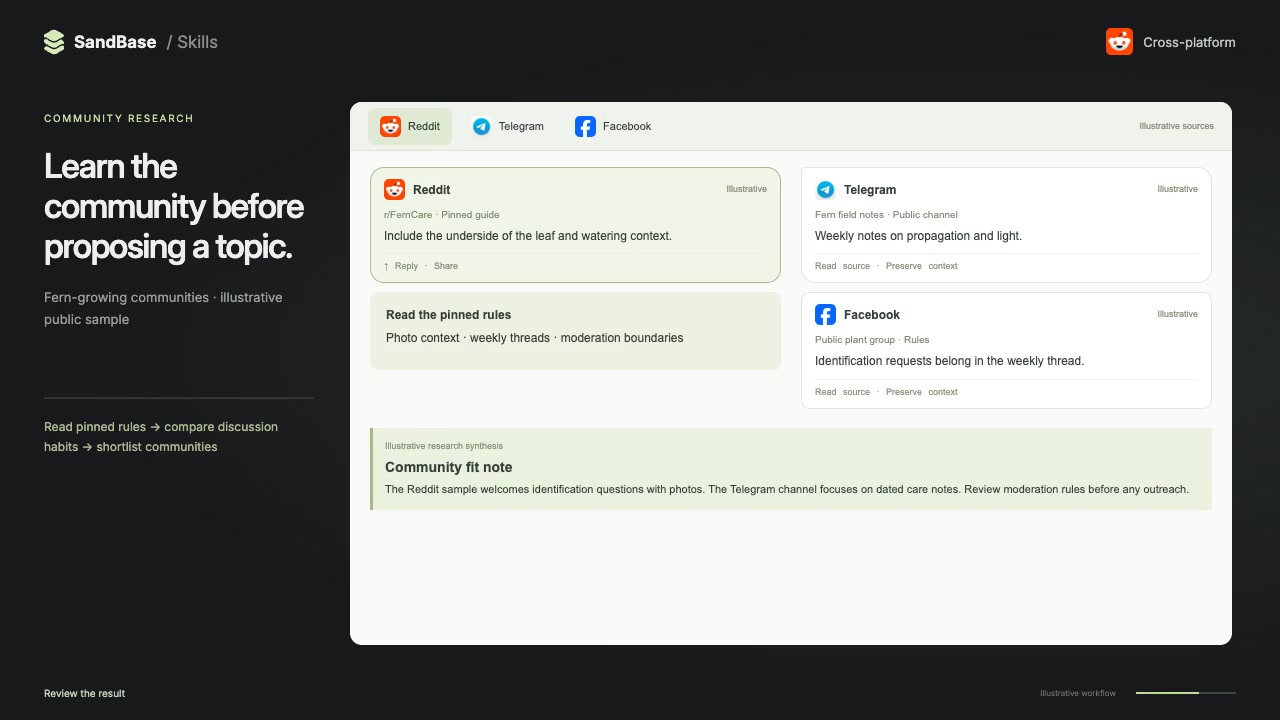
Research online communities across Reddit, Telegram, and social platforms. Analyzes community size, engagement patterns, discussion themes, moderation culture, and member demographics for community strategy, partnership, and go-to-market planning.
Explore Facebook ad-library results and compare advertiser creative patterns.
An advertiser or keyword and your research goal.
Start with a task, then explore the possibilities.
Research audiences, plan content and manage social workflows.
Explore Social media ↗Investigate markets and evidence, and communicate research findings.
Explore Research ↗Compare the inputs and deliverables before you begin.
| What you have | What to look for | Next step |
|---|---|---|
| A clear brief | An advertiser or keyword and your research goal. | Browse this collection ↗ |
| A connected agent | Follow the installation instructions on the Skill page and connect your agent to SandBase. API calls are billed to your SandBase organization. | Read the Skills guide ↗ |
| A different output | Research audiences, plan content and manage social workflows. | Social media ↗ |
Follow the Skill page: download and unpack its complete folder, or use the provided installation command. Choose an Agent that supports its requirements.
Connect your agent to SandBase so the Skill can call its data APIs.
Describe what you need, then check the sources in the output before you use it.
Find running Meta ads by keyword and country
A set of instructions your agent follows to call SandBase data APIs, such as search, social or business data, and turn the results into a sourced answer.
You need a SandBase account connected to your agent. SandBase API calls are billed to your SandBase organization.
SandBase Agent, Codex, Claude and Cursor. Check each Skill page for its runtime requirements and installation method.