
Social media
Research audiences, plan content and manage social workflows.
Explore Social media ↗Audit a public Linktree page to understand its destinations and visitor journey.
เรียกดู Skills ↓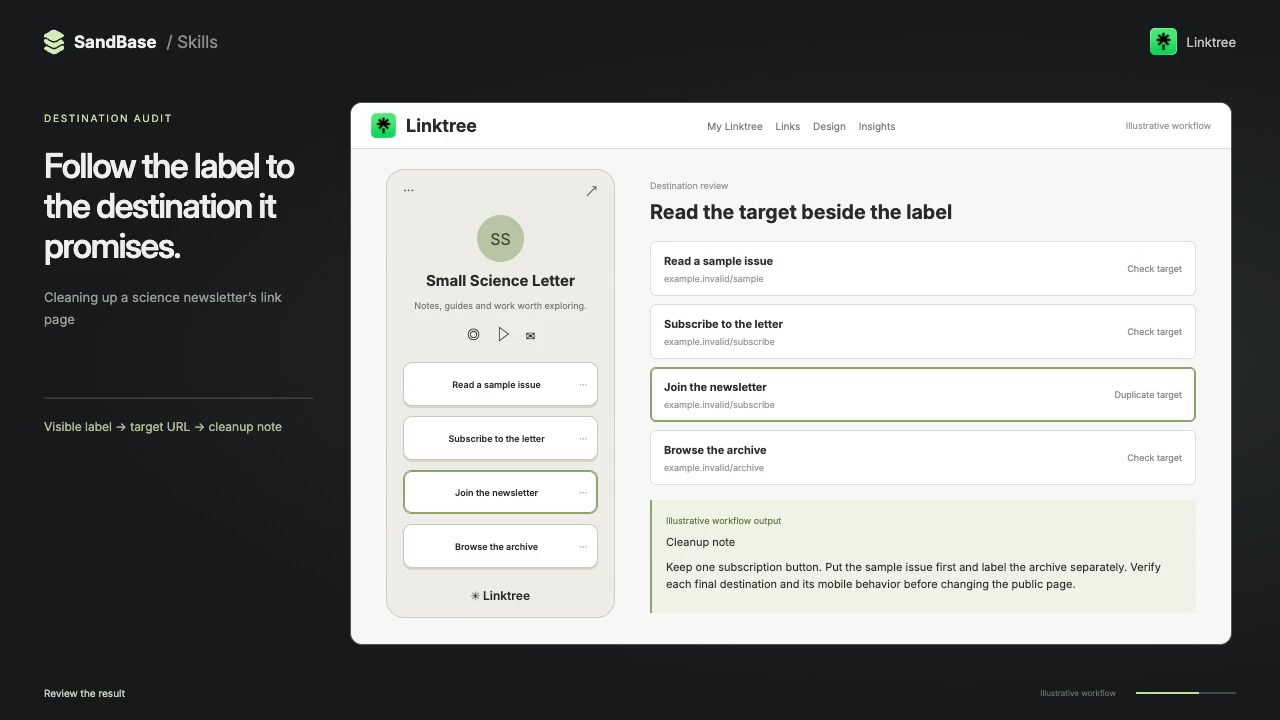
Audit a public Linktree page to understand its destinations and visitor journey.
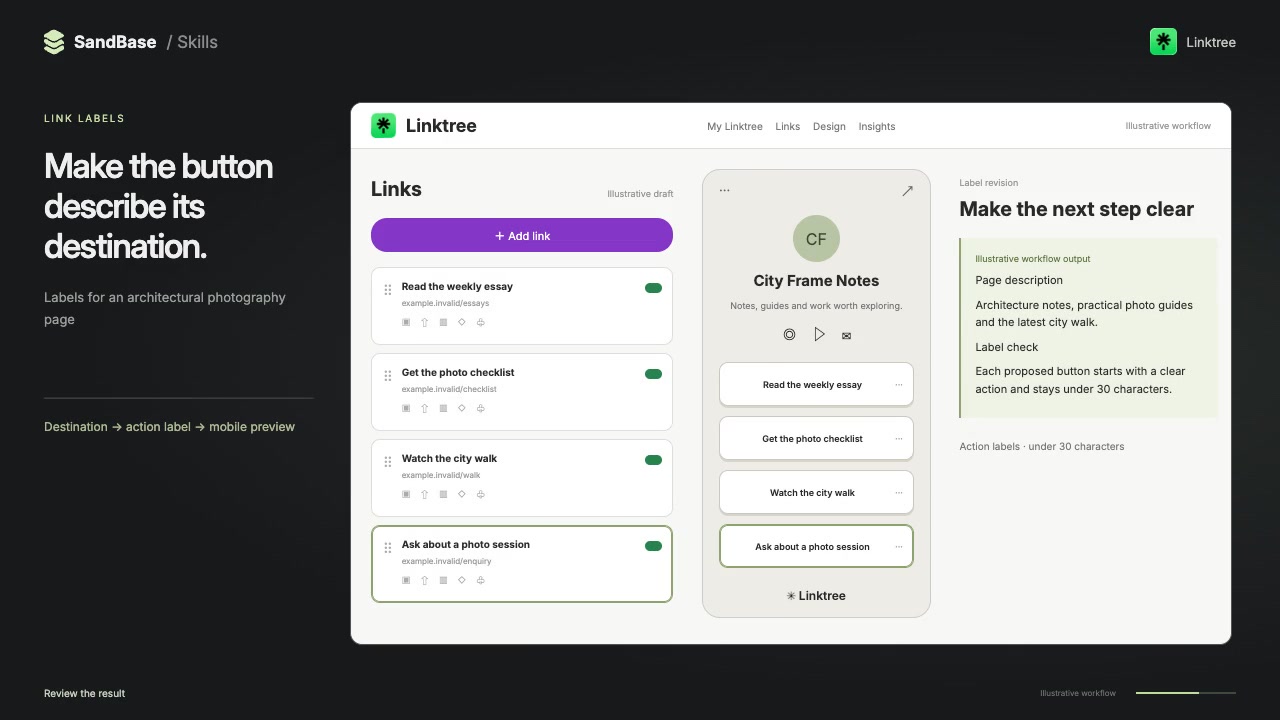
Rewrite a link-in-bio page so every button says what the visitor will do, and the link that matters now sits first.
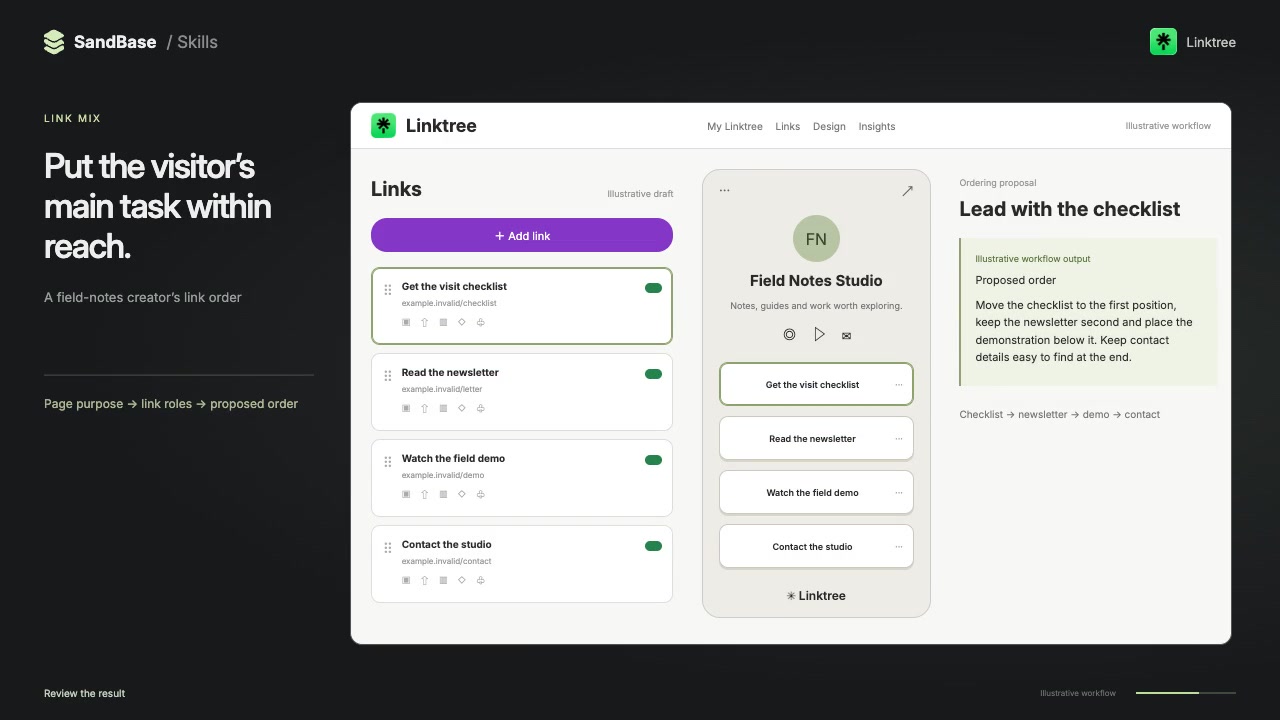
See what a link-in-bio page asks visitors to do, what it puts first, and how to reorder it.
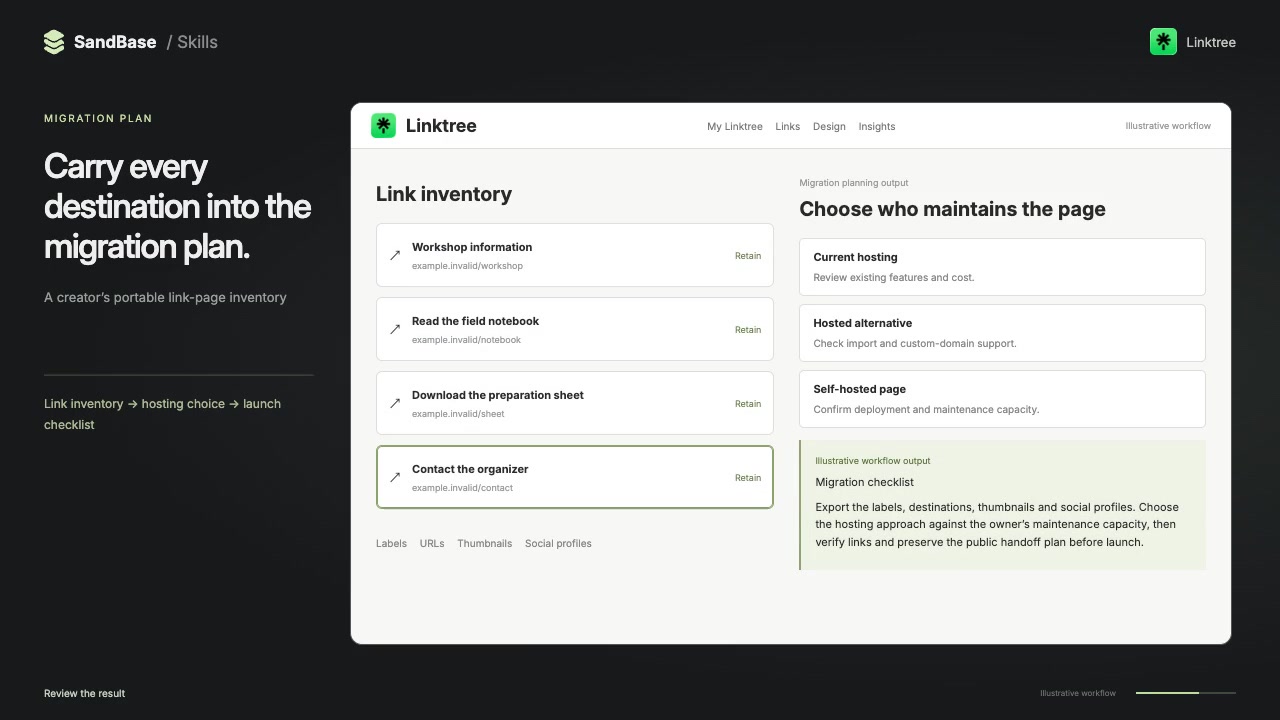
Decide whether to leave Linktree and see exactly what moving involves — every link accounted for, three paths compared, a go-live checklist.
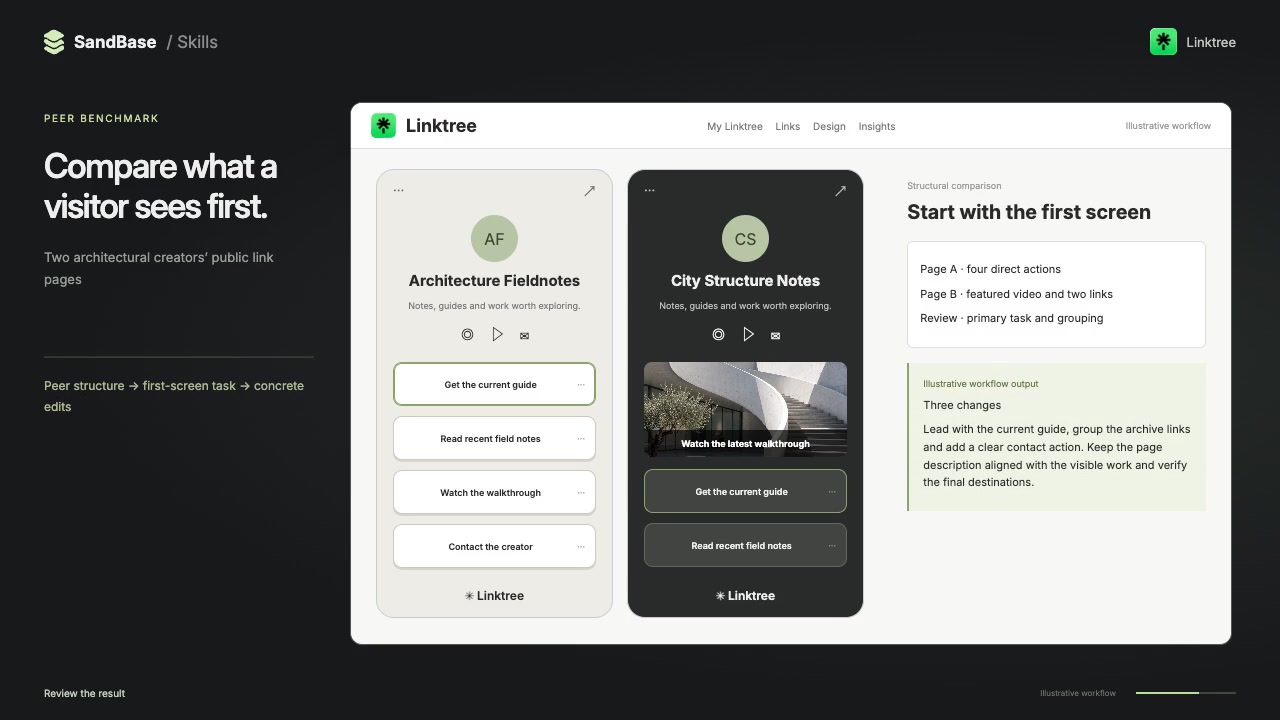
See how your link-in-bio page's structure stacks up against comparable pages — sections, embeds, social profiles, first-screen choices — without guessing.
Audit a public Linktree page to understand its destinations and visitor journey.
A Linktree URL and the journey you want to review.
Start with a task, then explore the possibilities.
Research audiences, plan content and manage social workflows.
Explore Social media ↗Compare the inputs and deliverables before you begin.
| What you have | What to look for | Next step |
|---|---|---|
| A clear brief | A Linktree URL and the journey you want to review. | Browse this collection ↗ |
| A connected agent | Follow the installation instructions on the Skill page and connect your agent to SandBase. API calls are billed to your SandBase organization. | Read the Skills guide ↗ |
| A different output | Research audiences, plan content and manage social workflows. | Social media ↗ |
Follow the Skill page: download and unpack its complete folder, or use the provided installation command. Choose an Agent that supports its requirements.
Connect your agent to SandBase so the Skill can call its data APIs.
Describe what you need, then check the sources in the output before you use it.
Every link, social account and contact on a Linktree
A set of instructions your agent follows to call SandBase data APIs, such as search, social or business data, and turn the results into a sourced answer.
You need a SandBase account connected to your agent. SandBase API calls are billed to your SandBase organization.
SandBase Agent, Codex, Claude and Cursor. Check each Skill page for its runtime requirements and installation method.