
Utilities Skills for AI agents
Look up practical information for everyday workflows.
Skills'e Göz Atın ↓Utilities Yetenekler
7 Yetenek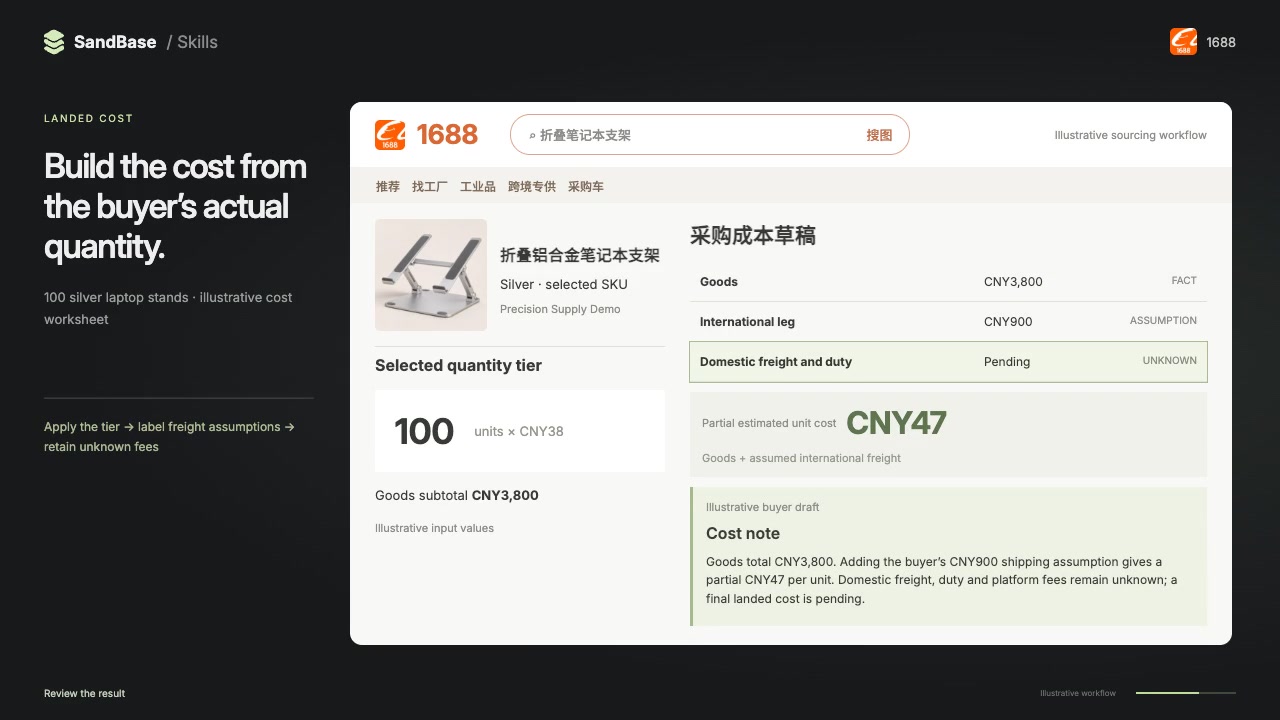
1688 Landed Cost
The listing price is not your cost — compute the landed unit cost of a 1688 item with every line tagged FACT, ASSUMPTION or UNKNOWN.
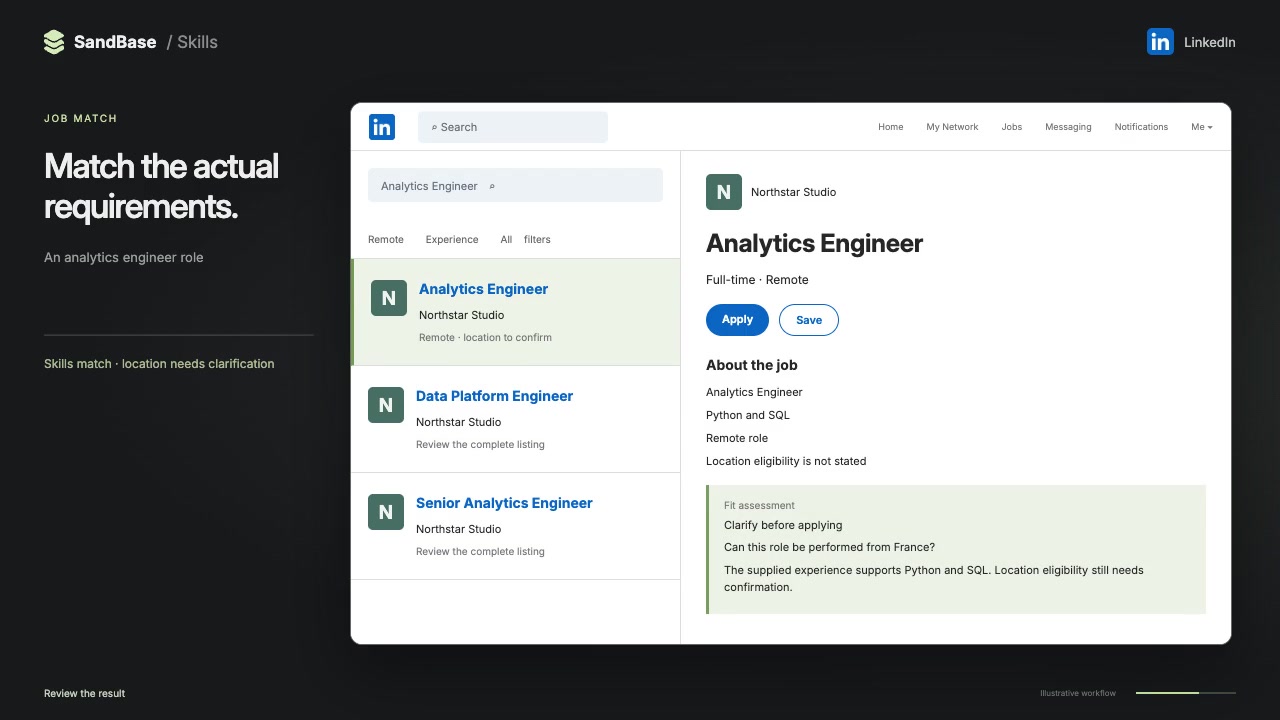
LinkedIn Job Match
Compare actual listings with your constraints and preserve what remains unknown.
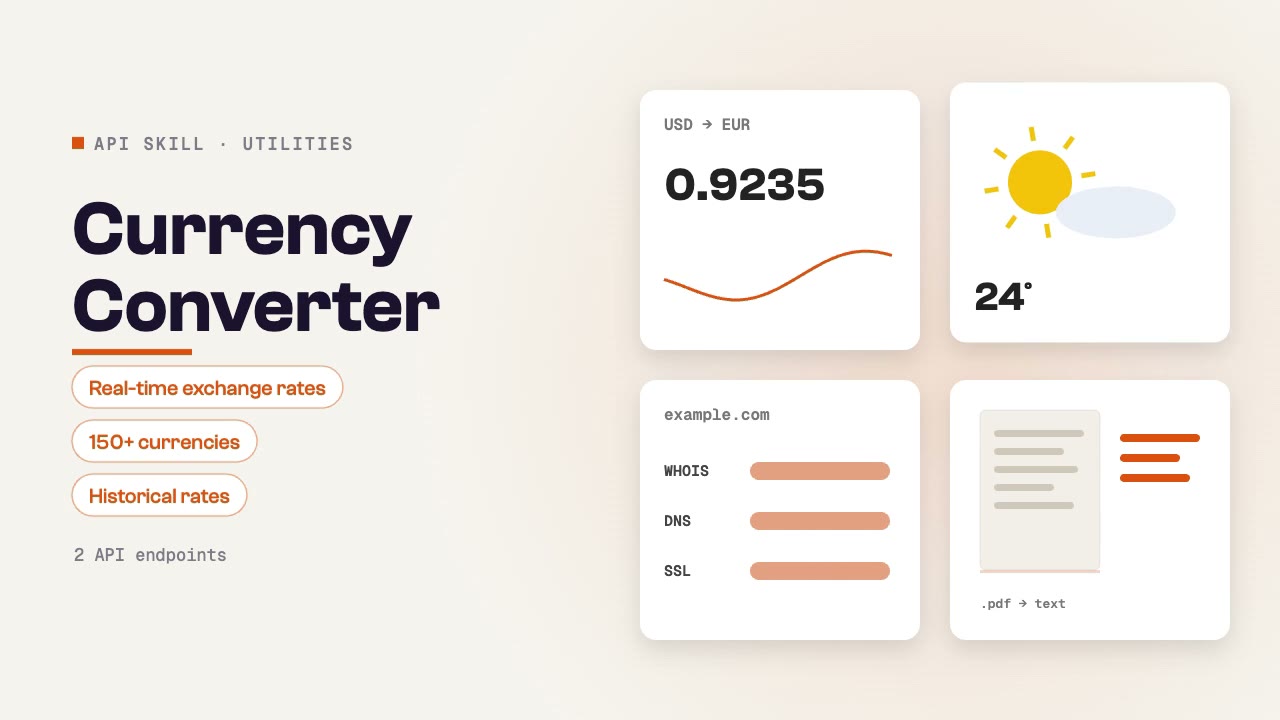
Currency Converter
Convert between currencies with real-time exchange rates. Supports 150+ currencies including crypto, with historical rate lookup. Useful for international pricing, financial reporting, and cross-border commerce research.
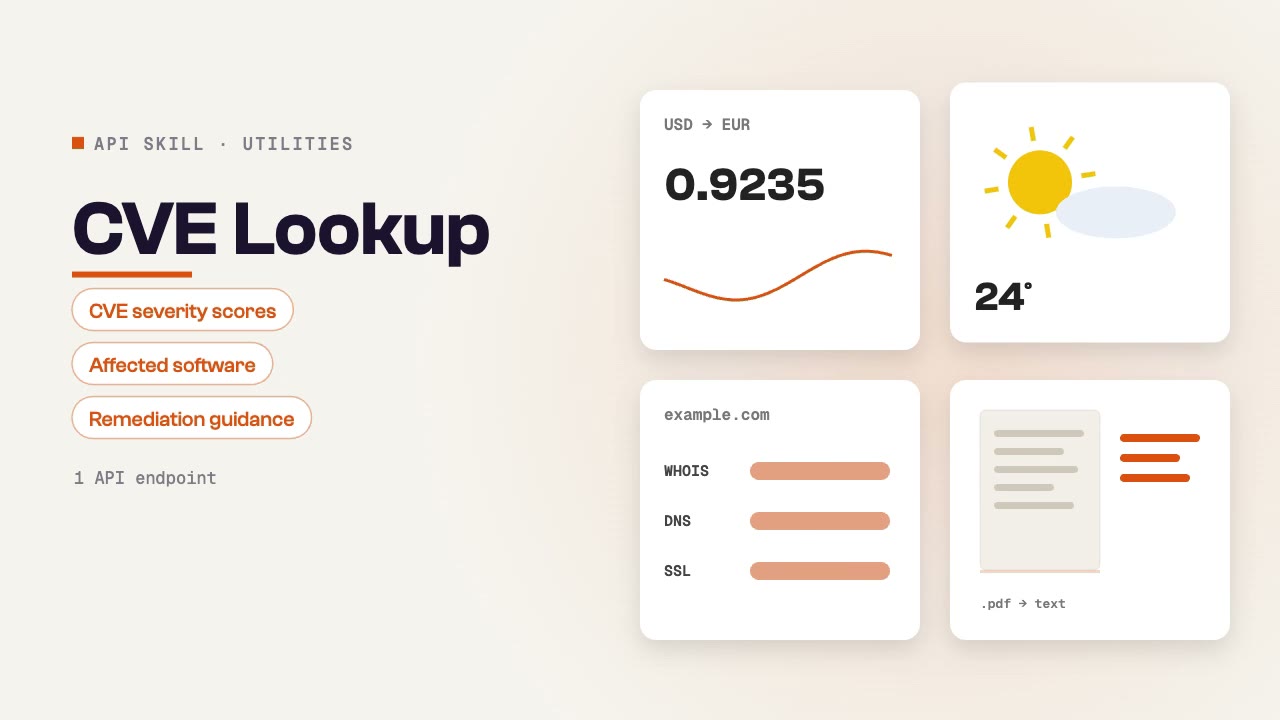
CVE Lookup
Look up Common Vulnerabilities and Exposures (CVEs) with severity scores, affected software, exploitability status, and remediation guidance. Essential for security research, vulnerability management, and patch prioritization.
Flight Tracker
Track flight status, delays, gate changes, and estimated arrival times for any commercial flight. Covers real-time flight tracking, schedule lookup, and delay monitoring for travel coordination and logistics planning.
NPM Package Research
Research npm packages — download stats, dependencies, maintainers, version history, and security advisories. Useful for technology due diligence, dependency auditing, and evaluating package reliability before adoption.
Weather Lookup
Get current weather conditions and forecasts for any location worldwide. Returns temperature, humidity, wind, precipitation, UV index, and multi-day forecasts. Useful for travel planning, event scheduling, and logistics coordination.
A working guide to utilities Skills.
Look up practical information for everyday workflows.
Install the Skill in your agent, connect SandBase and give the exact input to look up, such as a domain, currency pair, file or location.
- YOUR BRIEF
- Utilities
- THE WORKFLOW
- Prepare · build · refine
- THE DELIVERABLE
- Check the format on each Skill
Choose your utilities workflow.
Compare the inputs and deliverables before you begin.
| What you have | What to look for | Next step |
|---|---|---|
| A clear brief | Install the Skill in your agent, connect SandBase and give the exact input to look up, such as a domain, currency pair, file or location. | Browse this collection ↗ |
| A connected agent | Follow the installation instructions on the Skill page and connect your agent to SandBase. API calls are billed to your SandBase organization. | Read the Skills guide ↗ |
| A different output | Research audiences, plan content and manage social workflows. | Social media ↗ |
From install to a sourced answer.
Install the Skill
Follow the Skill page: download and unpack its complete folder, or use the provided installation command. Choose an Agent that supports its requirements.
Connect SandBase
Connect your agent to SandBase so the Skill can call its data APIs.
Ask and check
Describe what you need, then check the sources in the output before you use it.
Utilities Skills: common questions.
What is an API Skill?
A set of instructions your agent follows to call SandBase data APIs, such as search, social or business data, and turn the results into a sourced answer.
What account do I need, and who pays for the calls?
You need a SandBase account connected to your agent. SandBase API calls are billed to your SandBase organization.
Which agents are supported?
SandBase Agent, Codex, Claude and Cursor. Check each Skill page for its runtime requirements and installation method.