
4 × 6 inch photo
ÜcretsizGörsel araçları4 × 6 inch photo is the standard snapshot print size (10 × 15 cm). The default 300 DPI produces 1200 × 1800 pixels. This tool center-crops the source and exports a single JPG with the selected print density. Ask your printer which dimensions and density it needs; resizing cannot restore missing detail.
- Tarayıcınızda çalışır
- Hiçbir şey yüklenmez
- Filigran yok
4 × 6 Photo Maker nasıl kullanılır
- 01
Drop the image for 4 × 6 Photo Maker, or pick one from your device.
- 02
Check the print size, DPI and center crop; use the source pixel dimensions to judge whether enlargement is needed.
- 03
Download the result.
İnsanlar bunu ne için kullanıyor
Photo prints
The standard print size.
Postcards
Print your own postcards.
Frames and albums
Fits most frames.
Daha iyi sonuç için ipuçları
- 4 × 6 at 300 DPI is 1200 × 1800 pixels.
- Crop to 2:3 so nothing is cut at the lab.
- Use glossy paper for photos.
- Order a test print first.
4 × 6 in in pixels
| Selected density | Output dimensions |
|---|---|
| 150 DPI | 600 × 900 px |
| 300 DPI | 1200 × 1800 px |
| 600 DPI | 2400 × 3600 px |
| Size | 4 × 6 in = 10.2 × 15.2 cm |
| Aspect ratio | 2:3 |
These are calculated pixel dimensions, not a sharpness guarantee. The tool exports a single center-cropped JPG. Outputs above 12,000 pixels on either side are disabled; choose a lower density or smaller print size. Use actual-size printing to avoid a second resize.
SSS
Does a higher DPI setting guarantee a sharper print?
No. This tool changes pixel dimensions as well as print density. Enlarging a small or blurred original does not recover detail. The result depends on the source, crop, print size, paper and viewing distance; follow your print provider’s requirements.
What happens if the photo has a different shape?
The tool crops from the center to fill the chosen width and height. Check that the preview retains faces, text and other important details. Changing units converts the measurements while preserving the physical size.
What file does this tool download?
One JPG, re-encoded at 95% quality with the selected DPI. Transparent areas become white. It does not create a PDF, add printer margins or arrange multiple photos on a sheet. Original EXIF is not copied. Print at actual size (100%); fit-to-page settings can change the physical dimensions.
Does 4 × 6 Photo Maker upload my image?
No. 4 × 6 Photo Maker crops and sizes the image in your browser, so the picture never leaves your device.
Bu iş için SandBase API'leri
Aynı tür veriyi kendi kodunuzda veya Agent içinde kullanın: tek bir API anahtarı, çağrı başına faturalandırma.
Daha fazla araç
 Ücretsiz
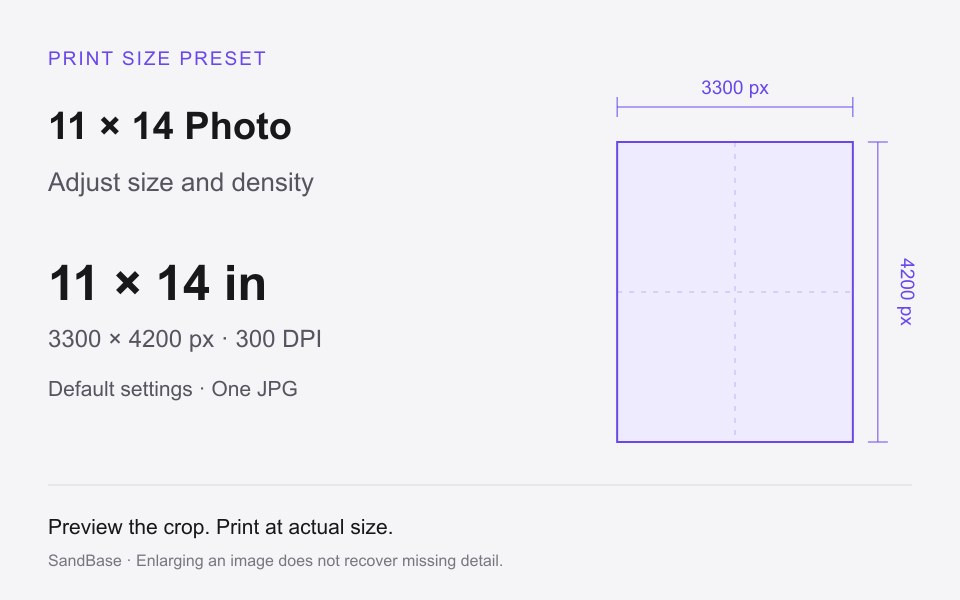
11 × 14 Photo Maker
Start with 11 × 14 in at 300 DPI; adjust the print size and density before saving.
 Ücretsiz
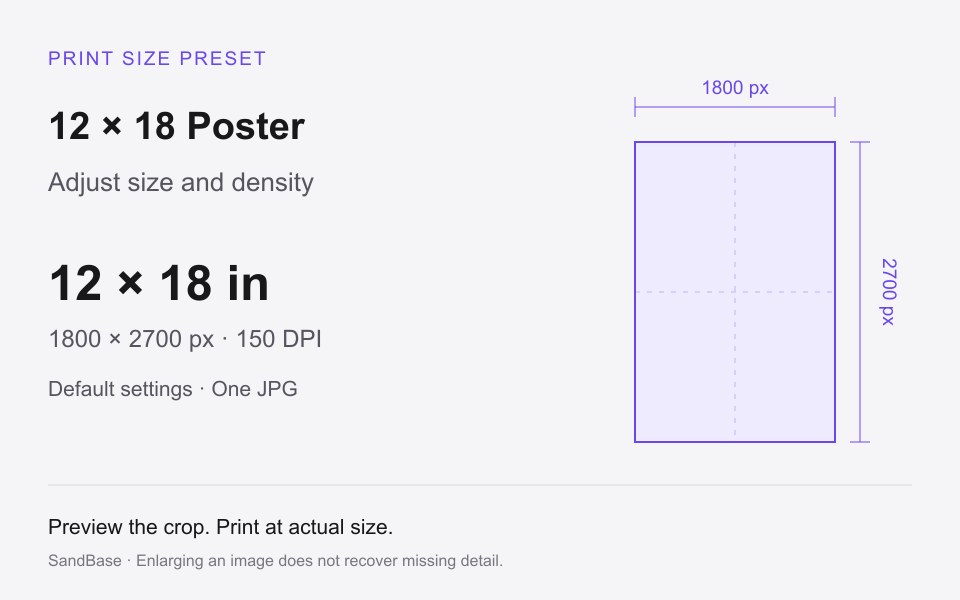
12 × 18 Poster
Start with 12 × 18 in at 150 DPI; adjust the print size and density before saving.
 Ücretsiz
16 × 20 Poster
Start with 16 × 20 in at 150 DPI; adjust the print size and density before saving.
 Ücretsiz
18 × 24 Poster
Start with 18 × 24 in at 150 DPI; adjust the print size and density before saving.
 Ücretsiz
24 × 36 Poster
Start with 24 × 36 in at 150 DPI; adjust the print size and density before saving.
 Ücretsiz
5 × 7 Photo Maker
Start with 5 × 7 in at 300 DPI; adjust the print size and density before saving.