
Bing Shopping Offer Comparison
- Lab Skill
- v0.1.1
- Bing Shopping
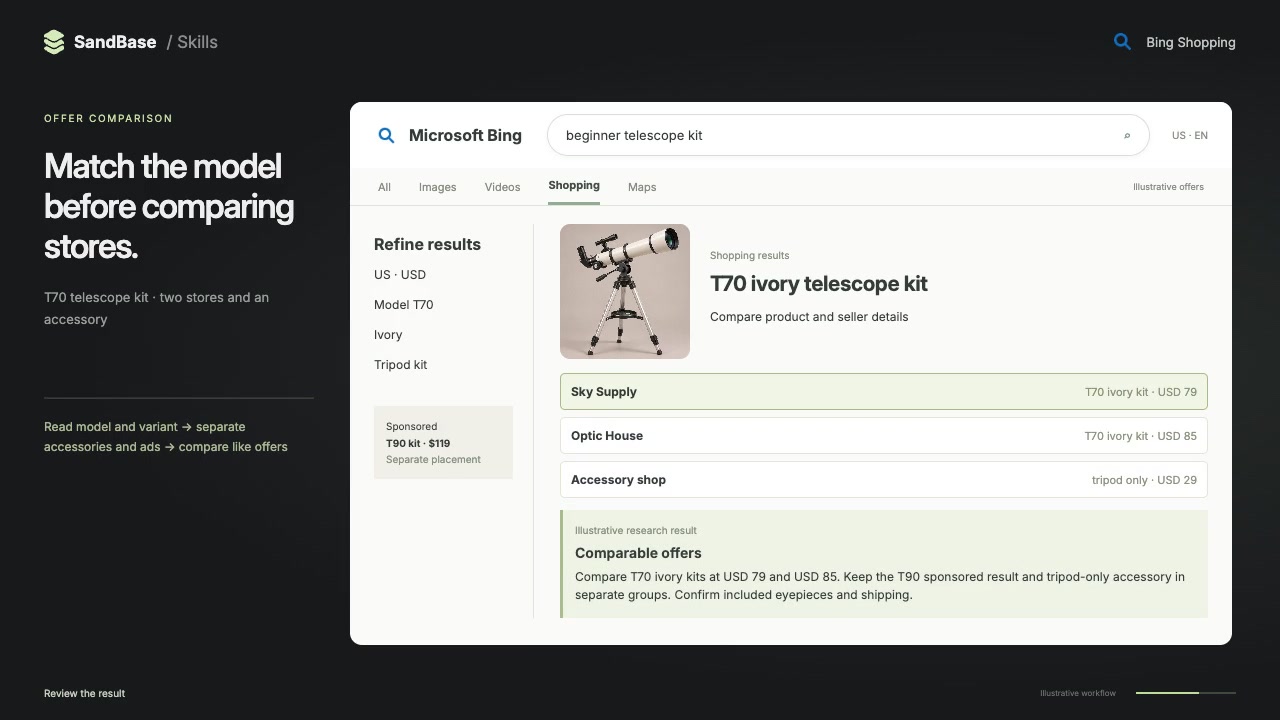
Separate Bing Shopping offers by exact model and seller.
Ảnh bìa
Bạn nhận được gì
Bring a product question or public URL, marketplace, region and optional captured data. The Skill returns a source-linked offer comparison with concrete next steps and unresolved questions.
Cách hoạt động
- 01
Pin the market and capture offers
The Agent runs one Bing Shopping search in one market through SandBase, or reads your export, and records time, tool and run ID. Ads are separated from shopping results before anything else, because the two lists are selected differently and should not be mixed in one comparison.
- 02
Group by exact product identity
Offers are grouped by model or SKU including suffixes, variant, pack count and condition. In the recorded example a red ceramic V60 and a white Mugen were separated as different designs. Sellers are compared only within a group of the same product, so a price gap reflects the seller, not a different item.
- 03
Deliver the comparison
The brief gives a source table, observed facts, proposed actions and open questions, with a JSON appendix of sources, sample count, exclusions and unknowns. Every price keeps its currency, variant and seller. Duplicate offers are removed and dropped rows are listed.
Câu hỏi thường gặp
What does Bing Shopping Offer Comparison do?
Bing Shopping Offer Comparison separates Bing Shopping offers by exact model and seller, so you compare the same product across stores. It splits ads from shopping results and groups offers by SKU, variant, pack count and condition before any price is compared.
Why do SKU suffixes matter?
Bing Shopping Offer Comparison treats a different suffix as a different product, because suffixes often mark a size, colour or generation. Merging them would make one store's price look lower when it sells a different item. Offers with unclear identity stay in their own group.
Is the Bing search billed?
Bing Shopping Offer Comparison runs with no calls on an export you supply. A live comparison uses the SandBase Bing Shopping search, which is billed usage on your SandBase account. The Agent inspects the tool before calling it so the price shows first; see https://www.sandbase.ai/pricing.
Why are ads kept separate?
Bing Shopping Offer Comparison keeps ads apart because they are paid placements selected differently from shopping results. Mixing them would skew the comparison. The brief reports both, but compares sellers using the shopping results. Sponsored offers may still be the best price; they are simply labelled.
Does one search cover every store?
No. Bing Shopping Offer Comparison reads one search in one market as a sample. Stores outside the returned results are not compared. The brief states the sample size, so add a store's link if you want it included. Prices also change by market, so keep to one market per comparison.
Thêm Skills
Tất cả Skills Bing Shopping →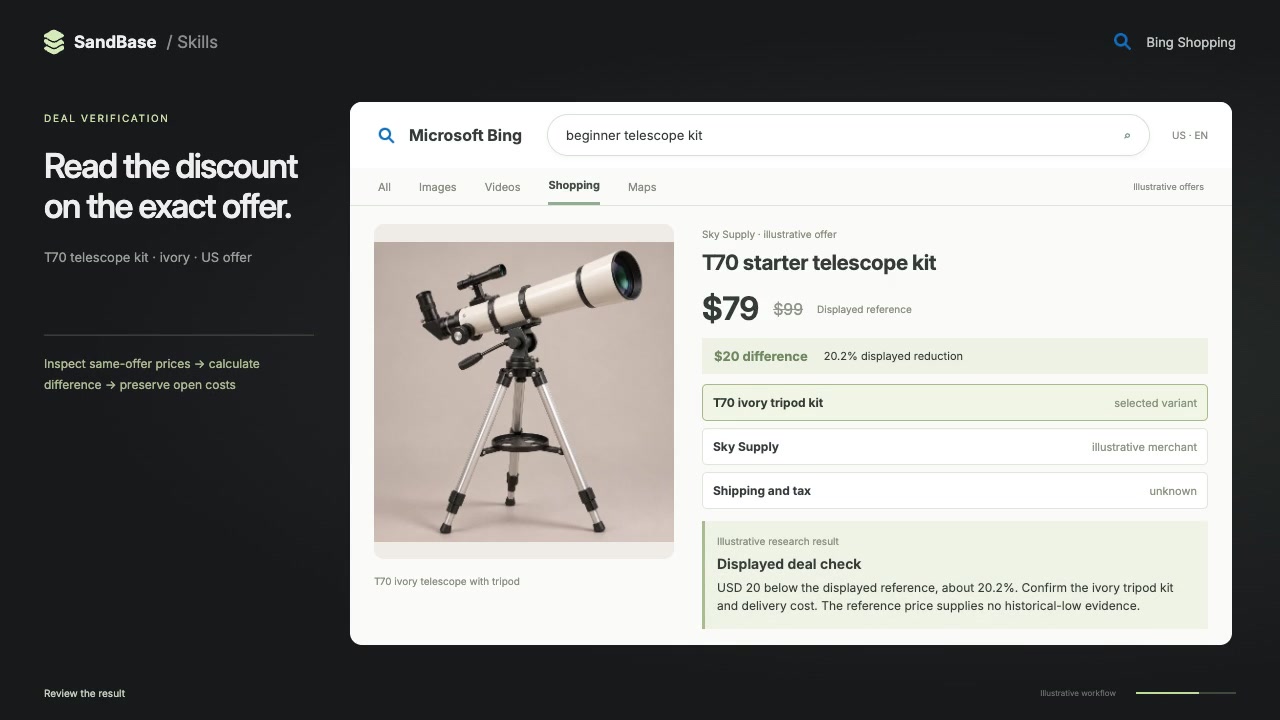
Bing Shopping Deal Verification
Check the evidence behind a displayed shopping discount.
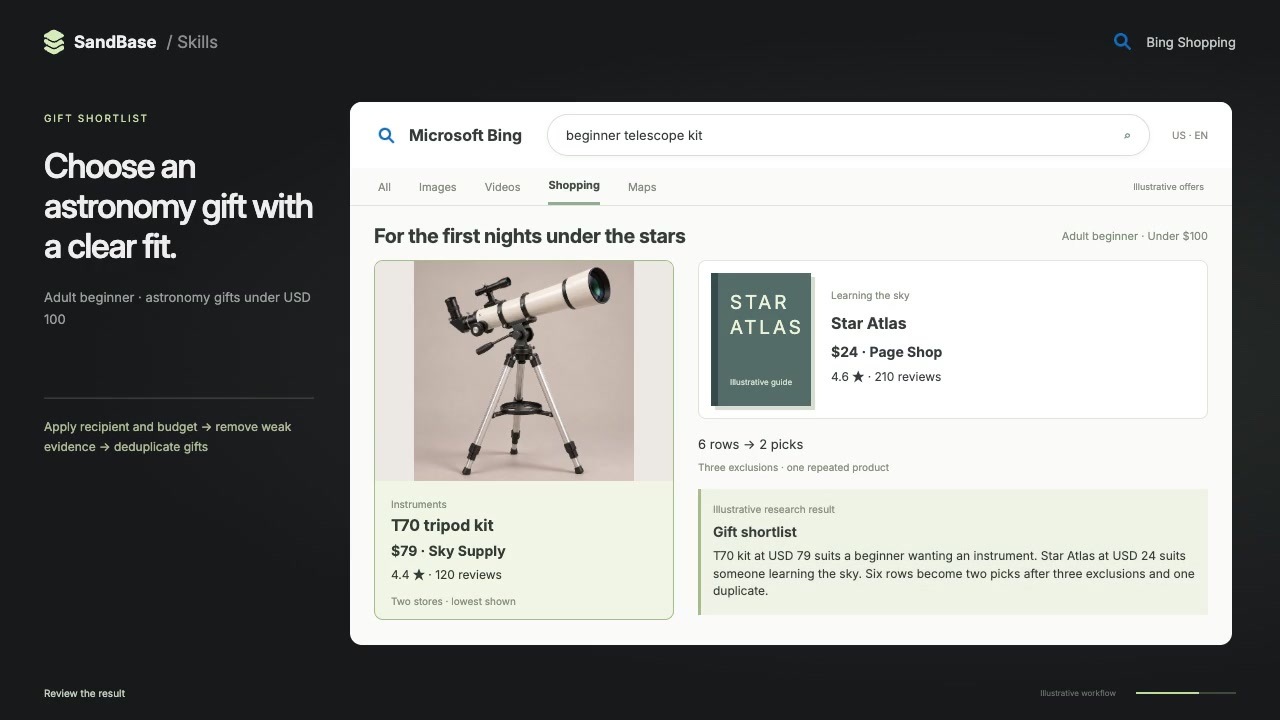
Bing Shopping Gift Shortlist
Build a gift shortlist across many retailers on Bing Shopping, without unrated listings, doubled "was" prices or the same box at six stores.
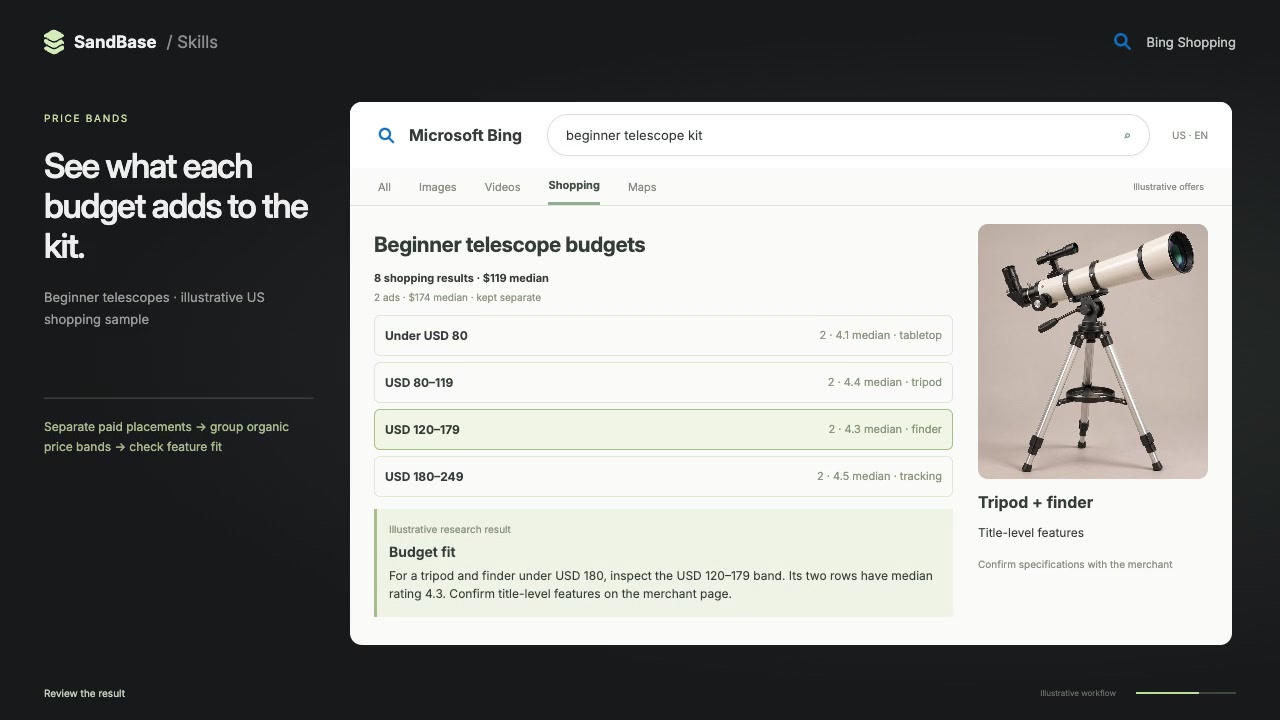
Bing Shopping Price Bands
See what each price band buys for a product type on Bing Shopping, with paid ads kept apart.
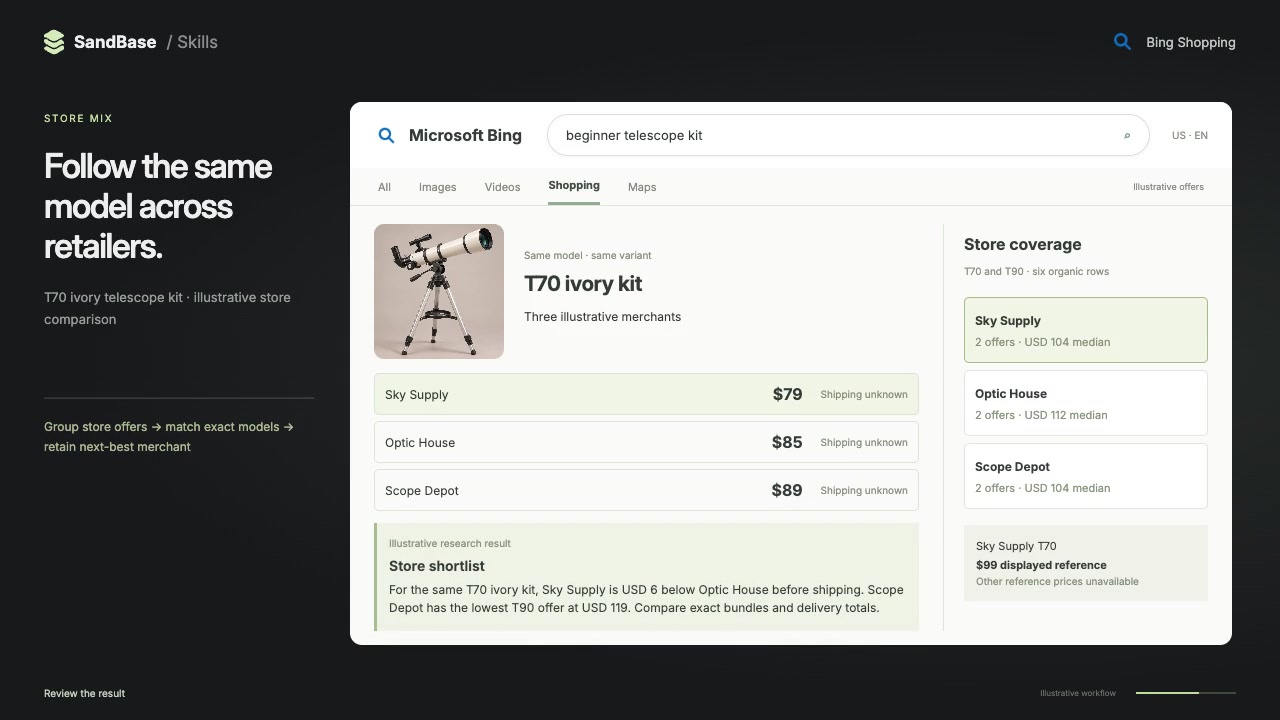
Bing Shopping Store Mix
Find which stores sell a product line on Bing Shopping and where each model on your shortlist is cheapest today.