
Bing Shopping Price Bands
- Lab Skill
- v0.1.1
- Bing Shopping
See what each price band buys for a product type on Bing Shopping, with paid ads kept apart.
Ảnh bìa
Bạn nhận được gì
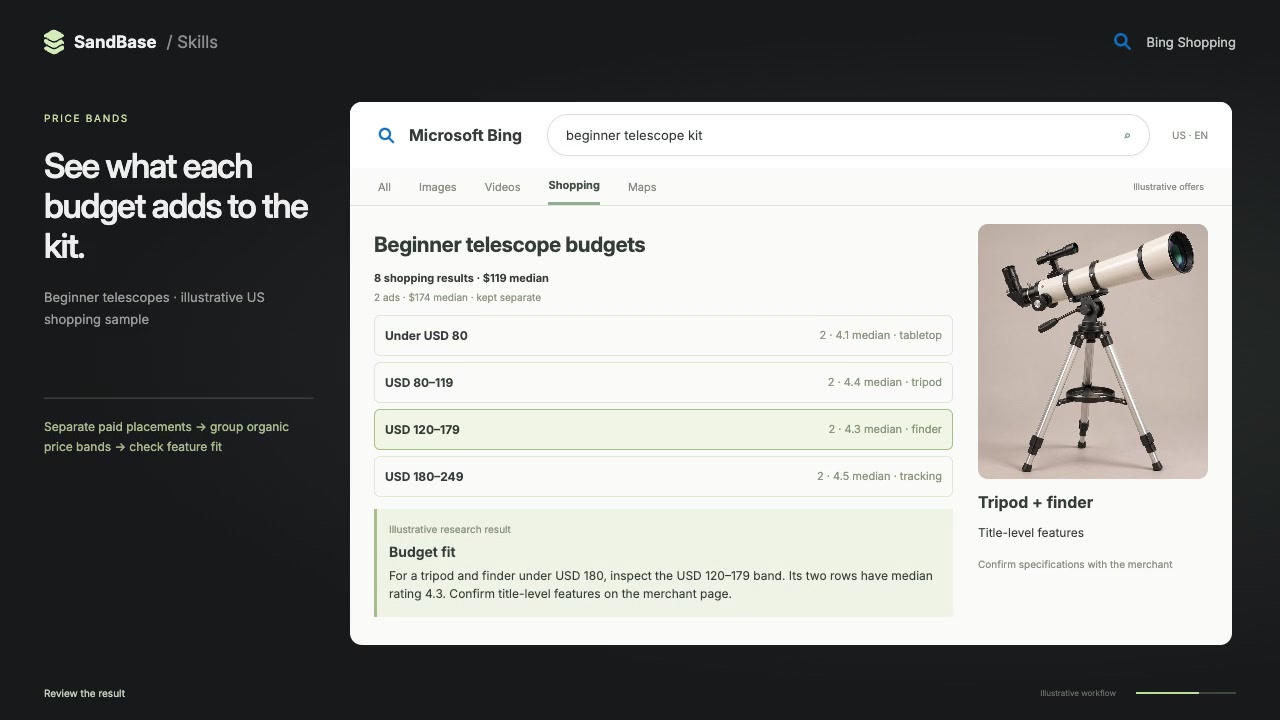
Bring the product type, the size or features you need and a budget. The Skill returns shopping results and ads counted separately, price bands with count, median rating, sizes and features named in titles, the most-reviewed products per band, what changes as price rises, and the band that fits.
Cách hoạt động
- 01
Split shopping results from ads
One Bing Shopping search per product type returns shopping results and an ads block. The Agent reports the count and median price of each, then analyses the shopping results only. A different median between the two lists is noted as an observation, not a conclusion.
- 02
Clean the sample and form bands
Before banding, wholesale listings, multi-pack bundles and duplicates are flagged rather than averaged in. The shopping results are split into four round-number price bands of similar size. Each band reports its count, the median rating where ratings exist, and sizes and features named in titles.
- 03
Read what changes between bands
The Agent notes which features appear more often as price rises in this result set, as a title-keyword observation on these rows only. It names the band that meets your size and features, one product to start from, and what the next band adds. A band with no rated products reports its rating as unknown.
Câu hỏi thường gặp
What does Bing Shopping Price Bands show?
Bing Shopping Price Bands shows what each price band buys for a product type on Bing Shopping. It splits shopping results into bands, reports what each band contains and names the band that fits your needs and budget, with one product to start from.
Is this a general price-performance rule?
No. Bing Shopping Price Bands reports what changes between bands in one search's results, based on title keywords. It is an observation about these rows, not a rule for the whole market. Features come from titles, so confirm them on the seller page.
Is the search billed?
Bing Shopping Price Bands makes one SandBase Bing Shopping search per product type, billed to your SandBase account. The Agent inspects the tool before calling it so the price is visible first. Run separate searches for each product type you compare. Data API rates are listed at https://www.sandbase.ai/pricing.
Why are some band ratings unknown?
Bing Shopping Price Bands finds that many bands contain few or no rated products. A band without ratings reports its rating as unknown instead of inventing a median, and no rating-against-price trend is read from such thin data. Bing also rounds review counts.
Why flag wholesale listings?
Bing Shopping Price Bands flags wholesale listings, bundles and duplicates because they sit in the same result list but distort the bands. A business-to-business source or a multi-pack would pull a band's prices away from what a single buyer pays.
Thêm Skills
Tất cả Skills Bing Shopping →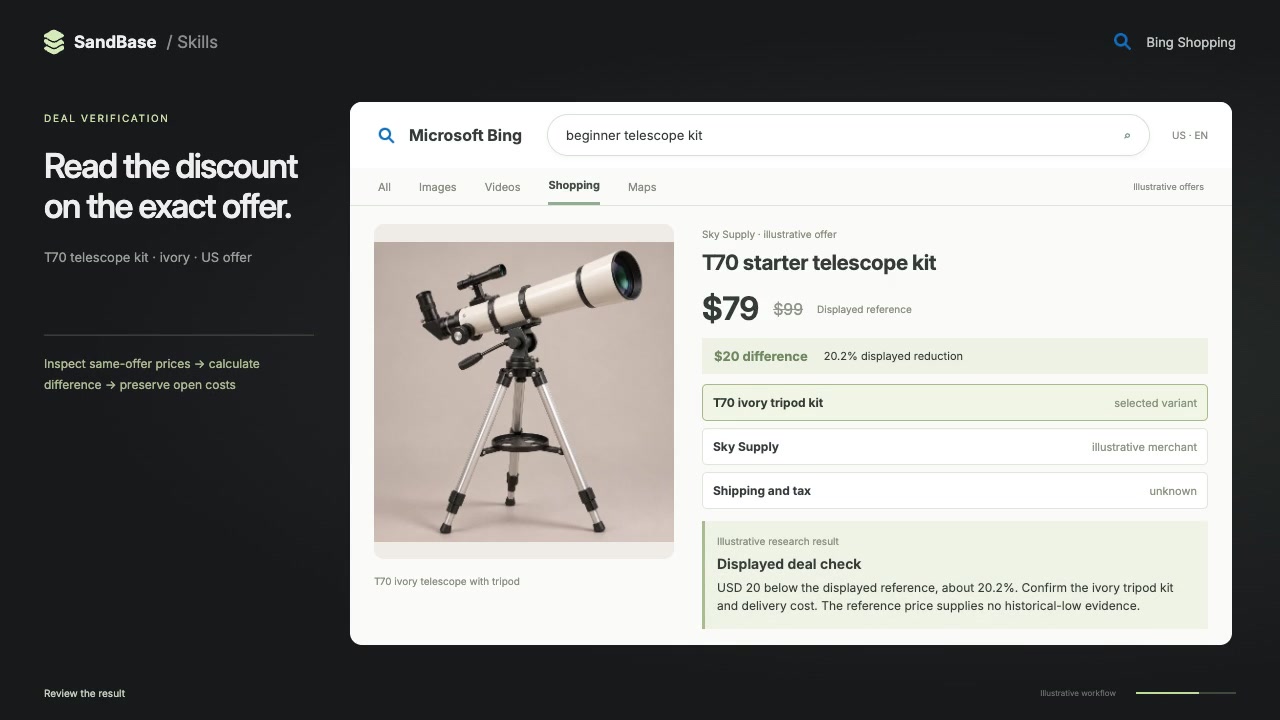
Bing Shopping Deal Verification
Check the evidence behind a displayed shopping discount.
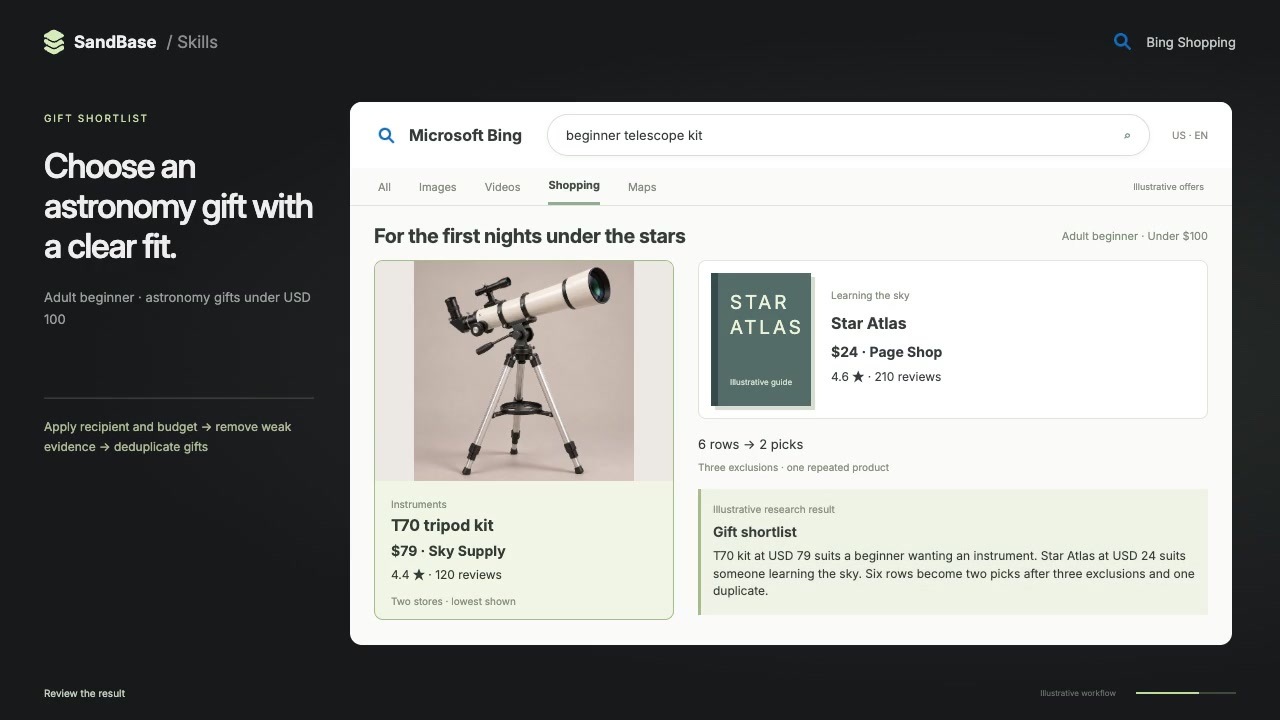
Bing Shopping Gift Shortlist
Build a gift shortlist across many retailers on Bing Shopping, without unrated listings, doubled "was" prices or the same box at six stores.
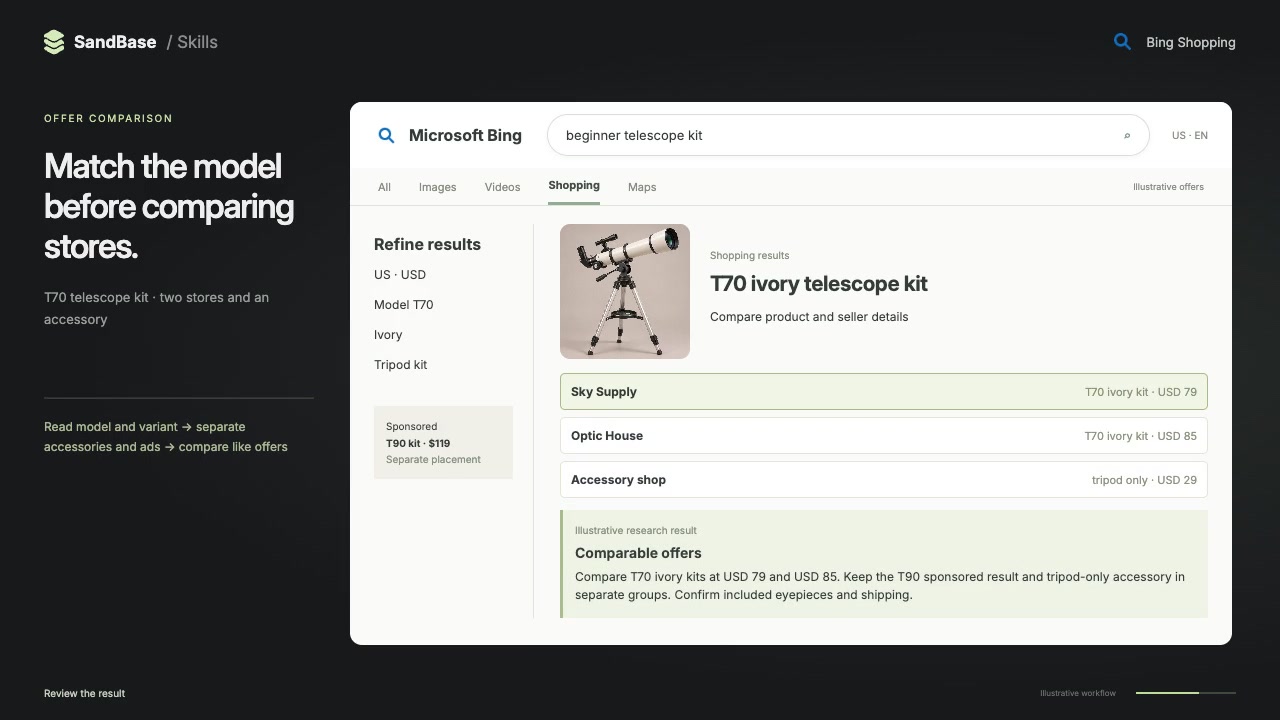
Bing Shopping Offer Comparison
Separate Bing Shopping offers by exact model and seller.
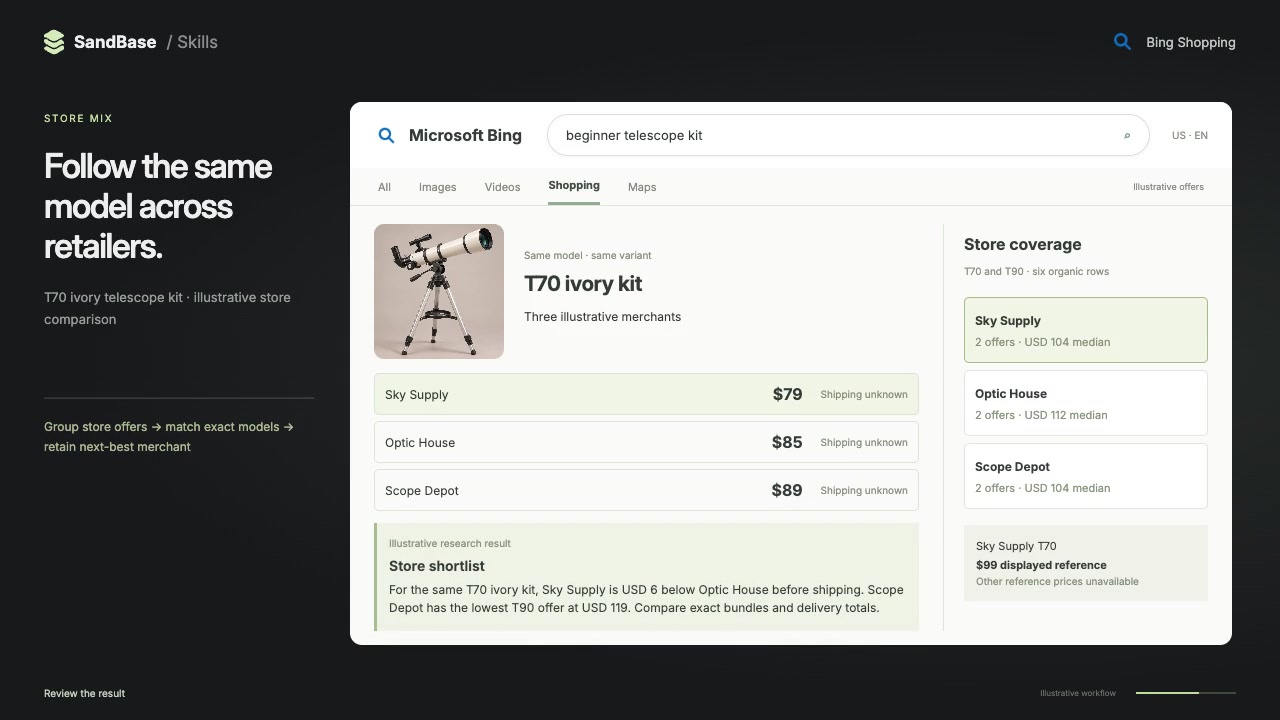
Bing Shopping Store Mix
Find which stores sell a product line on Bing Shopping and where each model on your shortlist is cheapest today.