
Interactive 3D Cocktails
- Lab Skill
- v0.1.1
- Interactive 3D
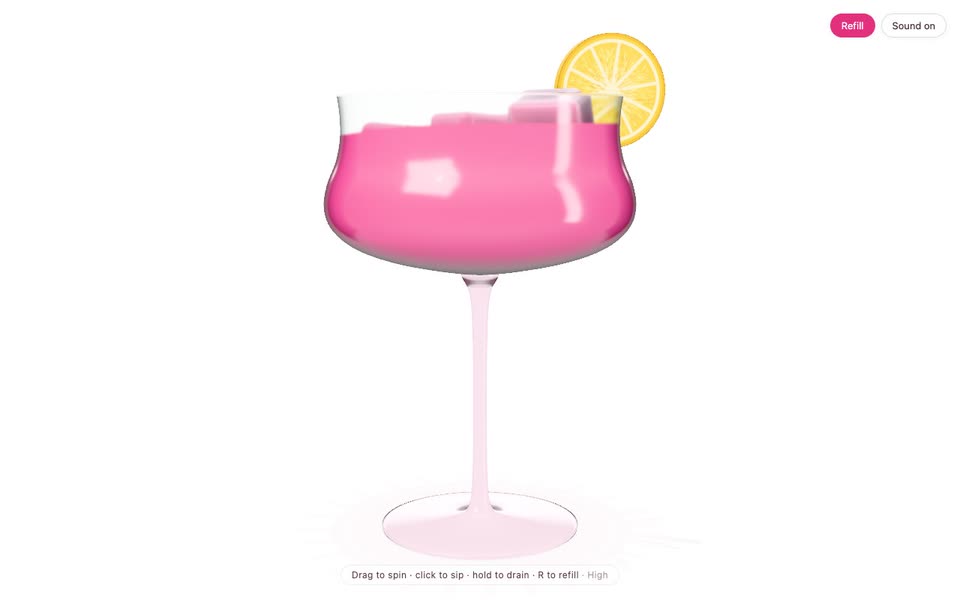
A live 3D cocktail in your browser: flick the glass to spin it, watch the drink slosh, tap to sip, hold to drain and refill it.
Ví dụ · 2
Chạy trong khung được sandbox hóa, không có quyền truy cập vào trang này.
Chạy trực tuyến
Chạy trong sandbox của SandBase và xem kết quả trong Lab.
Mở trong Lab ↗Bạn nhận được gì
Bring a drink, a glass and optionally the garnish and ice. The Skill returns a downloadable Skill (meta prompt, lessons, verification) and a runnable reference scene.
Cách hoạt động
- 01
Fill the drink and glass slots
Cocktail Physics needs the drink and glass slots and takes optional garnish, ice, interaction, background and extraPrompt, each at most 2000 characters. Run node scripts/fill-prompt.mjs --slots slots.json --lang en --out prompt.md, with assets/prompts/examples/pink-coupe.json as the model. Give the prompt and any reference photo to your coding agent, which works locally without calling a model.
- 02
Change the profile, colours and garnish
node scripts/new-project.mjs --out my-drink copies the reference app: lathed glass, liquid volume with a surface height function, slosh springs, ice buoyancy, garnish drop, splash droplets, pour stream and synthesized sound. Edit the outer, inner and stem points in src/geometry/profile.ts, the colours in src/components/Liquid.tsx and the garnish. The volume table, waterline and ice floor follow the inner profile.
- 03
Shoot the beats and build
npm ci needs Node 22.4 or newer, then npm run build:single writes dist-single/index.html. npm run shoot -- --file dist-single/index.html needs local Chrome and records console errors, CSP violations, interaction proofs, levels, audio state and frame rate. In the sample, one sip leaves the level at 0.88 and a 2-second hold leaves 0.544. Compare beat screenshots with the reference each round.
Câu hỏi thường gặp
What can you do with the Cocktail Physics coupe?
Cocktail Physics shows a clear coupe of pink drink on white. Drag to spin the glass and the drink lags and sloshes while four ice cubes bob. Click or tap to sip, press and hold to drain, and press R or Refill to pour it back. A lemon wheel drops onto the rim at the start, and an empty glass refills itself.
Is Cocktail Physics a real fluid simulation?
No. Cocktail Physics drives a height field with springs and waves, so the drink can tilt and slosh but cannot pour over the rim or break into spray. The level is measured in volume rather than height, so a wide coupe does not empty its bottom too fast.
Why does the Cocktail Physics ice not refract the drink?
Cocktail Physics makes the ice opaque with a glassy finish because transmissive objects do not refract each other in three.js. The liquid and garnish also stay opaque and fake their depth, so the ice does not bend the drink behind it.
Does Cocktail Physics need an API key?
No. Cocktail Physics calls no model or network service, and npm ci only downloads pinned packages. The studio light comes from src/components/ProceduralEnv.tsx instead of a CDN preset, because the sandbox blocks network access.
How does Cocktail Physics run on phones?
Cocktail Physics gives phones a low tier with a coarser surface grid, half-resolution refraction and no multisampling. Phones were verified under headless touch emulation only, not on devices. Headless capture has no audio, so listening is a manual check.
Why is the Cocktail Physics backdrop brighter than white in code?
Cocktail Physics sets the backdrop above 1 because the neutral tone mapper never quite reaches white. A last pass scales it to exactly white, which keeps the bloom threshold above the backdrop. Glass on white also needs a dark world behind it and black flags, or it vanishes.
Thêm Skills
Tất cả Skills Interactive 3D →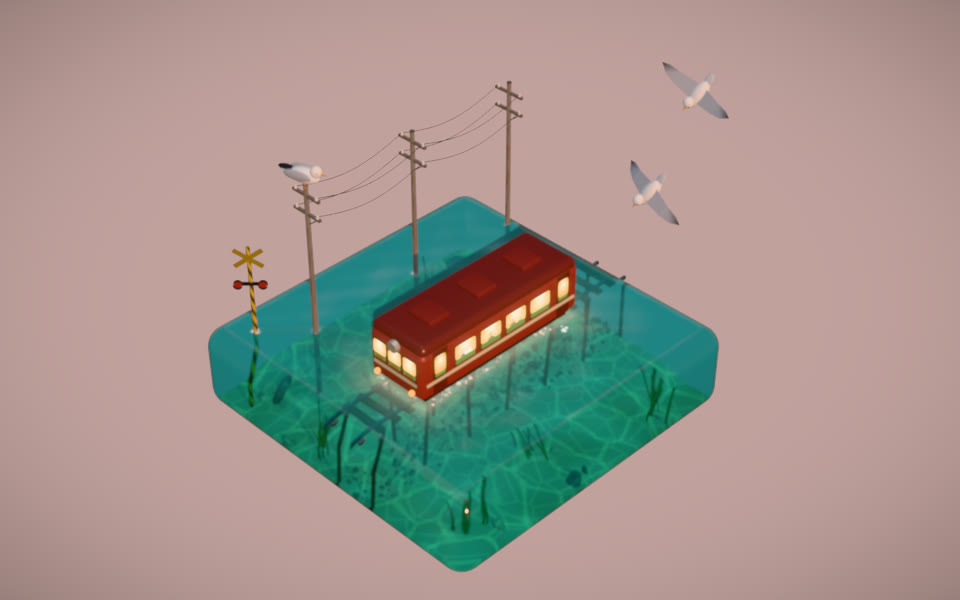
Resin Diorama
Live 3D resin-block dioramas in your browser: send a little tram across a clear turquoise sea, or ripple the bay of a cliff island. Synthesized sound, and every scene can be tuned.
3D Vehicle Worlds
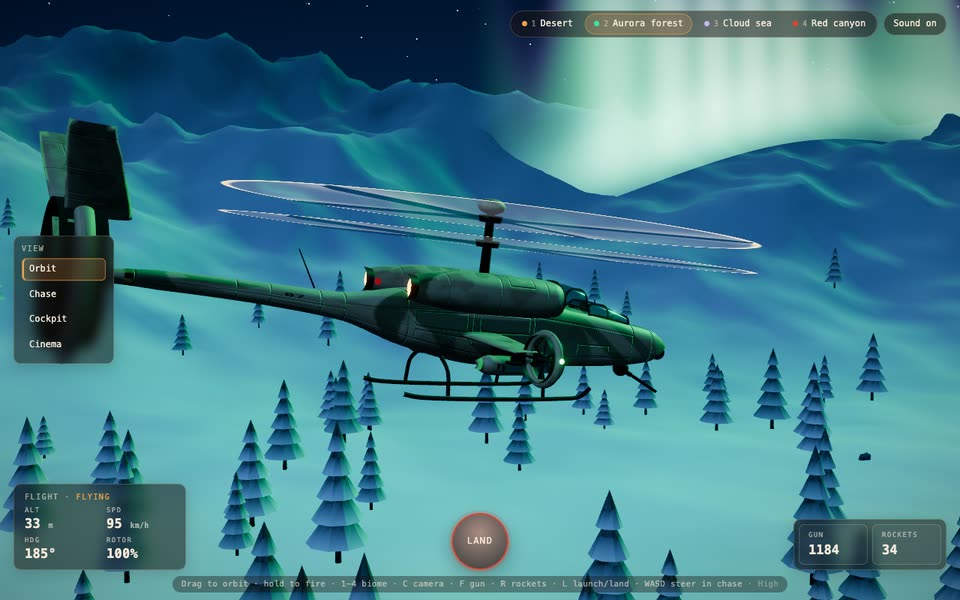
Explore interactive 3D vehicle worlds in your browser, with varied terrain, camera controls and driving effects. Choose a playable example to begin.
3D Firefly Terrariums
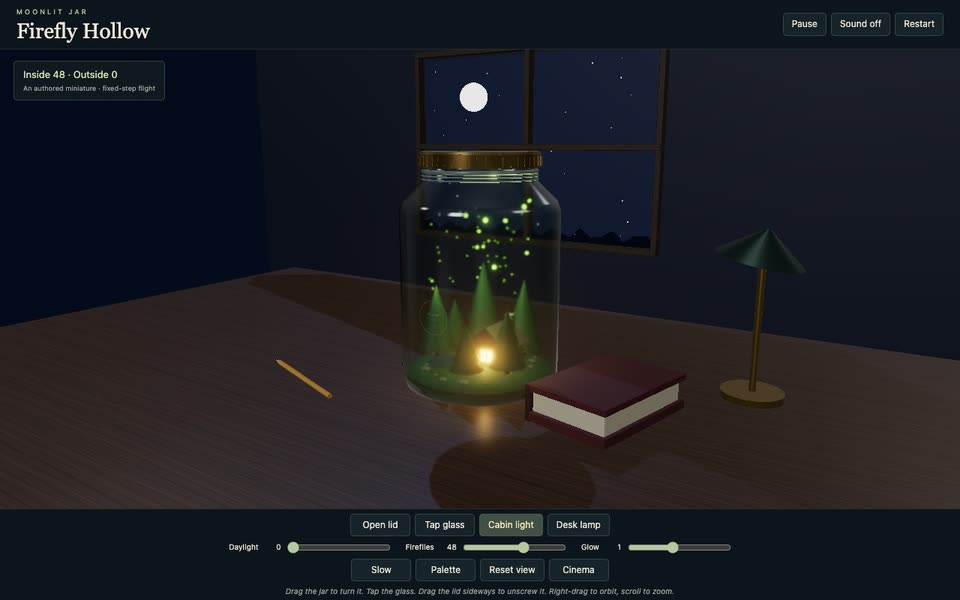
Turn a thick glass miniature, scatter glowing fireflies and open its brass lid. Actual particles leave through the neck and return before it seals. A moonlit cabin, forest and real local lights in one offline HTML.
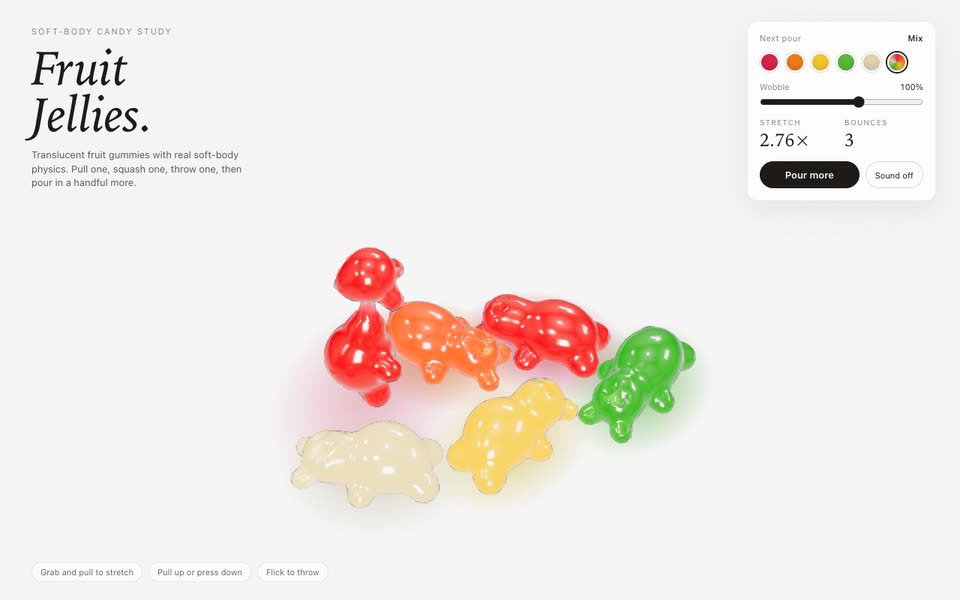
Jelly Candy: Fruit Bears
Six translucent fruit gummies on a white table. Grab any part and pull, lift a head until the neck stretches thin, press one flat until it springs back, flick one across the pile or pour in more. Fixed-step soft-body physics and a marching-cubes skin in one offline HTML.
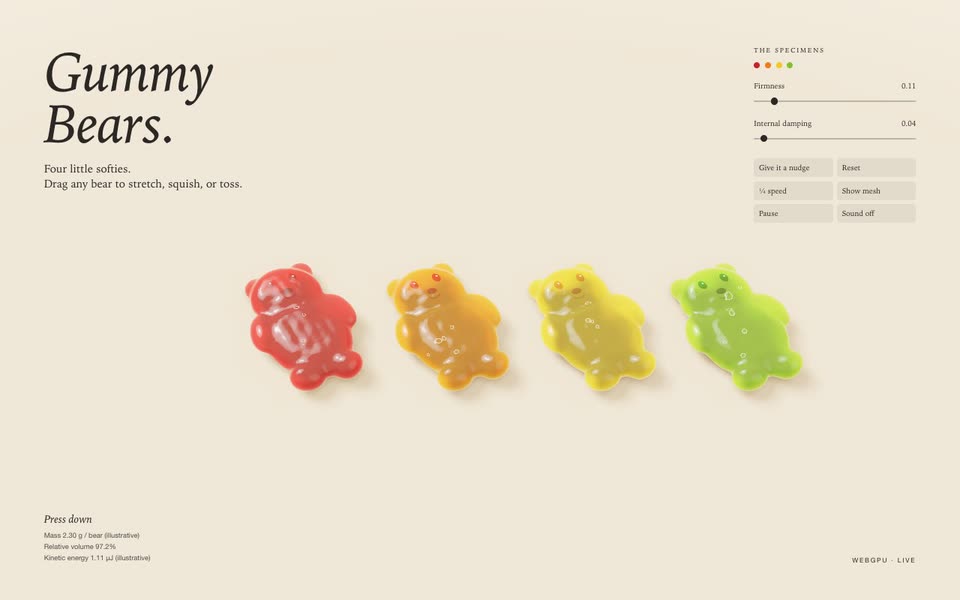
WebGPU Soft-Body Gummy Bears
Four translucent gummy bears on an ivory floor, rendered with native WebGPU. A deterministic 36-second choreography stretches, presses, flips and tumbles them before they settle back to the exact rest pose. Drag any bear to stretch, squish or toss it. A fixed-step tetrahedral XPBD solver in one offline HTML.
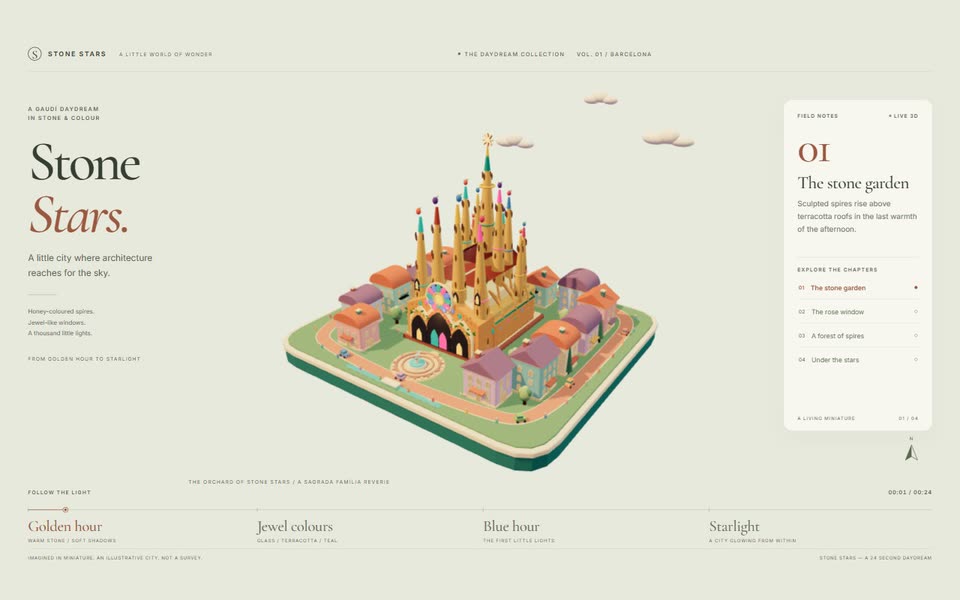
Stone Stars: 3D Miniature Landmark City
Turn a city into a storybook 3D island around one landmark, with chapters, a daylight-to-starlight slider, street life and a matching scored 24-second film. Sample: a Gaudí-style basilica.