
3 × 5 inch photo
Miễn phíCông cụ ảnh3 × 5 inch photo is a small print for albums and index cards. The default 300 DPI produces 900 × 1500 pixels. This tool center-crops the source and exports a single JPG with the selected print density. Ask your printer which dimensions and density it needs; resizing cannot restore missing detail.
- Chạy trong trình duyệt của bạn
- Không tải lên gì
- Không có watermark
Cách dùng 3 × 5 Photo Maker
- 01
Drop the image for 3 × 5 Photo Maker, or pick one from your device.
- 02
Check the print size, DPI and center crop; use the source pixel dimensions to judge whether enlargement is needed.
- 03
Download the result.
Mọi người dùng nó để làm gì
Small prints
Albums and scrapbooks.
Cards
Prints to tuck into cards.
Desk photos
Small frames.
Mẹo để có kết quả tốt hơn
- 3 × 5 is 900 × 1500 px at 300 DPI.
- Crop to 3:5 before printing.
- This tool exports one photo; use a separate layout tool to arrange a print sheet.
3 × 5 in in pixels
| Selected density | Output dimensions |
|---|---|
| 150 DPI | 450 × 750 px |
| 300 DPI | 900 × 1500 px |
| 600 DPI | 1800 × 3000 px |
| Size | 3 × 5 in = 7.6 × 12.7 cm |
| Aspect ratio | 3:5 |
These are calculated pixel dimensions, not a sharpness guarantee. The tool exports a single center-cropped JPG. Outputs above 12,000 pixels on either side are disabled; choose a lower density or smaller print size. Use actual-size printing to avoid a second resize.
Câu hỏi thường gặp
Does a higher DPI setting guarantee a sharper print?
No. This tool changes pixel dimensions as well as print density. Enlarging a small or blurred original does not recover detail. The result depends on the source, crop, print size, paper and viewing distance; follow your print provider’s requirements.
What happens if the photo has a different shape?
The tool crops from the center to fill the chosen width and height. Check that the preview retains faces, text and other important details. Changing units converts the measurements while preserving the physical size.
What file does this tool download?
One JPG, re-encoded at 95% quality with the selected DPI. Transparent areas become white. It does not create a PDF, add printer margins or arrange multiple photos on a sheet. Original EXIF is not copied. Print at actual size (100%); fit-to-page settings can change the physical dimensions.
Is 3 × 5 the same as 3.5 × 5?
No. 3.5 × 5 is a separate, slightly wider size.
Does 3 × 5 Photo Maker upload my image?
No. 3 × 5 Photo Maker crops and sizes the image in your browser, so the picture never leaves your device.
SandBase APIs cho công việc này
Loại dữ liệu tương tự trong code của bạn hoặc Agent: một API key, tính phí theo mỗi lần gọi.
Thêm tools
 Miễn phí
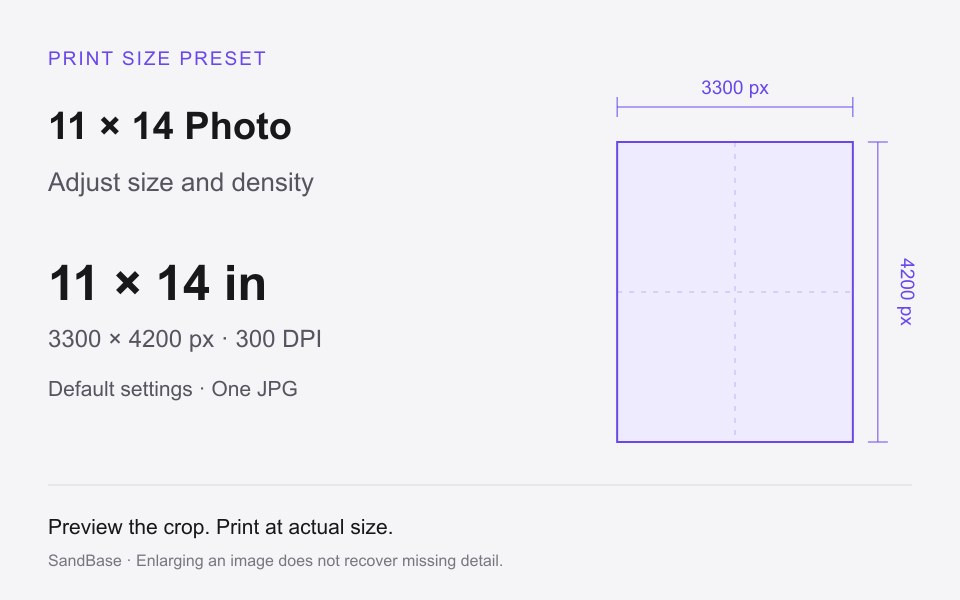
11 × 14 Photo Maker
Start with 11 × 14 in at 300 DPI; adjust the print size and density before saving.
 Miễn phí
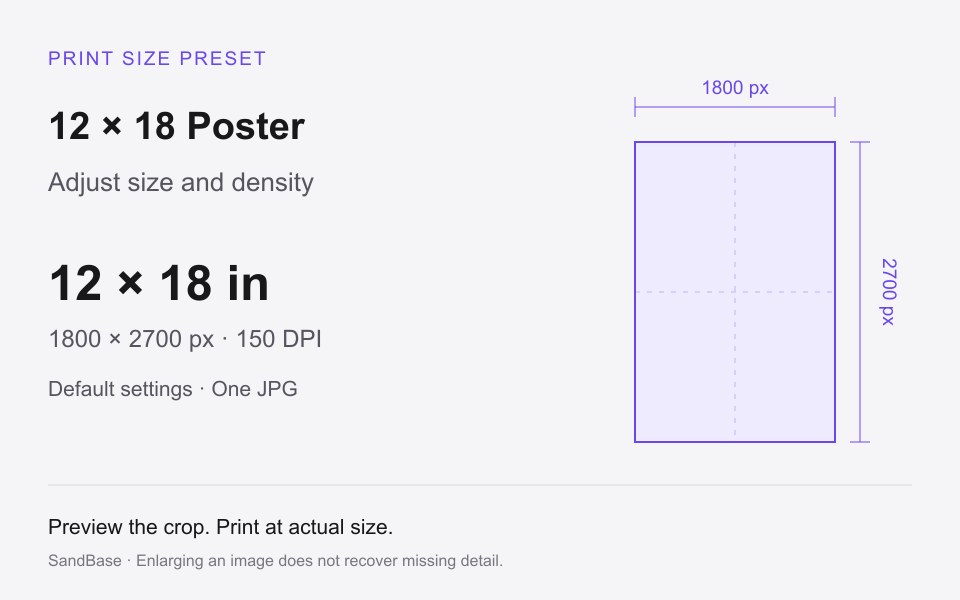
12 × 18 Poster
Start with 12 × 18 in at 150 DPI; adjust the print size and density before saving.
 Miễn phí
16 × 20 Poster
Start with 16 × 20 in at 150 DPI; adjust the print size and density before saving.
 Miễn phí
18 × 24 Poster
Start with 18 × 24 in at 150 DPI; adjust the print size and density before saving.
 Miễn phí
24 × 36 Poster
Start with 24 × 36 in at 150 DPI; adjust the print size and density before saving.
 Miễn phí
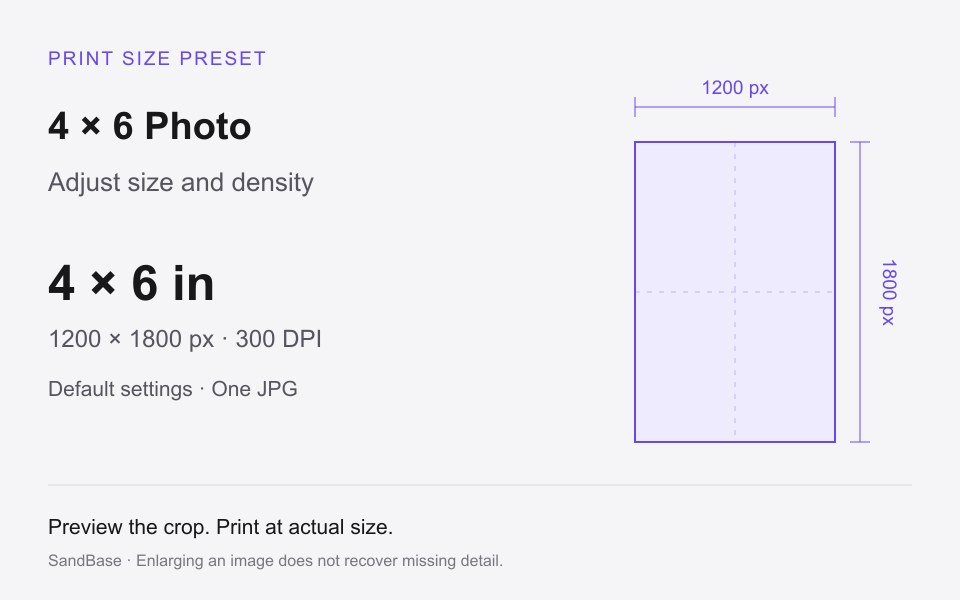
4 × 6 Photo Maker
Start with 4 × 6 in at 300 DPI; adjust the print size and density before saving.