
Employee ID Card Maker
Miễn phíThẻ và nhãnAdd a photo and the company name, job title, department and employee number. Pick vertical for lanyards or horizontal for card holders.
- PDF sẵn sàng để in
- Letter hoặc A4
- Không tải lên gì
Ví dụ
Được tạo bằng công cụ này. Mở một ví dụ để bắt đầu từ đó và thay đổi bất cứ thứ gì.
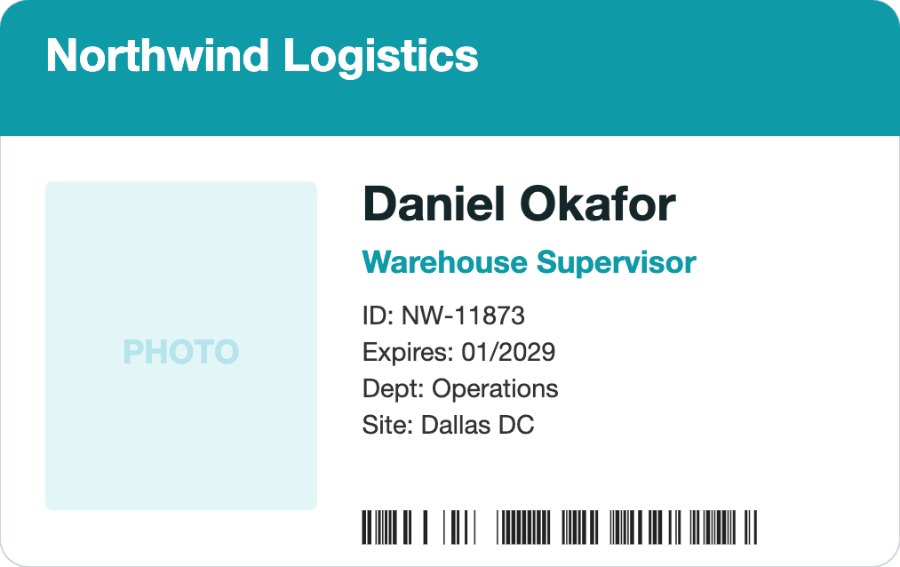
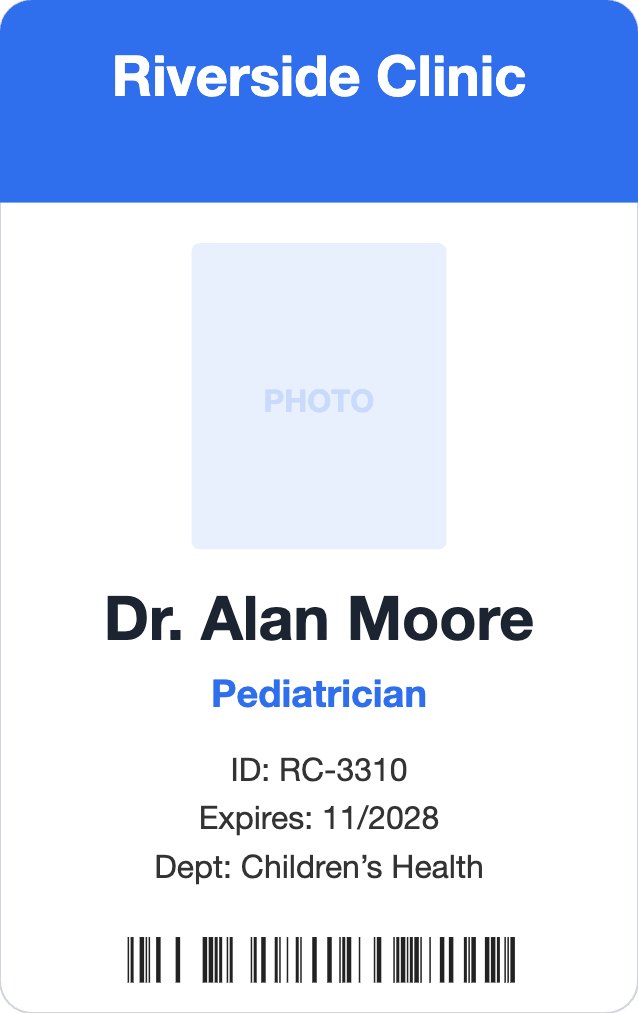
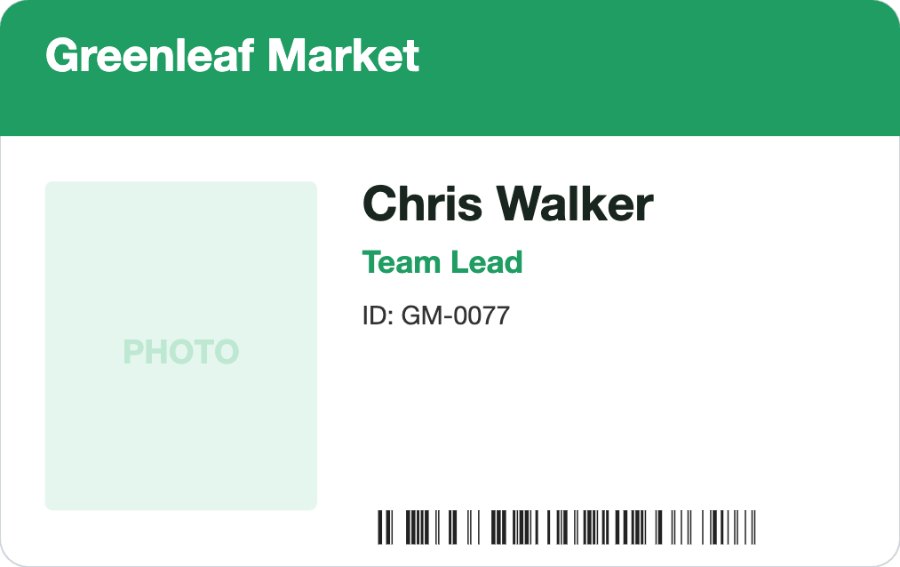
Cách dùng Employee ID Card Maker
- 01
Add the photo and fill in the details.
- 02
Pick vertical or horizontal, and company colors.
- 03
Download one card as a PNG, or a sheet to print.
Mọi người dùng nó để làm gì
Small businesses
Staff badges without a badge printer.
Events
Crew and staff passes.
New hires
A badge on day one.
Mẹo để có kết quả tốt hơn
- Use the same photo style for everyone.
- Laminate or use PVC badge sheets.
- Put the department on a second line.
- Keep a list of ID numbers issued.
Câu hỏi thường gặp
Can I use it as a door access card?
No. It prints a badge to show; access cards need a chip from your security provider.
What size is it?
CR80, 3.375 × 2.125 inches.
Can it be a door access card?
No. Access cards need a chip from your security provider.
Does Employee ID Card Maker upload what I type?
No. Employee ID Card Maker draws the page in your browser from what you type, so it works offline once the page has loaded and nothing is sent anywhere.
Thêm tools
Business Card Template
Make a business card and print 10 on a Letter or A4 sheet.
ID Card Maker
Make a photo ID card at the standard credit card size.
Place Card Maker
Print folding place cards with guest names and table numbers.
Punch Card Maker
Print loyalty punch cards with 3 to 12 stamp spots, 10 per sheet.
Student ID Card Maker
Make a student ID card with photo, grade and student number.
File Folder Labels
Printable file folder tab labels, 30 per sheet.