
Bilibili Bangumi Watchlist
- Lab Skill
- v0.1.1
- Bilibili
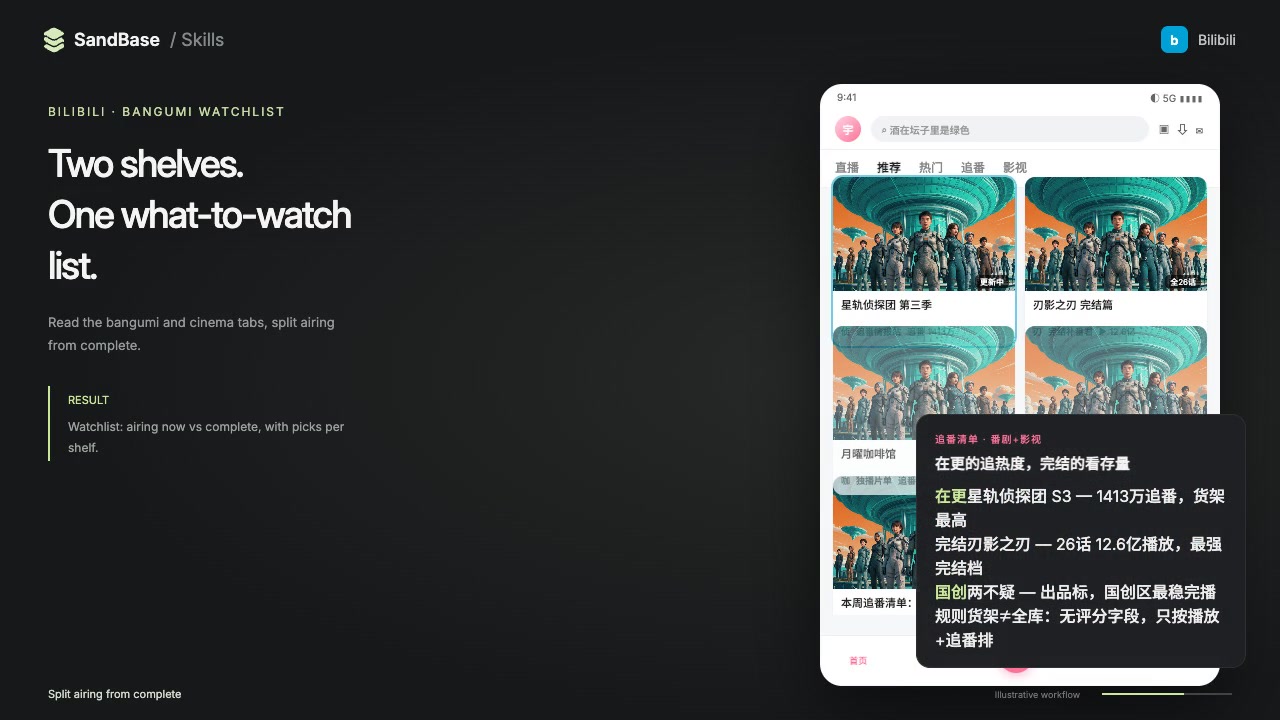
Build a what-to-watch list from Bilibili's own anime and cinema shelves — update text, views, follows, badges — split into airing vs complete.
封面
您可獲得什麼
Bring a scope (or nothing for the tab's featured rows) and optionally a named title. The Skill returns a watchlist: airing rows with update text, complete rows with episode counts, and a few picks with reasons.
運作方式
- 01
Read the anime and cinema tabs
The Agent reads Bilibili's app bangumi tab for anime and the cinema tab for film and shows. Each row gives a title, the text Bilibili shows under it, view, follow and danmaku counters, a badge and a season link. Empty modules are skipped. A keyword search is added only when you name a specific title.
- 02
Classify only what the text states
The text under a title is not authoritative update status. It may say how many episodes are out, give a promotional line, or be empty. The watchlist reports it verbatim and groups rows as updating, complete or unknown based only on what it says. The follow count is labelled as a series-level count, shared across seasons.
- 03
Pick three to five titles
Picks are justified only by what the data shows, such as a stated complete run or a large view and follow base. They never cite freshness, current-season airing or per-season popularity, because the data cannot establish those. A search result that is a fan upload is not treated as a licensed season.
常見問題
What does Bilibili Bangumi Watchlist read?
Bilibili Bangumi Watchlist reads Bilibili's own curated shelves: the app's bangumi tab for anime and Chinese animation, and the cinema tab for film and shows. It turns each row into a watchlist entry with title, update text, counters, badge and link, and can search for a title you name.
Is there a rating score?
No. Bilibili Bangumi Watchlist works from view, follow and danmaku counters only, because the tabs return no rating or score field. The watchlist says so instead of inventing a score. Use the counters as a rough sign of audience size, not of quality.
Which Bilibili calls are billed?
Bilibili Bangumi Watchlist calls three SandBase Bilibili tools: the bangumi tab, the cinema tab and general search. A watchlist is a few calls, and they draw on your organisation's daily free quota before usage is billed. The Agent inspects each tool first to show its price; see https://www.sandbase.ai/pricing.
Can it tell me what is airing this season?
No. Bilibili Bangumi Watchlist cannot establish airing dates or freshness. The text under a title carries no timestamp and may be a tagline. The watchlist classifies only what the text states and marks everything else unknown. Check the season page for its schedule.
Does a badge mean I must pay?
Not necessarily. Bilibili Bangumi Watchlist treats a badge as a distribution label, not as per-episode paywall access. It does not work out what your account can watch. Open the season on Bilibili to see which episodes you can play. Membership terms can change.
更多 Skills
所有 Bilibili Skills →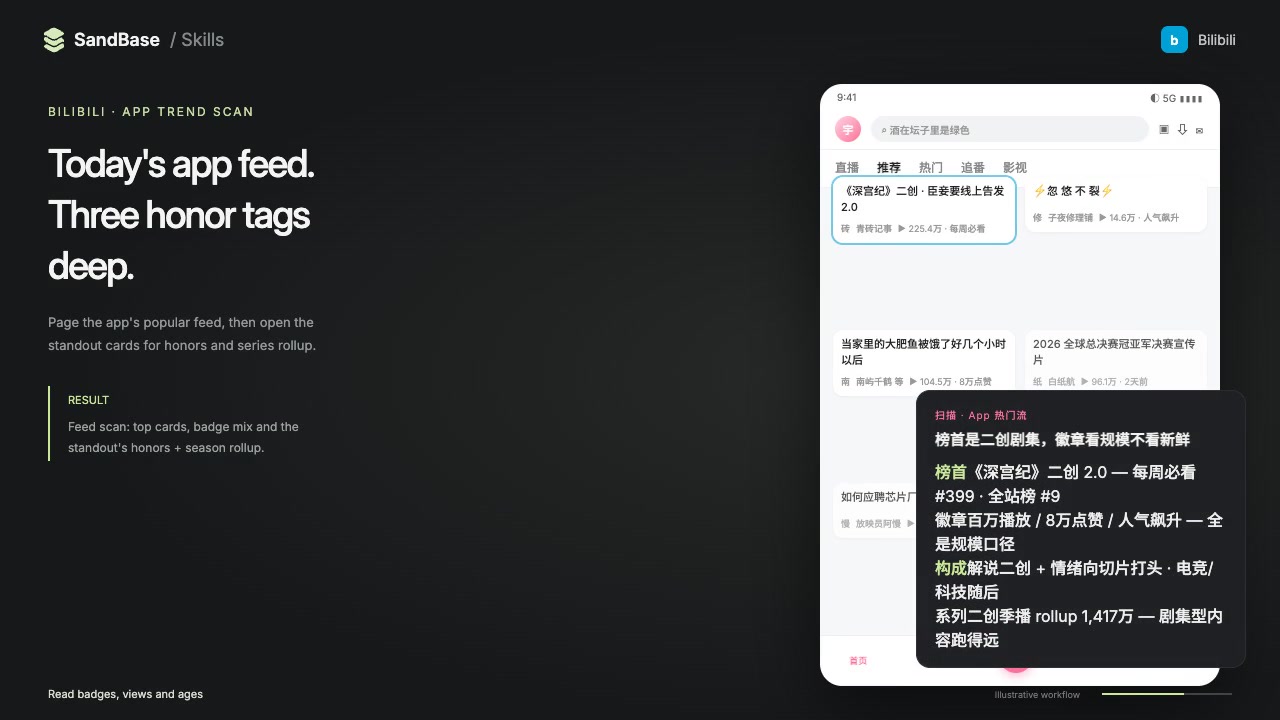
Bilibili App Trend Scan
Scan what the Bilibili app's popular feed is serving right now through SandBase
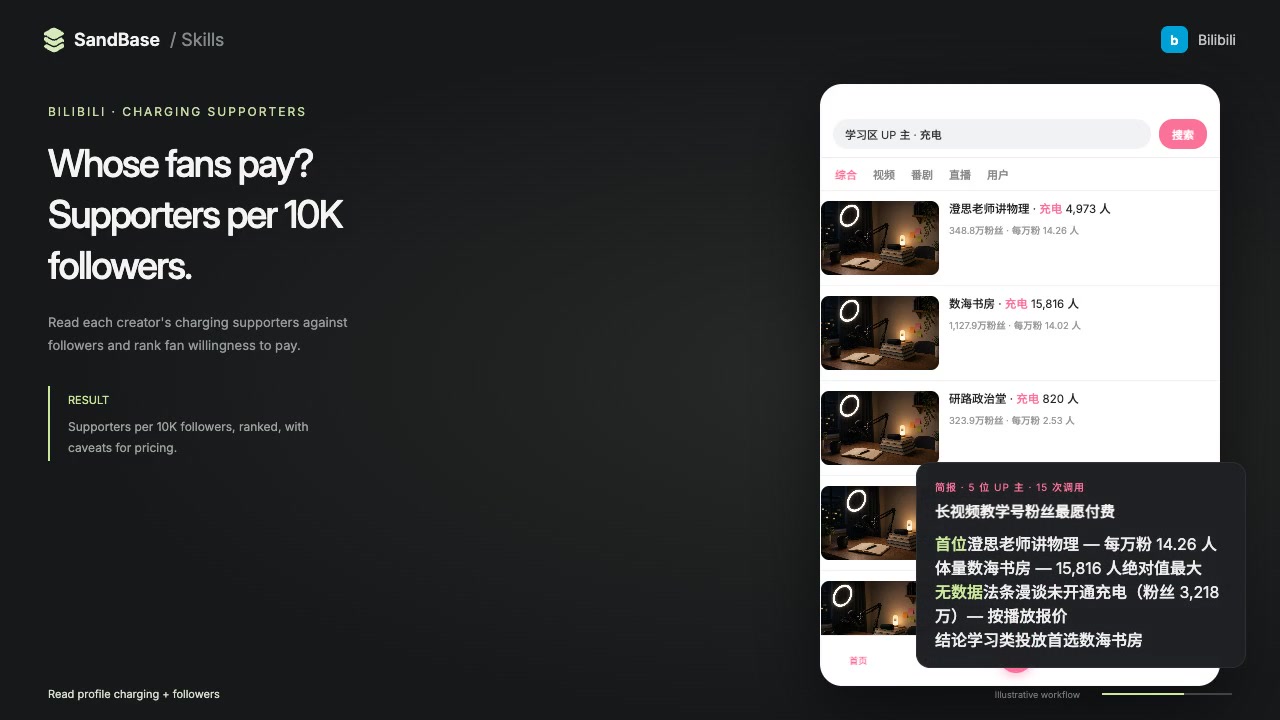
Bilibili Charging Supporter Brief
Compare how willing Bilibili creators' fans are to pay.
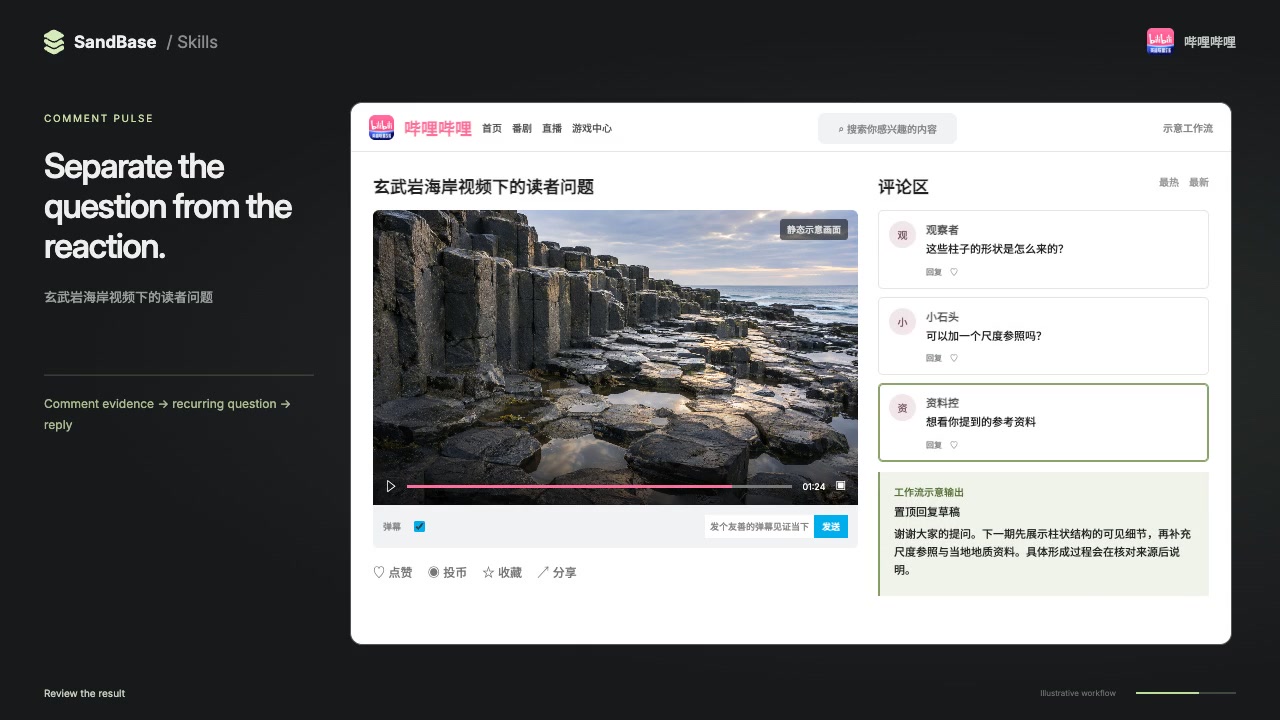
Bilibili Comment Pulse
Read the comments under a Bilibili video: what people say, which comments pull replies, what could go wrong, and what to answer.
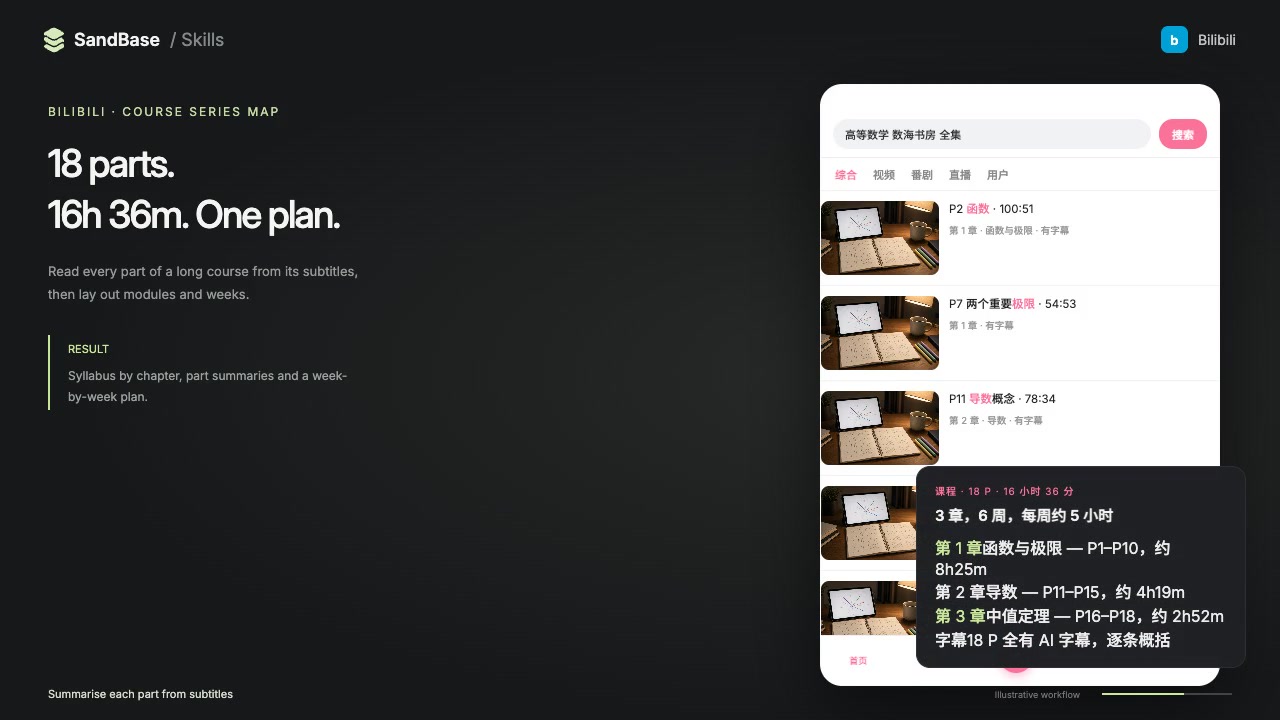
Bilibili Course Series Map
Turn a long multi-part Bilibili course into a study plan.
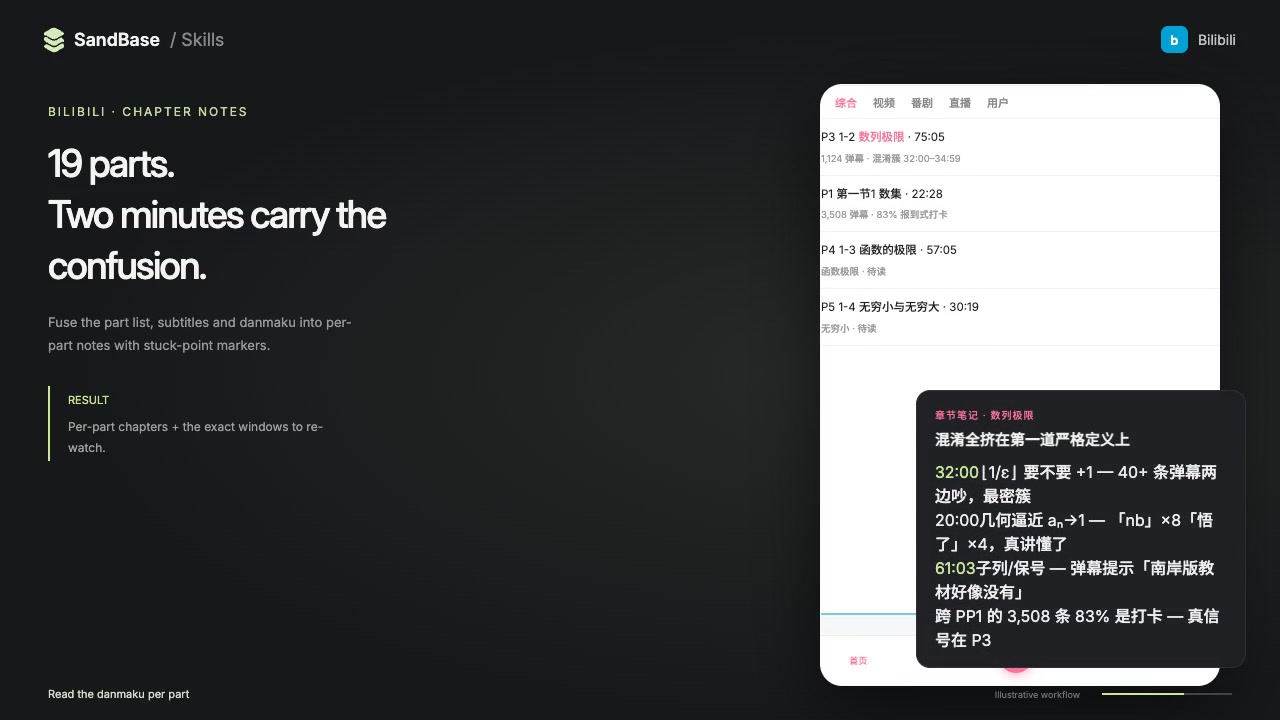
Bilibili Danmaku Chapter Notes
Build study notes for a multi-part Bilibili lecture or long video through SandBase by fusing three signals
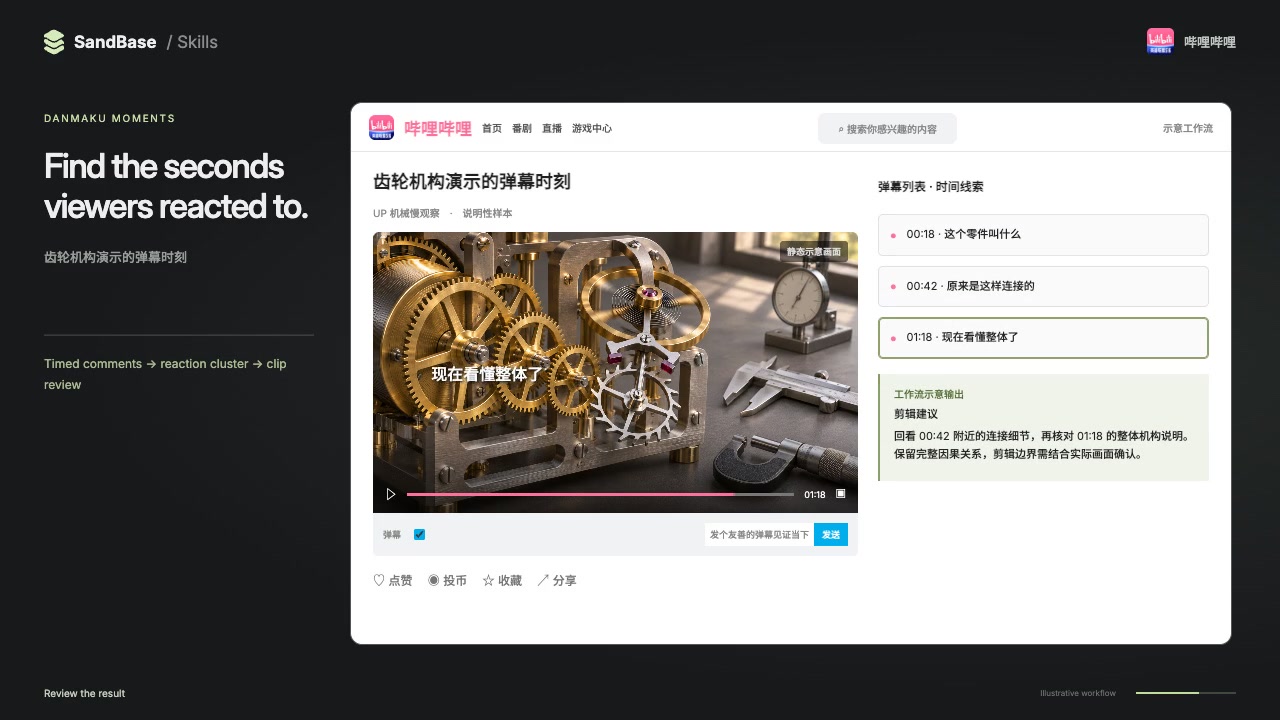
Bilibili Danmaku Moments
Find the moments in a Bilibili video where viewers react, so you know what to clip and what the audience calls the scene.