
Bilibili Course Series Map
- Lab Skill
- v0.1.0
- Bilibili
Turn a long multi-part Bilibili course into a study plan.
封面
您可獲得什麼
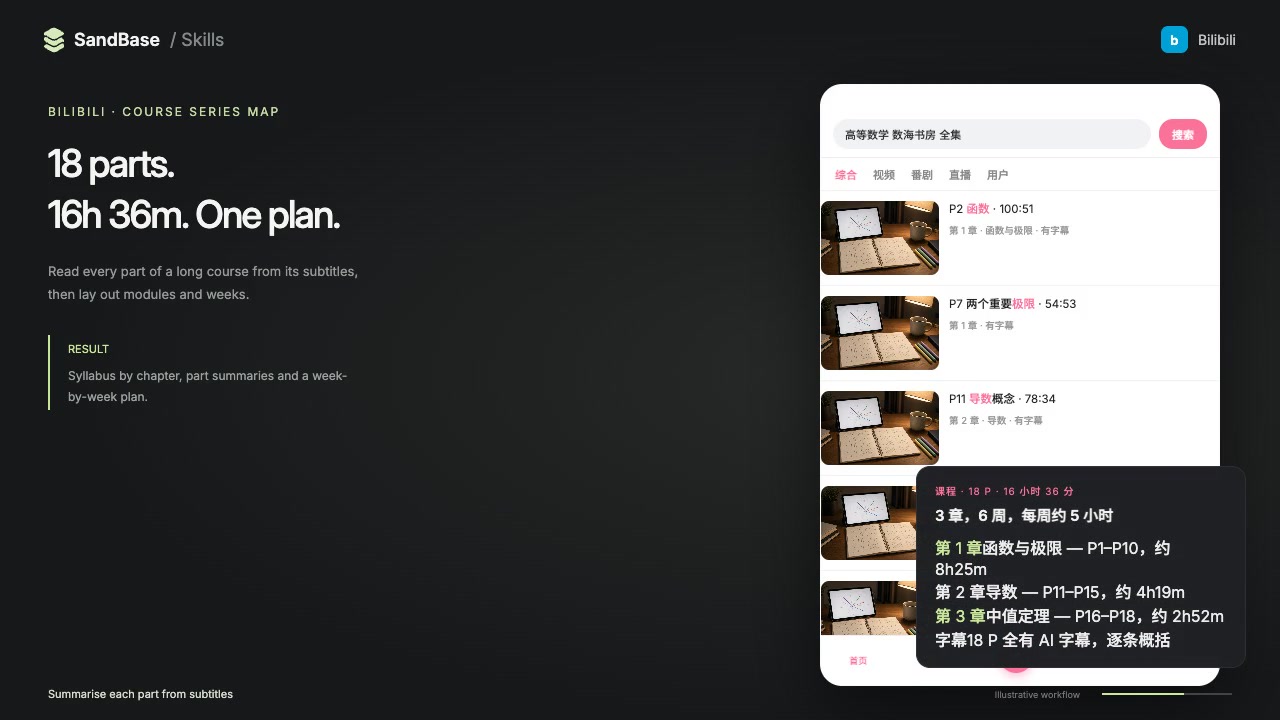
Bring the course BV ID and your weekly hours. The Skill returns a syllabus with modules, each part summarised, optional parts flagged and a week-by-week plan.
運作方式
- 01
Read parts and course detail
From the course BV ID or link, the parts call returns every part's title, ID and duration. The detail call adds the uploader, description and any season sections. A run covers up to forty parts and says so when a course is longer, so a very long course may need a second run.
- 02
Summarise each part
The subtitle call is made for each part, and the Agent writes a one-line summary from the subtitles. Parts without subtitles are summarised from their titles only and marked, so you know which summaries rest on less evidence. In the recorded run every part of an eighteen-part mathematics course had subtitles.
- 03
Build the syllabus and weekly plan
Parts are grouped into modules by topic, and repeats, Q&A sessions and optional parts are flagged. A suggested order is given when it differs from upload order. From the hours you have each week, the map gives total time, time per module and a week-by-week study plan.
常見問題
Who is Bilibili Course Series Map for?
Bilibili Course Series Map is for a learner facing a long multi-part course on Bilibili. It maps every part into modules and a weekly study plan. For notes on a single video, the package points to Bilibili Video Notes, and for creators planning a series, to Bilibili Series Plan.
What do I need to give it?
Bilibili Course Series Map needs the course BV ID or link and how many hours a week you can study. The hours decide how the parts are spread into a week-by-week plan. If you already know some topics, say so and the plan can mark those parts optional.
How are the part and subtitle reads billed?
Bilibili Course Series Map calls the SandBase Bilibili video detail and parts tools once and the subtitle tool once per part. These draw on your organisation's daily free quota first, then usage is billed. The Agent inspects each tool before use to show its price; see https://www.sandbase.ai/pricing.
What about parts without subtitles?
Bilibili Course Series Map summarises a part without subtitles from its title only and marks it. Title-only summaries are less reliable, so check those parts yourself if they look important to the module they sit in. The map shows which parts these are.
Does it download the videos?
No. Bilibili Course Series Map is read-only and does not download any video. It reads metadata and subtitles to build the map. You watch the course on Bilibili following the plan it gives. Bilibili's own playback progress then tracks where you are in each part of the plan.
更多 Skills
所有 Bilibili Skills →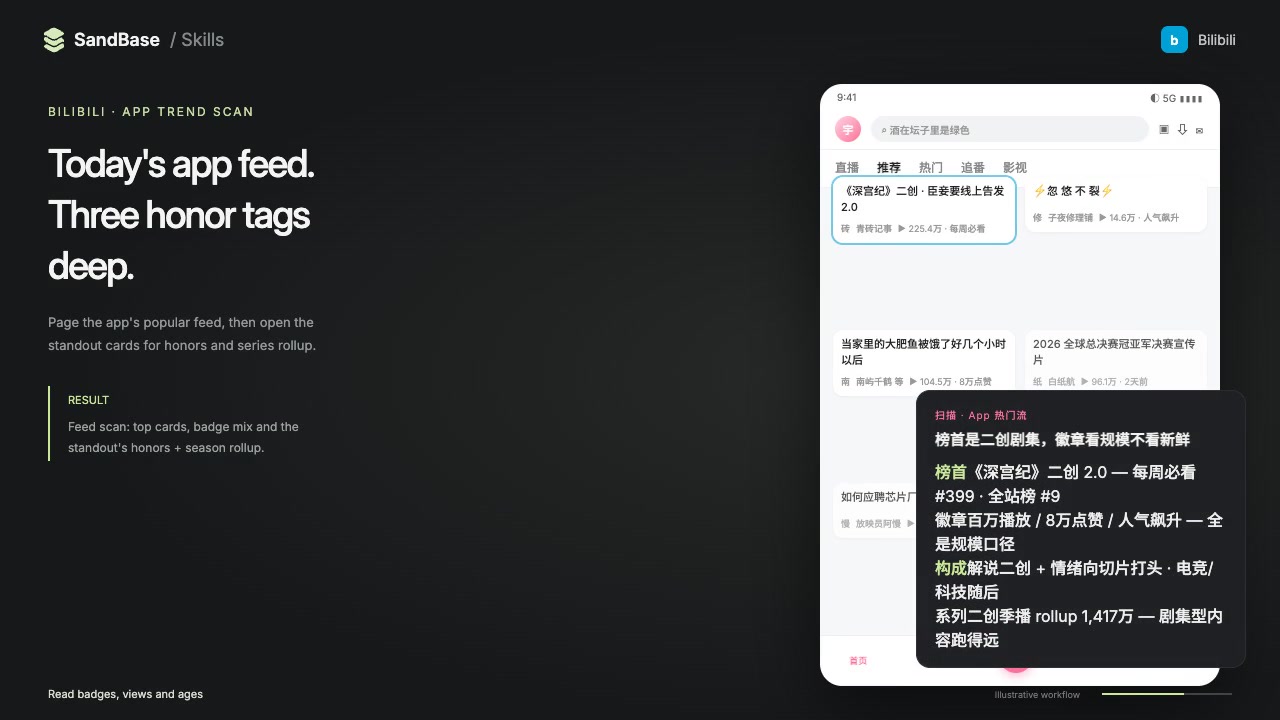
Bilibili App Trend Scan
Scan what the Bilibili app's popular feed is serving right now through SandBase
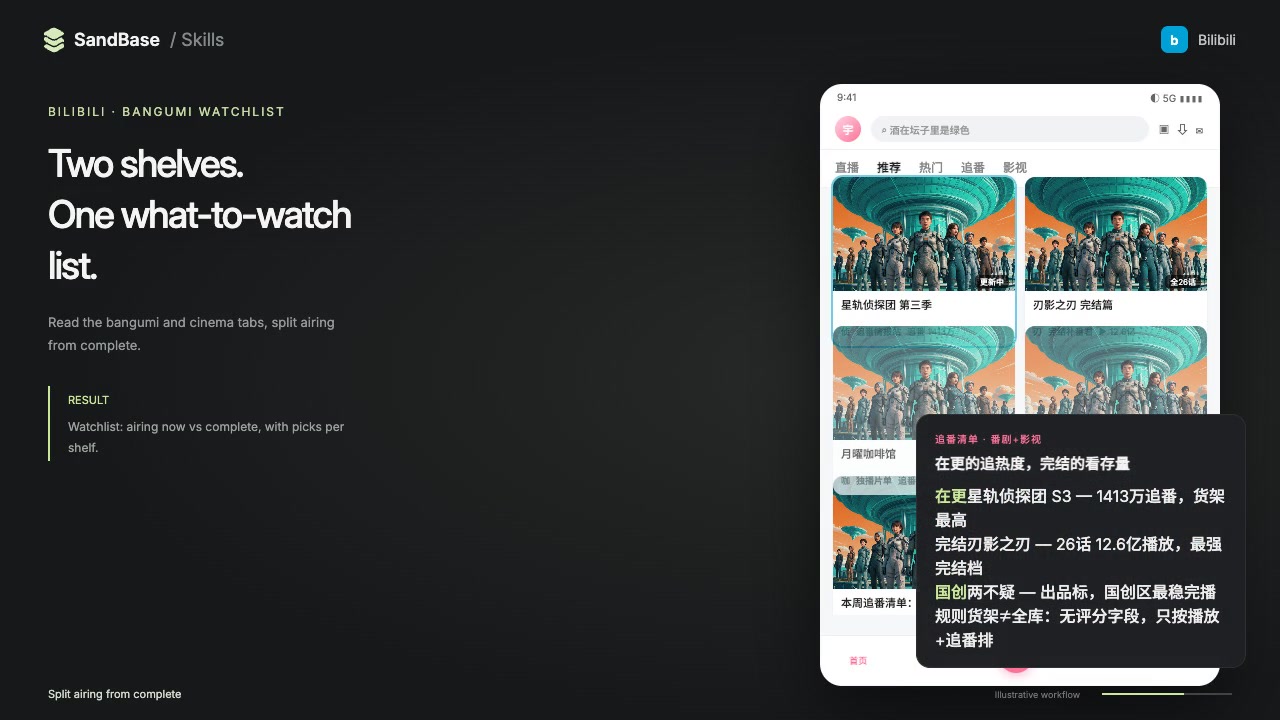
Bilibili Bangumi Watchlist
Build a what-to-watch list from Bilibili's own anime and cinema shelves — update text, views, follows, badges — split into airing vs complete.
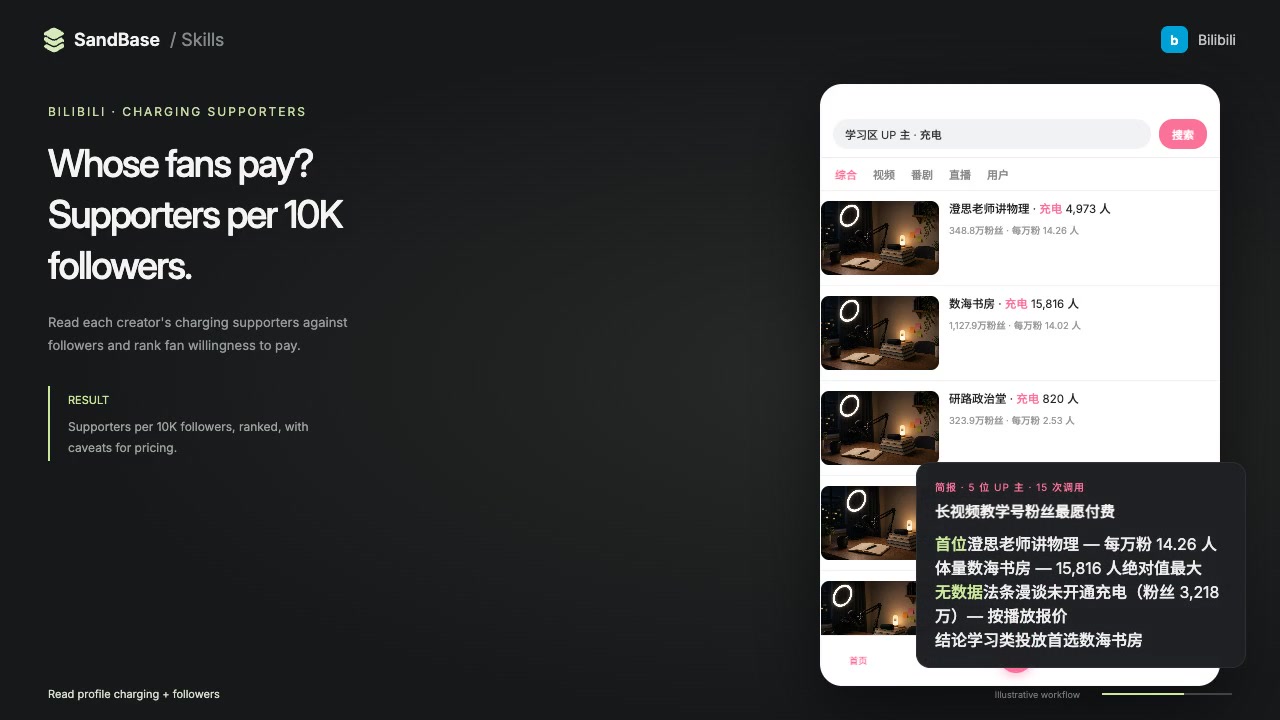
Bilibili Charging Supporter Brief
Compare how willing Bilibili creators' fans are to pay.
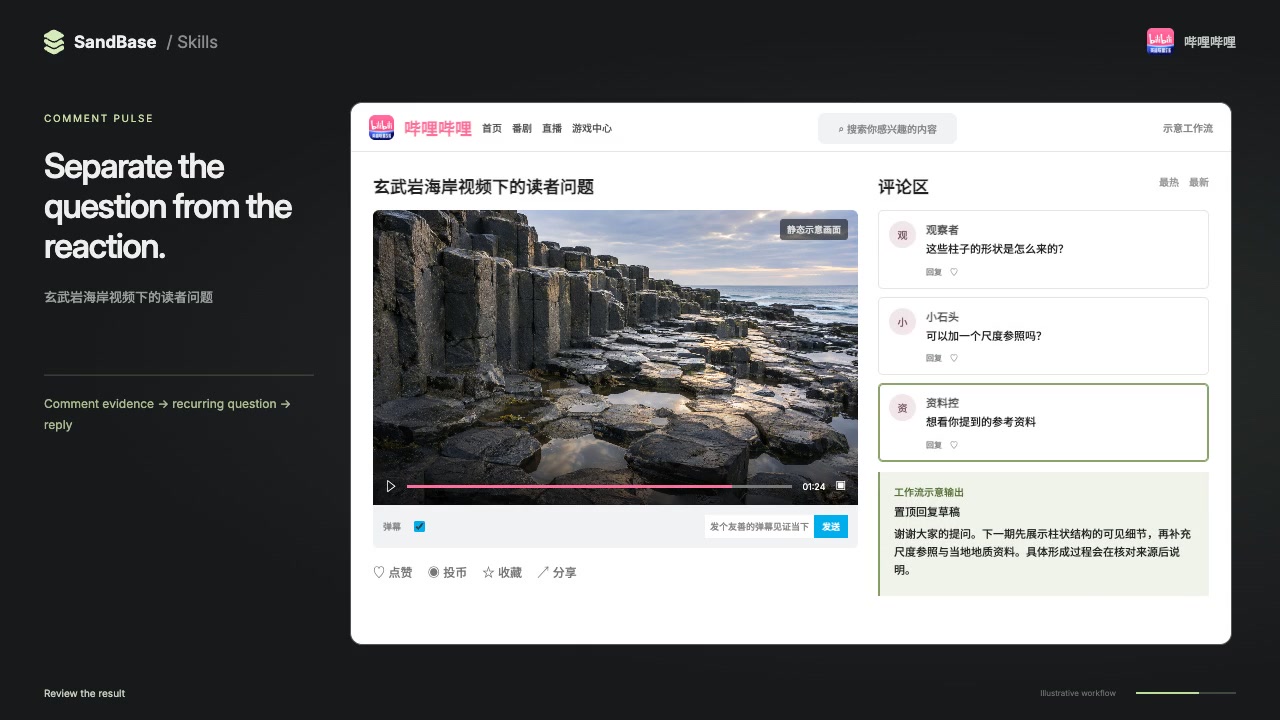
Bilibili Comment Pulse
Read the comments under a Bilibili video: what people say, which comments pull replies, what could go wrong, and what to answer.
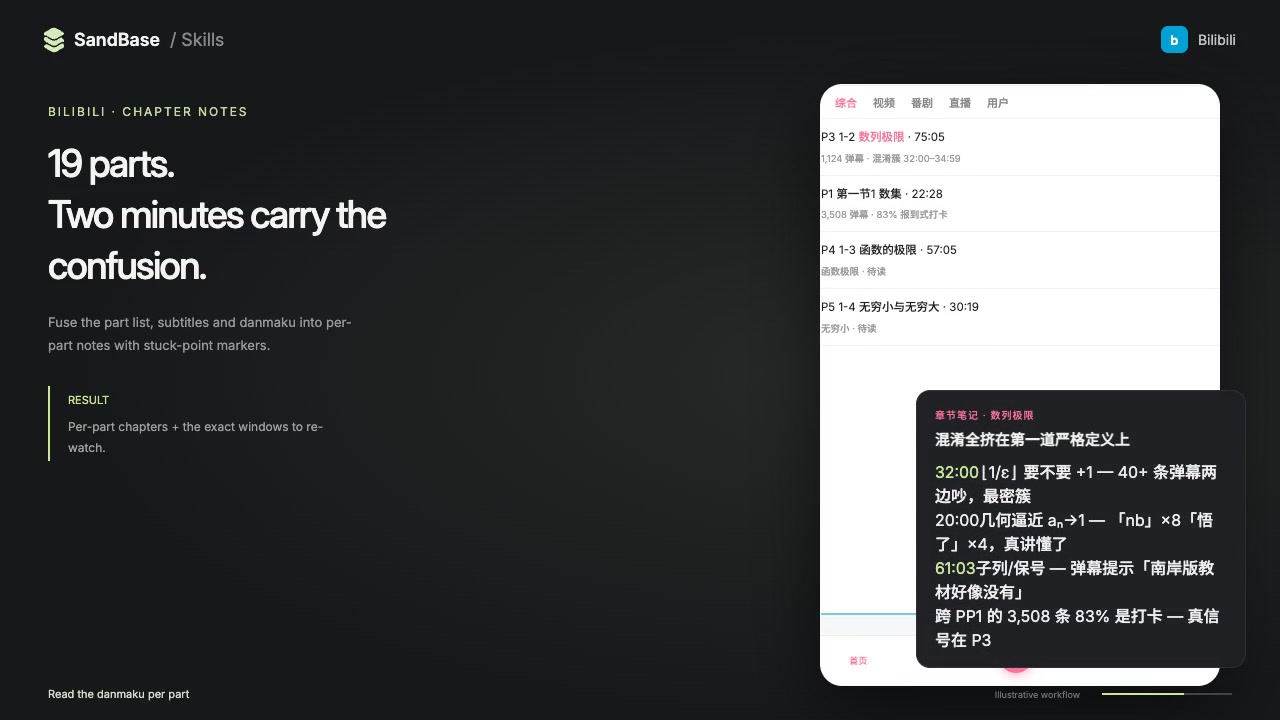
Bilibili Danmaku Chapter Notes
Build study notes for a multi-part Bilibili lecture or long video through SandBase by fusing three signals

Bilibili Danmaku Moments
Find the moments in a Bilibili video where viewers react, so you know what to clip and what the audience calls the scene.