
工具


Compress Image to 2 MB
Compress a photo to under 2 MB, keeping the best quality that fits.
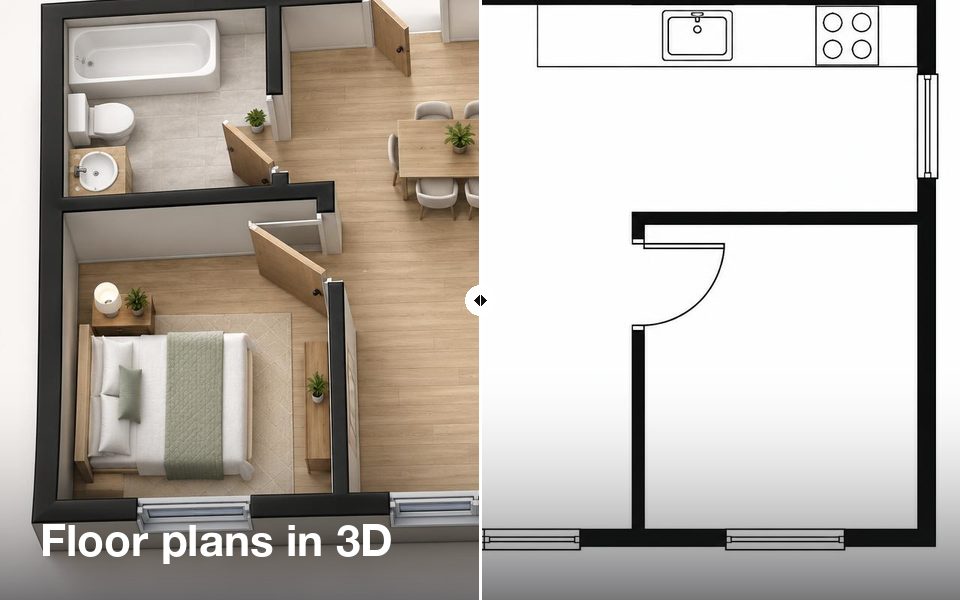
AI Floor Plan Renderer
Turn a 2D floor plan into a furnished 3D isometric view in four styles.

Amazon Opportunity Scanner
Read price bands, ratings and market competition
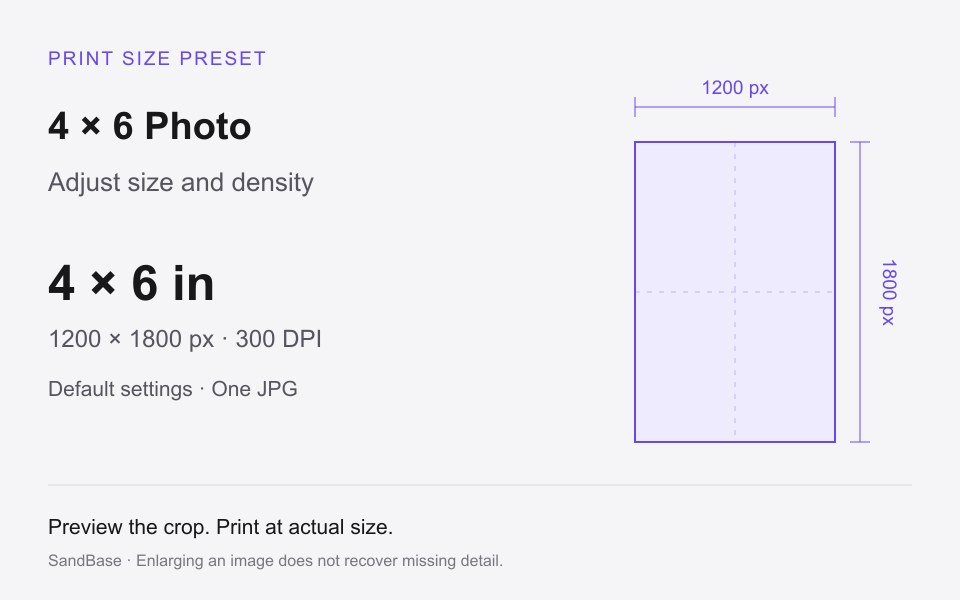
4 × 6 Photo Maker
Start with 4 × 6 in at 300 DPI; adjust the print size and density before saving.
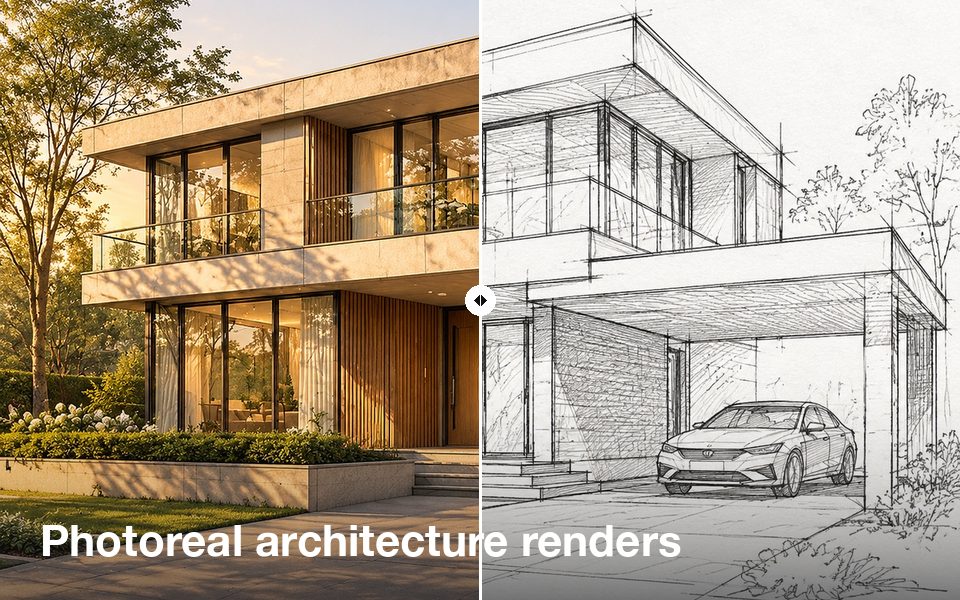
AI Architecture Render
Turn a building sketch or photo into a photoreal render with your light and materials.

1688 Product Finder
Find wholesale products and compare supplier signals
5 × 7 Photo Maker
Start with 5 × 7 in at 300 DPI; adjust the print size and density before saving.
PNG to SVG
Convert a PNG into a scalable SVG made of flat vector shapes, in four vector looks.

Product Review Analyzer
Turn customer feedback into product decisions
8 × 10 Photo Maker
Start with 8 × 10 in at 300 DPI; adjust the print size and density before saving.
JPG to SVG
Convert a JPG into an SVG made of flat vector shapes, with solid colors and crisp edges.

Shopping Price Comparison
Compare live offers across stores and markets
A4 Size Image
Start with 21 × 29.7 cm at 300 DPI; adjust the print size and density before saving.
Image to SVG
Turn any image into an SVG with up to six solid colors.

eBay Price Checker
Live eBay listings, prices and conditions
Resize Image in Inches
Start with 4 × 6 in at 300 DPI; adjust the print size and density before saving.
Convert Image to SVG
Convert a PNG, JPG or WebP image to an SVG online, in four vector looks.

Target Product Search
Target prices, ratings and reviews
Change Image DPI
Change print density while preserving pixel dimensions.
SVG Converter
Convert PNG and JPG images to SVG online, in four vector looks.

Bing Shopping Search
Compare offers from Bing Shopping
300 DPI Converter
Resize a picture for printing at 300 DPI in any size.
Image Vectorizer
Vectorize any image into an SVG with up to eight solid colors.

AutoZone Parts Finder
Prices and availability on an AutoZone category page
常見問題
- 這些工具要多少錢?
- 免費工具完全免費,不論您有沒有帳號。資料工具會在您自己的帳號上執行一個 SandBase API:標示為每日免費額度的工具會使用共享每日免費額度中的 APIs(每個組織每天 100 次呼叫),其餘則按 API 列表價計費,通常只要幾分之一美分到幾美分。模型測試會用您自己的金鑰呼叫您正在測試的端點。
- 我需要在每個平台都有帳號嗎?
- 不需要。這些工具透過 SandBase APIs 讀取公開資料,因此您不需要 Reddit、Amazon 或 LinkedIn 帳號。付費執行只需要登入 SandBase。
- 我可以在自己的程式碼中呼叫相同資料嗎?
- 可以。每個資料工具都會顯示它呼叫的 API 和 cURL 範例。您可以使用自己的 SandBase API 金鑰,從您的程式碼或 Agent 呼叫相同的 API。