LangChain and LangGraph Explained: The Agent Framework Stack
What LangChain and LangGraph are in 2026, how LangGraph's graph-based agent orchestration works, and when to use them vs newer alternatives.
TL;DR — LangChain is the Python/JS framework for composable LLM applications. LangGraph is its agent runtime — a graph-based orchestration layer for building agents with durable state, loops, branching, and human-in-the-loop. In 2026, LangGraph is where the real action is: it powers agent systems at Lyft, Replit, Uber, and LinkedIn. LangChain provides the components (tools, memory, retrieval); LangGraph wires them into stateful agent workflows.
The LangChain Ecosystem in 2026
LangChain isn’t one thing anymore. It’s a family:
| Component | What it does |
|---|---|
| LangChain (core) | Composable components: model interfaces, tools, retrievers, memory, output parsers |
| LangGraph | Graph-based agent orchestration runtime with durable execution |
| LangSmith | Observability, evaluation, and debugging platform (SaaS) |
| LangServe | Deploy chains/graphs as REST APIs |
The important mental model: LangChain = the parts. LangGraph = how you wire the parts into agents.
Full disclosure: I was one of the people who complained loudly about LangChain in 2024. The abstraction-on-abstraction, the way a simple OpenAI call became four wrapper classes, the API that changed under me between minor versions. So when I say LangGraph is worth your time in 2026, it’s not from a fan — it’s from someone who walked away and came back because the graph primitive solved a problem my hand-rolled loops kept hitting.
Key numbers:
| Metric | Value |
|---|---|
| GitHub stars (langchain) | 105K+ |
| OpenRank (May 2026) | 283.94 |
| Active contributors | 239 |
| LangGraph monthly Google searches | 33,100+ |
| Production users | Lyft, Replit, Uber, LinkedIn, GitLab |
| License | MIT |
Why LangGraph Matters More Than LangChain Now
In 2024, people said “I’m building with LangChain.” In 2026, they say “I’m building with LangGraph.” The shift happened because agents need more than chains.
A chain is linear: input → step A → step B → output. An agent is a graph: it loops, branches, retries, waits for human input, maintains state across turns, and runs steps in parallel. LangChain’s original chain abstraction couldn’t express this naturally.
LangGraph gives you:
Nodes — Each node is a function that takes state, does something (call an LLM, use a tool, check a condition), and returns updated state.
Edges — Define flow between nodes. Can be unconditional (“always go to B after A”) or conditional (“if the tool returned an error, go back to the planning node”).
State — A shared, typed state object that flows through the graph. Every node reads and writes to it. State persists across the entire agent run.
Cycles — The graph can loop. The agent can retry, reflect, and iterate. This is what makes it “agentic” vs a simple pipeline.
from langgraph.graph import StateGraph, END

class AgentState(TypedDict):
    messages: list
    plan: str
    attempts: int

graph = StateGraph(AgentState)
graph.add_node("plan", plan_node)
graph.add_node("execute", execute_node)
graph.add_node("evaluate", evaluate_node)

graph.add_edge("plan", "execute")
graph.add_conditional_edges("evaluate", should_continue, {
    "retry": "execute",
    "revise_plan": "plan",
    "done": END,
})
graph.set_entry_point("plan")

agent = graph.compile()
This is a plan-execute-evaluate loop with retry logic. The agent keeps running until evaluate decides it’s done or it’s time to revise the plan. This is trivial in LangGraph and painful to build from scratch.
Key Features for Agent Builders
Durable execution — State is checkpointed. If the agent crashes mid-workflow, it resumes from the last checkpoint. Critical for long-running agent tasks (multi-hour coding sessions, research workflows).
Human-in-the-loop — Pause the graph at any node, wait for human approval or input, then continue. The state is persisted between pauses.
Streaming — Stream intermediate results as the agent progresses through nodes. Users see the agent thinking in real-time, not just the final output.
Sub-graphs — Compose smaller graphs into larger ones. A “code review” sub-graph can be called from a “PR pipeline” graph. Modular agent architecture.
Multi-agent — Run multiple agents as nodes in a larger graph. A supervisor agent routes tasks to specialist agents (researcher, coder, reviewer) and aggregates results.
LangChain + LangGraph vs The Field
| Framework | Paradigm | Best for | Weakness |
|---|---|---|---|
| LangGraph | Graph with durable state | Complex stateful agents, production | Learning curve, verbose for simple tasks |
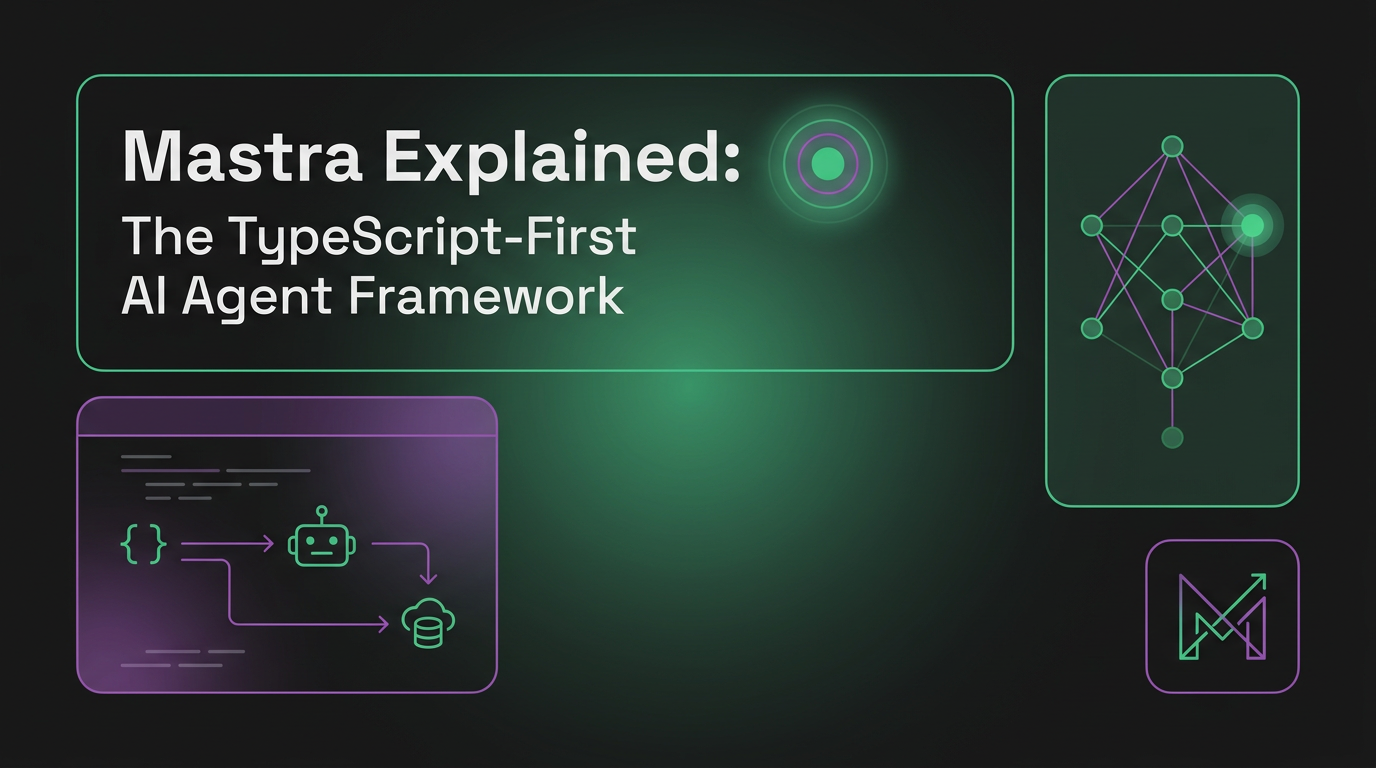
| Mastra | TypeScript-first, opinionated | TS/JS full-stack teams | Younger ecosystem |
| CrewAI | Role-based multi-agent | Quick multi-agent prototypes | Less control over execution flow |
| AutoGen | Conversation-based multi-agent | Research, experimentation | Harder to productionize |
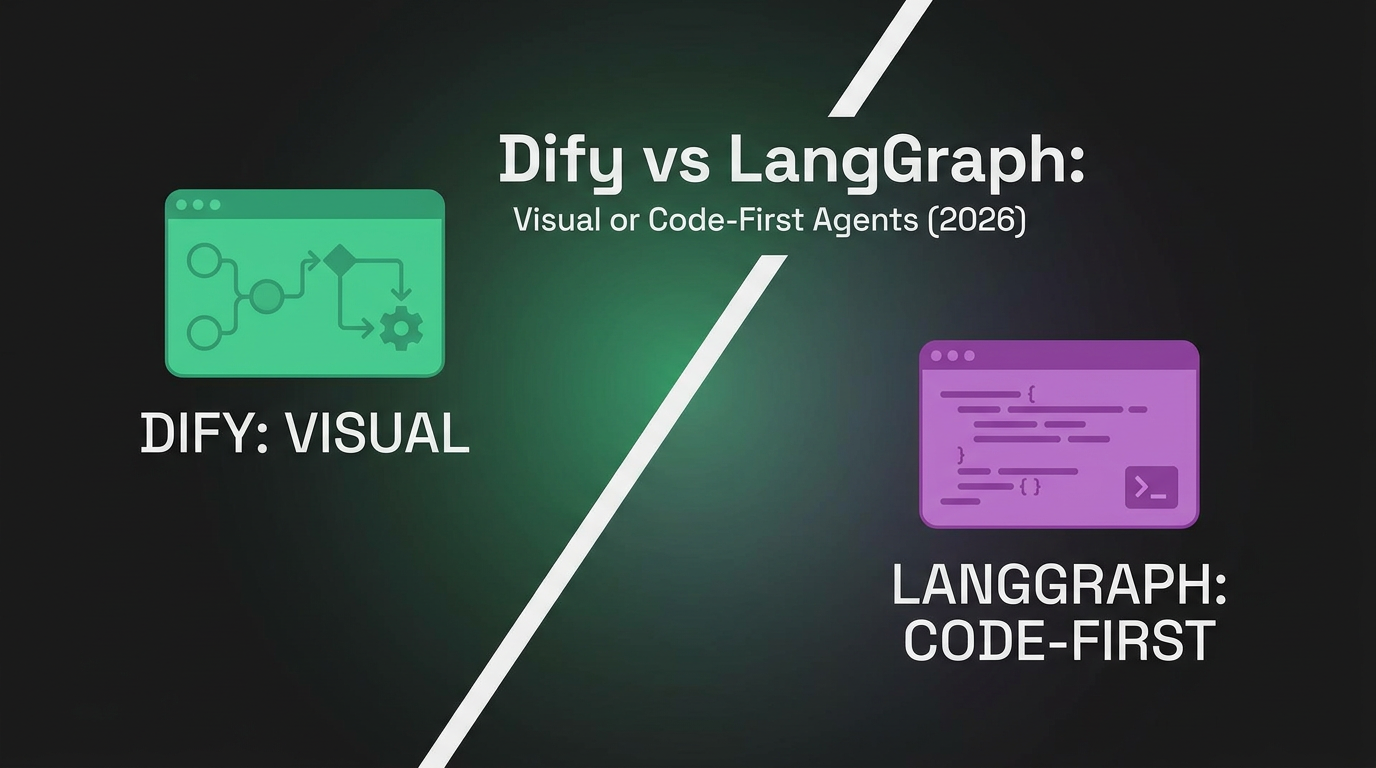
| Dify | Visual workflow | Non-dev teams, rapid prototyping | Less code-level control |
LangGraph wins when you need fine-grained control over agent behavior, durable long-running execution, and a typed state machine. It loses when you want something simpler or when your team is TypeScript-first (Mastra is a better fit there).
The Honest Take
LangChain has a reputation problem. Early versions (2023-2024) were criticized for unnecessary abstraction layers, rapid API churn, and the feeling that it added complexity without proportional value. The “LangChain is too complex” meme was earned.
The 2026 reality is different. LangChain 1.0 stabilized the API surface. LangGraph found its niche as a genuinely useful primitive for stateful agent orchestration. The framework split into a clear structure: use LangChain components if you want them, use LangGraph for the runtime, ignore what you don’t need.
But the complexity criticism still has truth. For a simple agent (one loop, one model, a few tools), LangGraph is overkill. You can build that with a 30-line while loop. LangGraph earns its keep when you have:
- Multi-step workflows with branching logic
- State that needs to persist across failures
- Human-in-the-loop pauses
- Multiple agents coordinating
- Production requirements (streaming, observability, checkpointing)
Production Lessons: What Bites in Real Deployments
The tutorials show you graph.compile() and a happy-path run. Production is where you learn the parts the docs gloss over.
Checkpointing isn’t free, and the backend choice matters. LangGraph’s durable execution depends on a checkpointer that persists state after every node. The default MemorySaver is for demos — it loses everything on restart. Production uses PostgresSaver or RedisSaver. The catch: every node transition is now a database write. For a chatty 20-node agent under load, that’s 20 DB round-trips per run. We’ve seen checkpoint writes become the latency bottleneck, not the LLM. Mitigation: don’t checkpoint after trivial nodes — only checkpoint at meaningful resumption points (after expensive operations, before human-in-the-loop pauses).
State grows silently until it explodes your context. LangGraph state accumulates across nodes. A common mistake: appending every tool result and every message to a single messages list that gets passed to the model each turn. By step 30, you’re sending 80K tokens of accumulated history every call — slow and expensive. You need explicit state pruning: summarize old turns, drop stale tool outputs, keep only what the next step needs. This is the same context-window pressure that drives agent memory architectures, and LangGraph doesn’t solve it for you.
Conditional edges fail in ways that are hard to debug. A conditional edge routes based on a function you write. If that function returns a key that isn’t in your routing map, LangGraph throws at runtime — mid-execution, after you’ve already spent tokens. Always include a catch-all route and a max-iteration counter. Without the counter, a misbehaving conditional edge produces an infinite loop that burns your API budget until you notice.
# The guardrail every production graph needs
def should_continue(state: AgentState) -> str:
    if state["attempts"] >= MAX_ATTEMPTS:   # hard ceiling
        return "done"
    if state.get("error_count", 0) > 3:
        return "escalate_to_human"
    return state.get("next_action", "done")  # default, never crash

graph.add_conditional_edges("evaluate", should_continue, {
    "retry": "execute",
    "escalate_to_human": "human_review",
    "done": END,
})
Streaming + checkpointing interact awkwardly. When you stream tokens AND checkpoint state, you need to decide what happens if the process dies mid-stream. The checkpoint captures the node’s completed state, not the half-streamed output. On resume, the node re-runs. For idempotent nodes this is fine; for nodes with side effects (sent an email, charged a card), re-running on resume causes duplicates. Make side-effecting nodes idempotent or guard them with a “already done” check in state.
Where It Fits in the Stack
┌─────────────────────────────────────┐
│  Your application / API              │
├─────────────────────────────────────┤
│  LangGraph (agent orchestration)    │  ← runtime layer
│  LangChain (components)             │  ← tools, retrievers, memory
├─────────────────────────────────────┤
│  Model Gateway (LiteLLM/SandBase)   │
├─────────────────────────────────────┤
│  Inference (vLLM/SGLang/cloud API)  │
└─────────────────────────────────────┘
LangGraph is the orchestration runtime. It doesn’t serve models — it calls them. It doesn’t manage infrastructure — it relies on whatever model endpoint you configure. Pair it with LiteLLM for multi-model routing and a sandbox like SandBase for code execution.
Part of the AI Agent Infrastructure Stack
LangGraph is a framework-layer option in the AI Agent Infrastructure Stack 2026. Related reading in the same cluster:
- Mastra — the TypeScript-first alternative for full-stack JS teams.
- Dify — the visual, low-code alternative, and the Dify vs LangGraph head-to-head.
FAQ
Should I learn LangChain or LangGraph?
LangGraph. It’s the part that solves the hard problem (stateful agent orchestration). LangChain components are useful but optional — you can use LangGraph with raw OpenAI SDK calls if you prefer. The official LangGraph docs are a good starting point.
Is LangChain still relevant in 2026?
Yes, but differently than in 2023. It’s no longer “the framework for LLM apps.” It’s “the component library that LangGraph uses.” The ecosystem (LangSmith, integrations, community) is still the largest in the Python agent space.
LangGraph vs building my own agent loop?
For a simple ReAct agent: build your own, it’s 30 lines. For anything with branching, retries, state persistence, human-in-the-loop, or multi-agent coordination: LangGraph will save you weeks of infrastructure work.
Does LangGraph work with TypeScript?
Yes. LangGraph JS/TS exists and is actively maintained. But if you’re TypeScript-first, also look at Mastra — it’s purpose-built for the TS ecosystem.
What about LangSmith — is it required?
No. LangSmith is the paid observability platform. LangGraph works without it. But for production debugging (why did my agent choose this path? what was the state at step 7?), observability is essential — whether LangSmith or an open alternative.
Key Takeaways
- LangGraph is the production agent runtime from the LangChain ecosystem. It models agents as state machines (graphs) with nodes, edges, and persistent state.
- It powers agent systems at companies like Lyft, Uber, LinkedIn, and Replit — real production validation.
- Use it when you need durable execution, branching logic, human-in-the-loop, or multi-agent coordination. Skip it for simple single-loop agents.
- LangChain provides the components (tools, retrievers, memory); LangGraph provides the runtime. They’re complementary but separable.
- The main competition is Mastra (TypeScript-first) and CrewAI (simpler multi-agent). LangGraph trades simplicity for control.