
Friction Reveal
- Lab Skill
- v1.0.6
- Product marketing
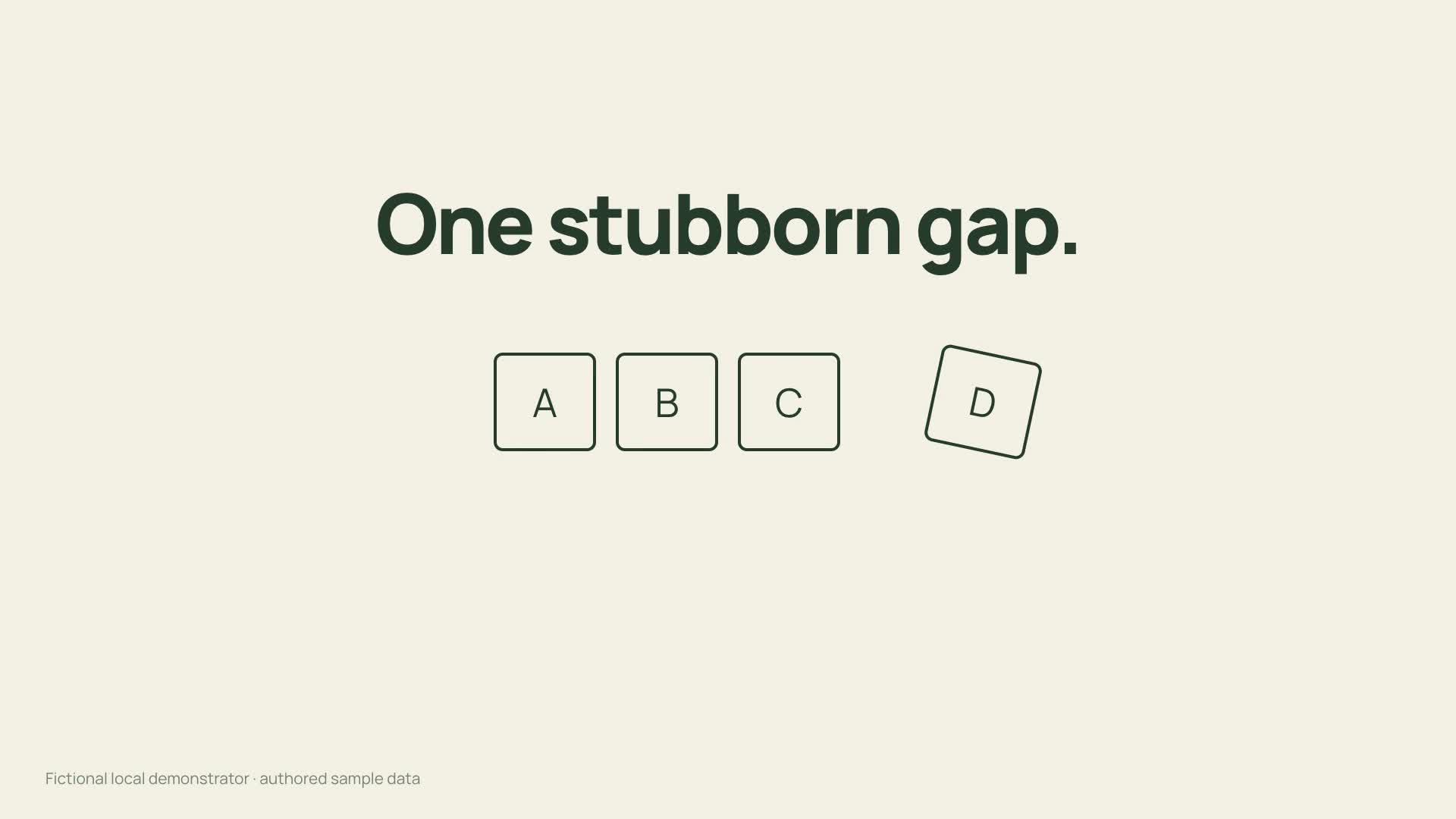
Create an editable narrated film where a small visible frustration turns into a working drag interaction.
例 · 2
オンラインで実行
SandBase sandbox で Friction Reveal のサンプルを実行し、結果をここで確認できます。
得られるもの
Bring explore two recorded examples. The Skill returns two encoded films, measured scope and required notices.
仕組み
- 01
Script the frustration
Friction Reveal reads a JSON brief with brand, language, voice, mode of spacing or recipe, paper, ink and accent hex values, two intro phrases, an ask, three retries, a turn, two fix fragments, three rows, six spoken passages, a notice and rights. Spacing mode equalizes label gaps, and recipe mode scales quantities in proportion. Label invented messages as illustrative.
- 02
Build and capture the drag
Friction Reveal needs Node 22+, FFmpeg and Python 3. Run npm ci --ignore-scripts and, if no browser is available, npx playwright install chromium. Run node build.mjs brief.json project-directory. The builder records a real drag on a working local page and validates the result, keeping tool.html and proof-validation.json. Narration uses local eSpeak NG PCM with synthesis word events.
- 03
Render at 60 fps
Render with npx hyperframes render project-directory --fps 60 --workers 1 --quality high --output film.mp4. The demos run about 36 seconds at 1920 by 1080 and 60 fps with voice and music. Check fresh load at zero, forward and backward boundaries, native frames, fonts and 1x playback, and listen to the synthetic voice before release.
FAQ
What does Friction Reveal show?
Friction Reveal opens on a small, harmless interface annoyance, shows an attempted adjustment miss with increasingly close retries, then lets a direct drag control solve the problem. The Shelfwise and Portionary demos are narrated films of about 36 seconds.
Does Friction Reveal fake the interaction?
No. Friction Reveal records an actual interaction with a working local page and validates the result. Never substitute an unimplemented screenshot for this action. For a real product, extend tool.mjs and its numerical capture assertions before making product claims.
What voice does Friction Reveal use?
Friction Reveal uses a synthetic voice from local eSpeak NG, with word events from synthesis rather than recognition of a recording. It needs a listening review. Edit clip starts and levels in index.html, and edit score.py for the music and action sounds.
Does Friction Reveal require a model account?
No. Friction Reveal synthesizes narration and music locally and needs no model account or paid generation, so producing a film is free. Third-party licences must stay with distributed dependencies.
Can Friction Reveal build any product interface?
No. Friction Reveal has two local demonstrator modes, equal label spacing and proportional recipe quantities, and does not generate arbitrary product interfaces. After changing the toolkit, version it, create a new ZIP and render from a fresh extraction.
その他の Skills
すべての Product marketing Skills →
Pixel Story
Turn a product brief into a pixel film with clear actions, scene traversal and a memorable payoff.
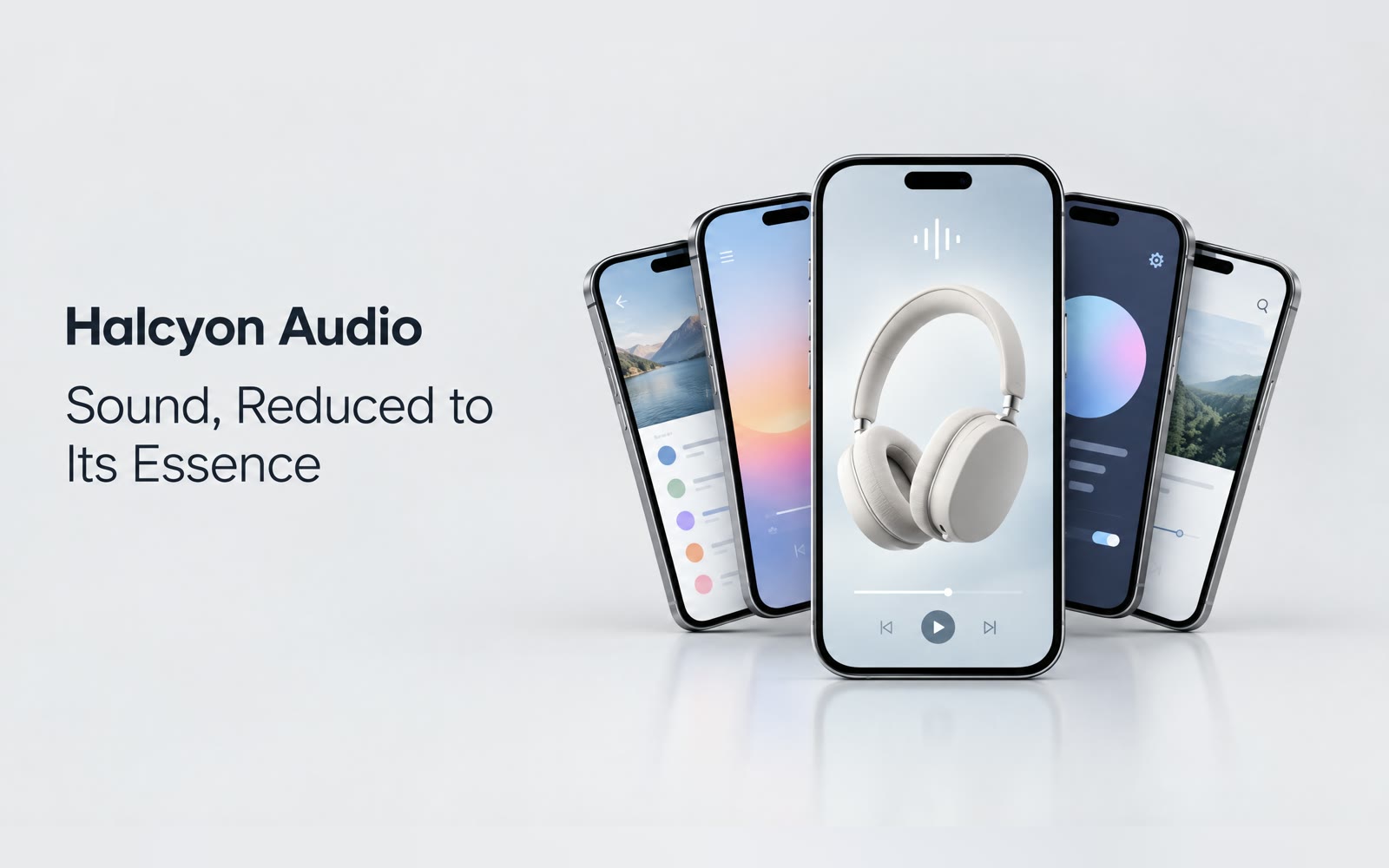
Device fan
Turn a brand, one headline and context into a calm device-showcase card.
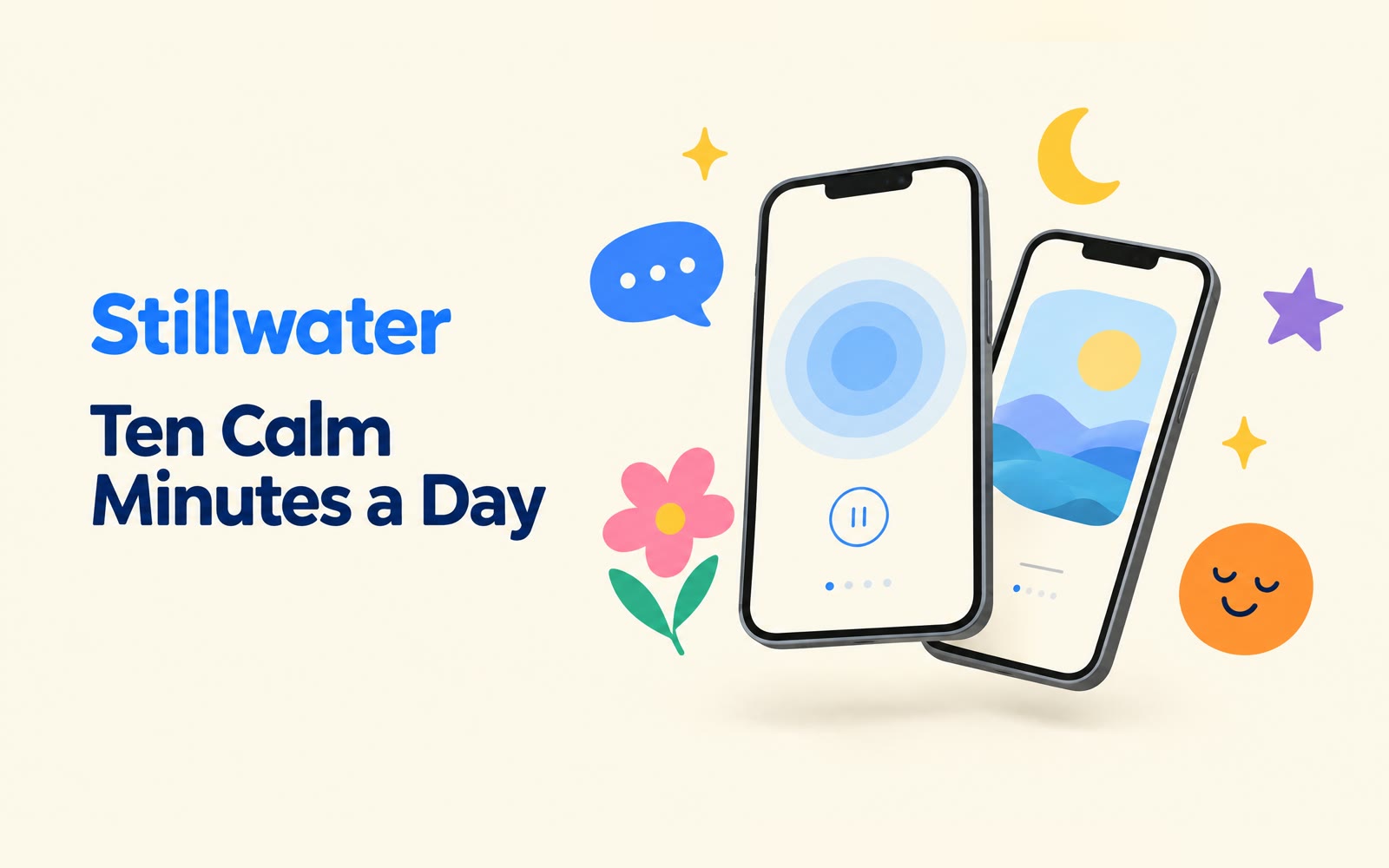
Floating phones
Turn a brand, one headline and context into a warm-ivory card with floating phone screens and playful, friendly doodles.

Floating analytics dashboard
Turn a brand, one headline and context into a split-column card: a narrow charcoal brand column anchoring a large white analytics dashboard that floats across a vivid violet gradient field.
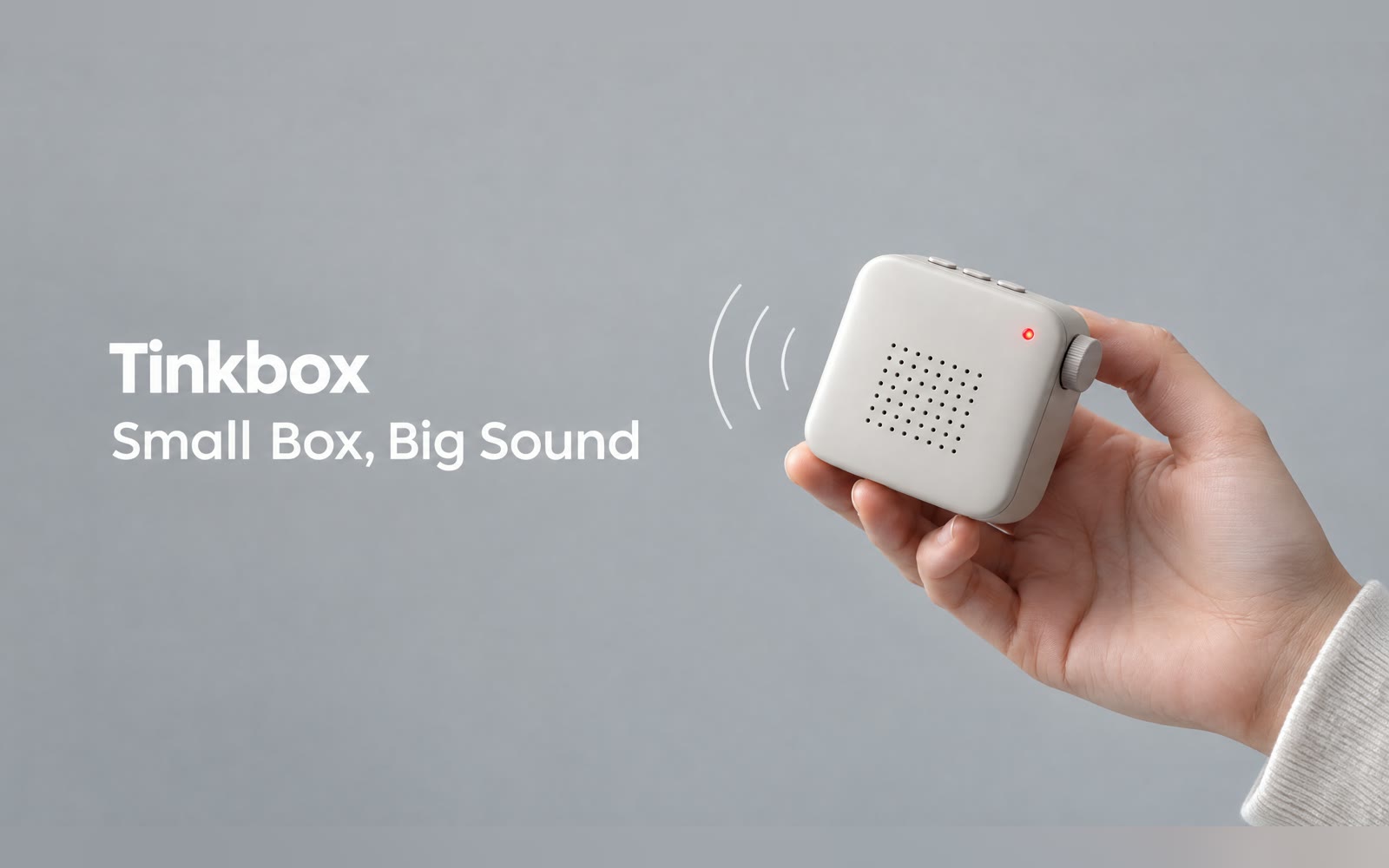
Minimal handheld product
Turn a brand, one headline and context into a high-key studio card: a softly lit hand holding an original compact pale device against a seamless gray background, with broad empty space and a tiny red light as the only accent.
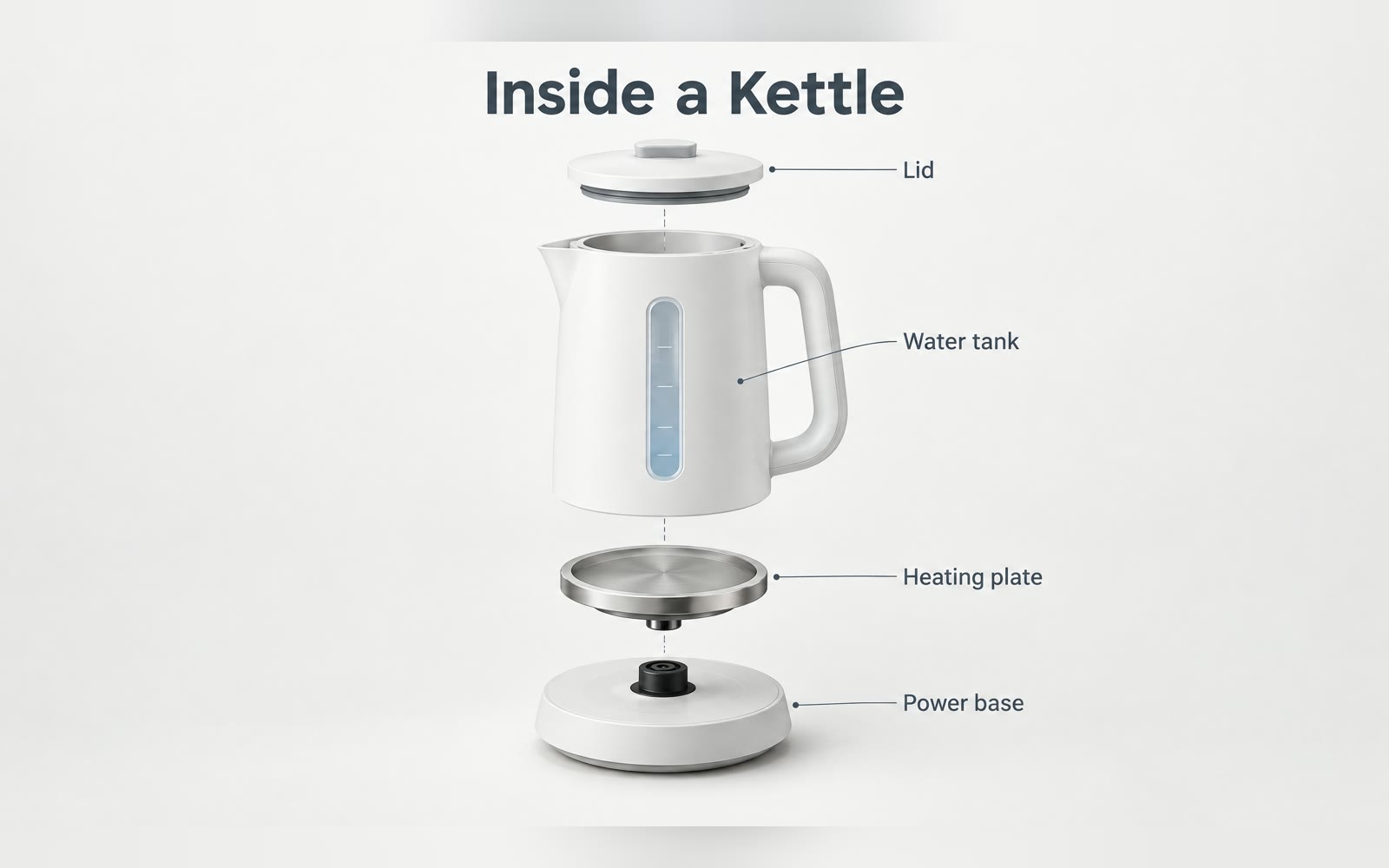
Appliance exploded poster
Turn a household appliance into a polished 16:9 exploded-view poster: part groups separated along one axis, with a title and three to five exact labels.