
Self-Planning Calendar
- Lab Skill
- v1.0.0
- Product marketing
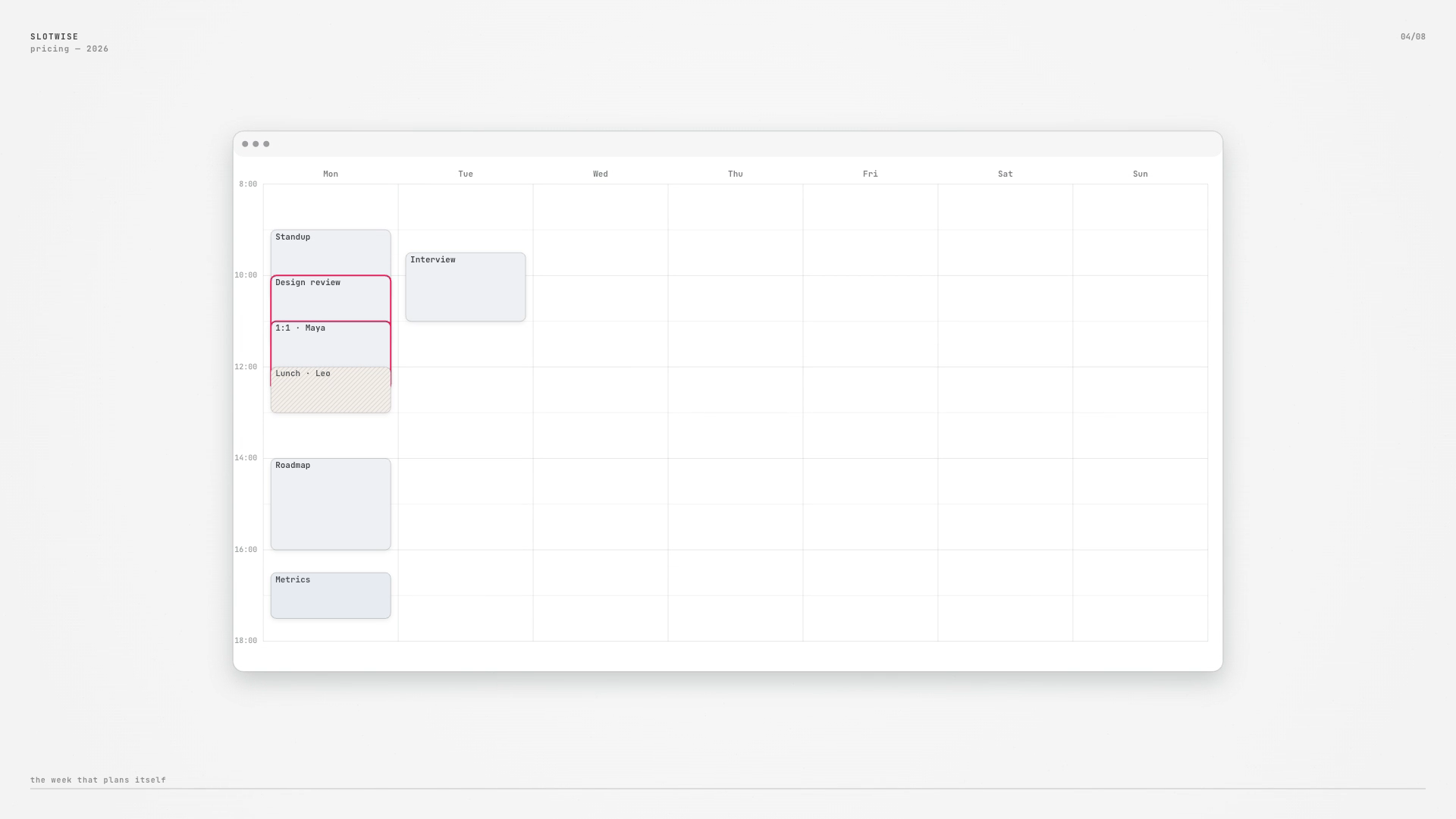
A launch film built on a self-drawn week-grid rig and a red now-line — the dot grows a calendar, meetings pile into a clashing mess, a typed prompt with live chips reshuffles the week in a 3D tilt until no clashes remain, three split close-ups show it move, then the dot lands as the period of the end line.
例 · 2
オンラインで実行
SandBase sandbox で Self-Planning Calendar のサンプルを実行し、結果をここで確認できます。
仕組み
- 01
Write the launch sheet
Self-Planning Calendar reads one sheet.json with the launch copy for hook, prompt, features, result and end card, a palette, tempo and the scene order. The events array is the messy-to-planned set: each row gives a day, start, end, title, kind, clash flag and the planned slot, or null to push it to next week. Bracketed prompt words become chips.
- 02
Mess, prompt, replan
A red dot draws the now-line and grows a seven-day calendar. Meetings pile into a clashing mess under the hook, collapse into the dot, and the app window opens to count the clashes. A prompt types itself, the send button floods the frame, and the week tilts in 3D as every event slides to its planned slot while the counter reaches none.
- 03
Close-ups and render
Three split close-ups show a move, a protect and an overrun, then the week becomes one tile in a field and the dot lands as the period of the closing line. build.mjs inlines fonts, GSAP, the engine and only the scenes used, plus a beat-locked score. render.mjs renders the MP4, then probes and fully decodes it.
FAQ
What does Self-Planning Calendar make?
Self-Planning Calendar makes a launch film for scheduling and planning tools: a messy, clashing week resolves into order after a typed prompt. The demos are two fictional products, Slotwise and Horaire. It suits self-organising product promos, upgrade teasers and any beat where a calendar sorting itself is the visual.
Does Self-Planning Calendar solve the schedule?
No. Self-Planning Calendar choreographs the replan from the events you author; it is not a solver and uses no live calendar data. Write each event's planned slot yourself, and make the result line agree with the array, because the film does not recount it.
How is Self-Planning Calendar timed?
Self-Planning Calendar ties duration to music: the length is the sum of each scene's bars times sixty over the BPM times beats per bar. Changing tempo or bars retimes the film, and the score is written to match. A contact sheet of stills can be rendered first for a quick review.
Does Self-Planning Calendar include any brand logos?
No. Self-Planning Calendar draws everything itself: the week grid, event blocks, the red now-line and dot, the prompt bar and a fictional brand mark. No external artwork or real product logo ships. Bundled fonts are open-licensed, with licences in the package.
Is Self-Planning Calendar a paid tool?
Self-Planning Calendar renders locally with a vendored GSAP and pinned HyperFrames, and uses a seeded generator so scrubbing, stepping and rendering give the same frames. It makes no model or API call, so a film is not billed. The bundled fonts, GSAP and engine are inlined into one page, so nothing is fetched at render time.
その他の Skills
すべての Product marketing Skills →
Pixel Story
Turn a product brief into a pixel film with clear actions, scene traversal and a memorable payoff.
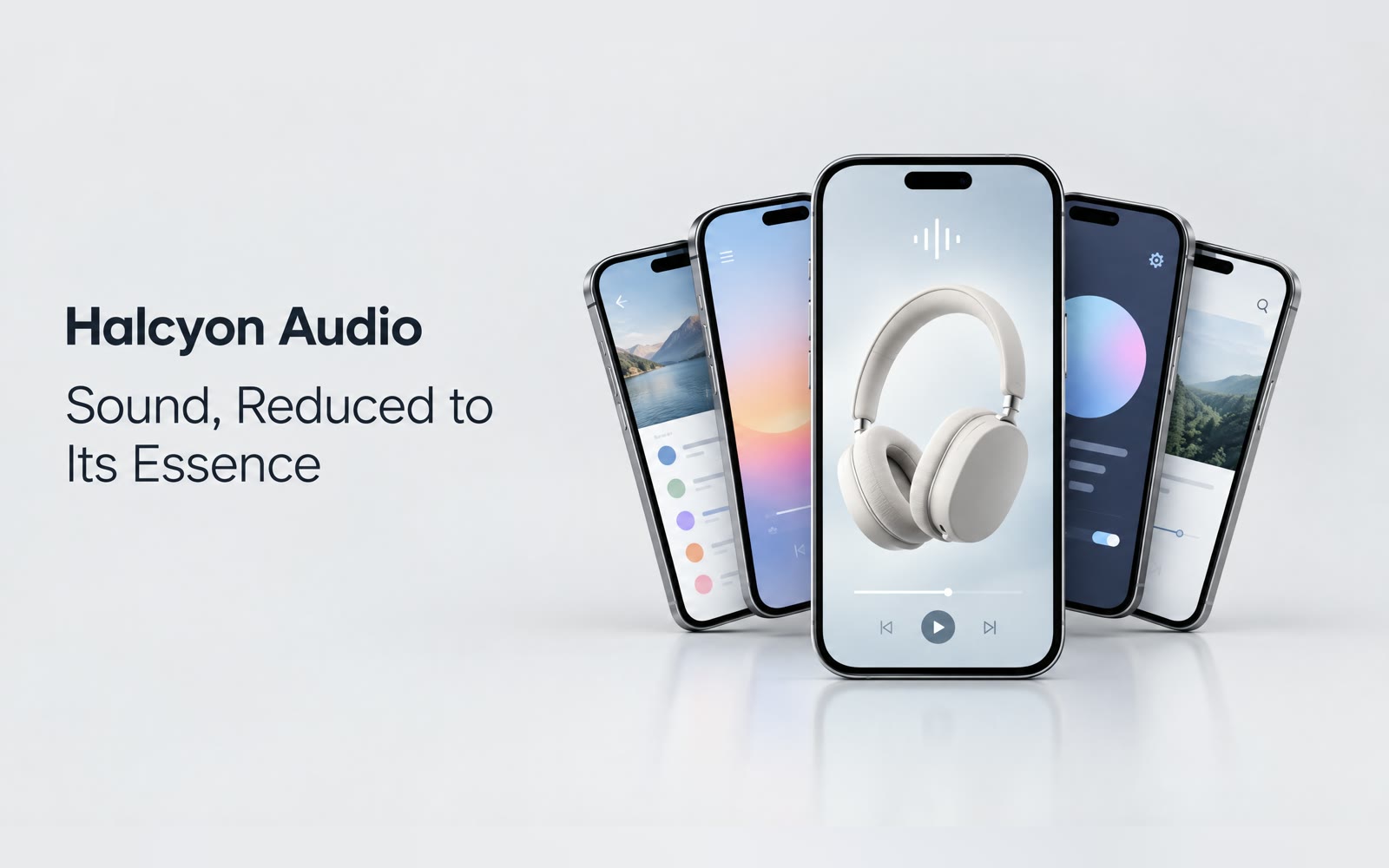
Device fan
Turn a brand, one headline and context into a calm device-showcase card.

Floating phones
Turn a brand, one headline and context into a warm-ivory card with floating phone screens and playful, friendly doodles.

Floating analytics dashboard
Turn a brand, one headline and context into a split-column card: a narrow charcoal brand column anchoring a large white analytics dashboard that floats across a vivid violet gradient field.
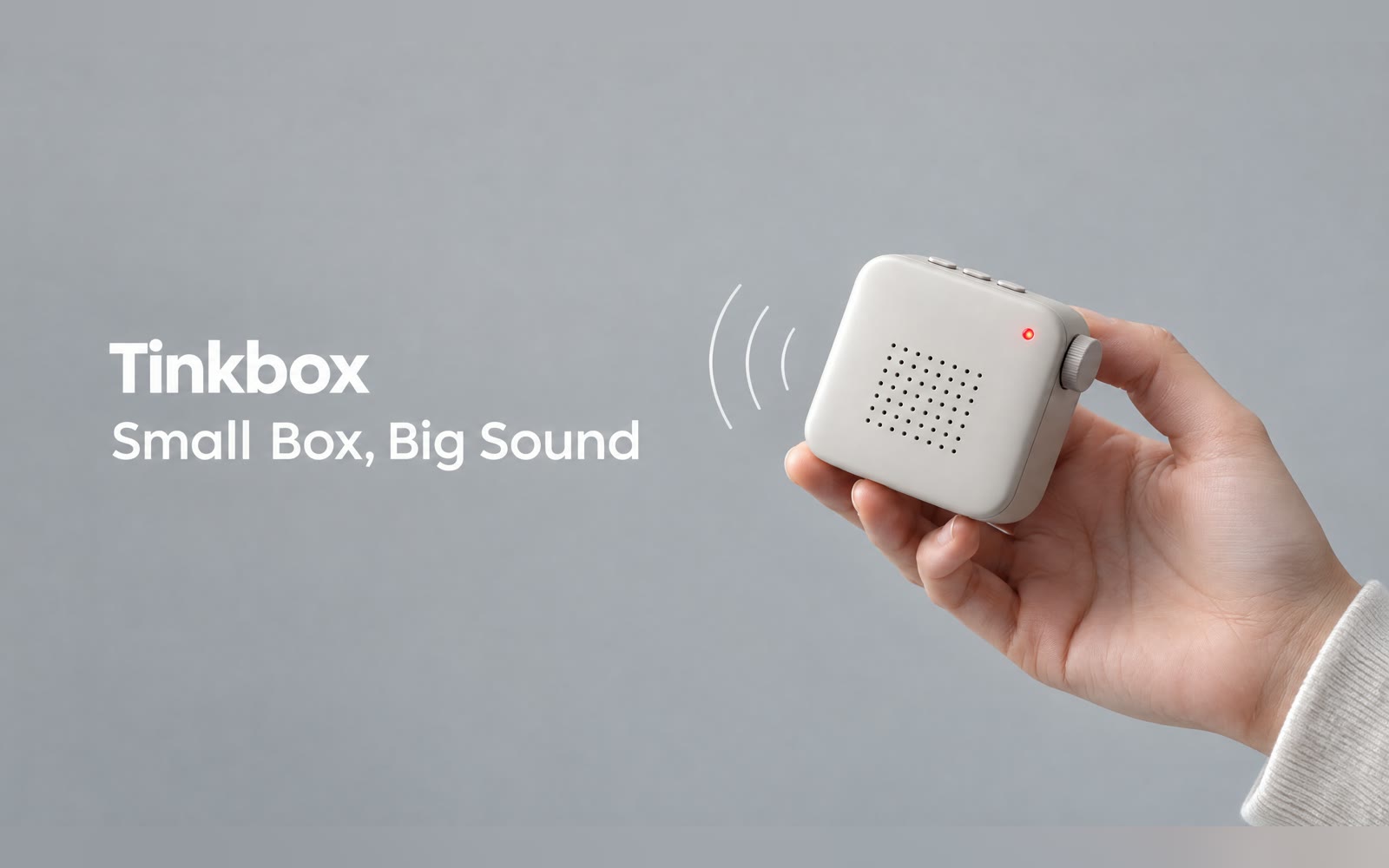
Minimal handheld product
Turn a brand, one headline and context into a high-key studio card: a softly lit hand holding an original compact pale device against a seamless gray background, with broad empty space and a tiny red light as the only accent.
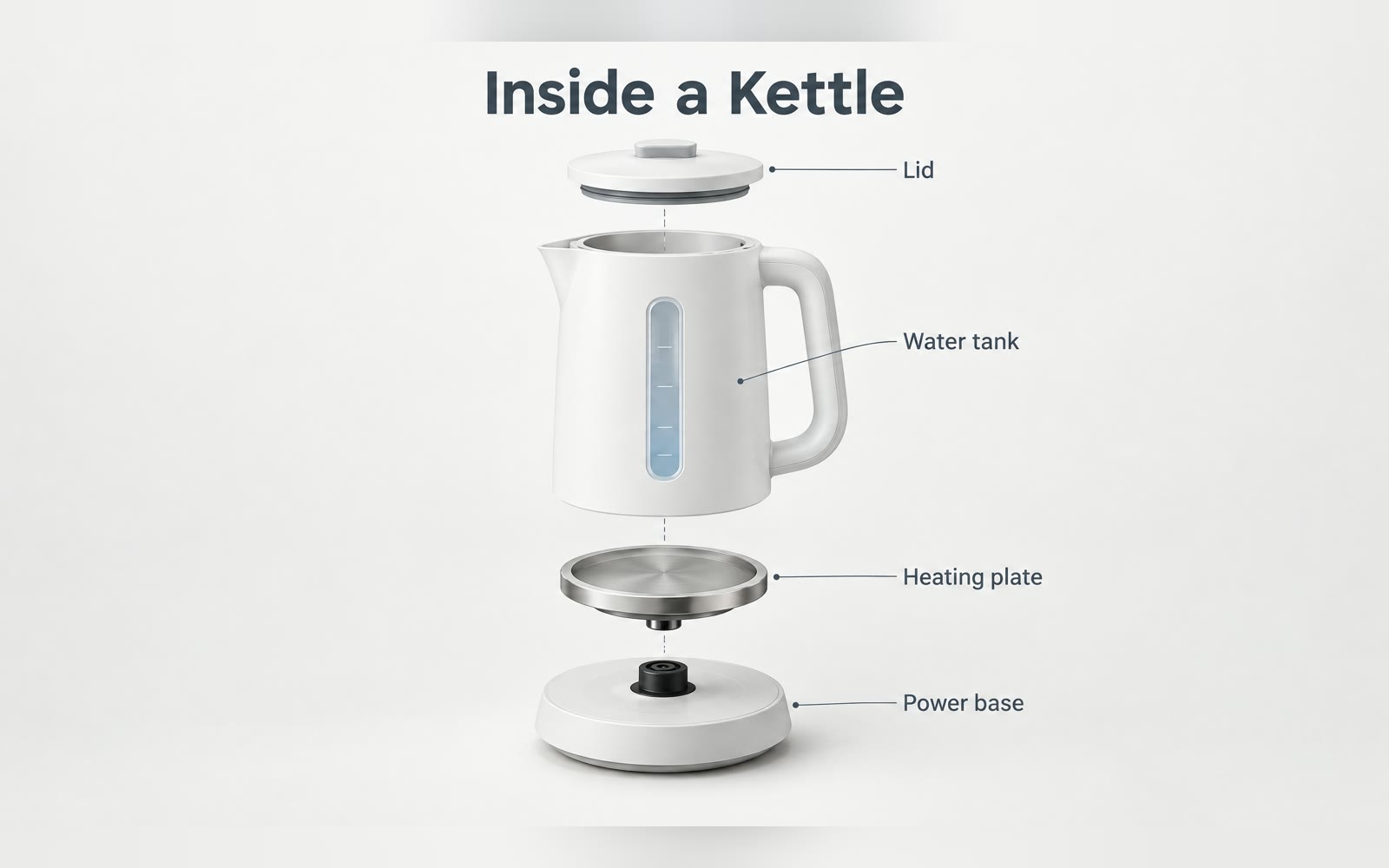
Appliance exploded poster
Turn a household appliance into a polished 16:9 exploded-view poster: part groups separated along one axis, with a title and three to five exact labels.