
Binder Cover Template
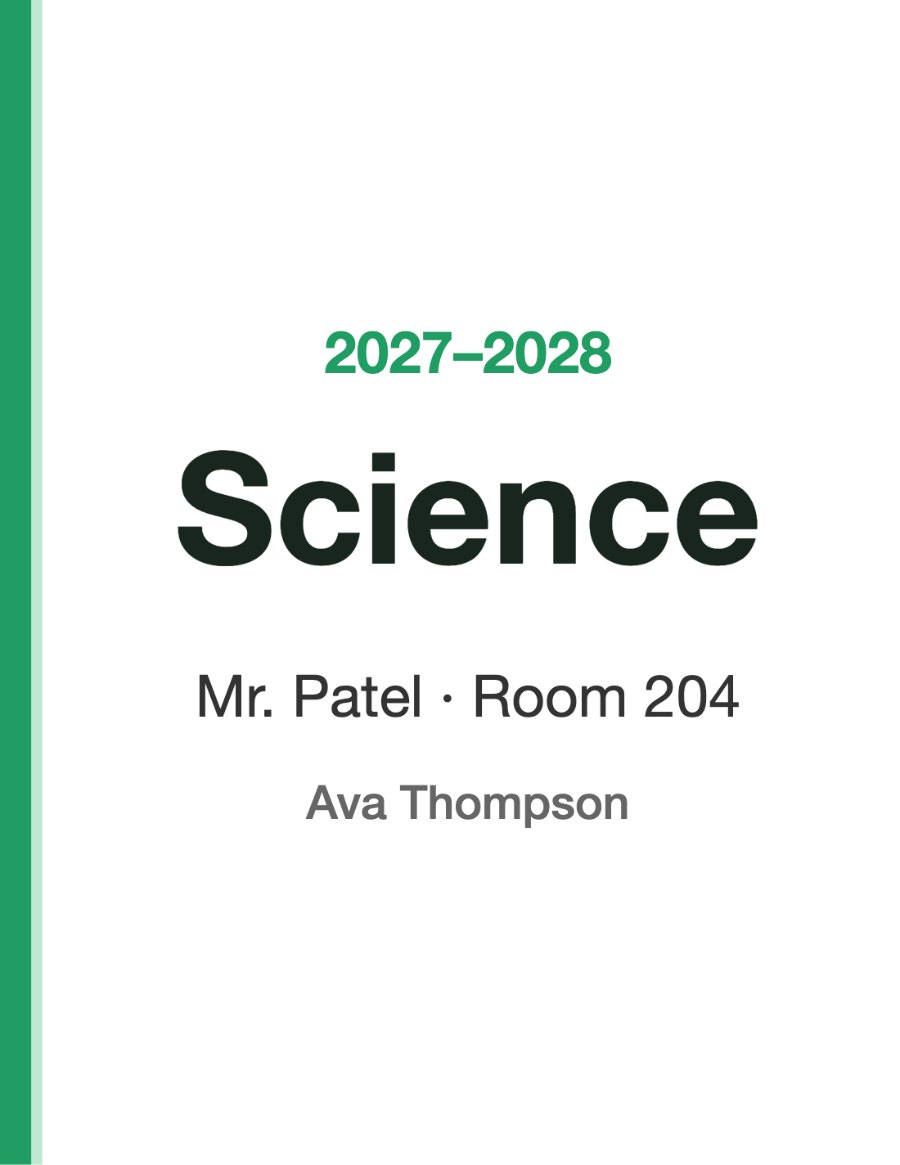
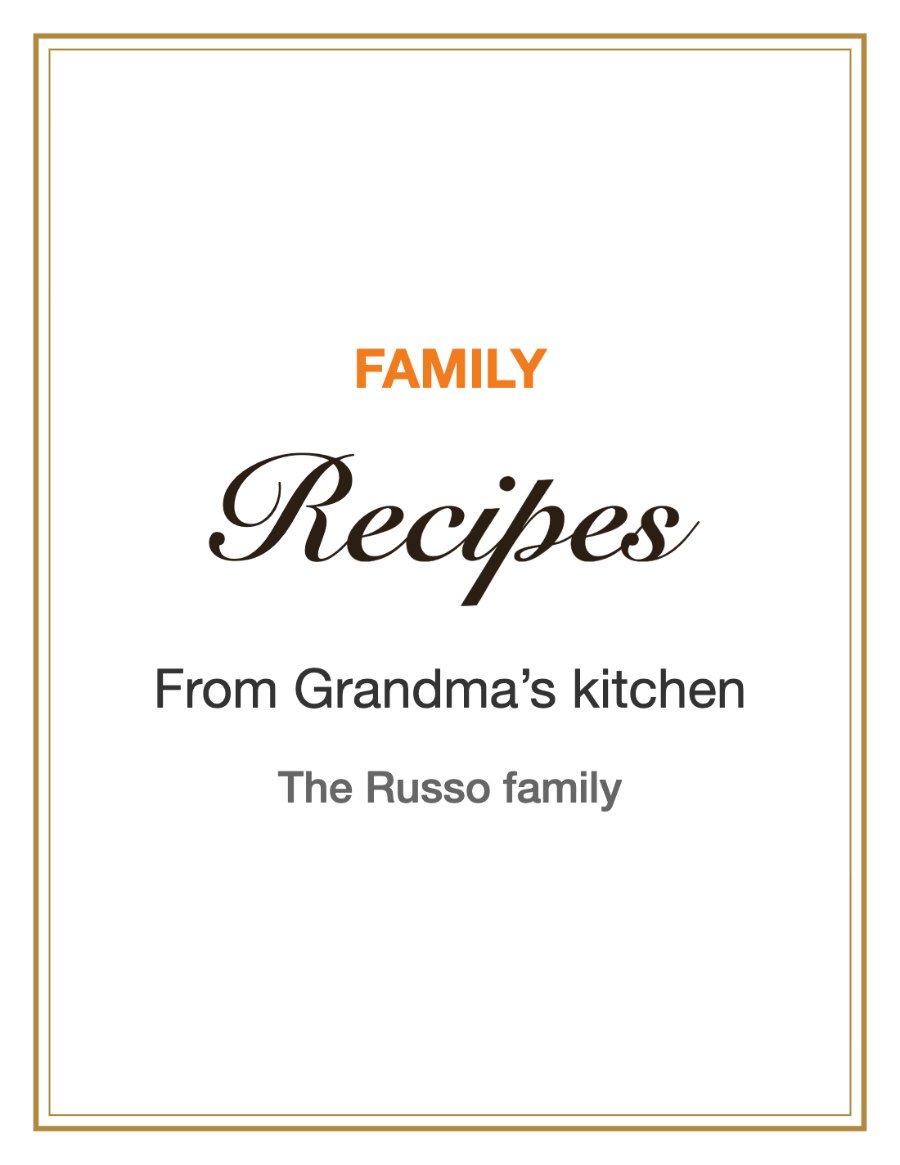
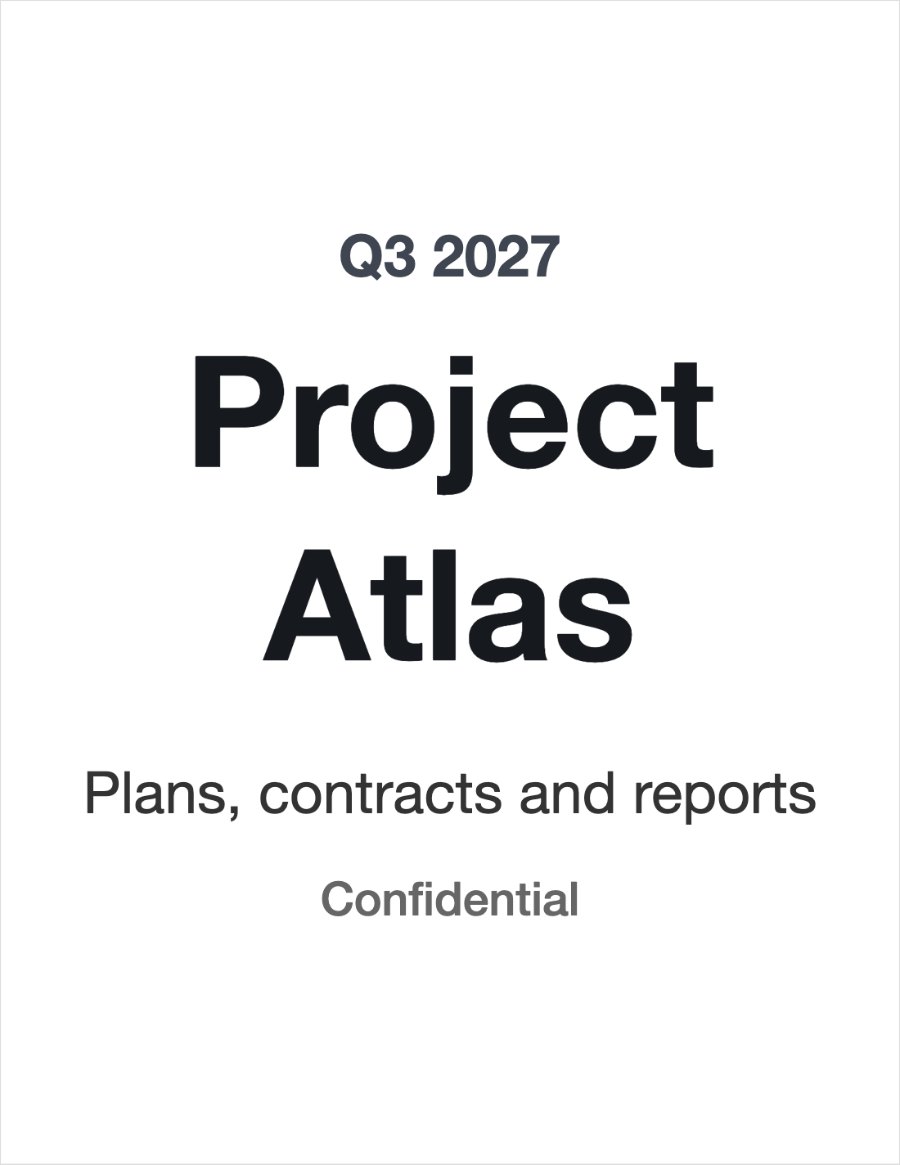
무료카드 및 라벨Type the subject or title, a line for the class or year, and your name. It prints on a full Letter or A4 page to slide into a clear binder sleeve.
- 인쇄용 PDF
- Letter 또는 A4
- 업로드된 항목 없음
Binder Cover Template 사용 방법
- 01
Type the words for the card.
- 02
Pick a style, colors and font, and add a photo if you like.
- 03
Download a print-ready PDF sheet, or a single card as a PNG.
사람들이 이 도구를 사용하는 용도
School binders
One cover per subject.
Home organization
Recipes, bills, manuals and medical records.
Work
Project binders and training manuals.
더 나은 결과를 위한 팁
- Use a different color per subject.
- Add a photo for a personal cover.
- Print on regular paper for clear binder sleeves.
- Make matching spine labels with the label tool.
FAQ
Can I make a spine label?
Use the address label template with one line, or cut a strip from the cover.
Can I add a photo?
Yes. It fills the top half of the cover.
What size is it?
A full Letter or A4 page to slide into a clear binder sleeve.
Does Binder Cover Template upload what I type?
No. Binder Cover Template draws the page in your browser from what you type, so it works offline once the page has loaded and nothing is sent anywhere.
더 많은 Tools
Business Card Template
Make a business card and print 10 on a Letter or A4 sheet.
Door Hanger Template
Printable door hangers with a handle hole, two per page.
Gift Certificate Template
Printable gift certificates with amount, to, from and expiry.
Button Badge Maker
Make round 2.25-inch button badges with text or a photo.
Birth Announcement Maker
Make a 5 × 7 baby announcement with photo, name and birth stats.
Bingo Card Maker
Print custom word or number bingo cards, each one shuffled.