
Birth Announcement Maker
무료카드 및 라벨Add the baby’s photo, name and birth details. Download it to text or post, or print a sheet of cards for family.
- 인쇄용 PDF
- Letter 또는 A4
- 업로드된 항목 없음
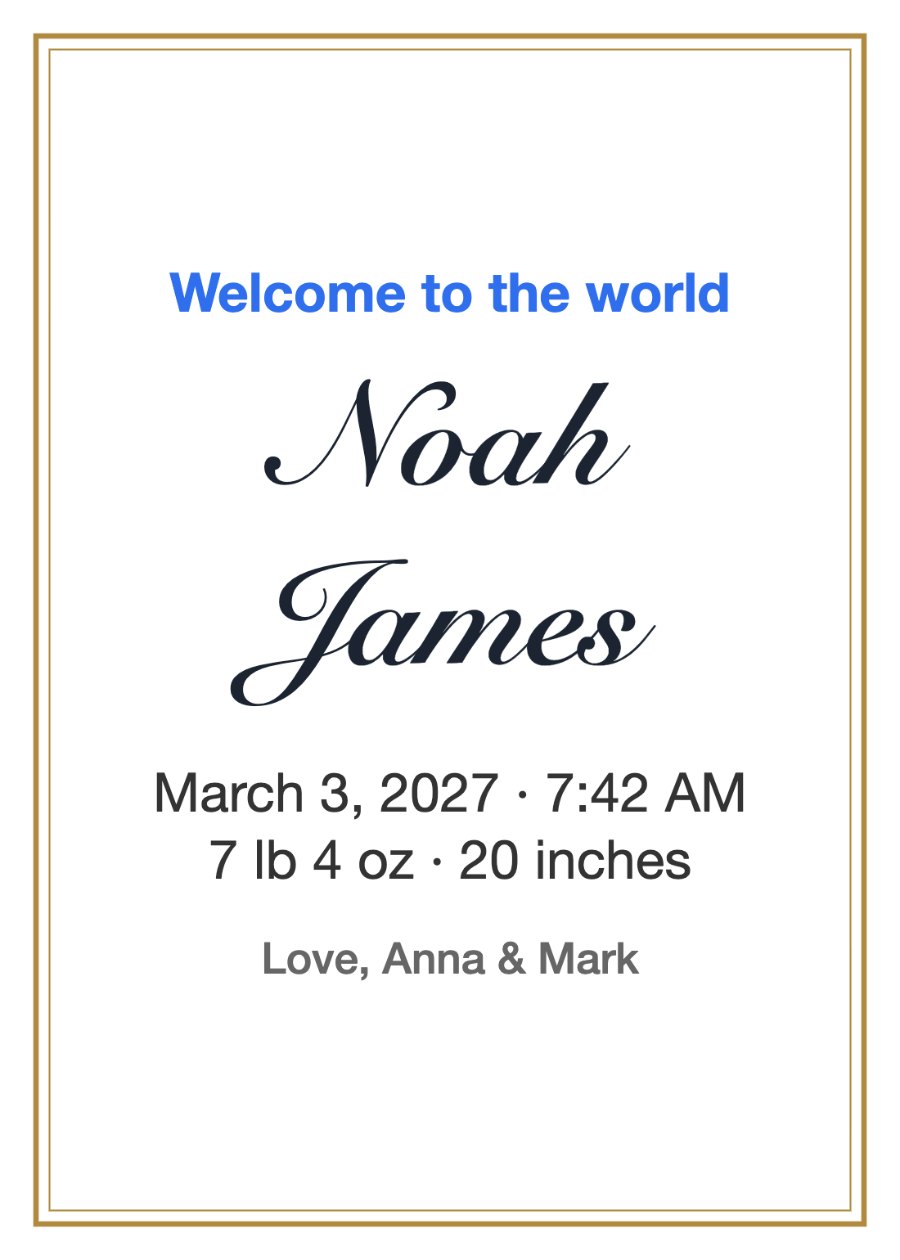
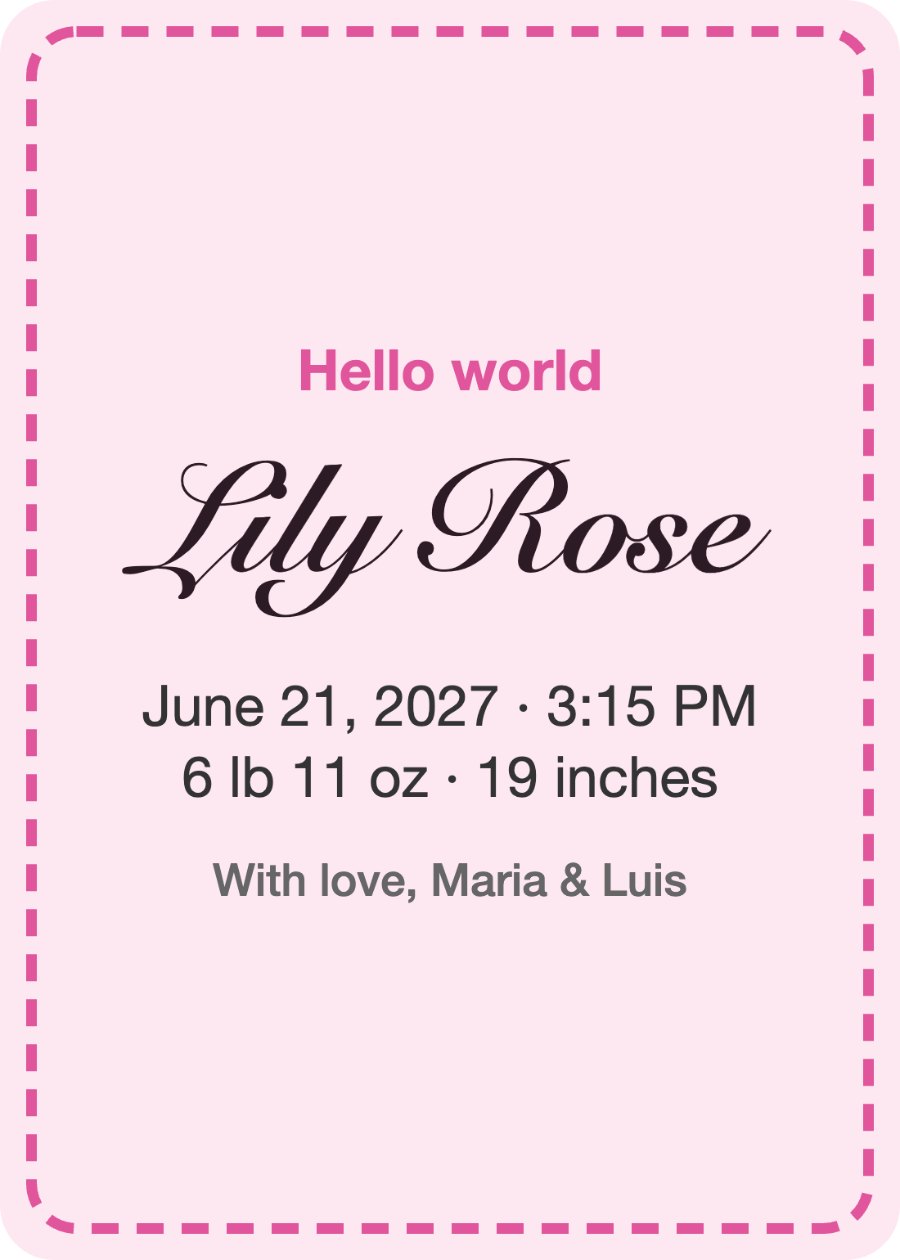
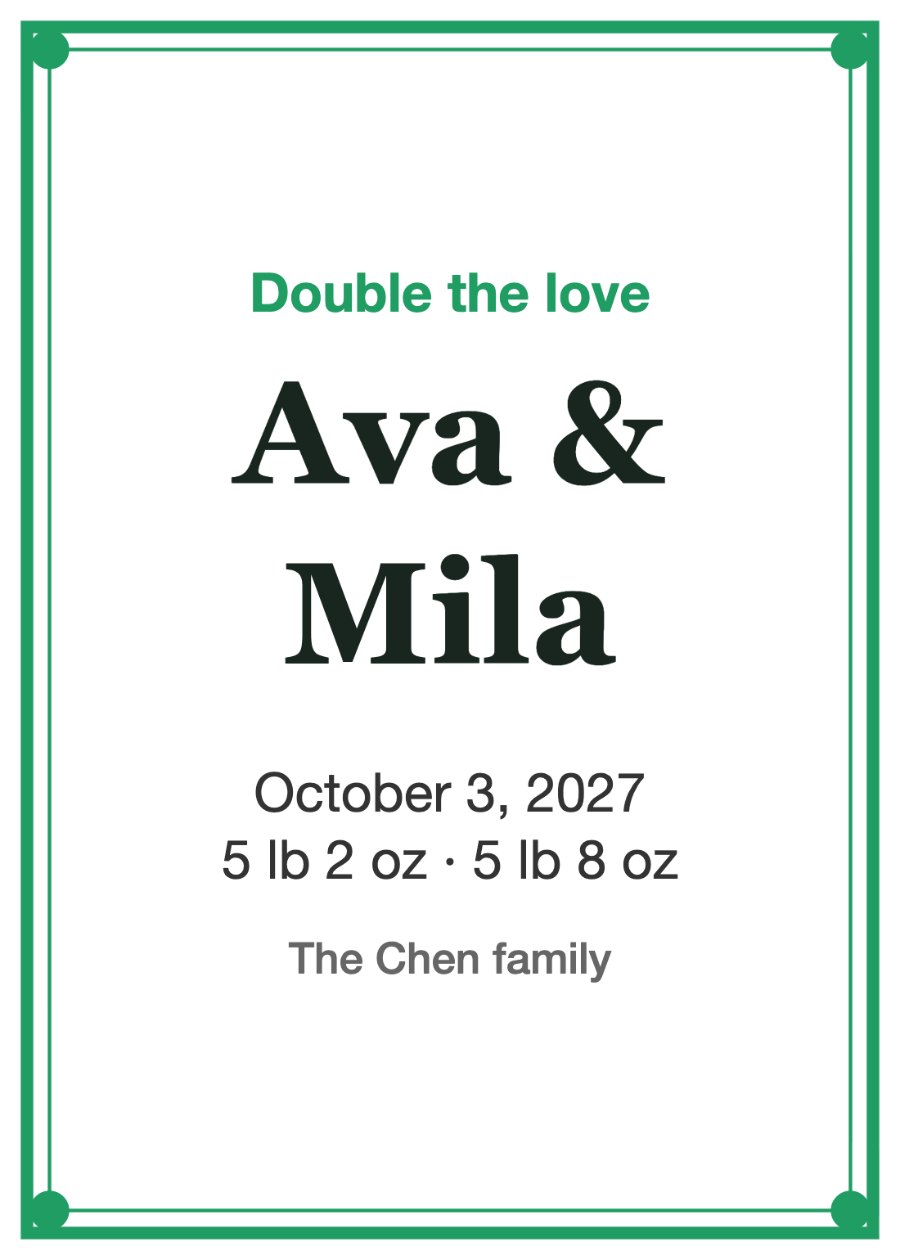
Birth Announcement Maker 사용 방법
- 01
Type the words for the card.
- 02
Pick a style, colors and font, and add a photo if you like.
- 03
Download a print-ready PDF sheet, or a single card as a PNG.
사람들이 이 도구를 사용하는 용도
Mailing to family
Print and send to relatives.
Social posts
Download a PNG to share online.
Baby books
A keepsake for the first page.
더 나은 결과를 위한 팁
- Add a photo; it fills the top half.
- Include time, weight and length.
- Print on 5 × 7 card stock.
- Mail within the first few months.
FAQ
What goes on a birth announcement?
The name, date and time of birth, weight and length, a photo, and the parents’ names.
What size is it?
5 × 7 inches, which fits A7 envelopes.
When should I send announcements?
Usually within the first two or three months.
Does Birth Announcement Maker upload what I type?
No. Birth Announcement Maker draws the page in your browser from what you type, so it works offline once the page has loaded and nothing is sent anywhere.
더 많은 Tools
Button Badge Maker
Make round 2.25-inch button badges with text or a photo.
Binder Cover Template
A full-page binder cover with a title, subtitle and name.
Business Card Template
Make a business card and print 10 on a Letter or A4 sheet.
Coupon Maker
Make printable coupons with an offer, details and expiry.
Door Hanger Template
Printable door hangers with a handle hole, two per page.
Boarding Pass Maker
Make a pretend boarding pass to reveal a surprise trip.