
Button Badge Maker
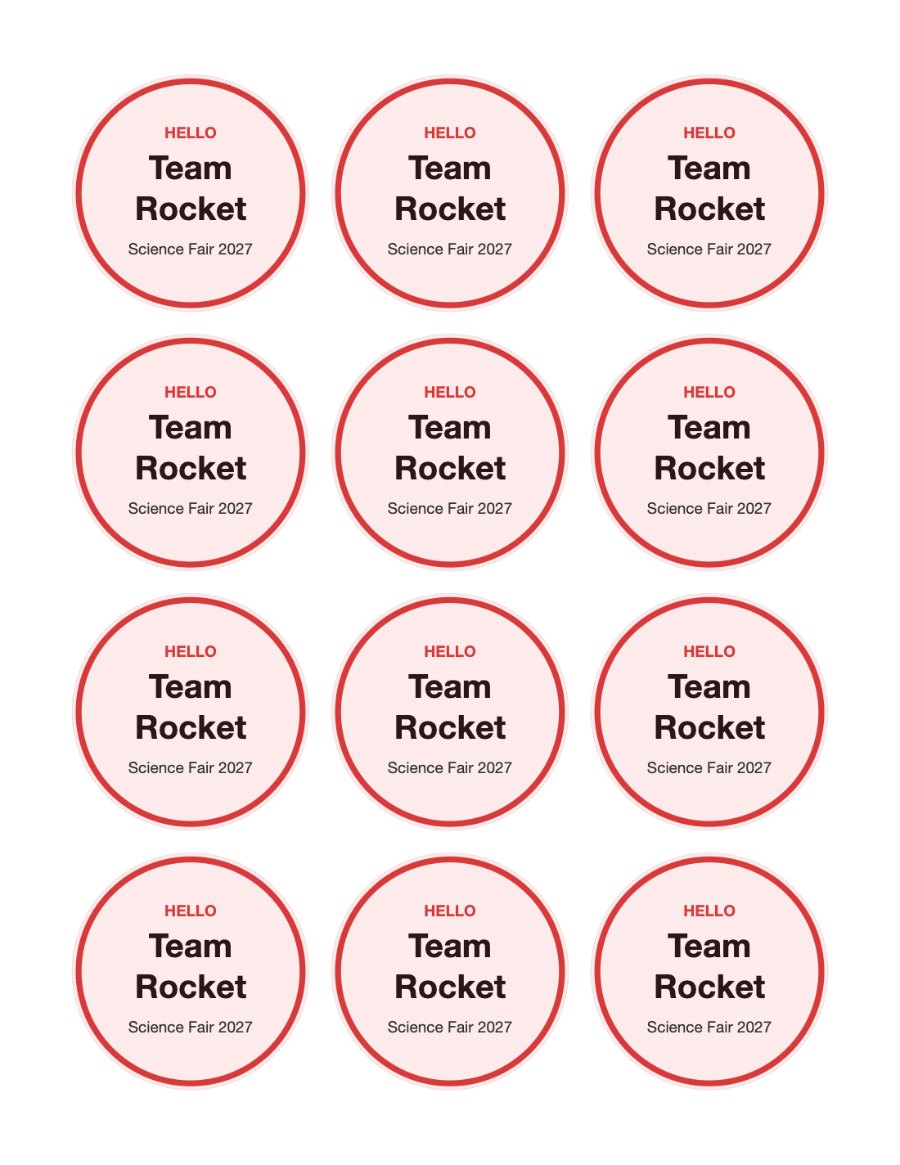
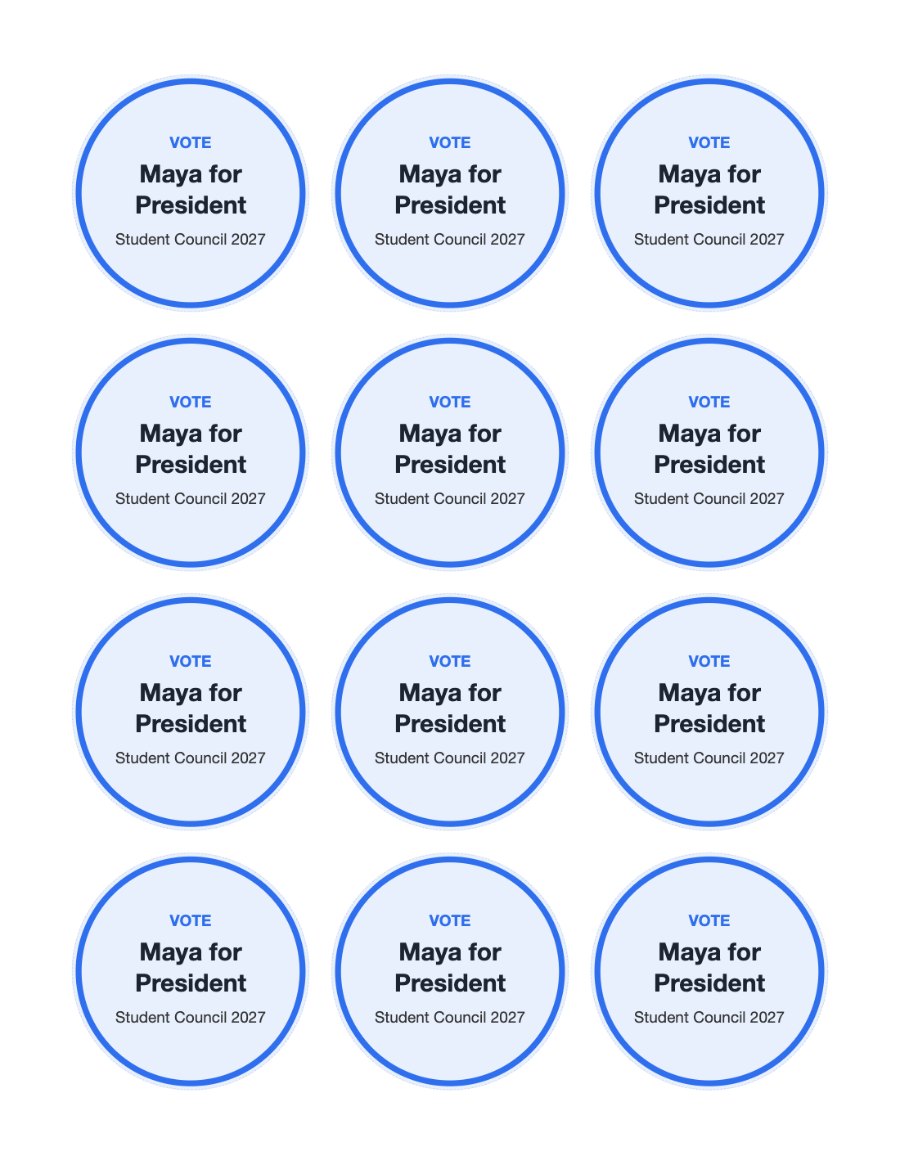
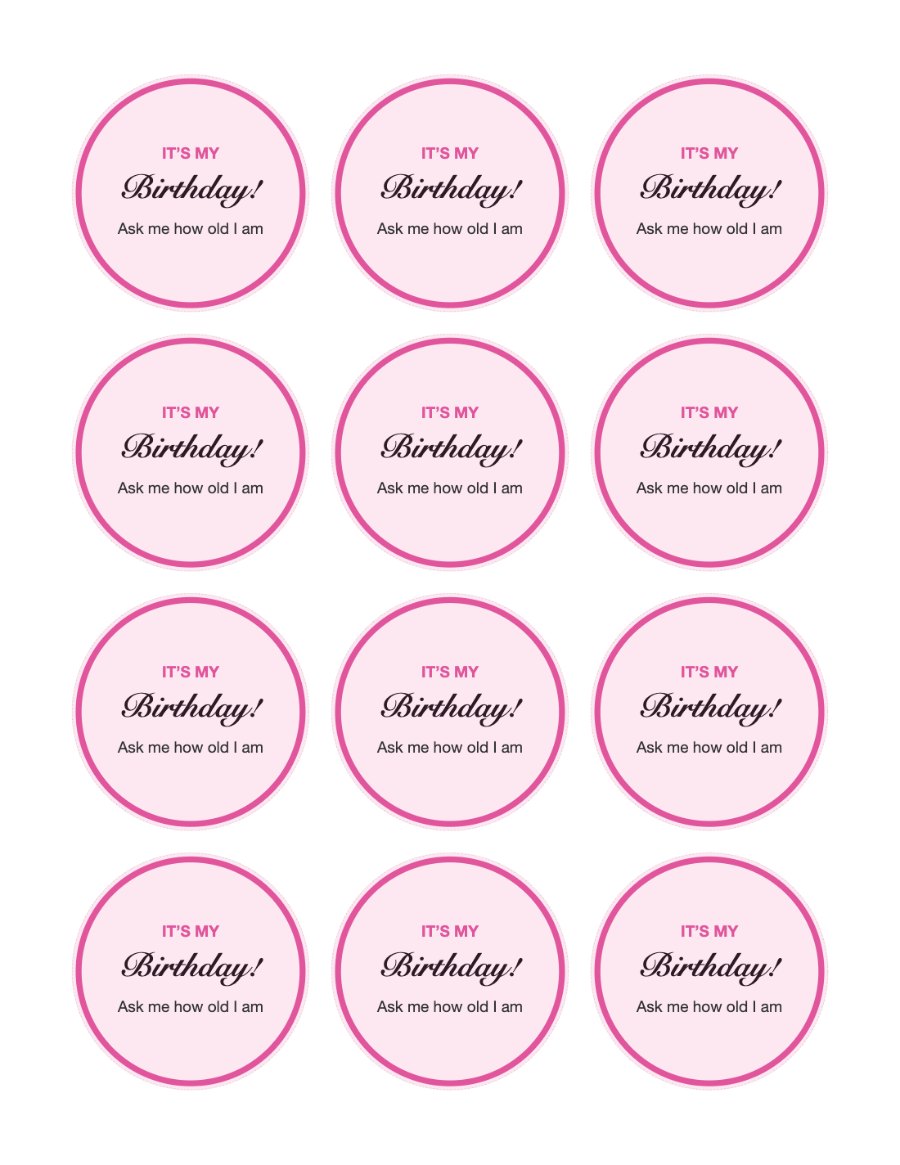
무료카드 및 라벨Type the words or add a photo. Each badge is a 2.25 inch circle with the cut line shown, so it fits standard button makers, or cut them out as stickers.
- 인쇄용 PDF
- Letter 또는 A4
- 업로드된 항목 없음
Button Badge Maker 사용 방법
- 01
Type the words for the card.
- 02
Pick a style, colors and font, and add a photo if you like.
- 03
Download a print-ready PDF sheet, or a single card as a PNG.
사람들이 이 도구를 사용하는 용도
Events and teams
Matching buttons for a group.
School elections
Campaign buttons for candidates.
Parties
Birthday, bachelorette and reunion badges.
더 나은 결과를 위한 팁
- Cut along the dashed outer ring for 2.25" button makers.
- Keep the text inside the inner circle.
- Use short words; buttons are small.
- Print on 20 lb paper for most button presses.
FAQ
What size are the badges?
2.25 inches across, the most common button maker size.
Can I use a photo?
Yes. Add one and the text moves to a dark band at the bottom.
What size are these badges?
2.25 inches across, with the cut line shown.
Can I print them as stickers?
Yes. Print on round sticker sheets or plain sticker paper and cut out.
Does Button Badge Maker upload what I type?
No. Button Badge Maker draws the page in your browser from what you type, so it works offline once the page has loaded and nothing is sent anywhere.
더 많은 Tools
Binder Cover Template
A full-page binder cover with a title, subtitle and name.
Birth Announcement Maker
Make a 5 × 7 baby announcement with photo, name and birth stats.
Business Card Template
Make a business card and print 10 on a Letter or A4 sheet.
Coupon Maker
Make printable coupons with an offer, details and expiry.
Door Hanger Template
Printable door hangers with a handle hole, two per page.
Employee ID Card Maker
Make a staff ID badge with photo, title and employee number.