
Luggage Tag Maker
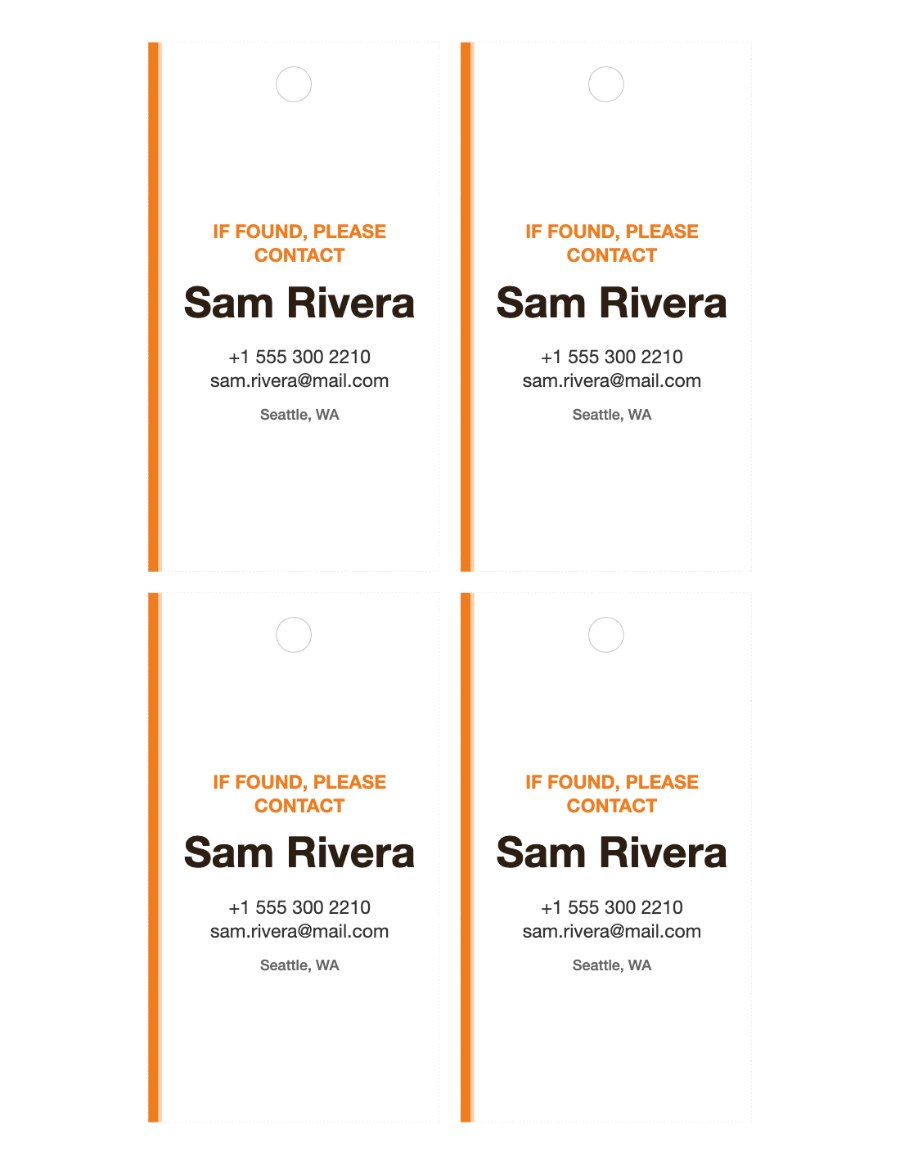
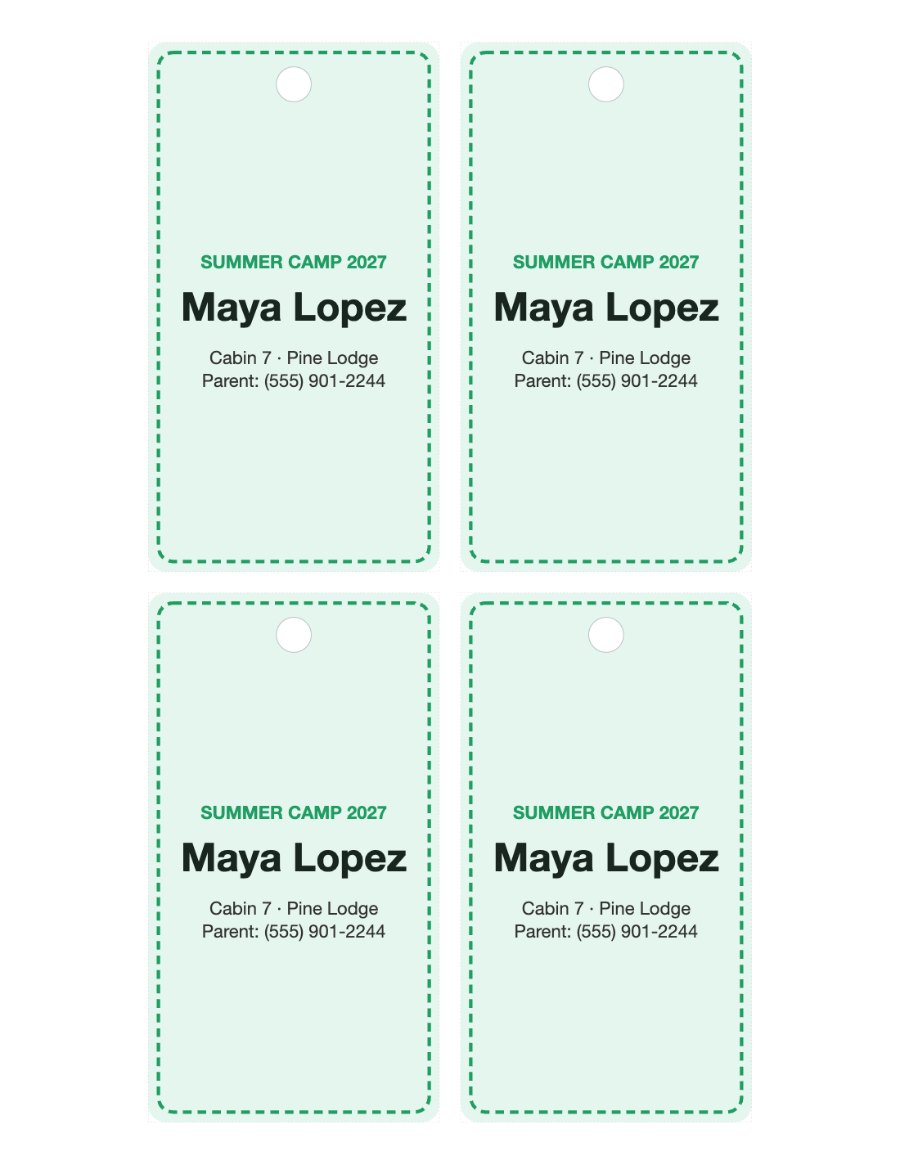
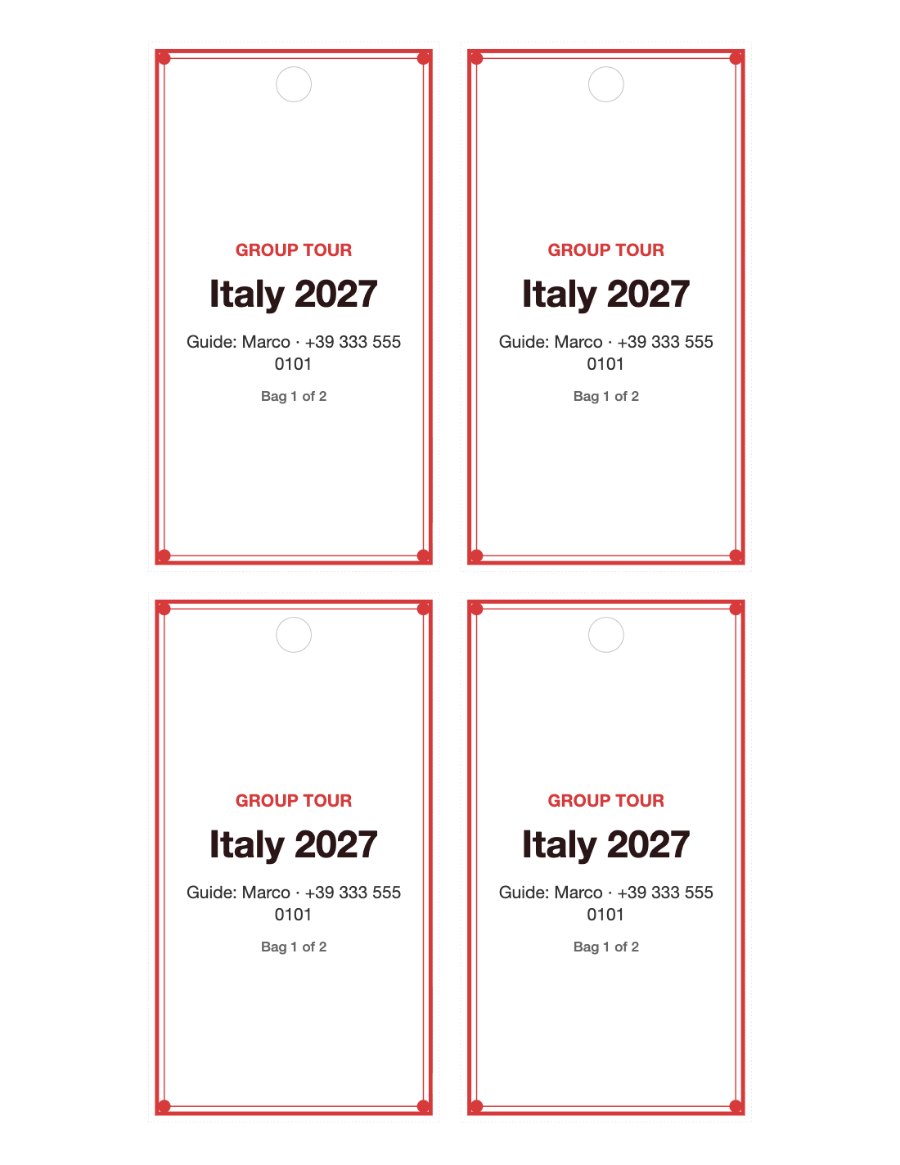
무료카드 및 라벨Type your name and how to reach you. Tags print 2.75 × 5 inches with a strap hole; laminate them or use a clear tag holder.
- 인쇄용 PDF
- Letter 또는 A4
- 업로드된 항목 없음
Luggage Tag Maker 사용 방법
- 01
Type the words for the card.
- 02
Pick a style, colors and font, and add a photo if you like.
- 03
Download a print-ready PDF sheet, or a single card as a PNG.
사람들이 이 도구를 사용하는 용도
Travel
A tag for every bag.
Camps and school trips
Names and cabins on kids’ bags.
Group tours
Matching tags for a group.
더 나은 결과를 위한 팁
- Use only phone and email for privacy.
- Laminate or use a clear holder.
- Put a copy inside the bag too.
- Use a bright color to spot your bag fast.
FAQ
Should I put my home address?
Many travelers use only a phone and email so the bag does not show when the house is empty.
Will paper tags last?
Laminate them or slip them into a plastic tag holder.
Should I put my address?
Many travelers leave it off so the bag does not show the house is empty.
How many fit?
Four 2.75 × 5 inch tags per page.
Does Luggage Tag Maker upload what I type?
No. Luggage Tag Maker draws the page in your browser from what you type, so it works offline once the page has loaded and nothing is sent anywhere.
더 많은 Tools
Gift Tag Maker
Printable gift tags with names, a message and a ribbon hole.
Name Tag Maker
Print name tags with a big name and a small second line.
Price Tag Maker
Print hang-on price tags with price, item and size.
Button Badge Maker
Make round 2.25-inch button badges with text or a photo.
Binder Cover Template
A full-page binder cover with a title, subtitle and name.
Menu Template
A printable menu with sections, prices and descriptions.