
GPT Image API
GPT Image by OpenAI generates and edits images with precise instruction following. Choose Sunburst for fidelity, Flare for speed, or GPT Image 2 for established workflows.
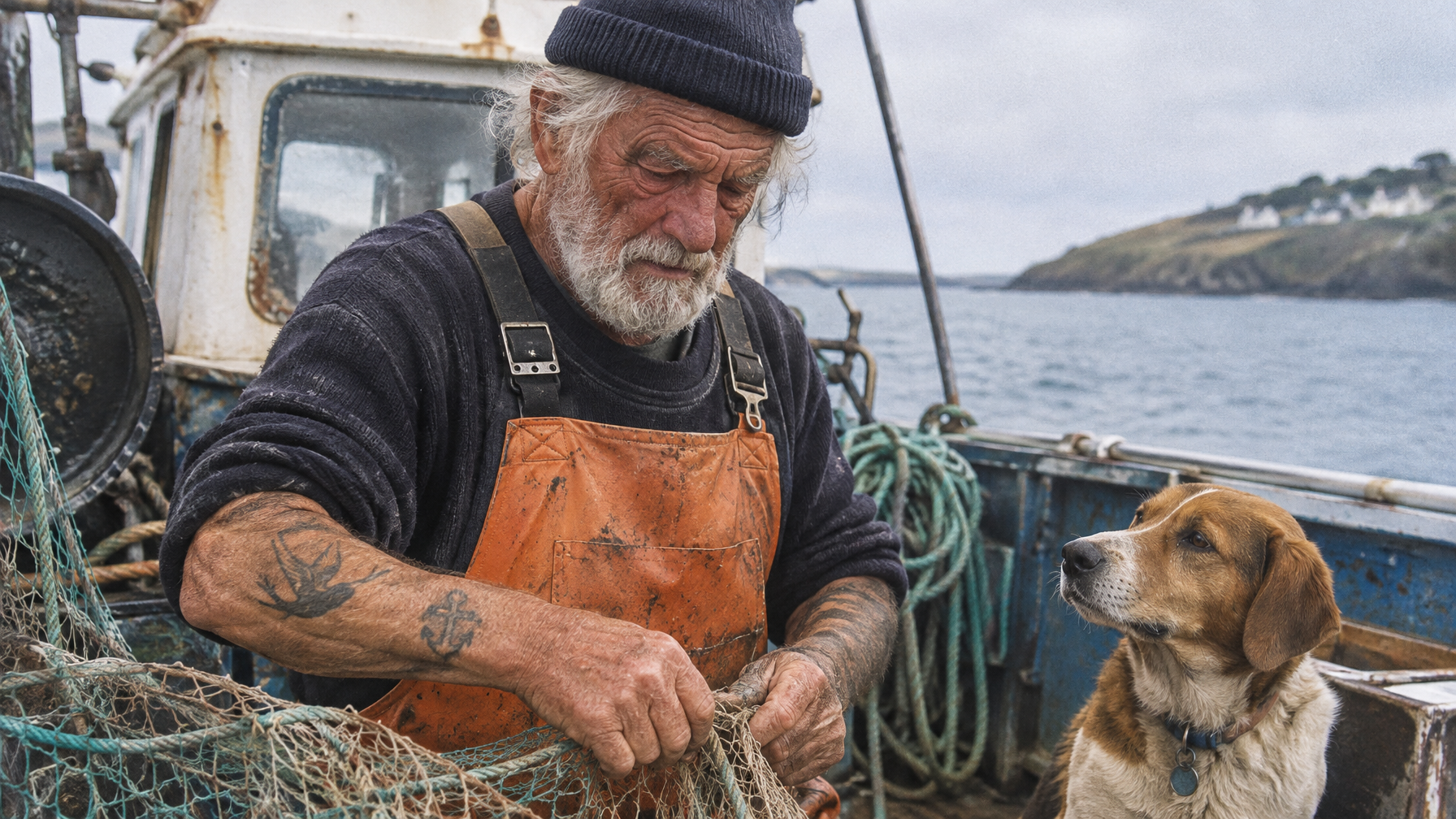
Explore the model lineup
Preview the output style, compare capabilities, then open any model for full specs, pricing, and a live Playground.

GPT Image 2.5 Flare Text to Image
GPT Image 2.5 Flare is optimized for fast, high-quality image generation for everyday creative workflows.

GPT Image 2.5 Flare Edit
GPT Image 2.5 Flare Edit is optimized for fast, high-quality image editing and multi-image composition.
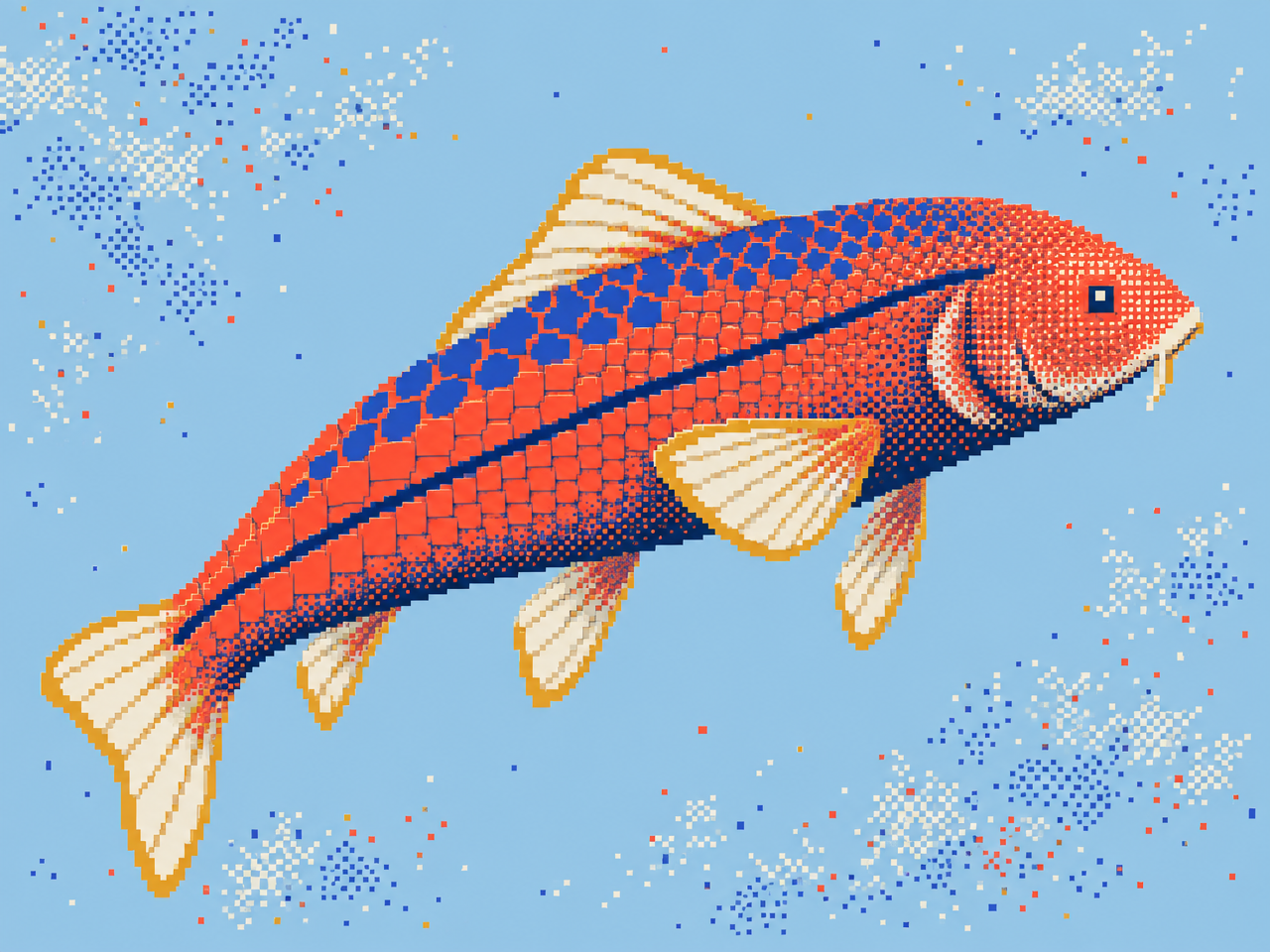
GPT Image 2.5 Sunburst Text to Image
GPT Image 2.5 Sunburst prioritizes visual fidelity and precision for complex image generation workflows.
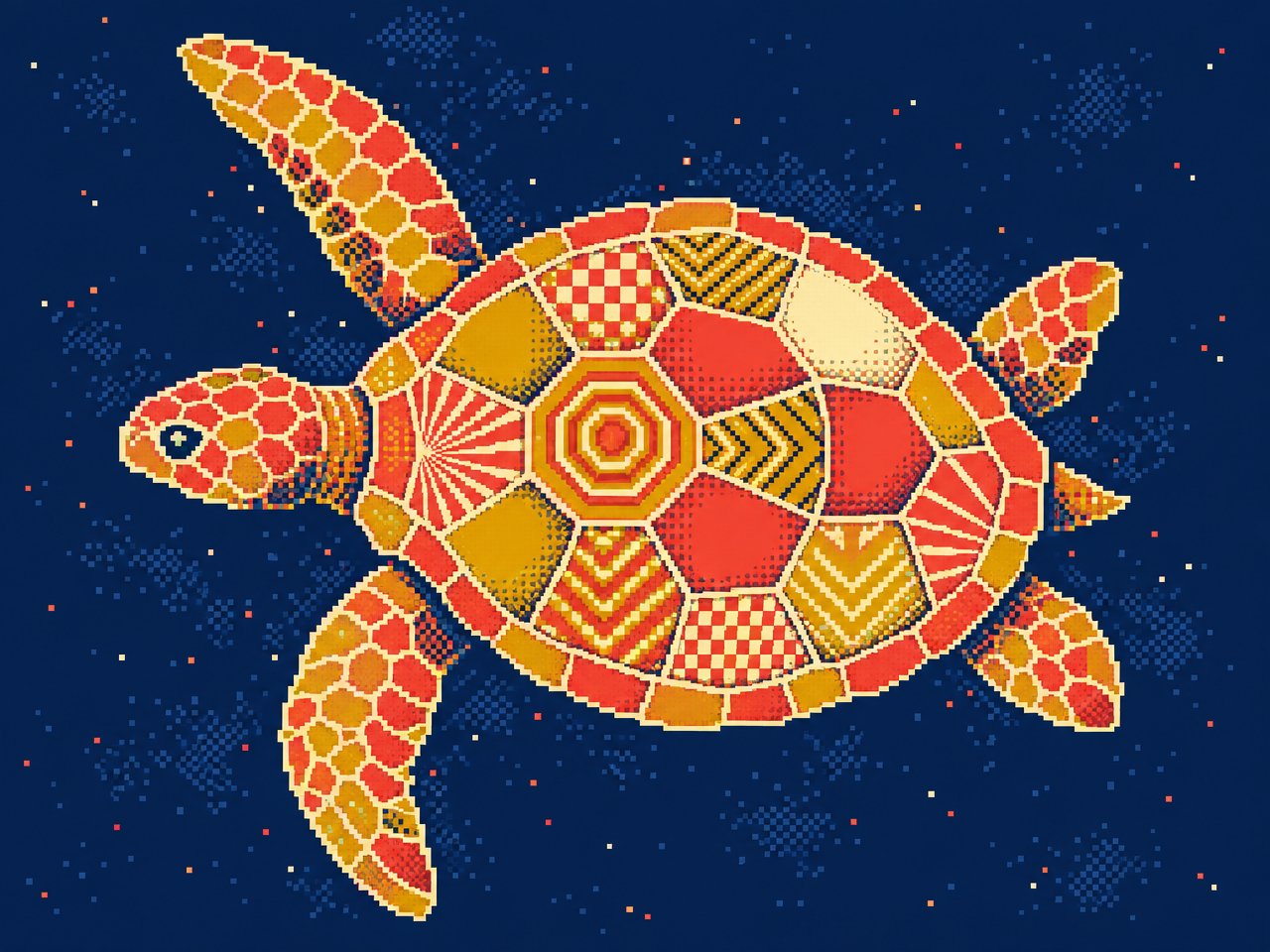
GPT Image 2.5 Sunburst Edit
GPT Image 2.5 Sunburst Edit prioritizes precision and visual fidelity for complex image editing workflows.

GPT Image 2 Text to Image
GPT Image 2, OpenAI's latest image model, is capable of making fine-grained, detailed edits to images.
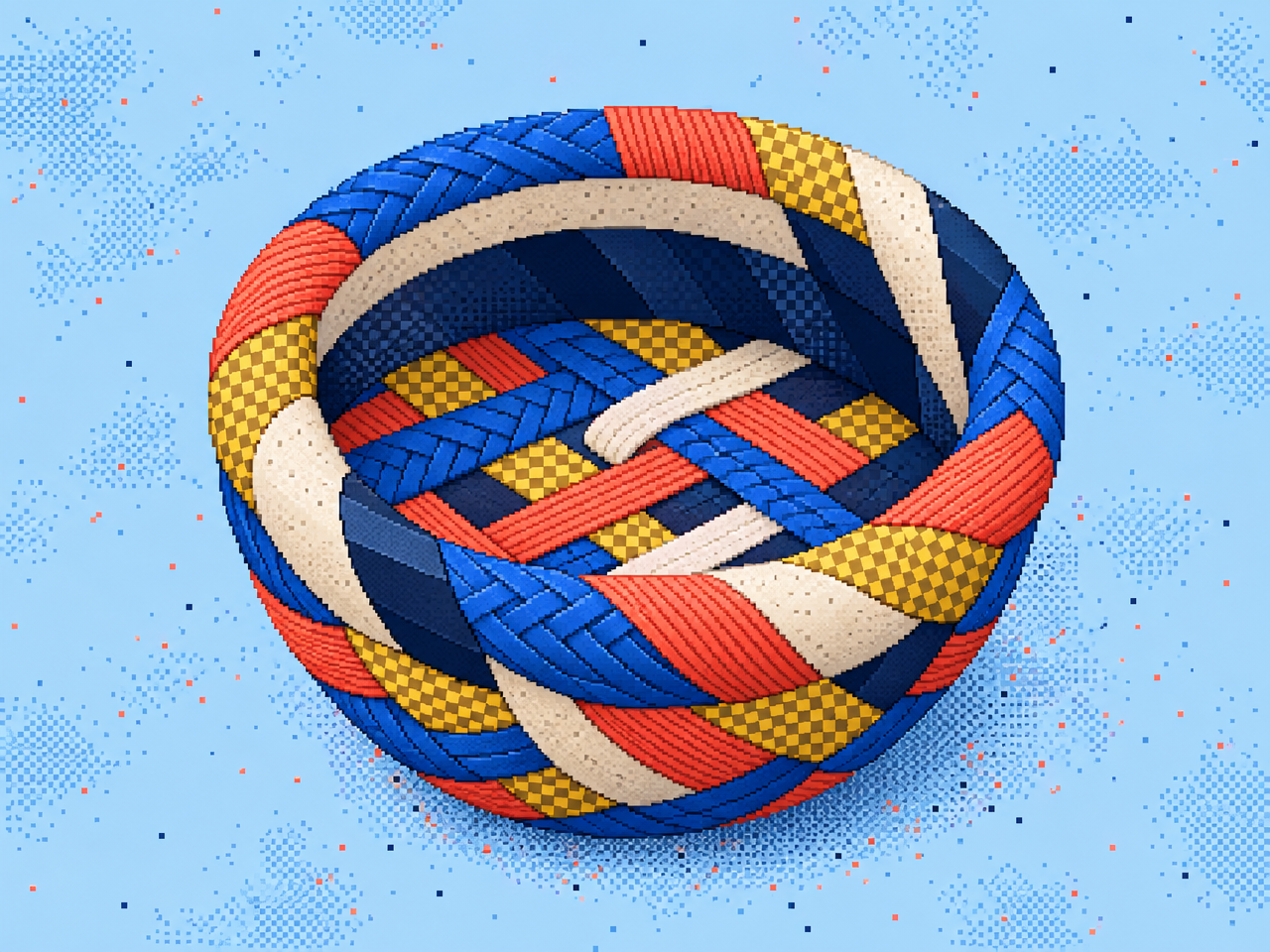
GPT Image 2 Edit
GPT Image 2 Editing supports image editing and multi-image synthesis with high-quality results.

GPT Image 2.6 Flare Text to Image
GPT Image 2.6 Flare is optimized for fast, high-quality image generation, with improved layout quality for posters, product imagery, and other professional visuals.

GPT Image 2.6 Sunburst Text to Image
GPT Image 2.6 Sunburst prioritizes detail and precision for complex image generation workflows.
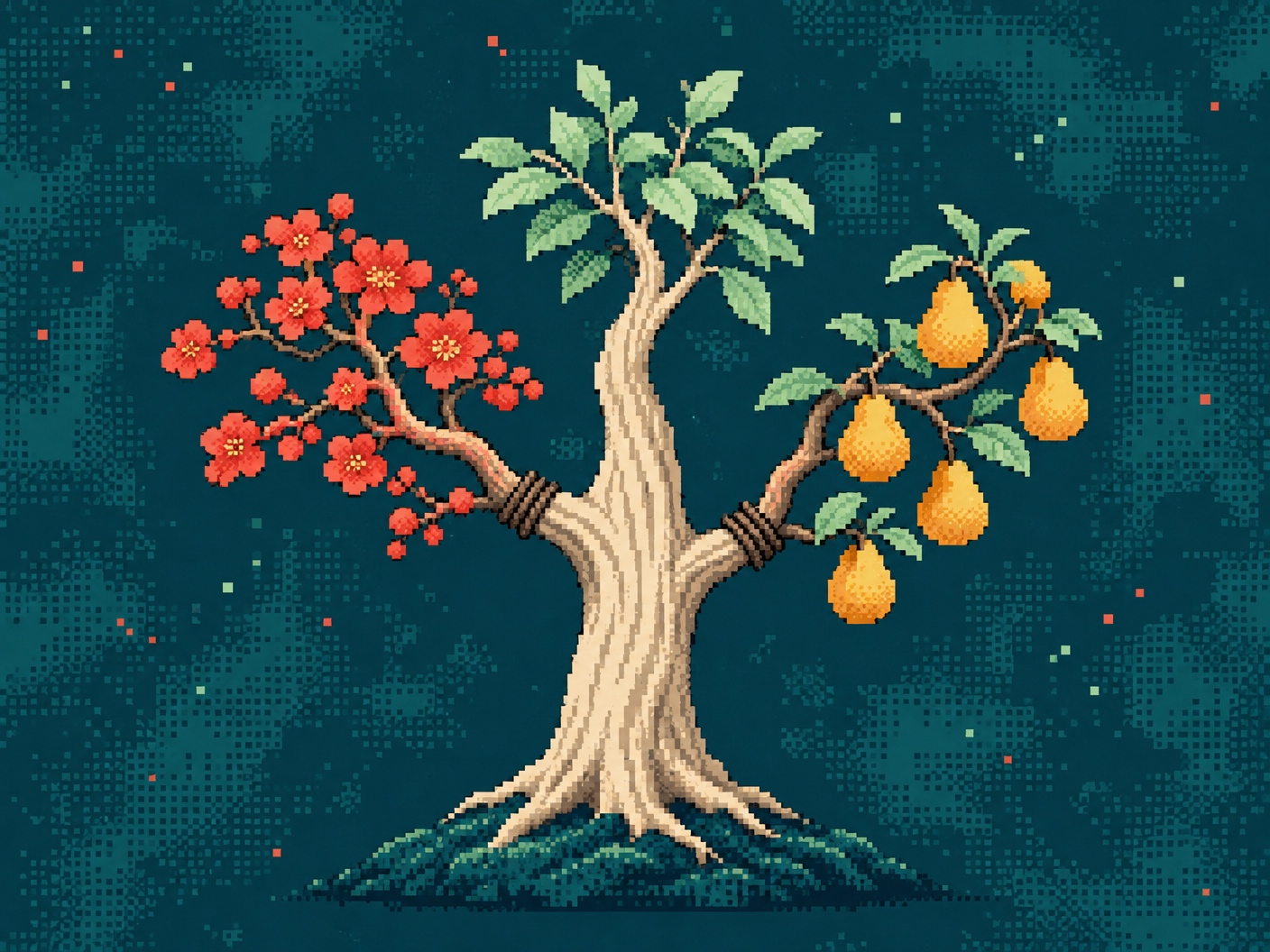
GPT Image 2.6 Flare Edit
GPT Image 2.6 Flare Edit is optimized for fast, high-quality image editing and multi-image composition.
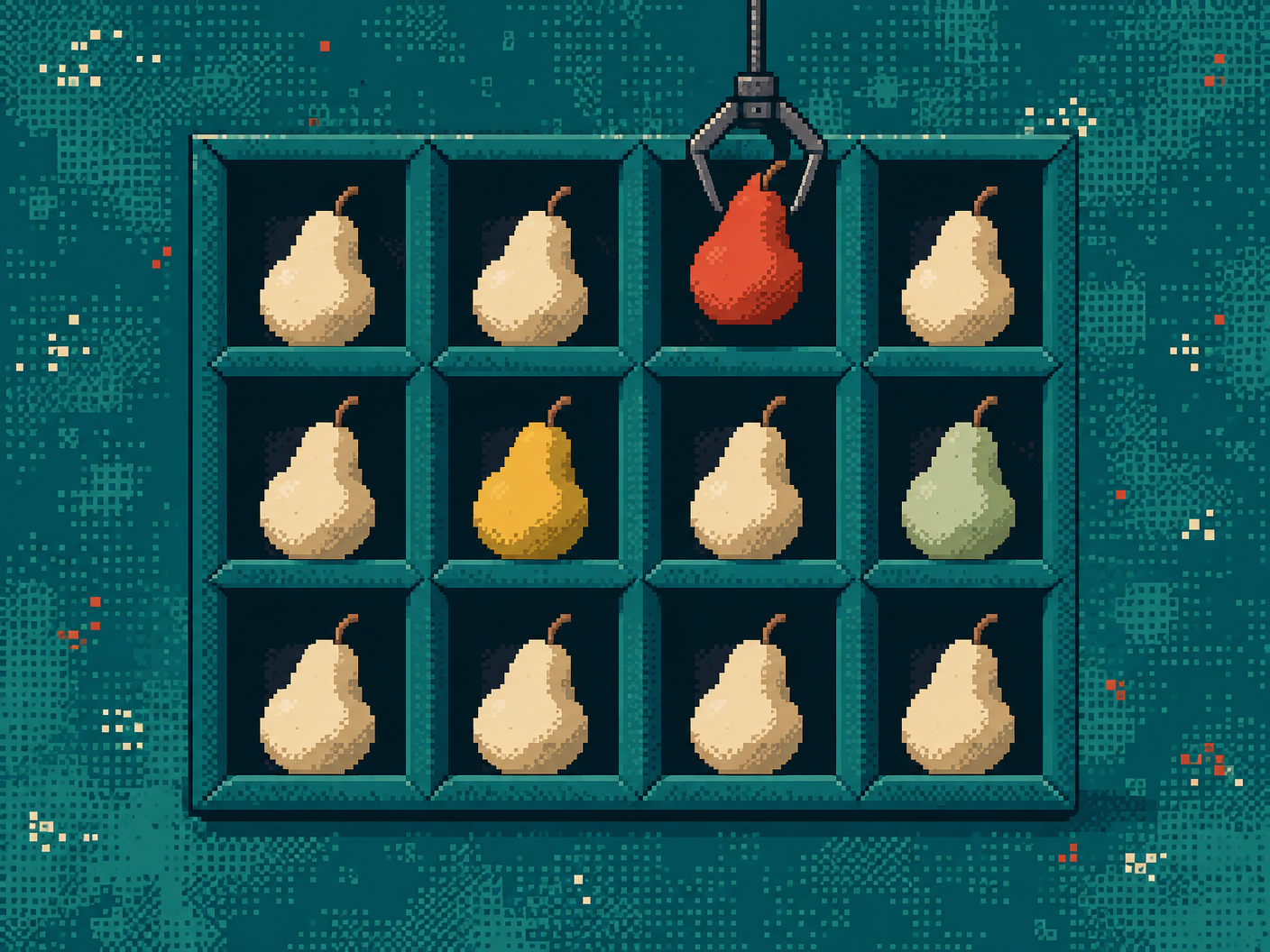
GPT Image 2.6 Sunburst Edit
GPT Image 2.6 Sunburst Edit prioritizes precision and consistency across successive edits for complex image editing workflows.
Model lineup
The most used endpoints first.
| Model | Task | What it does |
|---|---|---|
| GPT Image 2 Edit | Image edit | GPT Image 2 Editing supports image editing and multi-image synthesis with high-quality results |
| GPT Image 2 Text to Image | Text → image | GPT Image 2, OpenAI's latest image model, is capable of making fine-grained, detailed edits to images |
| GPT Image 2.5 Sunburst Edit | Image edit | GPT Image 2.5 Sunburst Edit prioritizes precision and visual fidelity for complex image editing workflows |
| GPT Image 2.5 Flare Edit | Image edit | GPT Image 2.5 Flare Edit is optimized for fast, high-quality image editing and multi-image composition |
| GPT Image 2.5 Sunburst Text to Image | Text → image | GPT Image 2.5 Sunburst prioritizes visual fidelity and precision for complex image generation workflows |
| GPT Image 2.5 Flare Text to Image | Text → image | GPT Image 2.5 Flare is optimized for fast, high-quality image generation for everyday creative workflows |
| GPT Image 2.6 Flare Text to Image | Text → image | GPT Image 2.6 Flare is optimized for fast, high-quality image generation, with improved layout quality for posters, product imagery, and other… |
| GPT Image 2.6 Sunburst Text to Image | Text → image | GPT Image 2.6 Sunburst prioritizes detail and precision for complex image generation workflows |
| GPT Image 2.6 Flare Edit | Image edit | GPT Image 2.6 Flare Edit is optimized for fast, high-quality image editing and multi-image composition |
| GPT Image 2.6 Sunburst Edit | Image edit | GPT Image 2.6 Sunburst Edit prioritizes precision and consistency across successive edits for complex image editing workflows |
OpenAI's image models
GPT Image models follow detailed instructions, render text and handle iterative edits. Each version comes in two flavours with a matching Edit endpoint.
- Sunburst: prioritises detail, precision and consistency across successive edits.
- Flare: fast, high-quality generation and multi-image composition. GPT Image 2.6 Flare improves layout for posters and product imagery.
- GPT Image 2: the most used GPT Image model on SandBase, with strong fine-grained editing.
Version pages: GPT Image 2.6 and GPT Image 2.5. For OpenAI language models, see GPT API.
Start using GPT Image API on SandBase
One API key and one request shape for every model on this page.
- 01
Create an API key
Sign in to the SandBase Console and create a key on the API Keys page. Keep it in an environment variable and never commit it to source control.
TERMINALexport SANDBASE_API_KEY="YOUR_SANDBASE_API_KEY" - 02
Submit a run
Send a request to the Unified Run API with model openai/gpt-image-2.6-flare. Only the model field changes between models on this page.
TERMINALcurl https://api.sandbase.ai/v1/run \ -H "Authorization: Bearer $SANDBASE_API_KEY" \ -H "Content-Type: application/json" \ -d '{"model": "openai/gpt-image-2.6-flare", "prompt": "A clean product poster for a lime-green glass water bottle, bold headline \"STAY SHARP\", studio lighting"}' - 03
Read the output
This model runs synchronously, so the response already contains the output URL. Open the model in the Playground to adjust parameters.
Questions, answered
Sunburst or Flare?
Use Sunburst when precision matters most, and Flare for fast generation and multi-image composition. A common workflow is to explore with Flare and refine with Sunburst.
What changed in GPT Image 2.6?
GPT Image 2.6 Flare improves layout quality for posters and product imagery. 2.6 Sunburst Edit improves consistency across successive edits.
Should I still use GPT Image 2?
Yes, if your workflow is tuned for it. It remains the most used GPT Image endpoint on SandBase.
Can GPT Image edit with several images?
Yes. The Edit endpoints support multi-image synthesis and composition.
Build with GPT Image API.
One key, consistent APIs, and usage-based pricing across every model on this page.