

API Free WeekHundreds of APIs are free to call this week.Browse free APIs
MODEL COLLECTIONOPENAI IMAGE MODEL FAMILY

GPT Image 2.5

A production-ready image generation and editing family for high-resolution creation, transparent backgrounds, multi-reference editing, and consistent visual iteration.

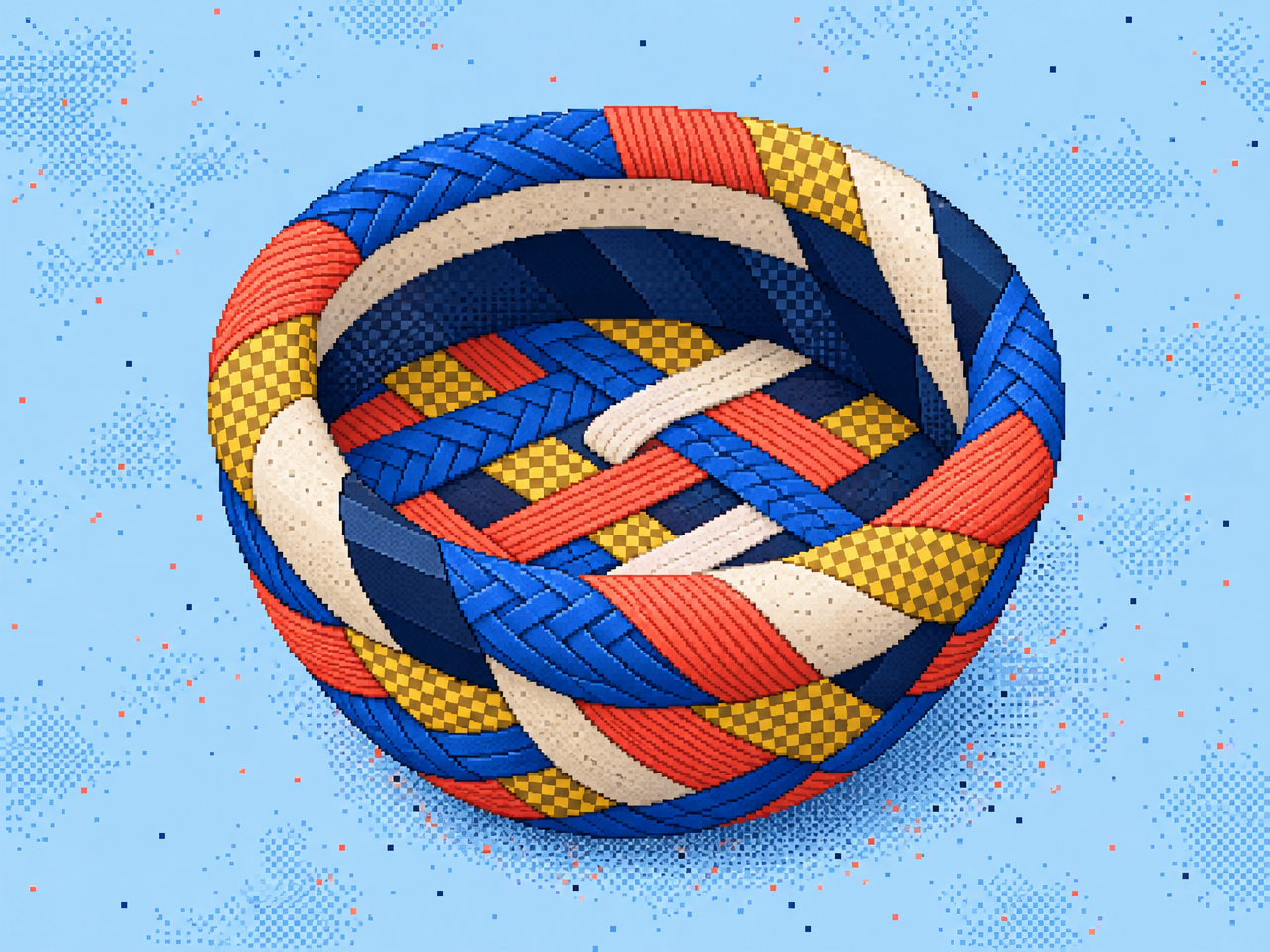
GPT Image 2.5 collection artwork

Explore the model lineup

Preview the output style, compare capabilities, then open any model for full specs, pricing, and a live Playground.

Choose the right GPT Image 2.5 model

Use one image workflow and select an endpoint based on speed, fidelity, and the type of input you have.

ModelInputBest forKey capabilities
GPT Image 2.5 SunburstText-to-image / image editingHigh-throughput campaign assets, concept art, and batch creationUp to 3840×2160, five quality tiers, transparent backgrounds
GPT Image 2.5 FlareText-to-image / editing with up to 16 reference imagesDetailed retouching, subject consistency, and complex local editsOptional masks, multi-reference input, iterative refinement
GPT Image 2Text-to-image / image editingReliable general-purpose production workflowsPhotography, product imagery, posters, and UI concepts

CREATIVE WORKFLOW

From prompt to production-ready visual

GPT Image 2.5 is designed for image workflows that demand quality, control, and fast iteration. Generate a new visual from a detailed prompt, or refine an existing image while preserving its subject, composition, and material detail.

One model family, more of the creative workflow

  • High-resolution canvases: Create banners, posters, product imagery, and social assets in a wide range of dimensions.
  • Transparent backgrounds: Produce assets ready for commerce, stickers, icons, and downstream design composition.
  • Multi-reference editing: Combine references for subject, style, and layout without rebuilding the image from scratch.
  • Stronger text and layout: Handle detailed prompts that include titles, packaging, interface elements, and precise spatial direction.

A practical workflow

Start with Sunburst to explore compositions and visual directions quickly. Move selected results to Flare for detailed editing and multi-reference control. Use GPT Image 2 when compatibility with an established production workflow matters most.

How GPT Image 2.5 compares

Use these product-level differences to choose a workflow. Results still depend on the prompt, source material, and quality settings.

ModelStrengthsBest forTrade-offs
GPT Image 2.5Complex instructions, in-image text, transparent backgrounds, and iterative editingBrand design, product imagery, posters, and UI conceptsHigher quality tiers generally take longer to generate
Nano Banana 2Natural-language editing and multimodal understandingFast edits, knowledge-rich visuals, and everyday creationTypography and style-specific results should be tested side by side
GPT Image 2Mature, reliable, and broadly capableEstablished production pipelines and cost-conscious batch workLower maximum fidelity and editing depth than the 2.5 family

Start using GPT Image 2.5 on SandBase

Call the image generation endpoint with one API key. SandBase handles model routing and provider selection for you.

  1. 01

    Create an API key

    Sign in to the SandBase Console and create a key from the API Keys page. Keep it in an environment variable and never commit it to source control.

    TERMINAL

    export SANDBASE_API_KEY="YOUR_SANDBASE_API_KEY"
  2. 02

    Send a generation request

    Select the Sunburst generation model and submit a prompt, canvas size, and quality tier.

    TERMINAL

    curl https://api.sandbase.ai/v1/images/generations \
      -H "Authorization: Bearer $SANDBASE_API_KEY" \
      -H "Content-Type: application/json" \
      -d '{"model":"gpt-image-2.5-sunburst","prompt":"A refined editorial product photograph of a translucent lime-green glass sculpture on brushed aluminum, hard side light, generous negative space","size":"1536x1024","quality":"high"}'
  3. 03

    Iterate in the Playground

    Open the model in the Playground to adjust quality, dimensions, transparent backgrounds, or reference images before running again.

Questions, answered

What can I create with GPT Image 2.5?

Use it for product imagery, campaign assets, social graphics, posters, UI concepts, illustrations, and image workflows that require multiple rounds of natural-language refinement.

Should I choose Sunburst or Flare?

Choose Sunburst for fast generation and broad exploration. Choose Flare for multi-reference input, masks, and precise editing. A useful workflow is to explore quickly, then refine the strongest result.

Does GPT Image 2.5 support transparent backgrounds?

Yes. Request a transparent background and use PNG or another output format that preserves an alpha channel.

Why are no model cards shown on this page?

Model cards come from enabled, publicly visible models in the current SandBase environment. If GPT Image 2.5 has not been registered in the test database, the guide, comparison, quickstart, and FAQ still appear, but the model card section remains empty.

READY / SET / RUN

Build with GPT Image 2.5.

One key, consistent APIs, and usage-based pricing across the entire lineup.

Get your API keyRead the docs