Market & competitors
Research markets, competitors, pricing and reviews with live data your agent gathers through SandBase.
Explore Market & competitorsRead Google Maps place reviews and ratings for local market and reputation research with live data your agent gathers through SandBase.
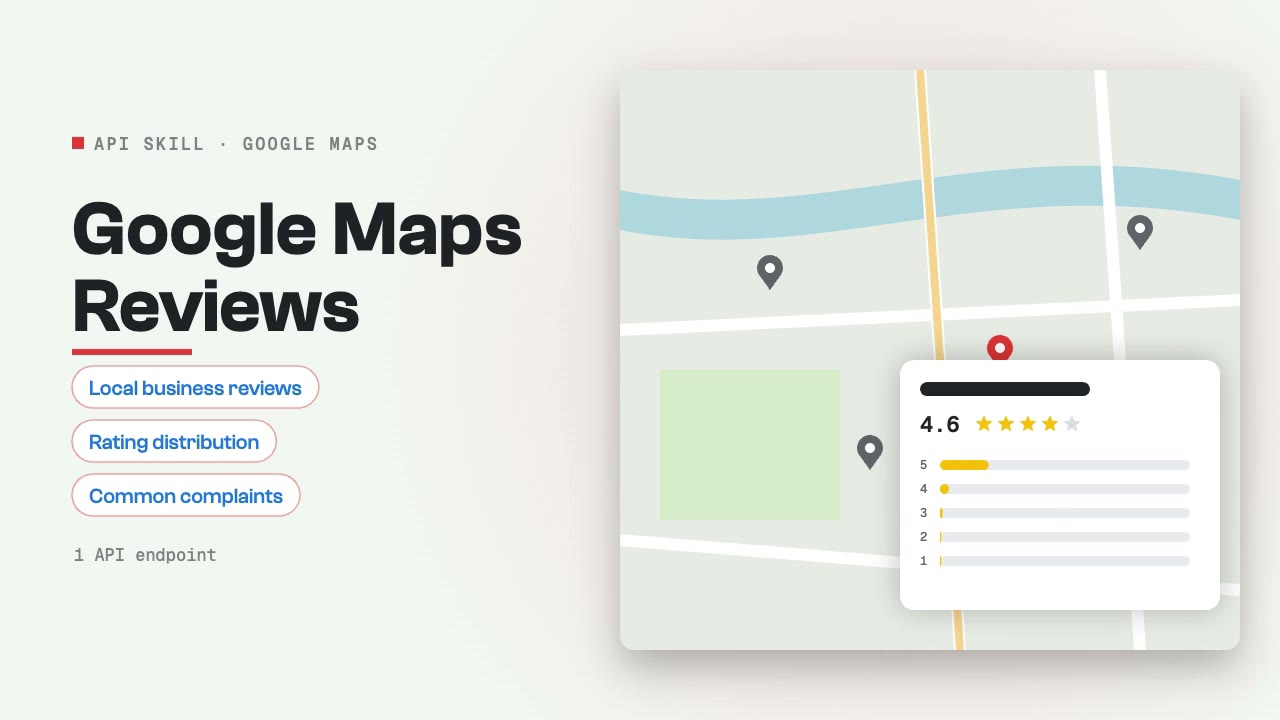
Analyze customer reviews for local businesses on Google Maps. Covers review extraction, sentiment patterns, rating distribution, common complaints, and competitor review comparison for local business intelligence and reputation management.
30 listings → 28 distinct practices or practitioners (2 shared phone numbers) With phone / website / claimed profile: 29 / 14 / 14 With any reviews: 16; median rating 4.9, lowest 2.3 CSV segments: 20 needs-help, 1 reputation-risk, 8 established, 1 other
Not in the top 73–100 results at any of the three points, although its own description lists emergency services. The listings ranking #2–#4 downtown and north have the primary category “Emergency dental service”; the practice has “Dentist” and no additional categories.
Research local markets by combining Google Maps reviews, Xiaohongshu local content, Weibo discussions, and web search. Covers customer sentiment by location, local competition analysis, neighborhood trends, and location-specific brand perception.
Extract and analyze product reviews from e-commerce and review sites. Aggregates ratings, identifies common themes in positive and negative feedback, and surfaces actionable product insights from customer voices across platforms.
Aggregate and analyze product and business reviews from Google Maps, Amazon, Akta, and Xiaohongshu. Cross-platform review intelligence including rating patterns, common themes, competitive comparison, and customer satisfaction trends.
Research and collect social proof — testimonials, case studies, user reviews, social mentions, and community endorsements across platforms. Useful for marketing teams building trust content, landing pages, and sales collateral from authentic customer voices.
Read Google Maps place reviews and ratings for local market and reputation research with live data your agent gathers through SandBase.
Install the Skill in your agent, connect SandBase and name the places, businesses or areas whose Google Maps reviews you need.
Start with a task, then explore the possibilities.
Research markets, competitors, pricing and reviews with live data your agent gathers through SandBase.
Explore Market & competitorsCreate visual stories, short videos and imagery around an idea your audience can connect with.
Explore Social mediaCompare the inputs and deliverables before you begin.
| What you have | What to look for | Next step |
|---|---|---|
| A clear brief | Install the Skill in your agent, connect SandBase and name the places, businesses or areas whose Google Maps reviews you need. | Browse this collection |
| A connected agent | Install the Skill with its NPX command and connect your agent to SandBase. API calls are billed to your SandBase organization. | Read the Skills guide |
| A different output | Research markets, competitors, pricing and reviews with live data your agent gathers through SandBase. | Market & competitors |
Copy the NPX command from the Skill page and run it in SandBase Agent, Codex, Claude or Cursor.
Connect your agent to SandBase so the Skill can call its data APIs.
Describe what you need, then check the sources in the output before you use it.
A few things to know before you start.
A set of instructions your agent follows to call SandBase data APIs, such as search, social or business data, and turn the results into a sourced answer.
You need a SandBase account connected to your agent. SandBase API calls are billed to your SandBase organization.
SandBase Agent, Codex, Claude and Cursor. Each Skill page lists its supported agents and the install command.