Social media
Create visual stories, short videos and imagery around an idea your audience can connect with.
Explore Social mediaResearch LinkedIn companies, people, posts and hiring signals with live data your agent reads through SandBase.
Analyze hiring patterns, job market demand, salary signals, and talent competition across LinkedIn and Apollo. Covers job posting analysis, company hiring velocity, role requirement trends, and competitive talent landscape mapping.
Source technical and professional talent by combining LinkedIn profiles, GitHub contributions, and company intelligence. Identifies candidates with specific skills, assesses expertise depth, and provides outreach context for recruiting teams.
Research companies, professionals, job markets, and industry content on LinkedIn through SandBase. Use when asked for LinkedIn research, company analysis, professional profiling, job market research, or B2B competitive intelligence.
Fictional example data. [ASK: which number was stuck, at what level, for how long?] Customers kept telling us our delivery fees were too high. Then we read 30 cancelled first orders from September: 21 had been promised next-day delivery we could not meet.
“Remote” does not establish France eligibility; this mandatory criterion is unknown.
Fictional example data. - N3 "Maybe 70%": hedged, base unknown. Not usable as a number until checked against the project tracker. - L8 is the interviewer's suggestion ("halved delivery time across the board"). Ines rejected the general claim at L9 and confirmed it only for one project. It is not a position of hers and must not appear as one.

Those observations are useful, but narrow. They tell us that ownership needed clarification in those five requests. We did not compare teams or track completion speed.
Fictional example data. The old rule fired on any soil-moisture reading below 18%. It sent 1,134 alerts. 352 were acknowledged within 24 hours, or 31%. The new rule waited until moisture had stayed below 18% for six hours. It sent 252 alerts. 197 were acknowledged within 24 hours, or 78%. I think the six-hour rule is why. But this was not a controlled test, and the last three weeks were drier than the first three.
I worked alongside Ivo on the Orchard Relay documentation project from January to April 2025. He was careful about the details that make a handoff usable.
Fictional example data. It is early. Eight clients is a small sample, and October is not December. We will know more after the year-end close.
Fictional example data. Did resolution time or reopen rate move along with first response? When we added automatic ticket tagging in March, our first-response time dropped, but reopens went from 8% to 11% over the next two months because some tickets landed in the wrong queue.
No follow-up is drafted: the user has no new information to add. Stop if Ari declines or asks for no contact; silence does not justify another pitch.
I'd separate cost per attempted task from cost per accepted outcome, and include human review and rework in the latter. For a reviewed contract, what would your team count as an accepted outcome?
Em: no bank-change action and no drafted acceptance. Verify the request through a known independent contact channel before deciding what to answer.
Fictional example data. Not today: Kestrelpane has no HubSpot integration. You can export contacts from Kestrelpane as CSV. On the tools, the pilot agencies dropped [ASK: which tools?].
Tagline draft: Project handoff workshops for small design studios
Fictional example data. - Prep time: 30 + 40 + 25 + 60 + 15 + 10 = 180 minutes, equal to her capacity. There is no slack, so if Thursday runs long, drop the Saturday replies or move the poll.
Fictional example data. - Weekdays computed from the dates: 2026-11-16 is a Monday, 2026-11-29 (day 14) a Sunday, so the review meeting is on Monday 2026-11-30. - C-items used before their share date: none. C3 first appears on day 8, 2026-11-23. - Load per participant if they take every slot: week 1, 50 of 60 minutes; week 2, 55 of 60 minutes.
Fictional example data. Next year, I plan to start fractional finance work for seed-stage startups. [ASK: what services do you plan to offer?] If you're a seed-stage founder, I'd welcome a conversation about the finance work you need. This is a plan for next year; I am not offering fractional work yet.
Fictional example data. Tallowbrook Freight has launched Dock Window. Dock Window lets carriers book dock slots in real time. During our 8-week pilot at the Leeds depot, average gate-to-dock time fell from 47 to 29 minutes. Drivers and dispatchers loved it. [ASK: what did they say, and how was it collected?] Thanks to the team who made this possible. Want a demo? [ASK: add the booking link or how to request one.] #logistics #supplychain #freight
Enrich any entity — companies, domains, emails, or people — with verified data from multiple sources. Combines Apollo, Strale, LinkedIn, and Akta data to fill gaps in your CRM, lead databases, or research datasets with production-quality enrichment.
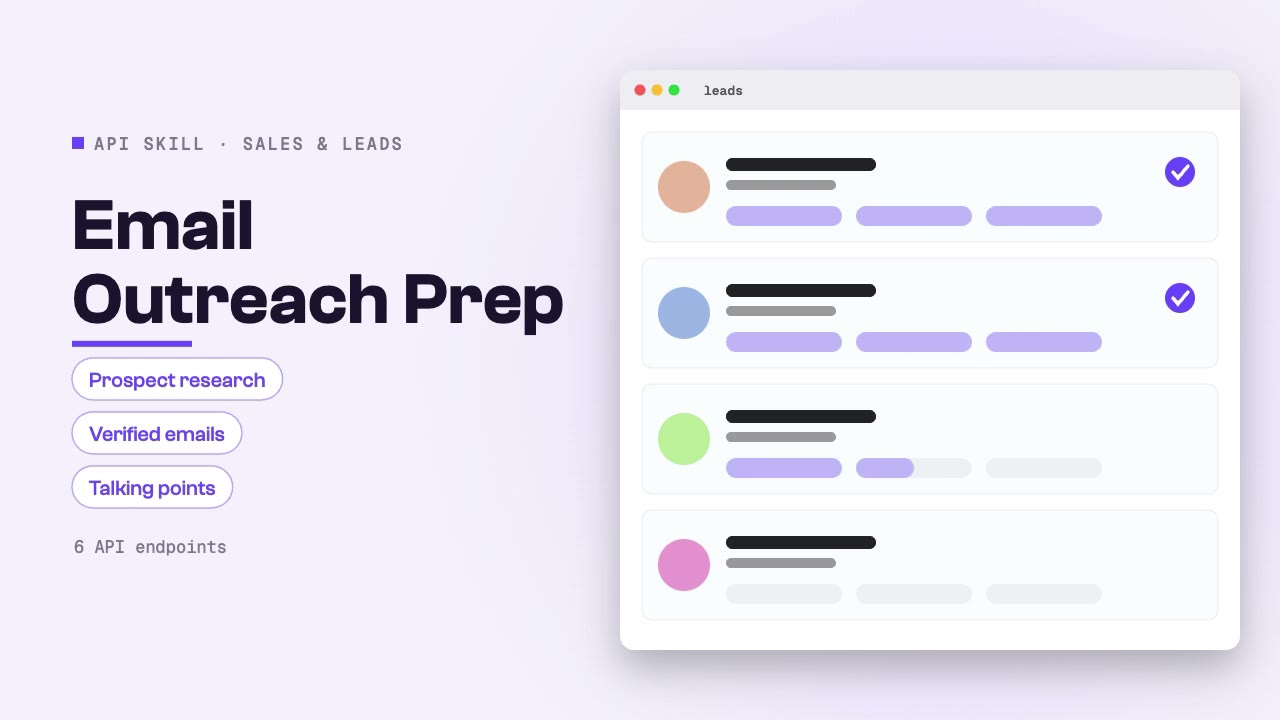
Prepare personalized email outreach by researching prospects, verifying email addresses, building company context, and generating relevant talking points. End-to-end outreach preparation from prospect identification to send-ready intelligence.
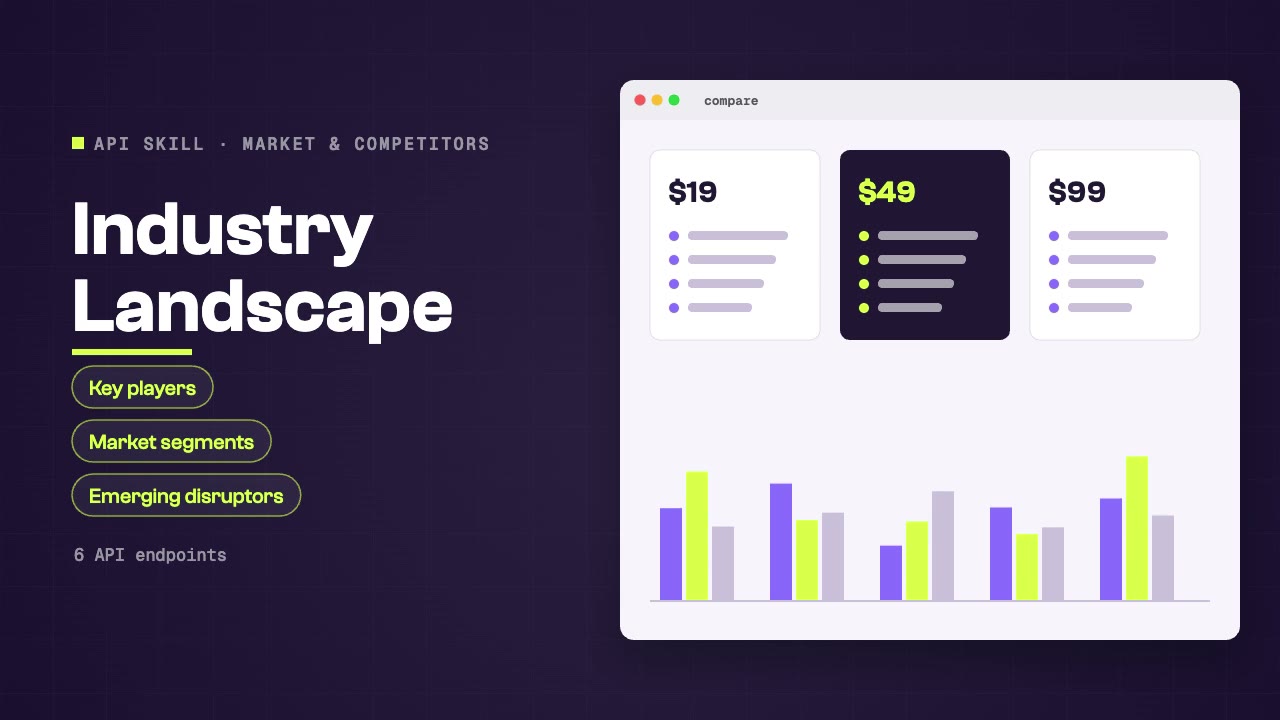
Map any industry's competitive landscape using company databases, academic research, news coverage, LinkedIn activity, and job market signals. Produces industry overviews with key players, market segments, growth indicators, and emerging disruptors.
Research LinkedIn companies, people, posts and hiring signals with live data your agent reads through SandBase.
Install the Skill in your agent, connect SandBase and name the companies, people, roles or posts to look up on LinkedIn.
Start with a task, then explore the possibilities.
Create visual stories, short videos and imagery around an idea your audience can connect with.
Explore Social mediaFind companies and contacts, enrich lead lists and prepare outreach from verified business data.
Explore Sales & leadsResearch markets, competitors, pricing and reviews with live data your agent gathers through SandBase.
Explore Market & competitorsCompare the inputs and deliverables before you begin.
| What you have | What to look for | Next step |
|---|---|---|
| A clear brief | Install the Skill in your agent, connect SandBase and name the companies, people, roles or posts to look up on LinkedIn. | Browse this collection |
| A connected agent | Install the Skill with its NPX command and connect your agent to SandBase. API calls are billed to your SandBase organization. | Read the Skills guide |
| A different output | Create visual stories, short videos and imagery around an idea your audience can connect with. | Social media |
Copy the NPX command from the Skill page and run it in SandBase Agent, Codex, Claude or Cursor.
Connect your agent to SandBase so the Skill can call its data APIs.
Describe what you need, then check the sources in the output before you use it.
A few things to know before you start.
A set of instructions your agent follows to call SandBase data APIs, such as search, social or business data, and turn the results into a sourced answer.
You need a SandBase account connected to your agent. SandBase API calls are billed to your SandBase organization.
SandBase Agent, Codex, Claude and Cursor. Each Skill page lists its supported agents and the install command.