Market & competitors
Research markets, competitors, pricing and reviews with live data your agent gathers through SandBase.
Explore Market & competitorsFind companies and contacts, enrich lead lists and prepare outreach from verified business data.
Search companies, enrich profiles with firmographic data, find job postings, and track company news through Apollo. Covers company search, detailed enrichment (industry, size, funding, tech stack), hiring activity, and news monitoring for B2B sales intelligence.
Enrich any company with comprehensive firmographic data including industry, size, revenue, funding, tech stack, beneficial ownership, and regulatory status. Combines multiple data sources for complete B2B company intelligence and due diligence.
Enrich any entity — companies, domains, emails, or people — with verified data from multiple sources. Combines Apollo, Strale, LinkedIn, and Akta data to fill gaps in your CRM, lead databases, or research datasets with production-quality enrichment.
Prepare personalized email outreach by researching prospects, verifying email addresses, building company context, and generating relevant talking points. End-to-end outreach preparation from prospect identification to send-ready intelligence.
Research potential leads with verified contact information, professional backgrounds, company context, and social presence. Combines LinkedIn profiling, email verification, company enrichment, and social signals for sales-ready prospect intelligence.
Build targeted outreach lists with verified contact information, professional context, and conversation starters. Combines Apollo company data, LinkedIn profiling, and email verification to produce ready-to-send outreach campaigns for sales, PR, and partnership teams.
Prepare for sales conversations with comprehensive account intelligence — company news, hiring signals, product launches, social activity, and decision-maker profiles. Combines firmographic data, news monitoring, and social signals for sales-ready briefings.
Source technical and professional talent by combining LinkedIn profiles, GitHub contributions, and company intelligence. Identifies candidates with specific skills, assesses expertise depth, and provides outreach context for recruiting teams.
Research companies with employee reviews, product reviews, industry classification, and competitive landscape through Akta. Covers company enrichment, employee satisfaction signals, product feedback, industry mapping, and news monitoring.
Analyze hiring patterns, job market demand, salary signals, and talent competition across LinkedIn and Apollo. Covers job posting analysis, company hiring velocity, role requirement trends, and competitive talent landscape mapping.
Research potential partners by analyzing company profiles, product fit, market positioning, team background, and mutual connections. Combines firmographic data, content analysis, and social signals for partnership qualification and relationship mapping.
Research companies, professionals, job markets, and industry content on LinkedIn through SandBase. Use when asked for LinkedIn research, company analysis, professional profiling, job market research, or B2B competitive intelligence.
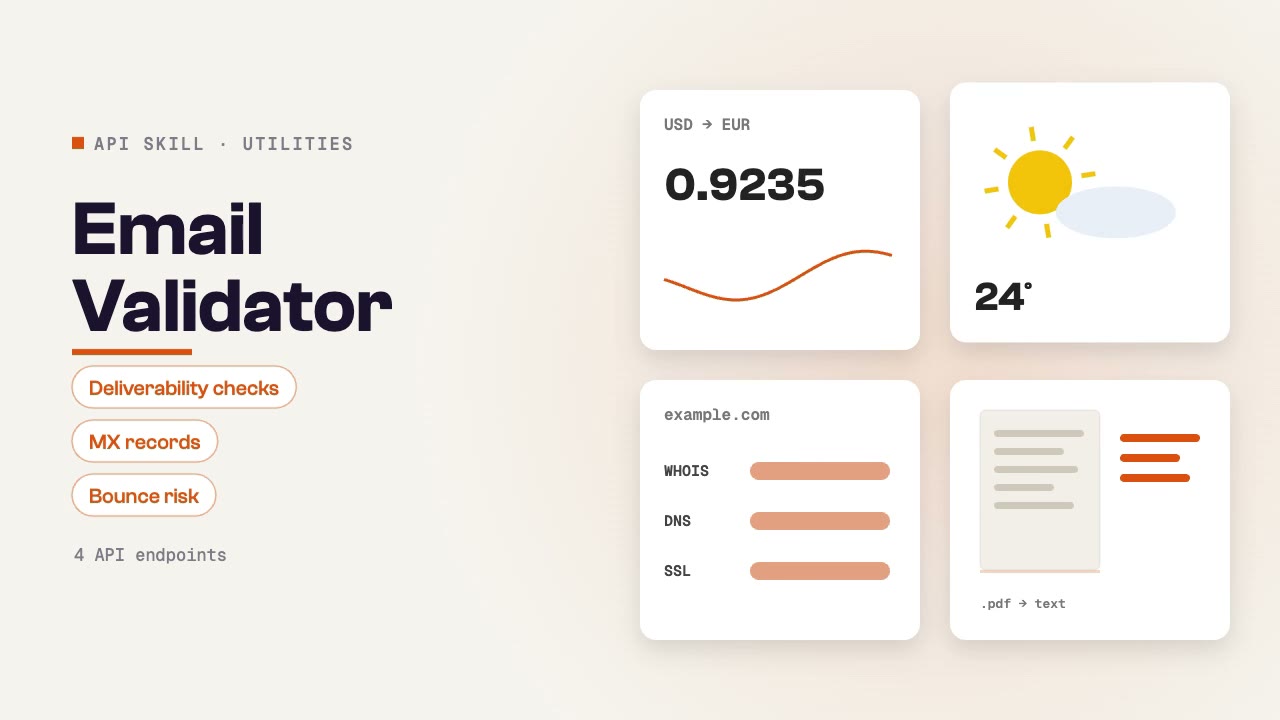
Validate email addresses for deliverability, check reputation scores, verify MX records, and assess email-sending safety. Covers deliverability checks, reputation scoring, bounce risk assessment, and bulk validation for outreach campaign preparation.
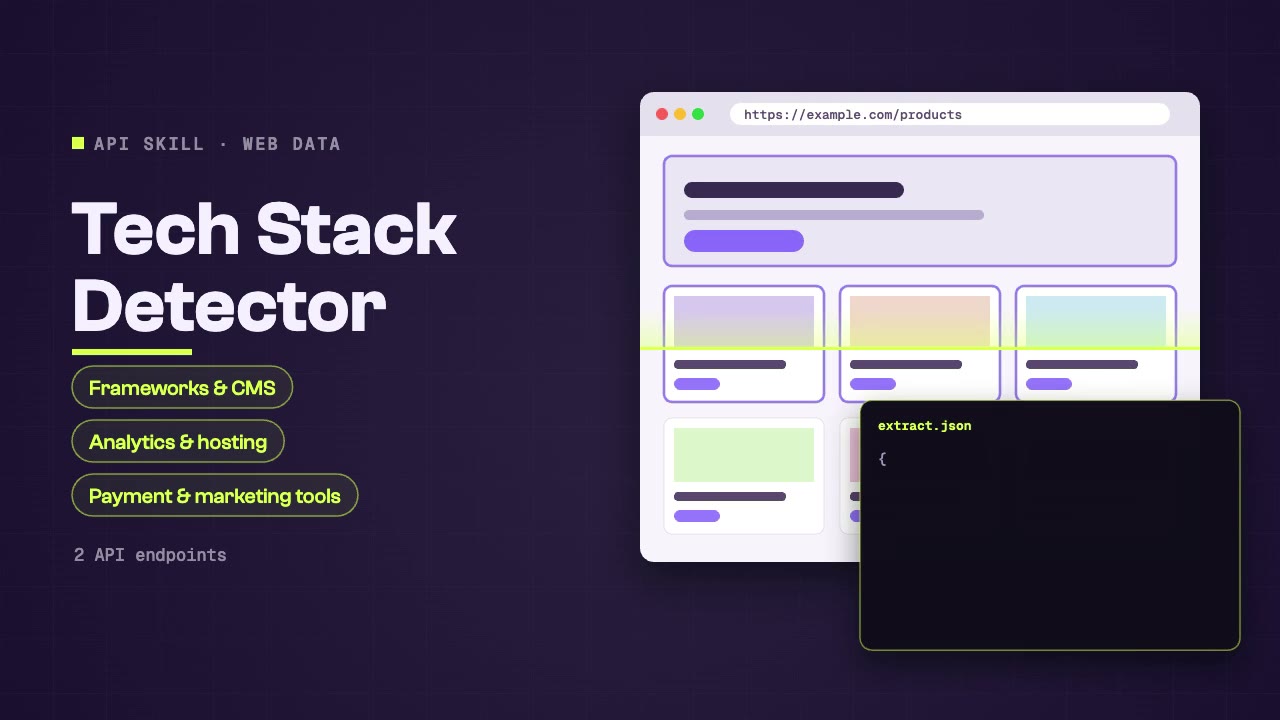
Identify the technology stack powering any website — frameworks, CMS, analytics, hosting, CDN, payment processors, and marketing tools. Useful for competitive intelligence, sales prospecting, and technology landscape research.
Find companies and contacts, enrich lead lists and prepare outreach from verified business data.
Install the Skill in your agent, connect SandBase and name the companies, roles or lead list to work on.
Start with a task, then explore the possibilities.
Research markets, competitors, pricing and reviews with live data your agent gathers through SandBase.
Explore Market & competitorsCreate visual stories, short videos and imagery around an idea your audience can connect with.
Explore Social mediaScrape pages, convert URLs to Markdown, capture screenshots and watch websites for changes.
Explore Web dataCompare the inputs and deliverables before you begin.
| What you have | What to look for | Next step |
|---|---|---|
| A clear brief | Install the Skill in your agent, connect SandBase and name the companies, roles or lead list to work on. | Browse this collection |
| A connected agent | Install the Skill with its NPX command and connect your agent to SandBase. API calls are billed to your SandBase organization. | Read the Skills guide |
| A different output | Research markets, competitors, pricing and reviews with live data your agent gathers through SandBase. | Market & competitors |
Copy the NPX command from the Skill page and run it in SandBase Agent, Codex, Claude or Cursor.
Connect your agent to SandBase so the Skill can call its data APIs.
Describe what you need, then check the sources in the output before you use it.
A few things to know before you start.
A set of instructions your agent follows to call SandBase data APIs, such as search, social or business data, and turn the results into a sourced answer.
You need a SandBase account connected to your agent. SandBase API calls are billed to your SandBase organization.
SandBase Agent, Codex, Claude and Cursor. Each Skill page lists its supported agents and the install command.