Toutiao Skills for AI agents
Review a Toutiao article and public responses to prepare an informed follow-up.
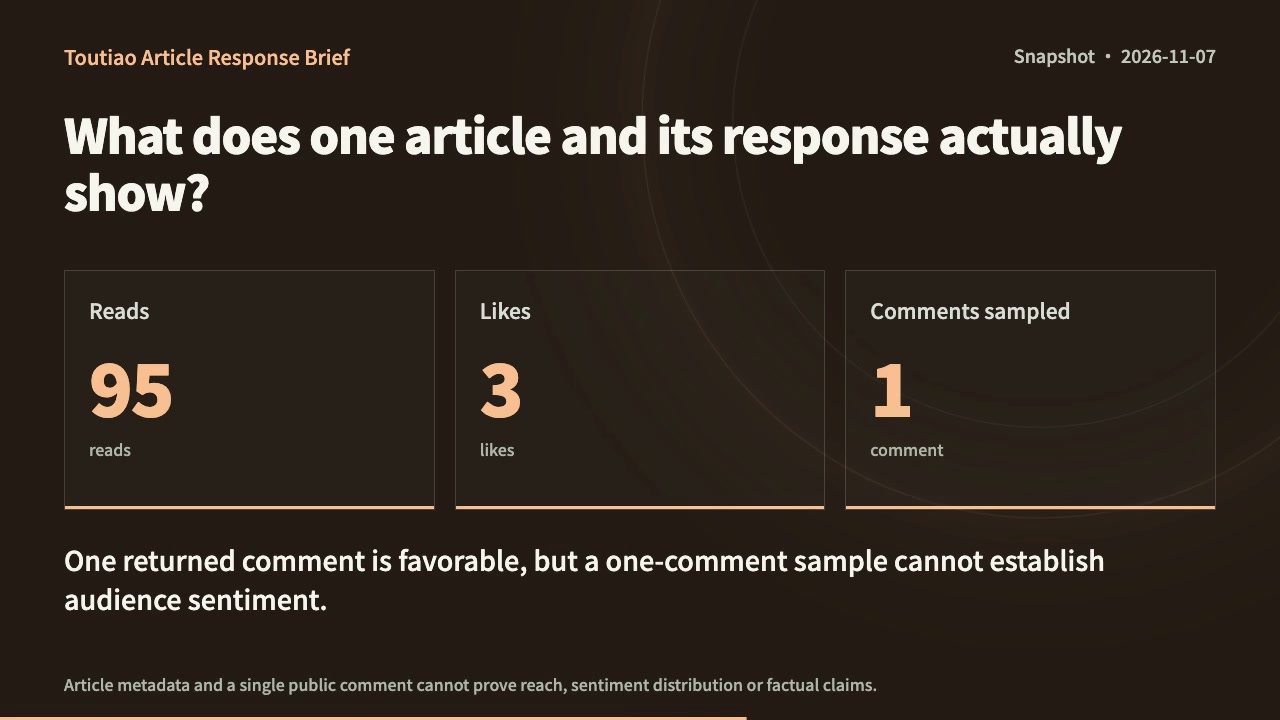
Toutiao Article Response Brief
An article response brief with verified counters, response themes and a next step.
Built for Toutiao · 1
Tools and APIs
Toutiao Article Stats toutiao APIA working guide to Toutiao Skills.
Review a Toutiao article and public responses to prepare an informed follow-up.
A public article link and your editorial goal.
Connect your task to a workflow.
Start with a task, then explore the possibilities.
Choose your Toutiao workflow.
Compare the inputs and deliverables before you begin.
| What you have | What to look for | Next step |
|---|---|---|
| A clear brief | A public article link and your editorial goal. | Browse this collection |
| A connected agent | Follow the installation instructions on the Skill page and connect your agent to SandBase. API calls are billed to your SandBase organization. | Read the Skills guide |
| A different output | Research audiences, plan content and manage social workflows. | Social media |
From install to a sourced answer.
Install the Skill
Follow the Skill page: download and unpack its complete folder, or use the provided installation command. Choose an Agent that supports its requirements.
Connect SandBase
Connect your agent to SandBase so the Skill can call its data APIs.
Ask and check
Describe what you need, then check the sources in the output before you use it.
Toutiao Skills: common questions.
A few things to know before you start.
What is an API Skill?
A set of instructions your agent follows to call SandBase data APIs, such as search, social or business data, and turn the results into a sourced answer.
What account do I need, and who pays for the calls?
You need a SandBase account connected to your agent. SandBase API calls are billed to your SandBase organization.
Which agents are supported?
SandBase Agent, Codex, Claude and Cursor. Check each Skill page for its runtime requirements and installation method.