Sales & leads
Find companies and contacts, enrich lead lists and prepare outreach from verified business data.
Explore Sales & leadsScrape pages, convert URLs to Markdown, capture screenshots and watch websites for changes.
Scrape web pages, crawl sites, extract structured data, and capture screenshots through SandBase. Use when asked to extract content from URLs, crawl websites, get structured data from pages, take screenshots, or convert web pages to markdown.
Capture high-quality screenshots of any public URL at custom resolutions. Supports desktop and mobile viewports, full-page captures, and specific element targeting. Ideal for visual monitoring, design research, and content archival.
Identify the technology stack powering any website — frameworks, CMS, analytics, hosting, CDN, payment processors, and marketing tools. Useful for competitive intelligence, sales prospecting, and technology landscape research.
Convert any public web page into clean, structured Markdown. Preserves headings, links, images, code blocks, and tables while removing ads, navigation, and clutter. Perfect for content archival, knowledge base building, and research note-taking.
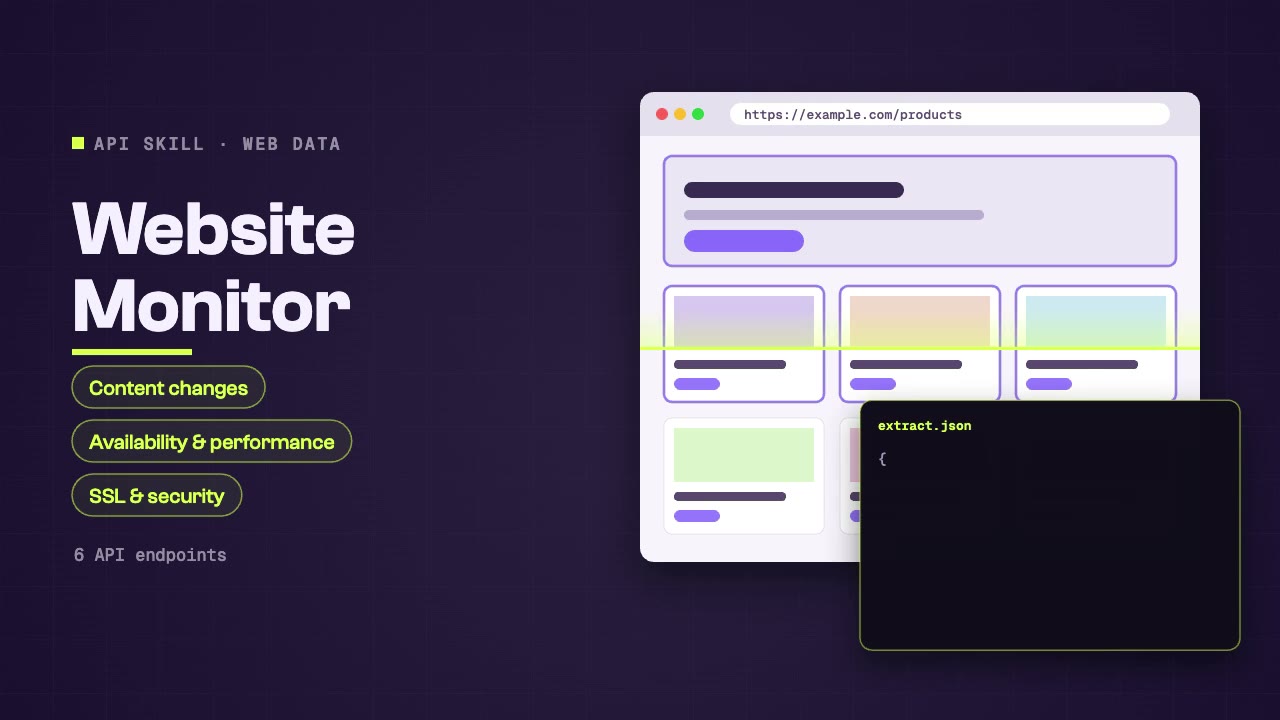
Monitor any website for content changes, availability, performance, and security status. Combines page scraping, screenshot comparison, SSL monitoring, and security header checks for comprehensive website health and change detection.
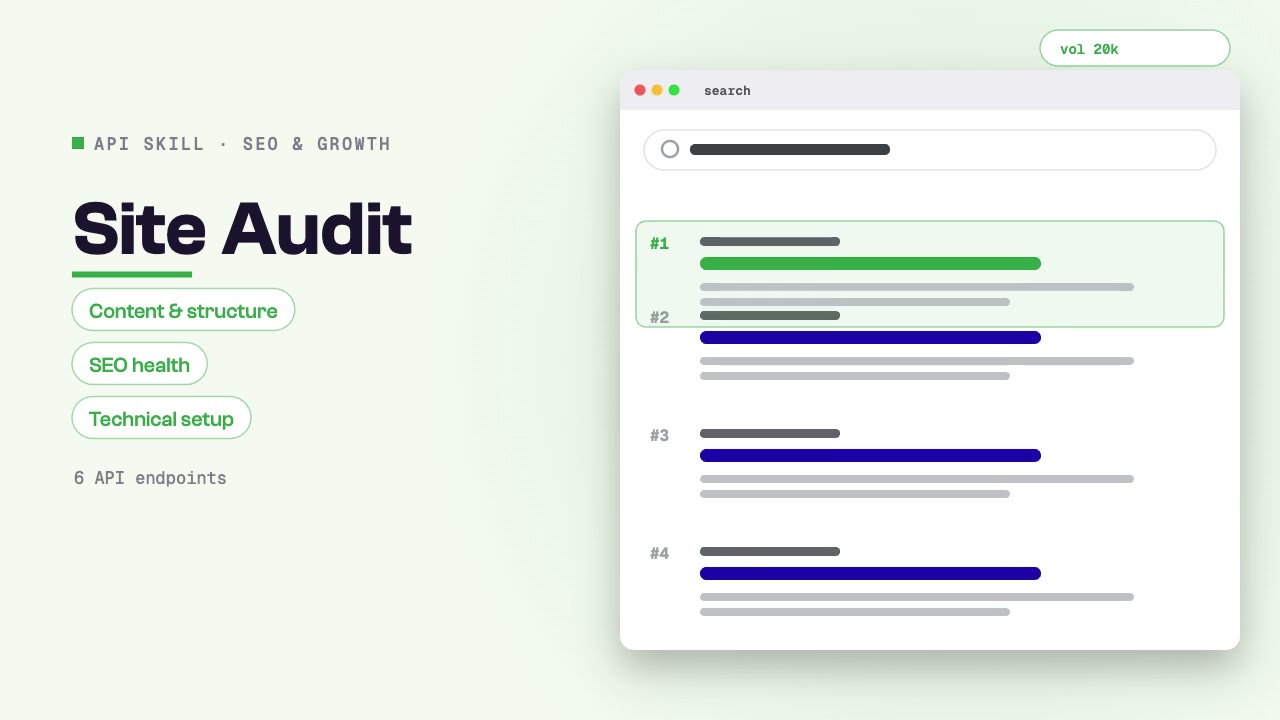
Audit a website's content, structure, SEO health, and technical setup through SandBase. Use when asked for website audit, content audit, SEO health check, site structure analysis, or technical assessment.
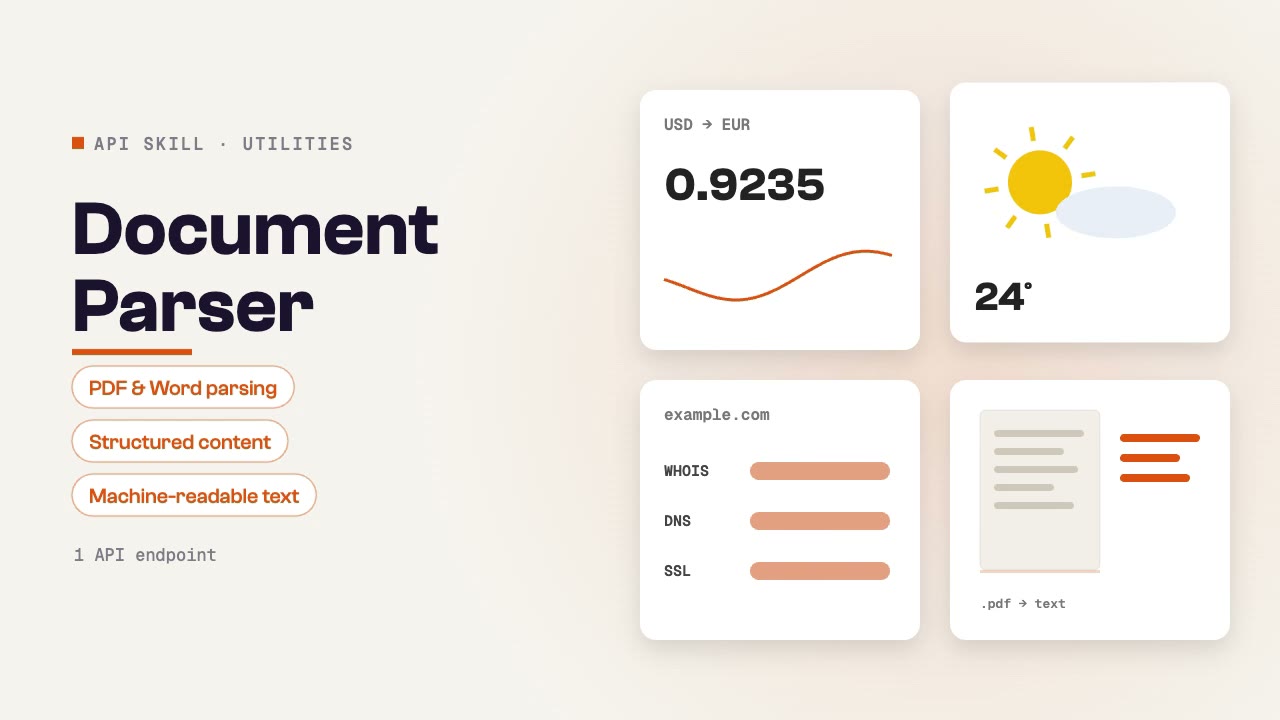
Parse and extract structured content from PDFs, Word documents, and other file formats. Converts documents into clean, machine-readable text for analysis, summarization, data extraction, and content processing workflows.
Scrape pages, convert URLs to Markdown, capture screenshots and watch websites for changes.
Install the Skill in your agent, connect SandBase and list the URLs or sites to scrape, capture or monitor.
Start with a task, then explore the possibilities.
Find companies and contacts, enrich lead lists and prepare outreach from verified business data.
Explore Sales & leadsAnalyse keywords, search results, backlinks and site health to plan content and growth.
Explore SEO & growthEveryday lookups for agents: translation, currency, weather, domains, documents and more.
Explore UtilitiesCompare the inputs and deliverables before you begin.
| What you have | What to look for | Next step |
|---|---|---|
| A clear brief | Install the Skill in your agent, connect SandBase and list the URLs or sites to scrape, capture or monitor. | Browse this collection |
| A connected agent | Install the Skill with its NPX command and connect your agent to SandBase. API calls are billed to your SandBase organization. | Read the Skills guide |
| A different output | Find companies and contacts, enrich lead lists and prepare outreach from verified business data. | Sales & leads |
Copy the NPX command from the Skill page and run it in SandBase Agent, Codex, Claude or Cursor.
Connect your agent to SandBase so the Skill can call its data APIs.
Describe what you need, then check the sources in the output before you use it.
A few things to know before you start.
A set of instructions your agent follows to call SandBase data APIs, such as search, social or business data, and turn the results into a sourced answer.
You need a SandBase account connected to your agent. SandBase API calls are billed to your SandBase organization.
SandBase Agent, Codex, Claude and Cursor. Each Skill page lists its supported agents and the install command.