Video
Films, motion graphics and photo effects your agent renders from a brief, a photo or a script, with every step already planned.
Explore VideoCreate visual stories, short videos and imagery around an idea your audience can connect with.
 Research
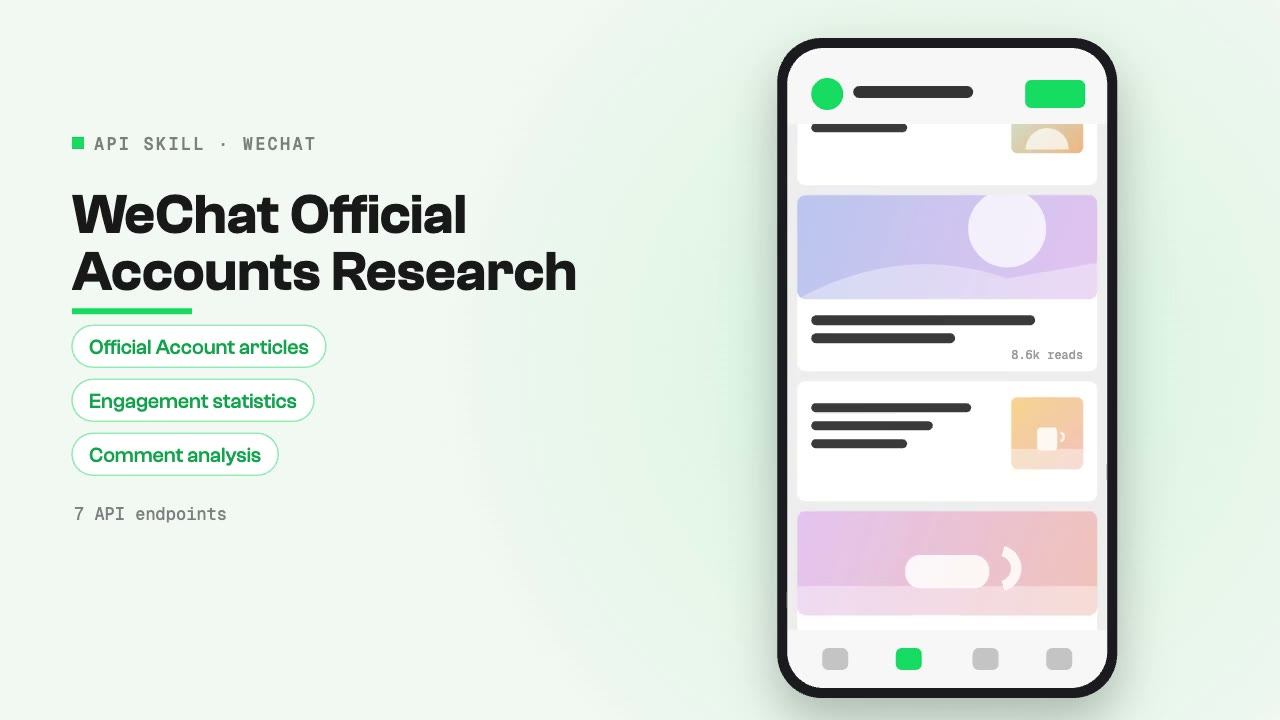
 WeChat Official Account articles, analyze account profiles, track article performance, and read comments. Covers article discovery, account profiling, engagement statistics, comment analysis, and content strategy research on China's dominant messaging ecosystem.
 Research
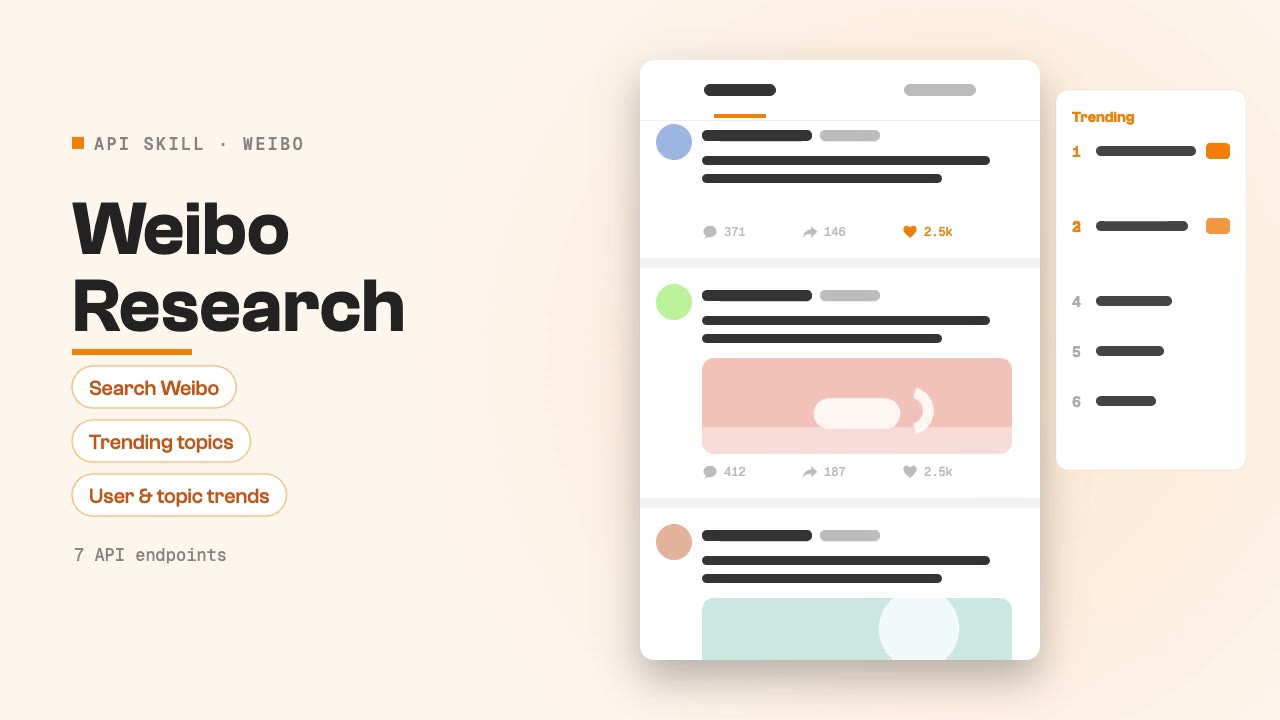
Search Weibo posts, follow trending topics and analyse users and topic trends through SandBase. For social listening, trend tracking and brand reputation research.
 Research
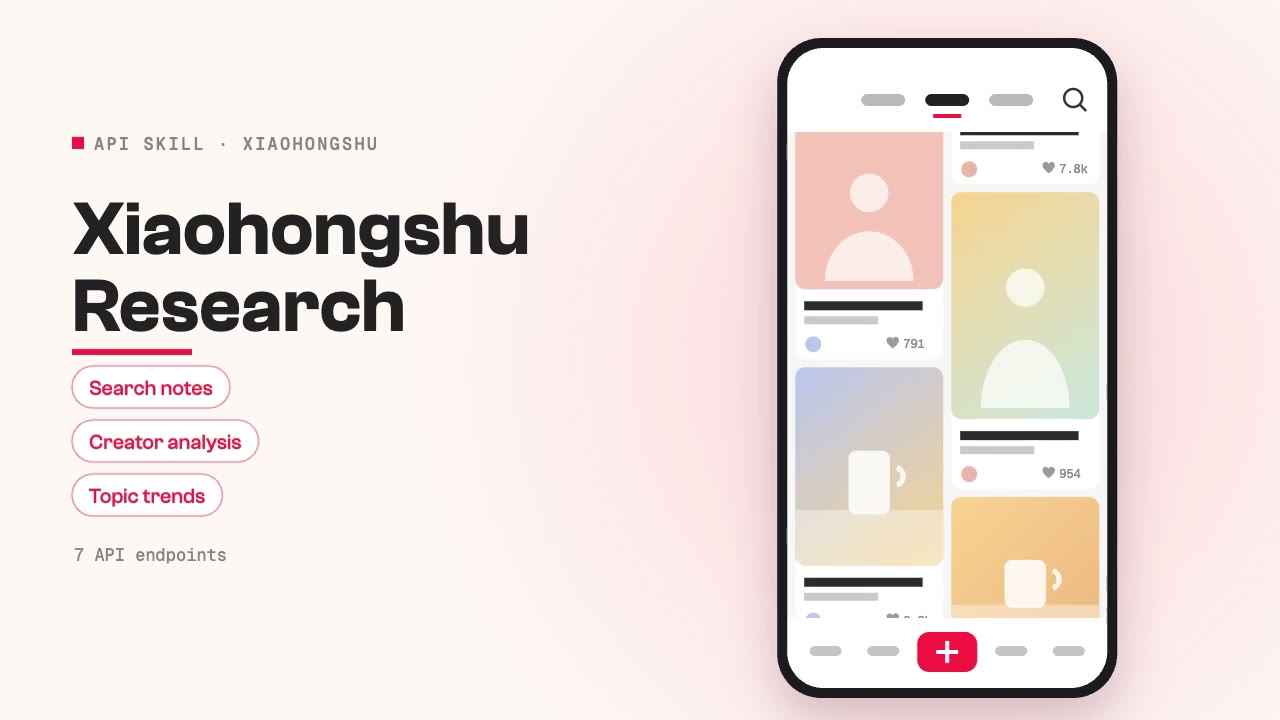
Search Xiaohongshu notes, analyse creators, follow topic trends and study user behaviour through SandBase. For content research, product seeding, creator discovery and competitor monitoring.
 Research
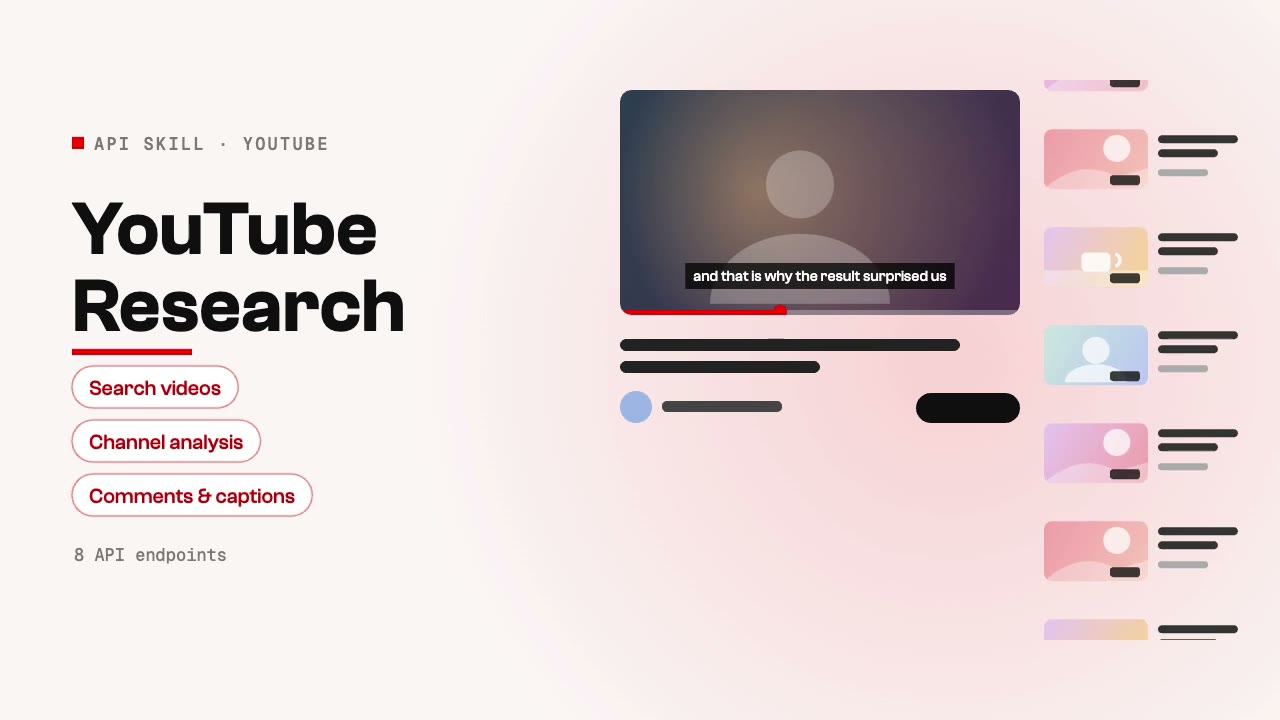
Search videos, analyze channels, extract captions, read comments, and discover trends on YouTube through SandBase. Use when asked for YouTube research, video discovery, channel analysis, content strategy research, comment sentiment, or video transcript extraction.
 Research
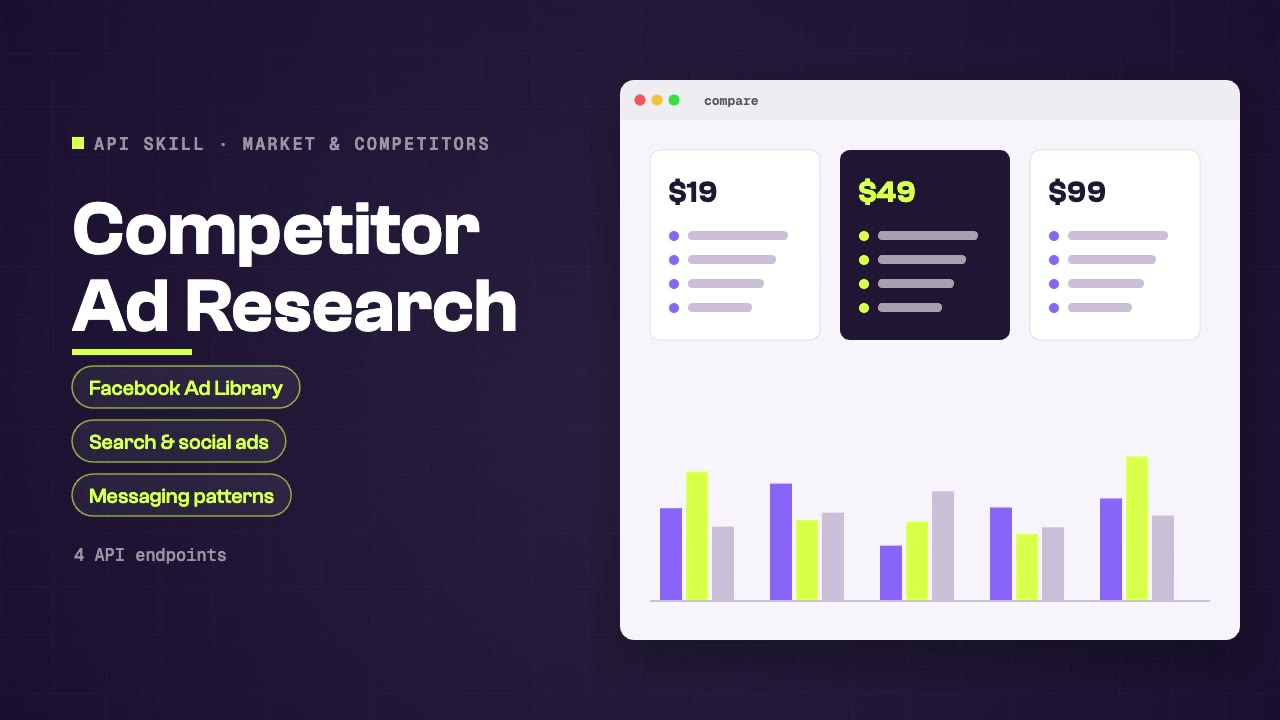
 competitor advertising strategies through Facebook Ad Library, Google SERP ads, and social media sponsored content. Covers creative analysis, messaging patterns, targeting signals, and campaign frequency for competitive marketing intelligence.
 Research
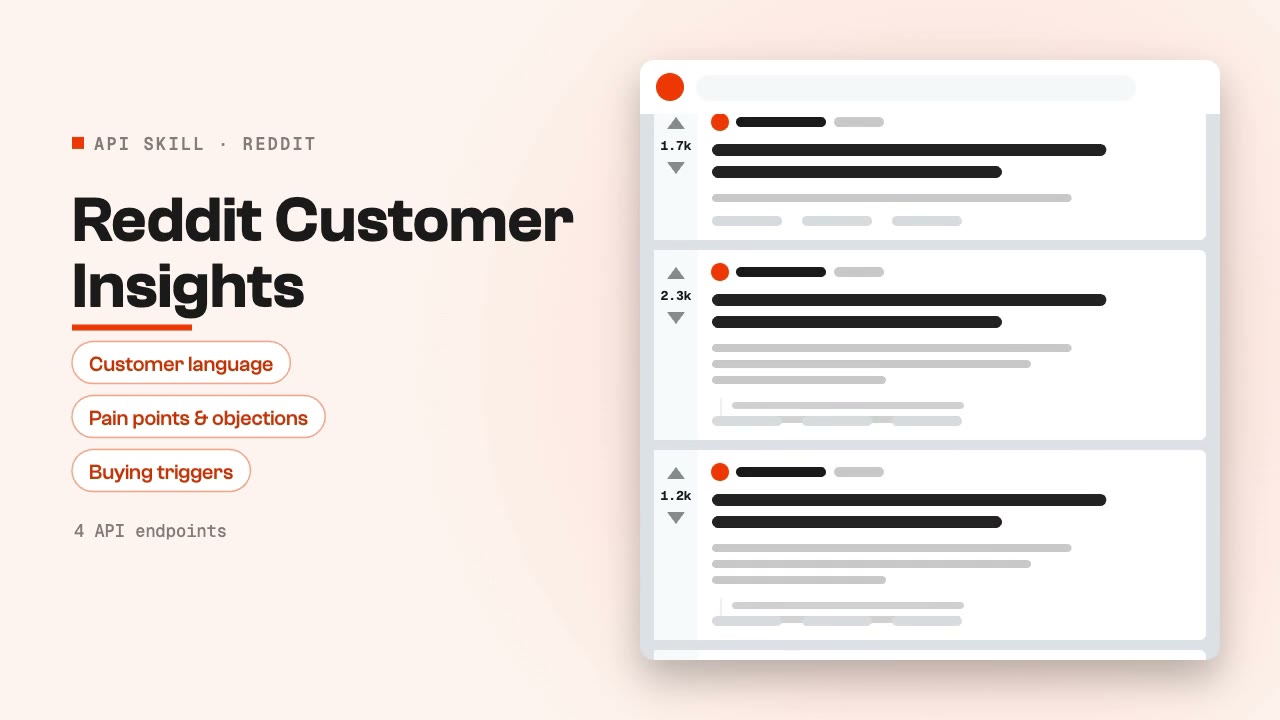
Discover evidence-backed customer language, pain points, objections, and buying triggers from relevant Reddit communities. Use when asked for Reddit research, voice-of-customer analysis, audience pain points, product feedback, or community-led content opportunities.
 Research
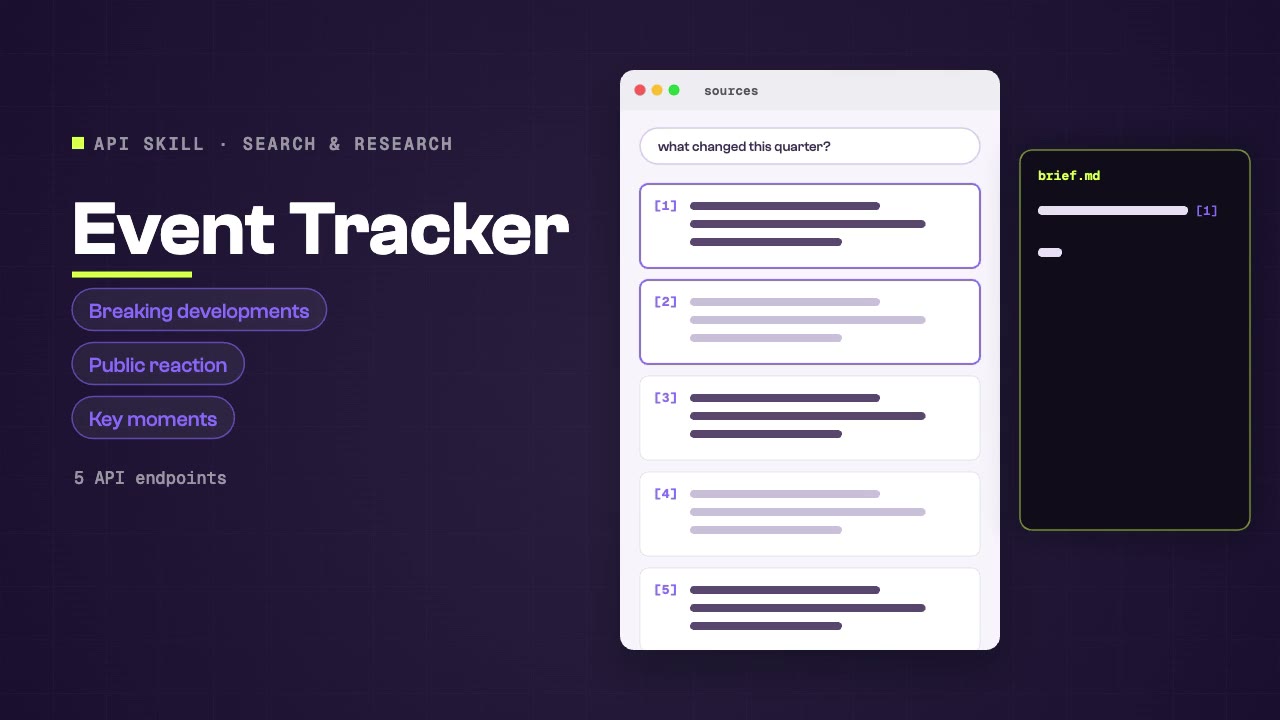
Track real-time events, announcements, and breaking developments across Twitter, Reddit, news outlets, and web search. Monitors event progression, public reaction, key moments, and aftermath coverage for crisis response and opportunity detection.
 Research
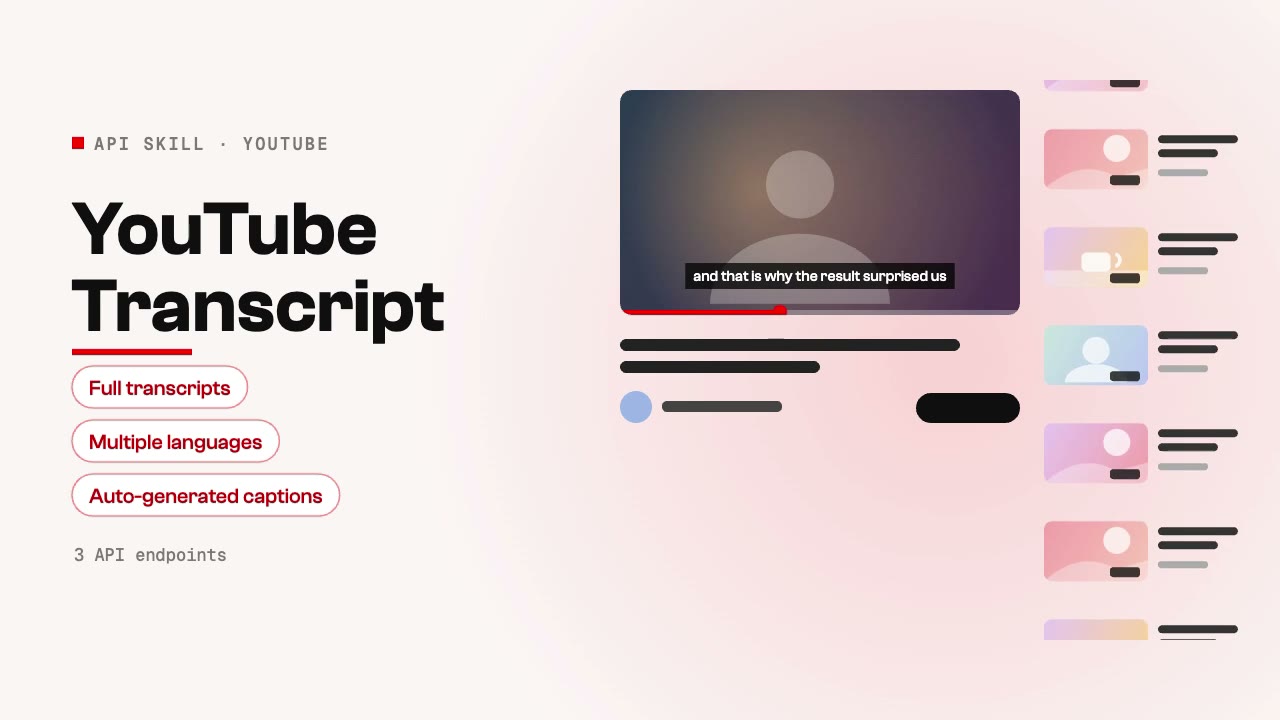
Extract full transcripts and captions from YouTube videos for content analysis, summarization, note-taking, and repurposing. Supports multiple languages and auto-generated captions. Ideal for research, content creation, and accessibility workflows.
Create visual stories, short videos and imagery around an idea your audience can connect with.
Define the audience, channel, message and the required publishing format.
Start with a task, then explore the possibilities.
Films, motion graphics and photo effects your agent renders from a brief, a photo or a script, with every step already planned.
Explore VideoSocial cards, posters and infographics your agent designs and generates through SandBase, plus the checks that prove which image model you are really getting.
Explore ImagesLive 3D, SVG and canvas scenes your agent builds and tunes in the browser: dioramas, a flyable gunship, a rainy street corner, drinks and objects you can spin.
Explore Interactive scenesPitch, plan and board decks your agent writes from a brief: one offline HTML deck that edits in the browser and exports editable PowerPoint.
Explore PresentationsCompare the inputs and deliverables before you begin.
| What you have | What to look for | Next step |
|---|---|---|
| A clear brief | Define the audience, channel, message and the required publishing format. | Browse this collection |
| Source material | Check the chosen Skill’s required inputs and which details it can preserve. | Read the Skills guide |
| A different output | Turn your next idea into images, films and stories with a repeatable creative workflow. | Content creator |
Compare the example, inputs and deliverables against your brief.
Define the audience, channel, message and the required publishing format.
Follow the Skill’s instructions and check the output in its intended context.
A few things to know before you start.
Create visual stories, short videos and imagery around an idea your audience can connect with. Compare the actual example and deliverables with your intended result.
Define the audience, channel, message and the required publishing format.
This depends on the Skill. Check whether it delivers source files, rendered media or an interactive artifact, and which tools are needed to edit it.
Review the Skill license, the model’s terms and the rights to your input media. A public example is not a blanket commercial license.