Social media
Create visual stories, short videos and imagery around an idea your audience can connect with.
Explore Social mediaSearch Weibo posts, follow hot searches and trending topics, and monitor brand reputation with live data your agent reads through SandBase.

Search Weibo posts, follow trending topics and analyse users and topic trends through SandBase. For social listening, trend tracking and brand reputation research.
独生子女不一定能继承父母全部遗产: #14 → #5 → #5, heat +81% — rising AI短剧持械入宋剧情太牛: #2 → #2 → #2, 975,639 → 951,149 — peaking 波司登AREAL这阵容是天花板级吧: #28 → #18 → #47 — spiked, then fading
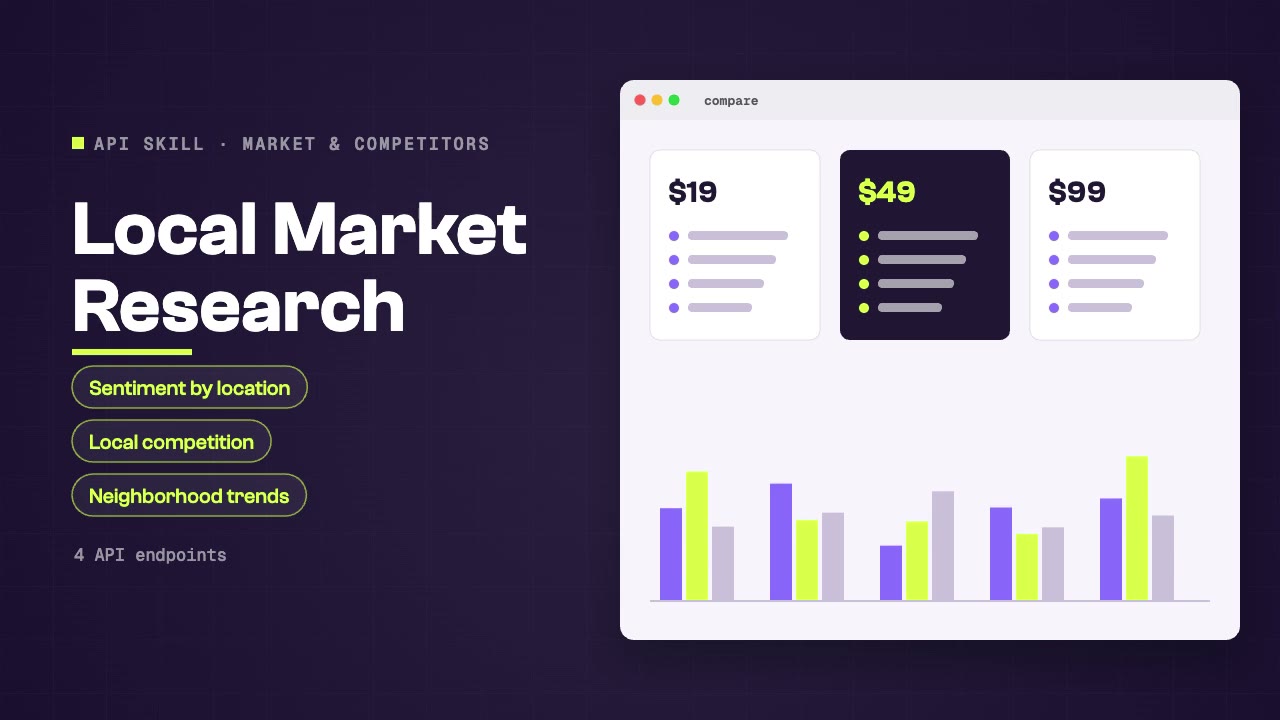
Research local markets by combining Google Maps reviews, Xiaohongshu local content, Weibo discussions, and web search. Covers customer sentiment by location, local competition analysis, neighborhood trends, and location-specific brand perception.

Monitor brand mentions, sentiment, and reputation across Twitter, Reddit, news, and social platforms through SandBase. Use when asked for brand monitoring, reputation tracking, social listening, PR coverage analysis, or competitive brand intelligence.
Rapidly assess crisis situations by monitoring Twitter, Reddit, news, and Chinese social platforms simultaneously. Detects escalation velocity, identifies key narratives, tracks official responses, and measures public sentiment shifts during critical events.

Monitor conversations about any topic, brand, or keyword across Twitter, Reddit, Threads, Weibo, and community platforms simultaneously. Aggregates volume, sentiment, key voices, and emerging narratives across the global social web.
Identify emerging trends early by monitoring signals across Twitter trending, TikTok viral content, YouTube rising videos, Google News velocity, and Reddit community buzz. Combines platform-specific trend indicators into a unified trend confidence score.
Research any topic across China's major social platforms — Weibo, Douyin, Xiaohongshu, Bilibili, and Zhihu — simultaneously. Aggregates discussion volume, sentiment, key opinion leaders, and platform-specific trends for comprehensive China market intelligence.
Search Weibo posts, follow hot searches and trending topics, and monitor brand reputation with live data your agent reads through SandBase.
Install the Skill in your agent, connect SandBase and name the keywords, topics or brands to follow on Weibo.
Start with a task, then explore the possibilities.
Create visual stories, short videos and imagery around an idea your audience can connect with.
Explore Social mediaResearch markets, competitors, pricing and reviews with live data your agent gathers through SandBase.
Explore Market & competitorsRun deep web, news and academic searches and turn the results into sourced research.
Explore Search & researchCompare the inputs and deliverables before you begin.
| What you have | What to look for | Next step |
|---|---|---|
| A clear brief | Install the Skill in your agent, connect SandBase and name the keywords, topics or brands to follow on Weibo. | Browse this collection |
| A connected agent | Install the Skill with its NPX command and connect your agent to SandBase. API calls are billed to your SandBase organization. | Read the Skills guide |
| A different output | Create visual stories, short videos and imagery around an idea your audience can connect with. | Social media |
Copy the NPX command from the Skill page and run it in SandBase Agent, Codex, Claude or Cursor.
Connect your agent to SandBase so the Skill can call its data APIs.
Describe what you need, then check the sources in the output before you use it.
A few things to know before you start.
A set of instructions your agent follows to call SandBase data APIs, such as search, social or business data, and turn the results into a sourced answer.
You need a SandBase account connected to your agent. SandBase API calls are billed to your SandBase organization.
SandBase Agent, Codex, Claude and Cursor. Each Skill page lists its supported agents and the install command.