
Product marketing
Explain product value through launches and demonstrations.
Explore Product marketing ↗Bring a product idea to life with landing pages, launch assets and presentations.
浏览 Skills ↓
Turn a product brief into a pixel film with clear actions, scene traversal and a memorable payoff.
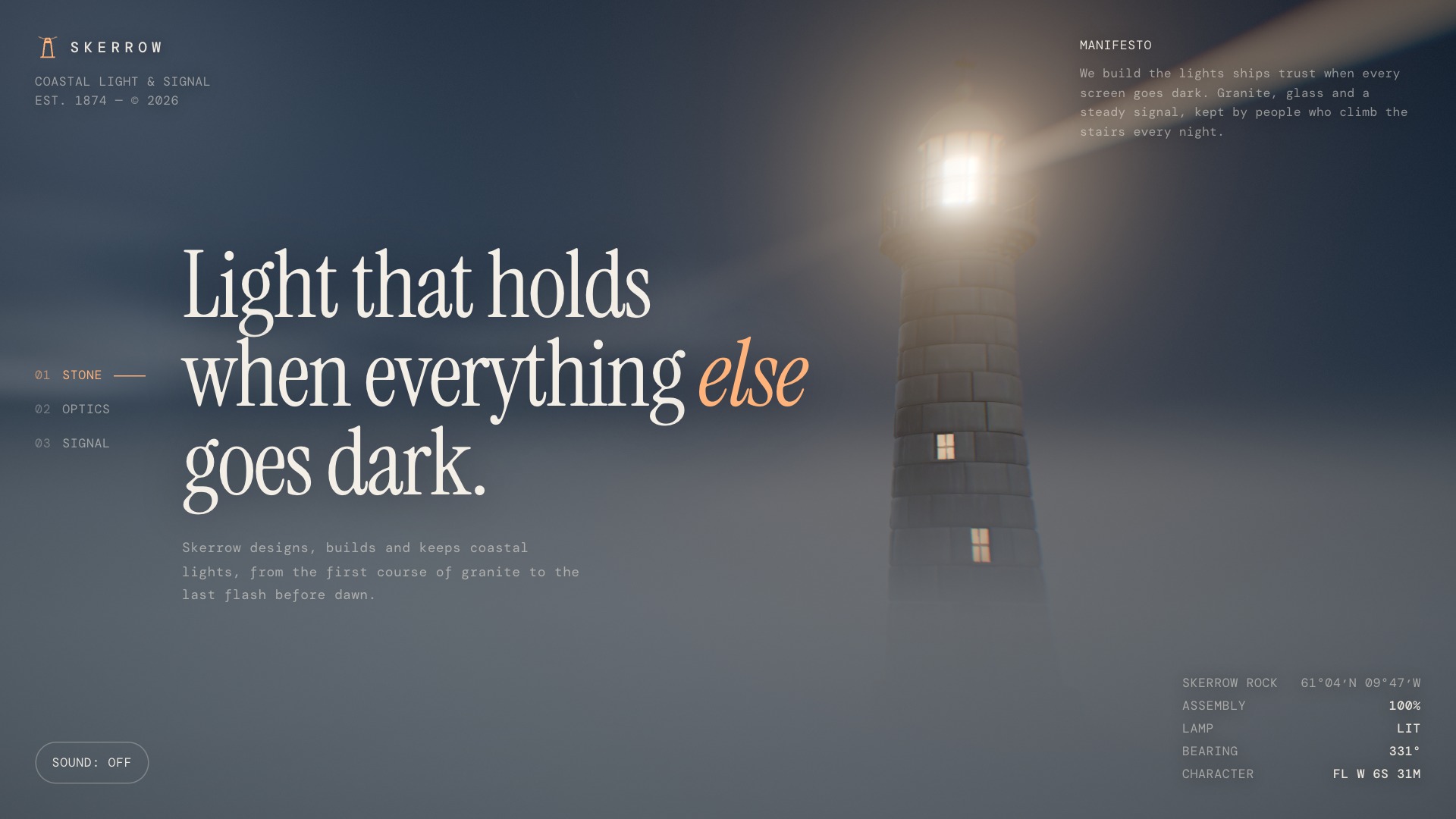
A three-page 3D story site with baked light, scroll stops that loop and a shader cut between pages, in one offline file.
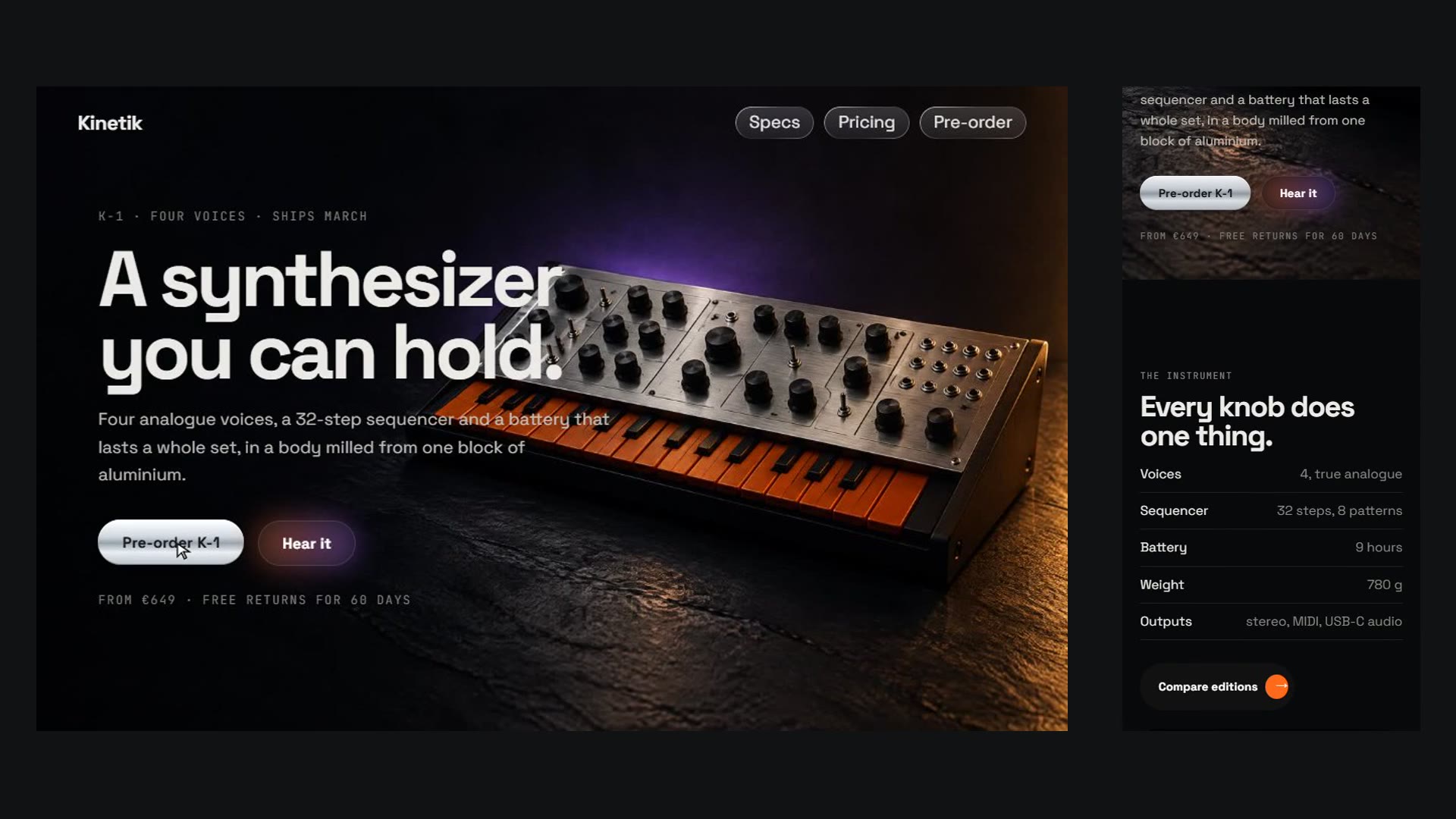
Metal, jewel, halo, roll, fill, offset and ring buttons, media cards, glass and textures, each checked in rest, hover, focus and pressed for real contrast.
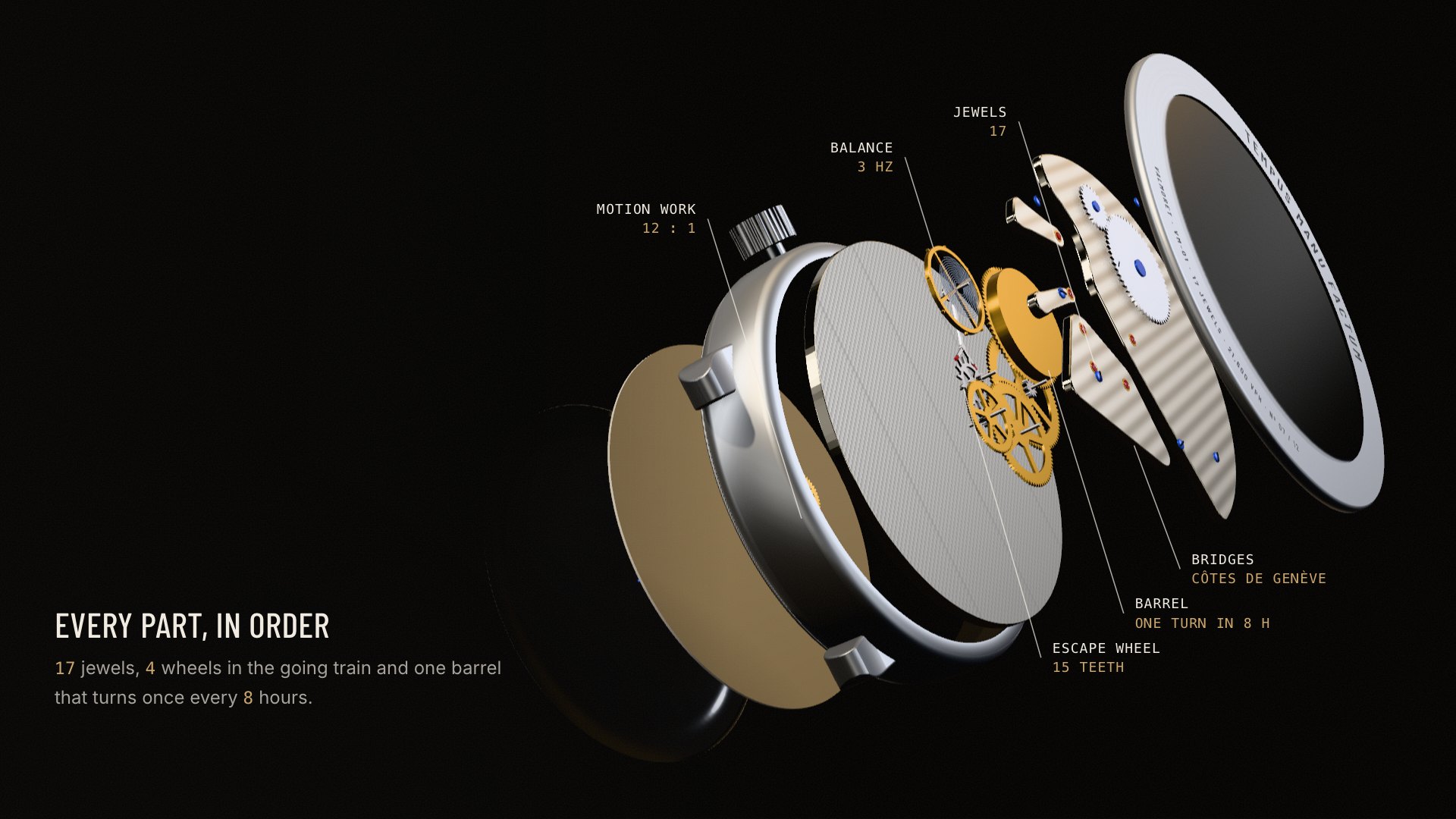
A complete product website where scroll turns, opens and takes apart a live 3D model, with every video and image rendered from that model, in one offline file.
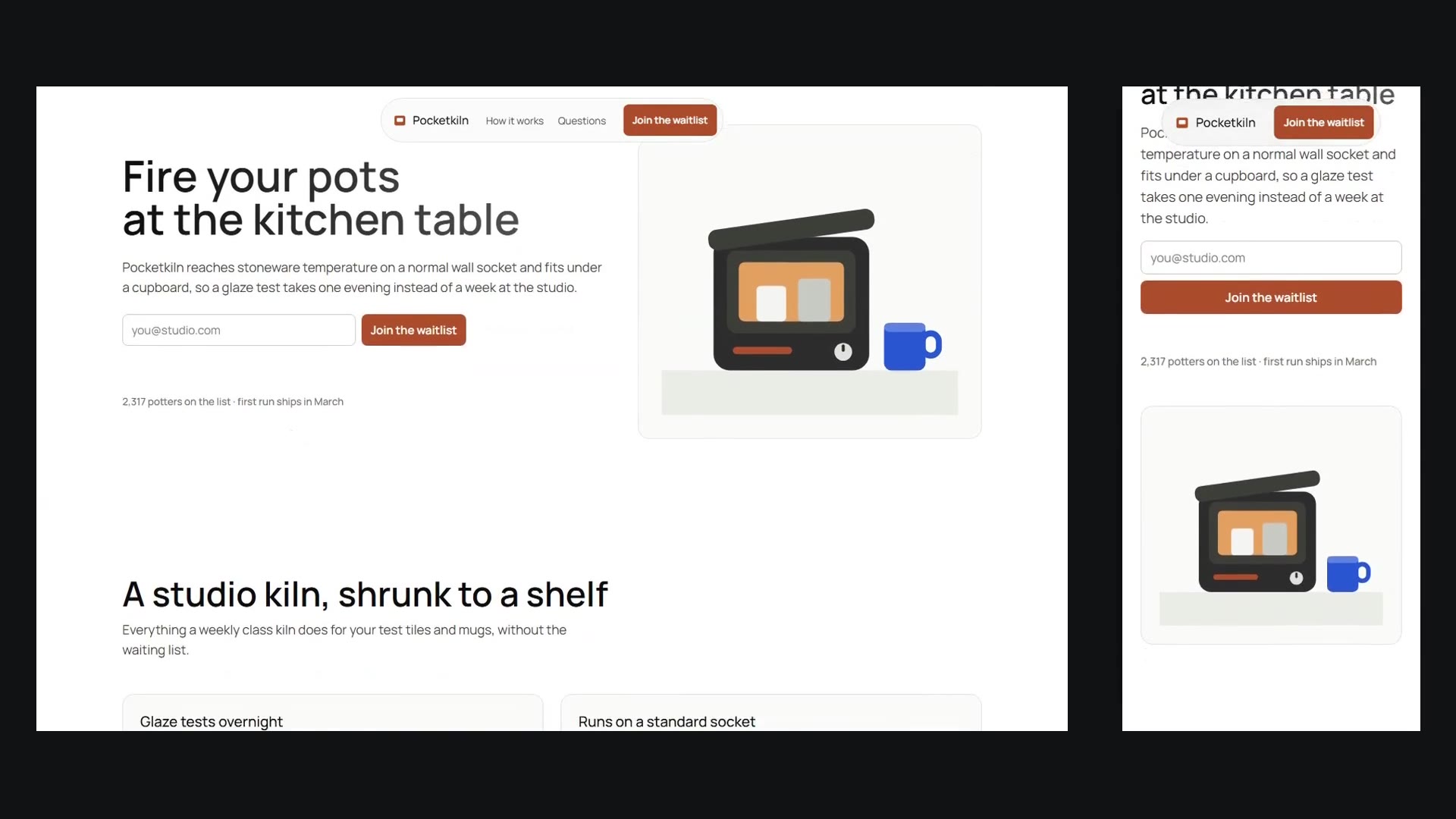
A complete single-file landing page with a conversion structure and a shared visual system, checked by a rendered-page audit before delivery.
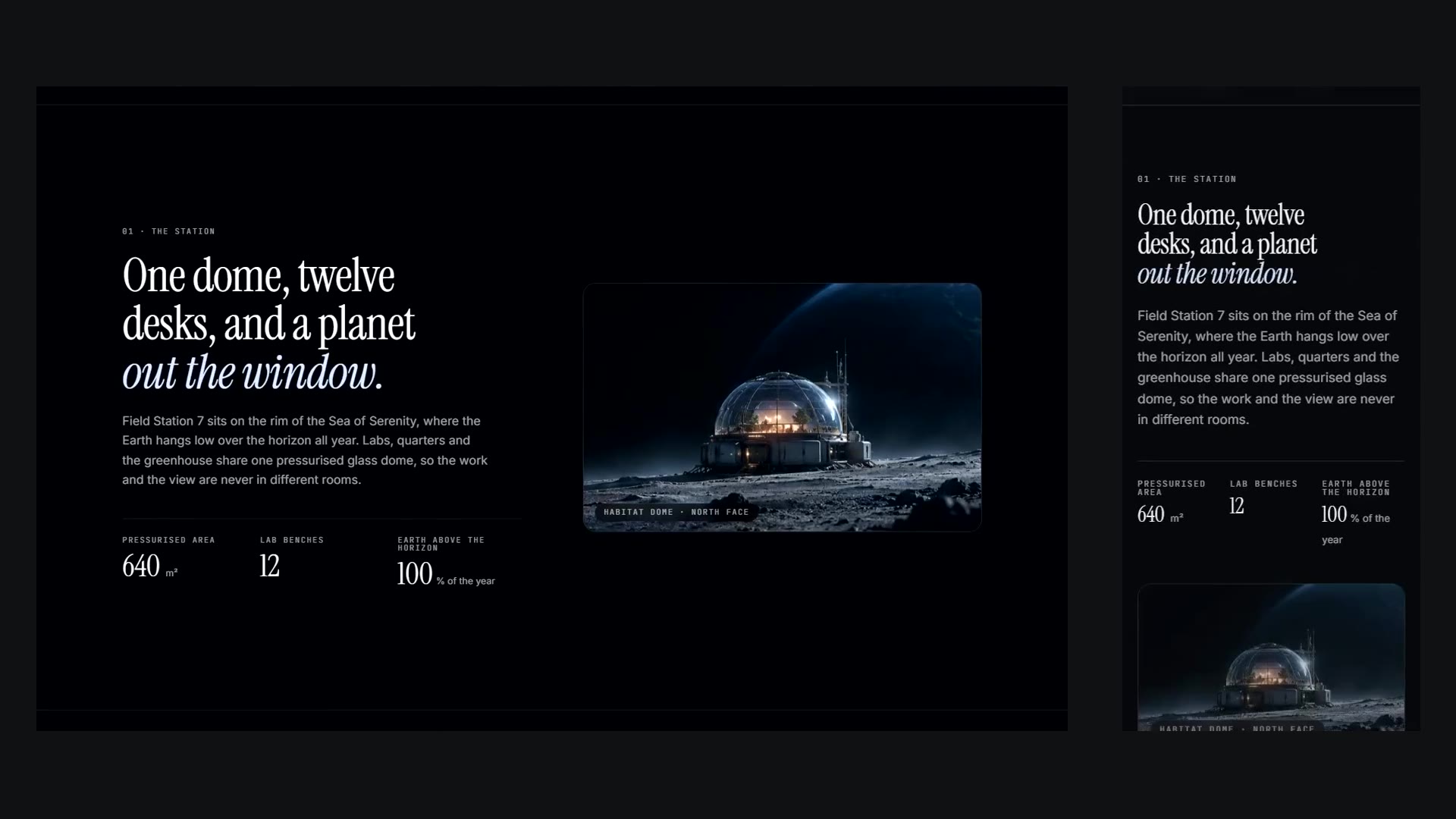
A gallery-grade first screen as one index.html: a generated looping video, a value-level spec, and a screenshot-and-fix loop until it scores 8.

Turn a title and a theme into a 16:9 poster: one broad indigo brush gesture on warm off-white with a left-aligned title, subtitle and call to action.

Turn a character description into a square soft-vinyl toy avatar: oversized rounded head, molded hair, matte material and two capsule eyes.
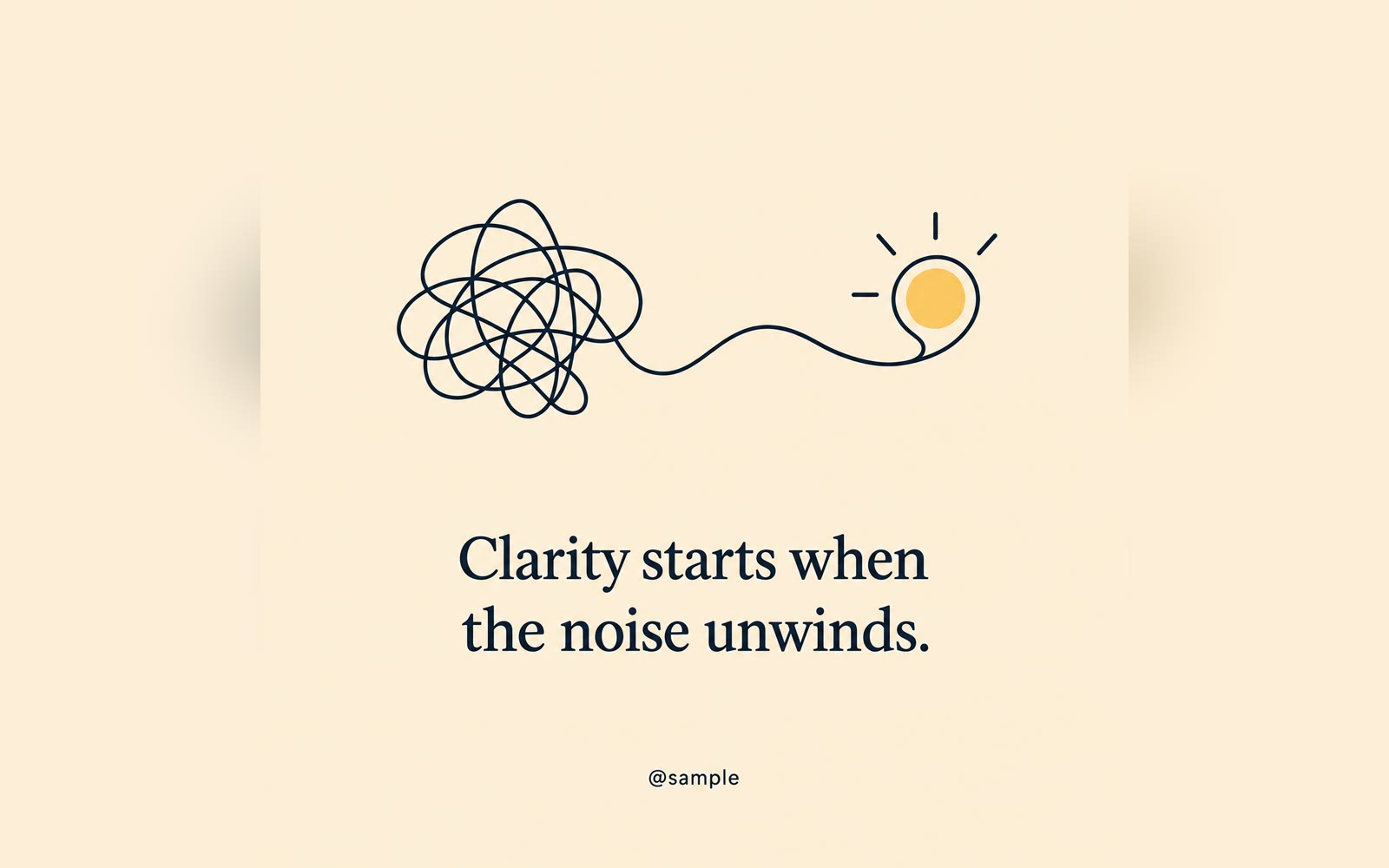
Turn one short idea into a square 1:1 social card: a flat warm background, one continuous line motif and your exact words.

Turn one consented photo into a calm black-and-white 16:9 studio half portrait with soft directional light and quiet negative space.

Turn one fictional character into a flat-lay photograph of instant-photo prints — the same subject across several white-bordered cards scattered on a soft surface.
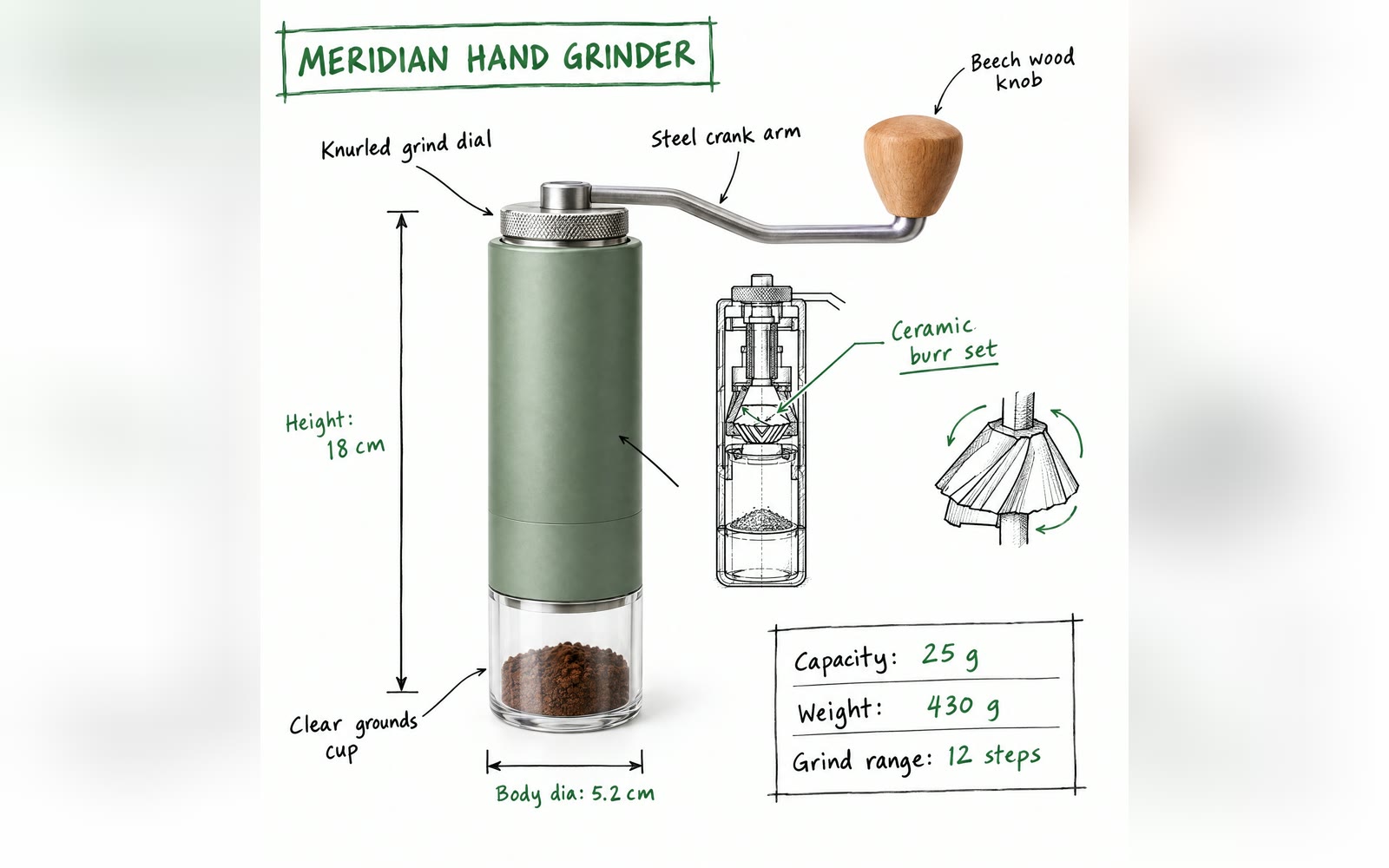
Turn a fictional object into a square studio technical sketch: a photoreal render on white overlaid with ink callouts, a section inset, dimension marks and a hand-drawn title box.
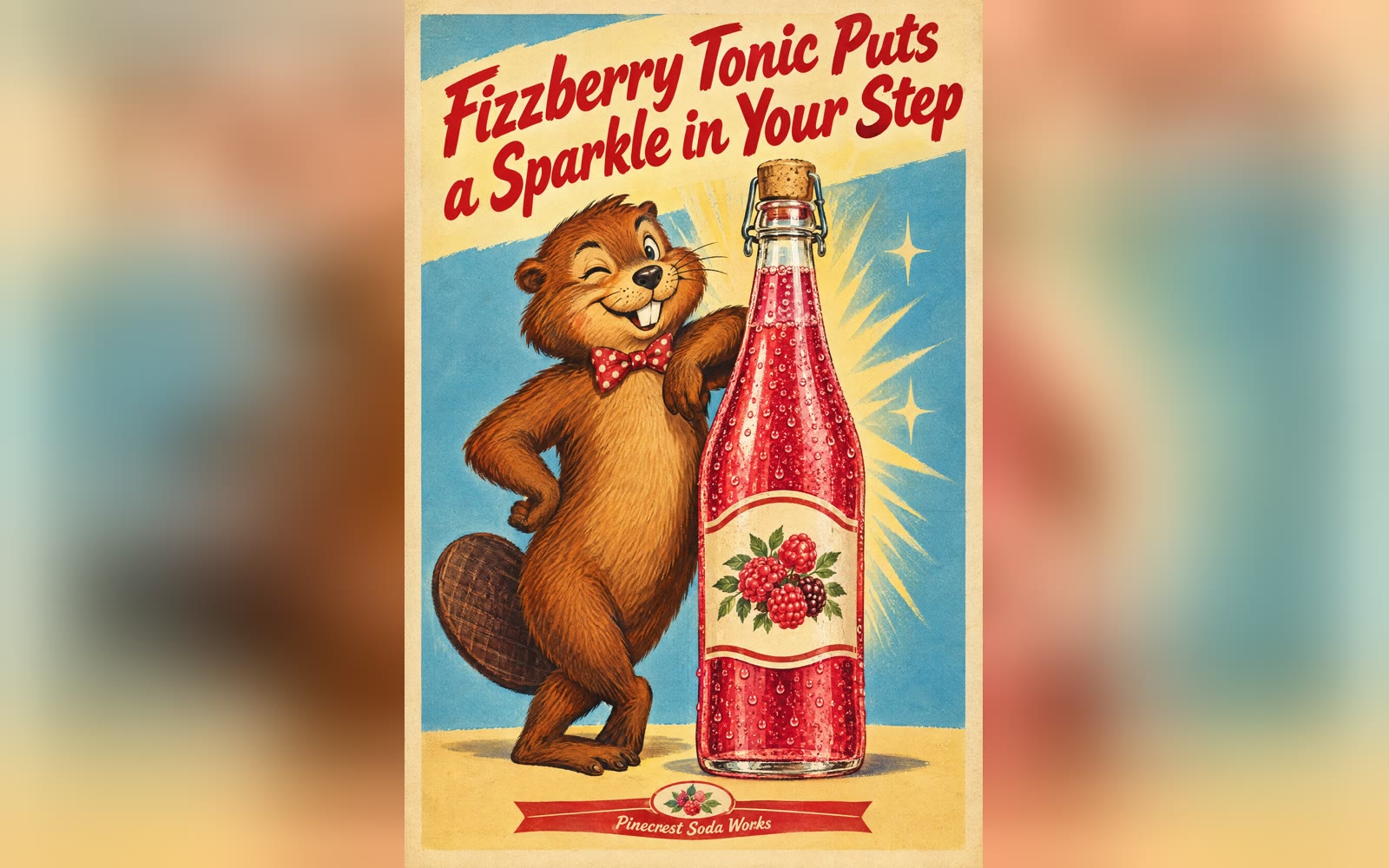
Advertise one invented product as a mid-century painted magazine ad.

Paint one invented animal as a loose, keepsake-style watercolor portrait.
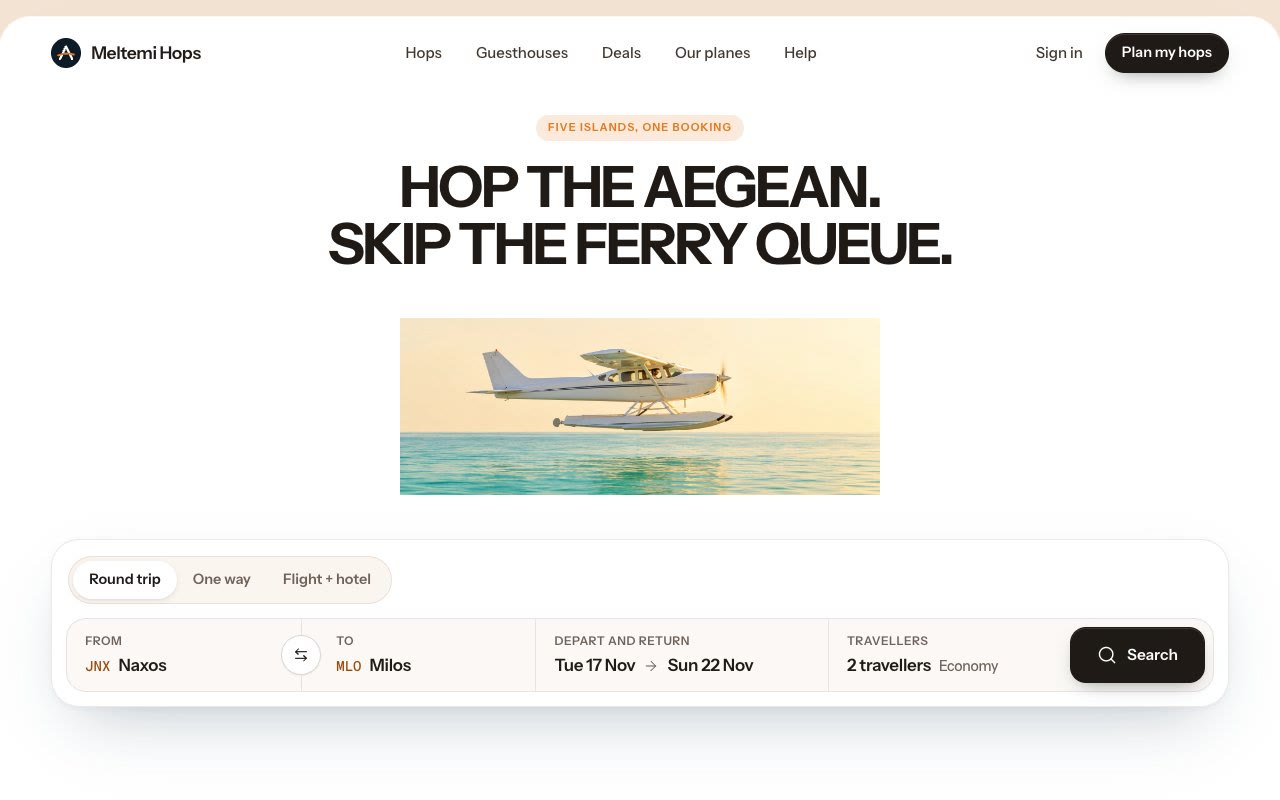
Turn a travel brief into a single-file flight and stay booking site with search results, fare details and checkout views.
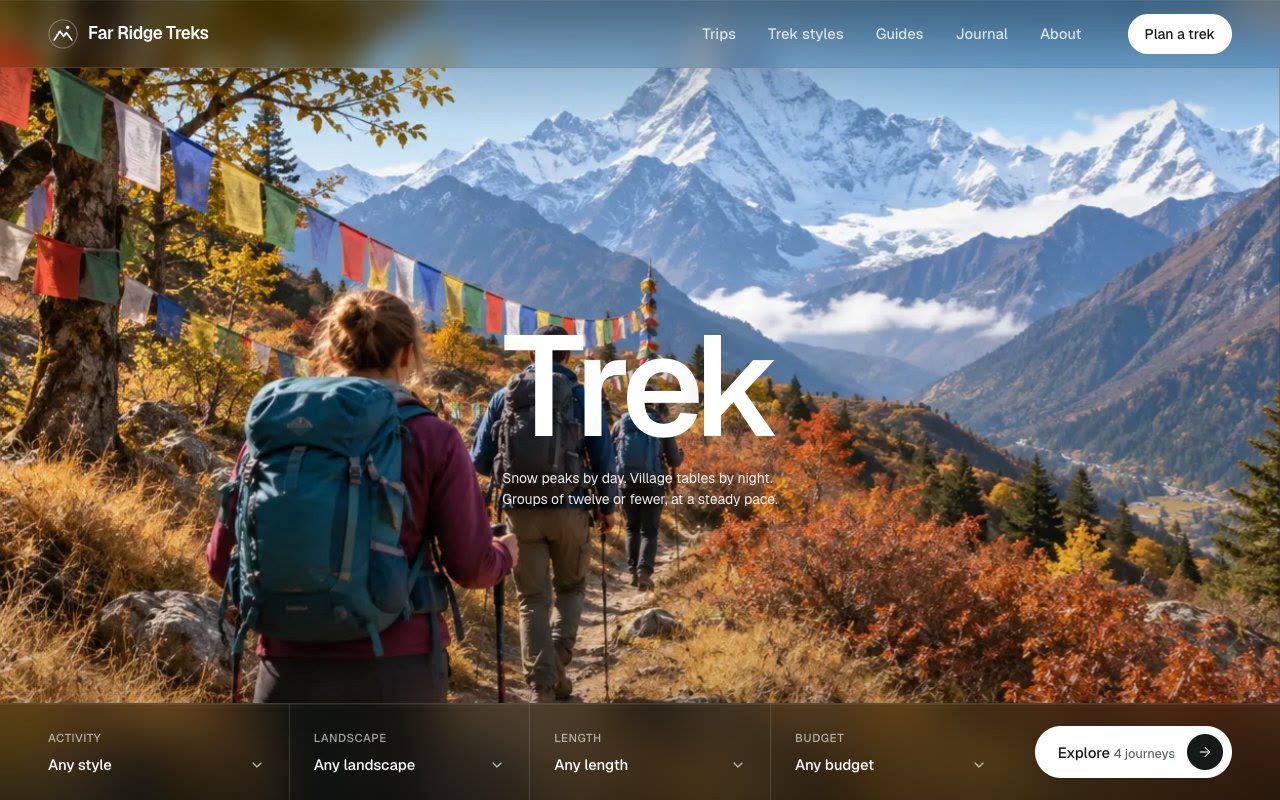
Turn a travel agency brief into a single-file site with journeys, experiences, trip pages and an enquiry form.
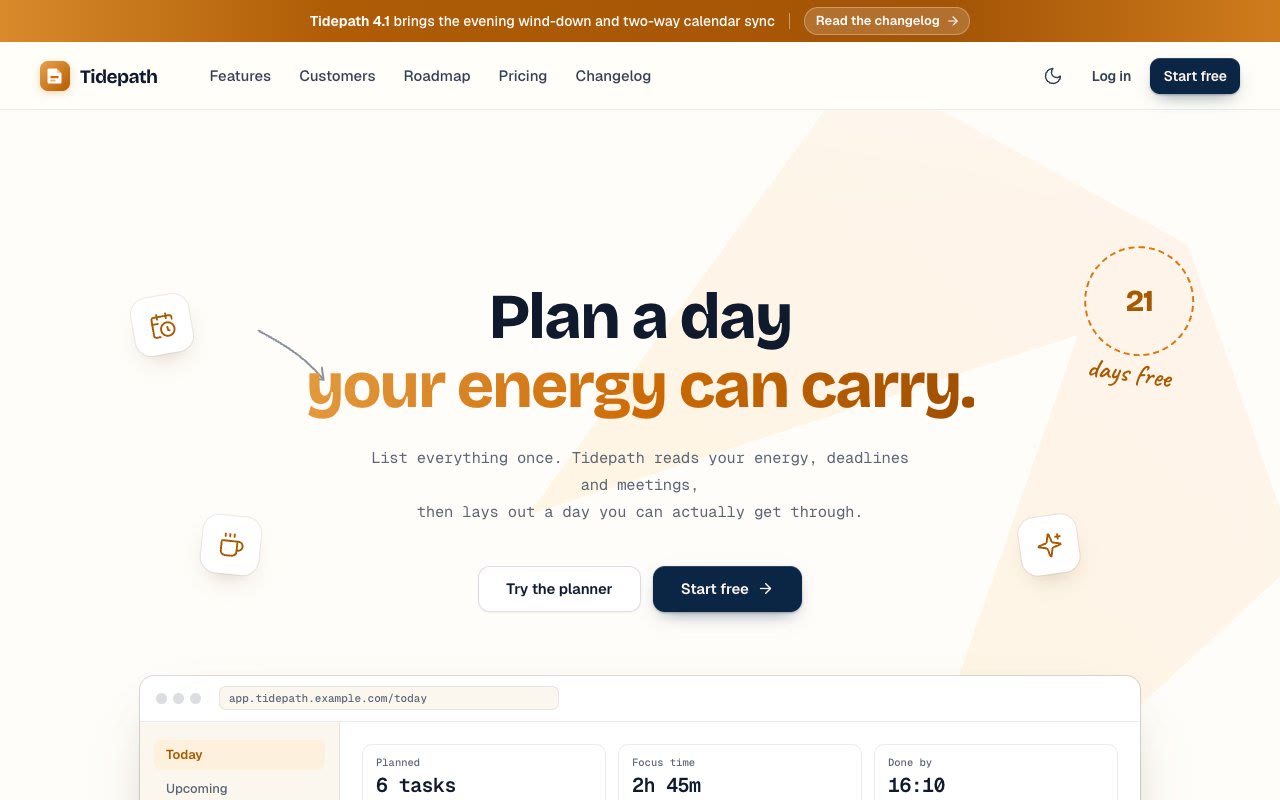
Turn a product brief into a warm single-file site for a planning app, with features, pricing, changelog, sign-in and contact.
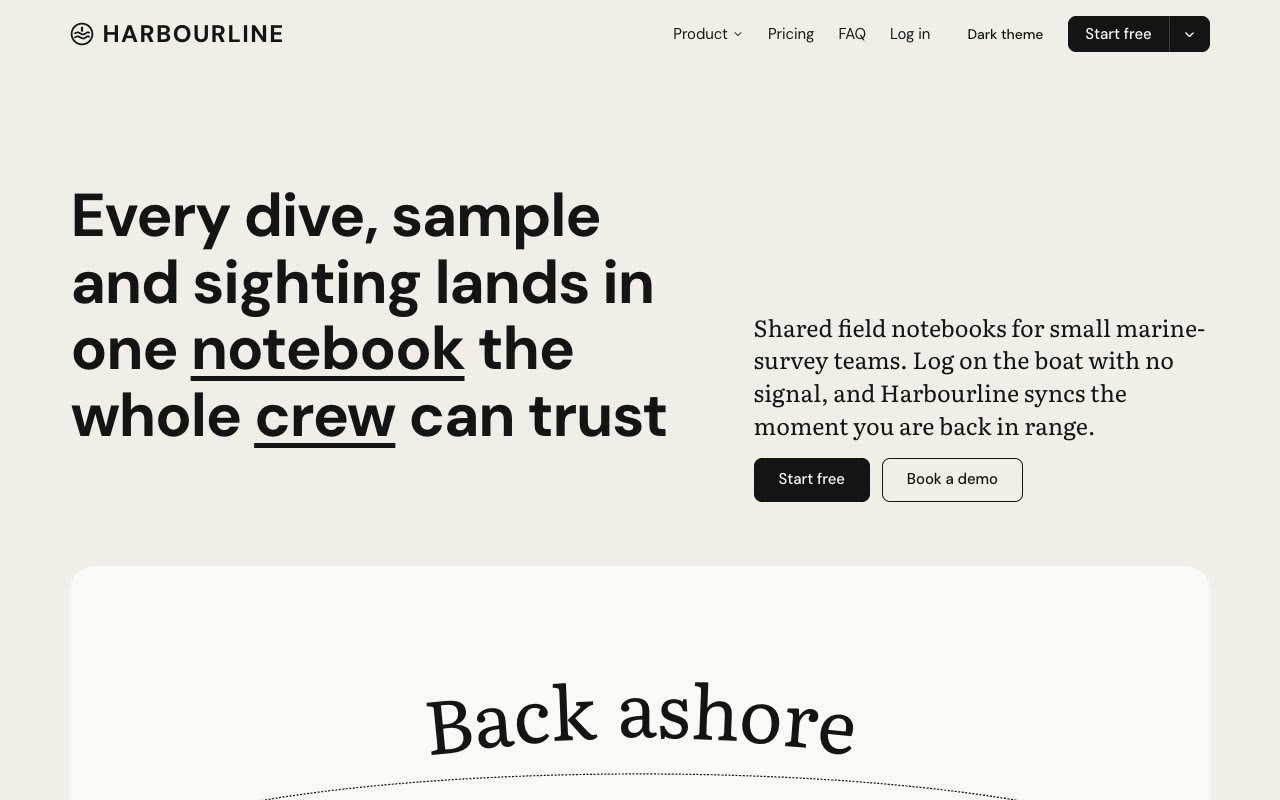
Restyle a site, or build a new one, in an oat paper style: bold sans headlines with underlined keywords, serif body text and warm cards.
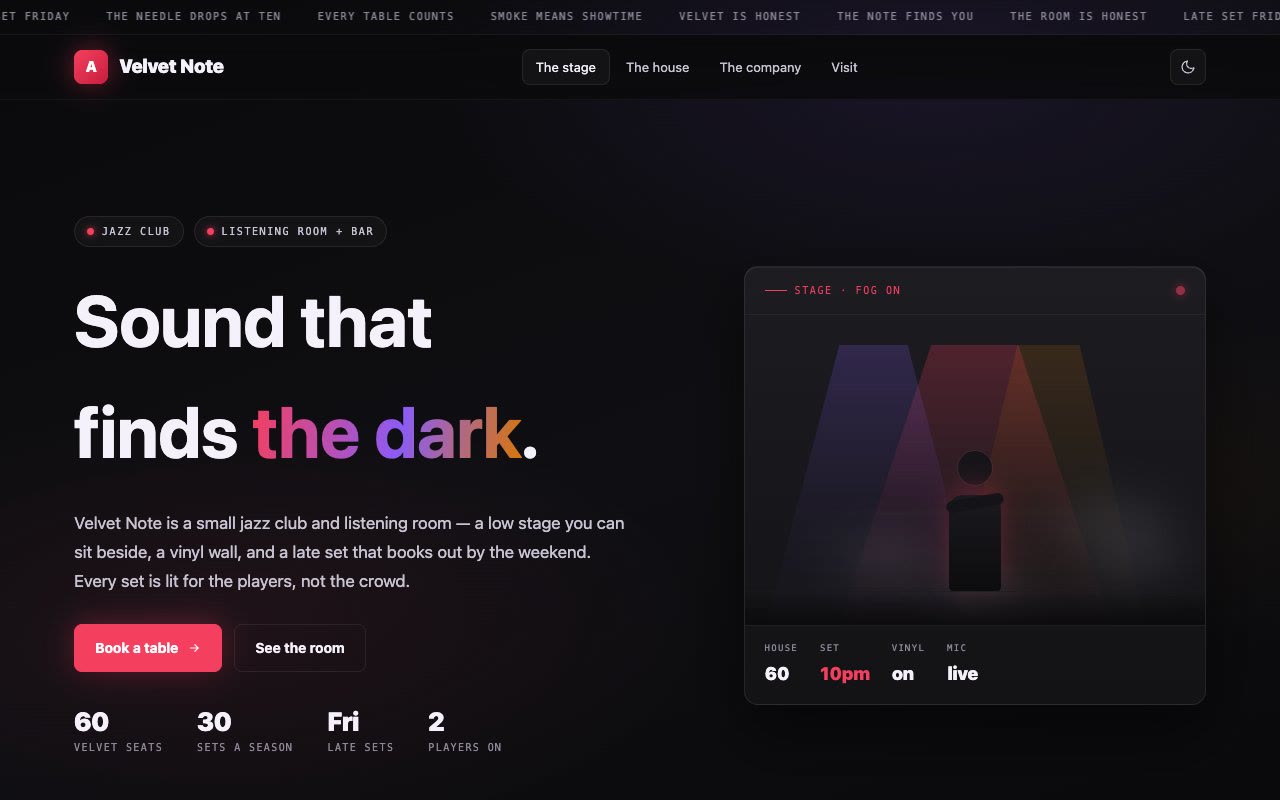
Turn a brief for a theater, performance venue or experimental arts space into a site with dramatic dark chrome, spotlight cone effects, atmospheric smoke drifts, rose accent lighting and theatrical typography.
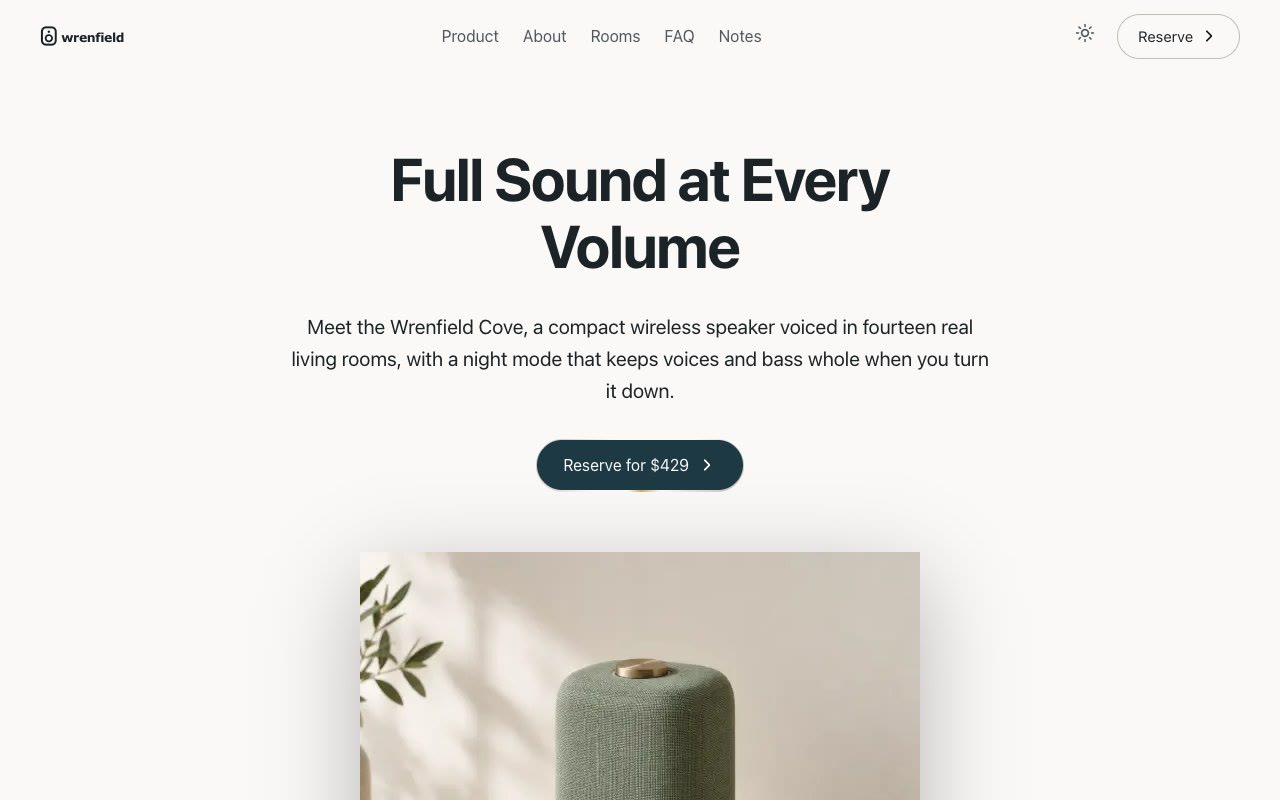
Turn a product brief into a single-file landing page for one hardware product, with features, rooms, FAQ, notes, a reservation drawer and a contact form.
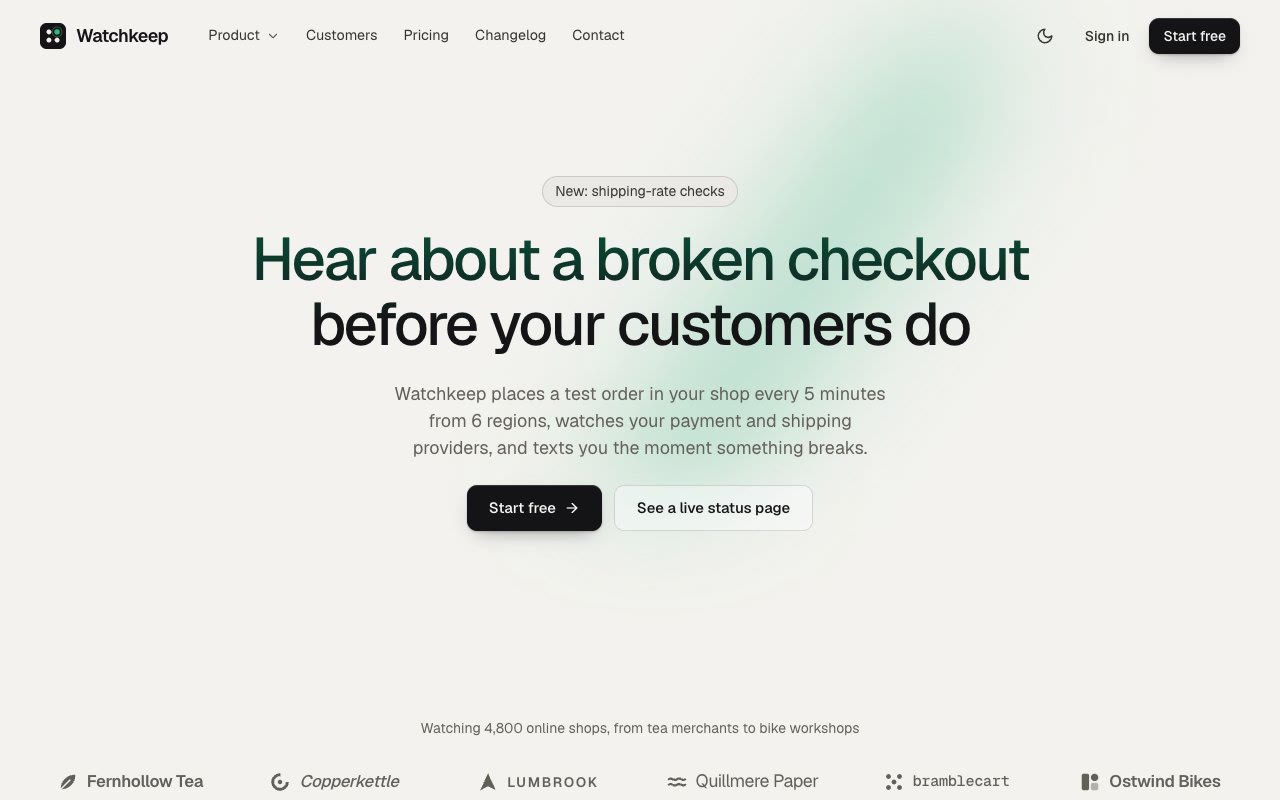
Turn a product brief into a polished single-file SaaS marketing site with pricing, FAQ, sign-up, changelog and status pages.
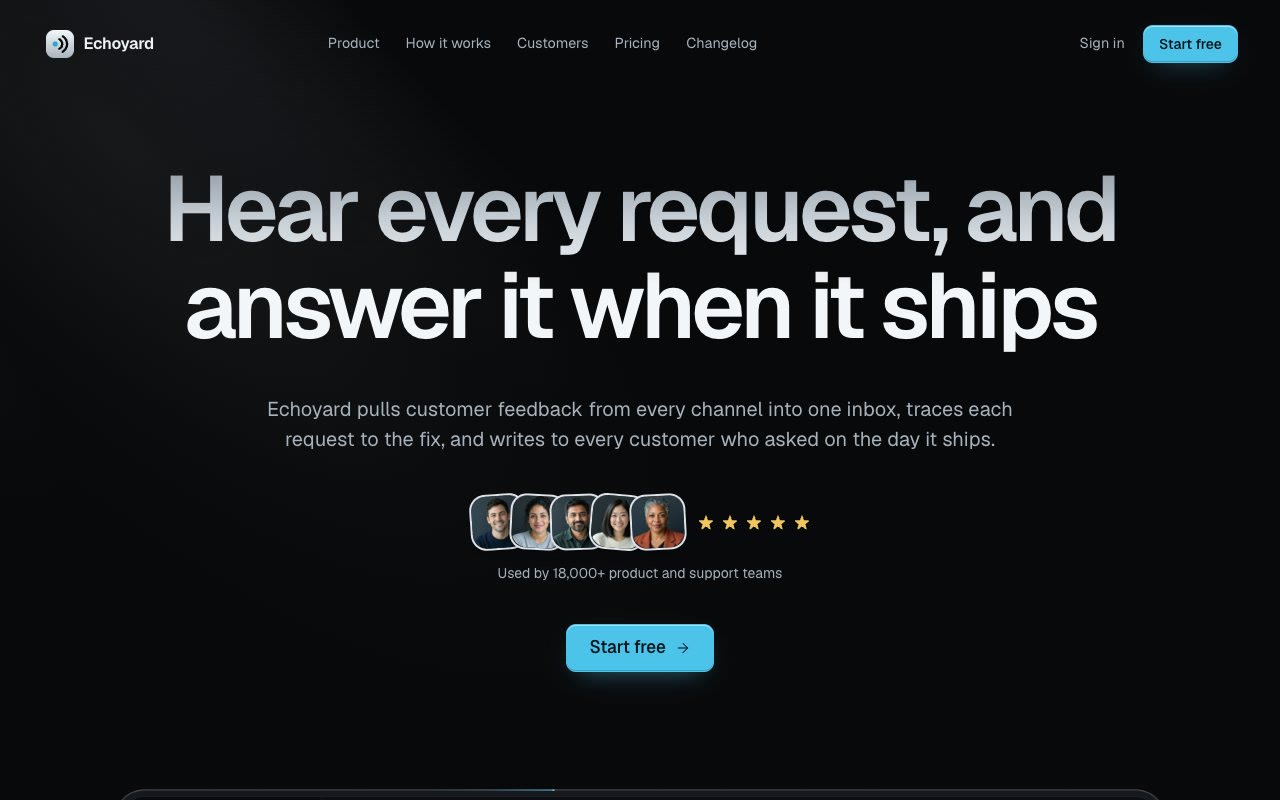
Turn a product brief into a dark single-file marketing site for a feedback tool, with story, changelog, sign-in and legal pages.
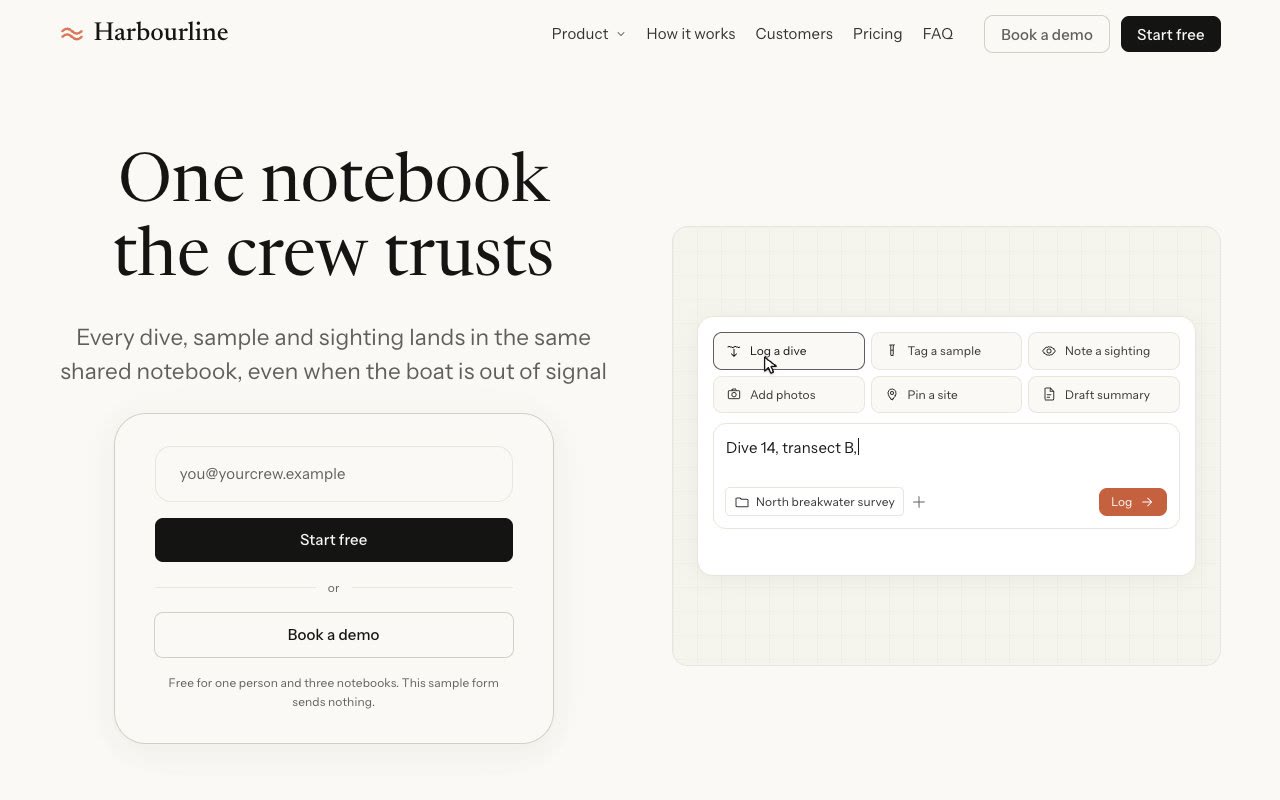
Restyle a site, or build a new one, in a warm editorial style: paper canvas, serif headlines, ink buttons and hairline cards.
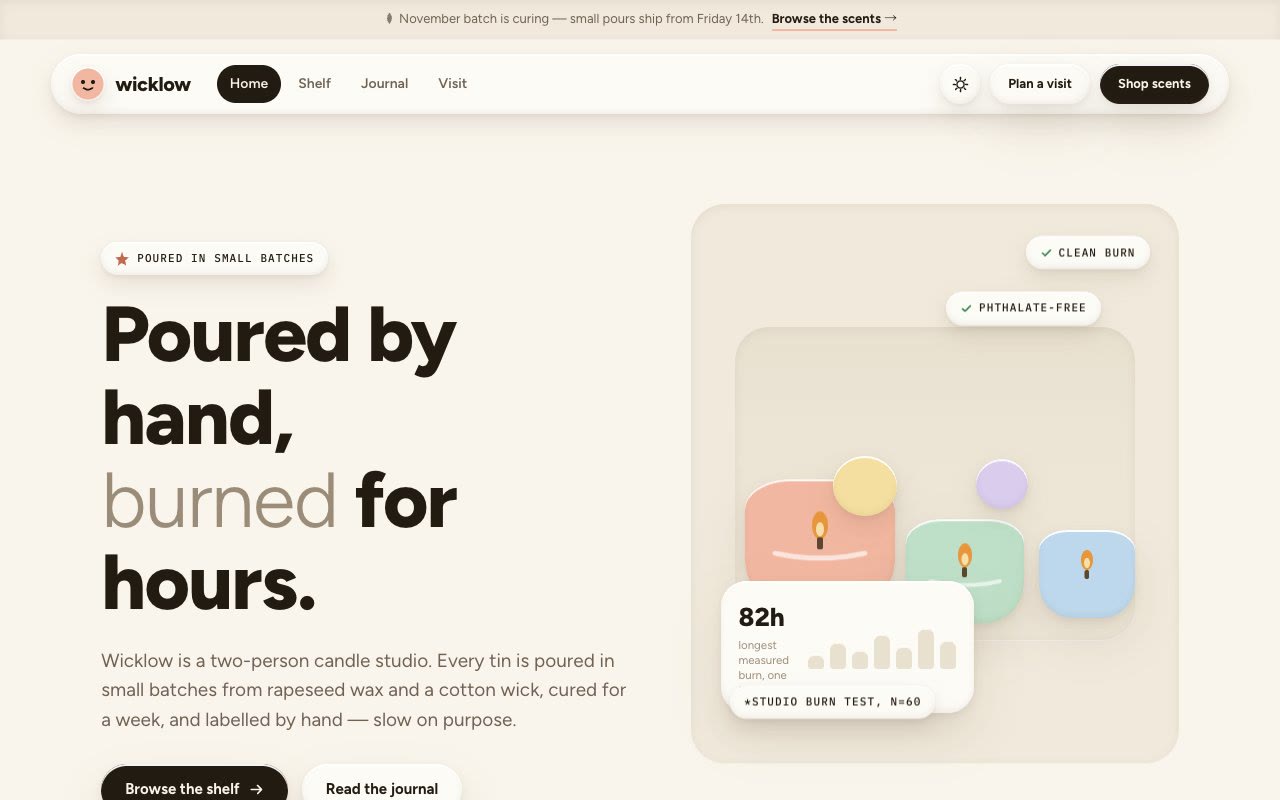
Turn a brief for a toy shop, craft-goods store, maker market stall or playful consumer brand into a soft pressed-clay site: warm cream surfaces, extra-large radii and moulded-looking cards.
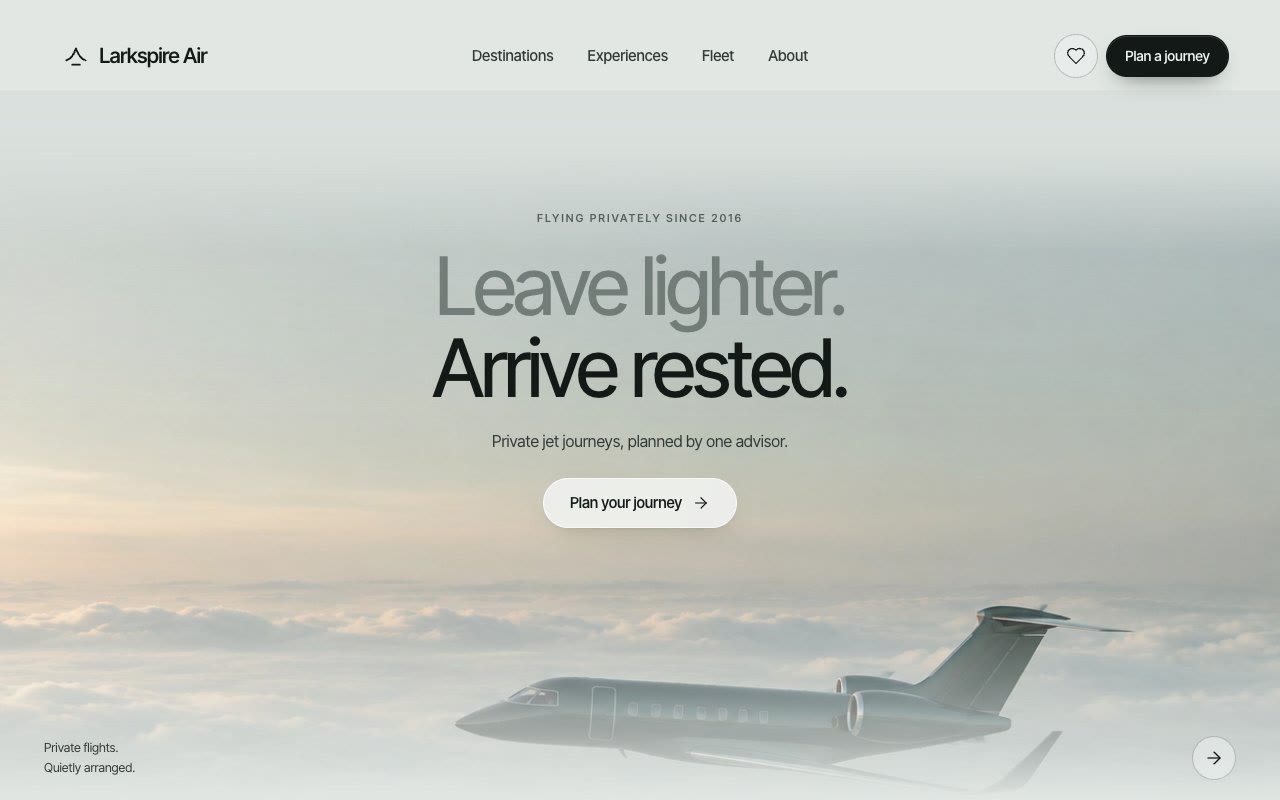
Turn a travel brief into a single-file site for premium trips, with destinations, experiences, fleet, booking and journal pages.
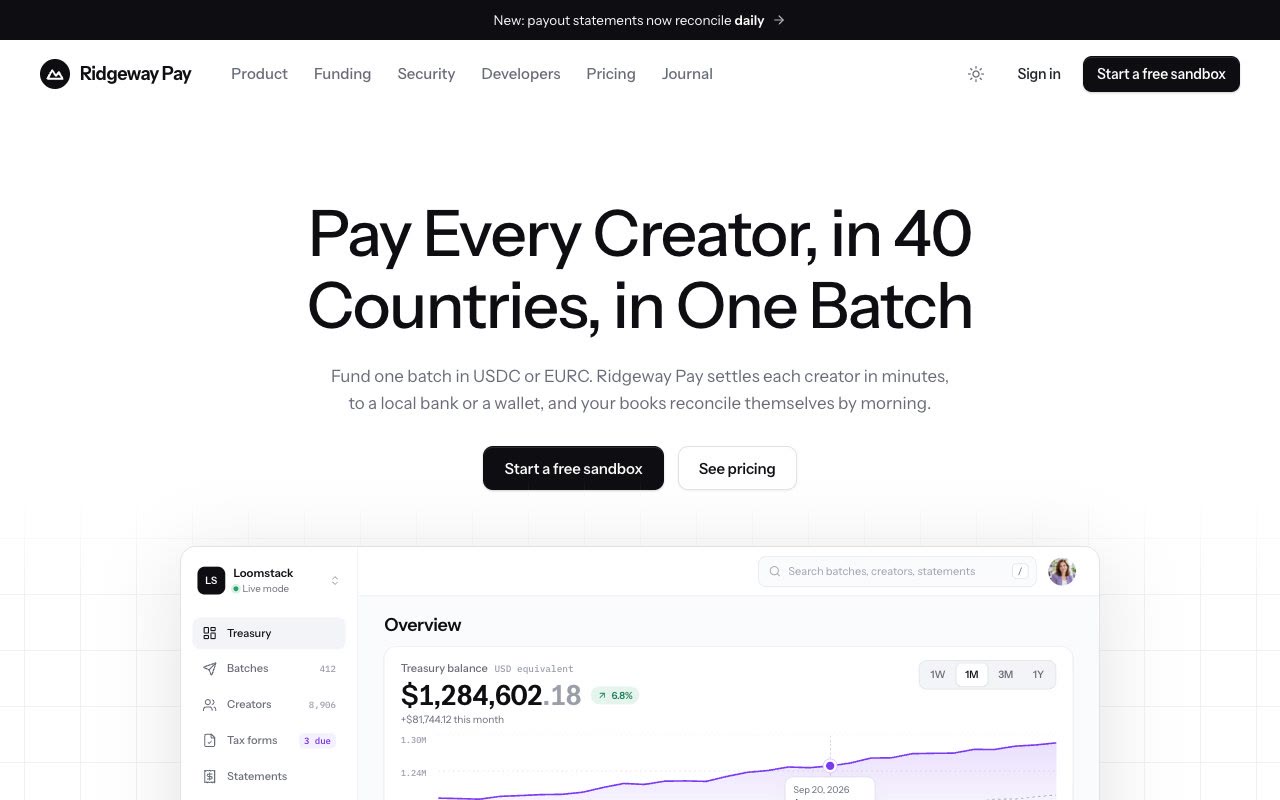
Turn a payments product brief into a single-file product site with pricing, company, journal and article pages.
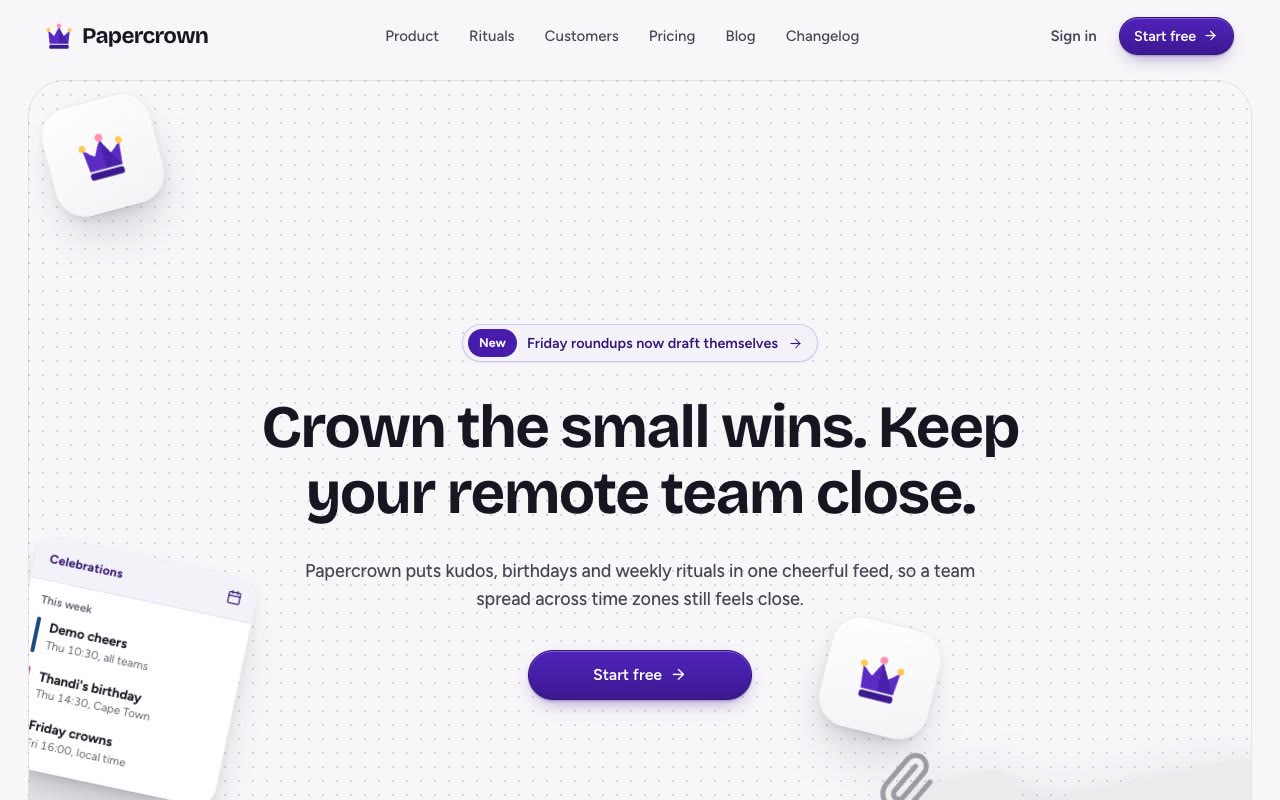
Turn a product brief into a cheerful single-file site for a team app, with features, changelog, sign-up, sign-in and contact.
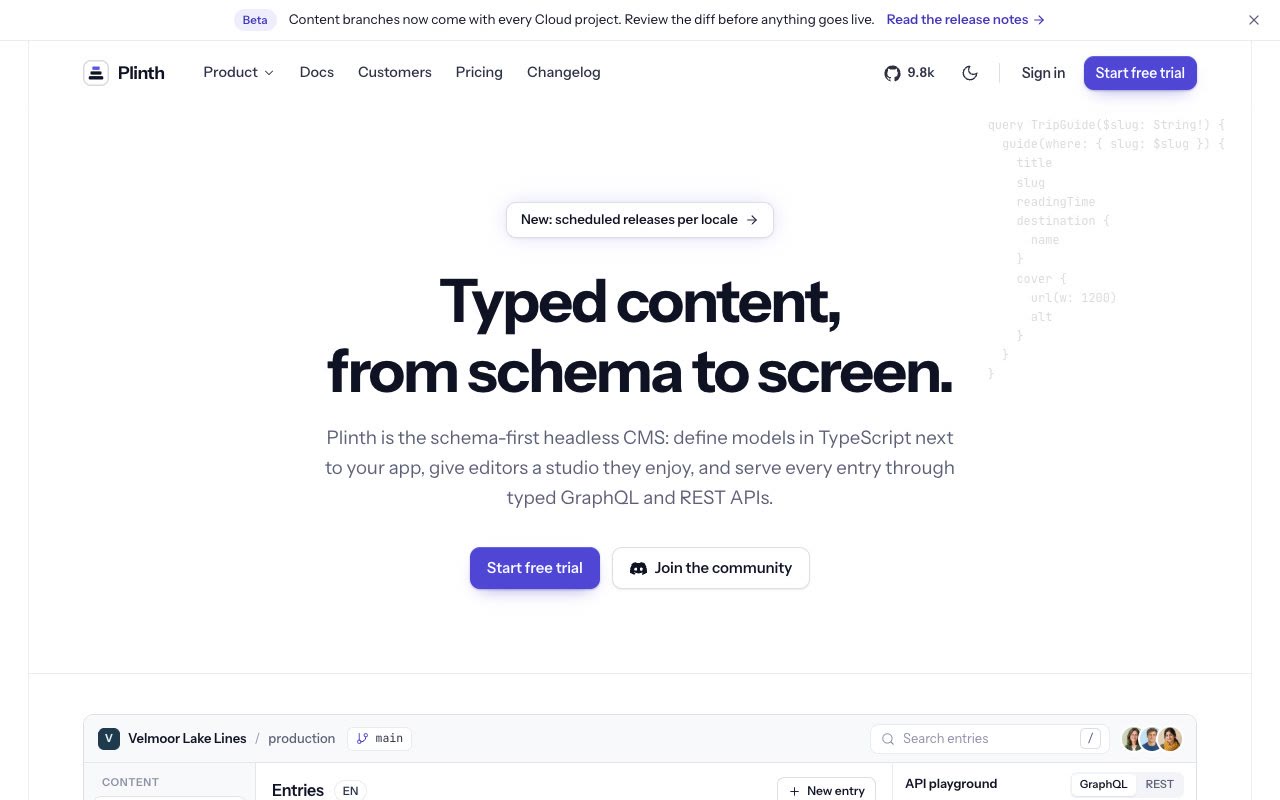
Turn a developer product brief into a single-file site with a product mock, docs, changelog, pricing and sign-up.
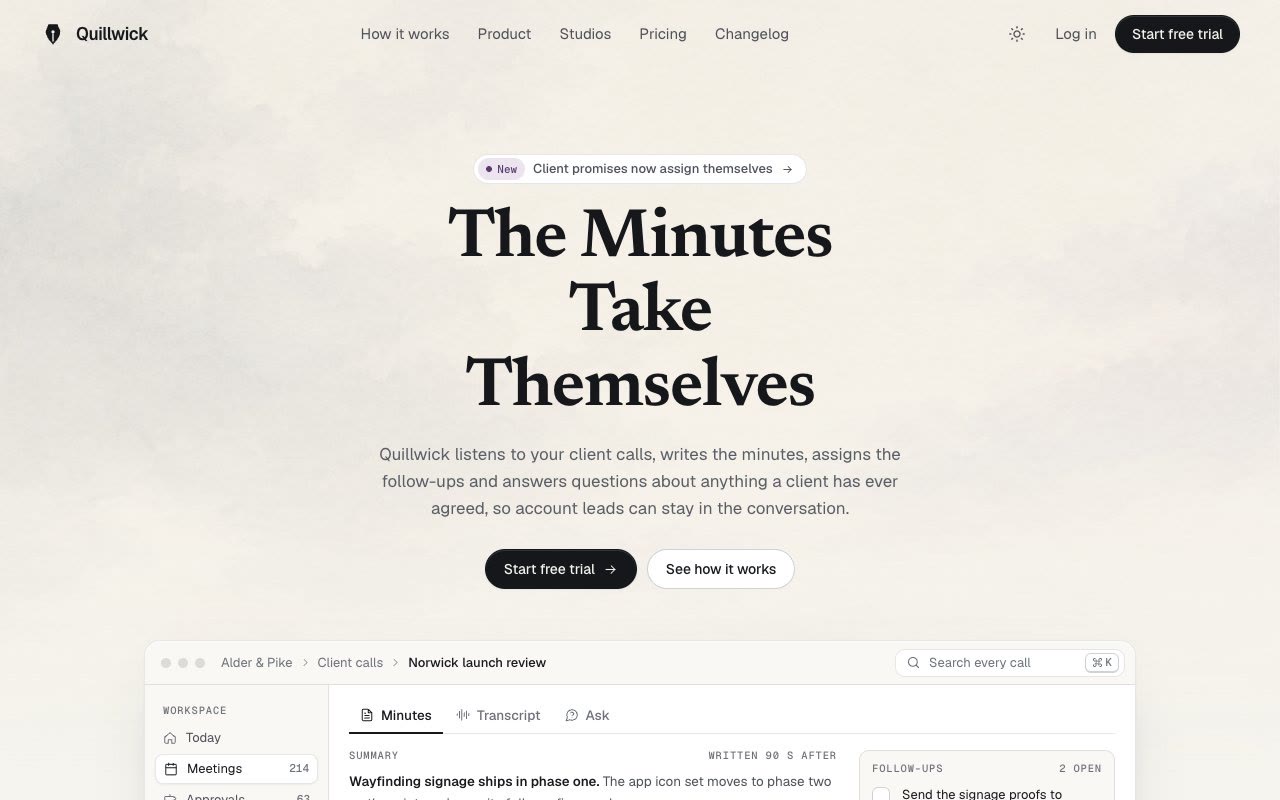
Turn a product brief into an editorial-style single-file site with a product mock, changelog, sign-up, log-in and contact.
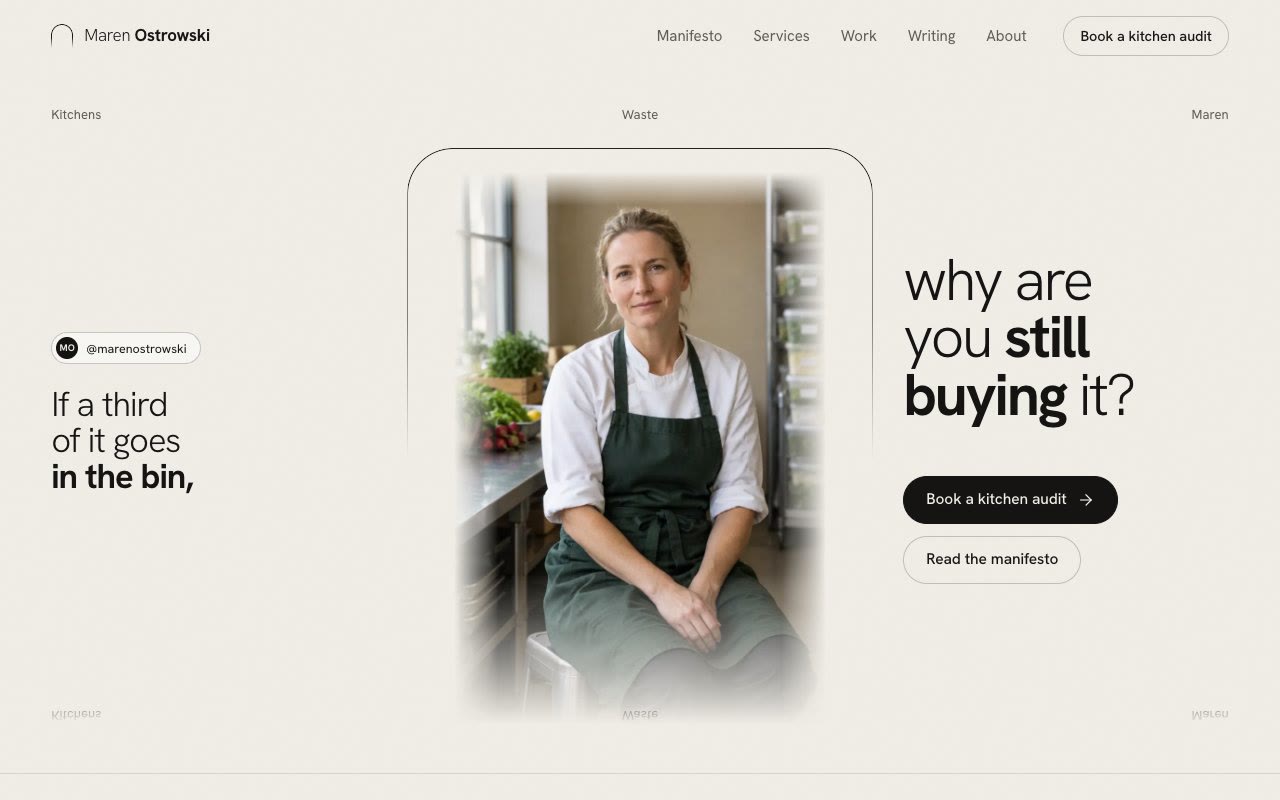
Turn a consultant's positioning into a single-file editorial personal brand site with a manifesto, services and case pages.
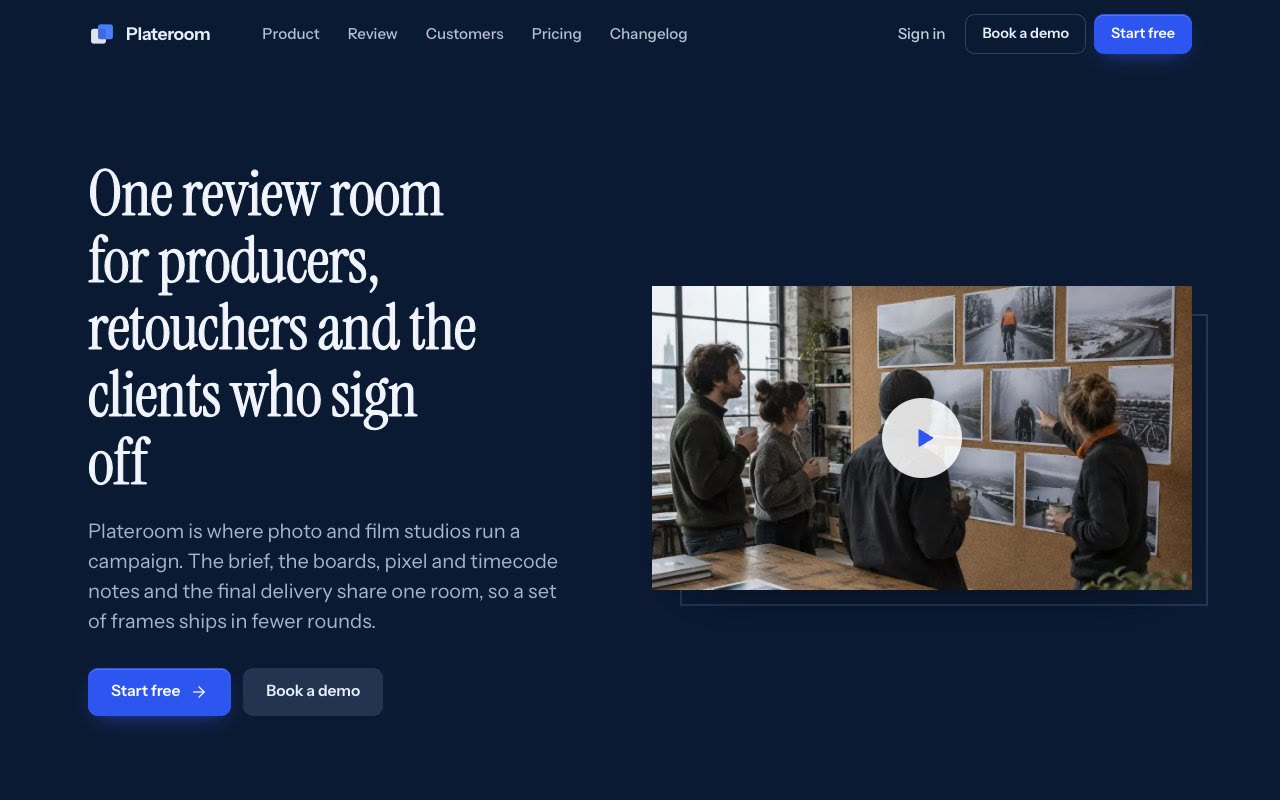
Turn a product brief into an editorial-style single-file site for a tool built for creative studios, with story, pricing, changelog and sign-in.
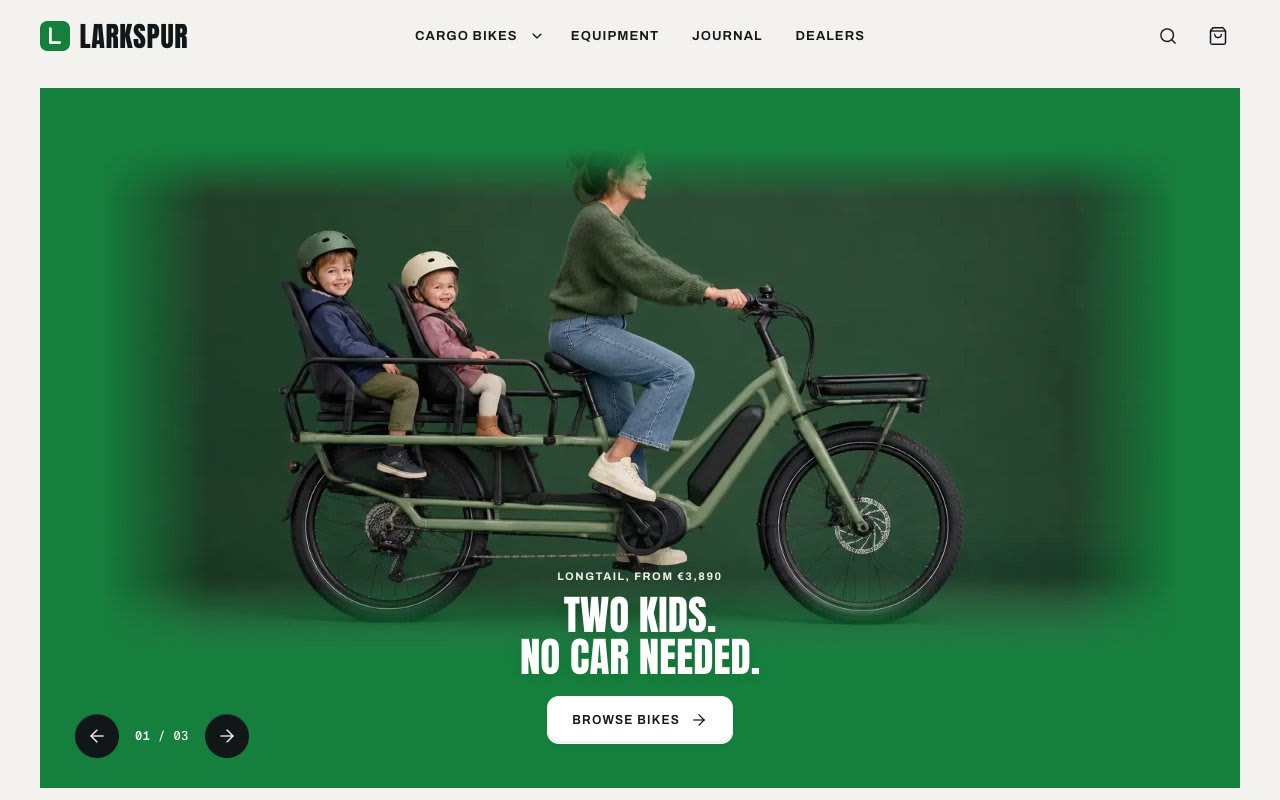
Turn a product catalogue into a single-file e-bike store with categories, product pages, cart and checkout views.
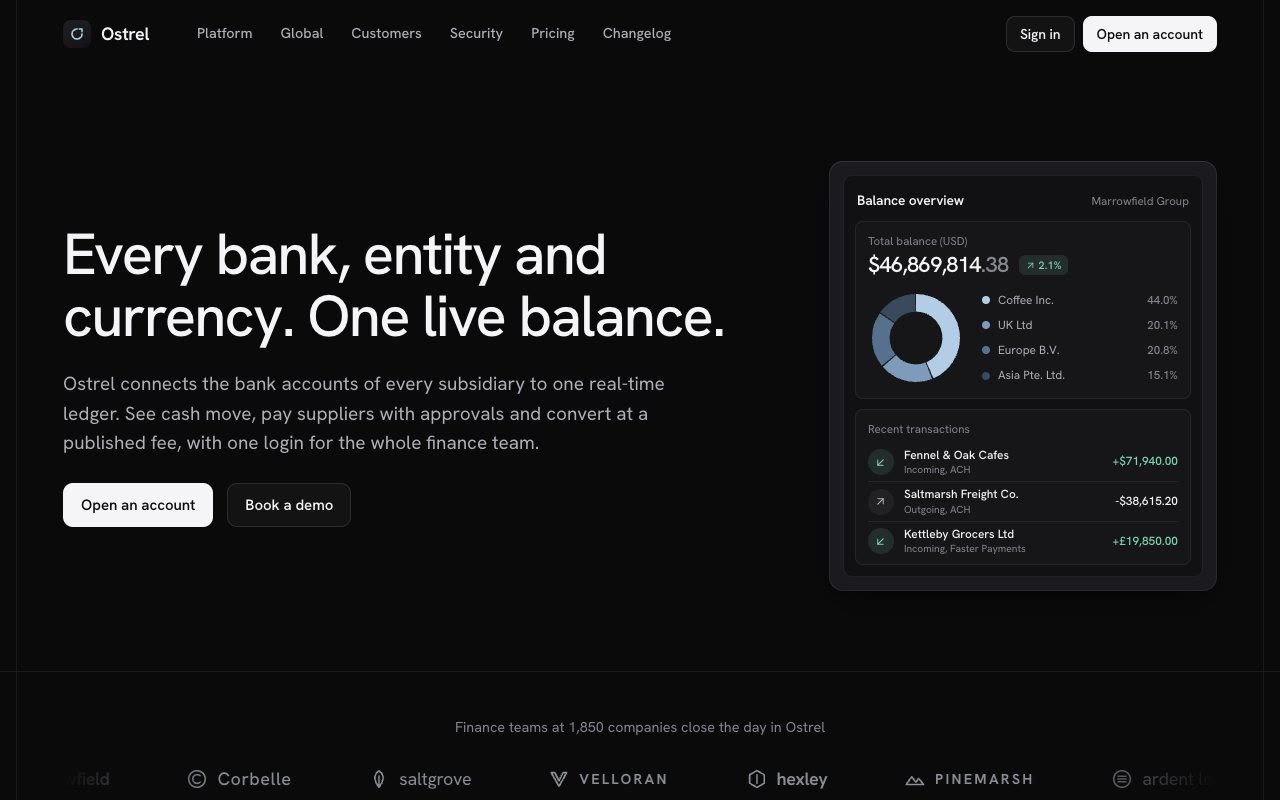
Turn a fintech brief into a dark single-file site with a balance mock, security, demo, sign-up and sign-in pages.
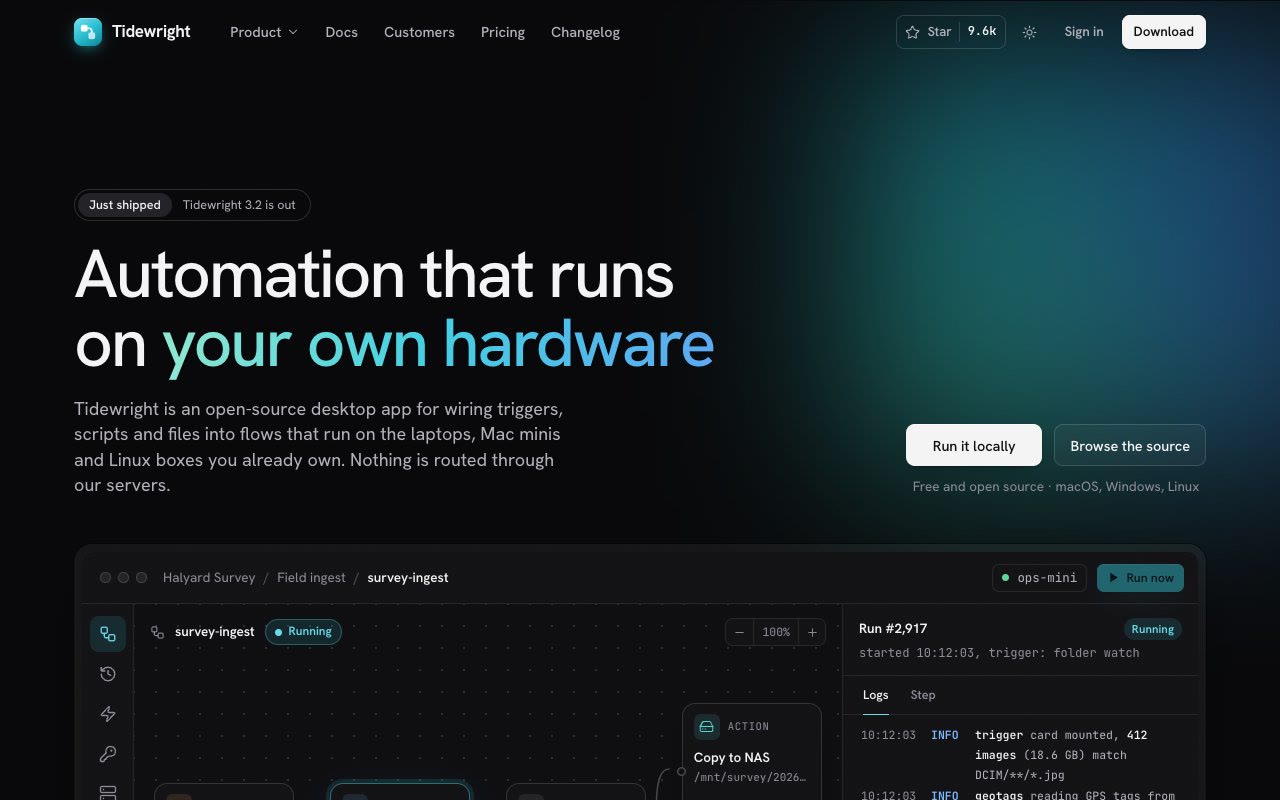
Turn a product brief into a dark single-file site for an automation tool, with a run mock, docs, download, security and changelog.
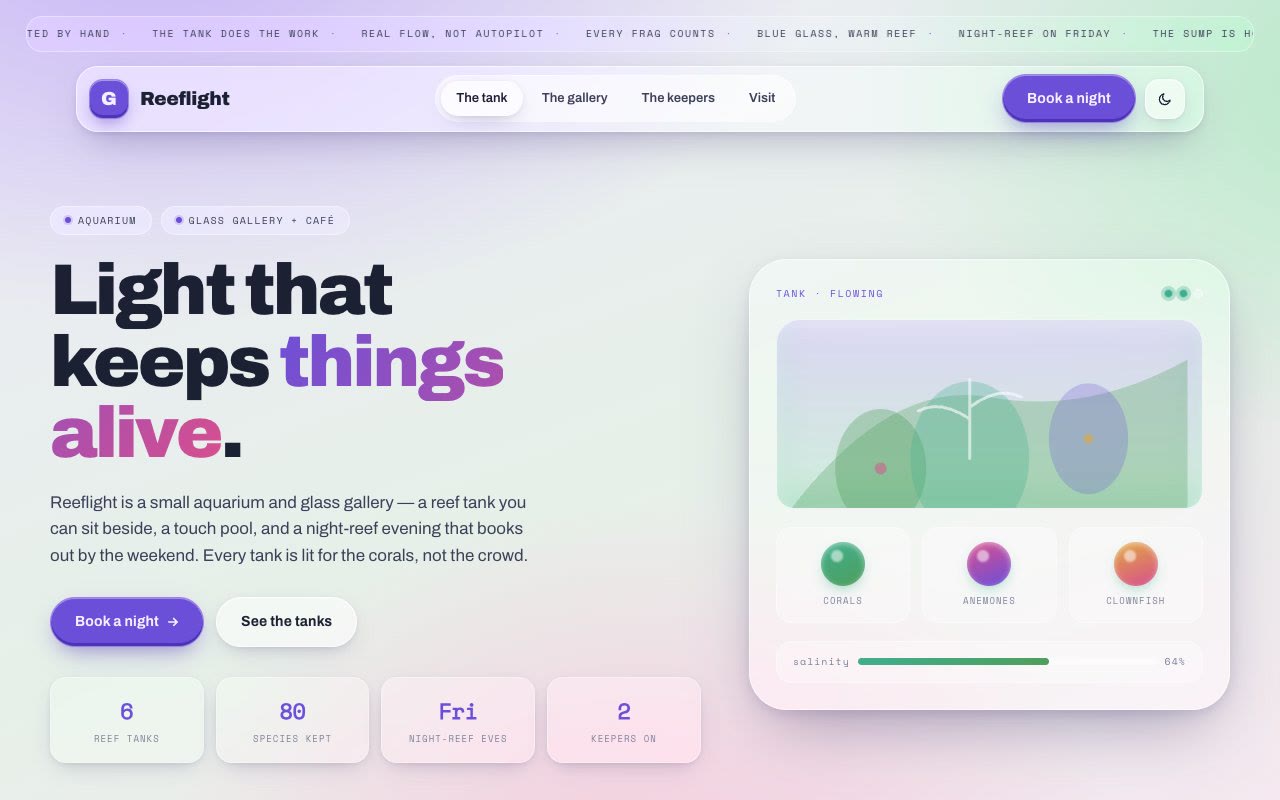
Turn a brief for a plant nursery, botanical shop or gardening community into a site with glassmorphism chrome, frosted card overlays, soft blurred backgrounds, cool green palette and luminous accents.
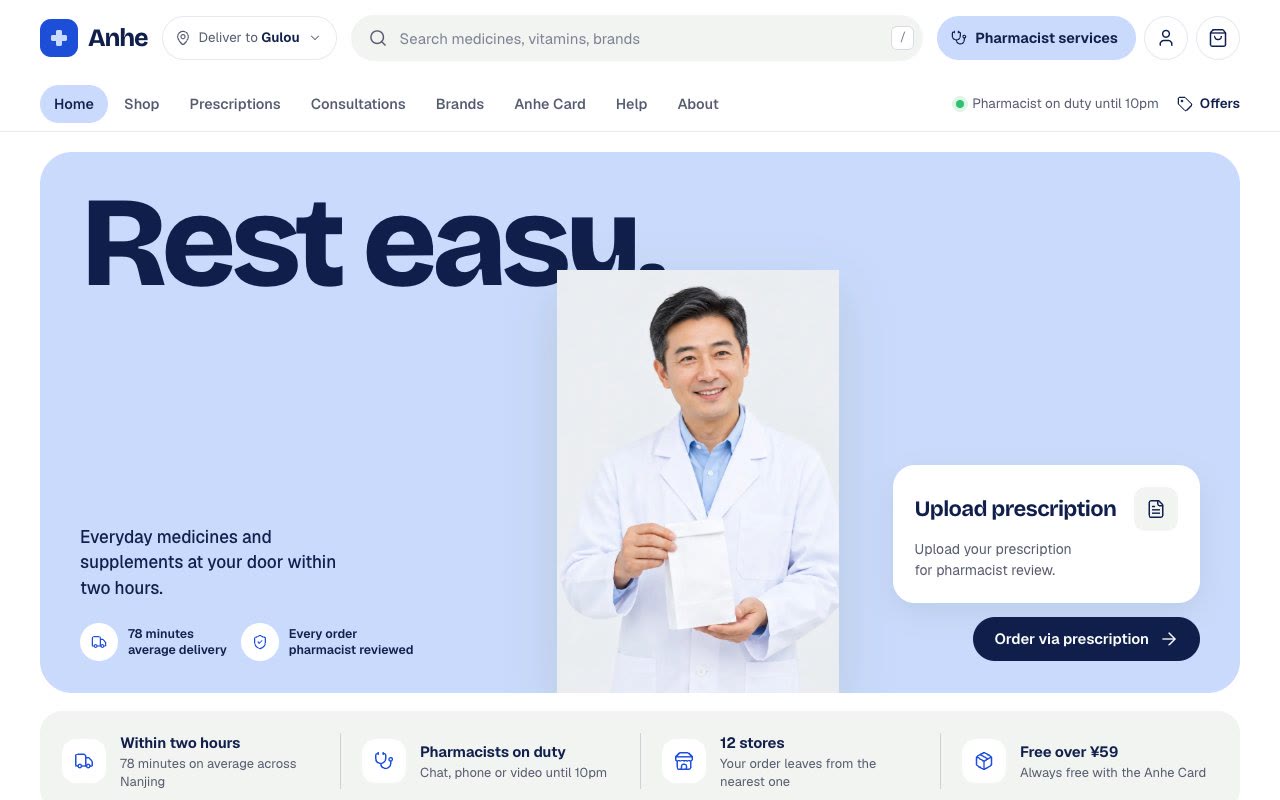
Turn a pharmacy's range into a single-file online storefront with a shop, product pages, cart and checkout.
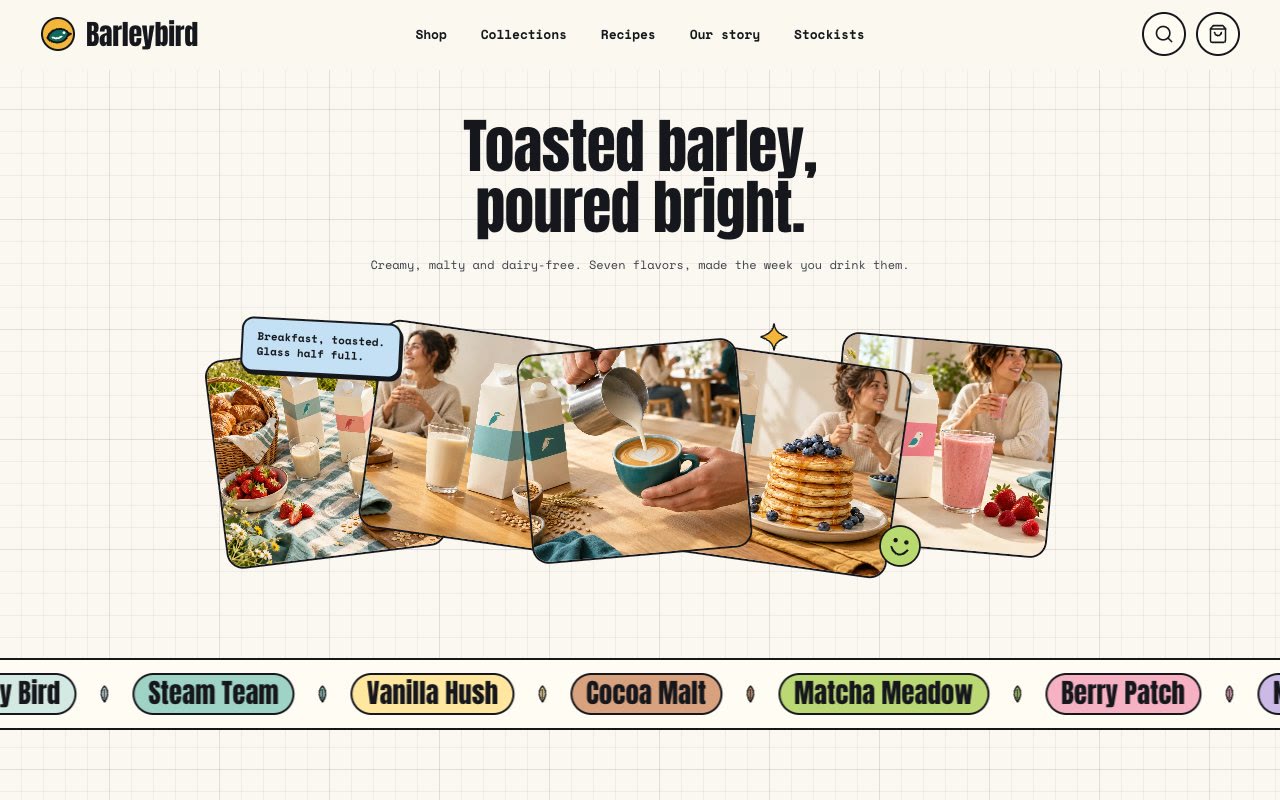
Turn a brand brief into a playful single-file site for a drinks brand, with flavours, collections, recipes, story and stockists.
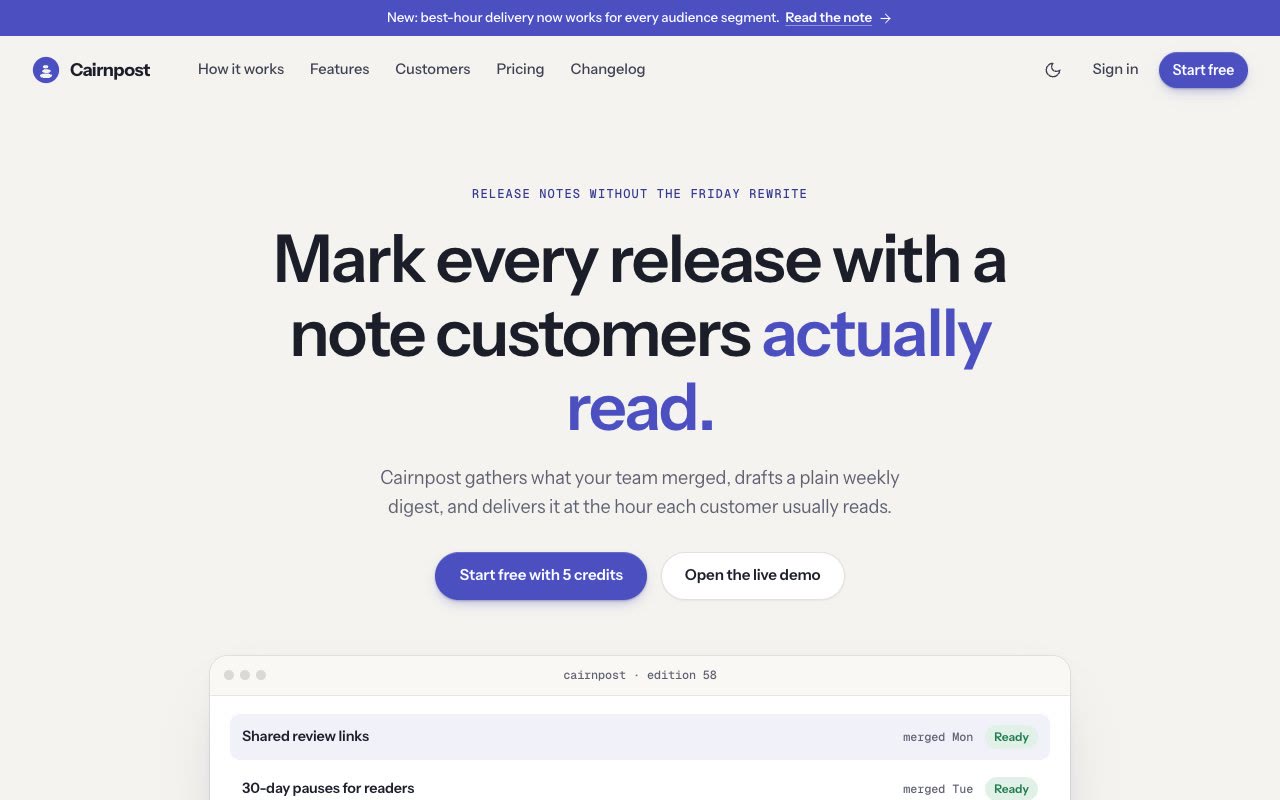
Turn a product brief into a single-file site for a product suite, with a workspace mock, customers, pricing, changelog and sign-in.
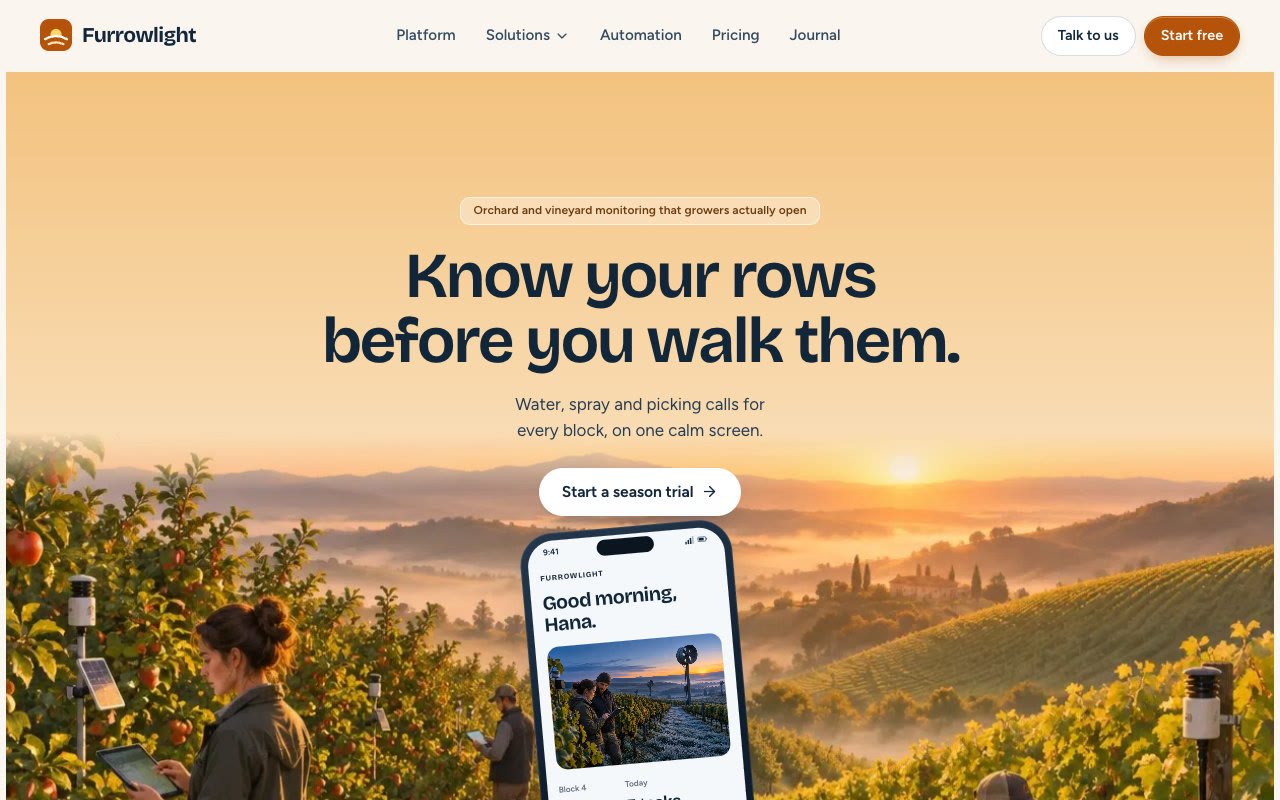
Turn an agritech product brief into a single-file illustrated product site with platform, solution and case pages.
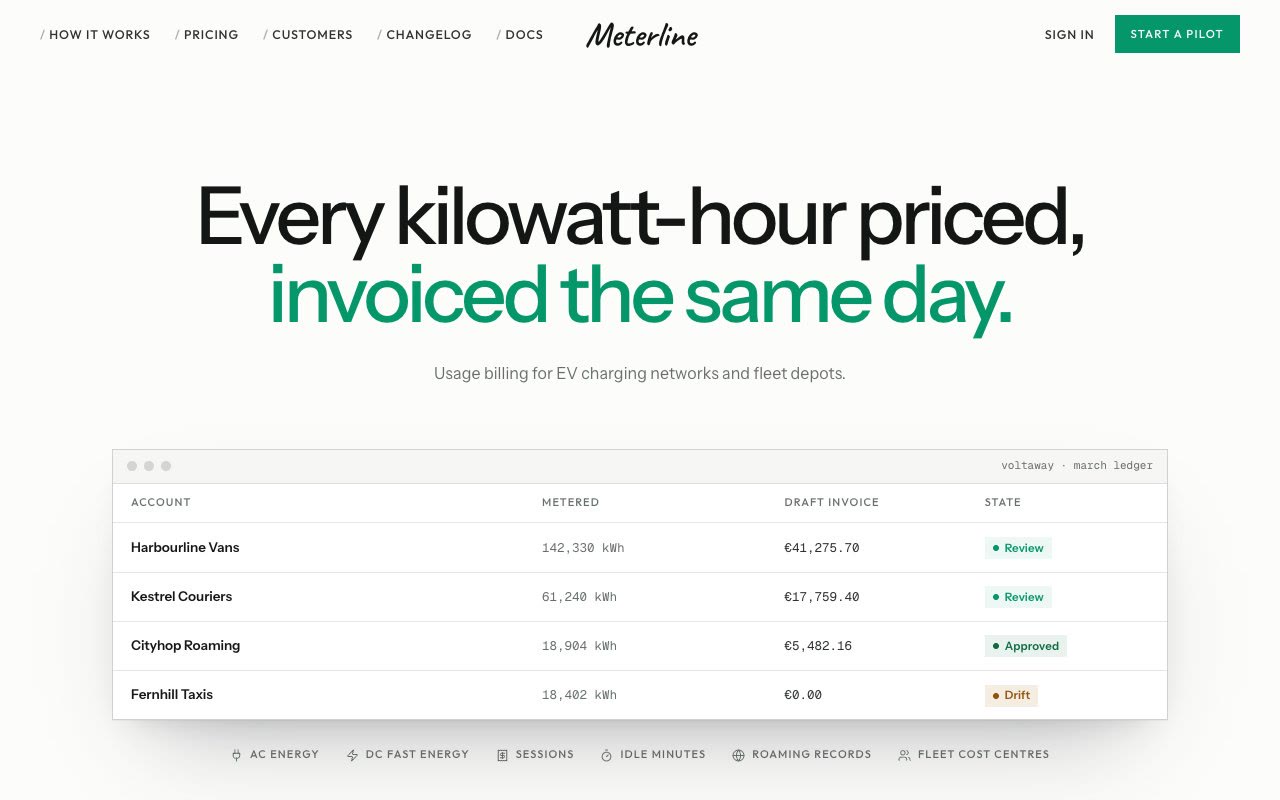
Turn a billing product brief into a single-file SaaS site with docs, changelog, security and customer story pages.
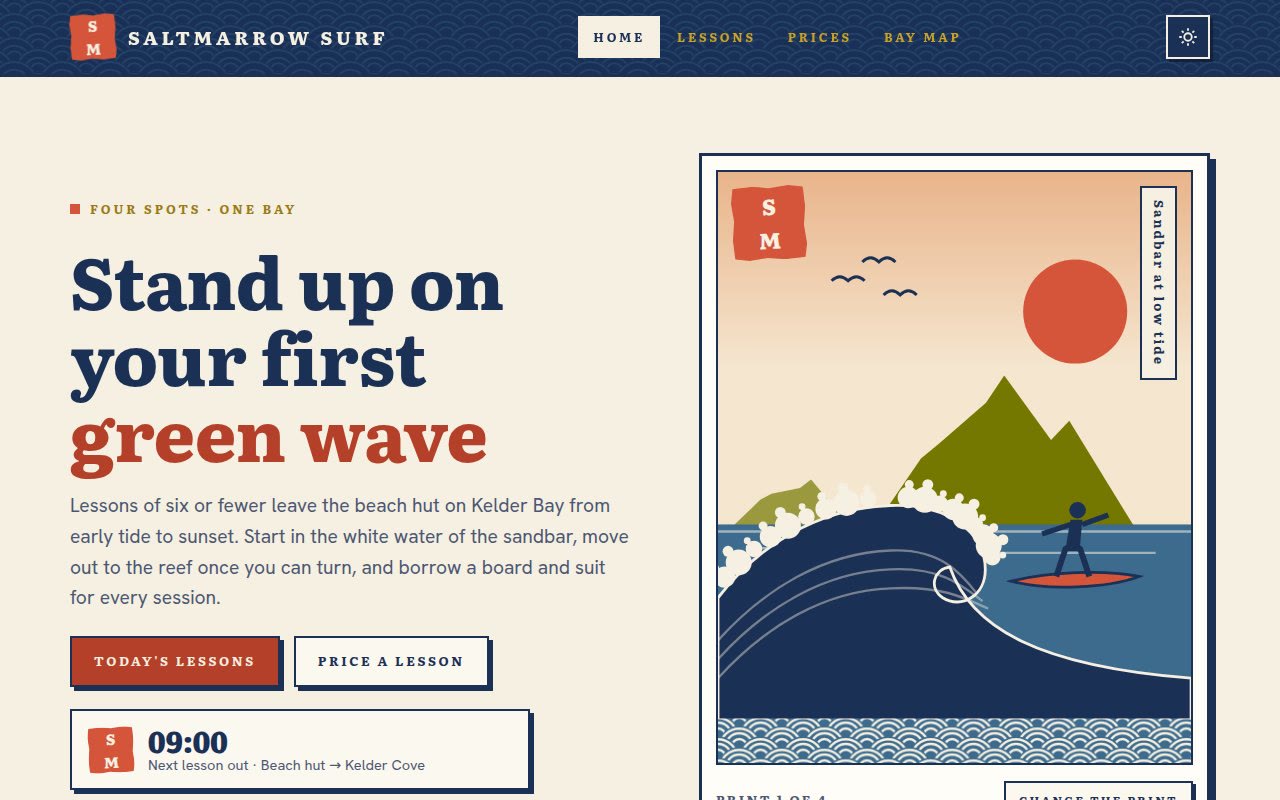
Present a ferry line, boat trip, tour or class timetable in a flat woodblock-print style with rice-paper grounds, indigo key lines, vermilion seals and wave-scale bands, so visitors can find the next departure, filter by place and day, price a trip and read a drawn chart.
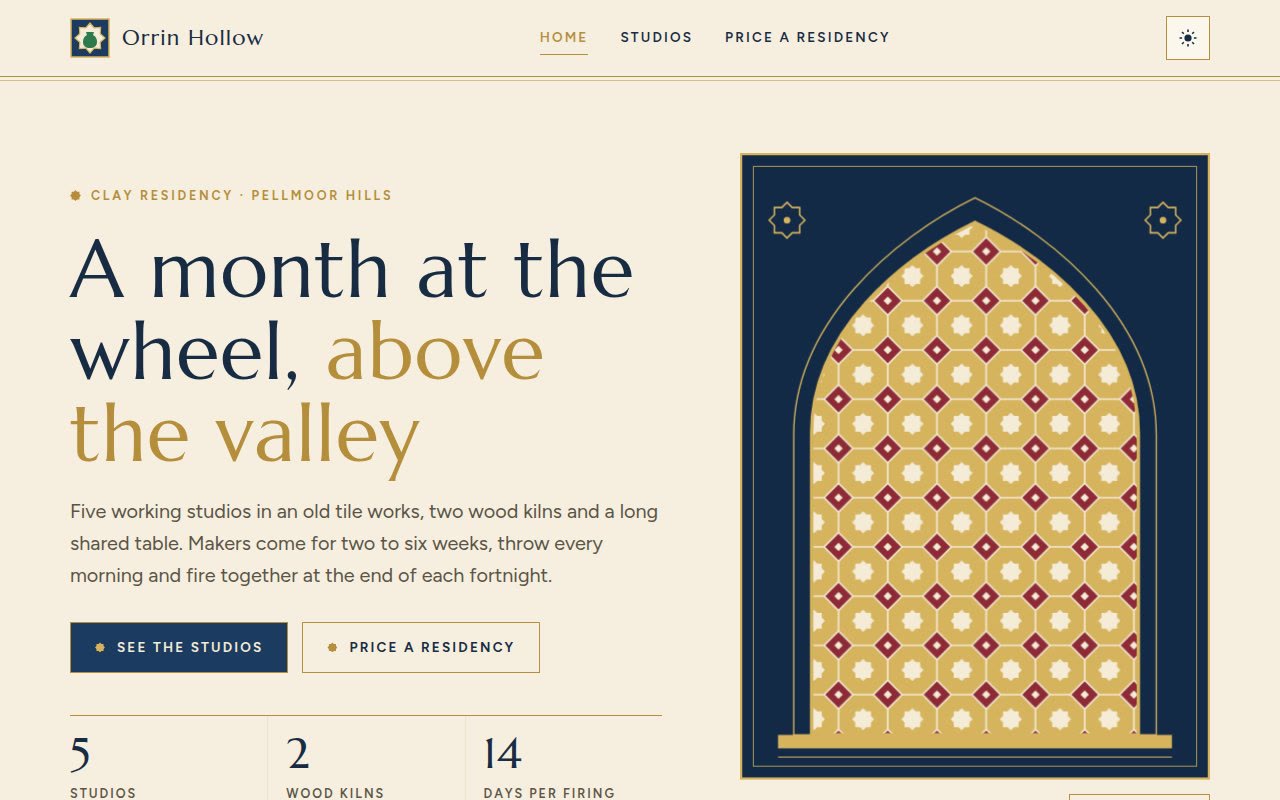
Present a guesthouse, retreat or small venue with ivory and lapis surfaces, gold double frames and tiled star lattices drawn in code, so guests can compare rooms, estimate a stay and walk a plan of the place.
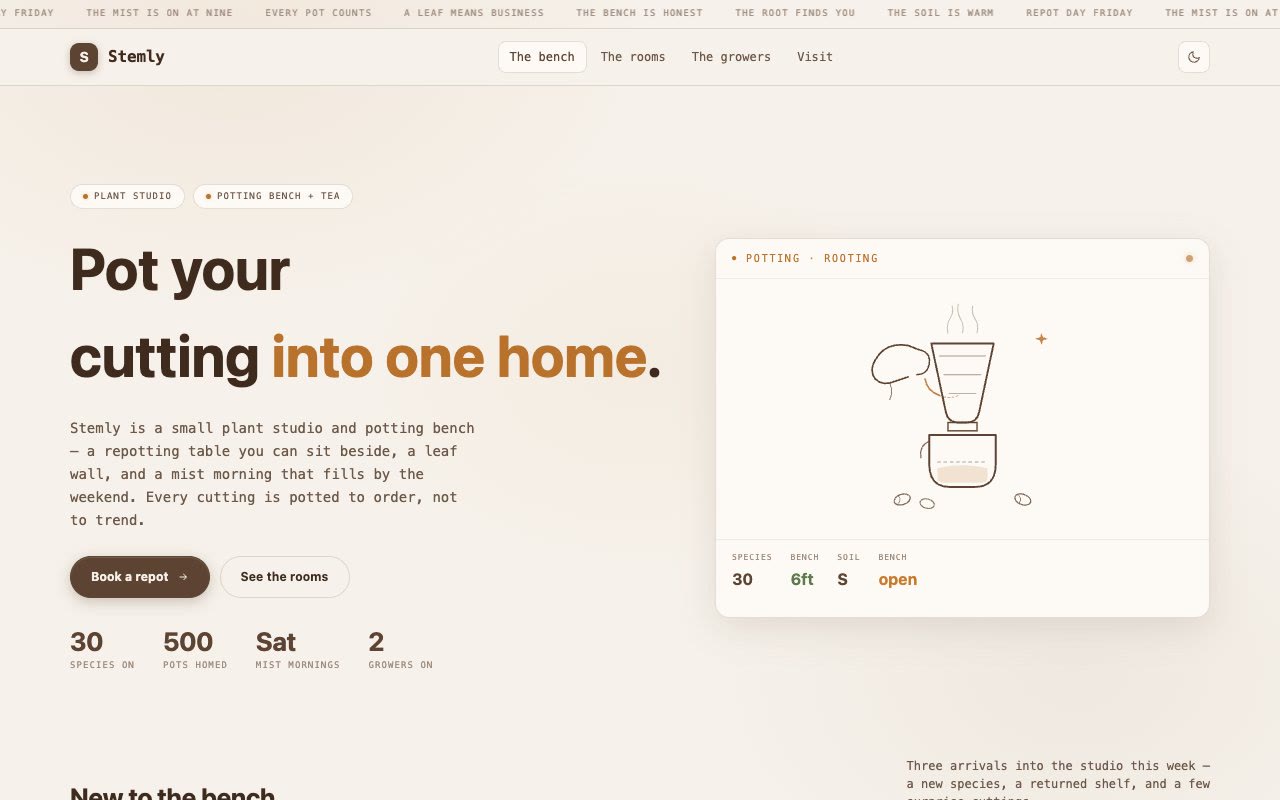
Turn a brief for a coffee shop, cafe or food business into a site with warm wooden textures, cafe menu layouts, cozy brown palette, organic typography and inviting atmosphere.
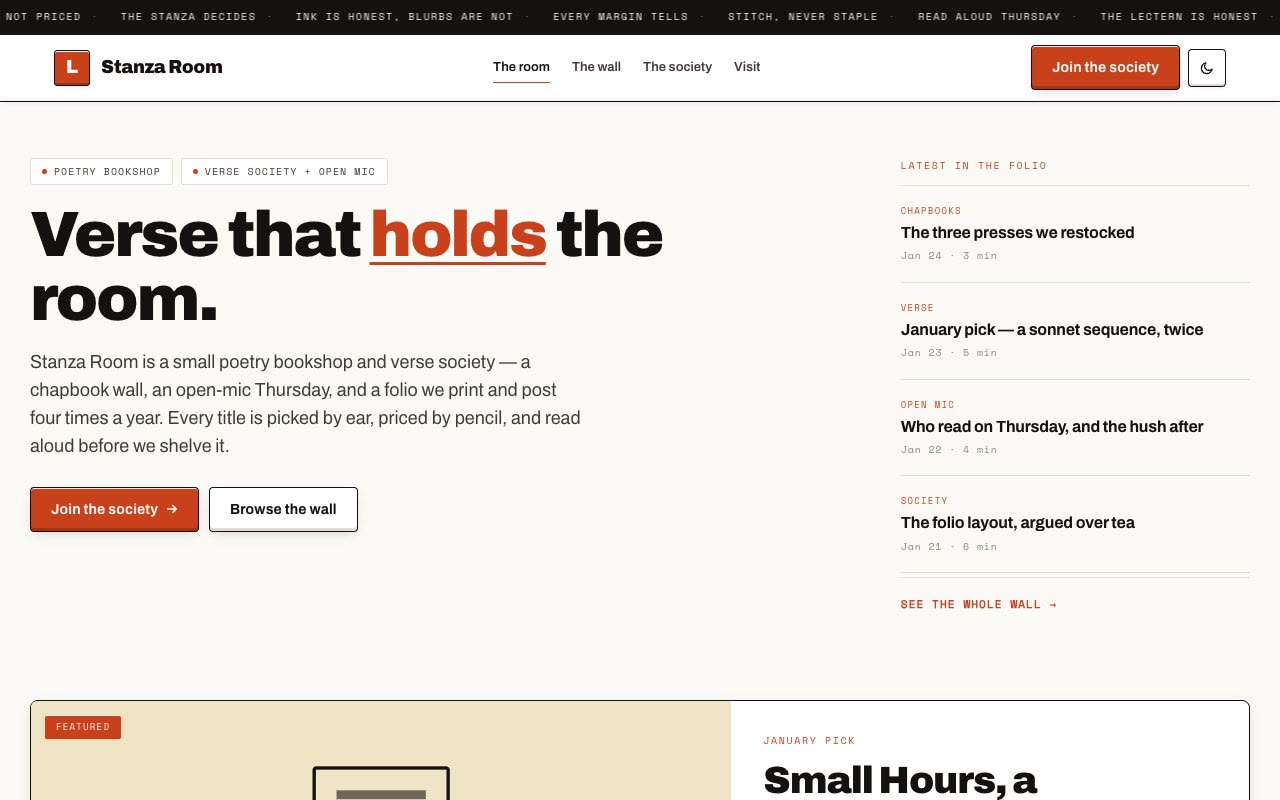
Turn a brief for an independent bookstore, literary salon or reading club into a site with long-form storytelling, chapter sections, book galleries, event calendars and seriffed editorial typography.
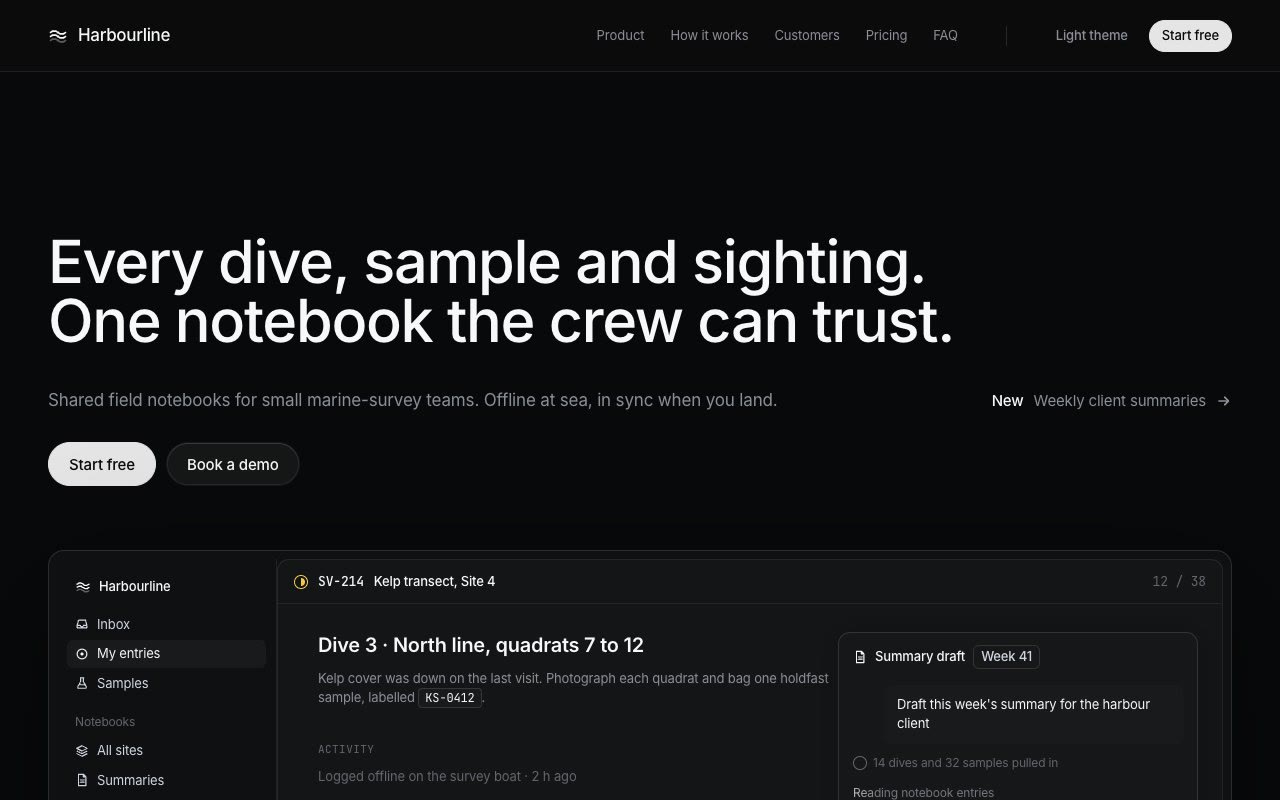
Restyle a site, or build a new one, in a dark graphite style: layered surfaces, hairlines, pill buttons and product mock-ups drawn in code.
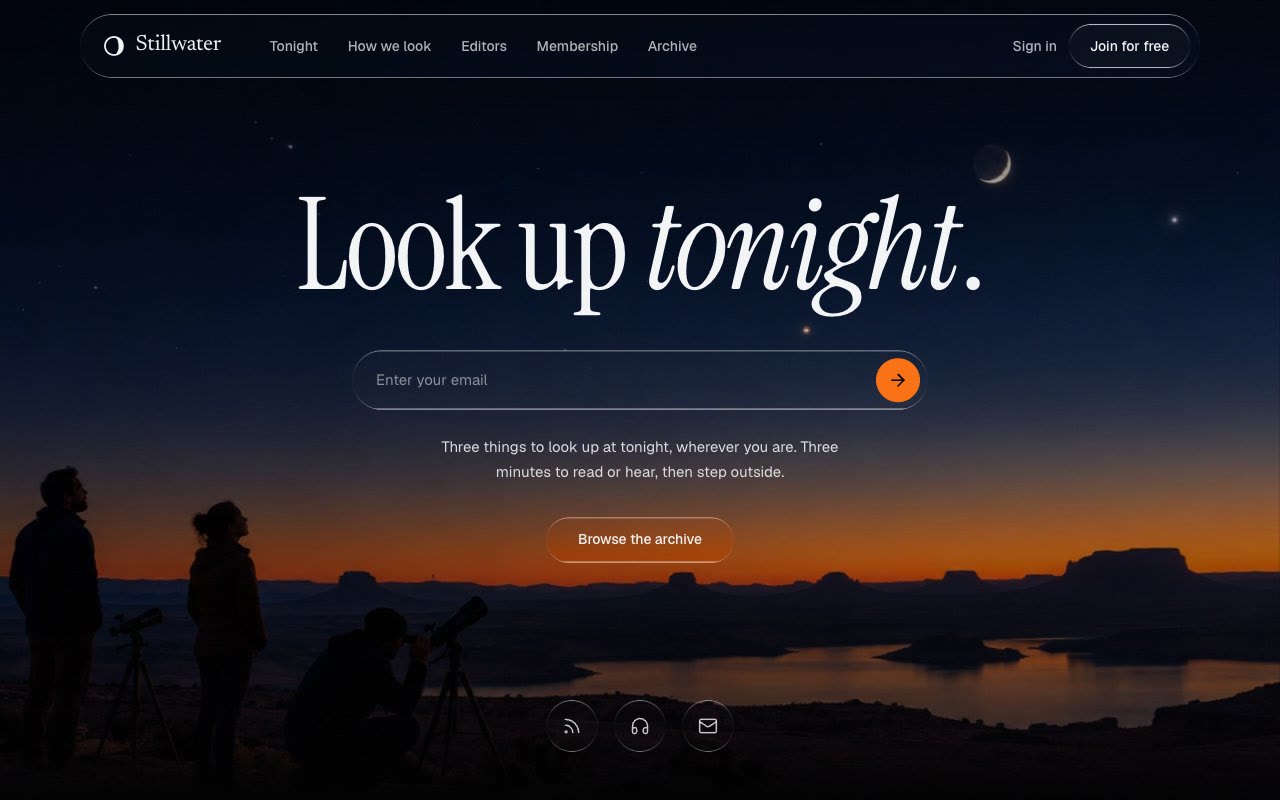
Turn a short brief into a single-file glass-styled marketing page with a detail page, in a frosted, layered look.
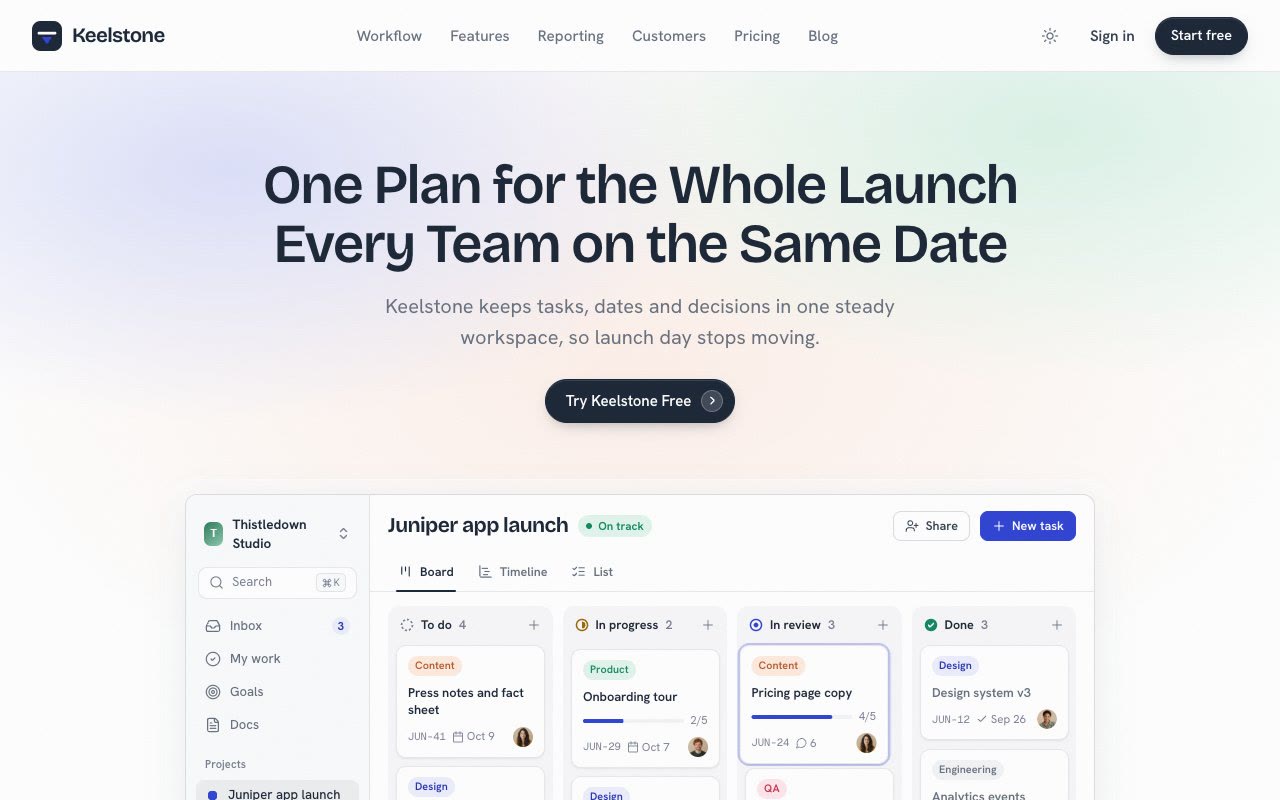
Turn a product brief into a single-file site for a team workspace, with a working board, timeline and list demo.
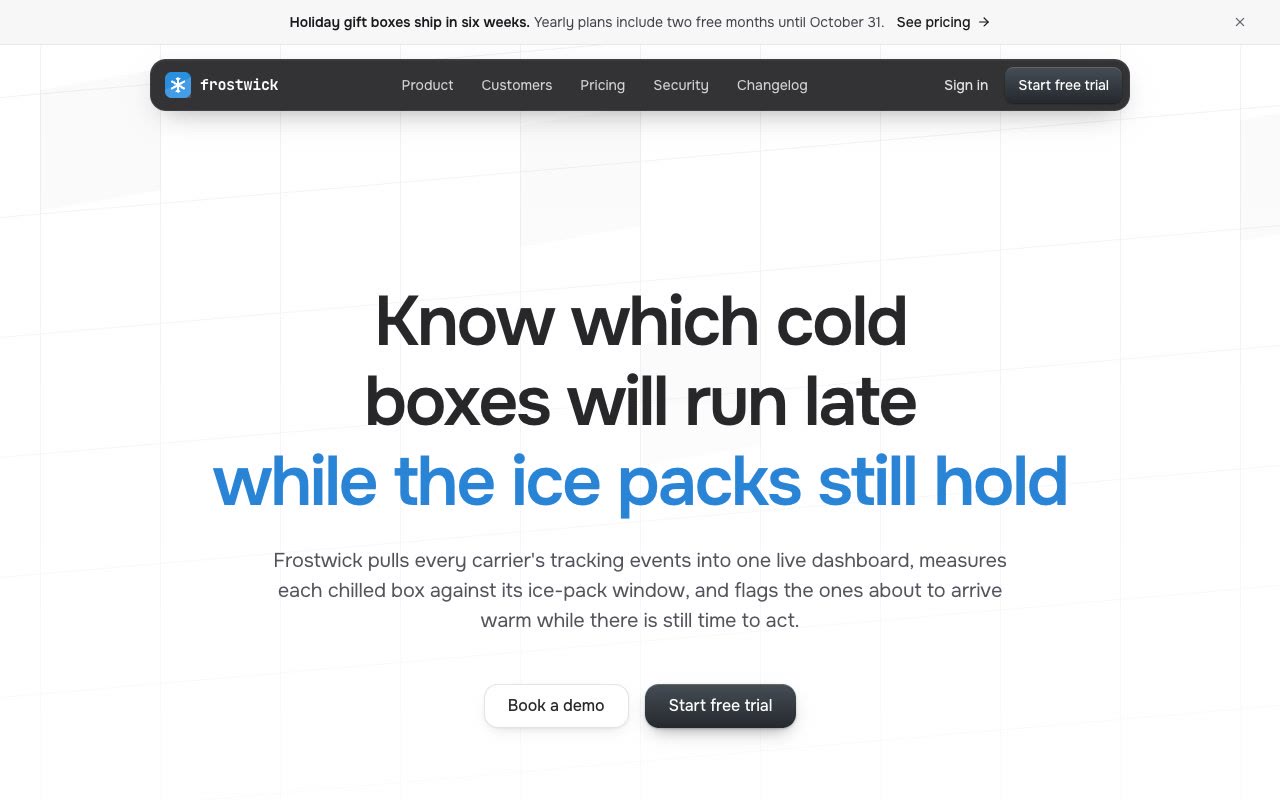
Turn a product brief into a single-file marketing site for an analytics product, with demo, pricing, changelog, sign-up and sign-in pages.
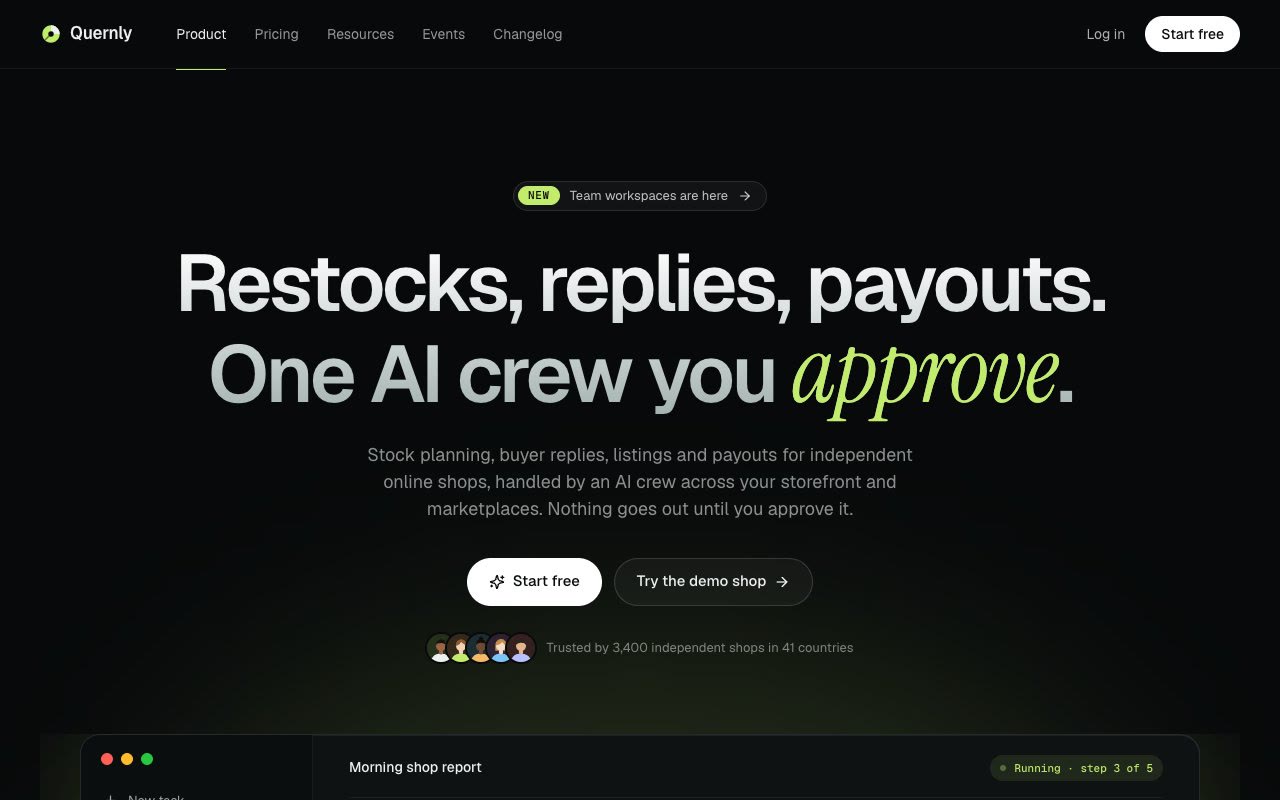
Turn a product brief into a dark single-file landing page for an AI product, with a live product mock, pricing, resources, events and changelog.
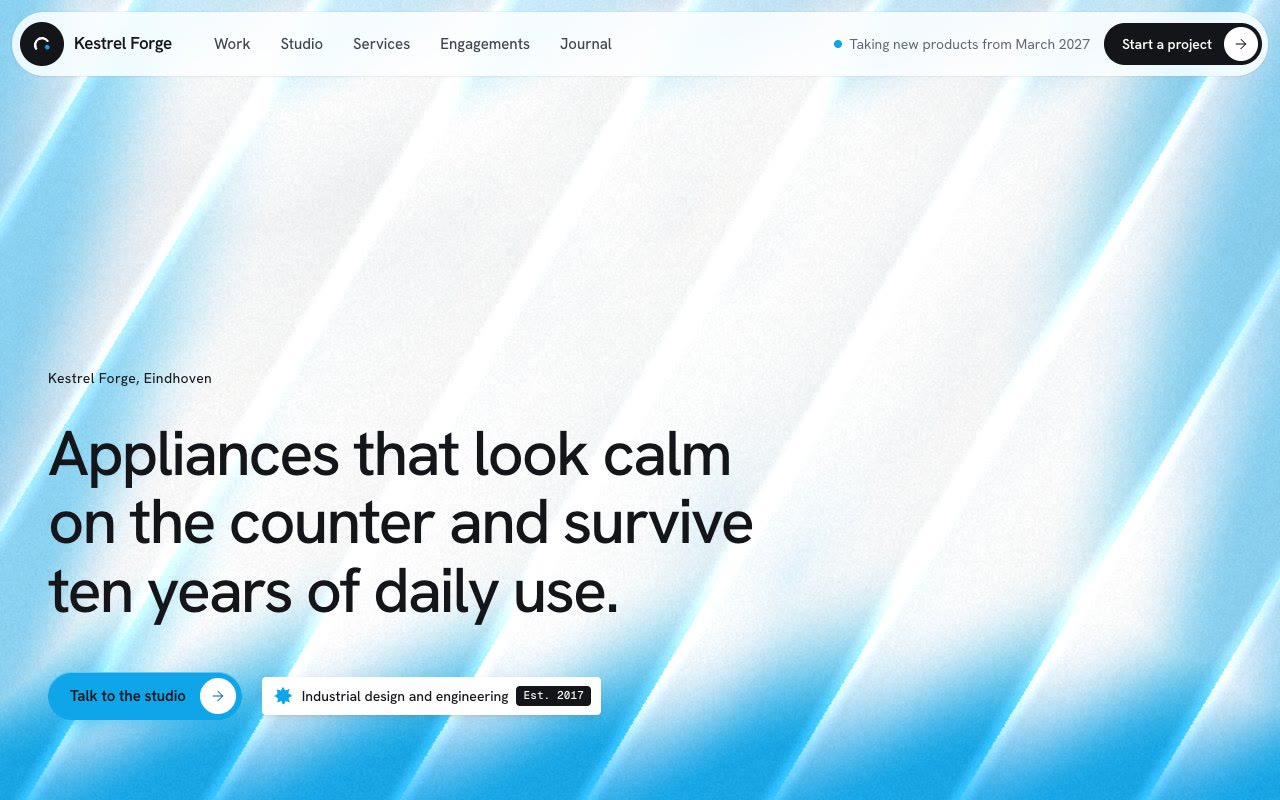
Turn a design studio brief into a single-file site with a case study, an article and legal pages, in a molten-glass look.
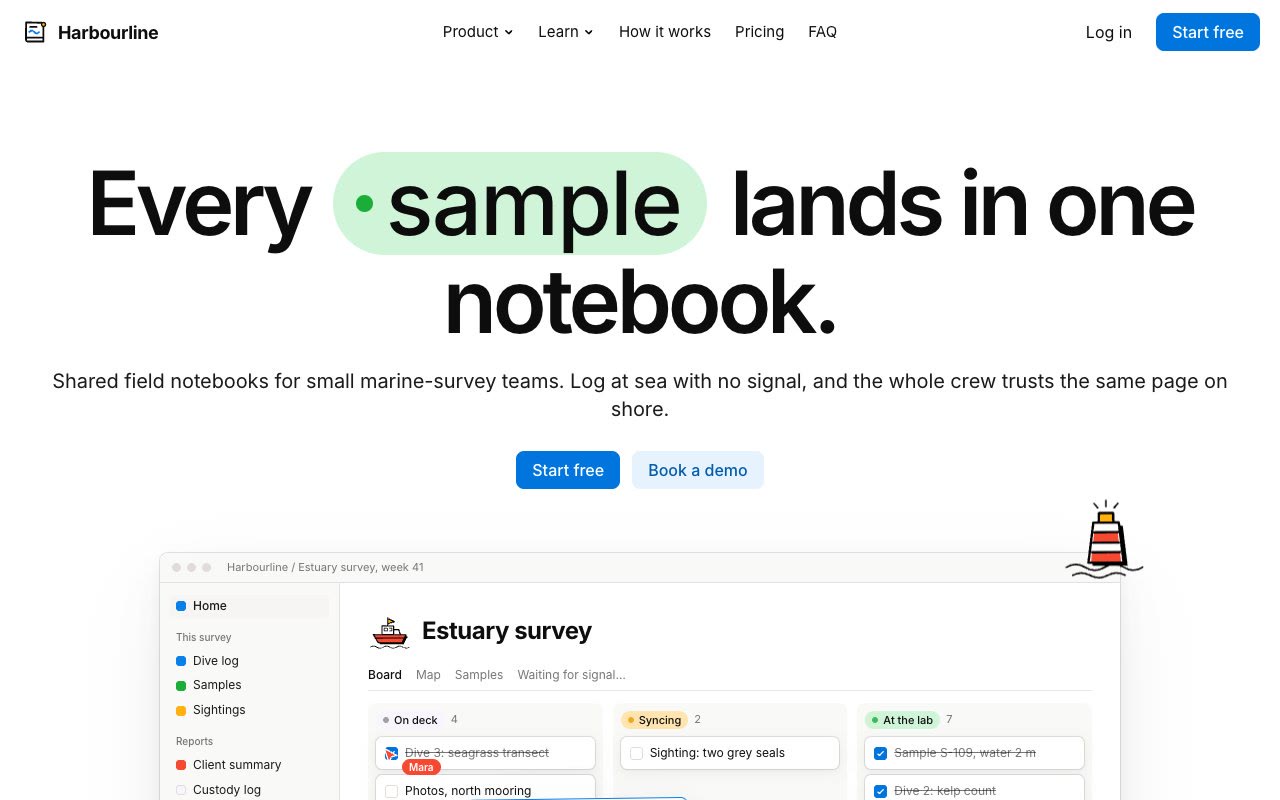
Restyle a site, or build a new one, in a friendly workspace style: white pages, warm grey bands, bold headlines and hand-drawn line art.
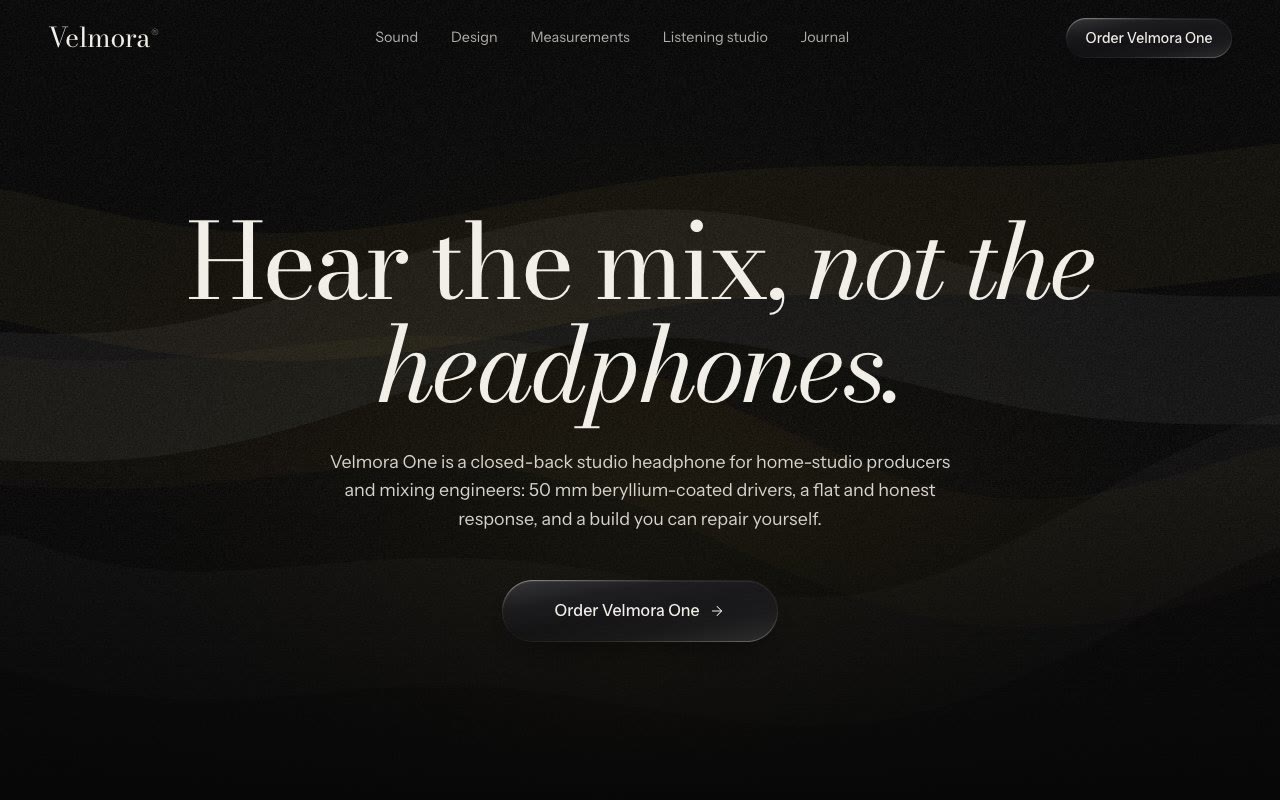
Turn a product brief into a single-file dark, cinematic landing page for a premium audio product.
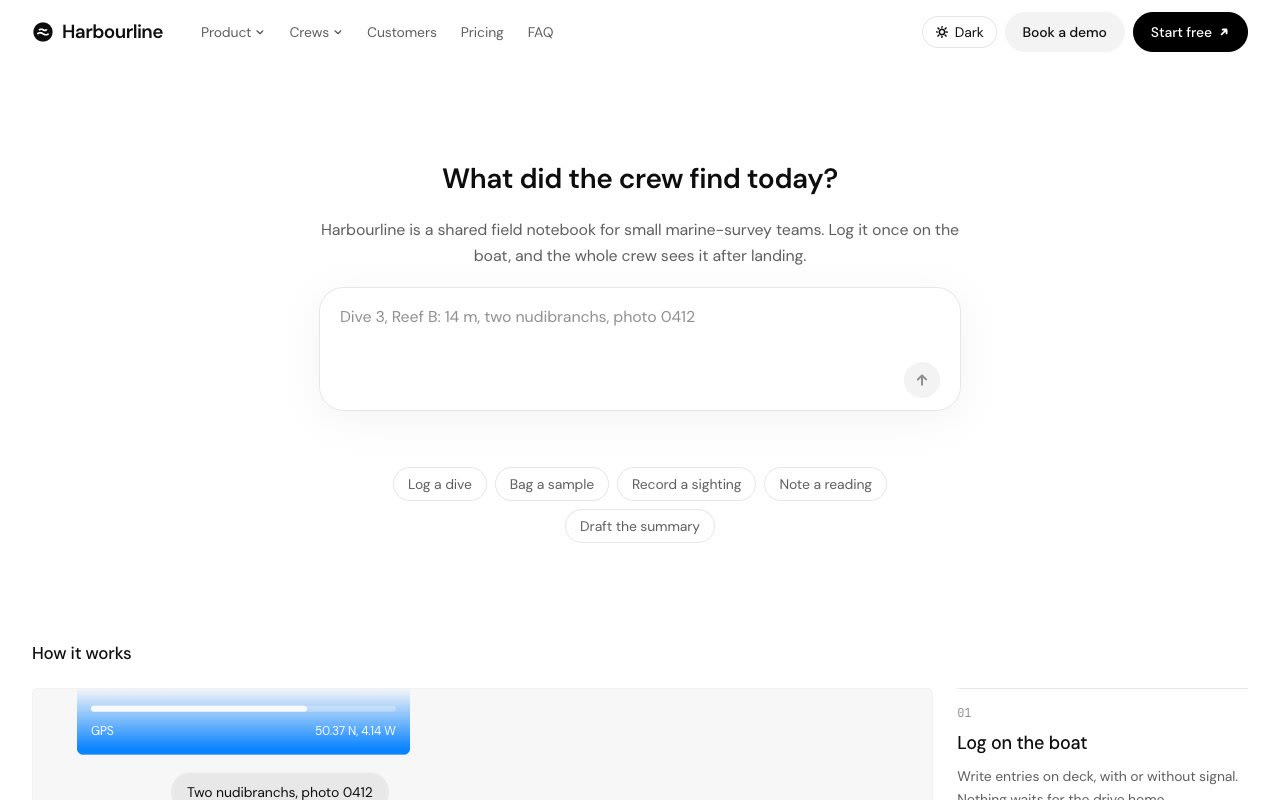
Restyle a site, or build a new one, in a quiet minimal style: one grotesk typeface, black pill buttons and colour kept to soft gradient media.
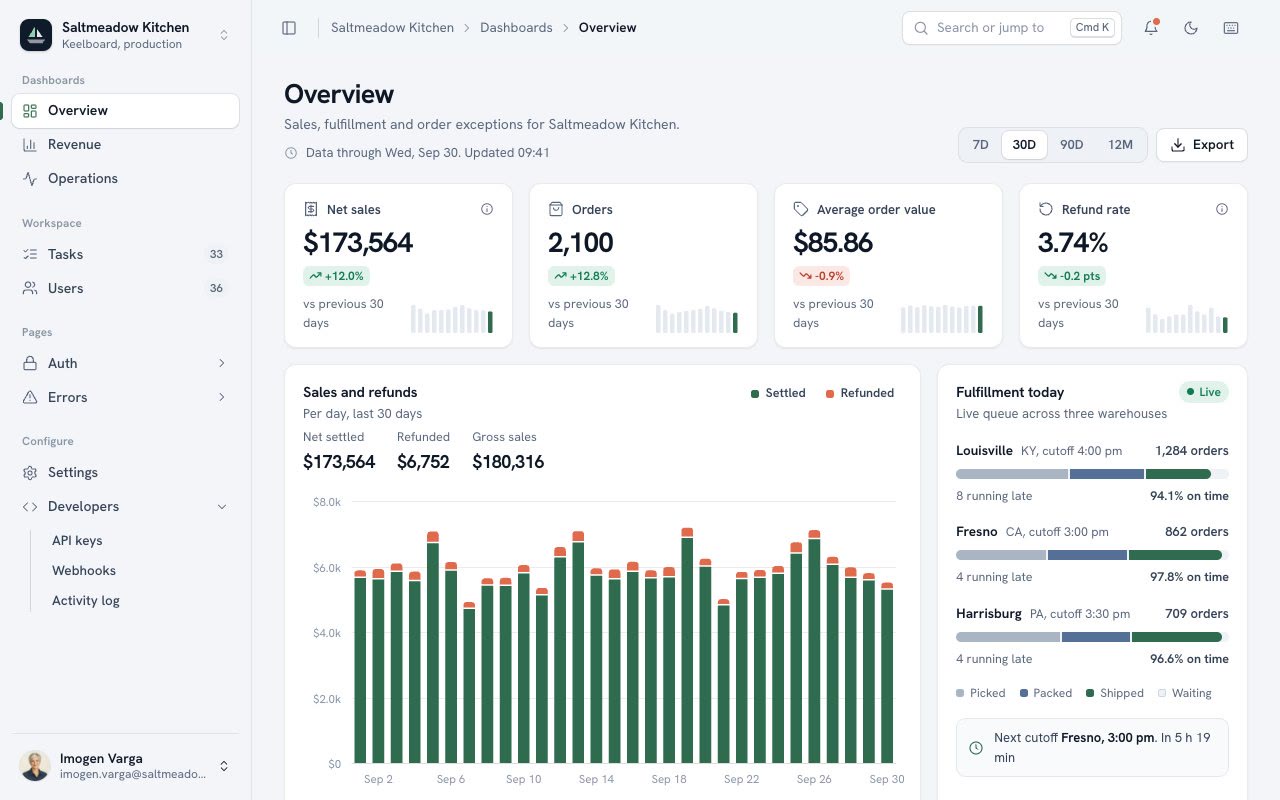
Turn a business brief into a single-file operations dashboard with KPIs, charts, orders, fulfilment, tasks and settings.
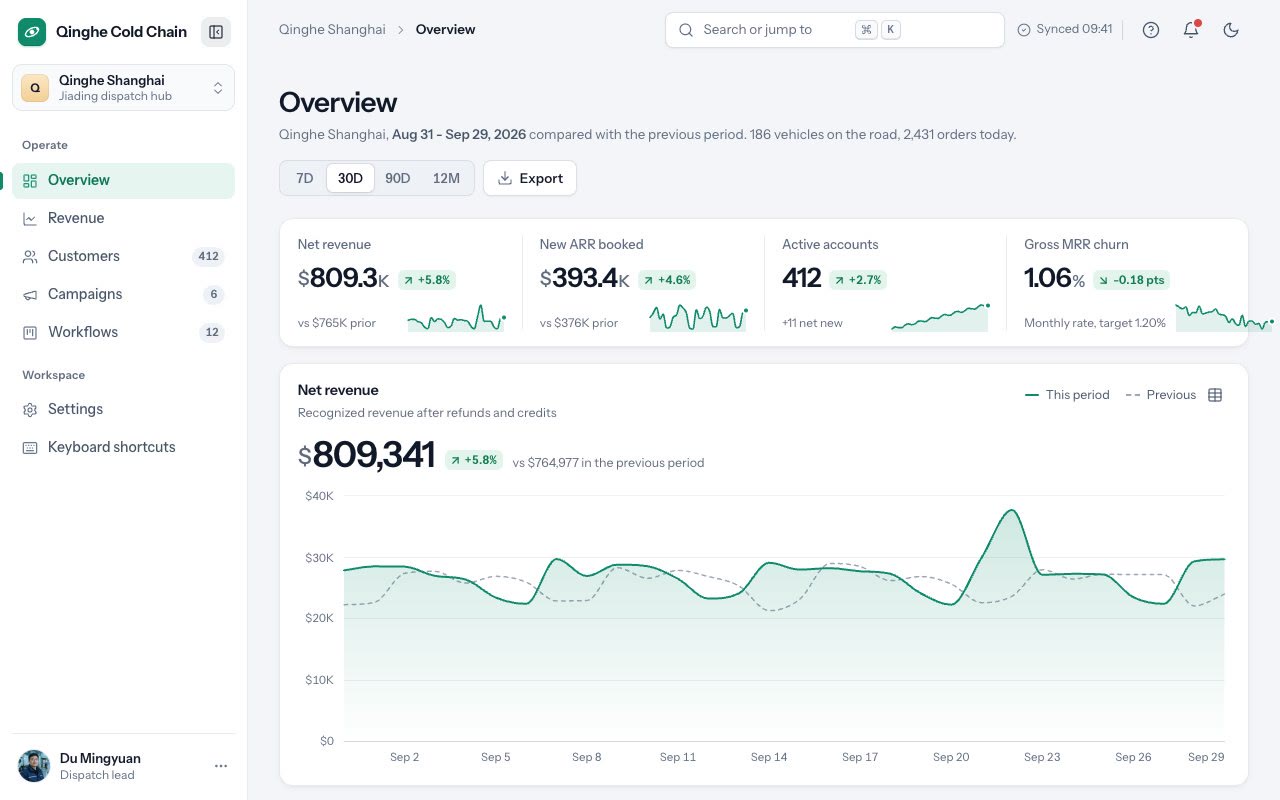
Turn your metrics into a single-file operations dashboard with revenue, customers, campaigns and workflow views.
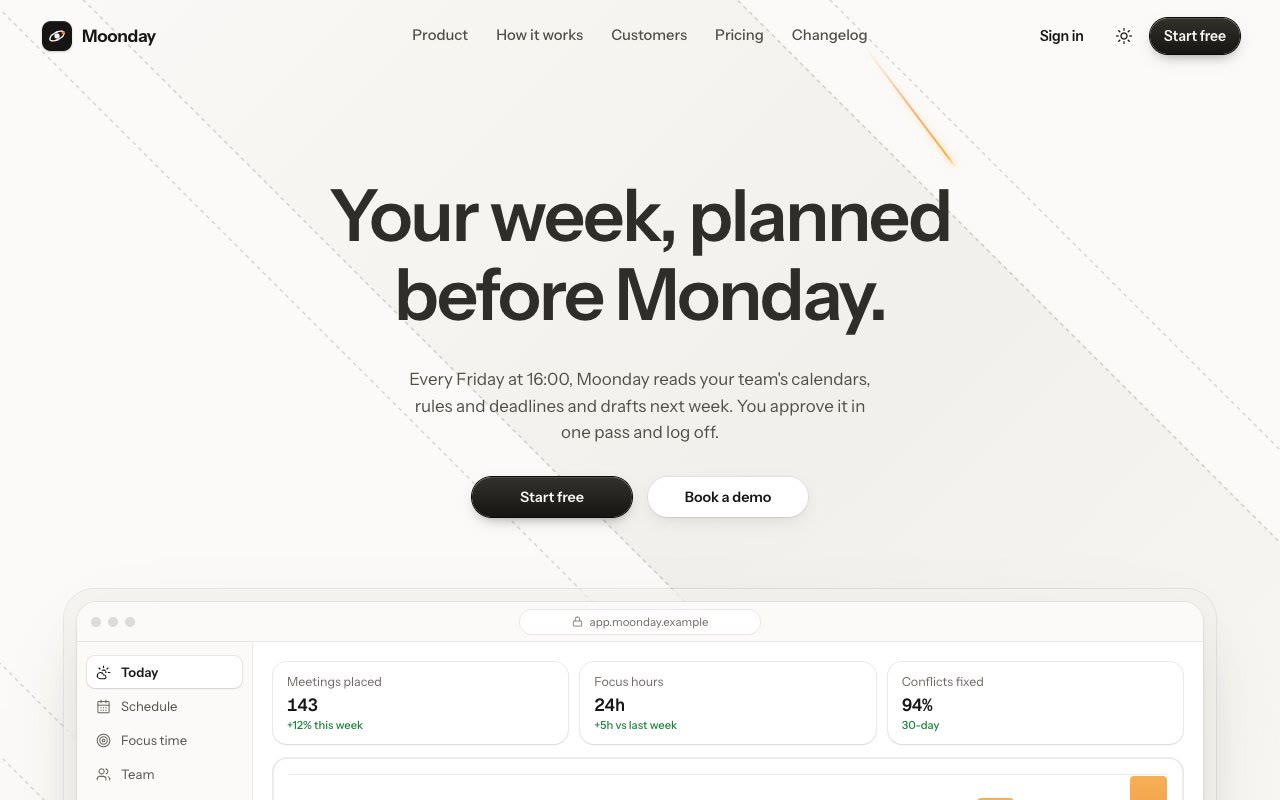
Turn a startup brief into a single-file launch site with a product mock, demo, early access, sign-up and sign-in pages.
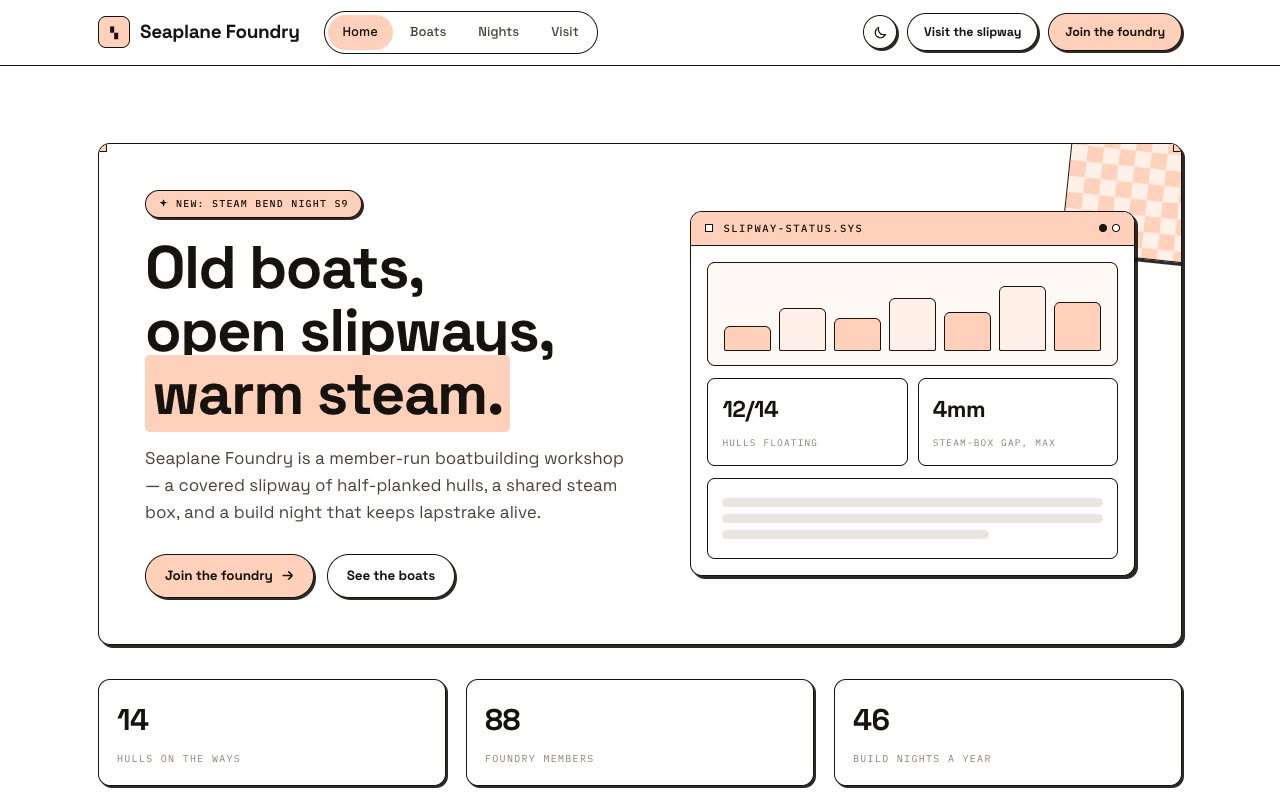
Turn a brief for a retro-computing club, repair bench, maker space or hobbyist meetup into a retro system-chrome site: thin near-black rules, a peach accent, window title bars with corner ticks and a floating checkerboard.
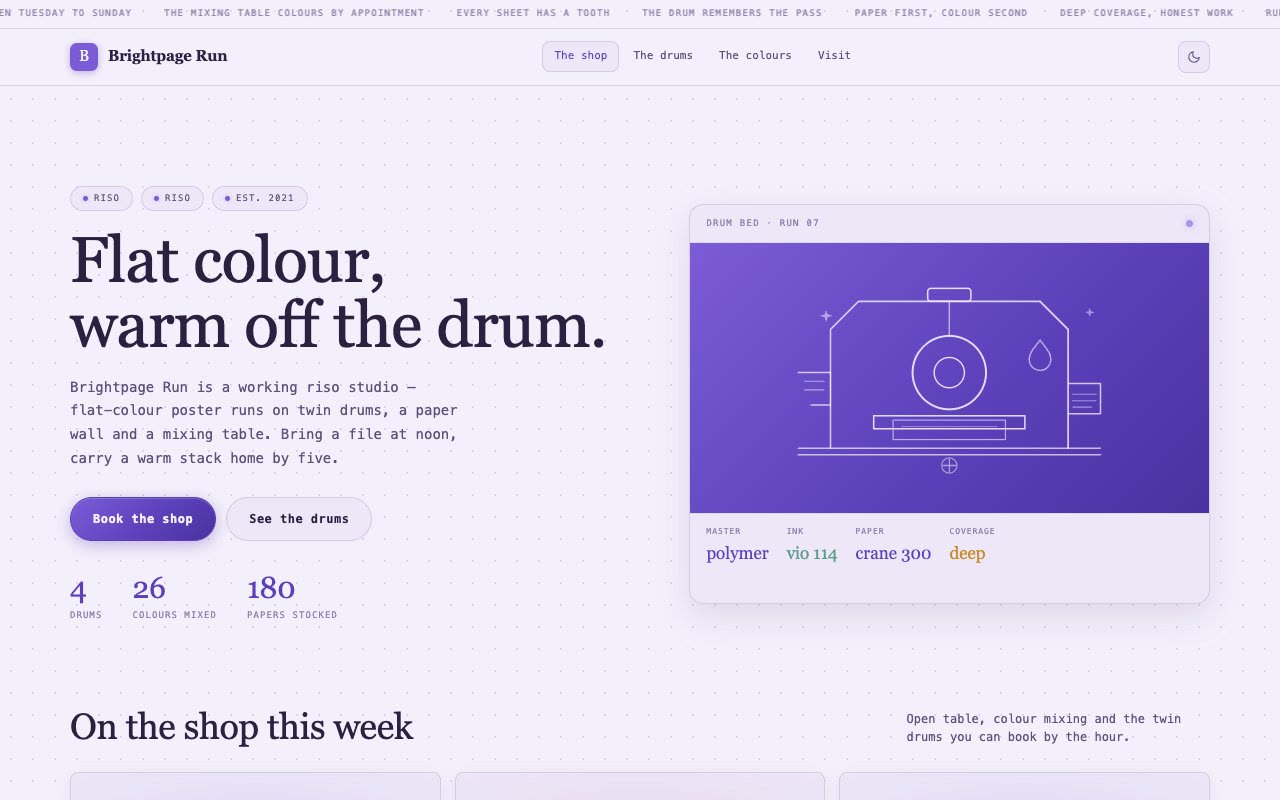
Turn a brief for a letterpress print workshop, riso lab, zine library or community print studio into a lavender dot-grid site: hollow display serif, mono ticks, purple gradient panels and code-drawn press artwork.
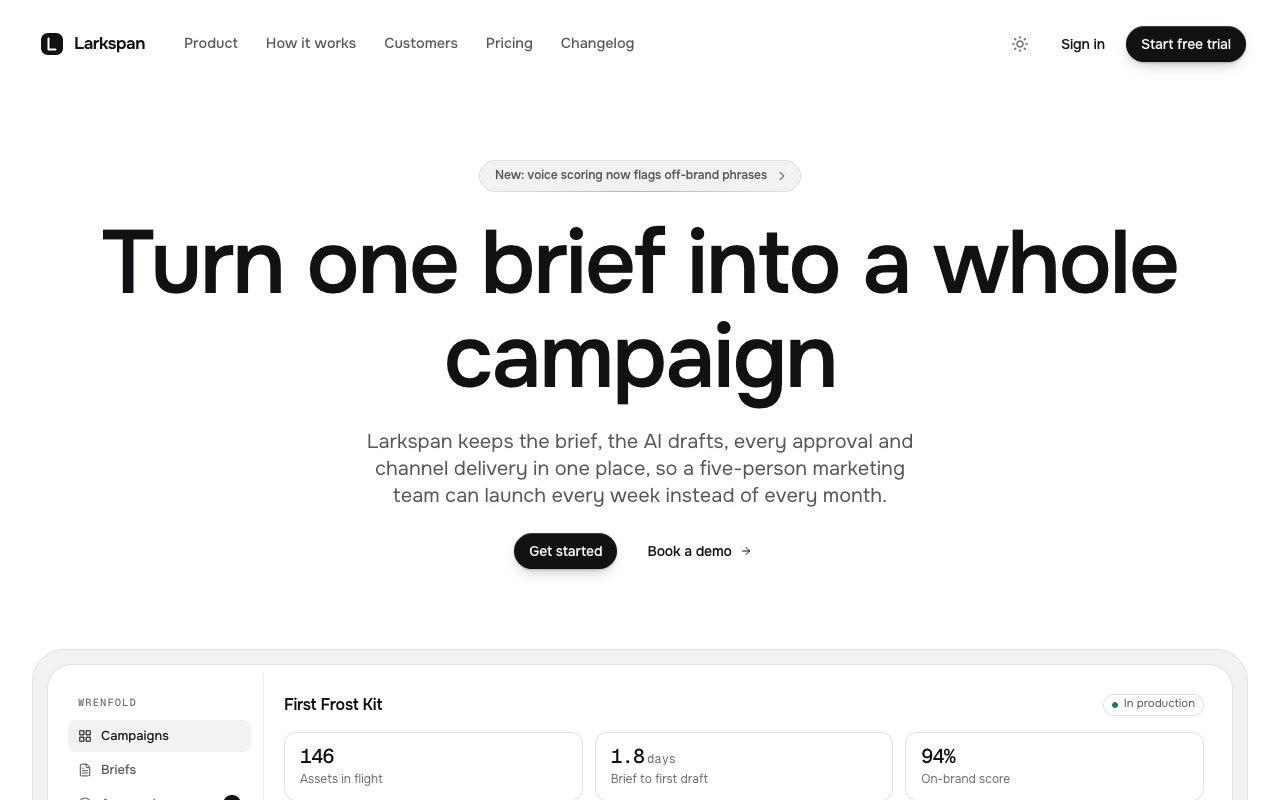
Turn a product brief into a single-file site for an AI marketing tool, with a campaign mock, demo, changelog, sign-up and sign-in.
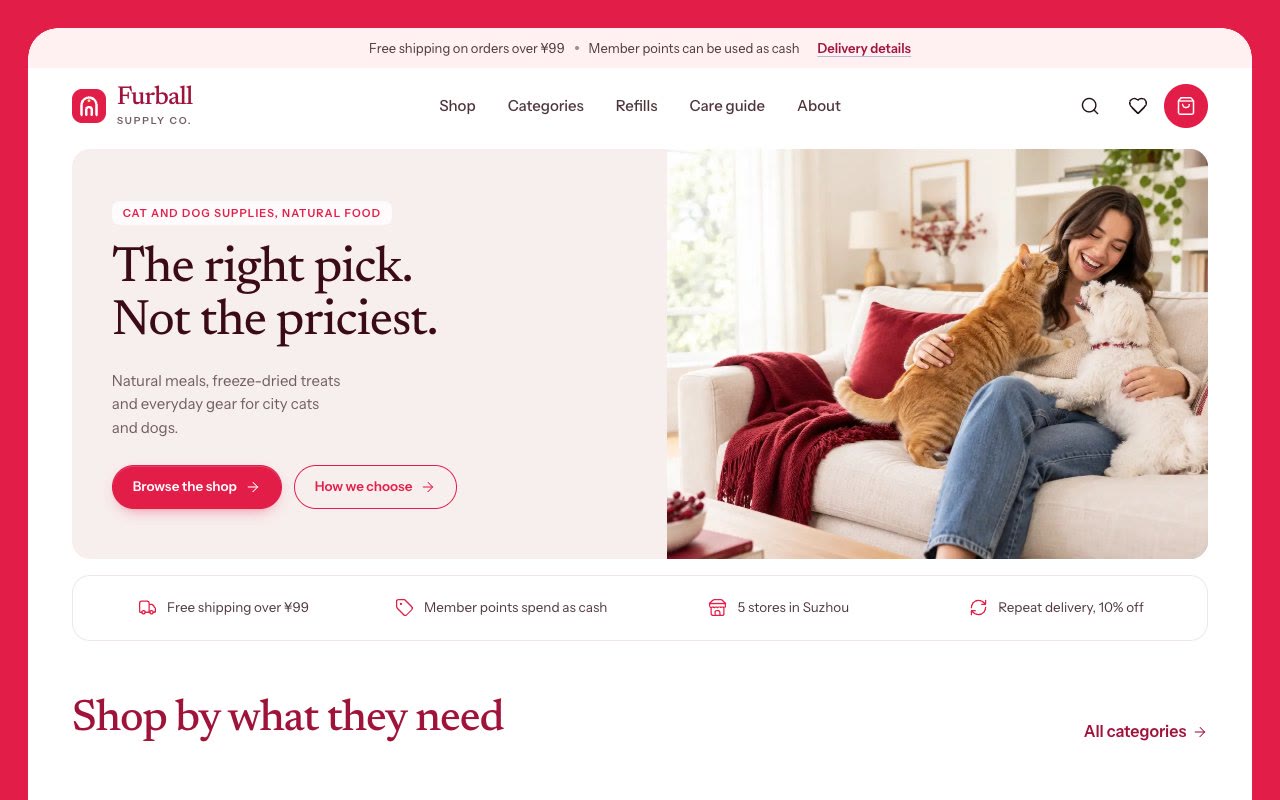
Turn a pet supply range into a single-file online store with categories, product pages, cart and checkout.
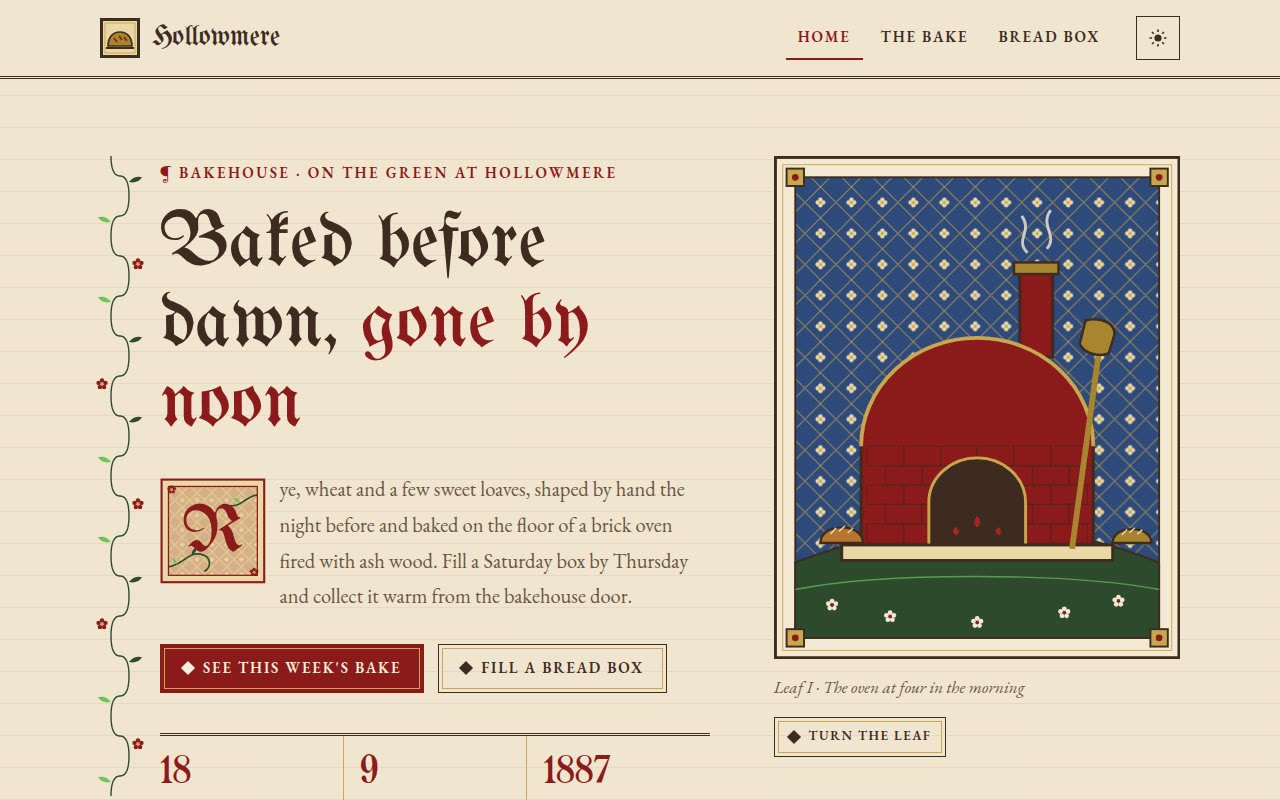
Present a cider house, bakery, brewery, apiary or other small producer on ruled vellum with blackletter headings, red pilcrow labels, gold-ruled frames, drawn initials and diapered panels drawn in code, so visitors can browse the goods, plan a tasting or a box and read the working year.
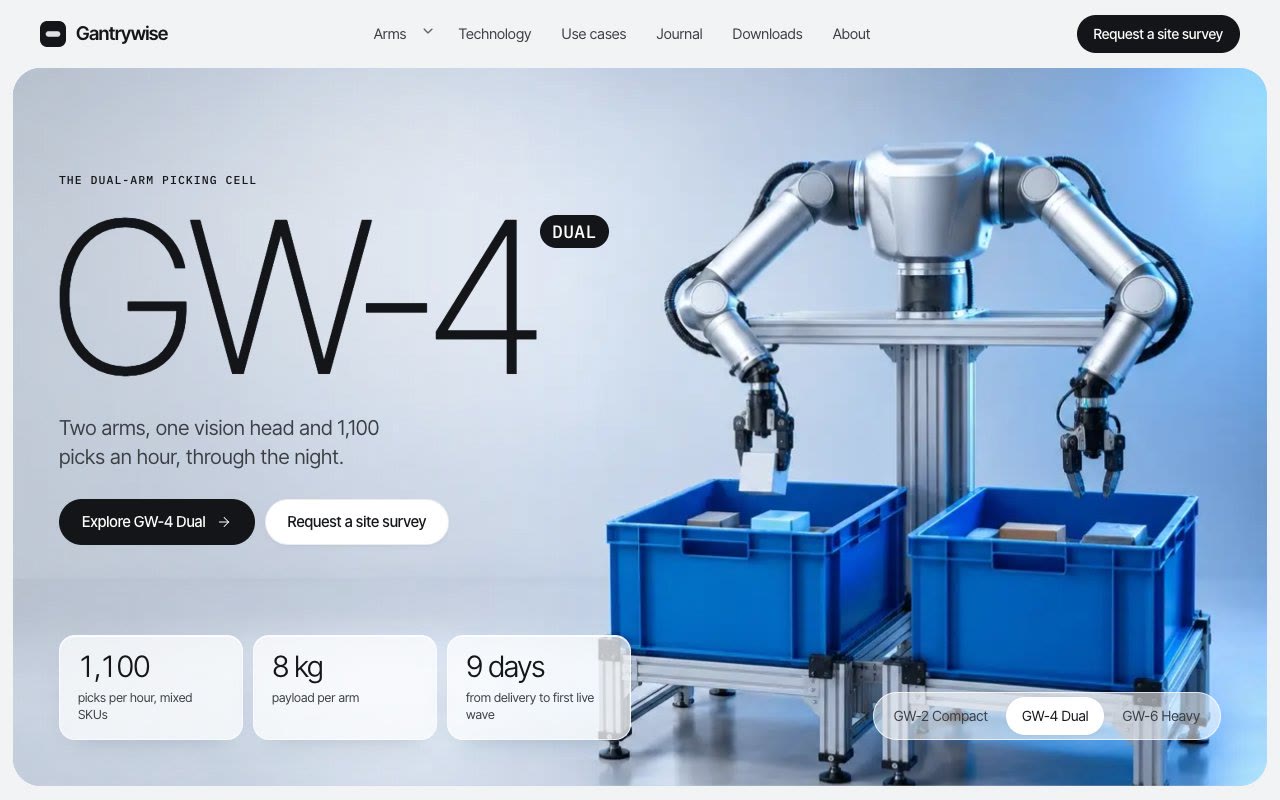
Turn a hardware product brief into a single-file robotics site with model pages, specs and a demo request.
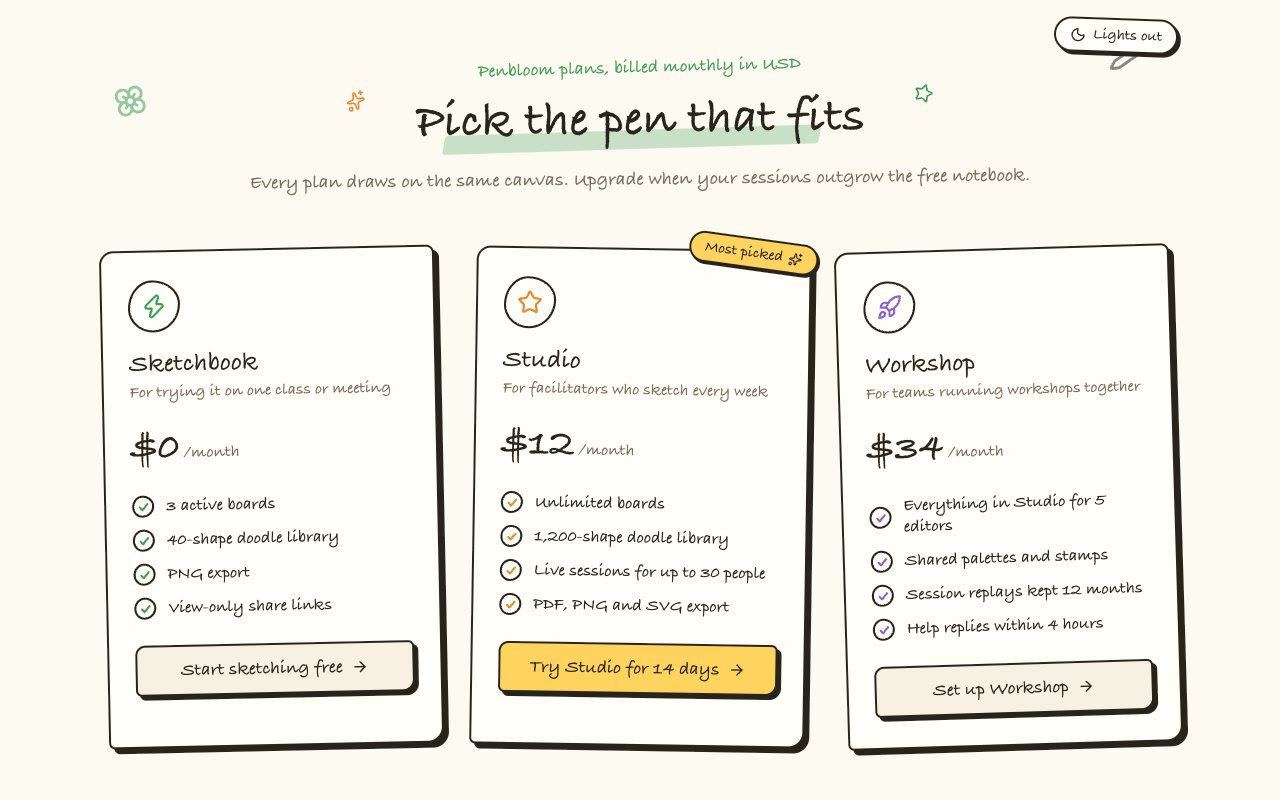
A hand-drawn pricing section with plan cards, a highlighted plan and calls to action, ready to drop into a page.
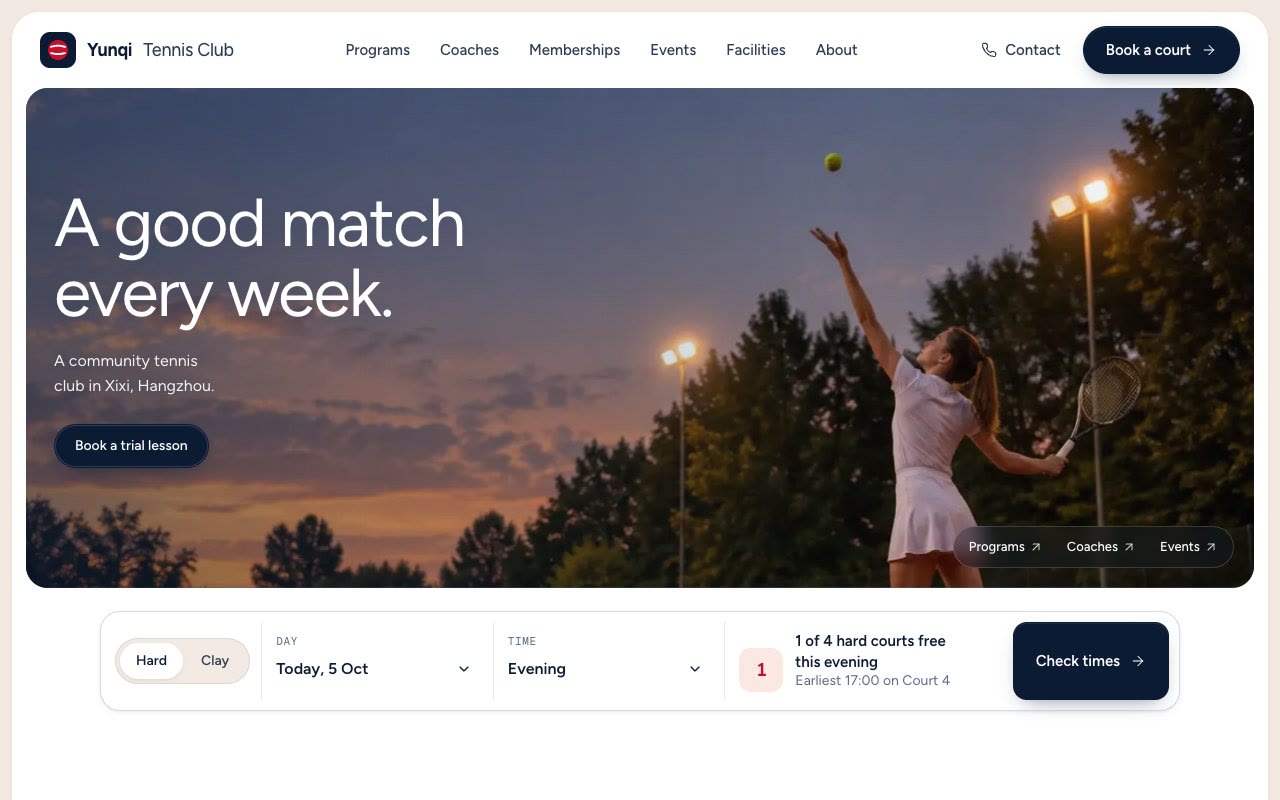
Turn a club brief into a single-file site with programs, coaches, memberships, events, facilities and court booking.
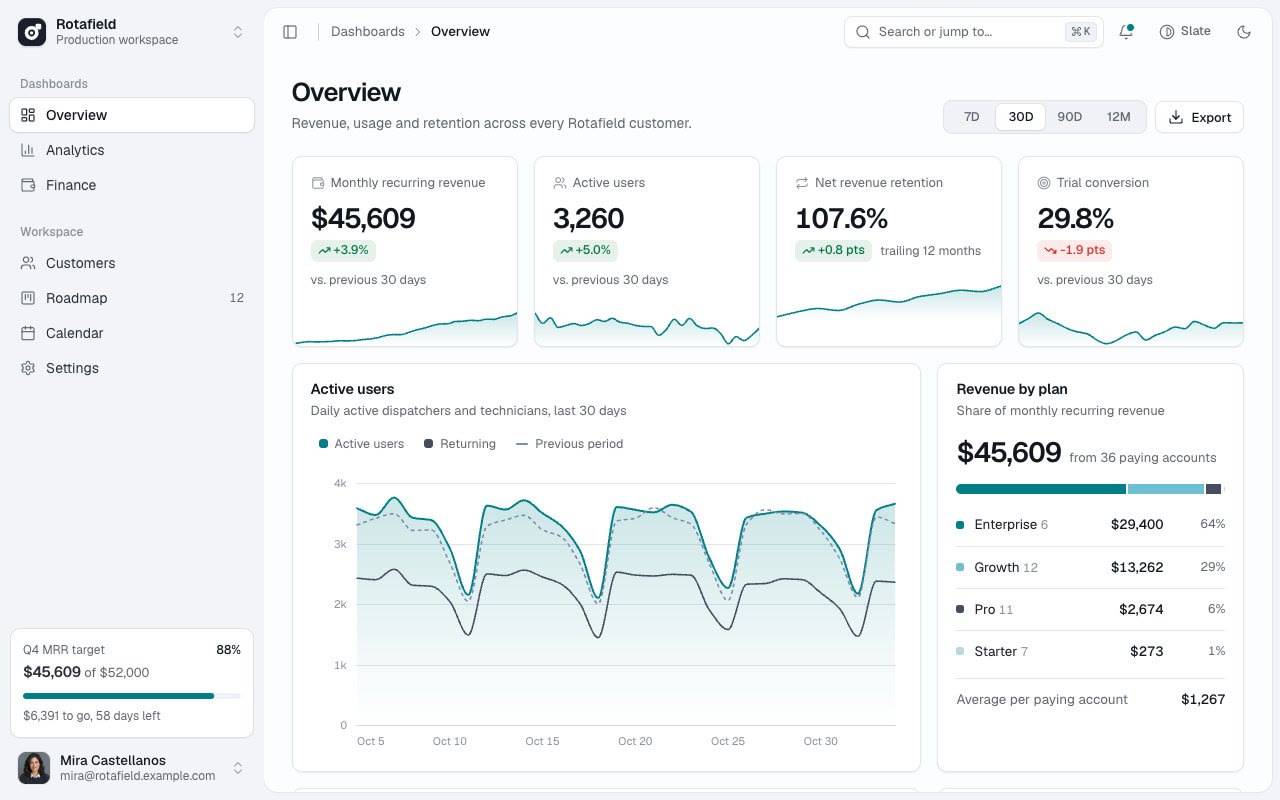
Turn a product brief into a single-file admin console with overview, analytics, finance, customers, roadmap, calendar and settings.
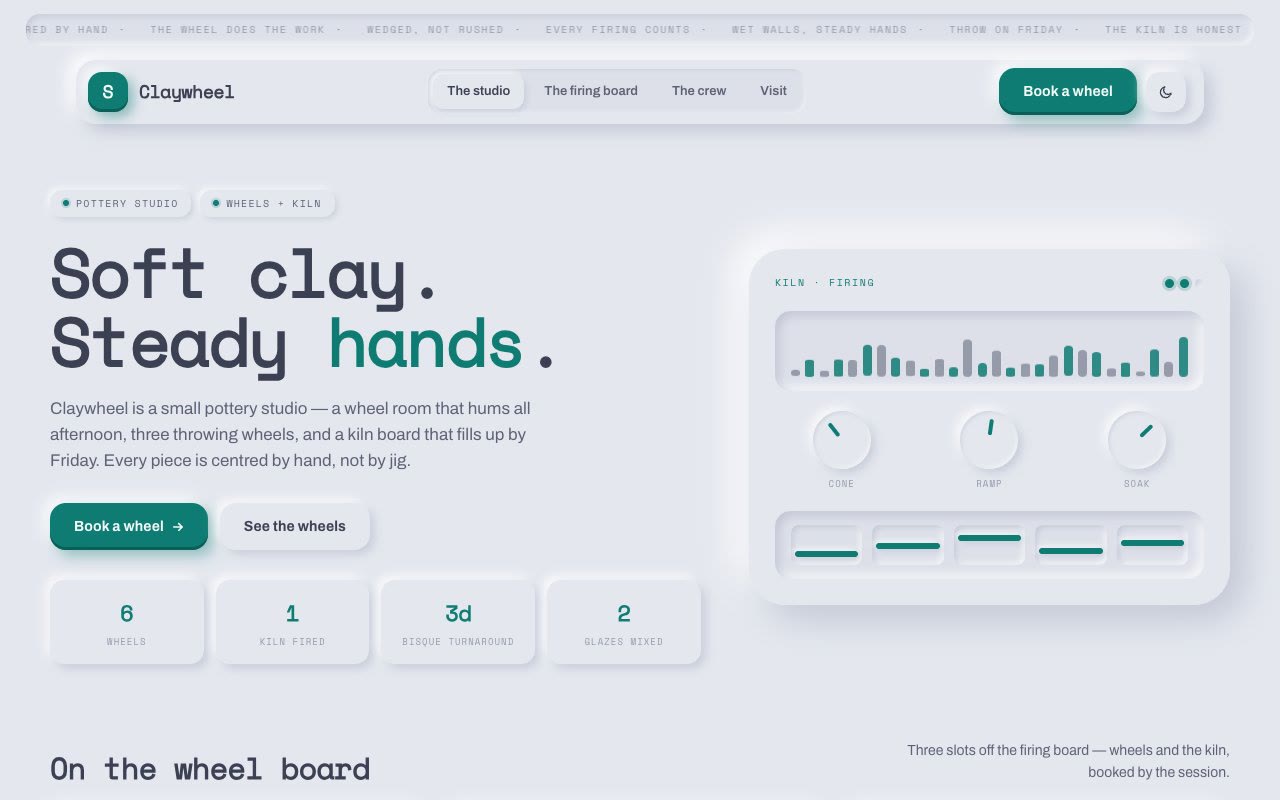
Turn a brief for an audio studio, sound design workshop or music production space into a site with neumorphic soft-emboss buttons, gentle elevation shadows, warm neutral tones and tactile UI.
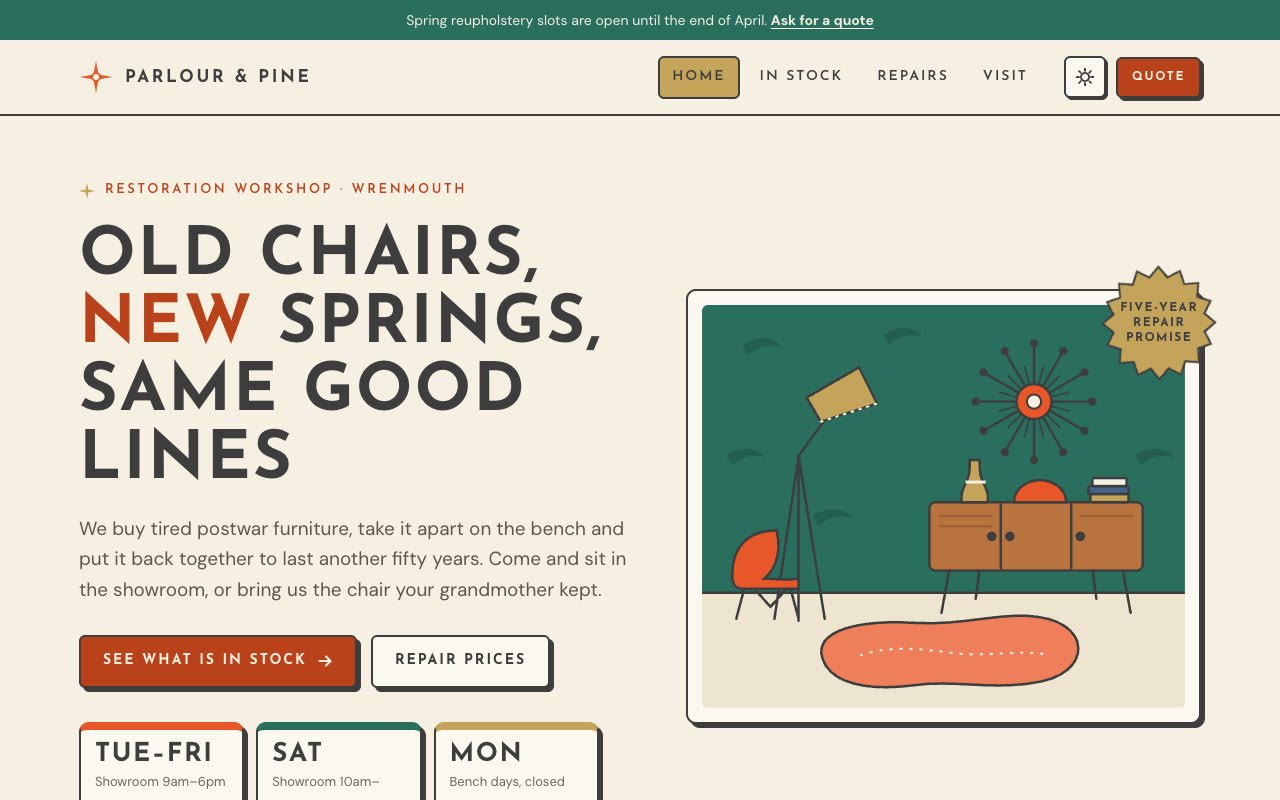
Turn a brief for a design fair, vintage market, furniture shop or makers weekend into a mid-century site: cream ground, charcoal outlines with hard offset shadows, wide geometric capitals and code-drawn starburst clocks and furniture in orange, teal and mustard.
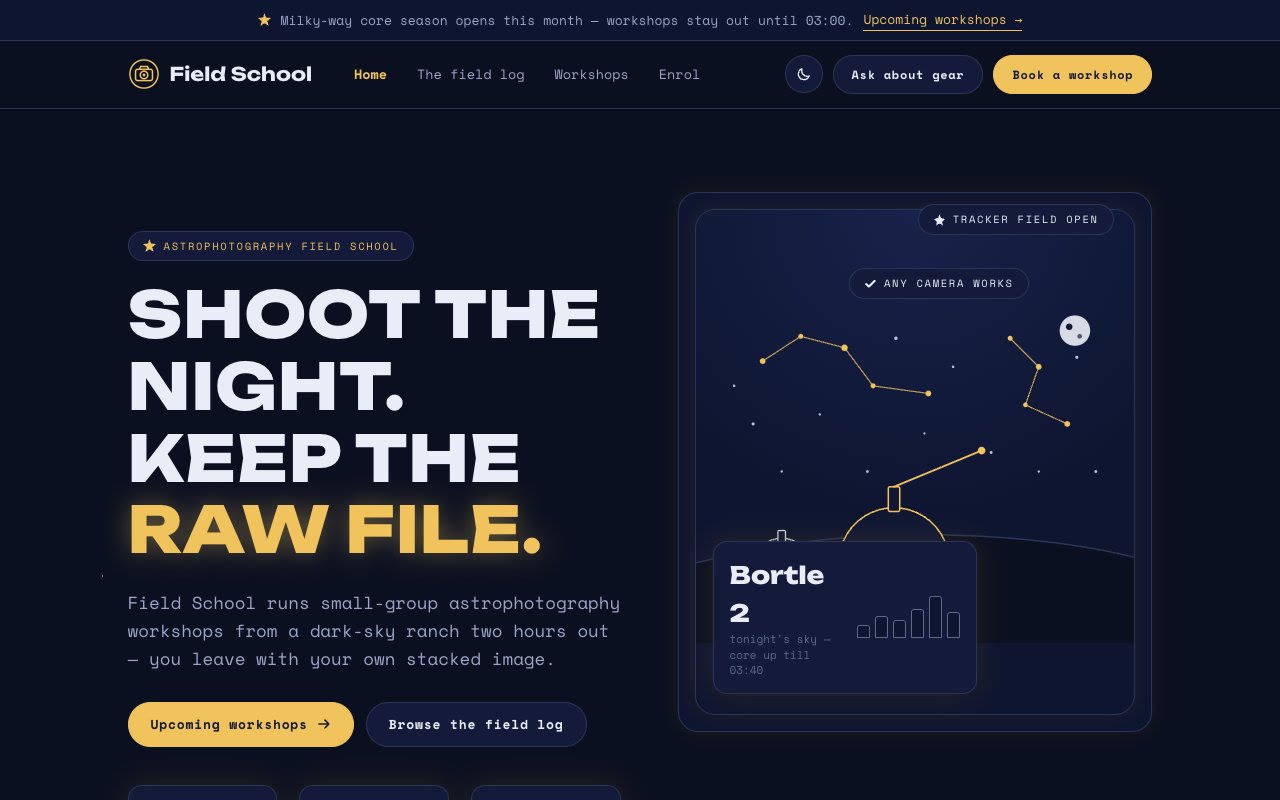
Turn a brief for an observatory, planetarium, stargazing event or night-sky venue into a deep-night starfield site: warm gold halos, orbital hairlines and a geometric all-caps display face.
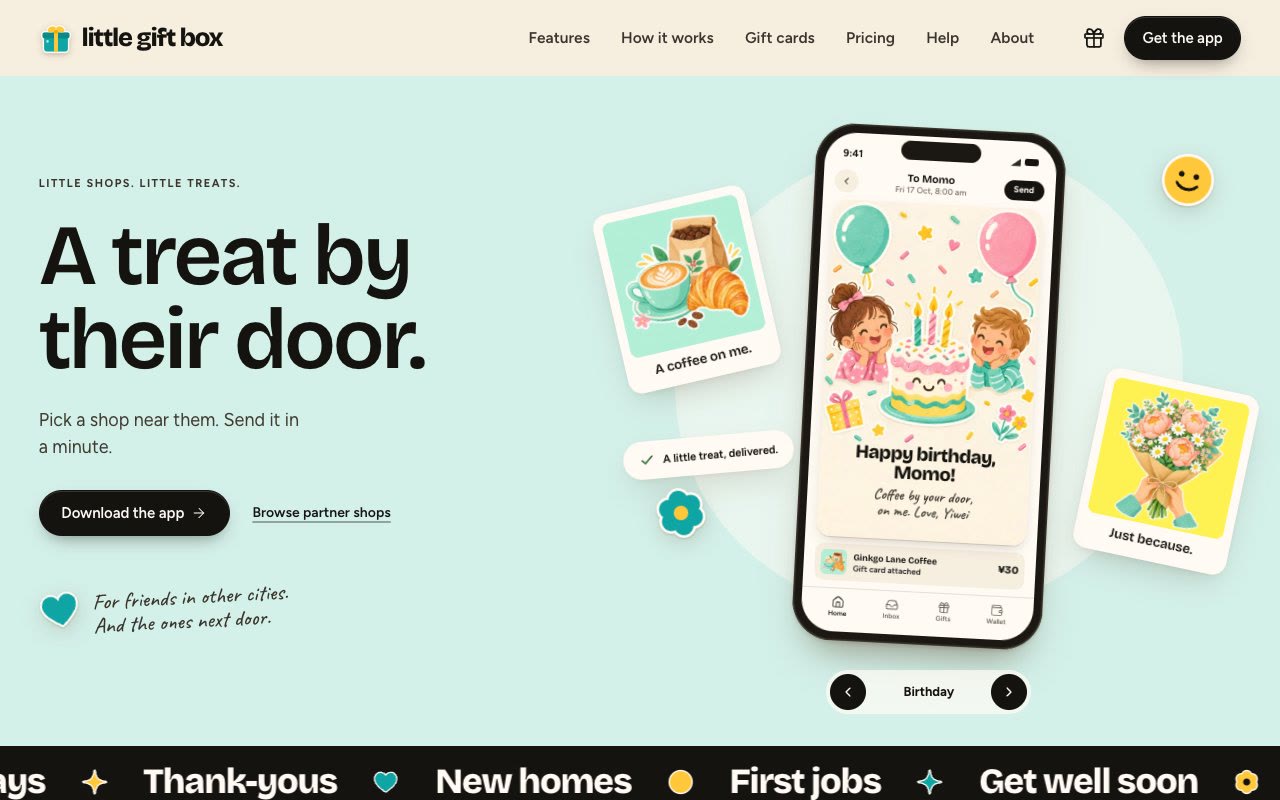
Turn an app brief into a playful single-file site with features, partner shops, how it works, gift cards, pricing, help and download.
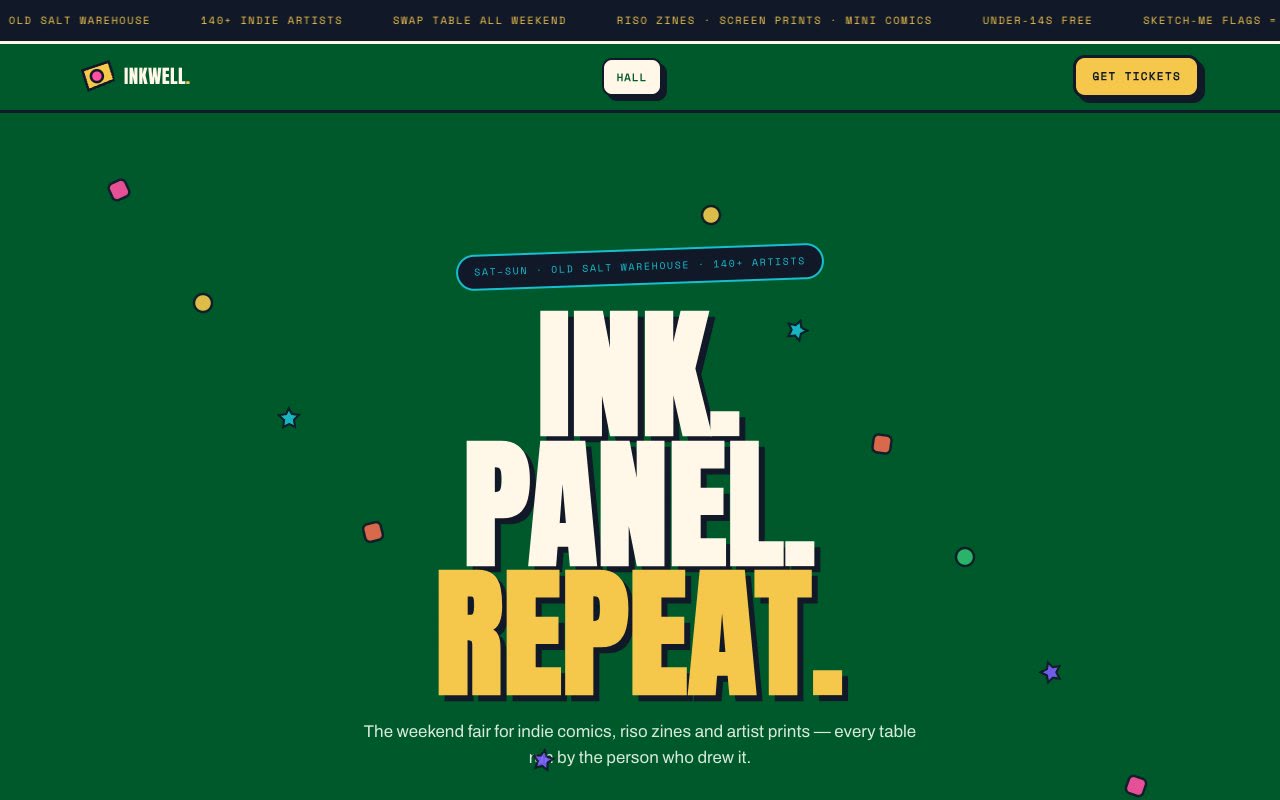
Turn a brief for a sticker fair, sticker-art expo, stationery market or paper-goods convention into a deep-green expo-floor site: candy sticker cards, inked 3px borders, hard offset shadows and code-drawn stall artwork.
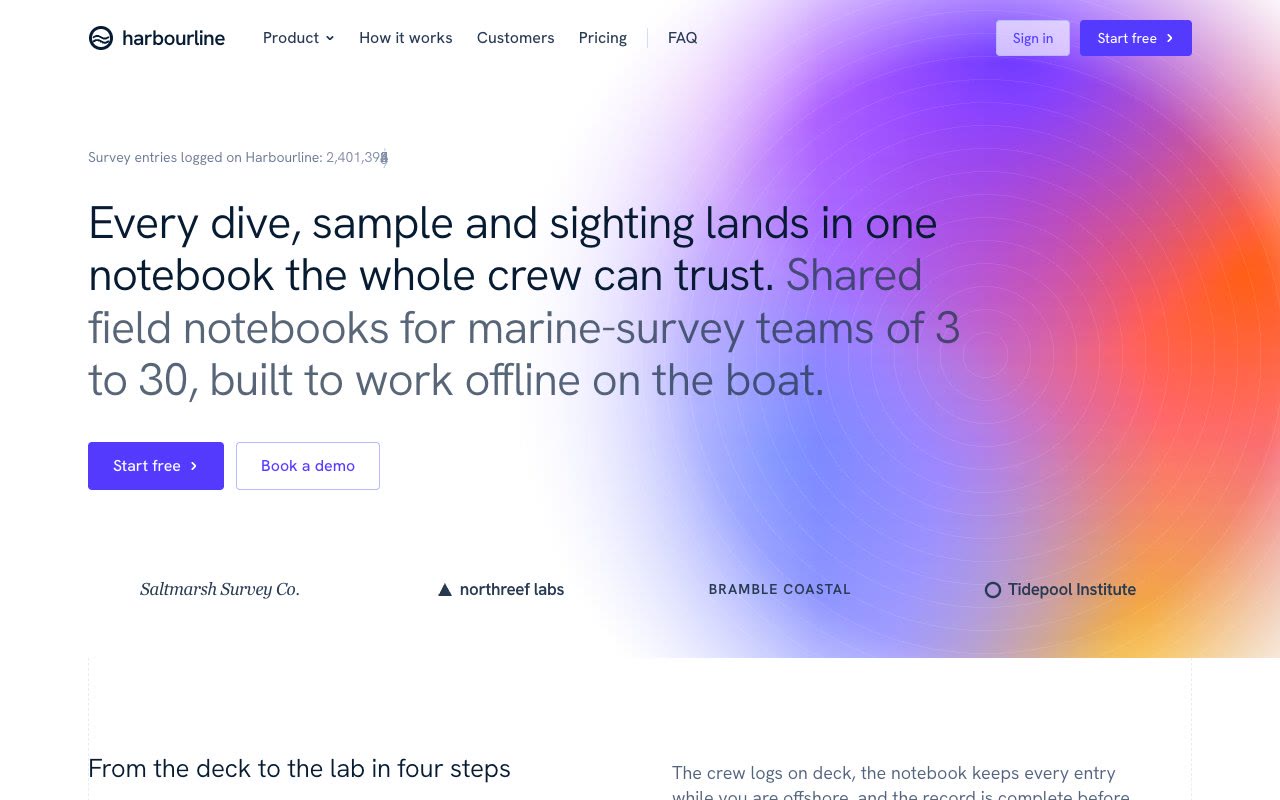
Restyle a site, or build a new one, in a vivid fintech style: animated gradient fields, light headlines, bento cards and a deep navy band.
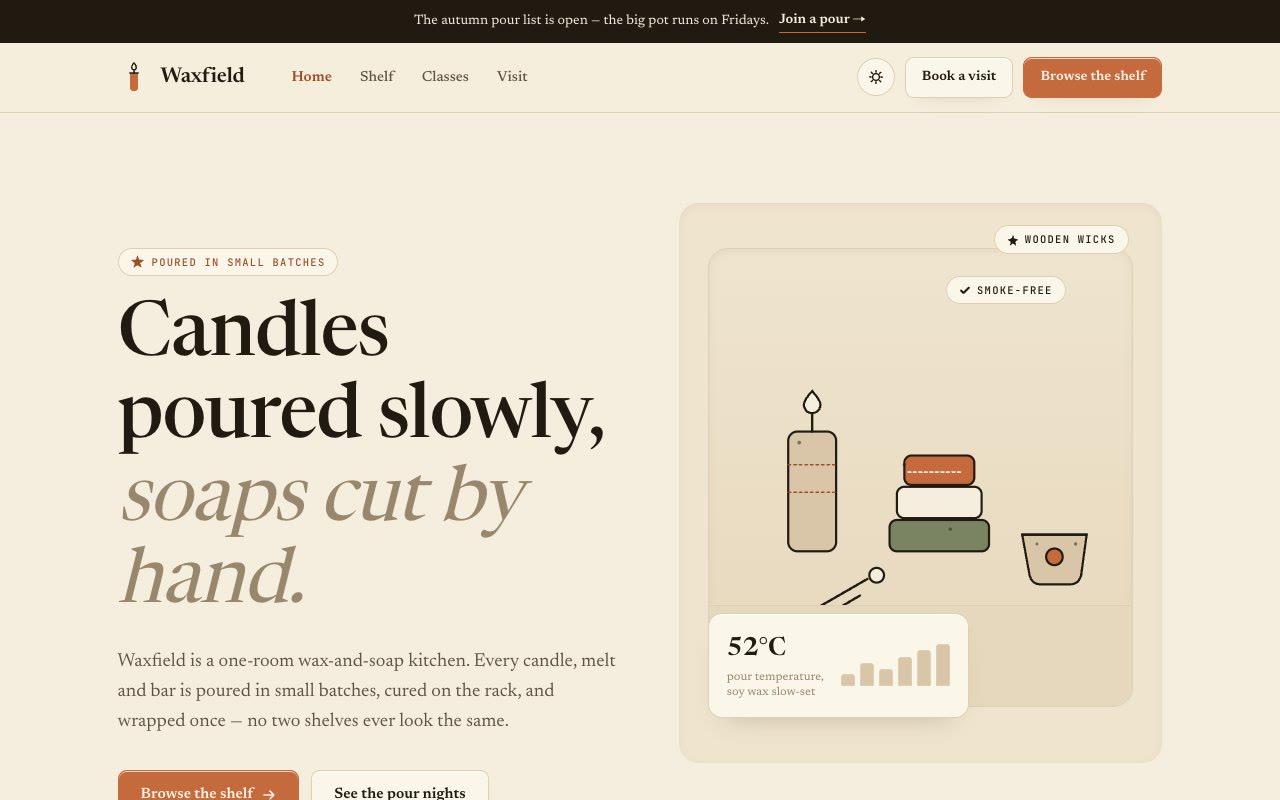
Turn a brief for a leather workshop, craft-goods shop, bakery, roastery or any hands-on small brand into a sun-baked editorial site: warm cream surfaces, a display-serif voice and one terracotta accent.
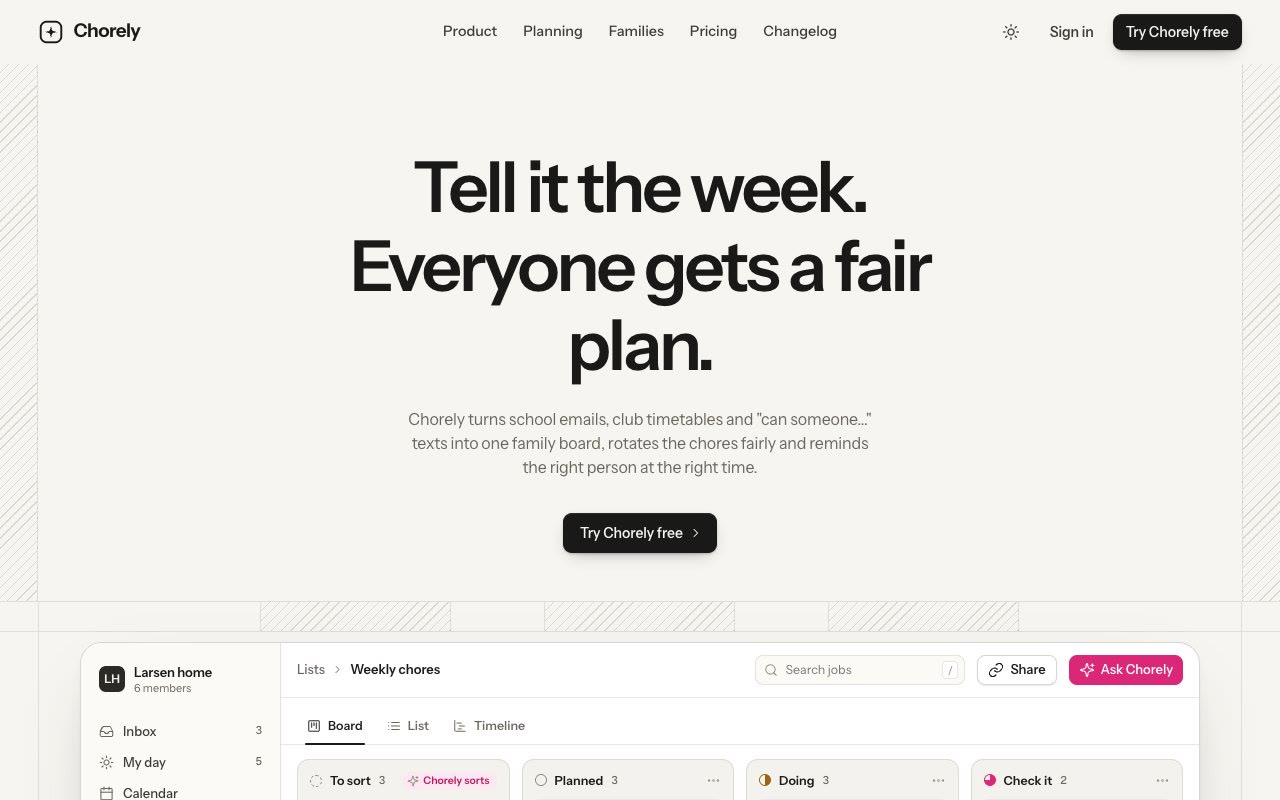
Turn an AI app brief into a single-file product site with pricing, customer stories, changelog and about pages.
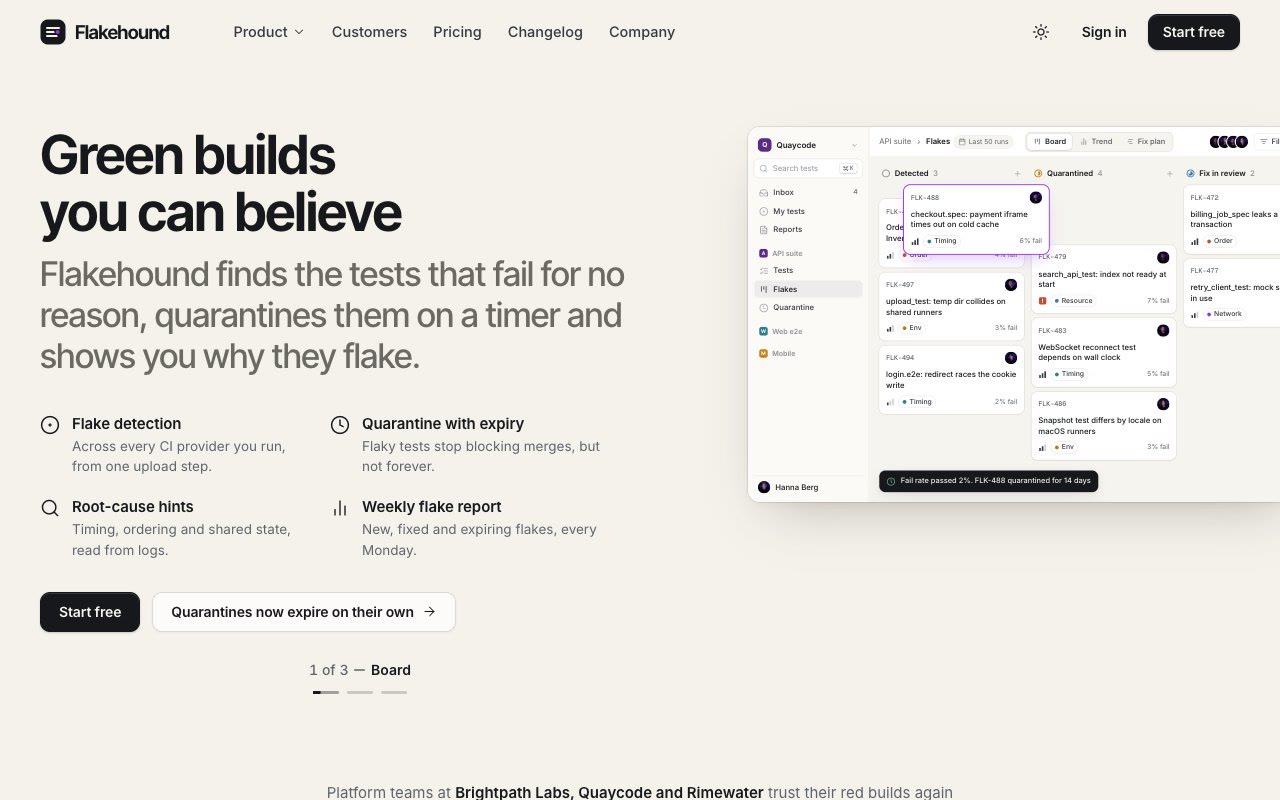
Turn a developer tool brief into a single-file product site with pricing, changelog, sign-in and sign-up views.
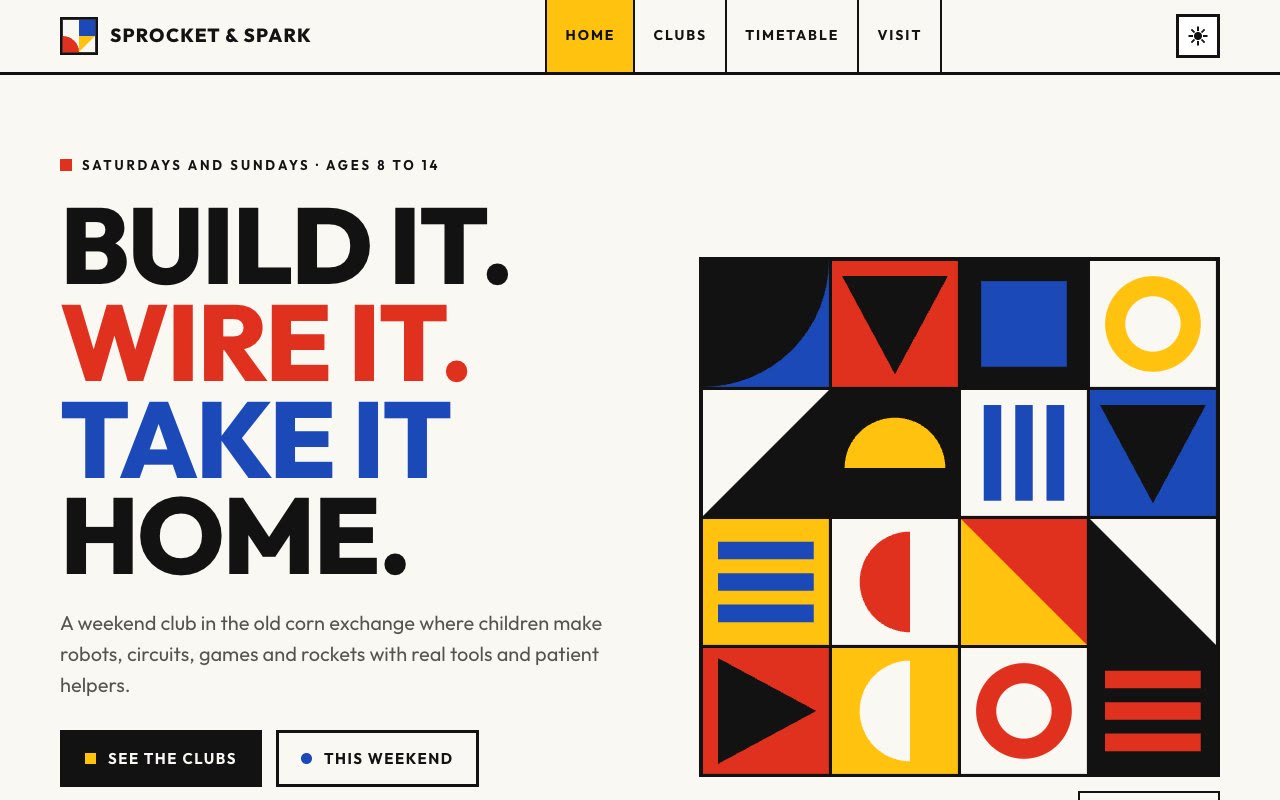
Turn a brief for an evening school, design course, workshop studio or makers’ class into a primary-shape site: warm white ground, thick ink lattice rules, heavy geometric capitals and flat red, yellow and blue circles, squares and triangles drawn in code.
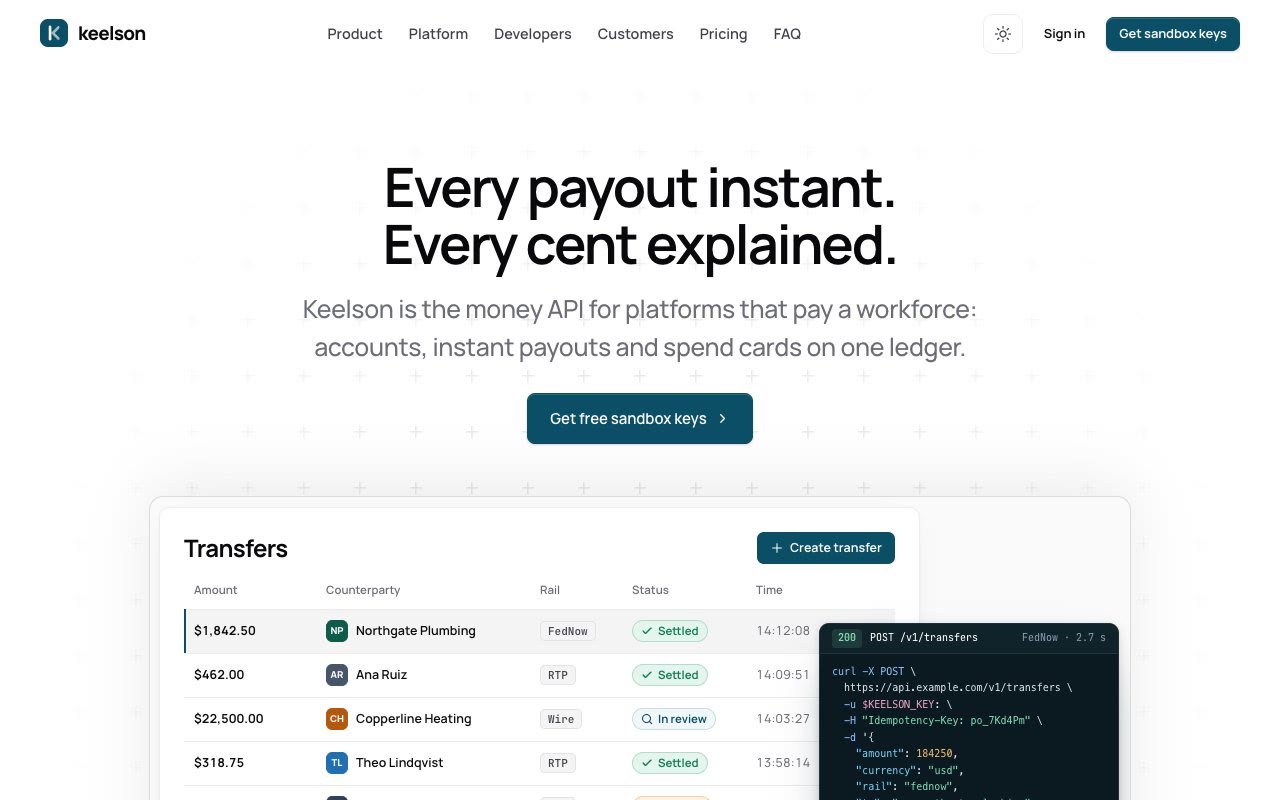
Turn a product brief into a single-file site for a payments or banking API, with product, platform, developers, customers and pricing.
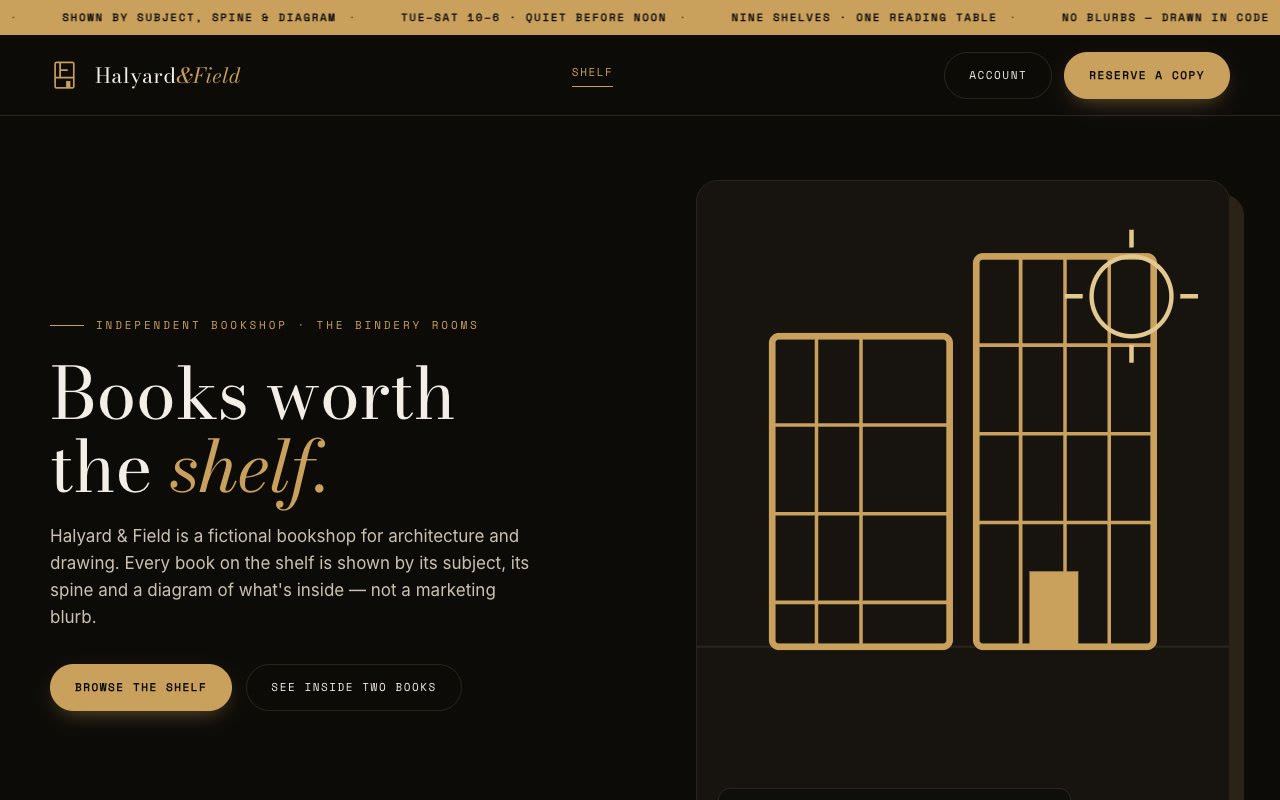
Turn a brief for an independent bookshop, ceramics gallery, small museum or curated estate into a dark editorial site: Playfair display serif, gold accent, code-drawn floor-plan artwork and hash-routed catalogue views.
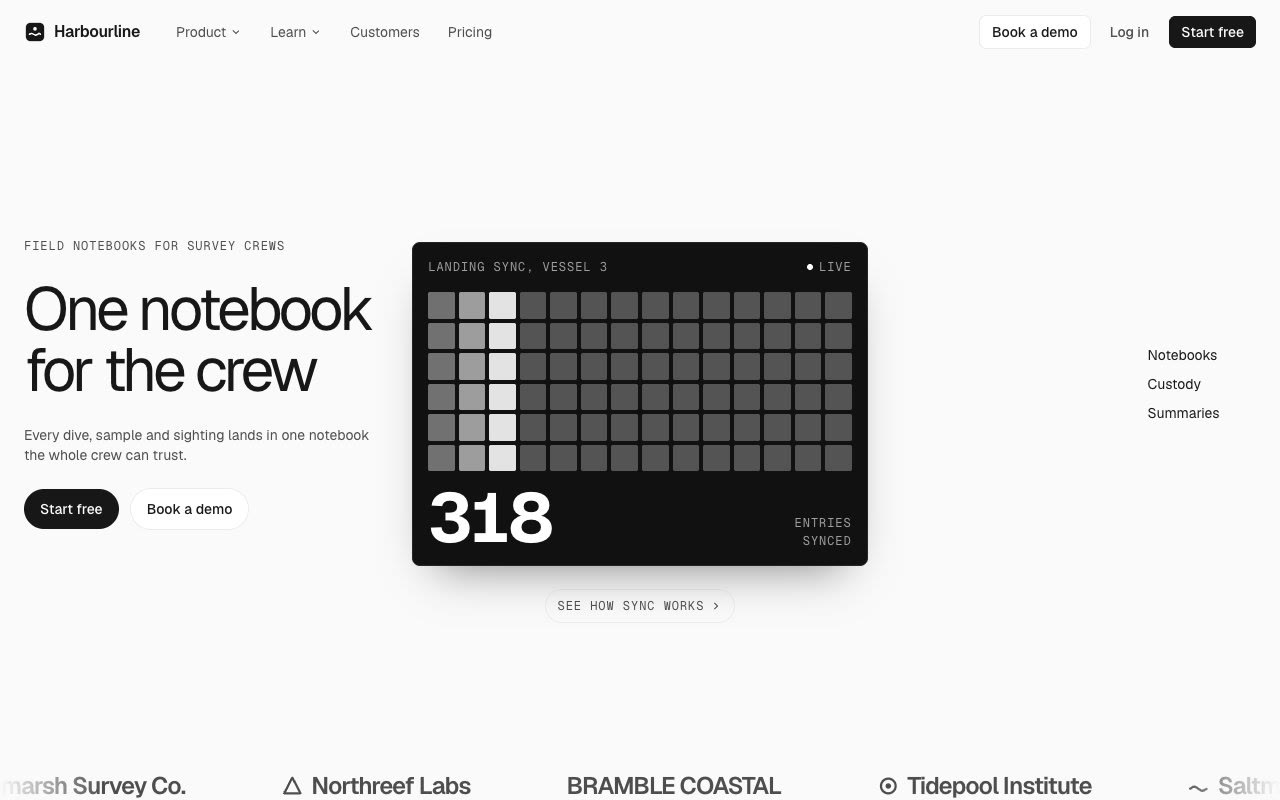
Restyle a site, or build a new one, in a monochrome grid style: tight headlines, mono labels, hairline grids and dark live panels.
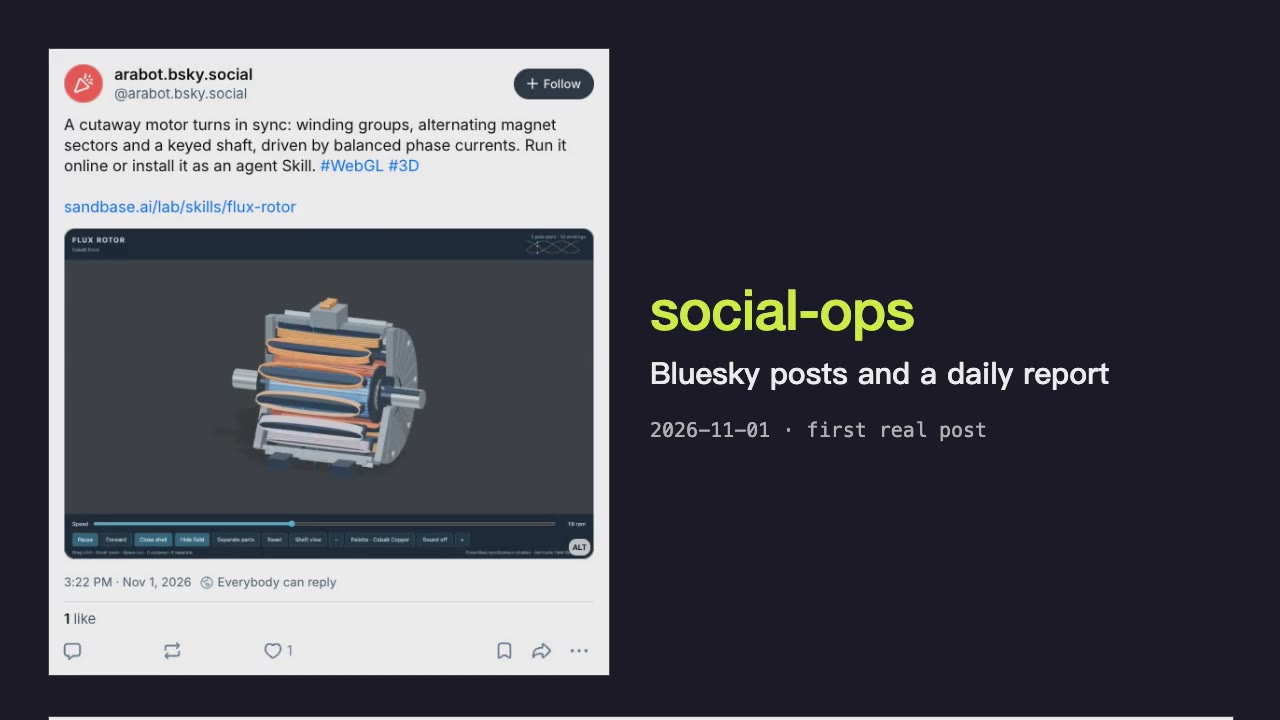
Post one SandBase Lab experiment to Bluesky per run with its cover video, never the same one twice, and get a daily metrics report.
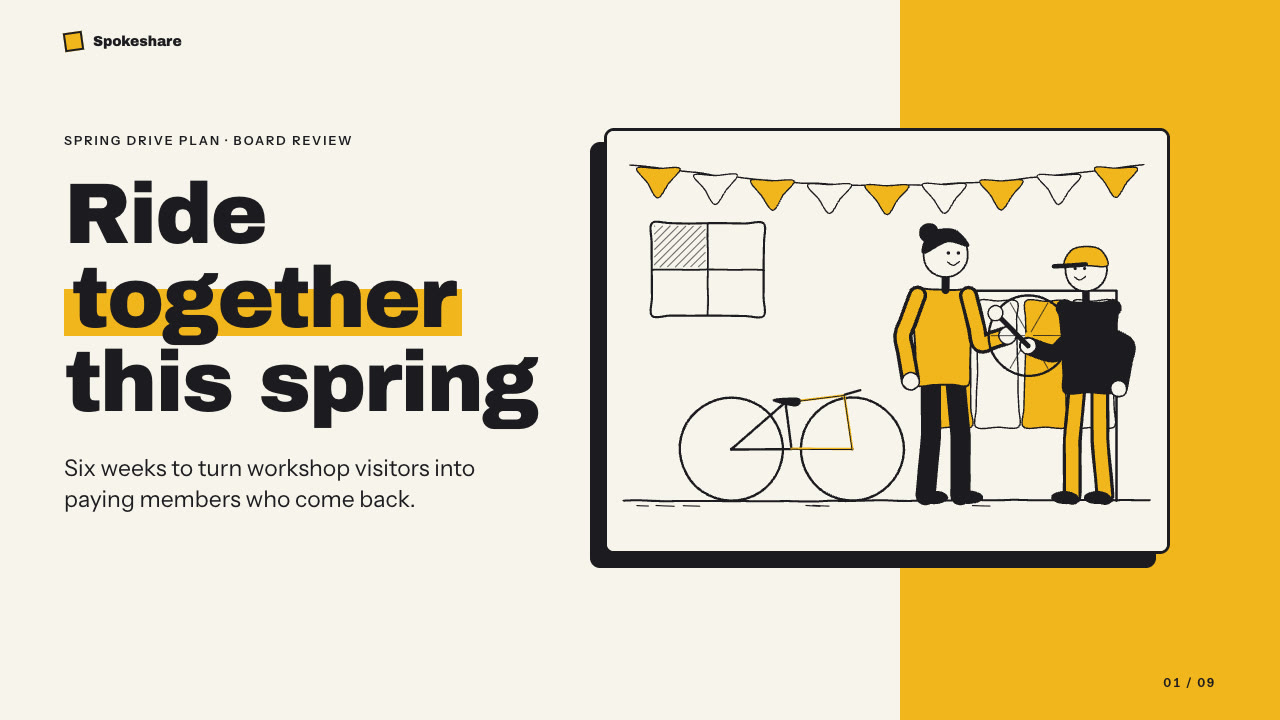
Turn a campaign or launch plan into a hand-drawn ink deck that asks for one decision.
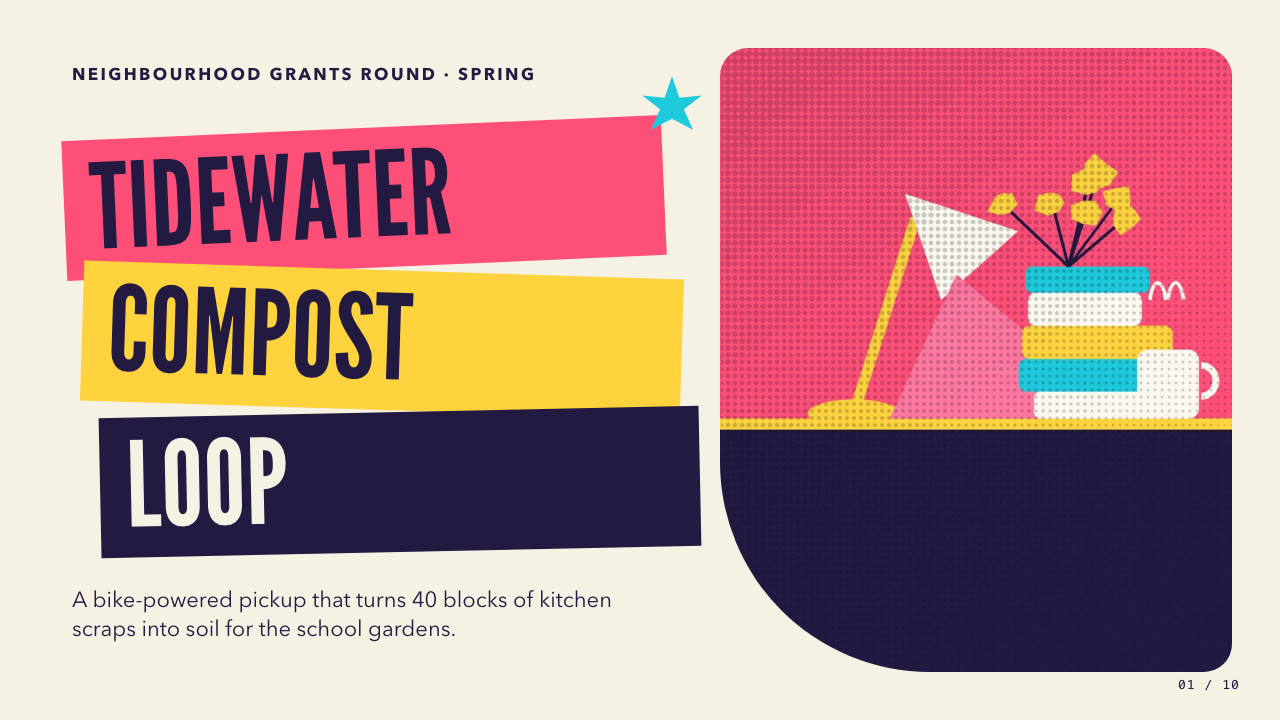
Turn a pitch or proposal into a loud fluorescent screen-print deck with tall headlines and rising bars.

Argue one recommendation to a committee or board with action titles, a storyline tracker, evidence charts and a bounded decision ask.

Present a company, practice or member organisation calmly: white pages, offset colour blocks behind pictures, service cards, ring figures, value bars and a portrait row.
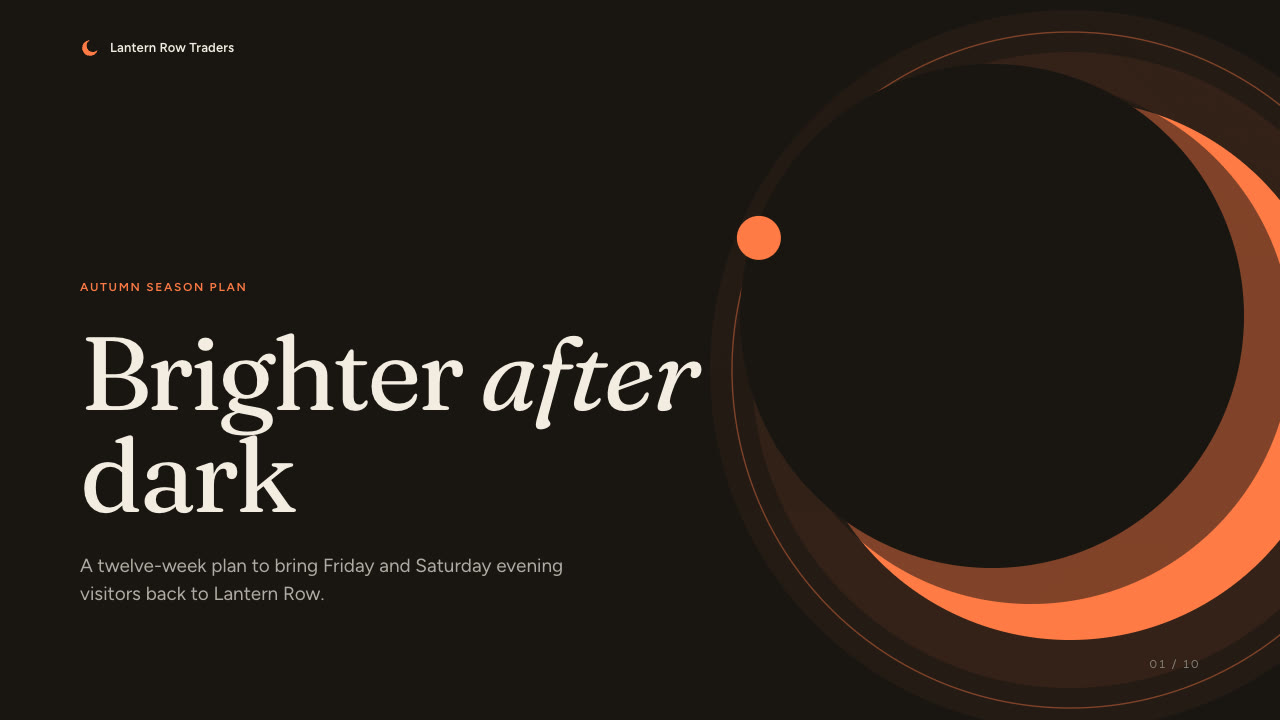
Get a launch, season or budget plan approved with a calm dark deck: large serif headlines, one glowing crescent, edge-bleed pictures, a roadmap, quiet bar charts and a scorecard.
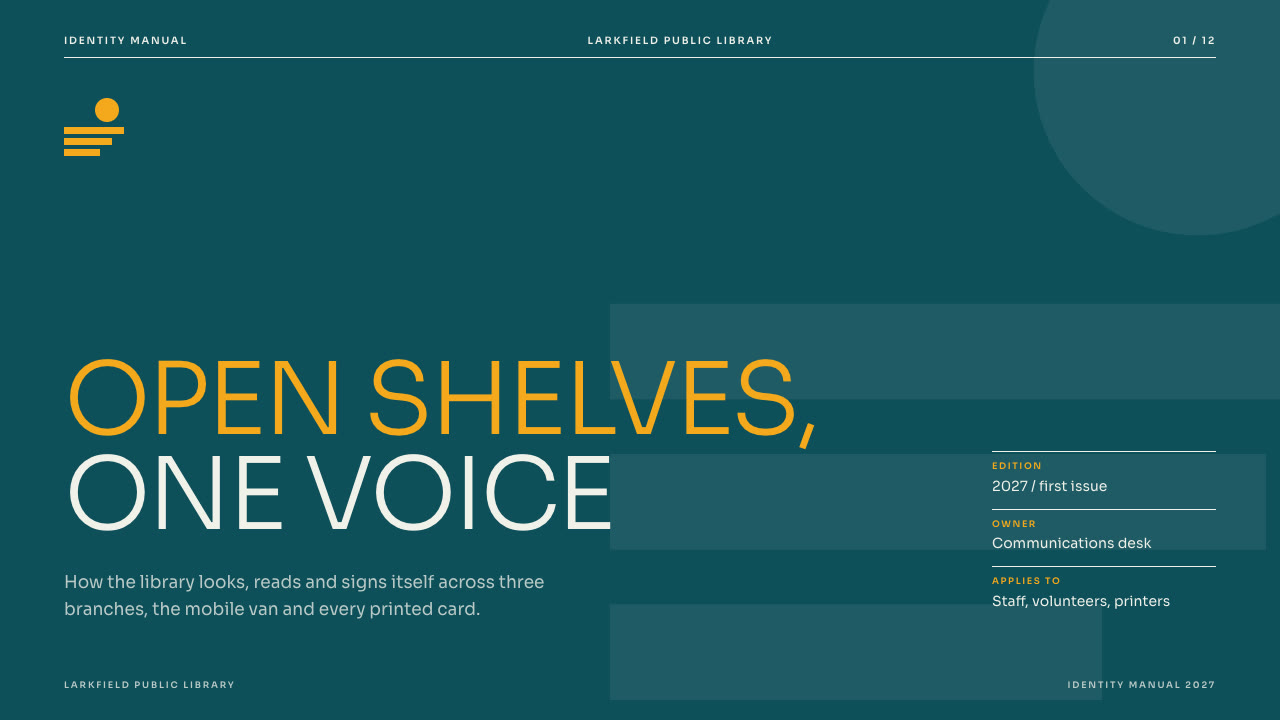
Hand your visual identity to staff, printers and partners with a precise brand-guidelines deck: mark construction, clear space, colour discs with an area ratio, a type specimen and application boards.

Pitch a product or startup on near-black pages crossed by a band of light: big grotesk headlines, framed product screens, a bar chart, one light roadmap page, sliced team portraits and a contact card.
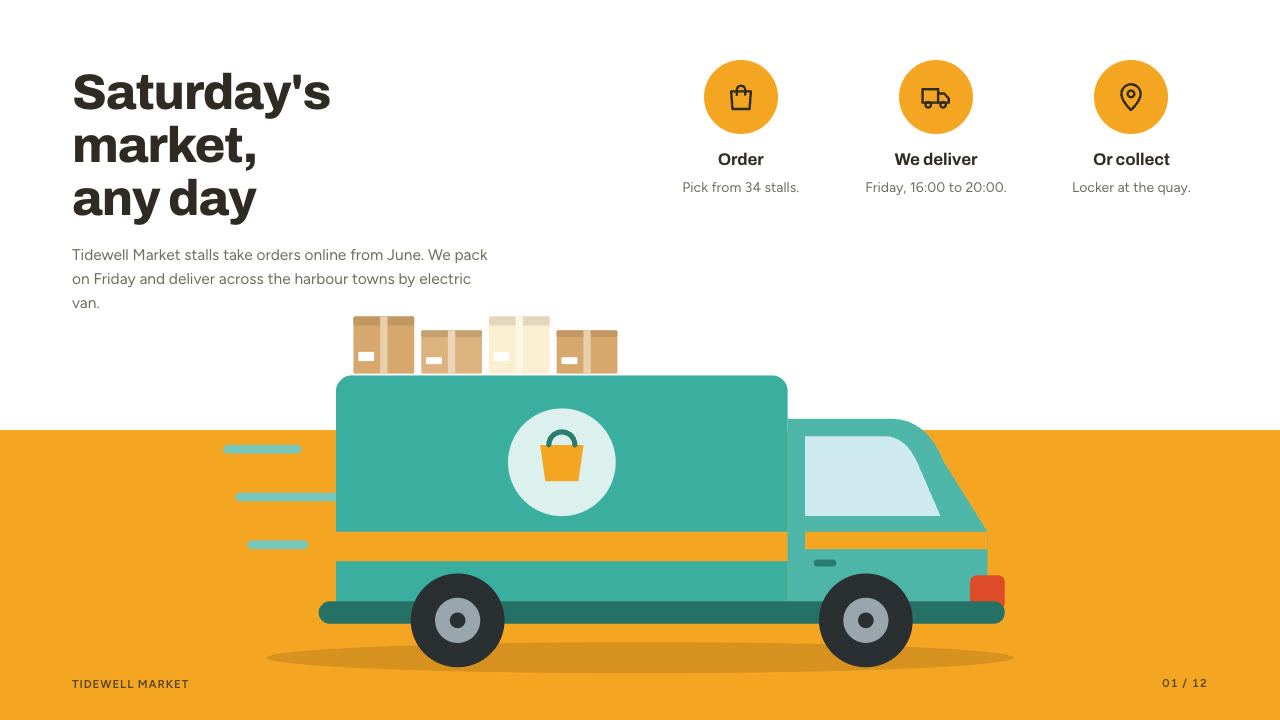
Explain how people find, buy and receive things in an illustrated retail deck: white pages with warm bands, tall arches and round fields, cream cards and capsules, compact heavy headlines and flat scenes of vans, baskets, doorsteps and shopfronts.
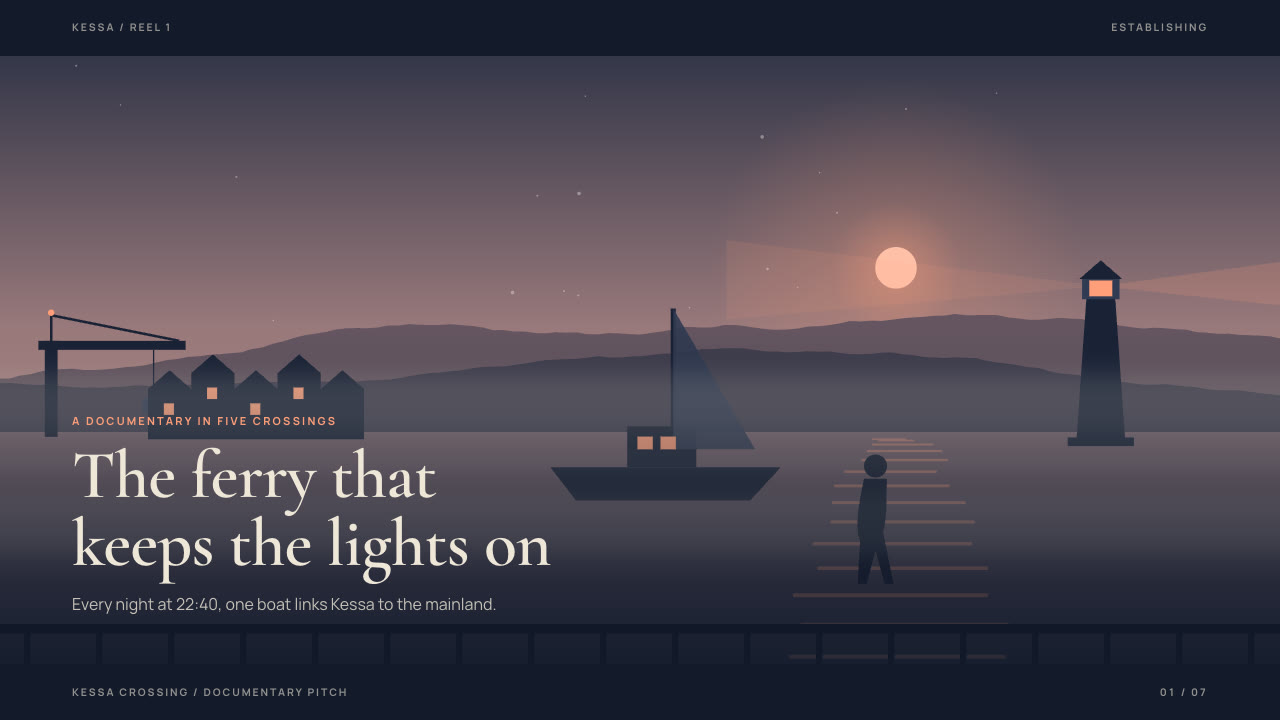
Tell a pitch, launch or place as a sequence of shots: dark letterboxed pages, one drawn cinematic frame per page (wide, close, small, split or a strip of three), tall serif captions over small spaced labels, and native markers on a contour chart.
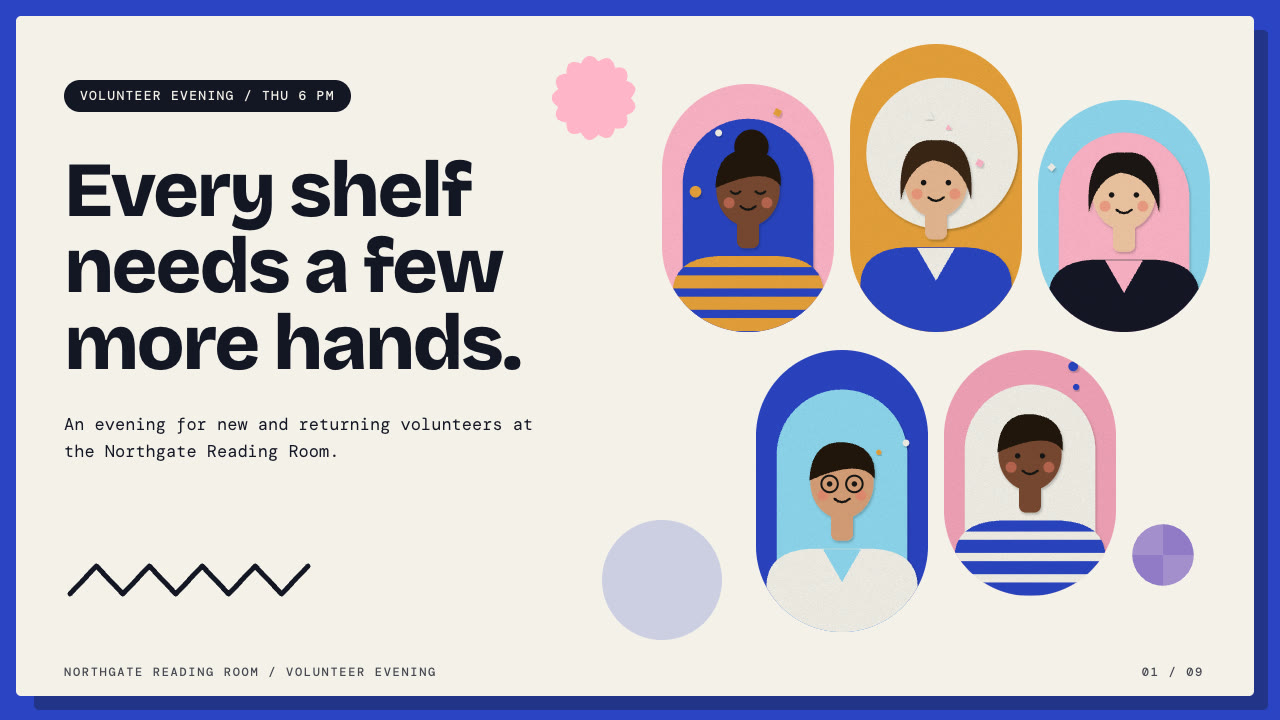
Run a workshop, retro, volunteer evening or listening circle with a cut-paper deck: a coloured board under two paper sheets, heavy grotesk headlines, monospace sentences with one highlighter run, capsule and round picture windows, numbered paper stickers and small cut-out accents.
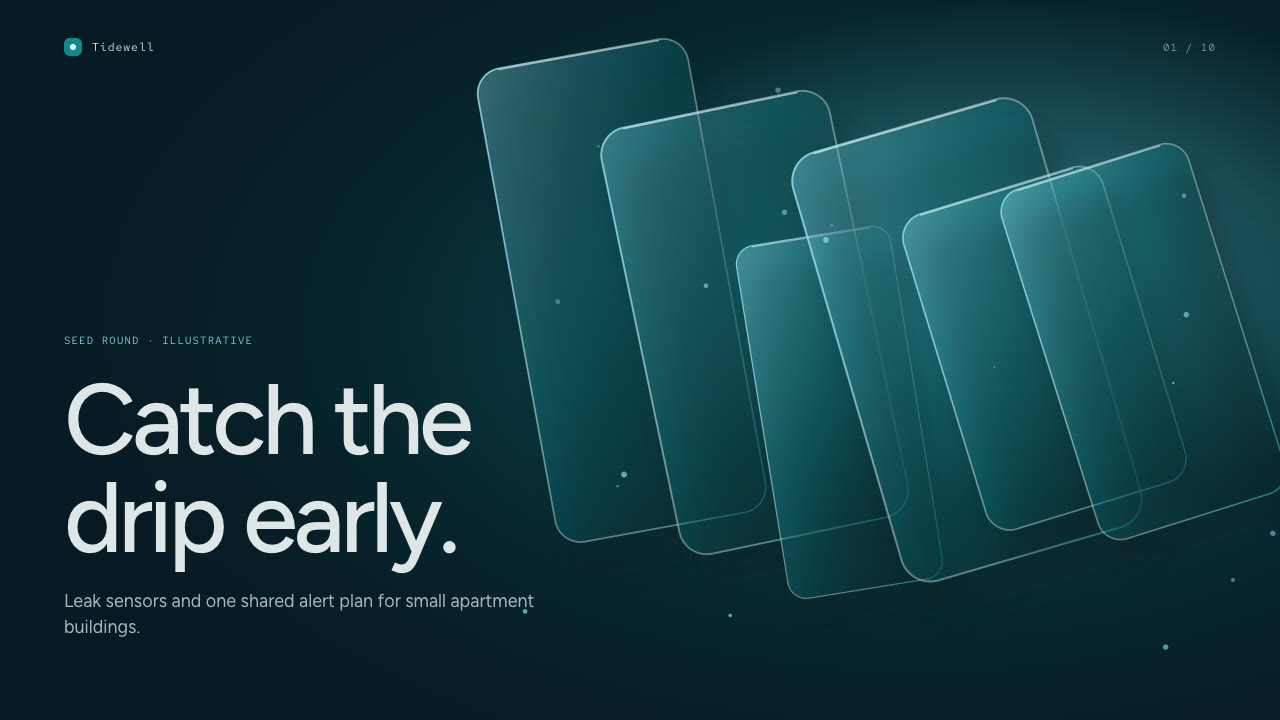
Ask for a round, a grant or a budget with a frosted-glass pitch deck: translucent glass slabs on deep night pages, airy light pages, rounded picture windows, one accent card per page, a native bar-chart card, a use-of-funds table and a stepped roadmap.
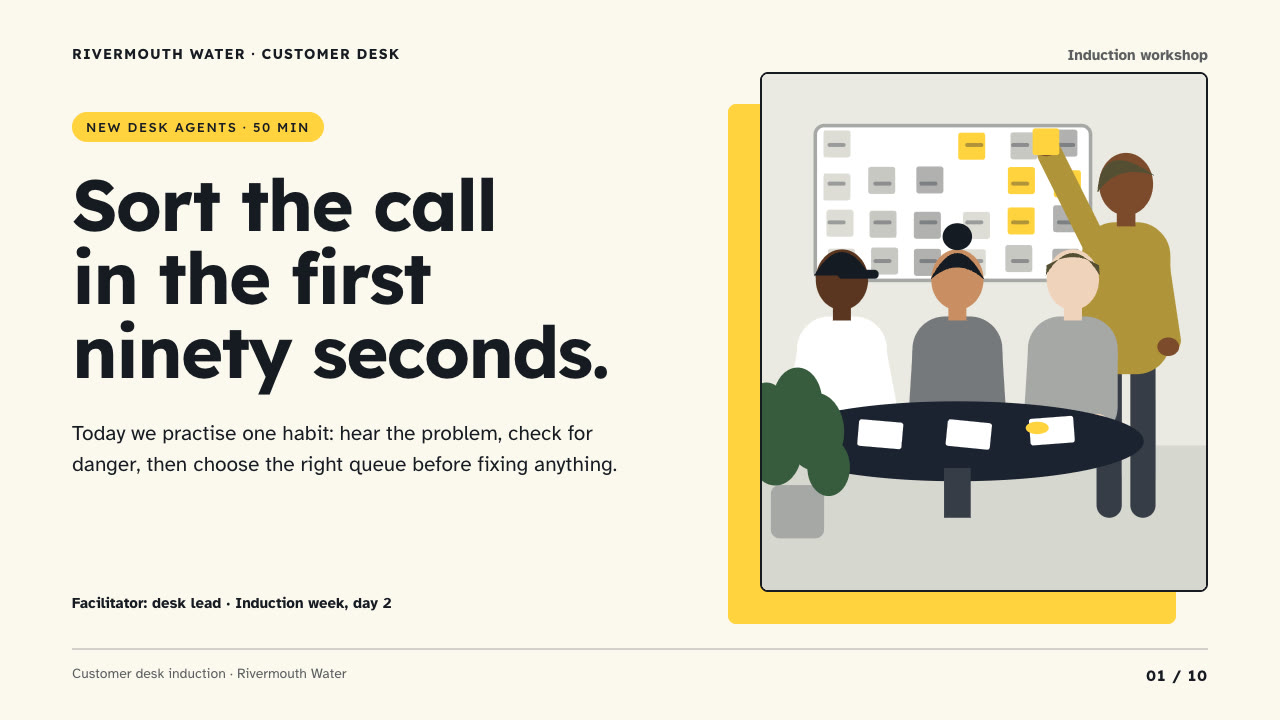
Run a training or workshop where the room does the work: observable outcomes, a real situation to decide on, a small method, votes and timed exercises, a tempting answer beside a stronger one and a written commitment, with a Frame / Try / Reflect strip on every page.
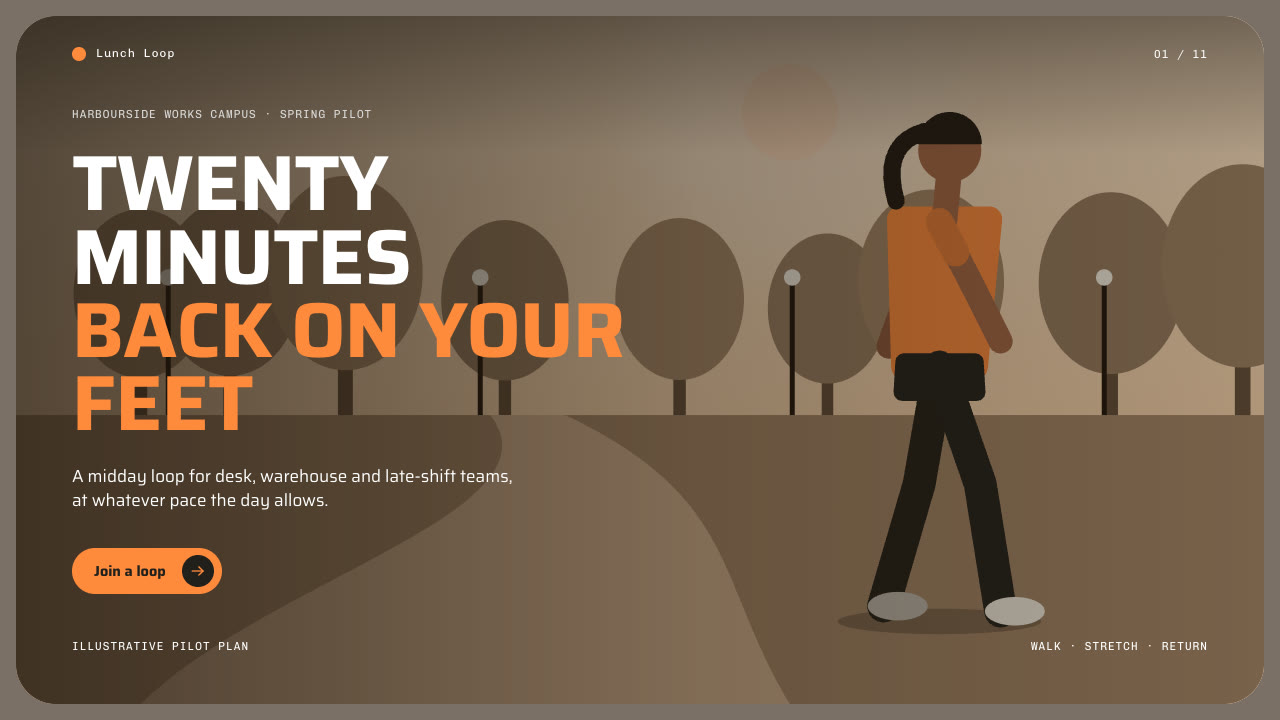
Launch or pitch a programme that gets people moving: one oversized rounded frame per page, drawn outdoor scenes under a flat shade, uppercase headings with an accent run, frosted panels, rings behind cut-out figures, a phone held in hand and oversized chapter cues.
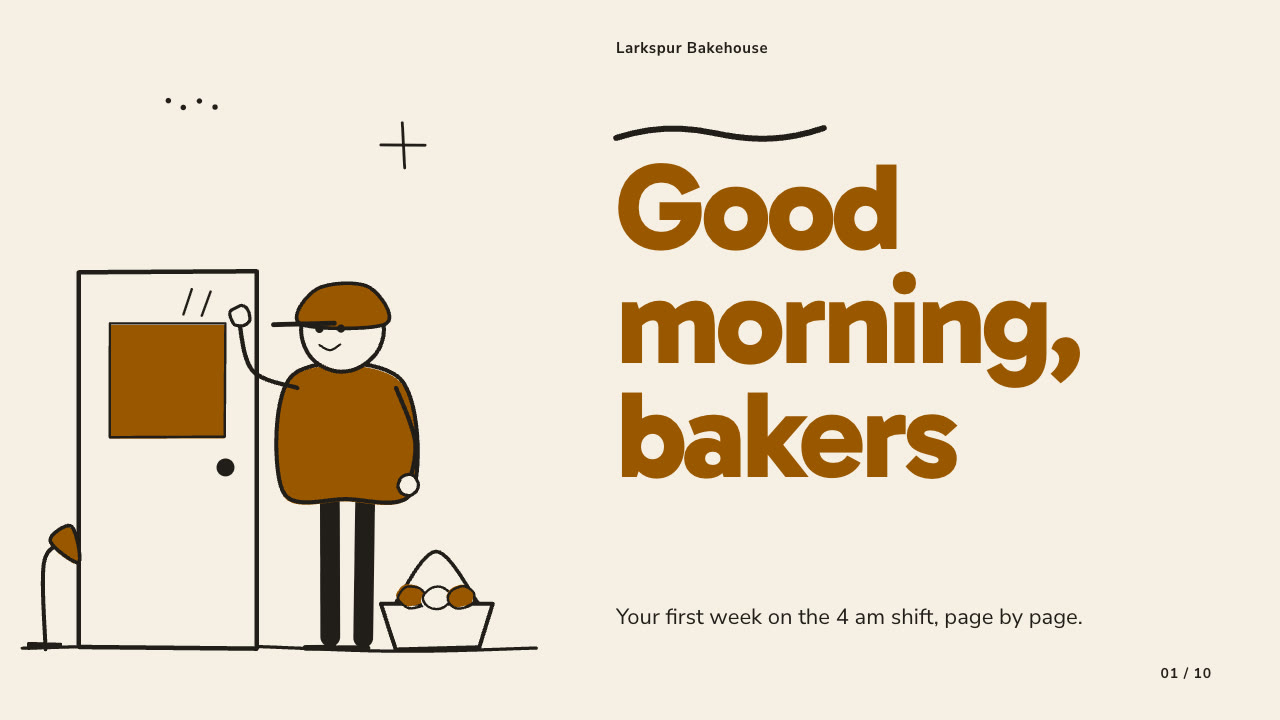
Make onboarding sessions, kickoffs, pilot updates and team plans feel friendly and plain-spoken: one oversized colour headline per page, loose black-marker cartoon people and props, warm paper pages, a few tinted accent pages, timelines, number discs and a simple bar chart.
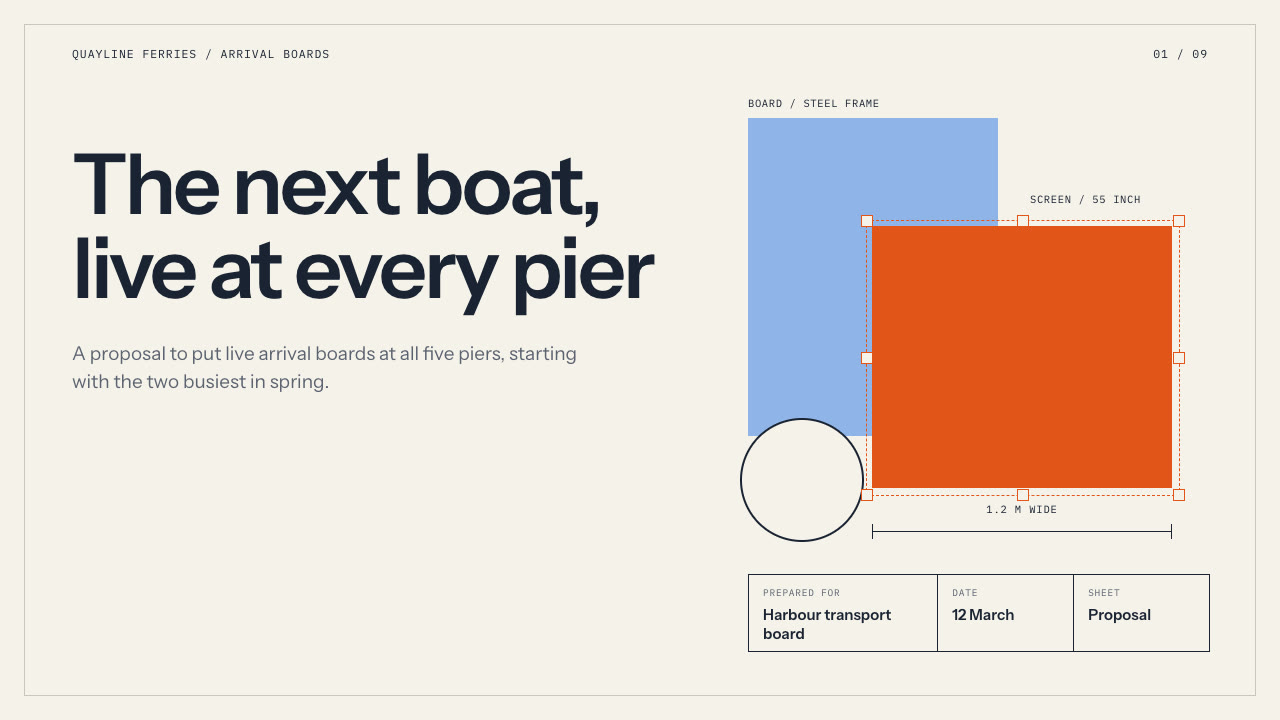
Make budget, strategy, launch and handoff decks that stay fully editable in PowerPoint: a technical-drawing look with paper sheets, a thin frame, a cover title block, dimension lines, mono object tags, native bars and tables, and an object ledger that proves no slide is a screenshot.
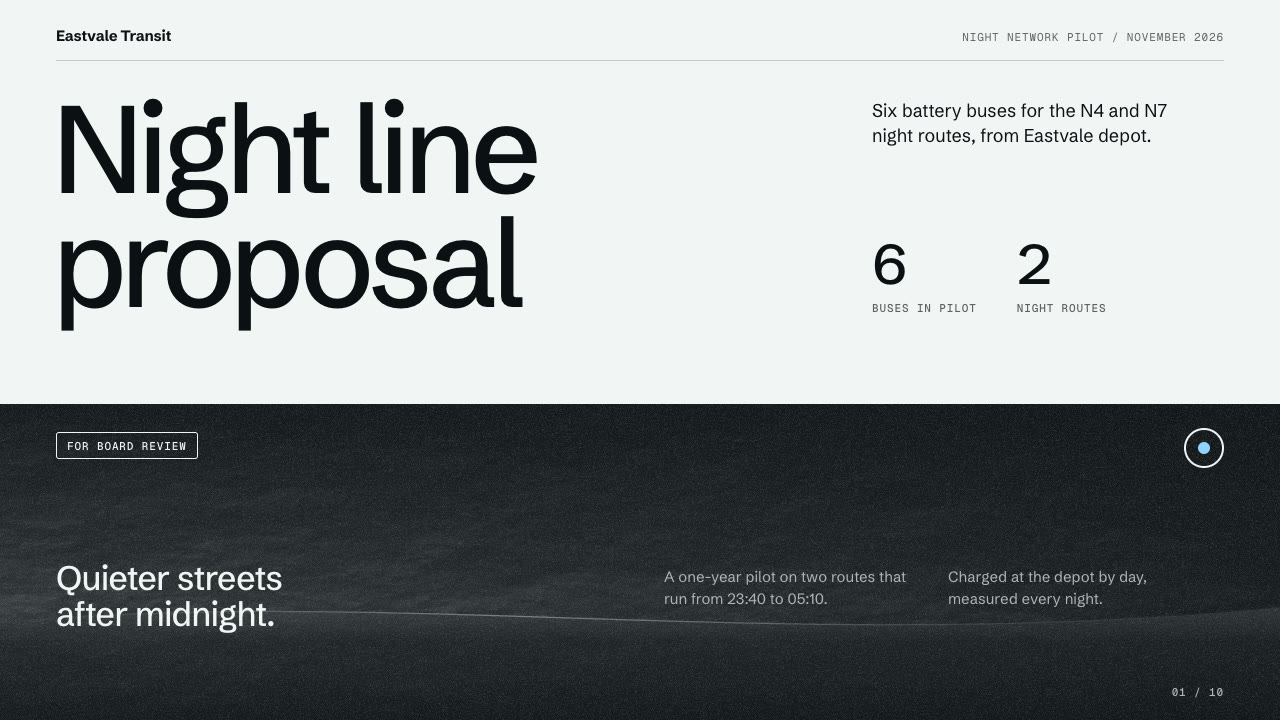
Make monochrome proposal decks that ask for a decision, such as a pilot for a board, a room for trustees or a service for a client: near-white paper, very large tightly tracked grotesk headlines, short copy in small columns, mono labels and chips, rounded grey, dark and accent cards and drawn material pictures.
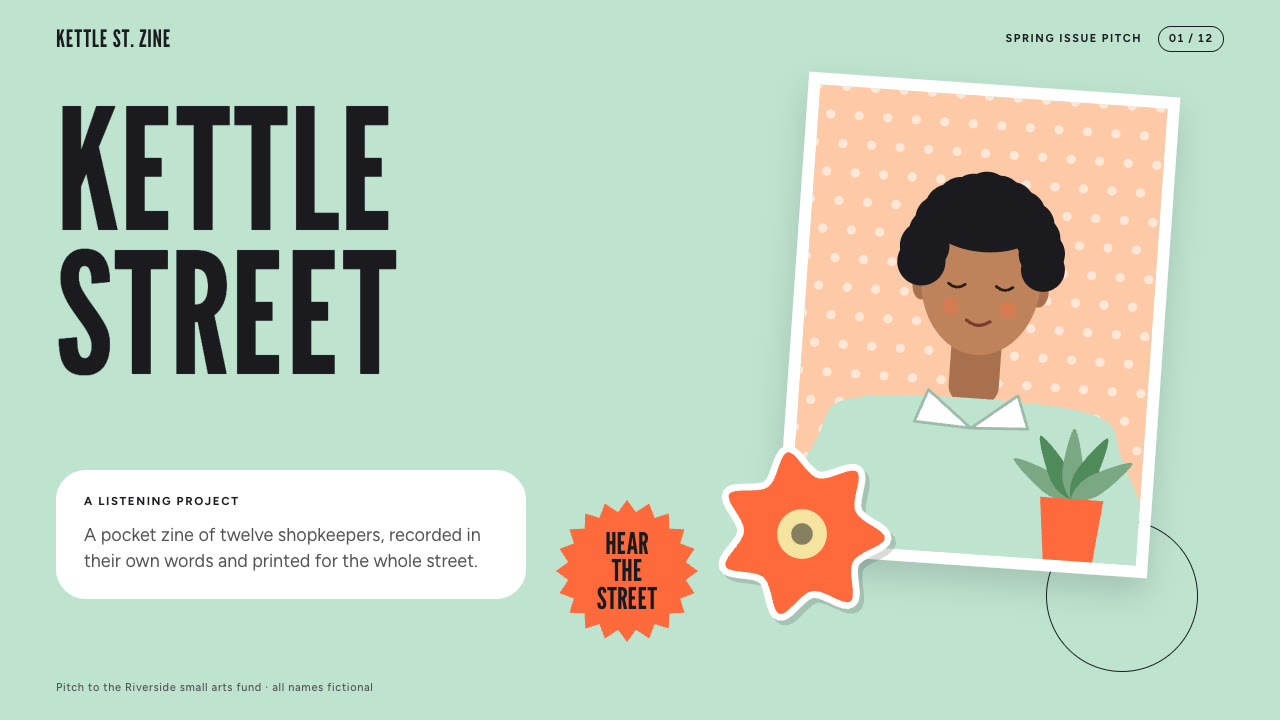
Make warm, hand-made looking decks for neighbourhood projects, small grant pitches, volunteer briefings and workshop invitations: very tall condensed headlines, pastel colour fields, white rounded cards, one deep feature panel, floating labels, tilted white-framed pictures, a serrated stamp and die-cut paper stickers.
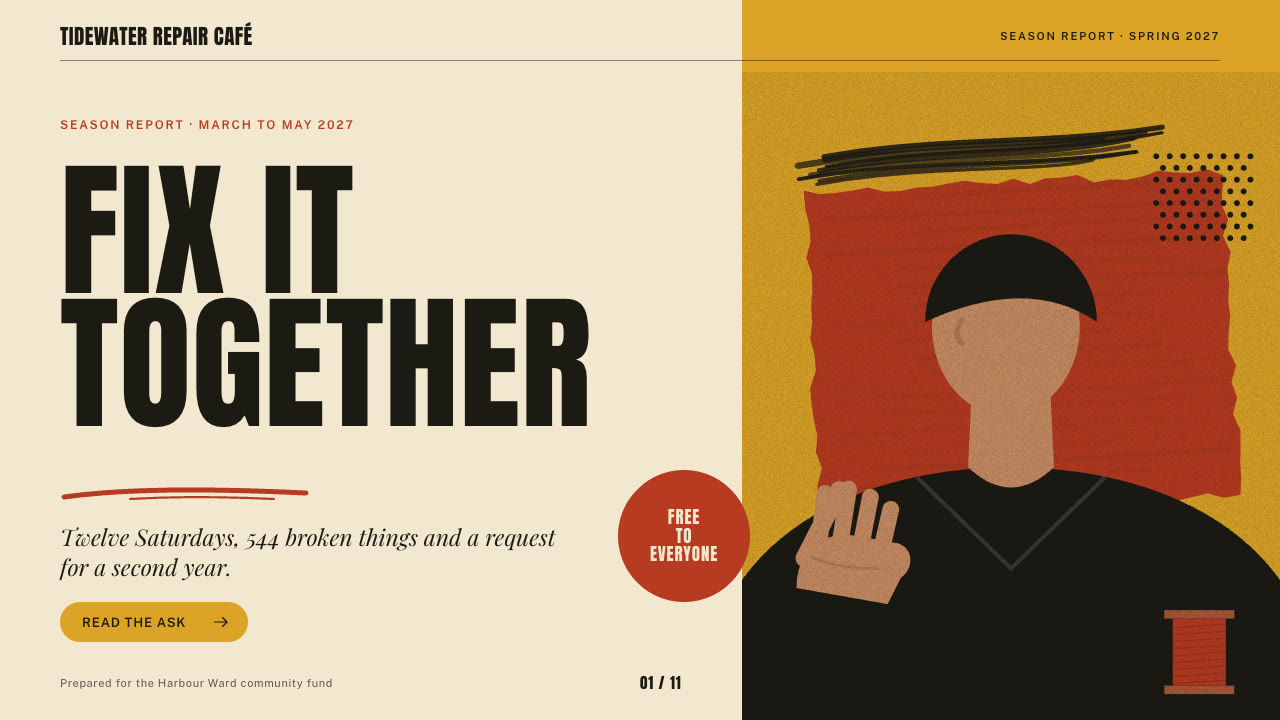
Make decks that read like a small independent print magazine for season reports, studio introductions and exhibition or programme proposals: warm newsprint, towering condensed capitals, fine serif headings with an italic vermilion accent, mustard and vermilion paint fields, a black service page and cut-paper pictures.
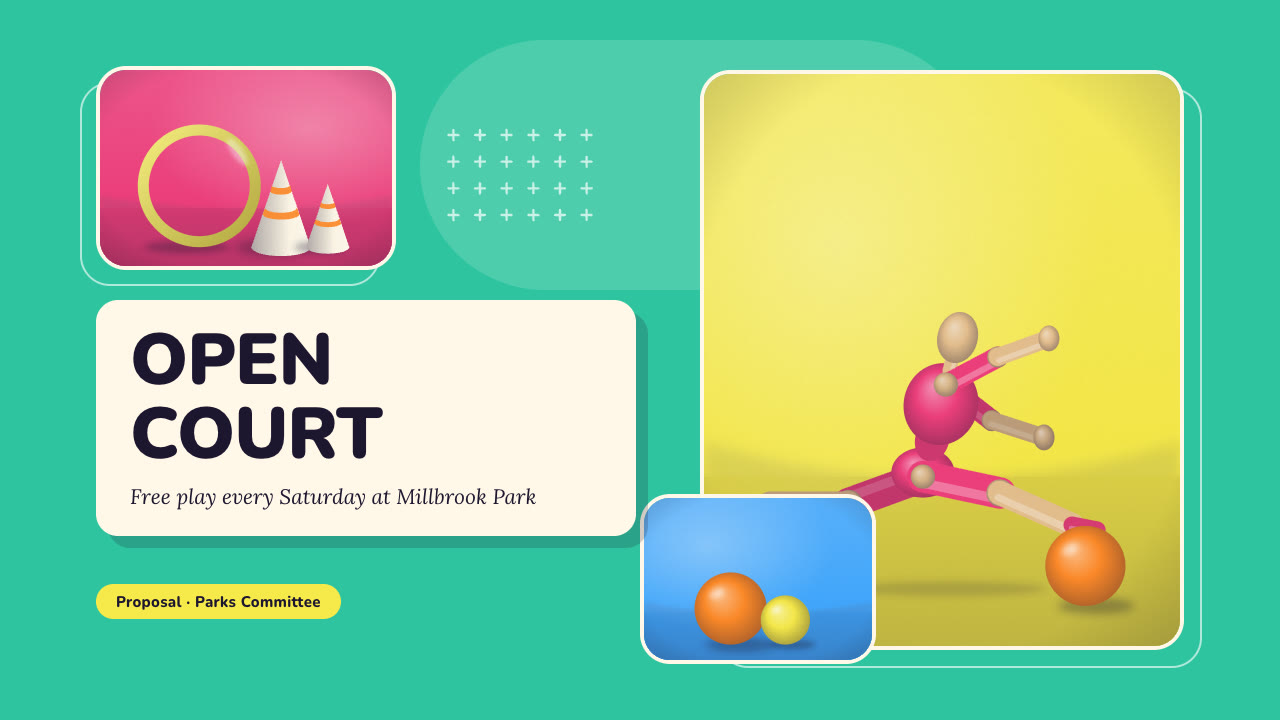
Make bright, playful decks for community programmes, events, launches and workshops: one saturated colour field per page, heavy rounded headings with small serif copy, cream-rimmed studio pictures with offset echo outlines, round object windows, staggered cards and lemon chips.
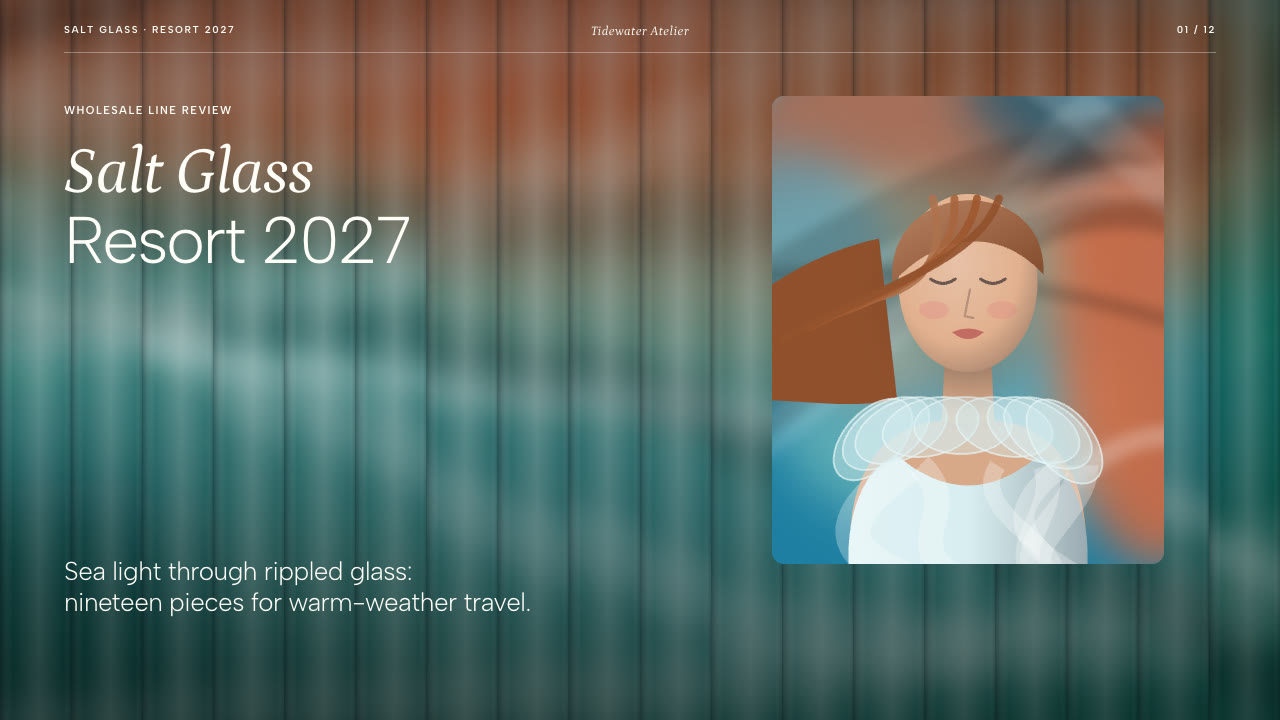
Make editorial lookbook decks for fashion, costume, textile and product-collection stories: calm paper pages with a three-part running head, alternating with full-bleed colour fields seen through ribbed glass, inset portraits, ribbon cut-outs, staggered looks, a phone frame and paper cards.
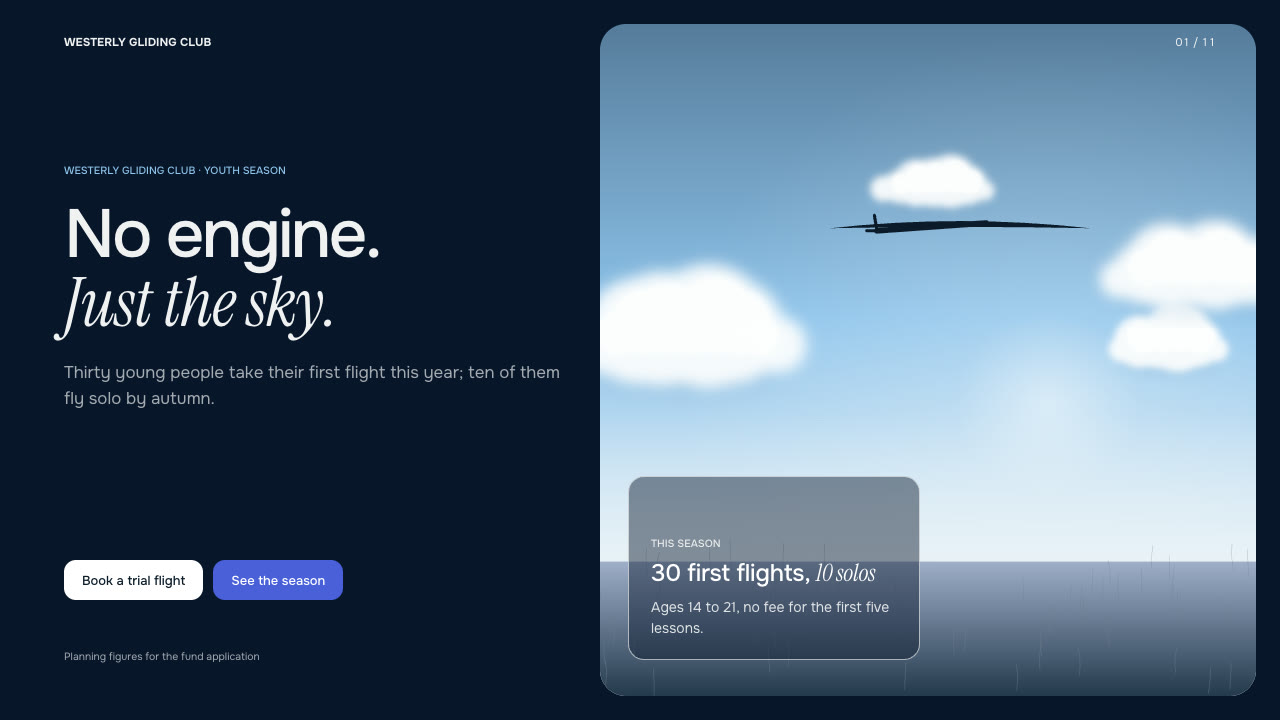
Make explainer and proposal decks that make a public subject feel approachable: open-sky pictures, clear optical glass and anonymous figures, thin-edged translucent glass cards over the pictures, broad mist-white pages, three deep night pages and headings with an italic serif accent.
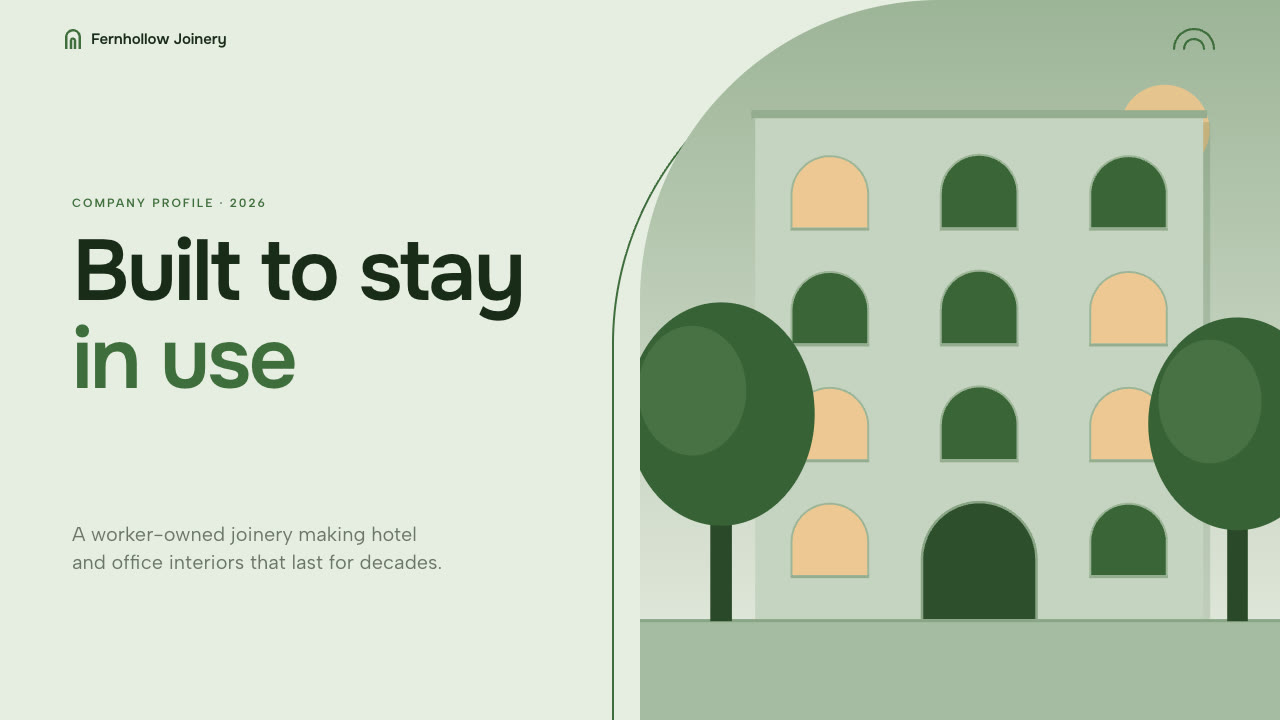
Make calm profile decks for organisations that introduce themselves, such as company and co-operative profiles, partner or client onboarding and team introductions: rounded paper panels on full colour fields, pictures with one large arched corner, metric cards, service cards, a native standards table, a timeline and contact rows.

Make training decks for front-line service teams, such as desk inductions, shift handovers, opening routines and volunteer counters: calm light pages with faint contour lines, two dark pages for the service standard and the handover, check rows, habit cards, journey rings, say-instead cards and drawn service interiors.
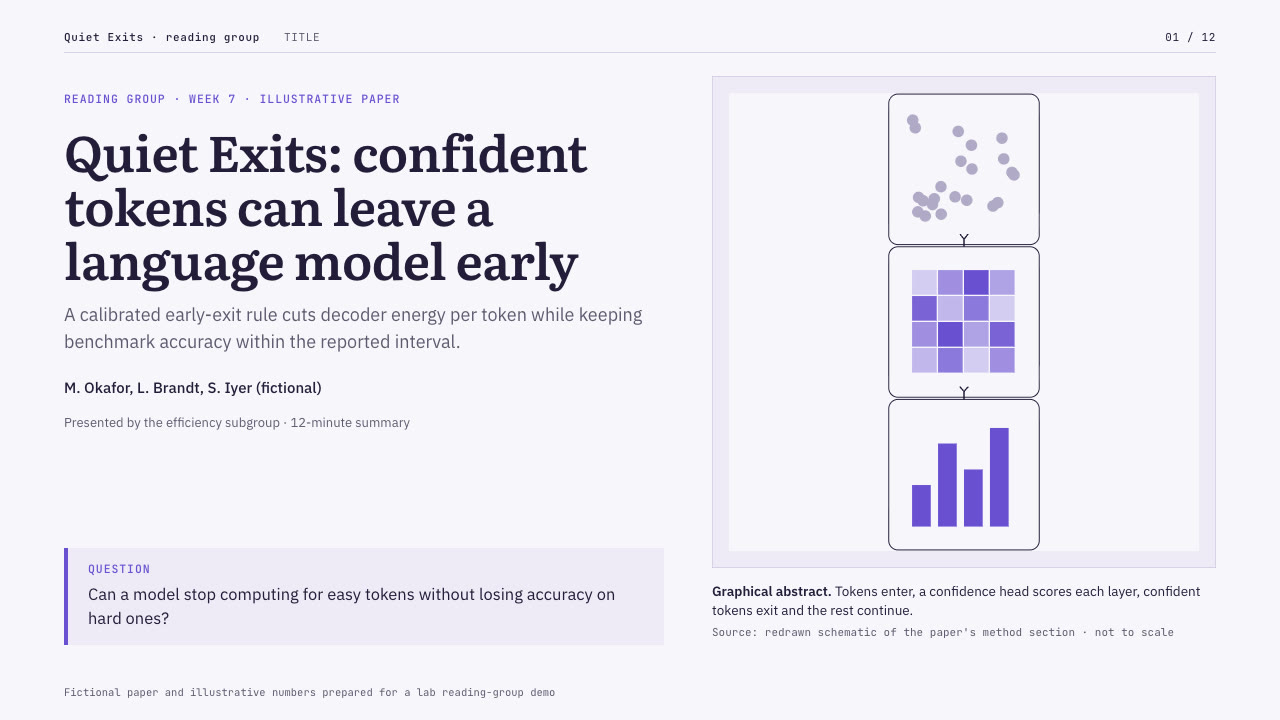
Make figure-led research talks such as paper summaries, journal clubs, lab and reading-group reviews and evidence briefings: every content page is built around one figure, chart or table with its caption and source underneath, numbers carry their comparator and interval, and a limits page states what the work can and cannot claim.
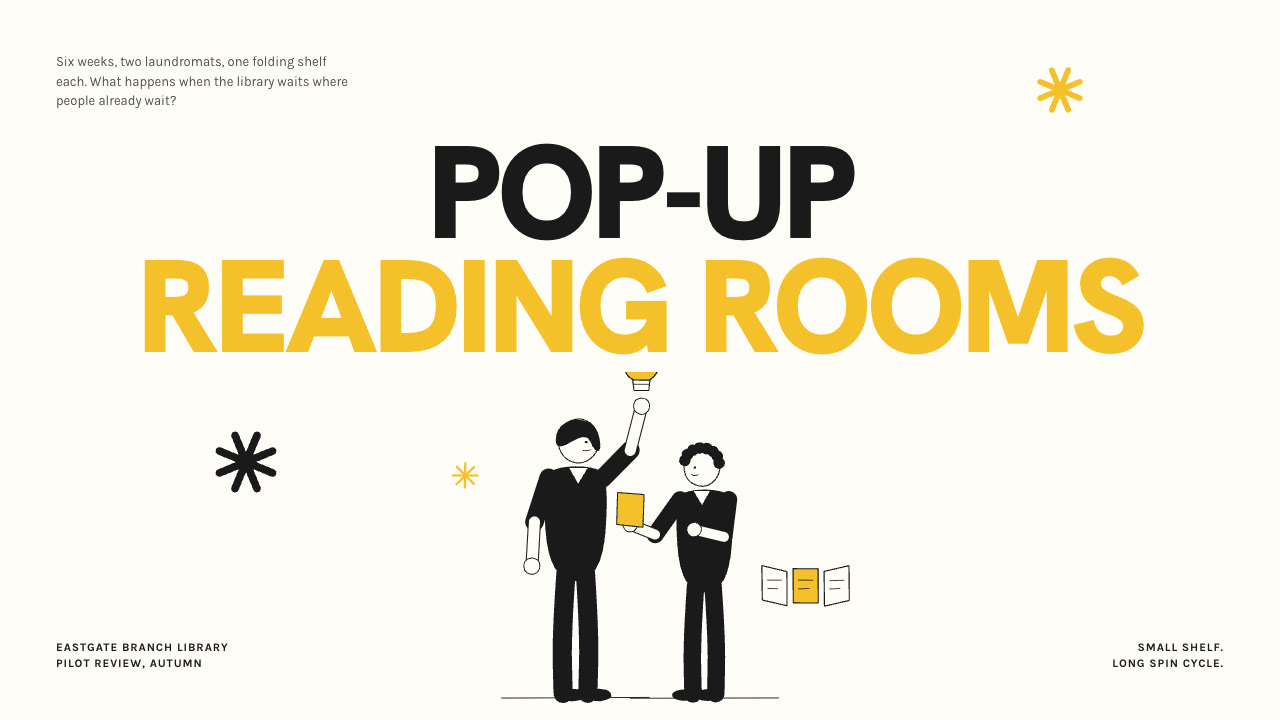
Make bold notebook-style decks for pilot reviews, team experiments, proposals and programme readouts: paper-white pages, heavy capitals with one highlighted phrase, small copy in asymmetric islands, loose asterisks, a fine-pen figure on every page and a native results table.
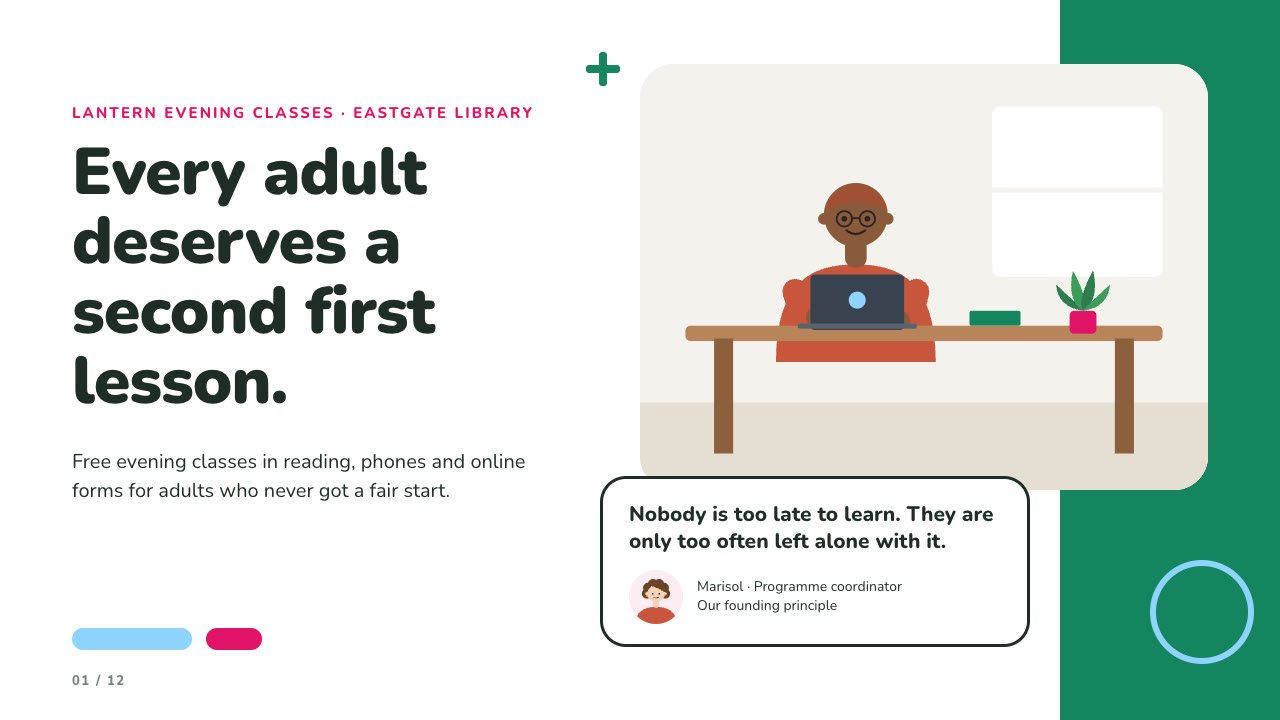
Make bright, friendly decks for learning programmes such as evening schools, cohorts, courses, residencies and onboarding: heavy rounded headings, round portraits on offset colour discs, rounded picture windows, colour-block splits, capsules, rings and plus marks.
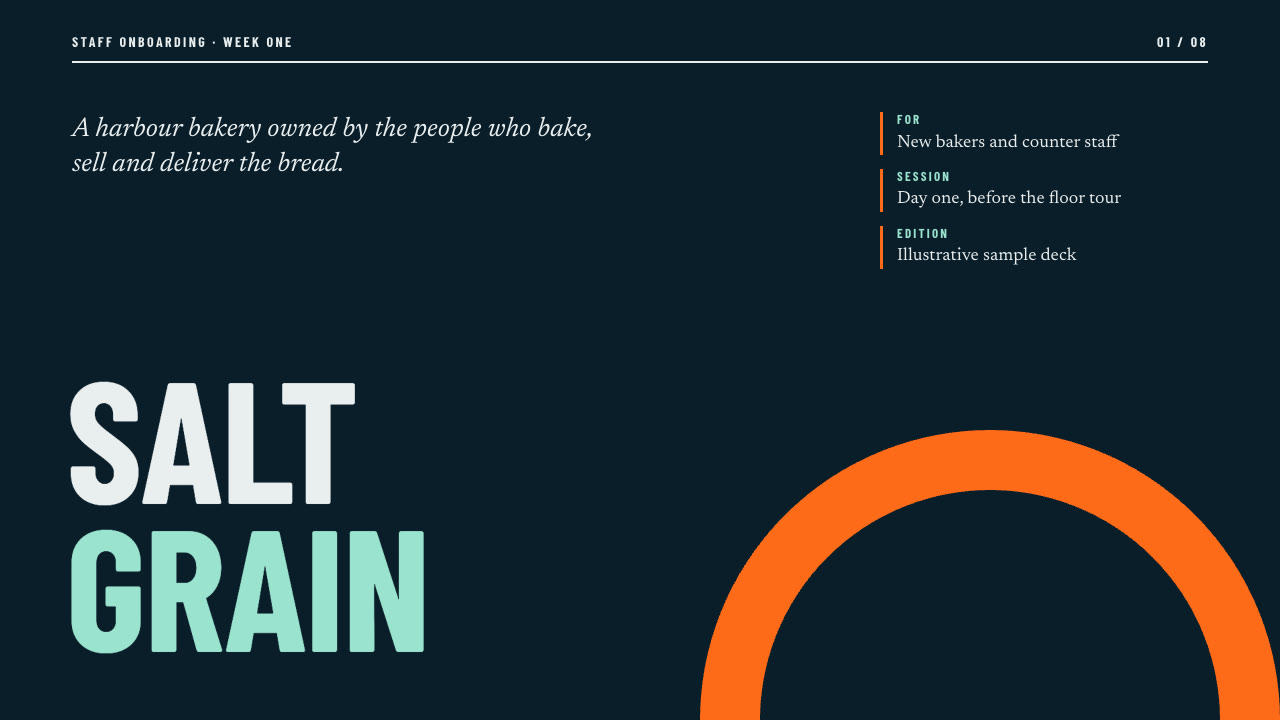
Make editorial, high-contrast brand story decks for onboarding, identity rationales and rebrand approvals: one narrative spine from origin and friction to belief, codes, proof, expression and future, condensed display titles over a bookish serif and one repeated half-ring arc.
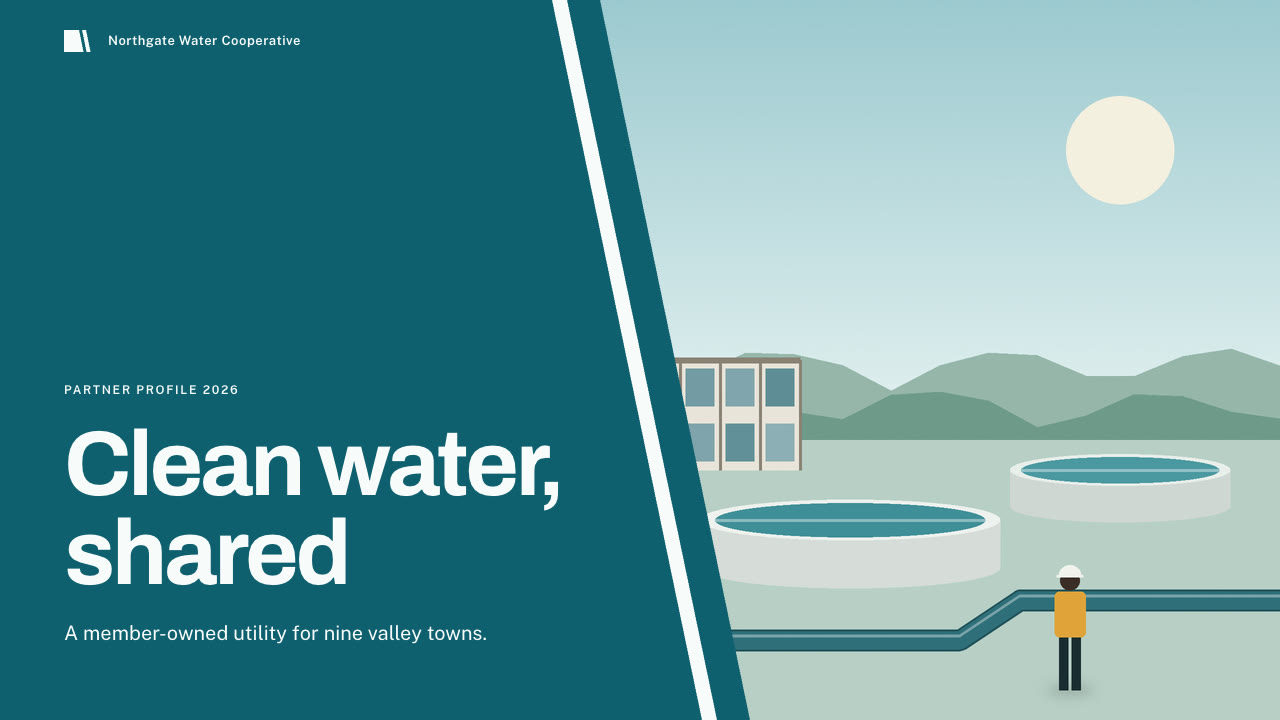
Make organisation profiles such as partner briefings, company or cooperative introductions, investor updates and onboarding decks: light pages with one strong colour, titles in a banner with a slanted cut, slope-cut pictures to the page edge, figures, a process, a bar chart and a native table.
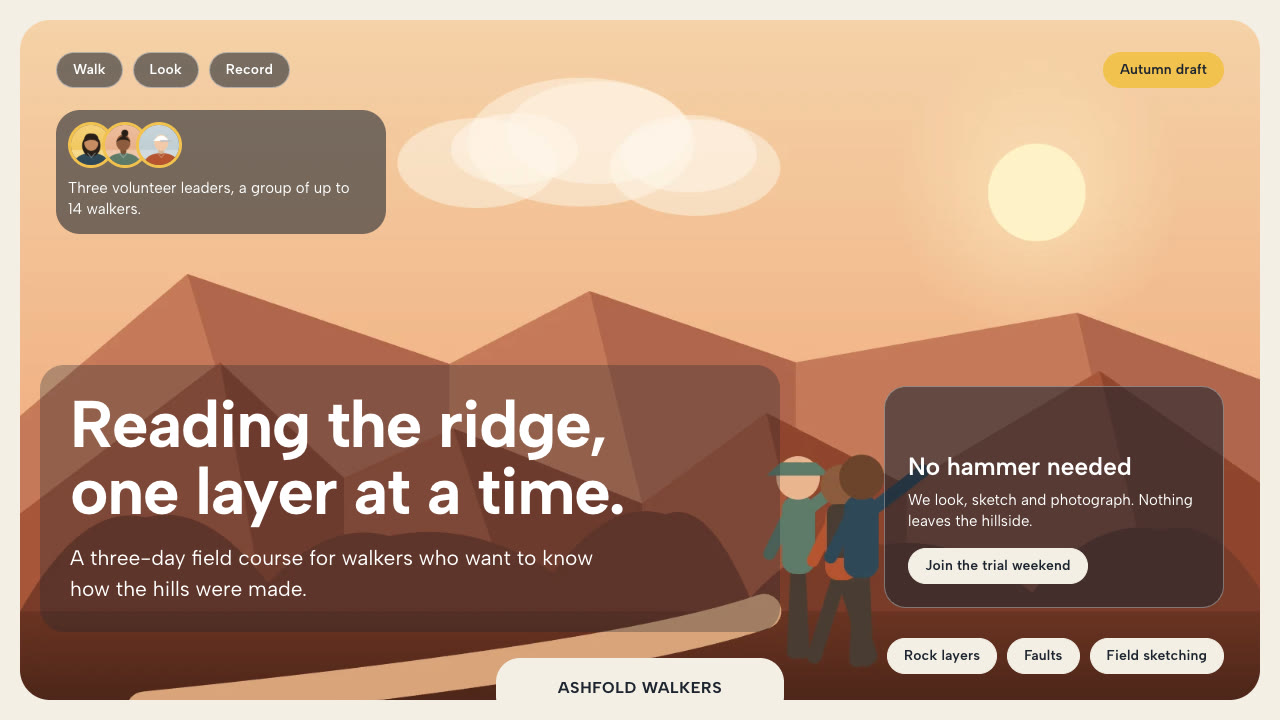
Make warm, picture-led decks for programmes that happen outdoors, such as field courses, walk series, field weekends and evening sessions: rounded picture windows, a framed cover with a ticket tab, smoked plates under captions, compact capsules, small ring portraits, asymmetric picture tiles and a three-stop timeline.
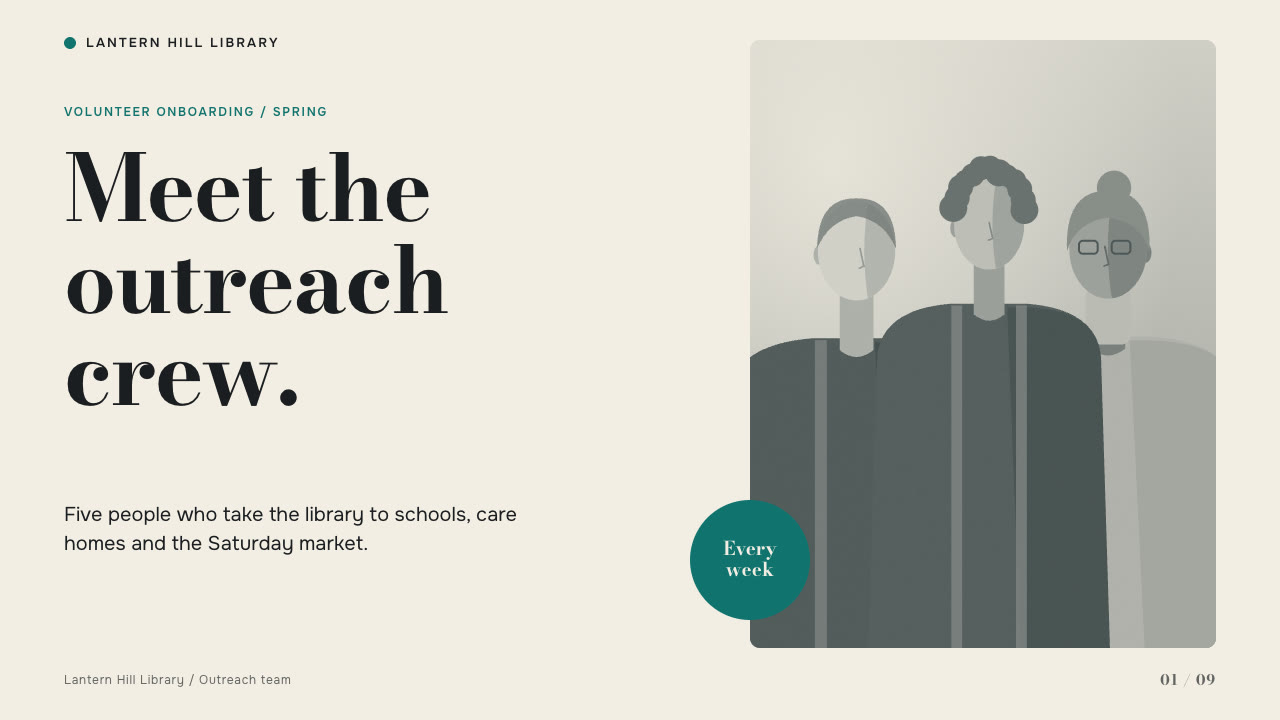
Make team introduction decks that read like a staff feature in a printed magazine: who the people are, what each of them looks after, how work moves between them, what they achieved and the habits they share, with Bodoni Moda headlines, warm paper pages, round stamps and soft-cornered portraits.
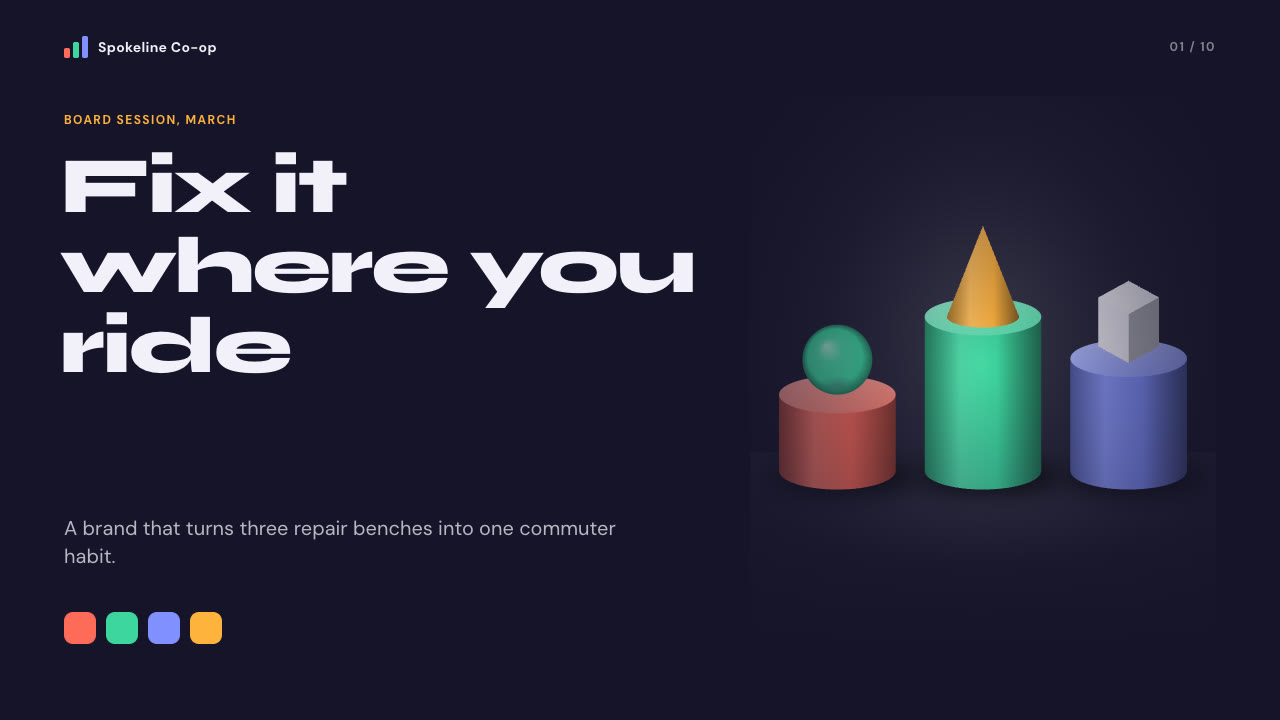
Make dark, decision-led brand positioning and strategy decks, such as a board approving a rebrand, partners joining a relaunch or a team choosing a focus audience: short, very heavy headlines, content in rounded tiles with one shared corner radius, one coloured tile per page, a perceptual positioning map and small 3D still lifes of coloured solids.
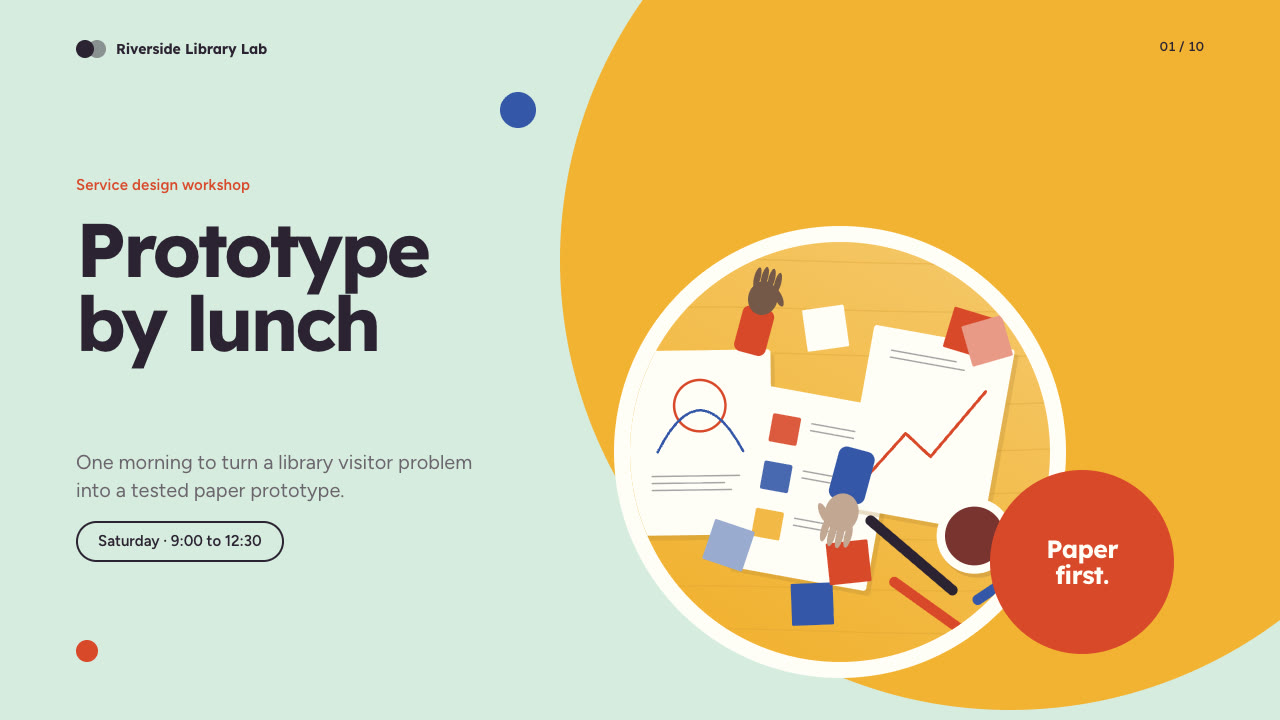
Make cheerful decks for sessions run with a group, such as design and prototyping workshops, volunteer and staff trainings, kick-offs and onboarding mornings, where colour is carried by circles: a giant sun disc on the cover with a round picture and badge, coloured corner discs, round icon badges, round picture windows and outlined pills for times and contacts.
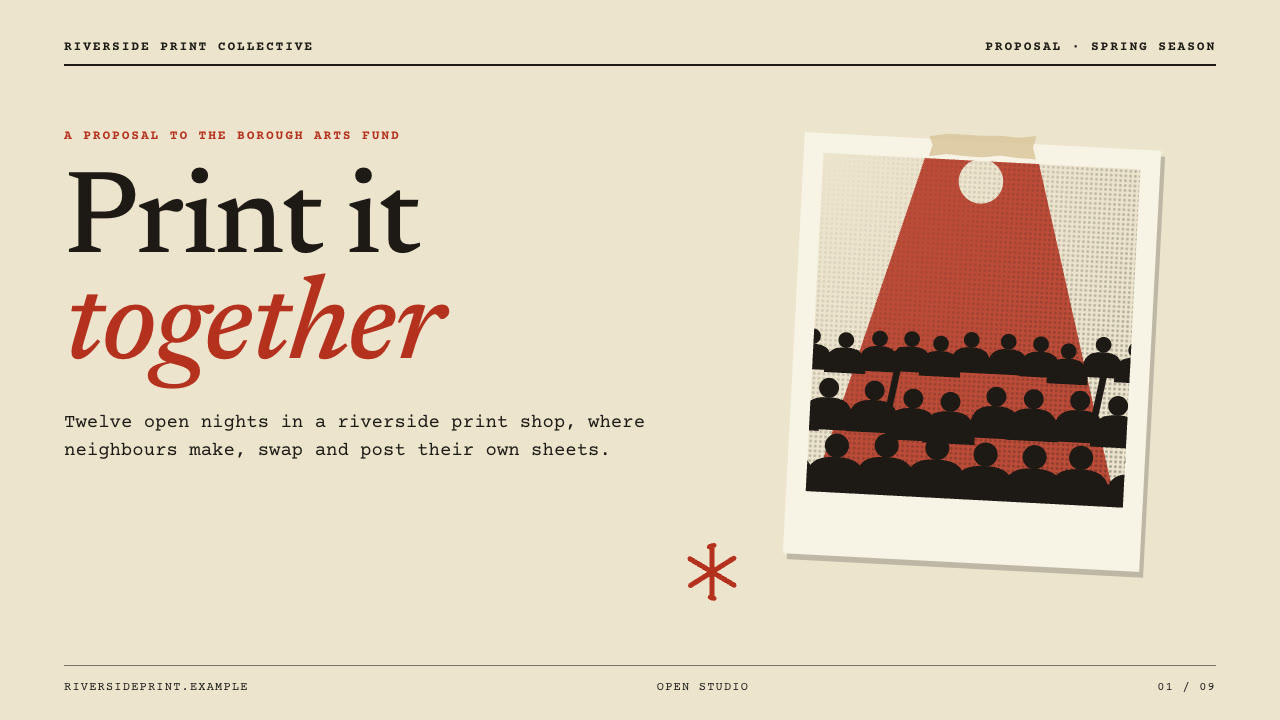
Make argument decks for small groups, such as proposals to a fund, campaign briefs, zine or radio issue launches and programme pitches, in a cut-and-paste broadsheet look: cream newsprint pages that rotate with full ink and full accent spreads, a two-voice serif headline that recolours itself per surface, typewriter body copy, numbered tabs, taped polaroids, torn clippings, grid-paper notes and a ring stamp.
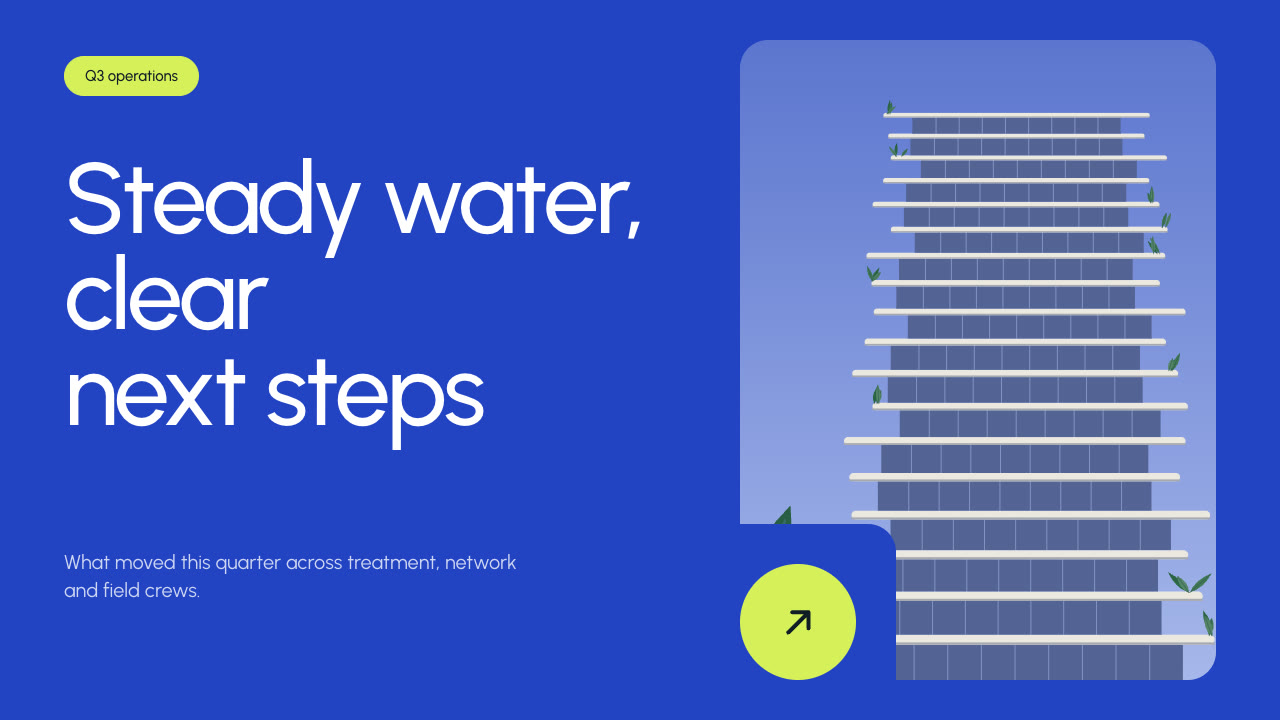
Make operations report decks, such as quarterly operations reviews, service performance updates and programme status for a board or committee: cover and close on a strong theme colour, a tall drawn building whose corner is notched around a round arrow, bright utility cards with one big figure, short capsule tags, editable index bars and growing stage circles, with Urbanist headlines.
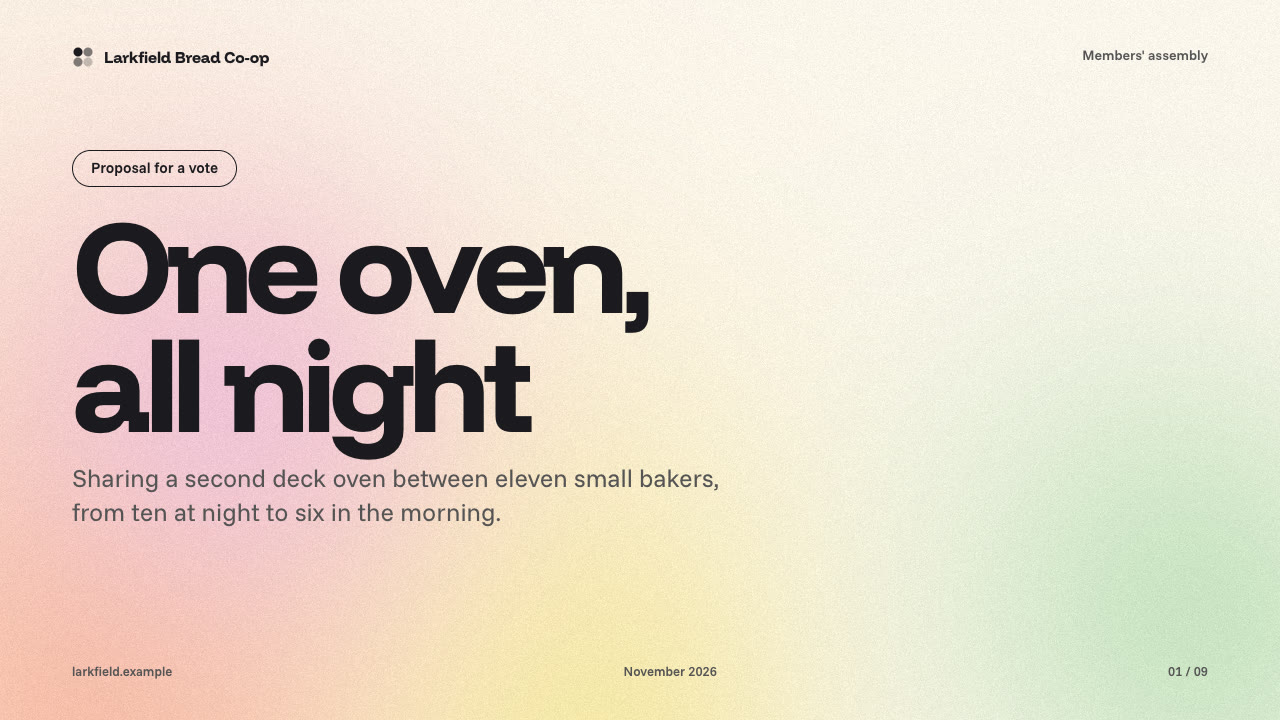
Make calm, light decks for proposals, reviews, member meetings and programme updates where colour lives only in the backgrounds: each page gets one of three painted washes (warm Orchard, cool Tide, muted Haze), soft colour fields with a fine film grain, or a plain paper page, and a rhythm rule keeps the same wash off three pages in a row. Headlines are large, tight Funnel Display in black.
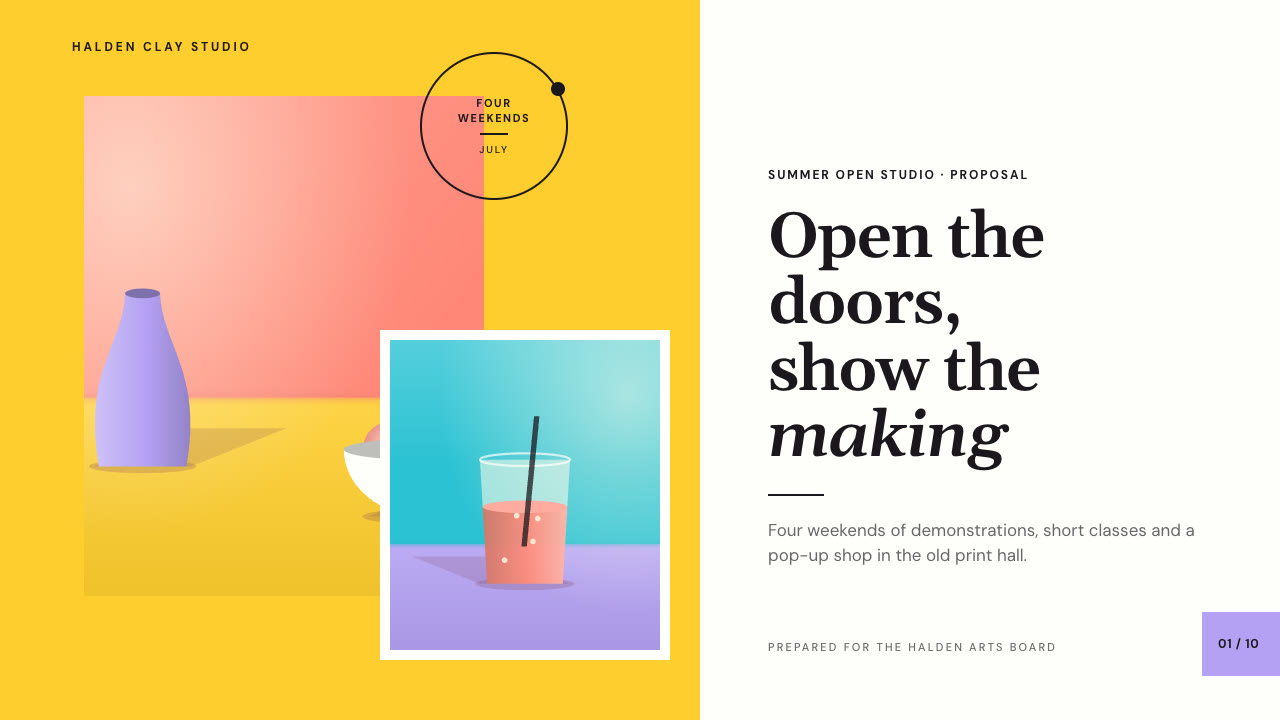
Make bright editorial proposal decks, such as open days, seasonal programmes, studio or venue pitches and community projects for a board or funder: every page pairs a saturated colour area with a calm white reading area, compact Gelasio headlines turn italic on the last words, picture windows overlap with white edges, an open circular badge sits on each page and a colour-coded edge tab carries the page number.
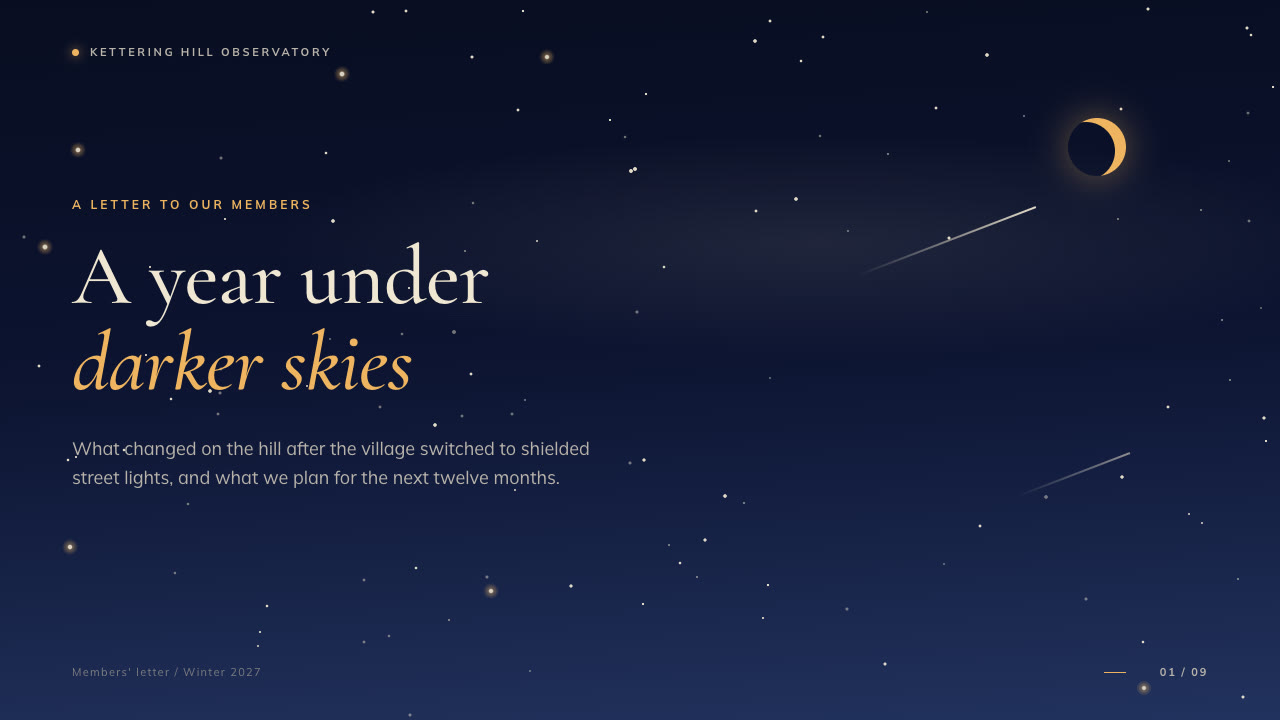
Make decks that read like a letter read aloud after dark, such as an observatory writing to its members, a founder looking back on a year or a night service reporting to its board: every page sits under one night sky with generated star layers, a lamp-coloured horizon glow, shooting-star streaks and a crescent on the cover, with large Cormorant Garamond headlines whose second line is a lamp-lit italic.
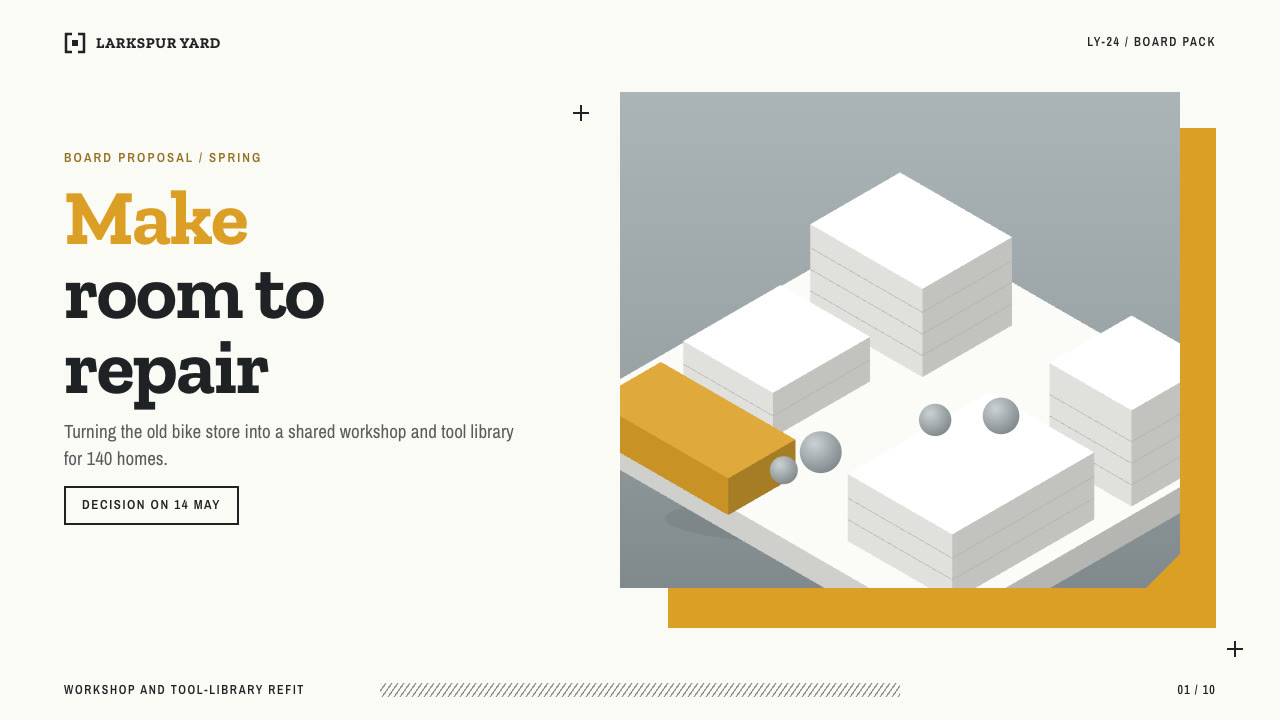
Make dense site-dossier decks for building work, such as refits, retrofits, renovation programmes, board packs and briefings for residents or parents: Zilla Slab headlines with an accent lead word, small spaced capital labels, picture frames with one cut corner, mustard, clay or lichen panels and a full accent field page, graphite side panels, a hatched footer rule and plus registration marks.

Make calm, bright decks for planning concepts, team proposals, small funding asks and product ideas: each page is a pale rounded field inside a white margin, with large soft white spheres, sunny rounded cards, pill labels and folded corner accents, light tightly tracked Manrope headlines with a thin sun-coloured underline, and calm studio illustrations resting on the spheres.
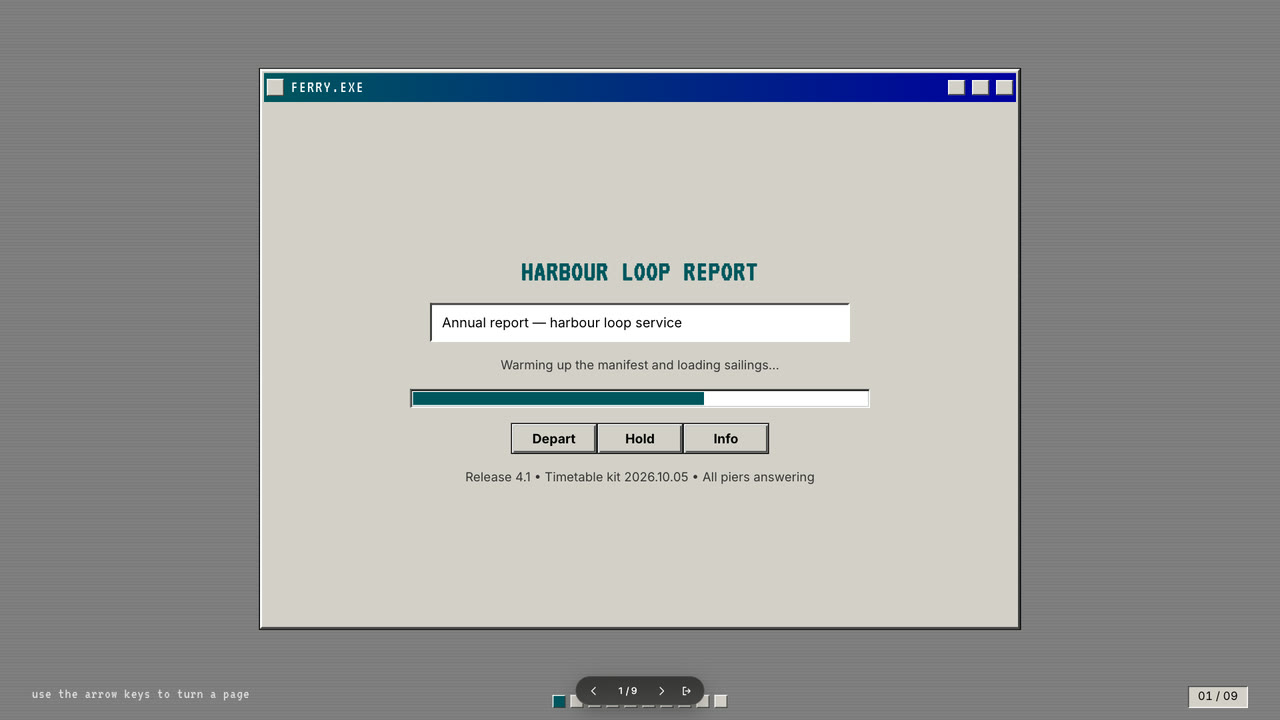
Make decks that read like a mid-90s workstation: every page a document window on a flat gray desktop, with a navy title bar, beveled chrome, group boxes, sunken wells, chunky progress bars and pixel-accent type.
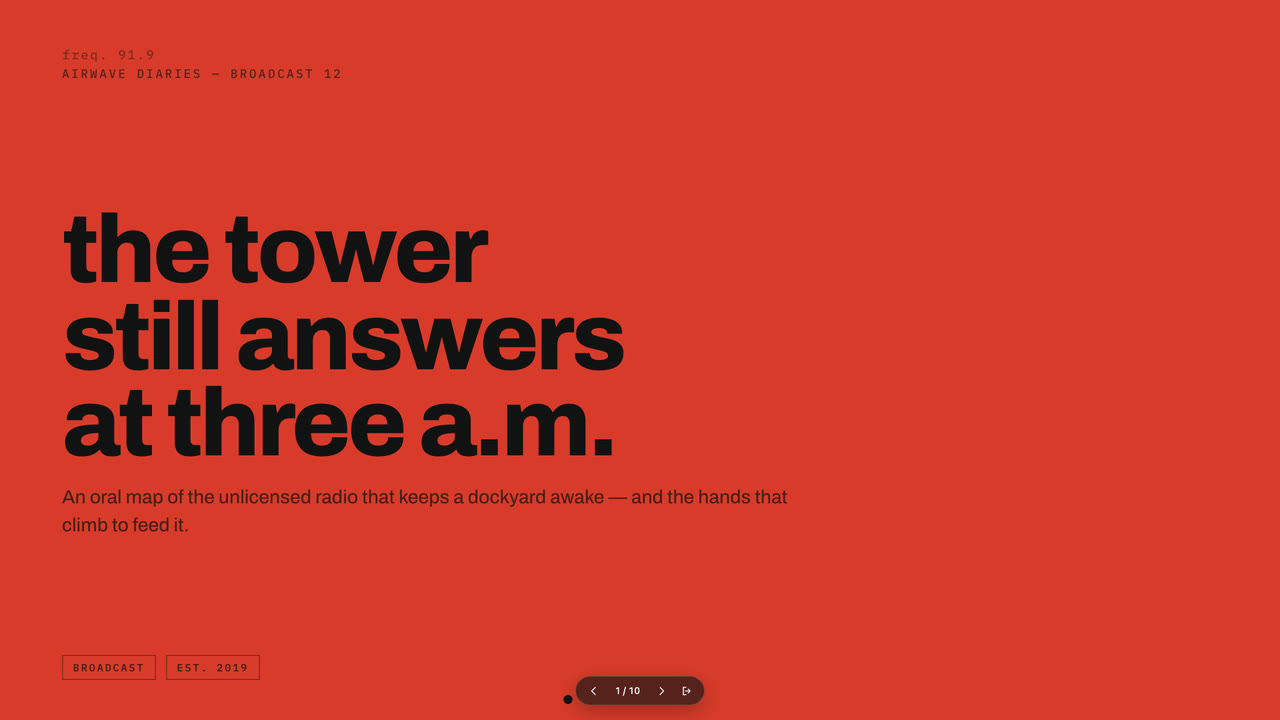
Make decks that land like a printed protest poster: near-black ink pages beside full-bleed ember pages, giant lowercase headline type, monospace chrome and slash bullets.
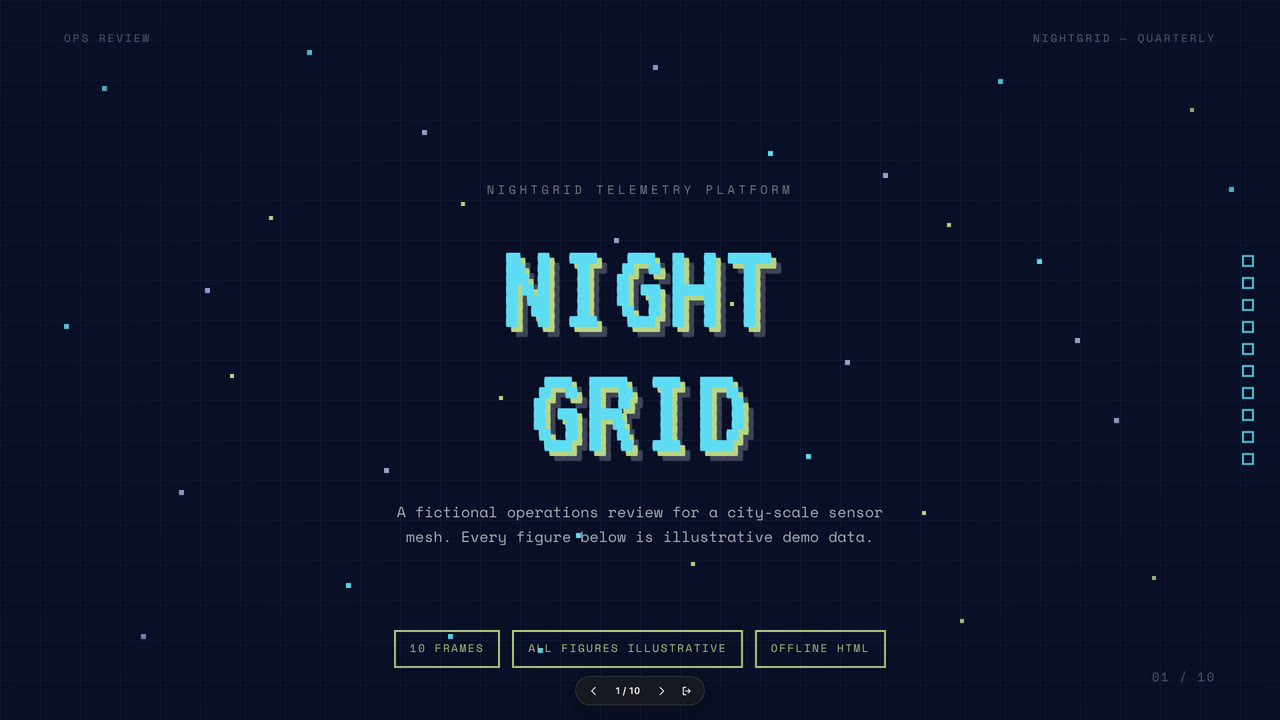
Make decks on a void-navy starfield: hard 4px-grid cards with offset shadows, a neon cyan/pink/yellow triad and pixel display type over mono.
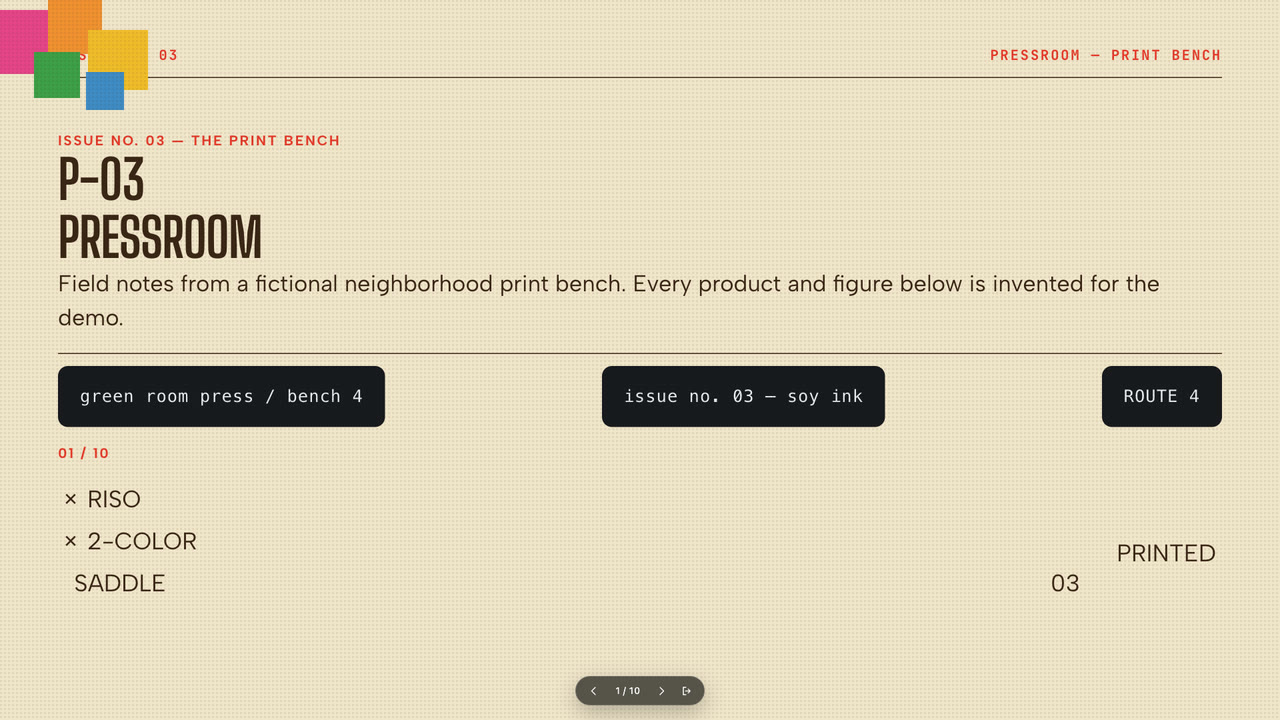
Make decks that read like a retro print catalogue: warm cream halftone paper, six locked primaries, diagonal rainbow ribbons, petal clusters, starburst seals, red stamps, product cards and ledger tables.
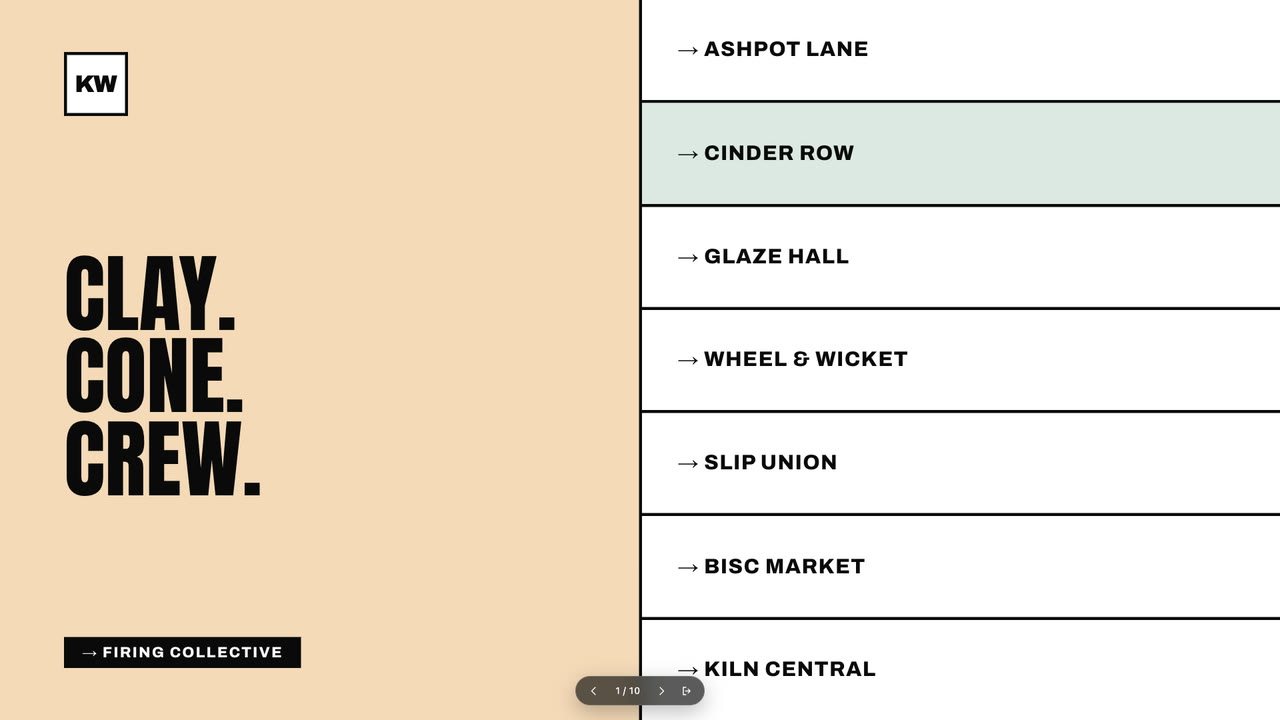
Make decks that read as zine-spread or software-native pitches: 3px black borders are the layout, hard offset shadows, white canvas with two pastel block colours, Anton-heavy uppercase display, roster covers, bar tracks, zebra tables, wallpaper numerals and connector nodes.
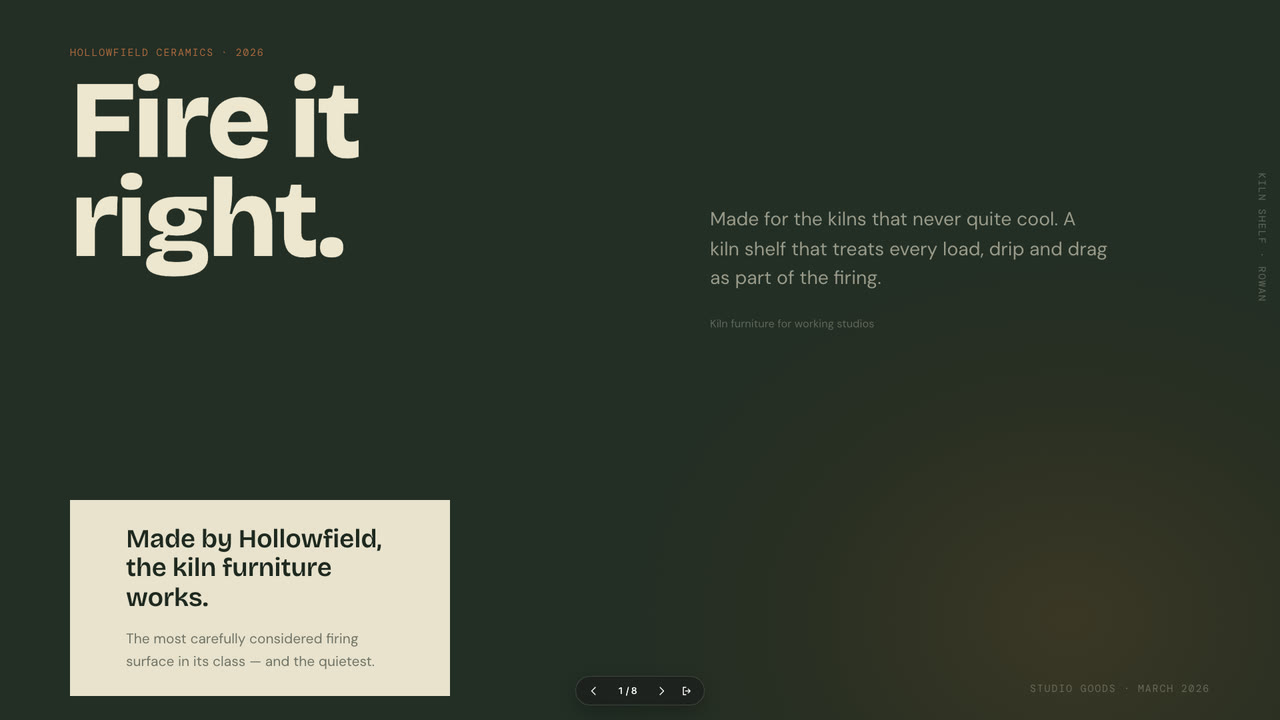
Make decks that read as design-studio credentials or considered advisory deliverables: a deep forest-green field warmed by a wood-brown radial glow on every dark page, cream type floating directly on the field with no cards, a single burnt-orange accent as punctuation, cream info-card insets and 1px hairline rules.
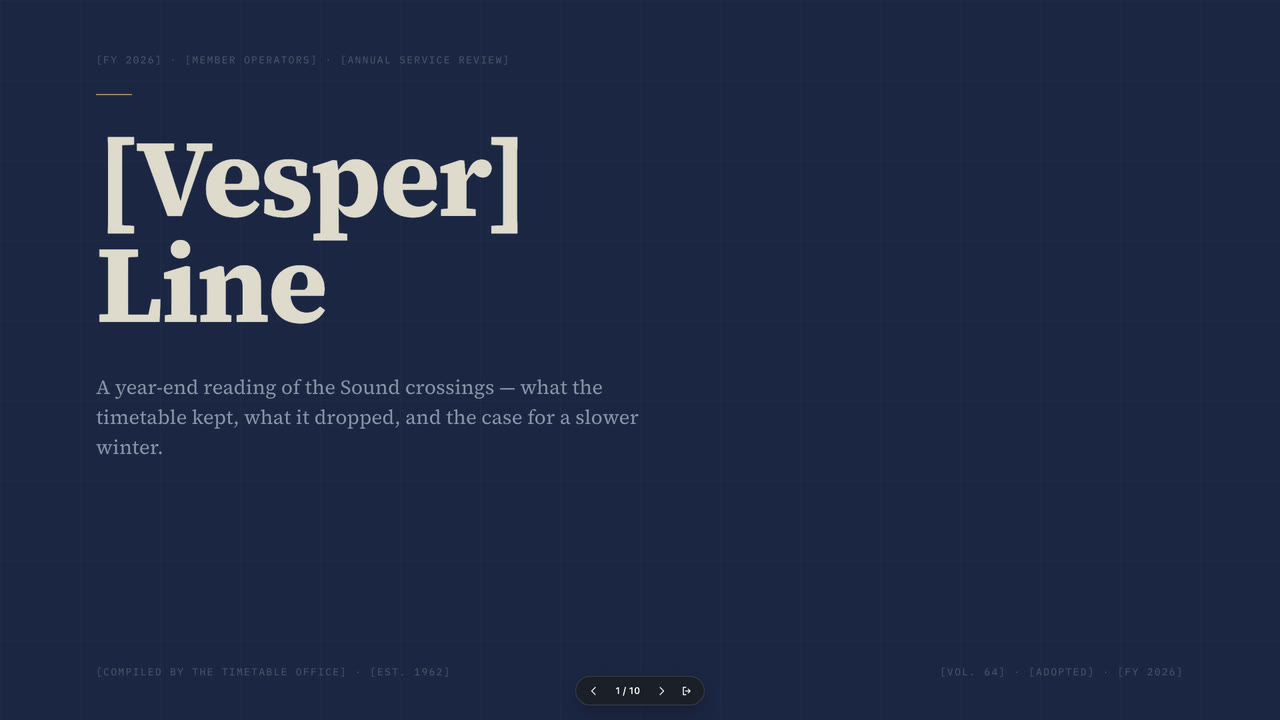
Make decks that read as institutional briefings or considered board documents: deep editorial navy and warm cream as interchangeable fields, antique-gold punctuation only, a near-invisible 80px grid texture on every dark page, and hairline mono chrome — transitional serif display against mono datelines.
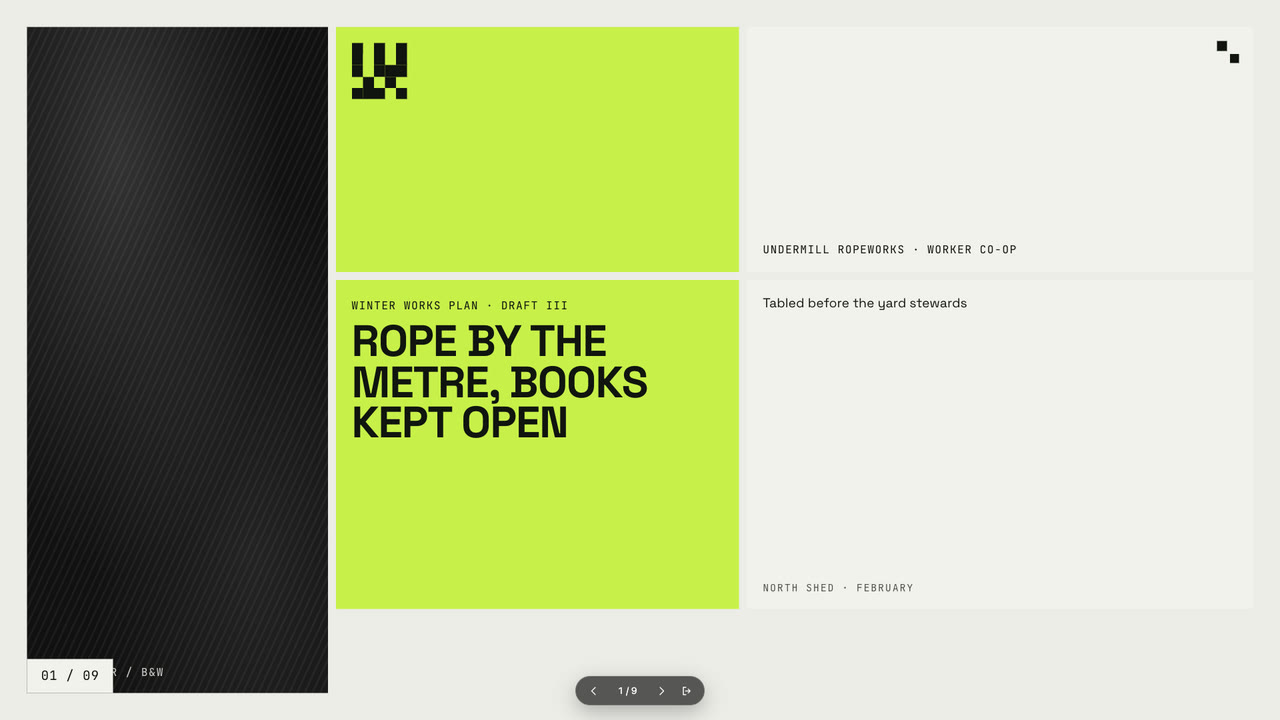
Make brutalist board-pack decks on a 12×8 cell grid: putty passe-partout frame, paper/ink/neon-lemon panel chess, all-caps grotesk poster display, mono chrome, mark-swatch and em-colour emphasis, block-stamp marks and pill tri-state matrices.
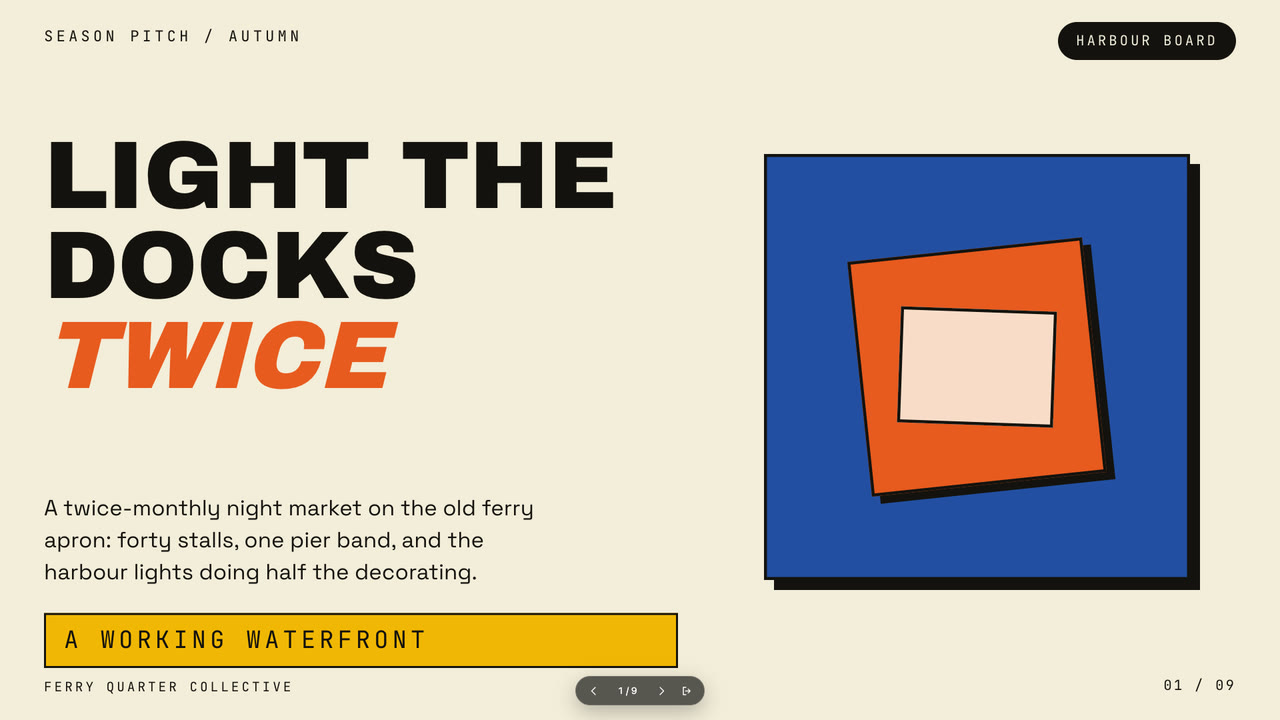
Make decks that read as poster-shop campaign material: warm cream paper, huge ink caps with a hot accent word, colour-block tiles with heavy ink frames and offset shadows, mono pill labels, framed art boards, layered swatch stacks and a full-colour closing field.
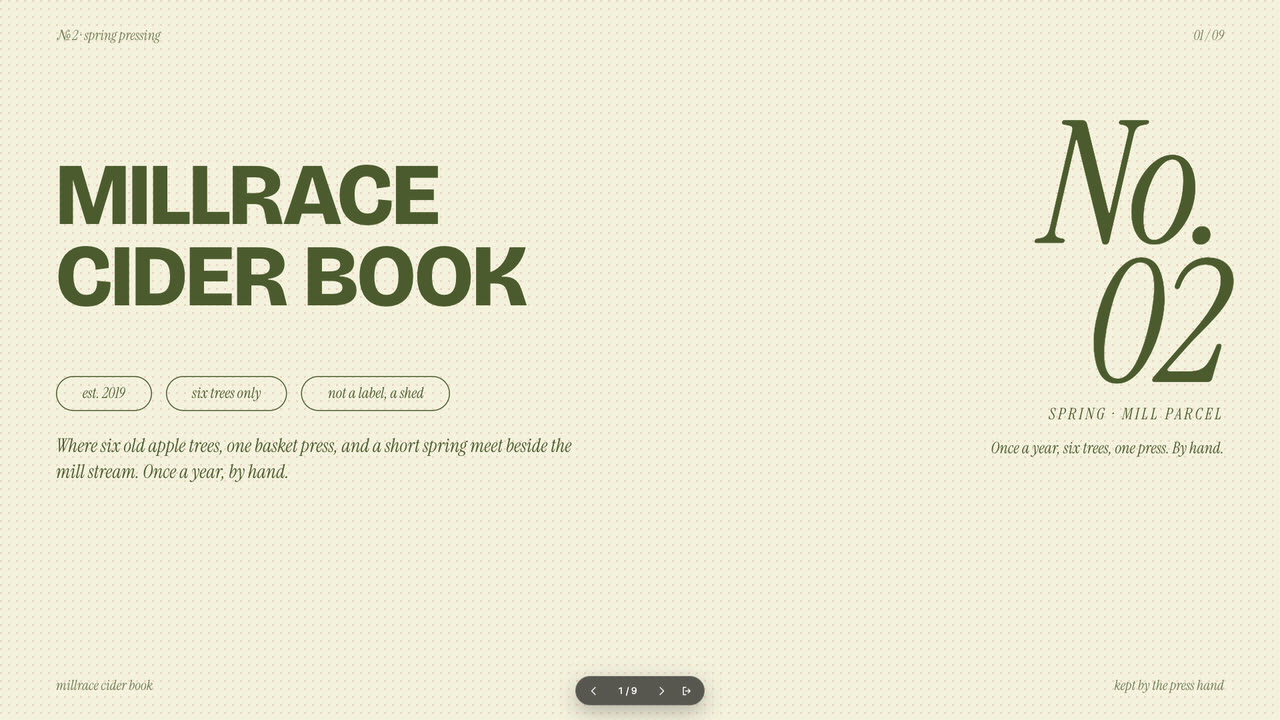
Make decks that read as cellar-book ledgers: buttery cream paper under a single rust ink, Bricolage Grotesque caps at poster size, italic Instrument Serif, outlined pill buttons, roman-numeral course rows, a giant edition numeral and ledger tables.
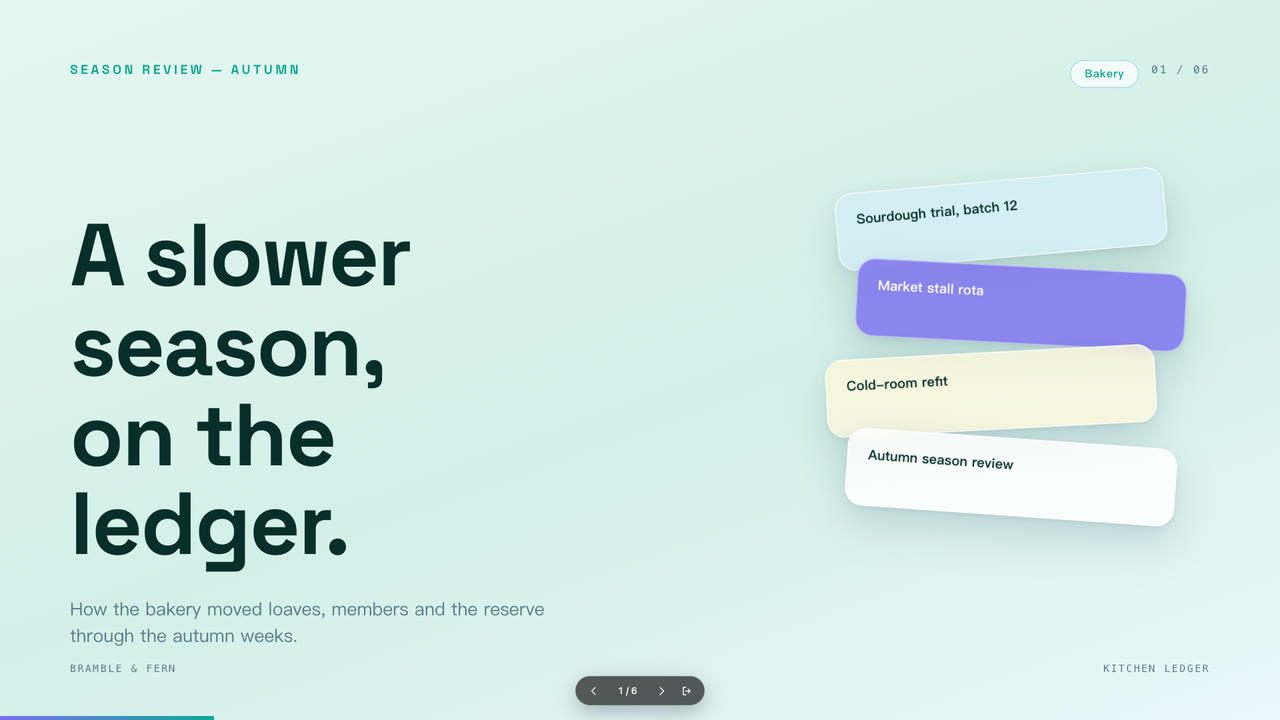
Make operating reports and status reviews that float: translucent glass cards on a sky-blue gradient, cyan kickers and a violet/gold accent plate for retros and channel reviews.
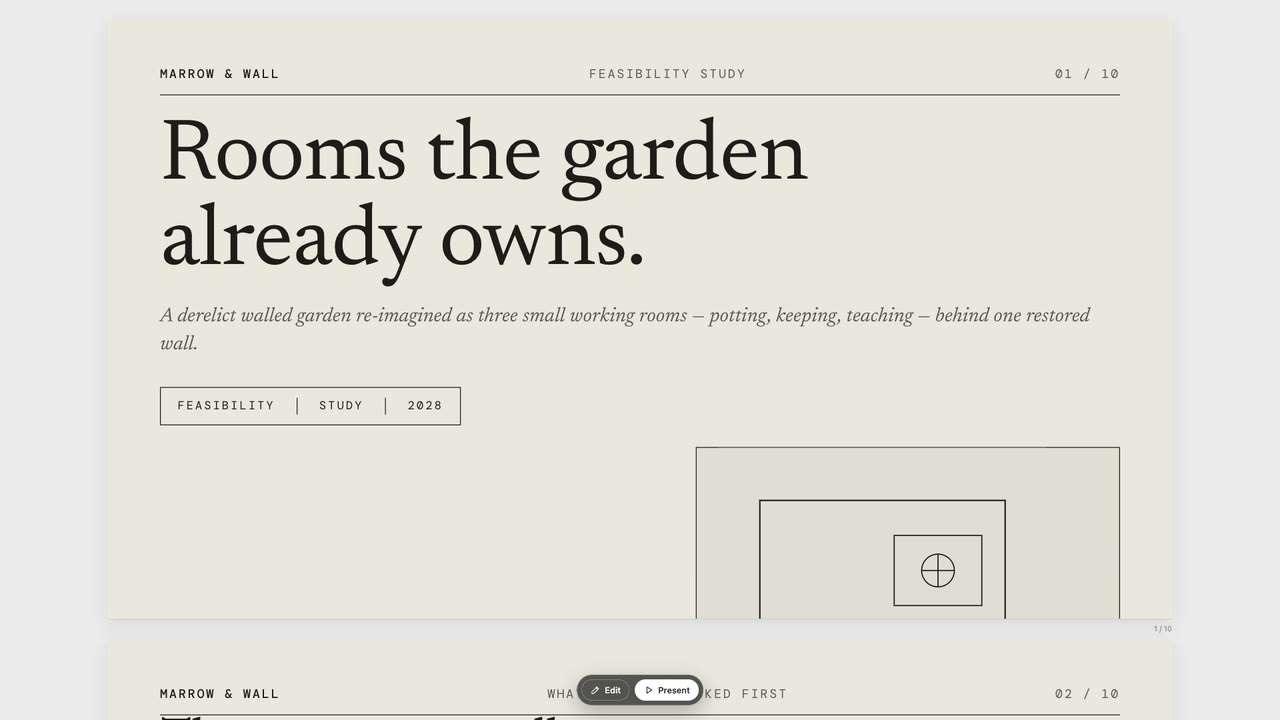
Make interior and spatial proposals with monochrome discipline: one warm-paper field, hairline grids, serif display and code-drawn room-study plates for design directions and material studies.
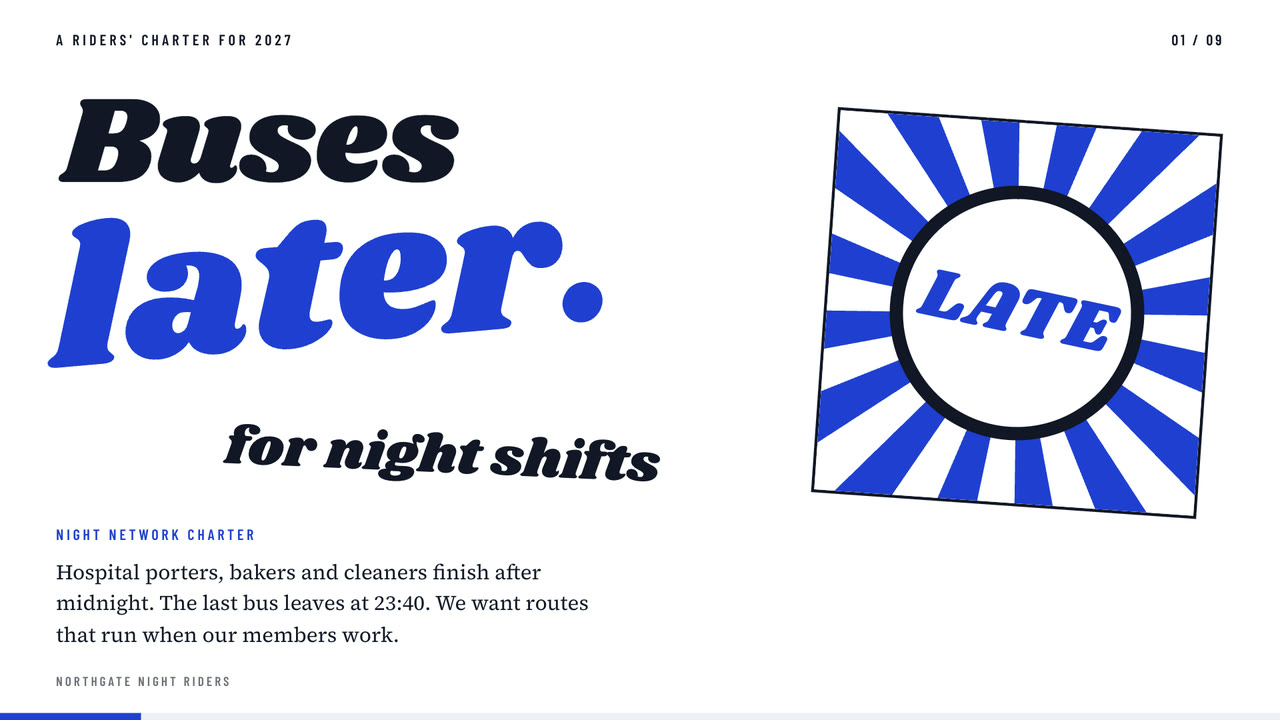
Make manifesto decks in a street-bill style: a few words set huge in a heavy rounded italic, lines tilted against each other, one poster colour, ruled ledgers and a red progress bar, for campaign launches and members' pitches.
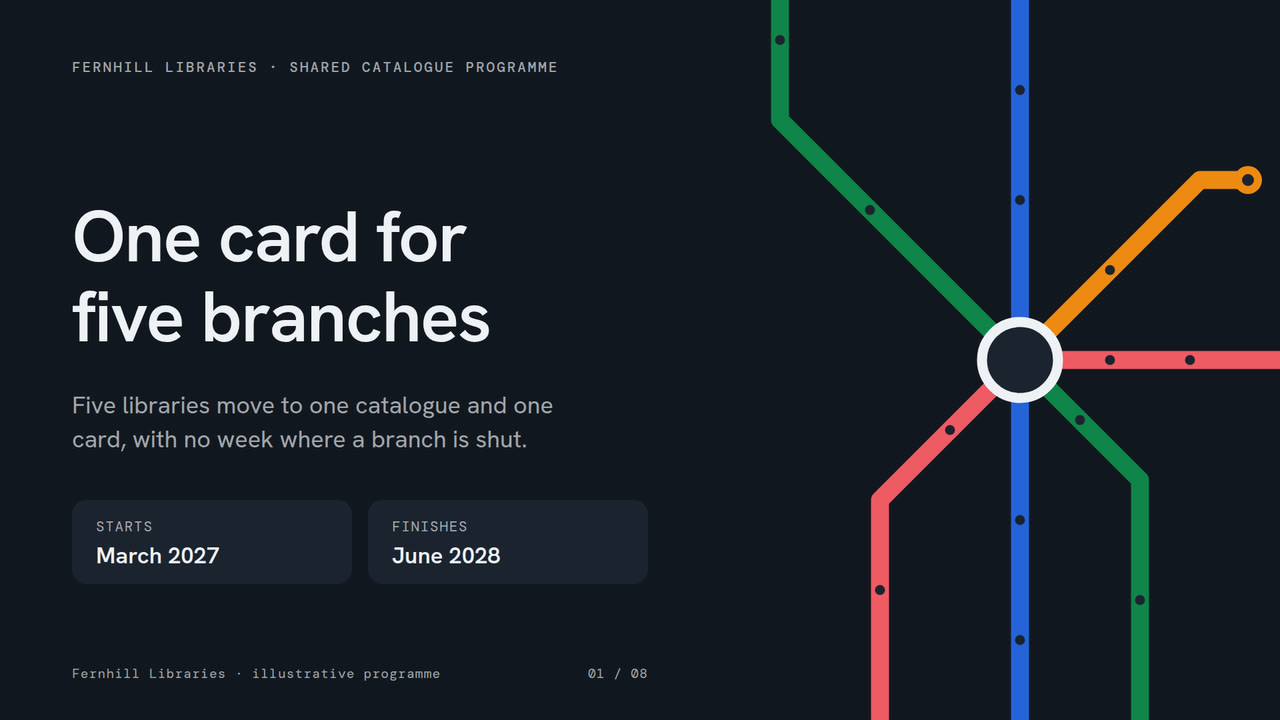
Present a programme or roadmap as a transit line map, with coloured workstream lines, ringed milestone stops, interchanges, a departure-board table and service notices.
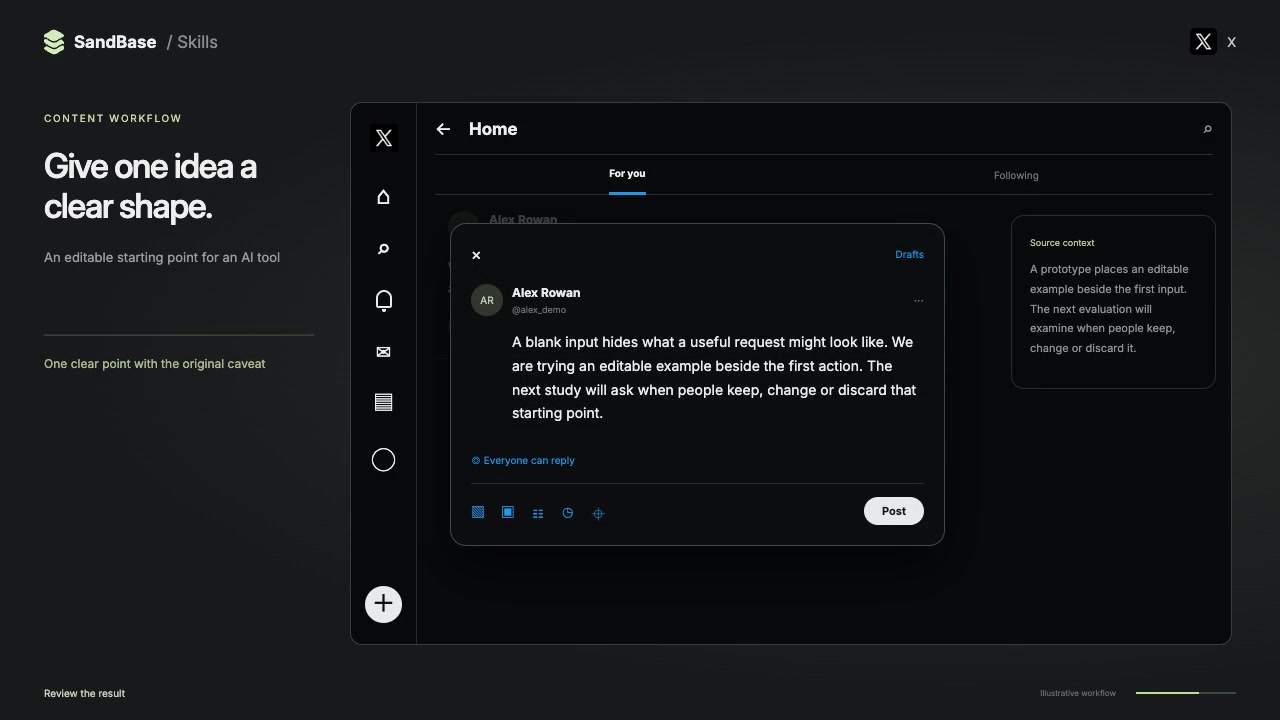
Checked post/thread and optional generated image with alt text
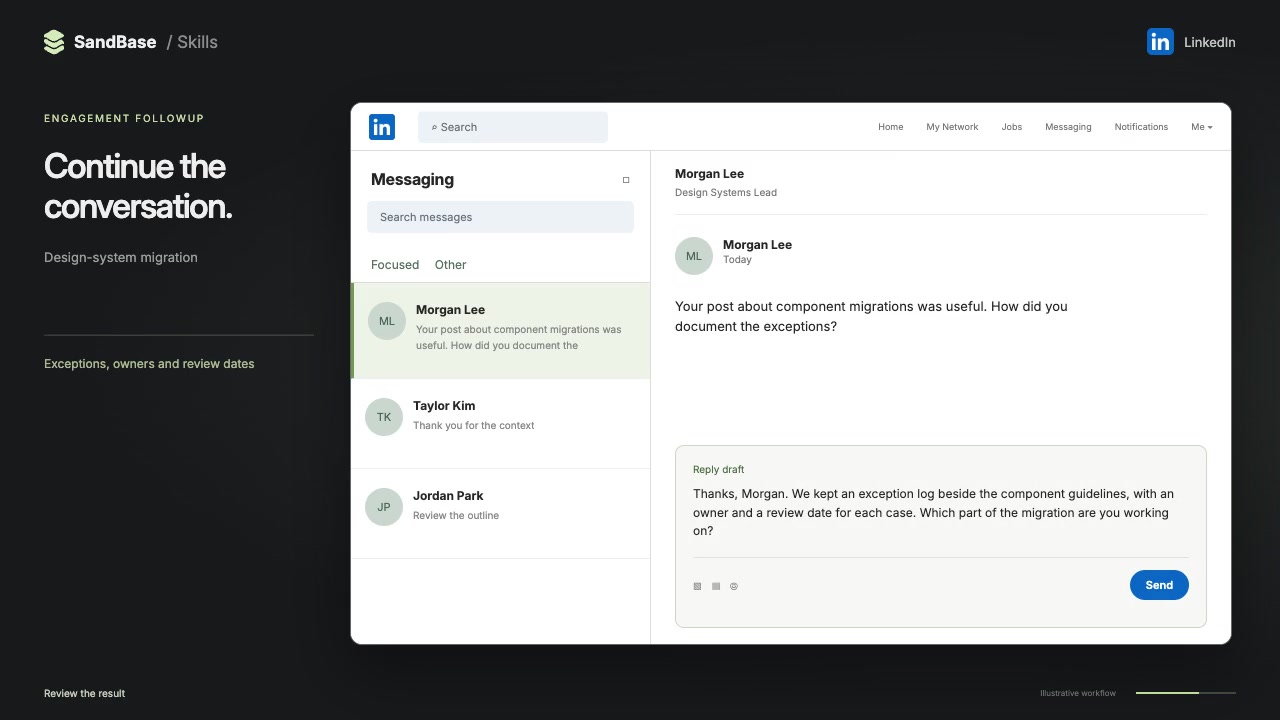
Identify useful conversations in a post’s comments and draft replies that address what people actually said.
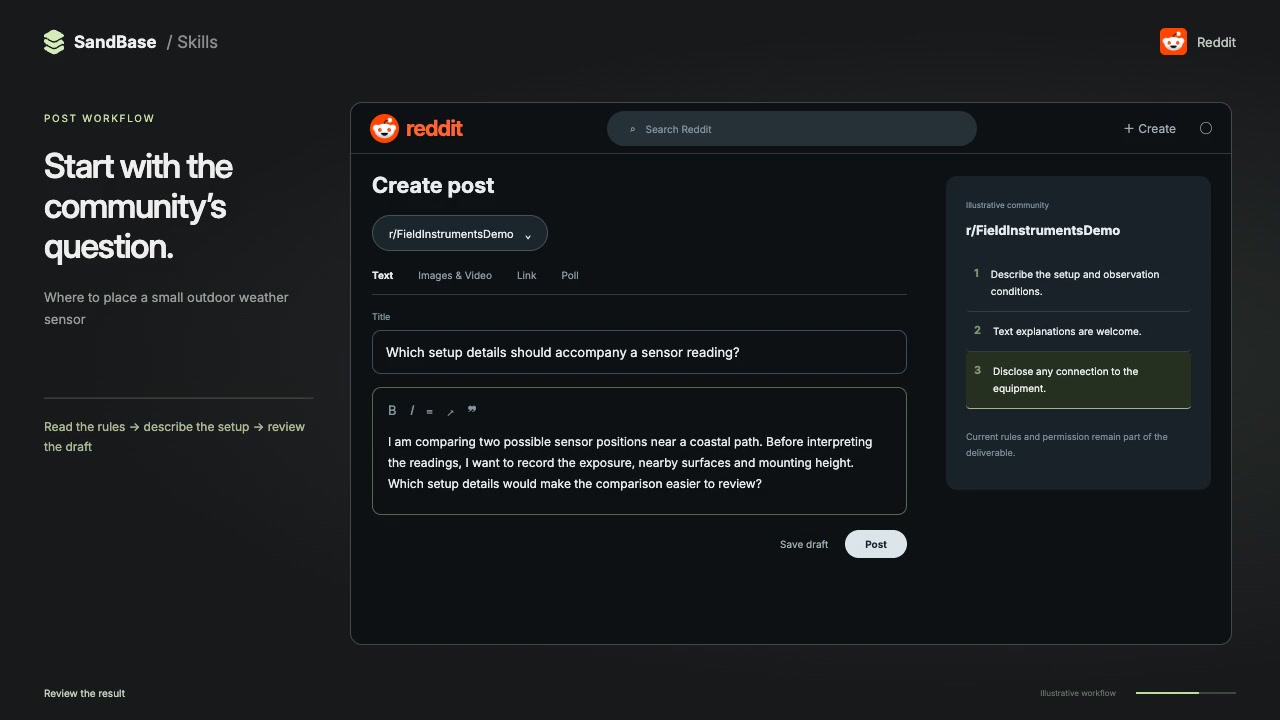
Check a community’s rules and prepare a factual project post for a supported placement.
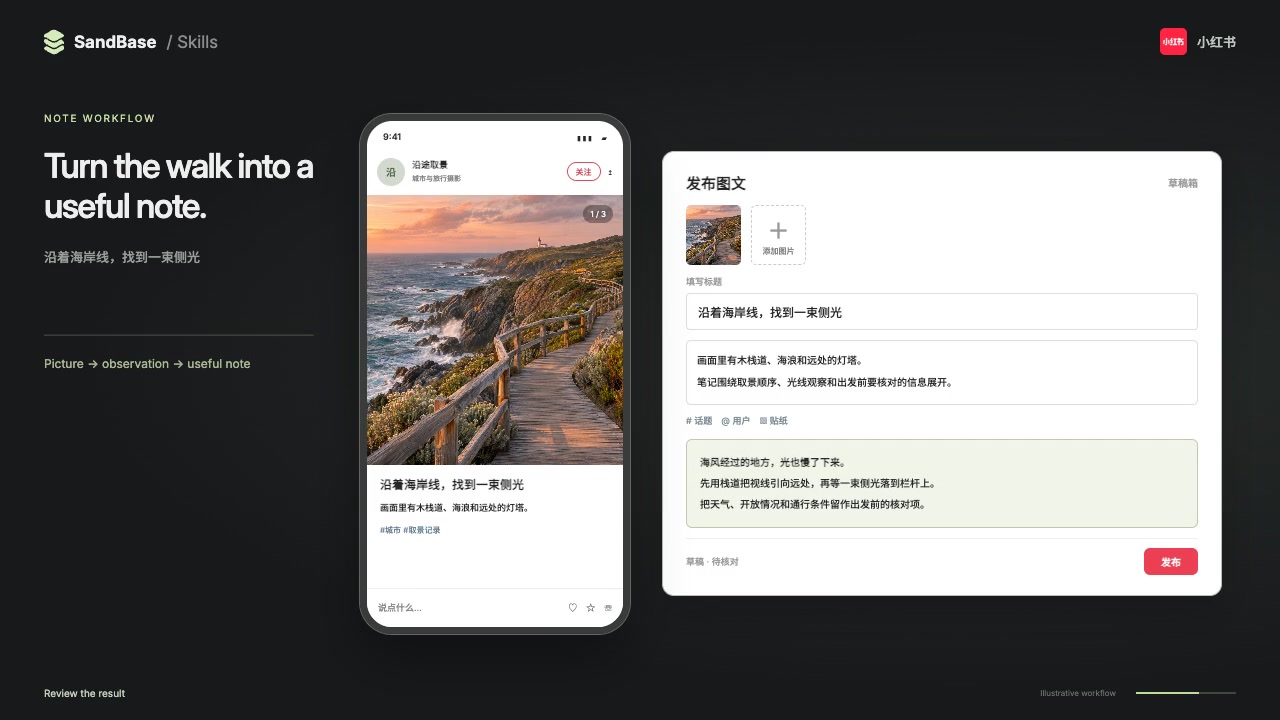
Complete note copy with fact checks and an actual cover when requested.
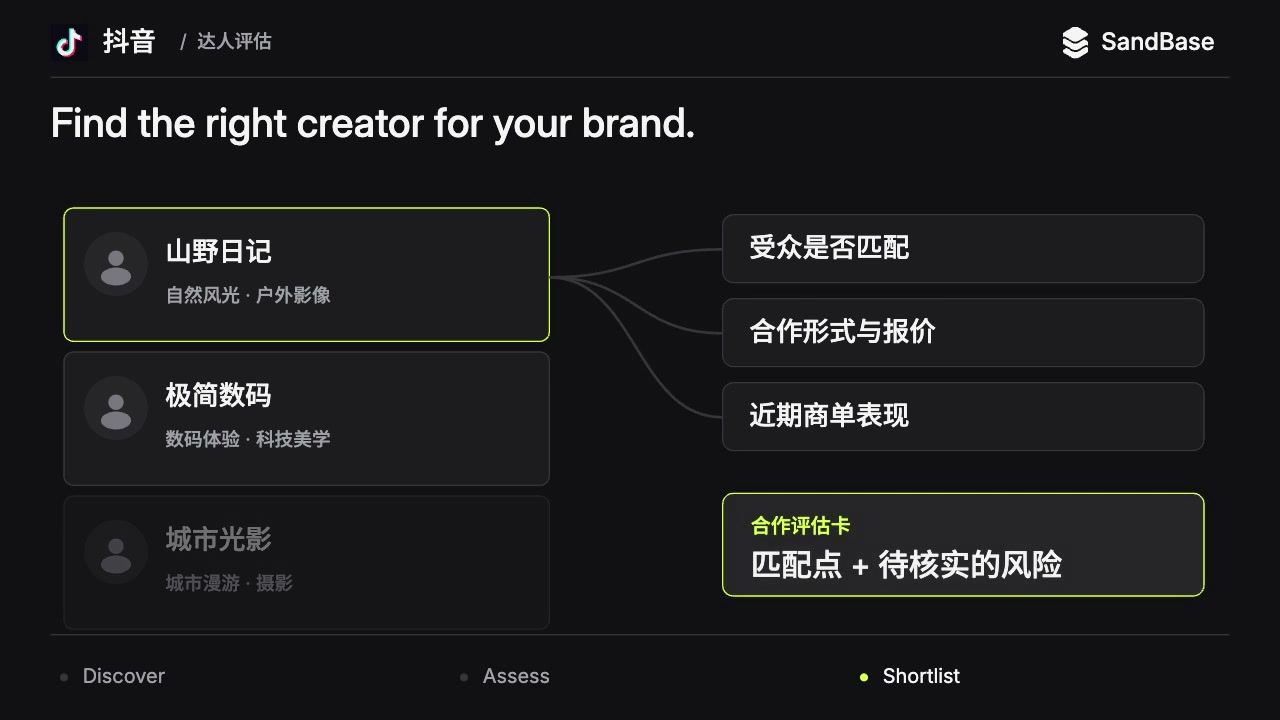
Decide whether a Douyin creator is worth booking from XingTu prices, delivery, indexes and audience data.
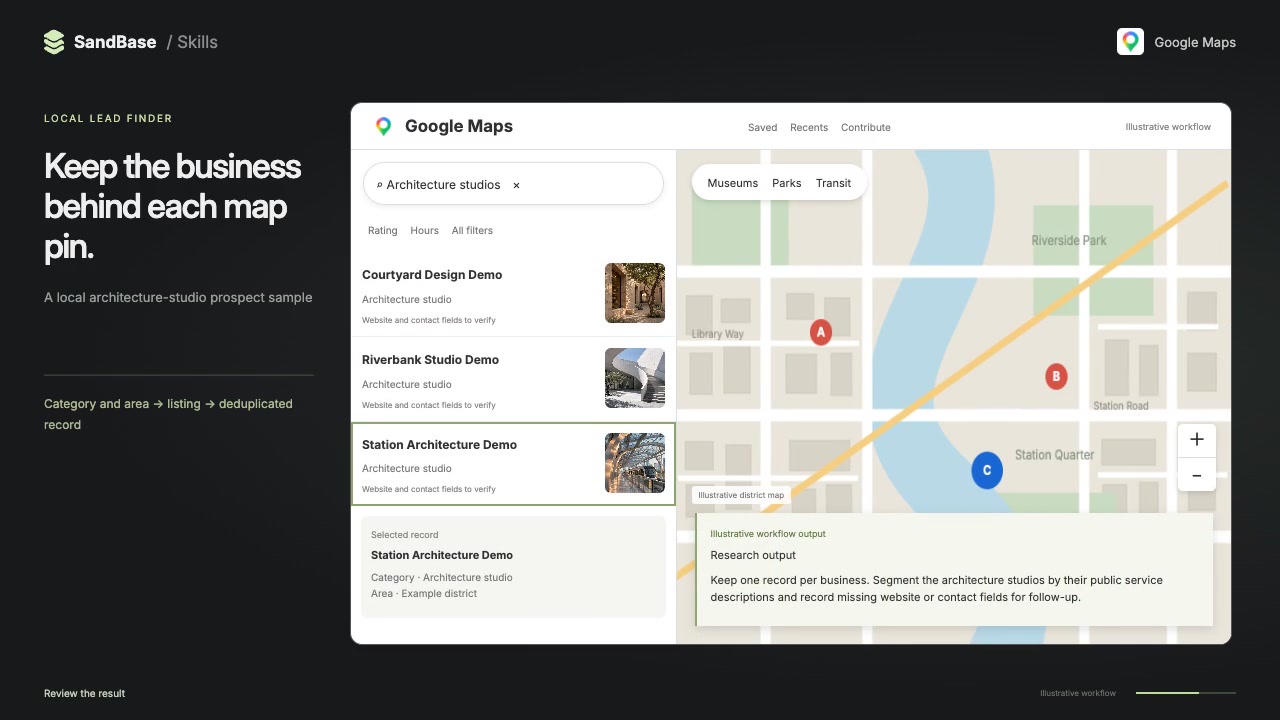
Build a clean, segmented list of local businesses of one category around a point from Google Maps listings.
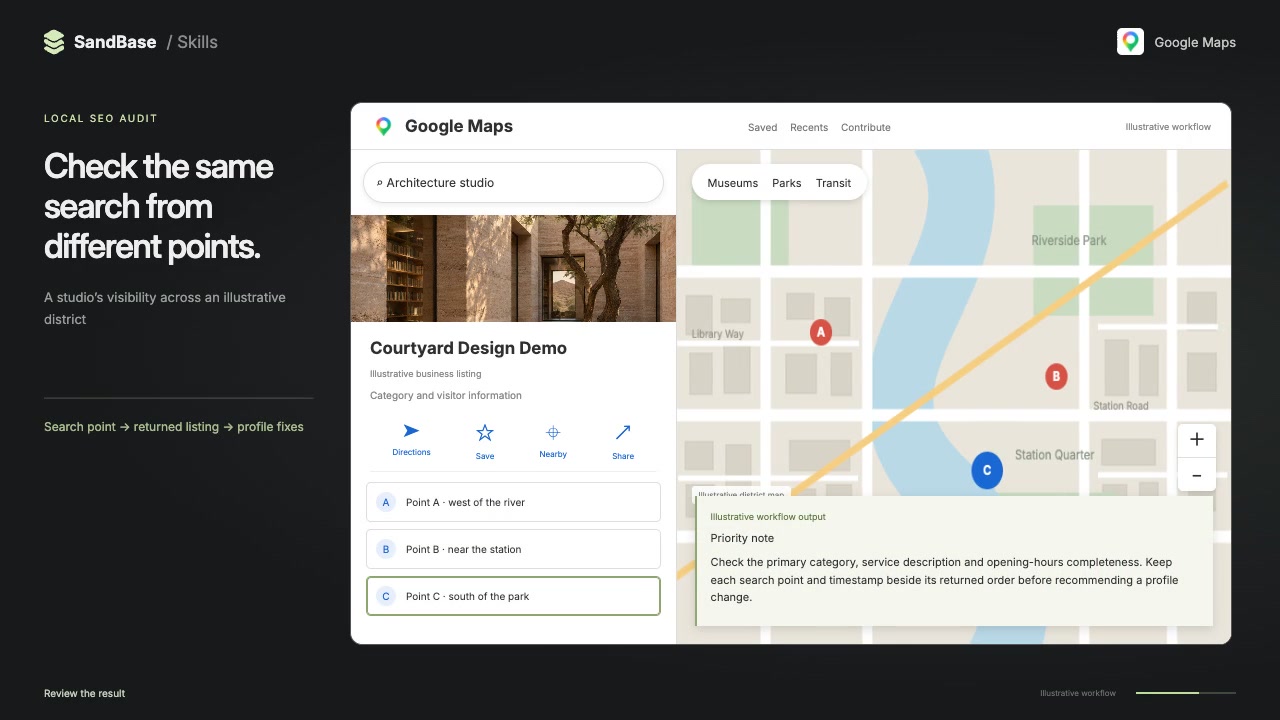
Find out why a business does or does not show up on Google Maps for a search term, point by point around it.
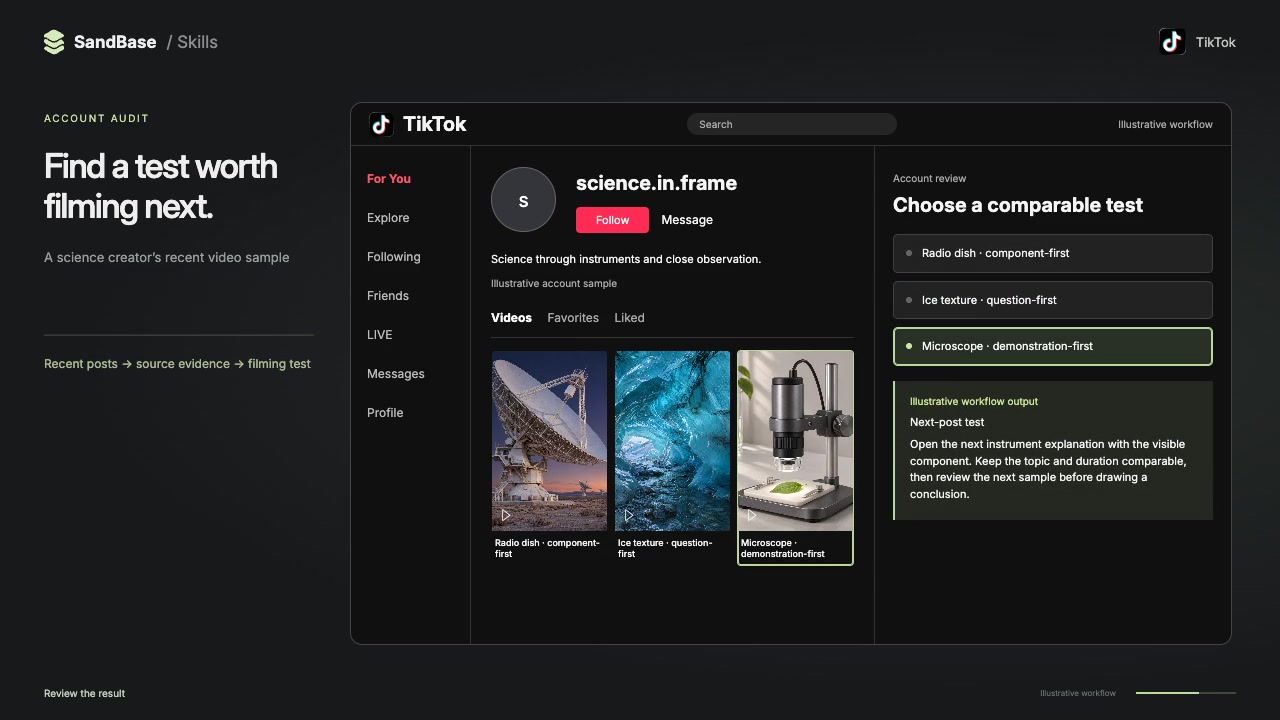
Audit a TikTok account’s recent posts like a growth analyst and turn the patterns into tests for the next posts.
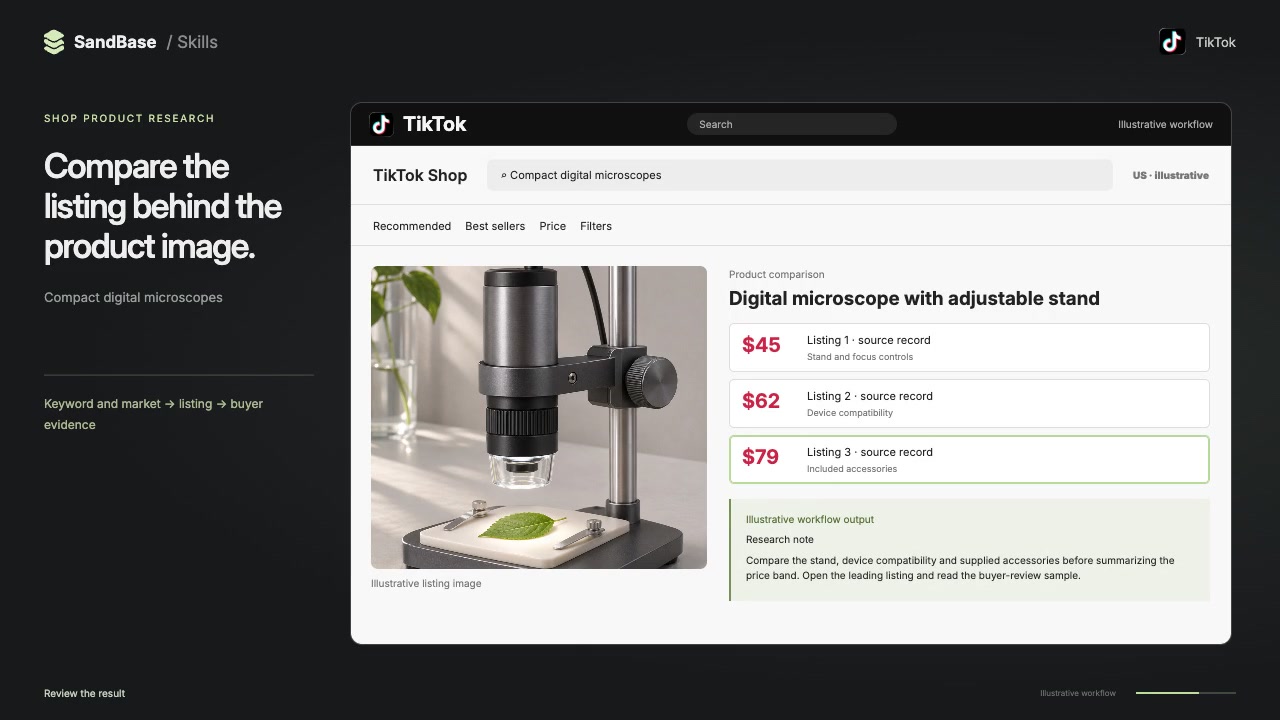
See what sells on TikTok Shop for a product, at what price and from whom, and why buyers like the leader.
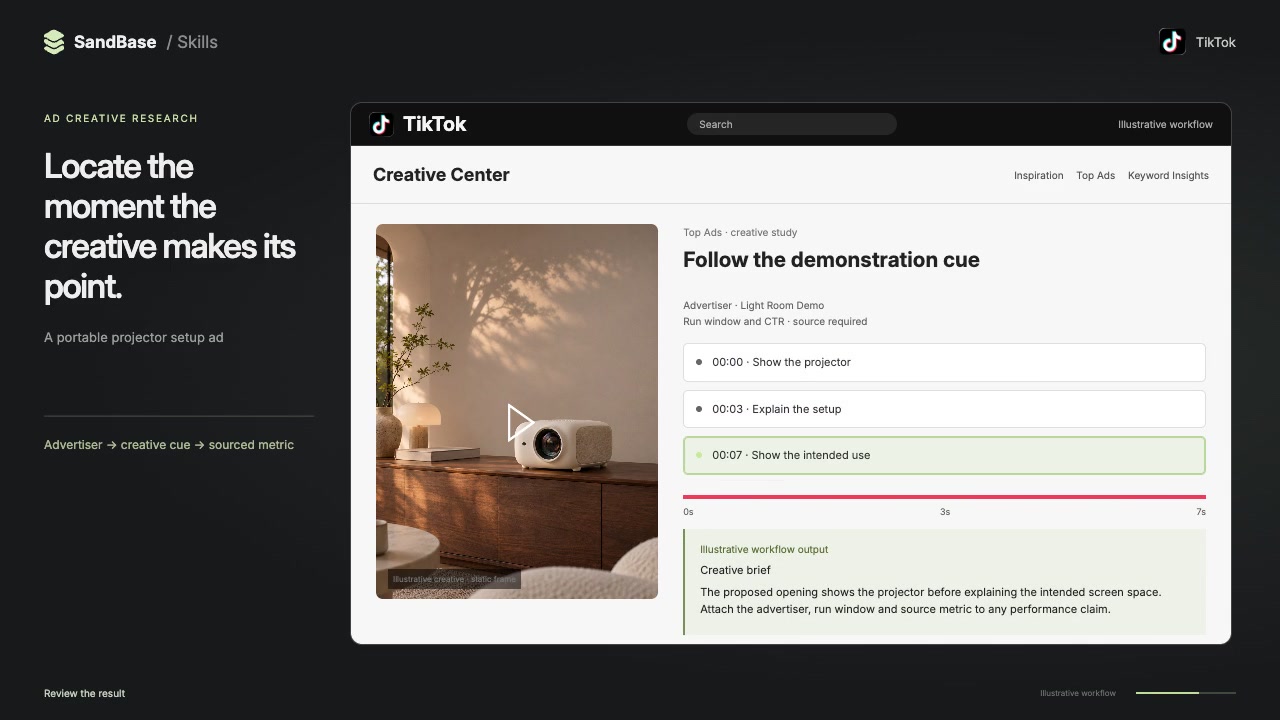
See who advertises about a brand or keyword on TikTok and what a top-performing creative does second by second.
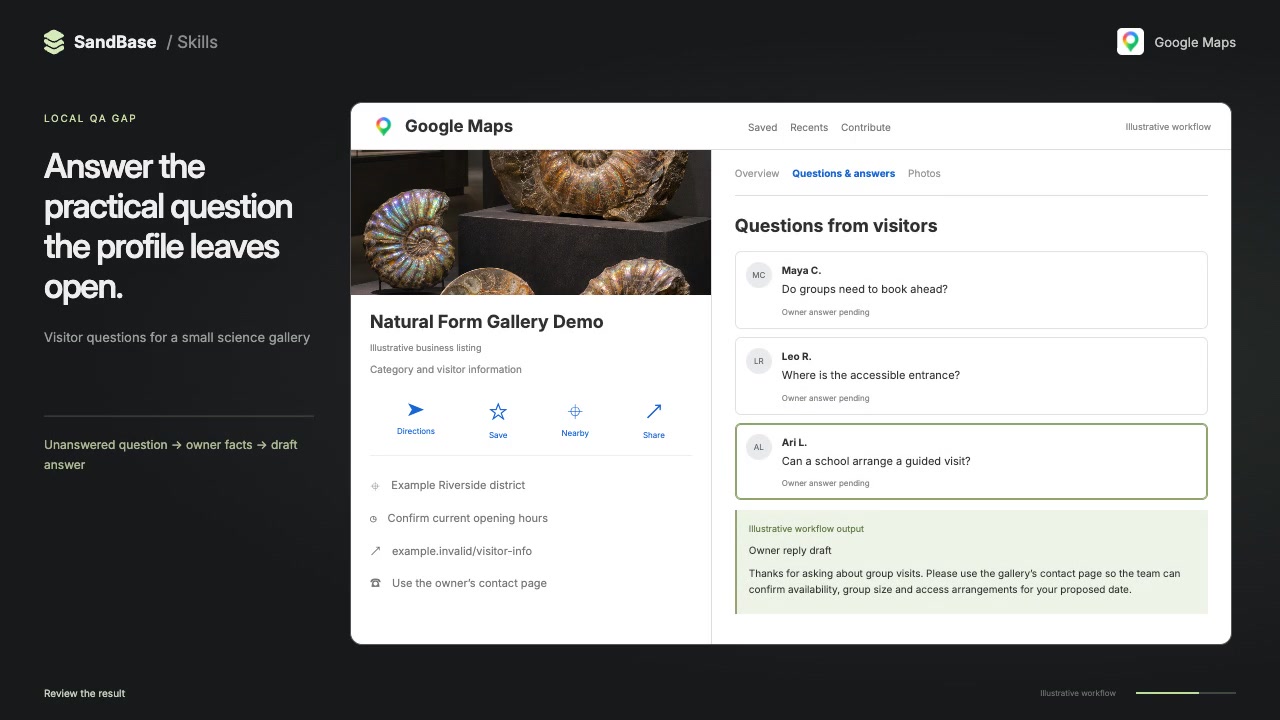
Find the Google Business Profile questions nobody from the business answered, compare with competitors, and draft owner Q&As.
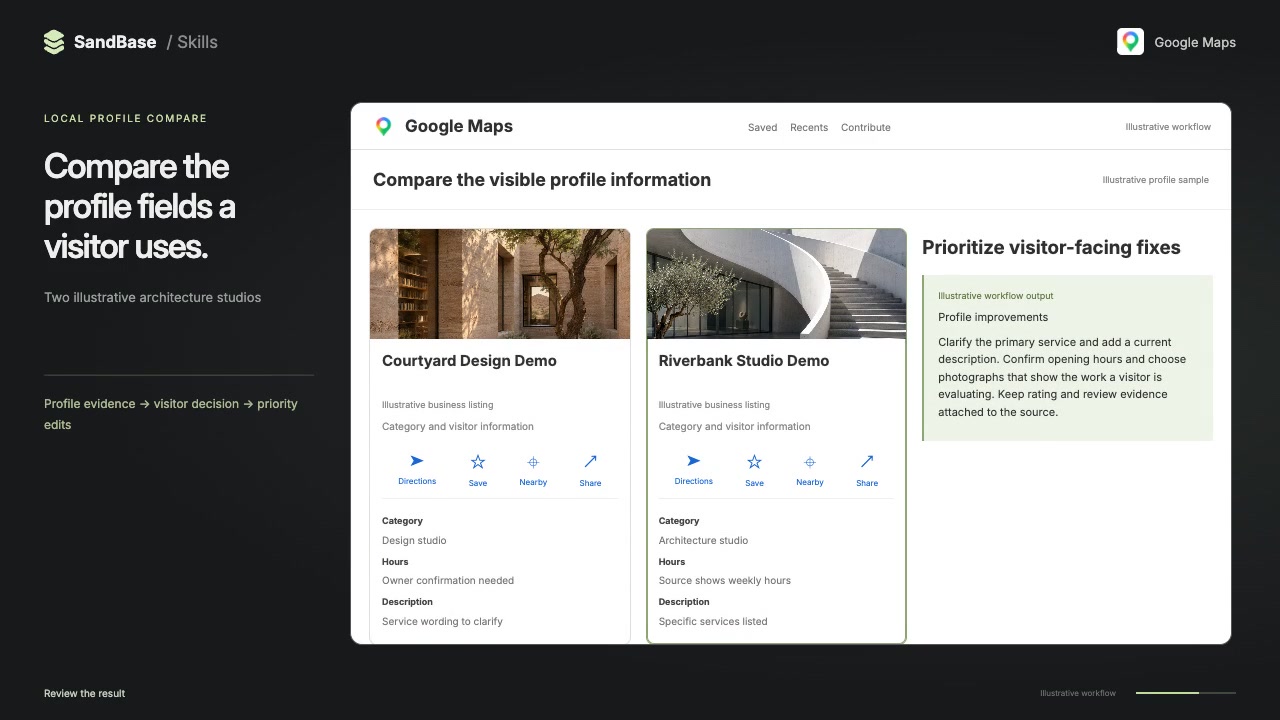
Put a Google Business Profile next to the competitors that outrank it and list the changes that close the gap.
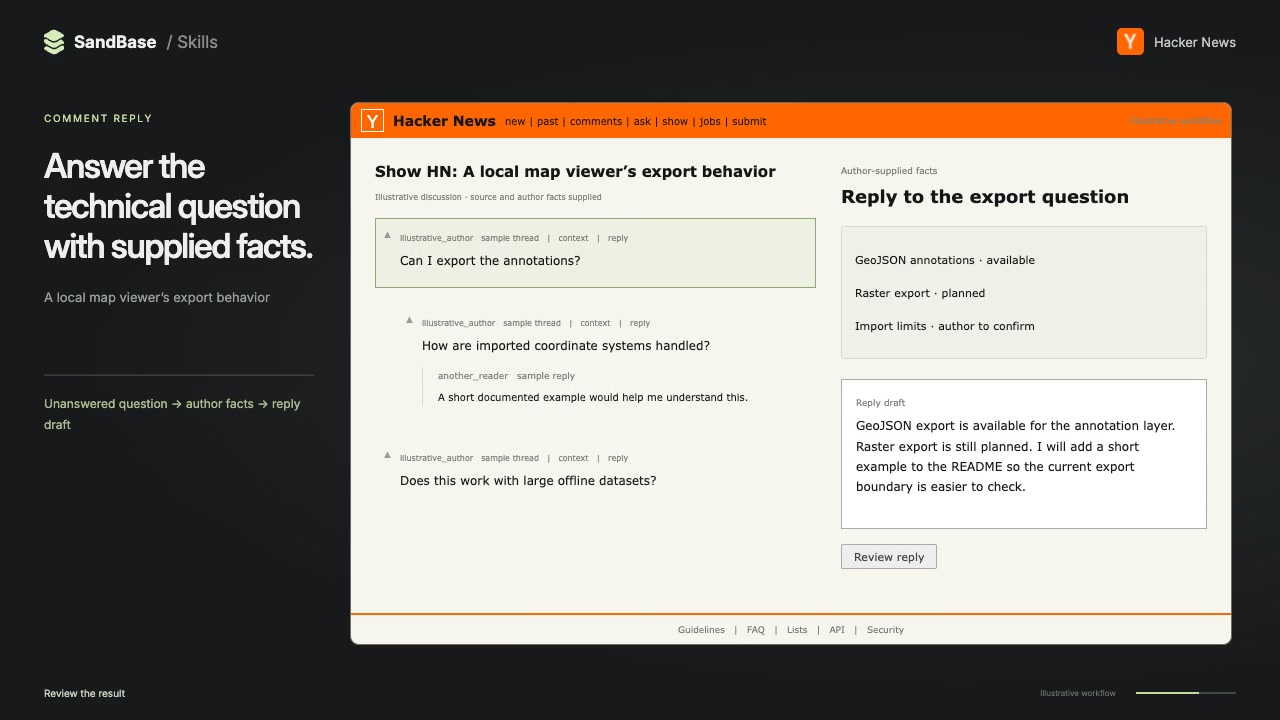
Answer a live Hacker News thread in the right order, with short replies that state limits plainly and use only facts you have given.
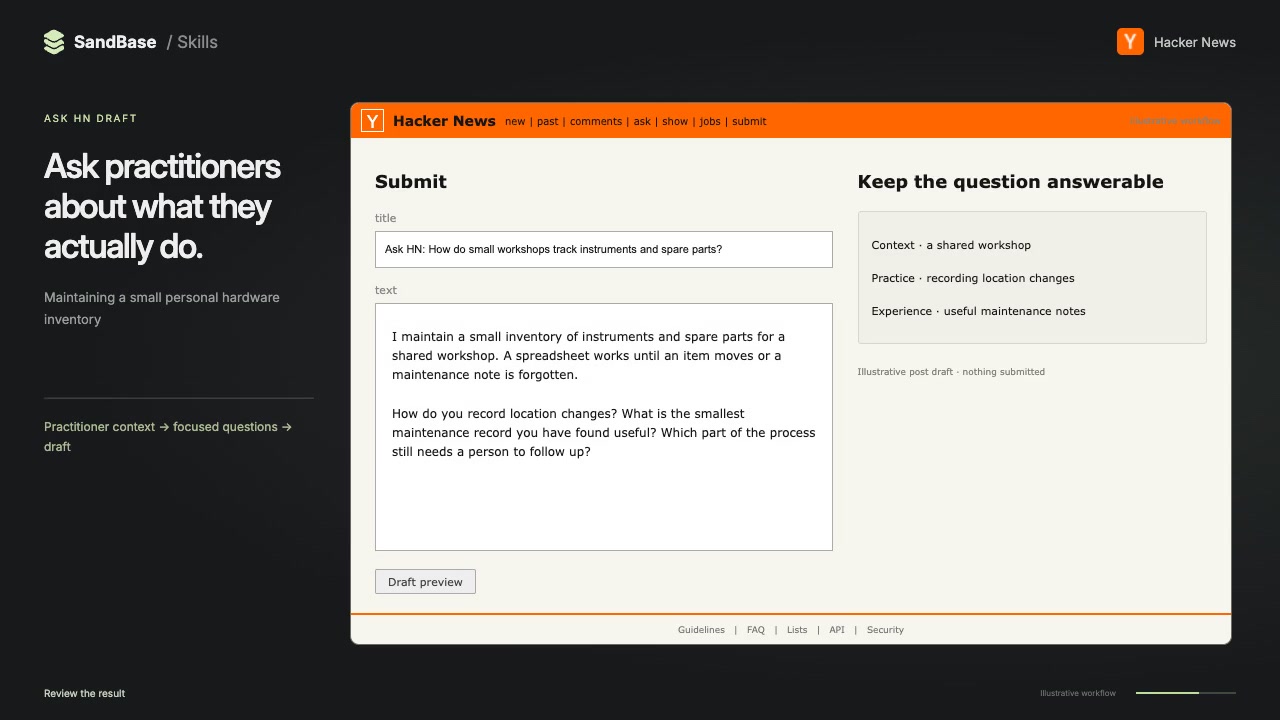
Write an Ask HN that practitioners answer: real context, specific questions and no pitch.
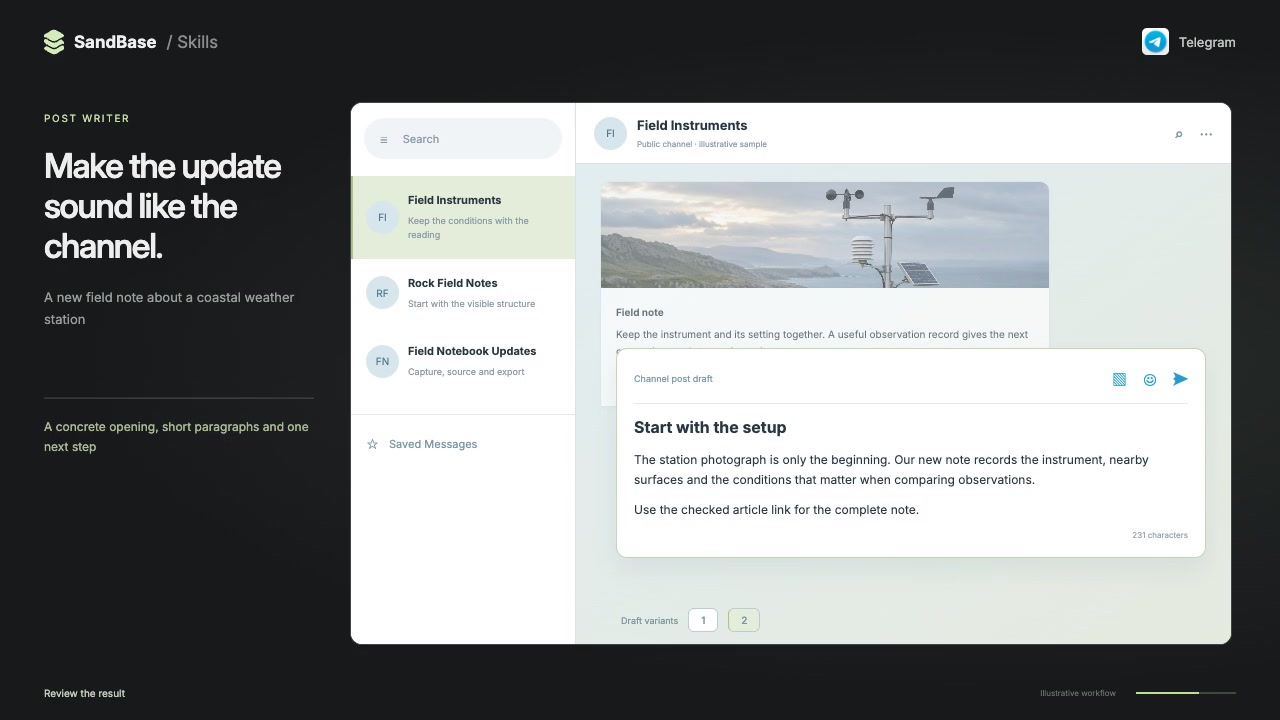
Write Telegram channel posts in a channel’s real voice, measured from its own posts instead of guessed.
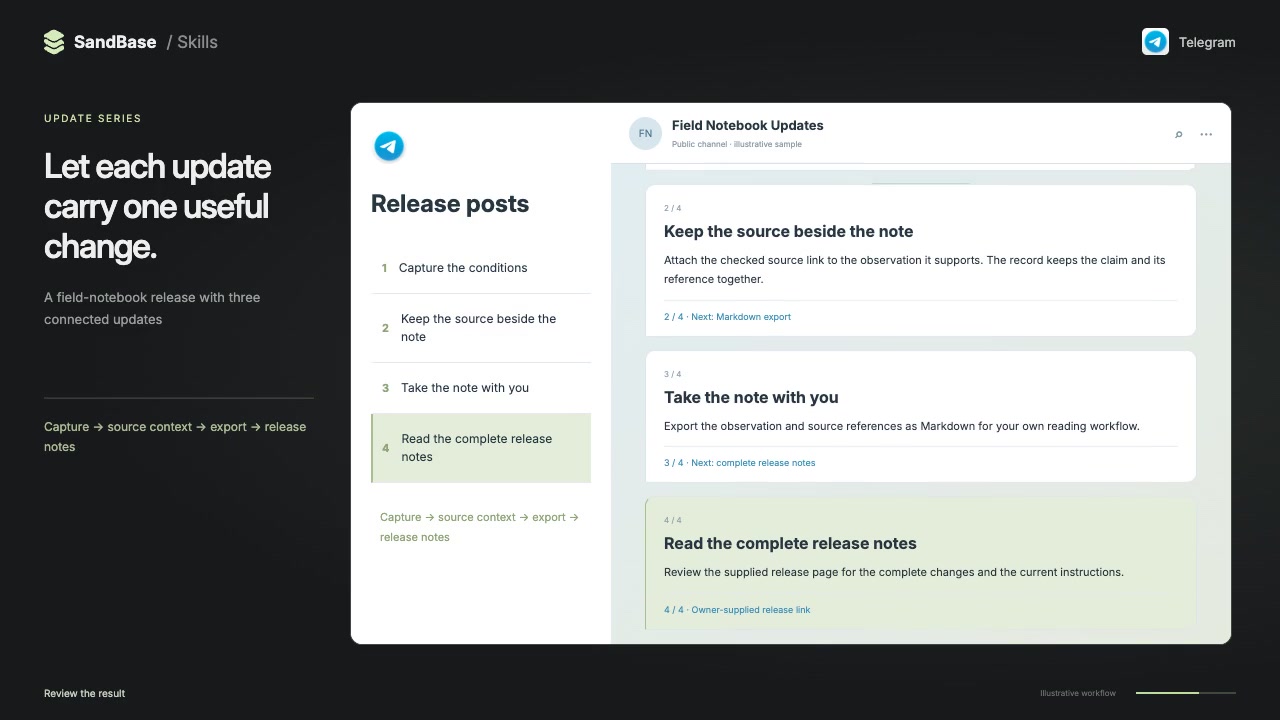
Announce a release on Telegram as one short post per feature plus a closing link, in the order readers actually see them.
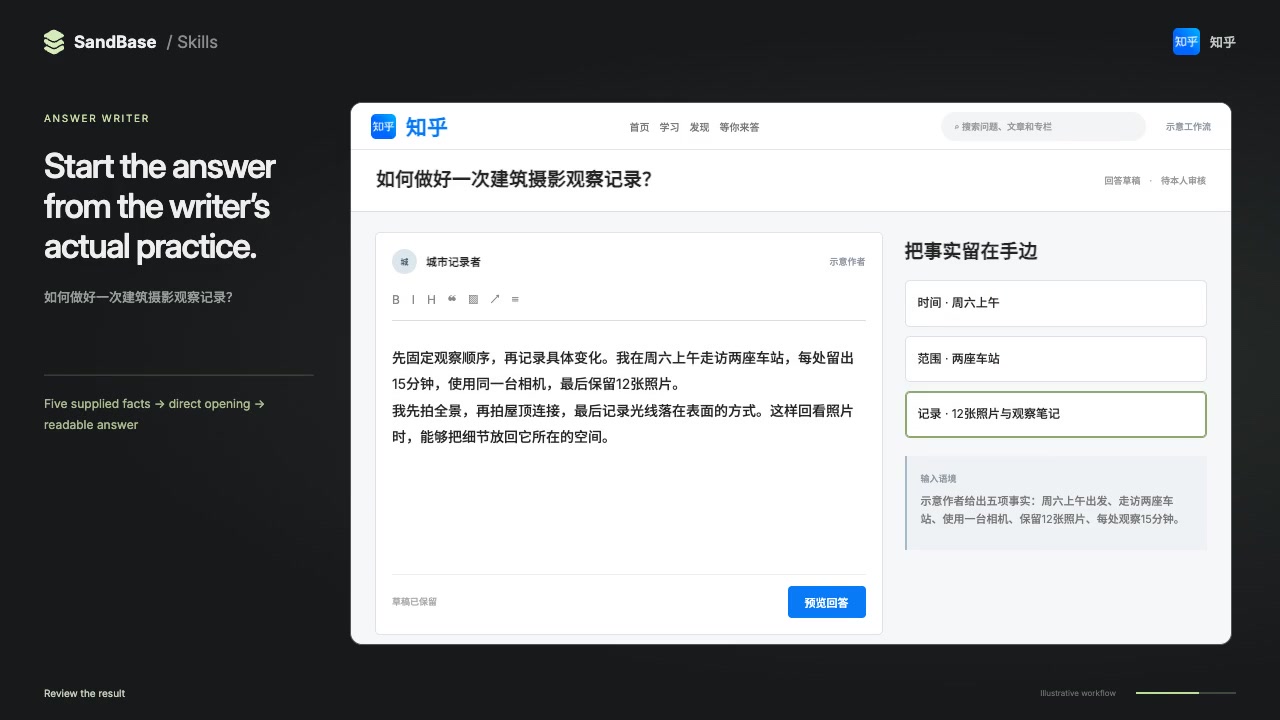
Turn your own experience into a Zhihu answer that gives the answer first and reads like a person, not a template.
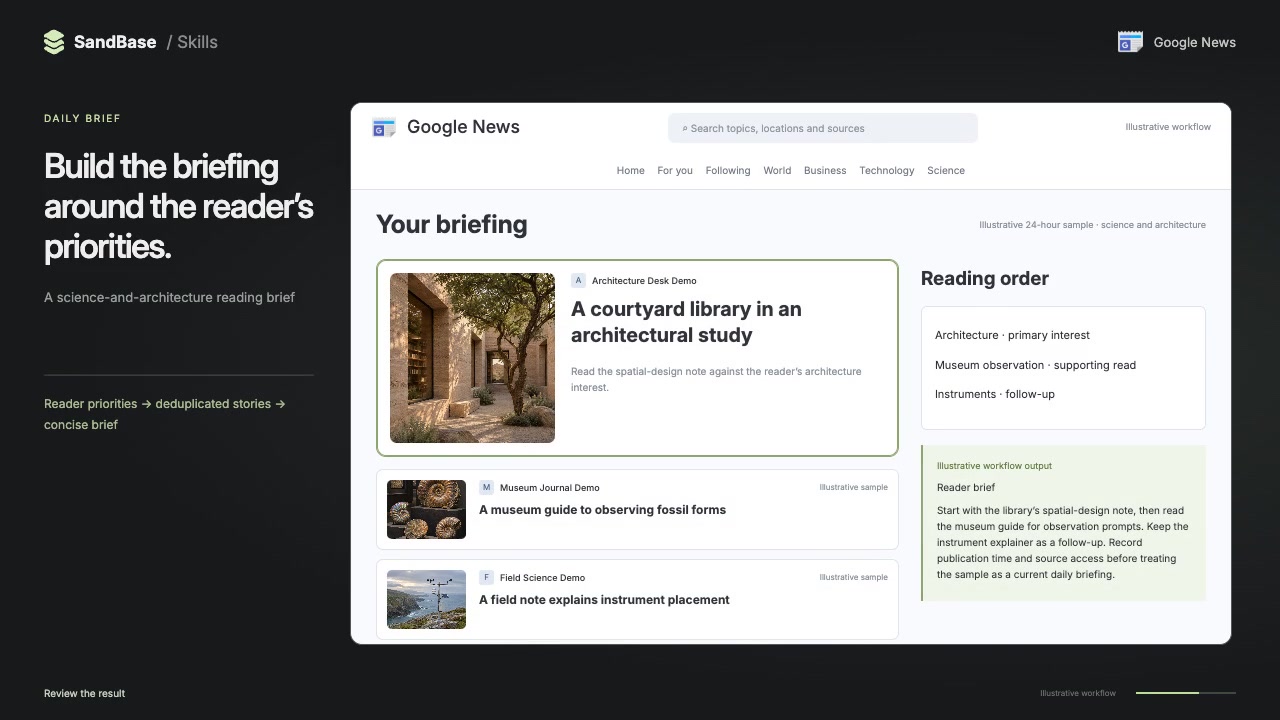
Get a short ranked digest of the past day’s news on your topics, with a score and reason for every story and a count of what was left out.
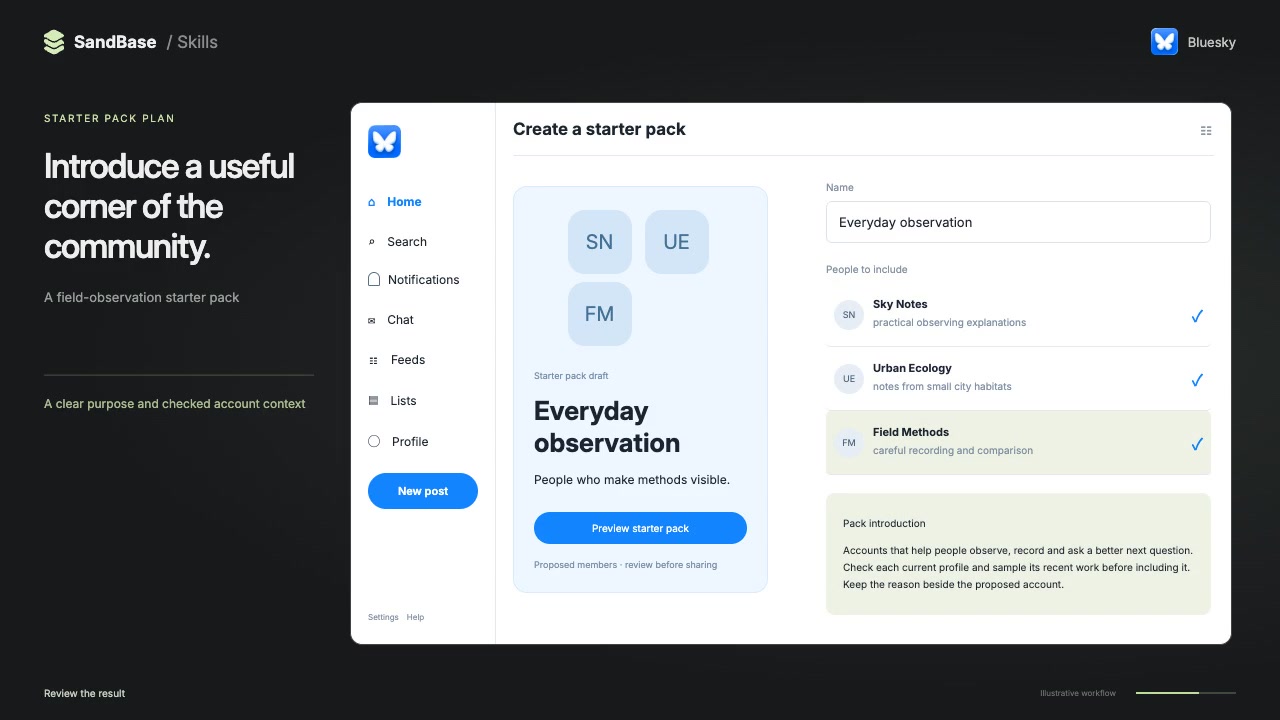
Check every candidate account against its real recent activity, then get a Starter Pack list with a reason for each pick — and a draft name, description and announcement post.
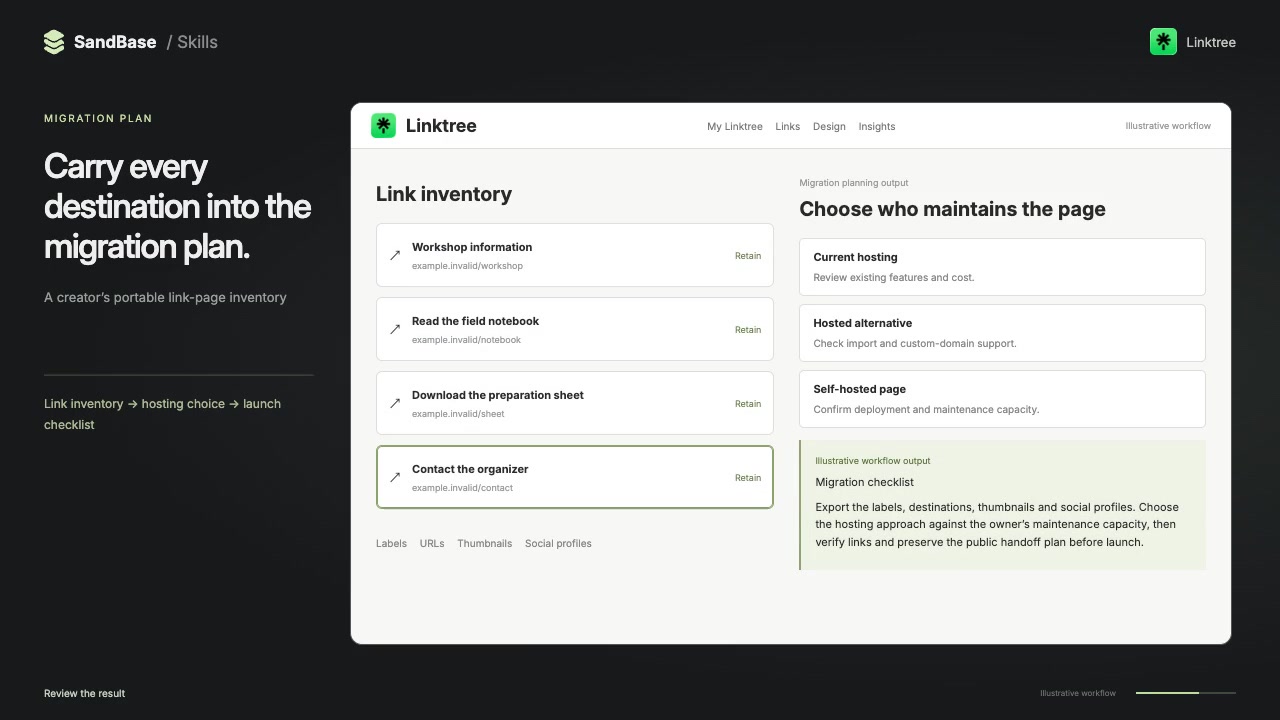
Decide whether to leave Linktree and see exactly what moving involves — every link accounted for, three paths compared, a go-live checklist.
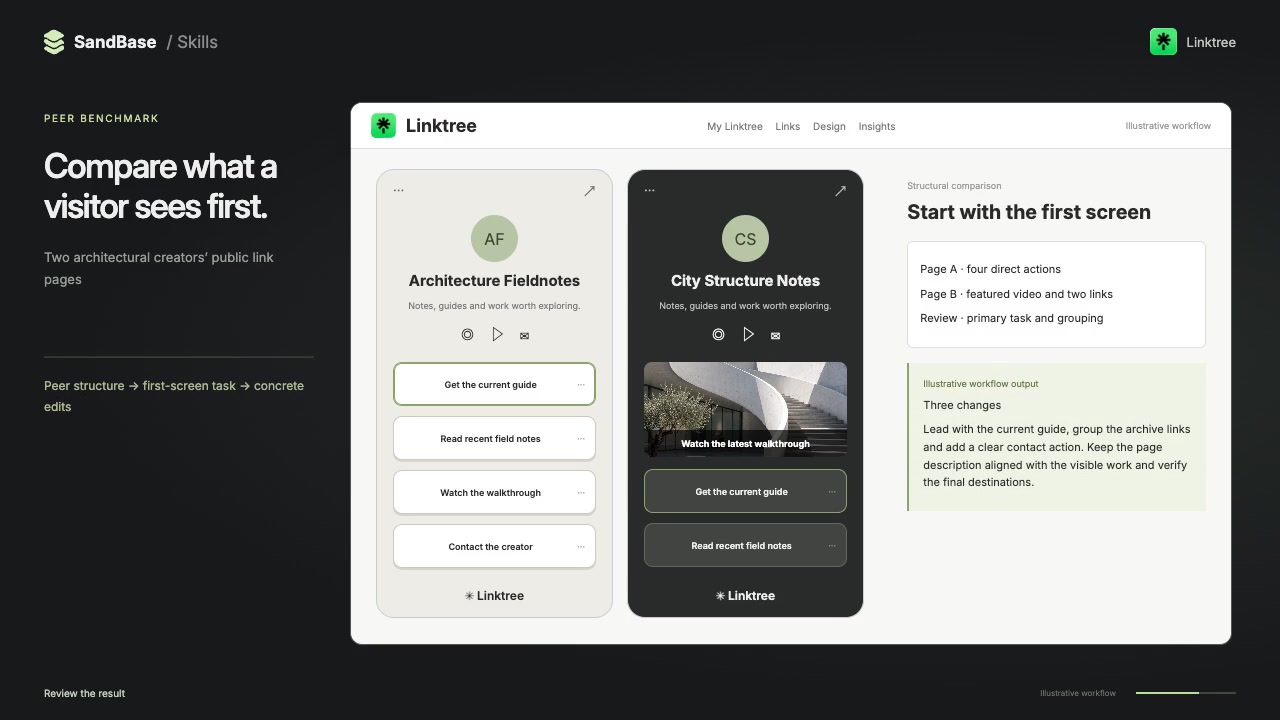
See how your link-in-bio page's structure stacks up against comparable pages — sections, embeds, social profiles, first-screen choices — without guessing.
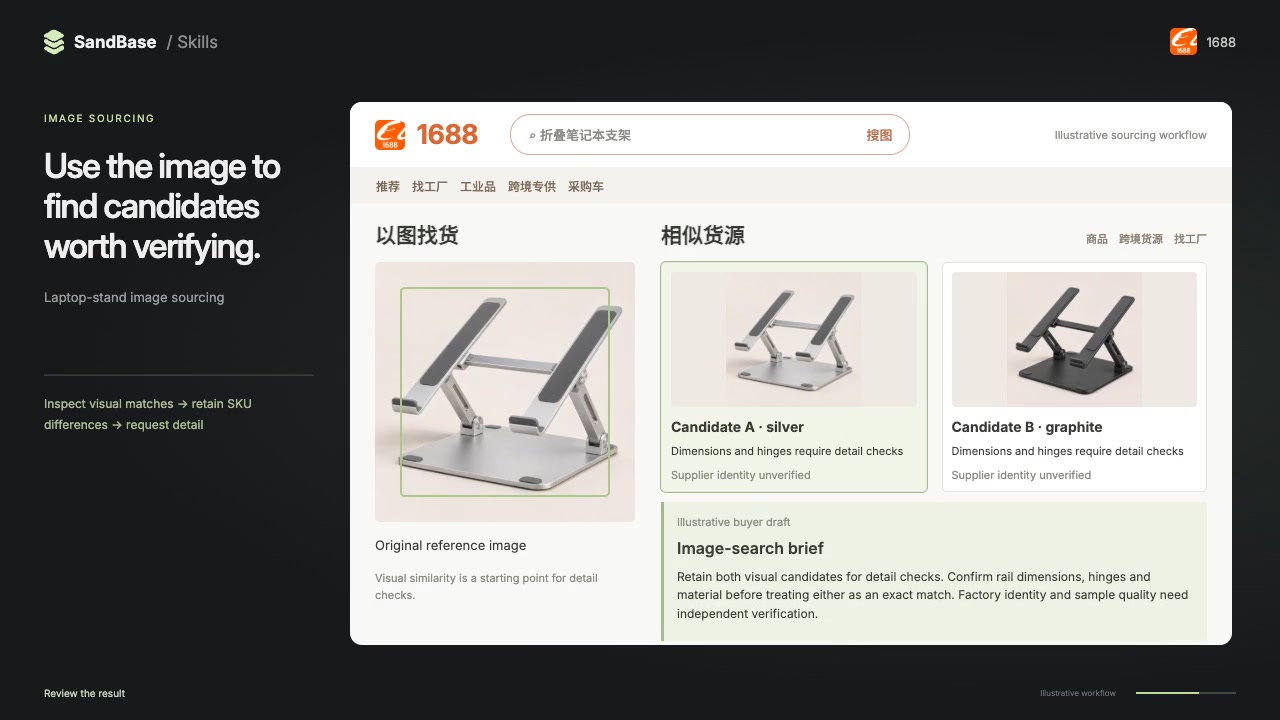
Start from one product photo and find who sells the same style on 1688, at which quantity tiers — then pick the most likely factory.
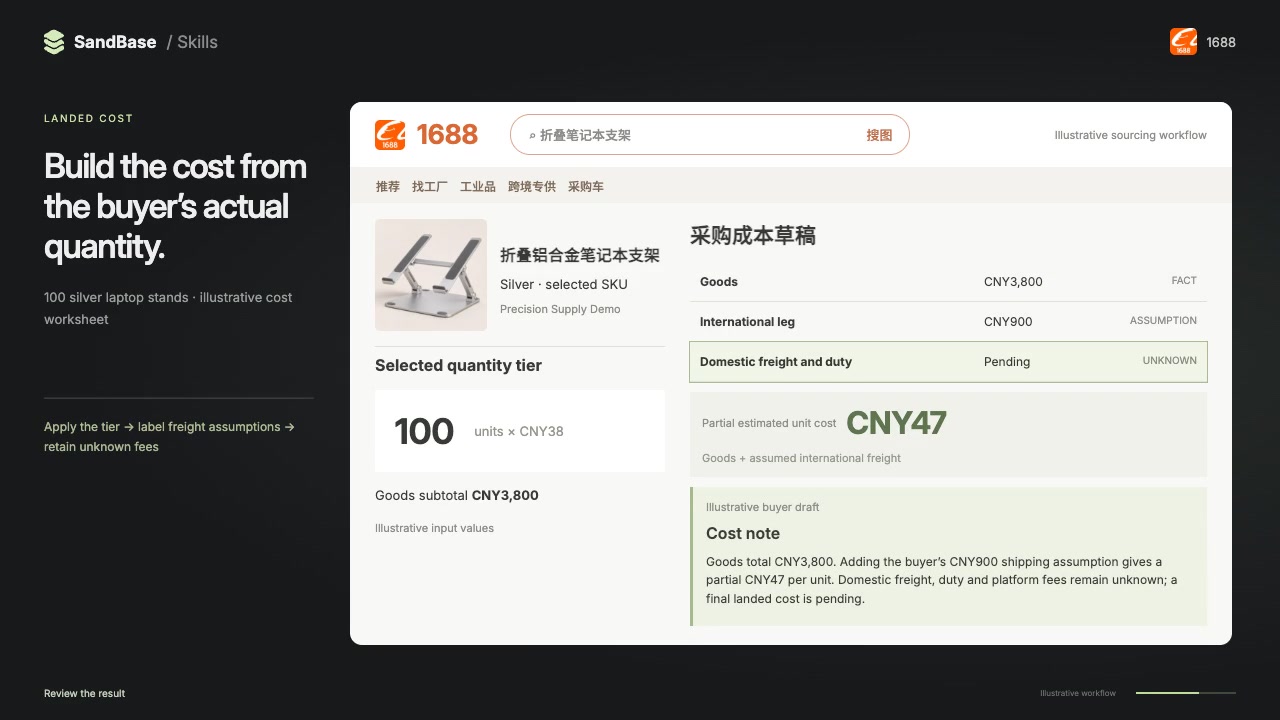
The listing price is not your cost — compute the landed unit cost of a 1688 item with every line tagged FACT, ASSUMPTION or UNKNOWN.
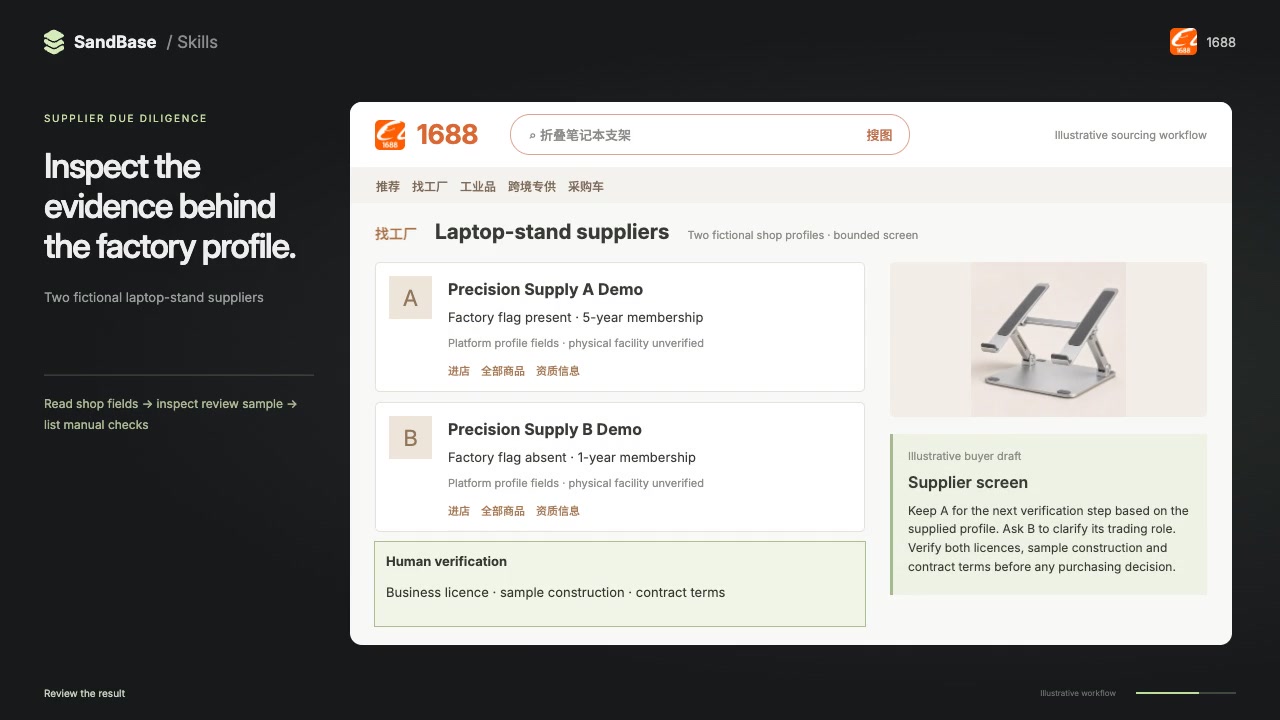
Screen candidate 1688 suppliers before you contact anyone — a documented first-pass check with platform ratings, factory flags, red flags and the manual checks that remain.
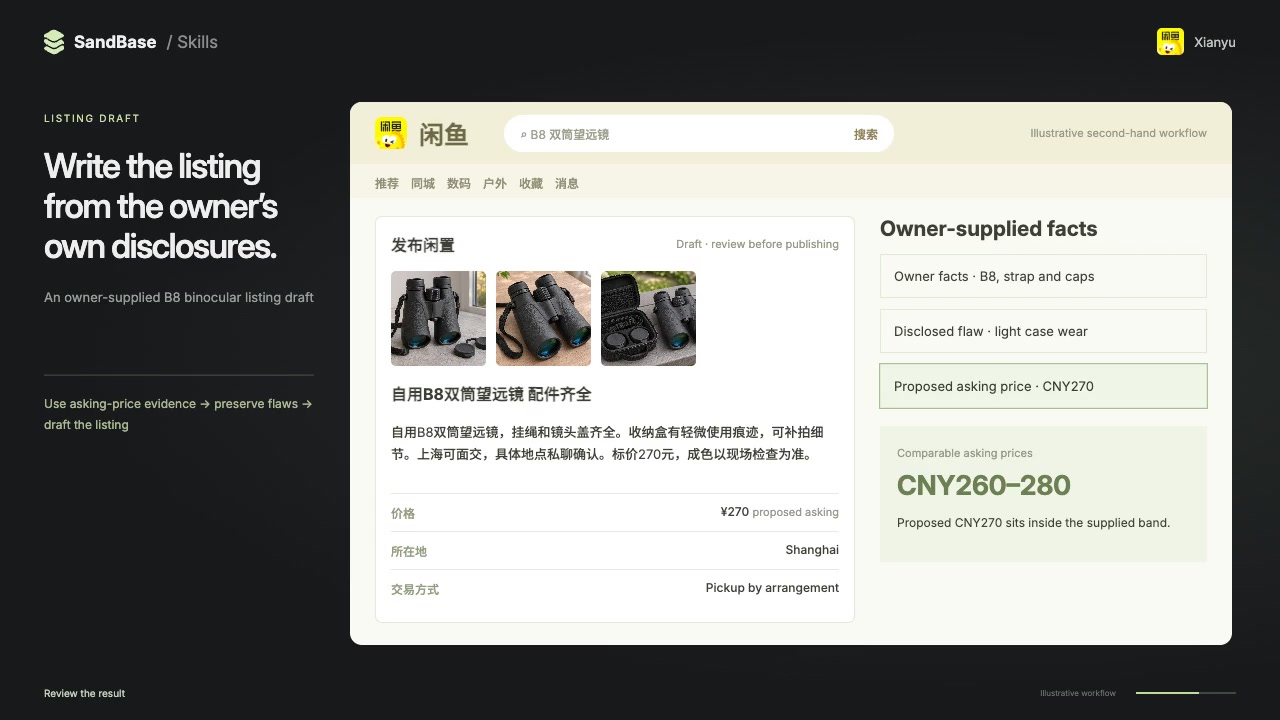
Price and write your Xianyu listing with data — the asking-price band for the same item and condition, plus the title and body to paste.
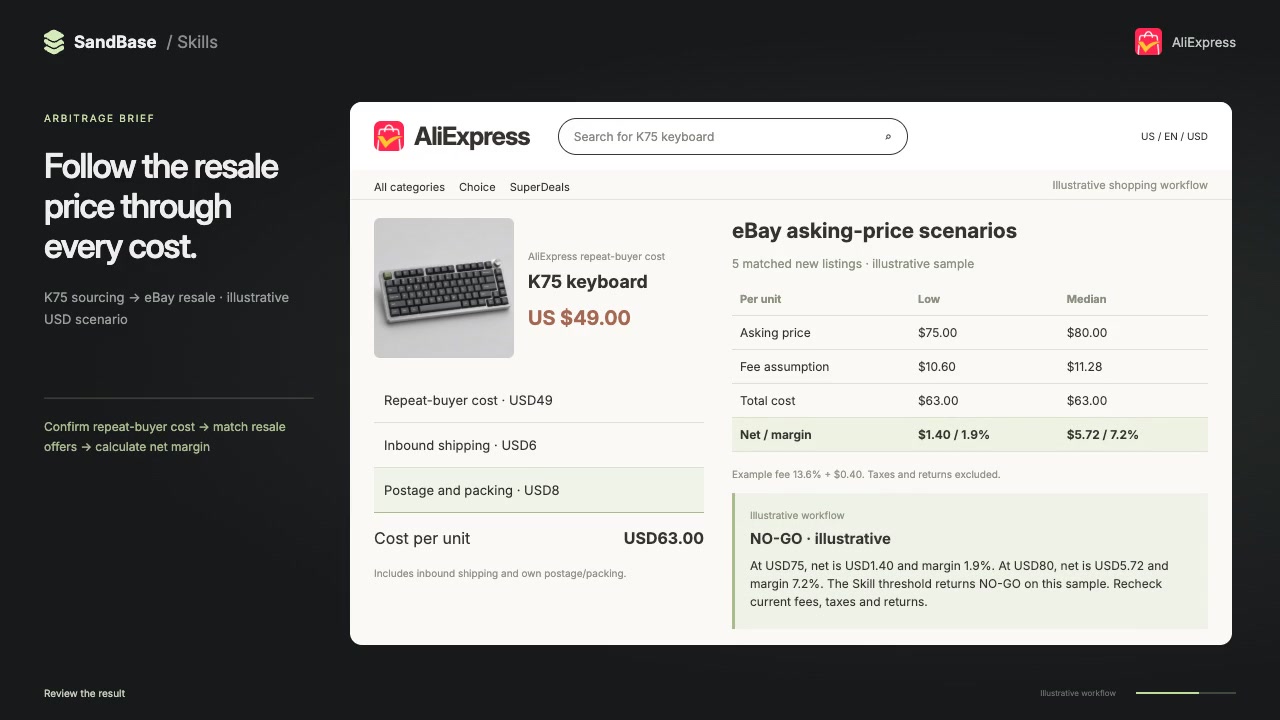
Find out whether buying on AliExpress and reselling on eBay actually leaves a margin — after the real unit cost, shipping and eBay's final value fee.
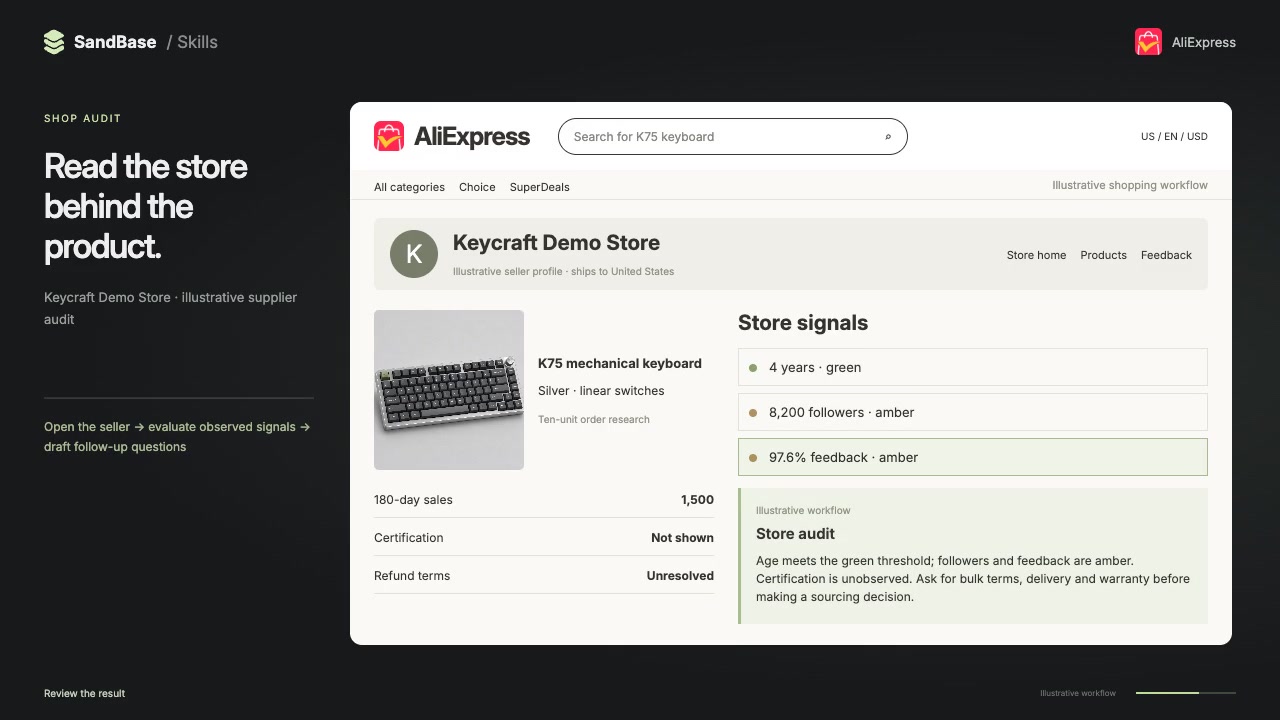
Check whether the store behind an AliExpress listing can be trusted before you order from it — especially before a bulk order.
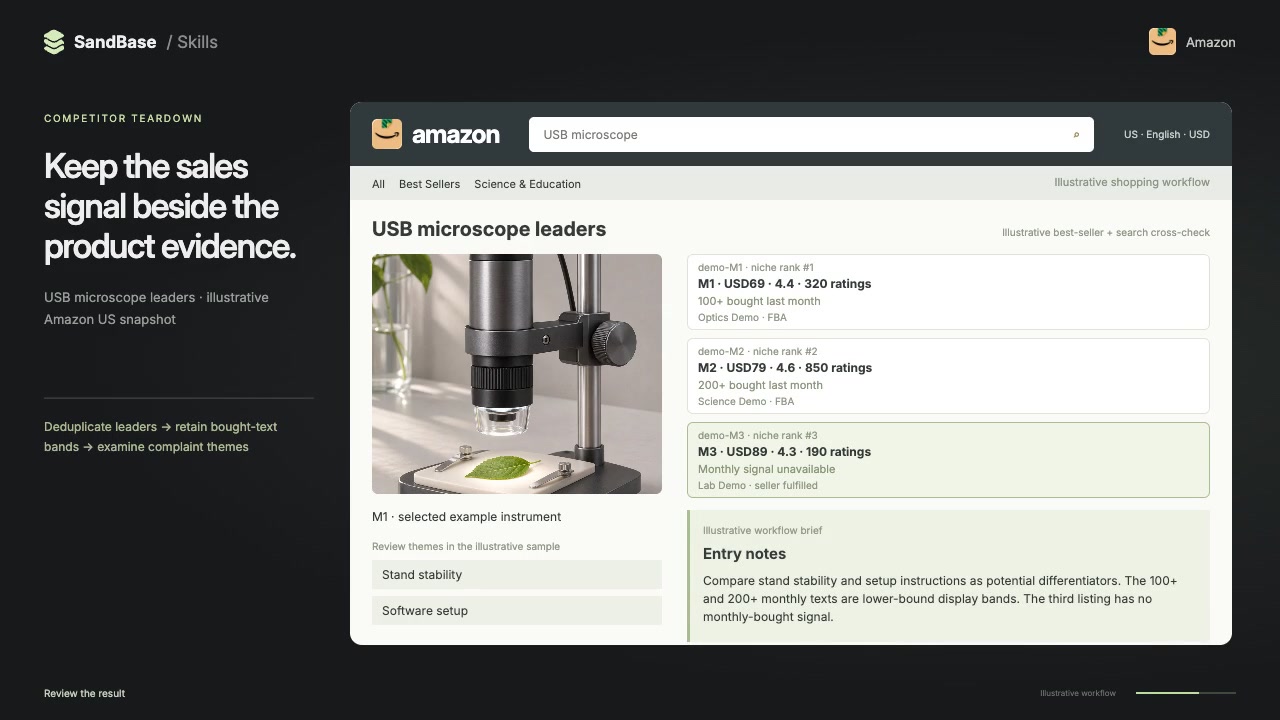
See who actually leads an Amazon niche — their prices, ratings, review moats, sellers and sales signals — and where a new seller could enter.
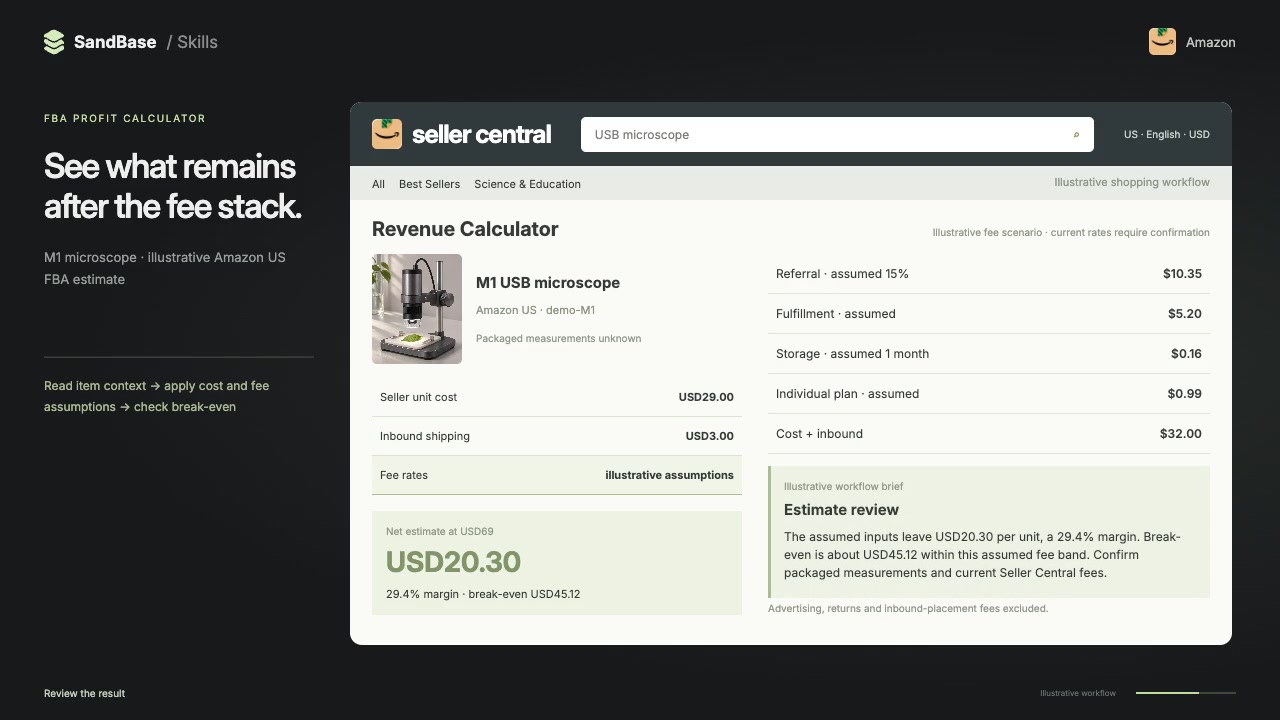
See what's actually left per unit on an Amazon US listing after referral, FBA fulfillment and storage fees — before you commit to selling it.
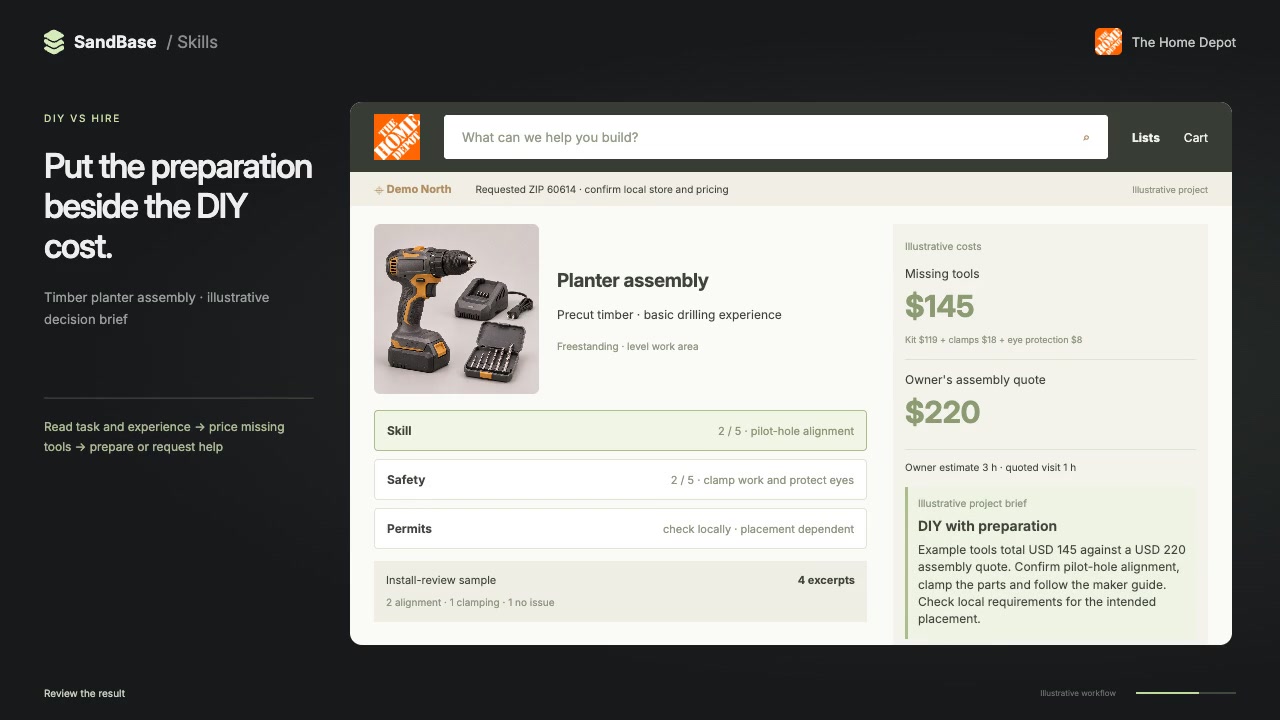
Decide whether to do a home repair yourself — rate skill, safety, permits, time and cost, price the DIY parts live, and read what buyers say about installing it.
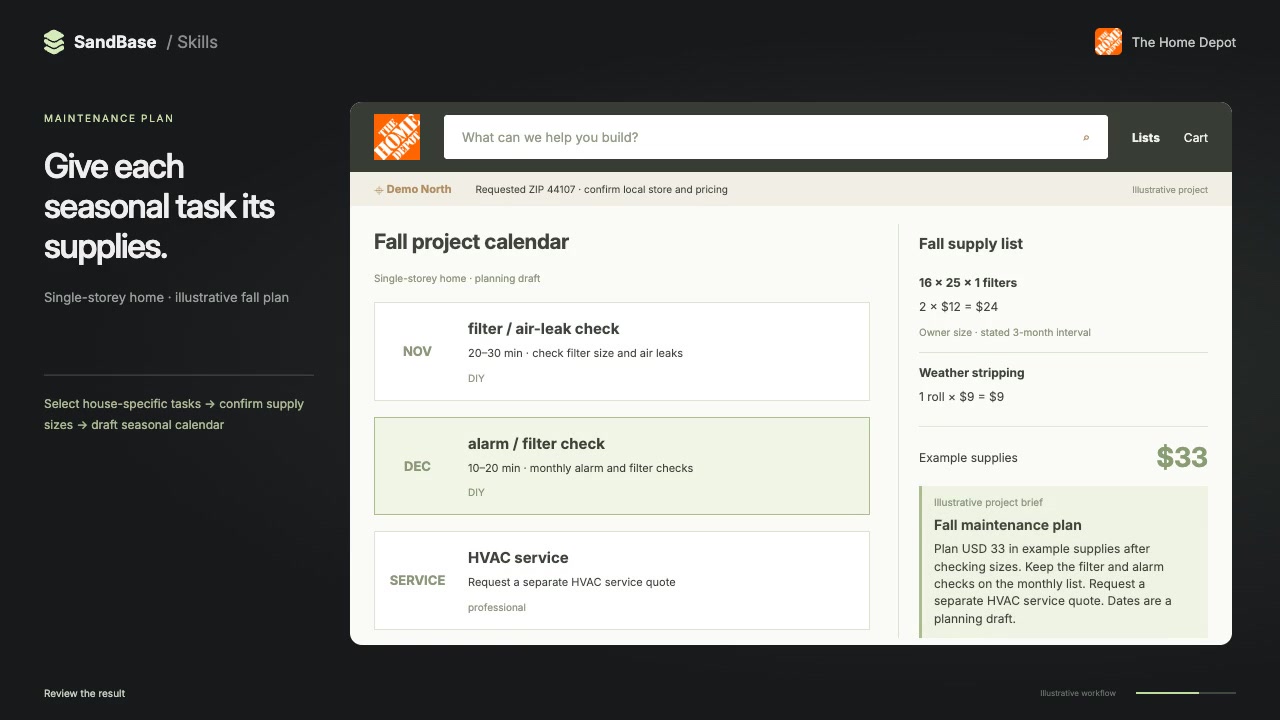
A seasonal home maintenance calendar with the supplies priced live at Home Depot — what to do each month, why, and what to buy.
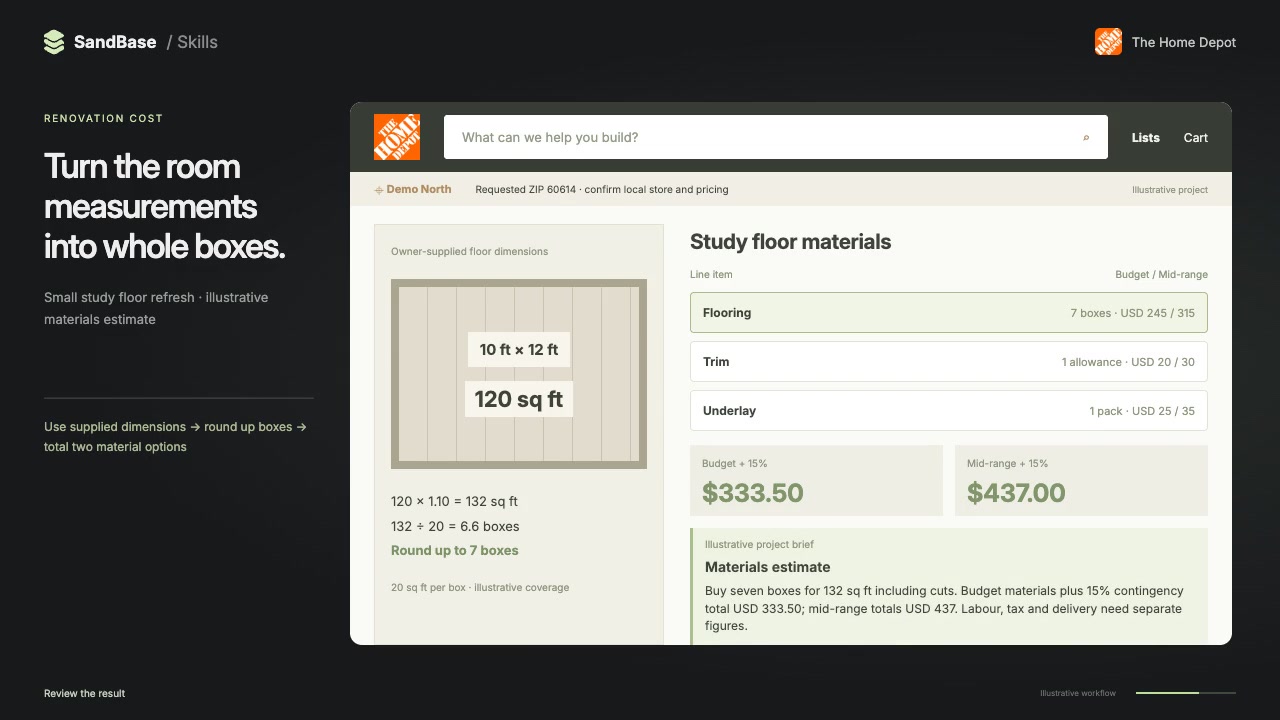
Turn a room renovation scope into a priced estimate — two ways, budget and mid-range — built from live Home Depot prices, never a fixed price table.
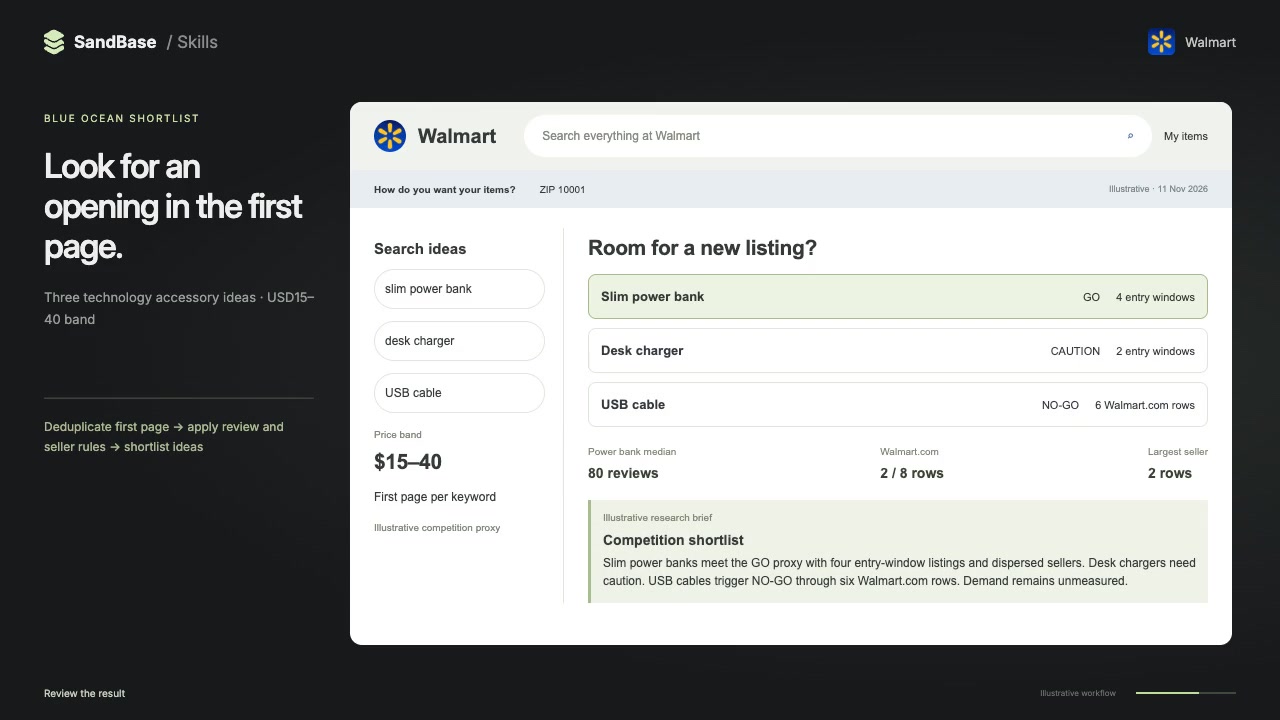
Compare a few product ideas by how crowded their Walmart first page looks — review depth, seller mix, Walmart's own share and price pressure — marked GO, CAUTION or NO-GO.
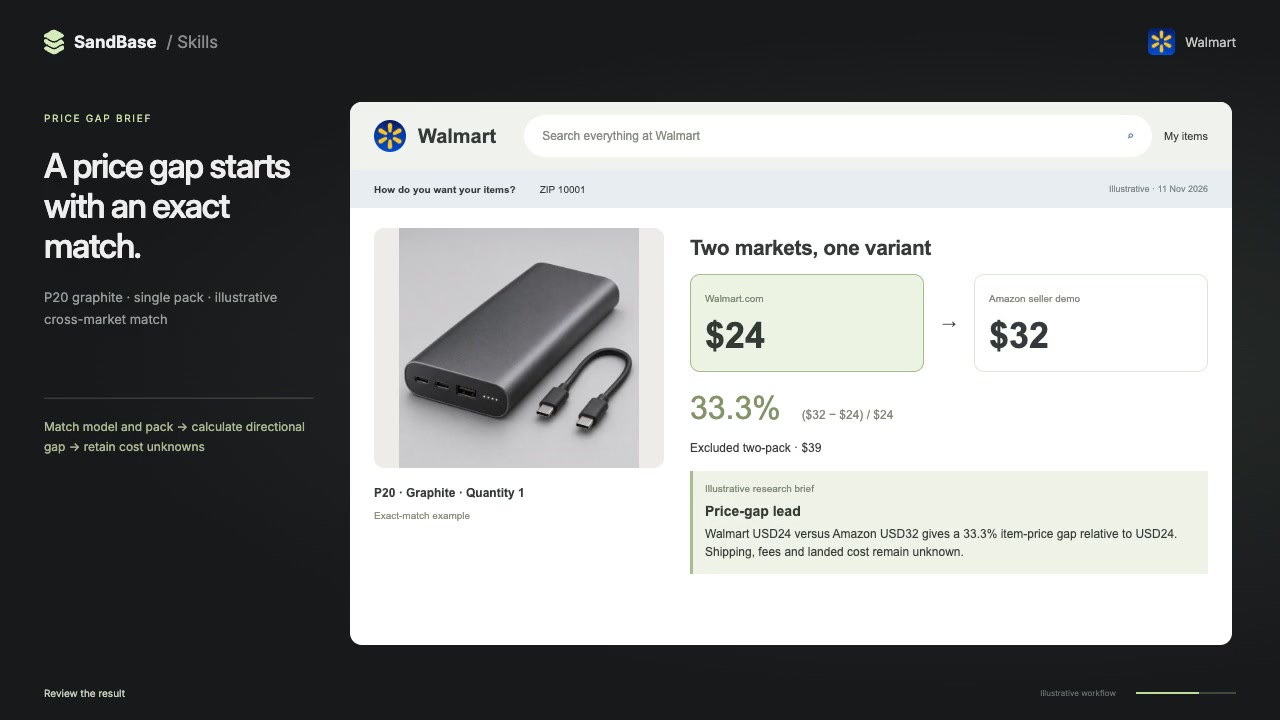
Find the same products priced far apart on Walmart and other retailers — every gap of 30% or more listed as a seller opportunity with its direction.
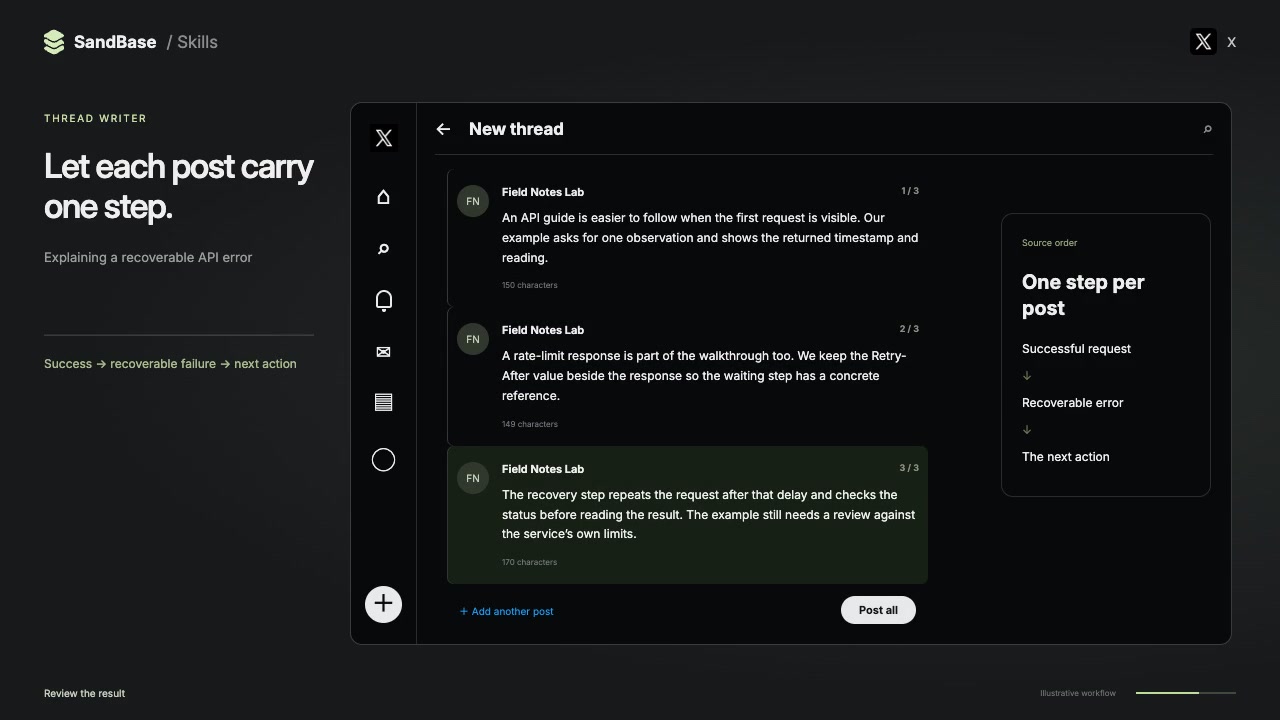
Turn your notes or a result into an X thread whose first post works on its own, because most readers never open the rest.
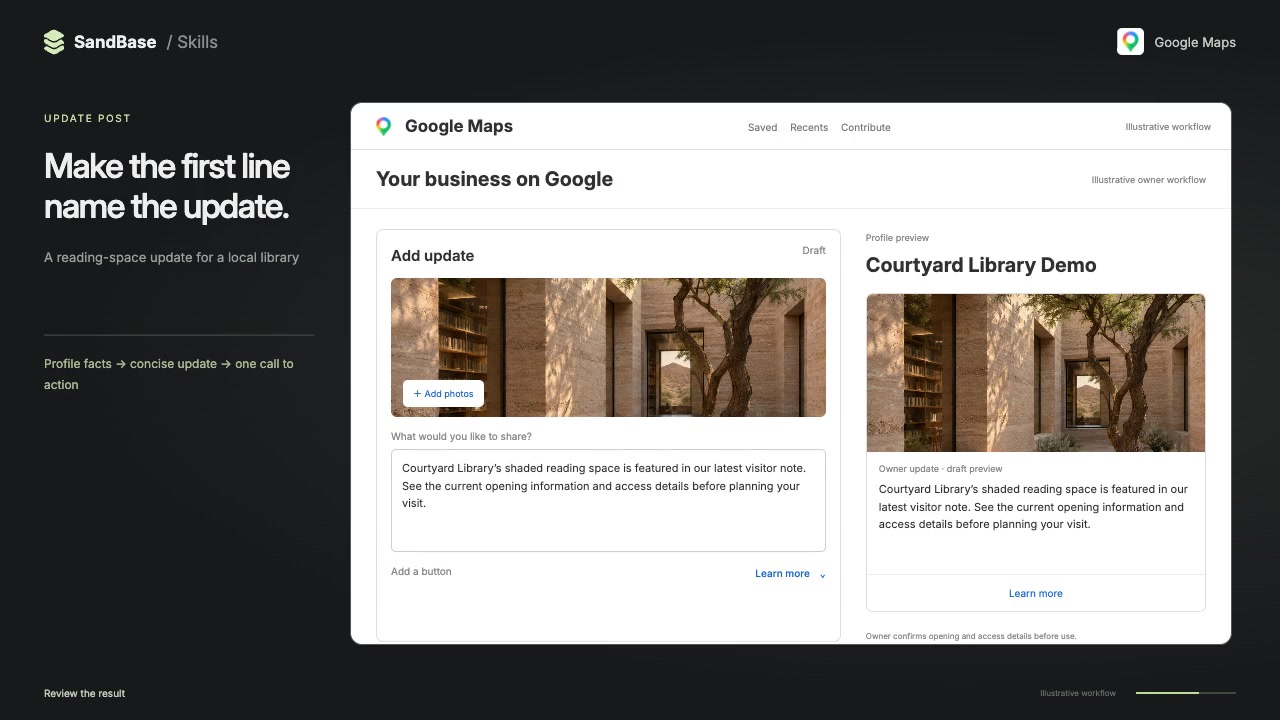
Write Google Business Profile posts from what your public profile already shows, with the item and the place in the first line.
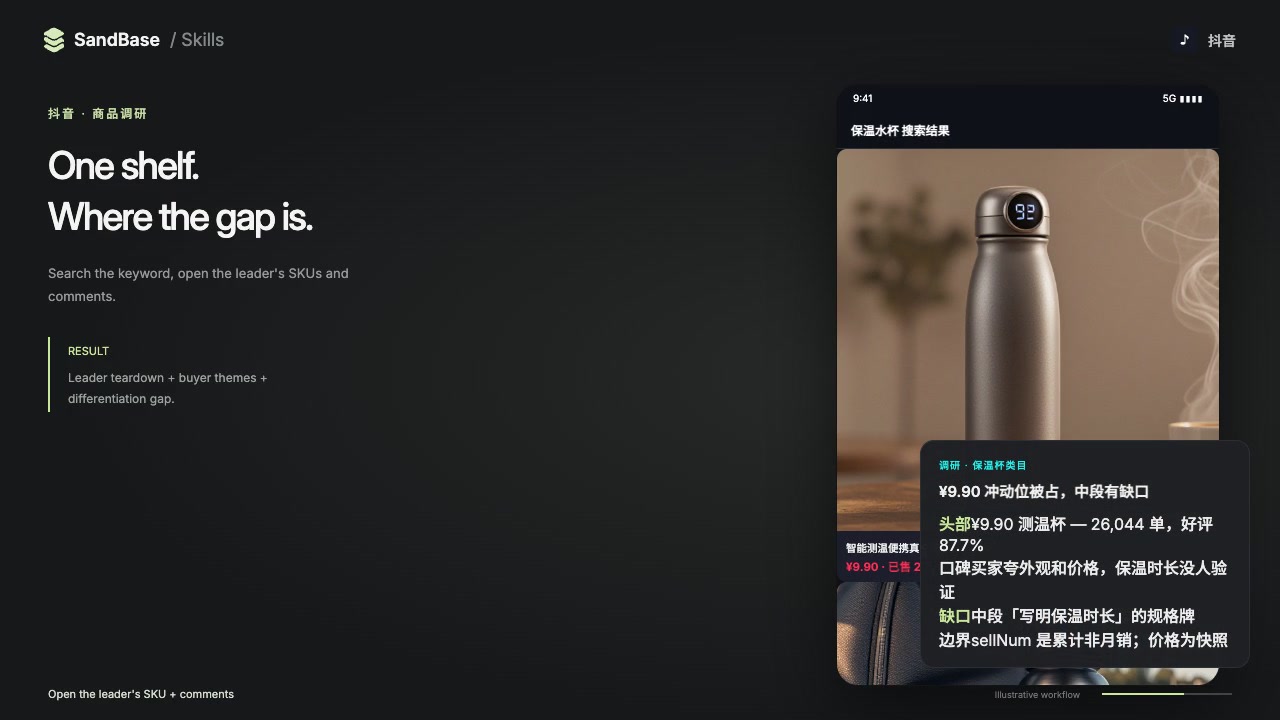
Research what sells on Douyin e-commerce for a product keyword — prices, sales, variants and what buyers actually say.
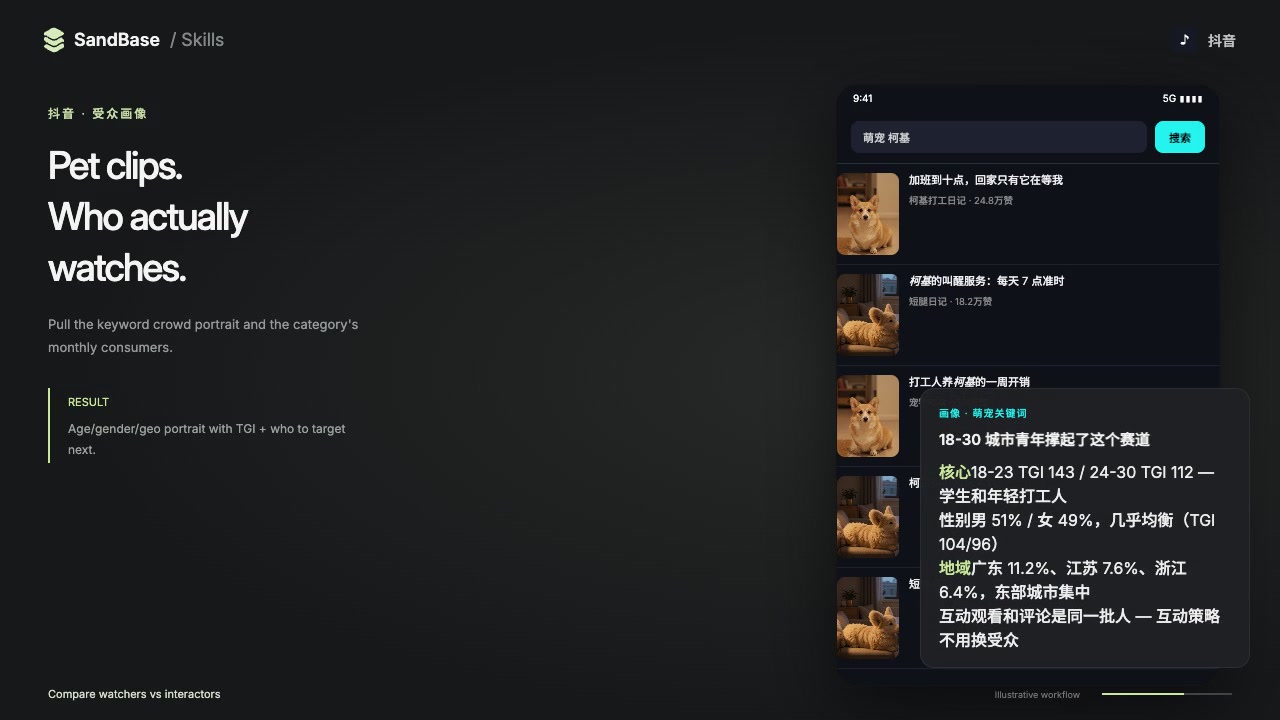
Answer "who is on the other side of the screen" for a Douyin topic, category or account — age, gender, provinces with TGI — and turn it into content guidance.
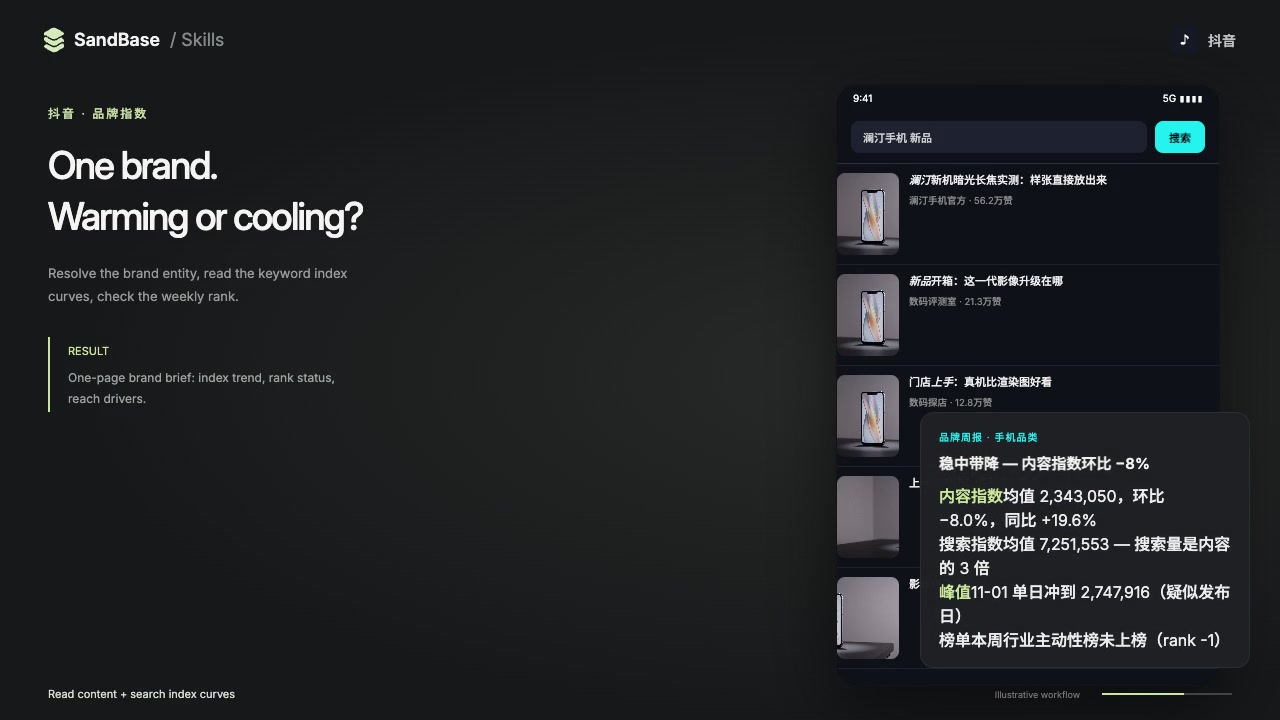
Read how a brand is doing on Douyin: resolve the entity, pull its keyword heat curve, weekly board rank and the videos driving reach.
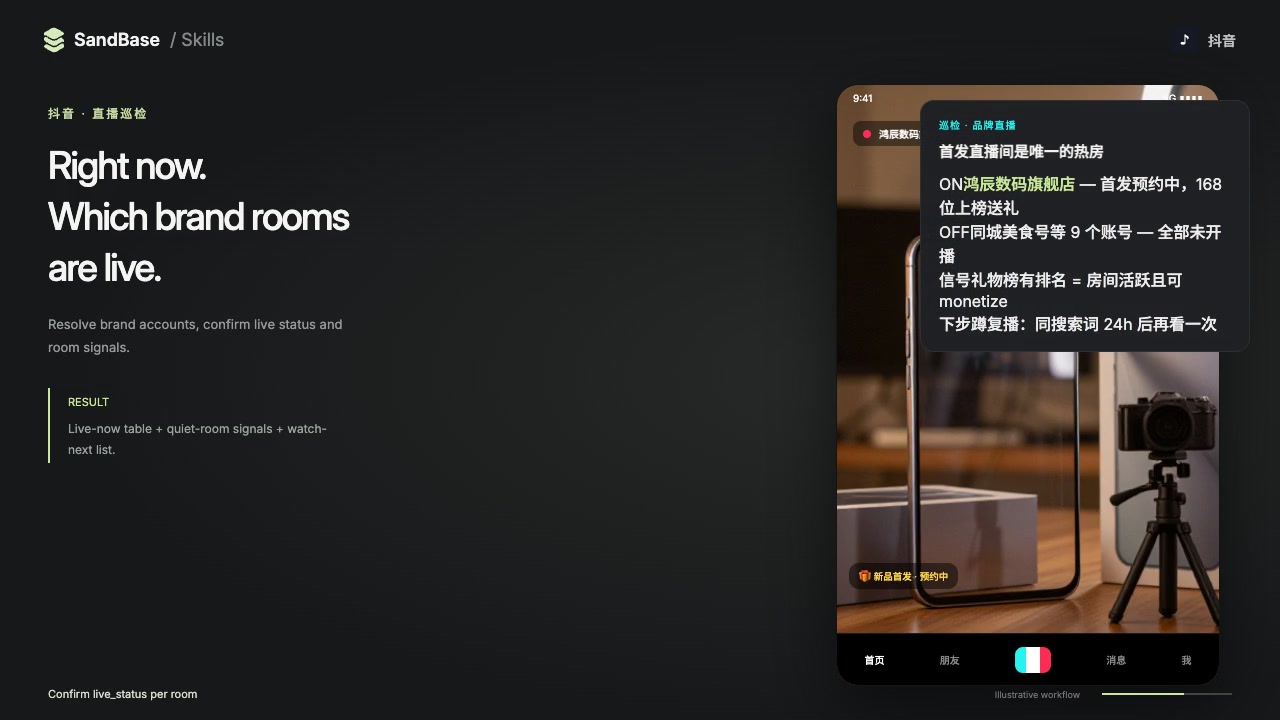
Check which brand, news or category accounts are broadcasting on Douyin right now — confirm live status, open the room and read its gift-ranking heat signal.
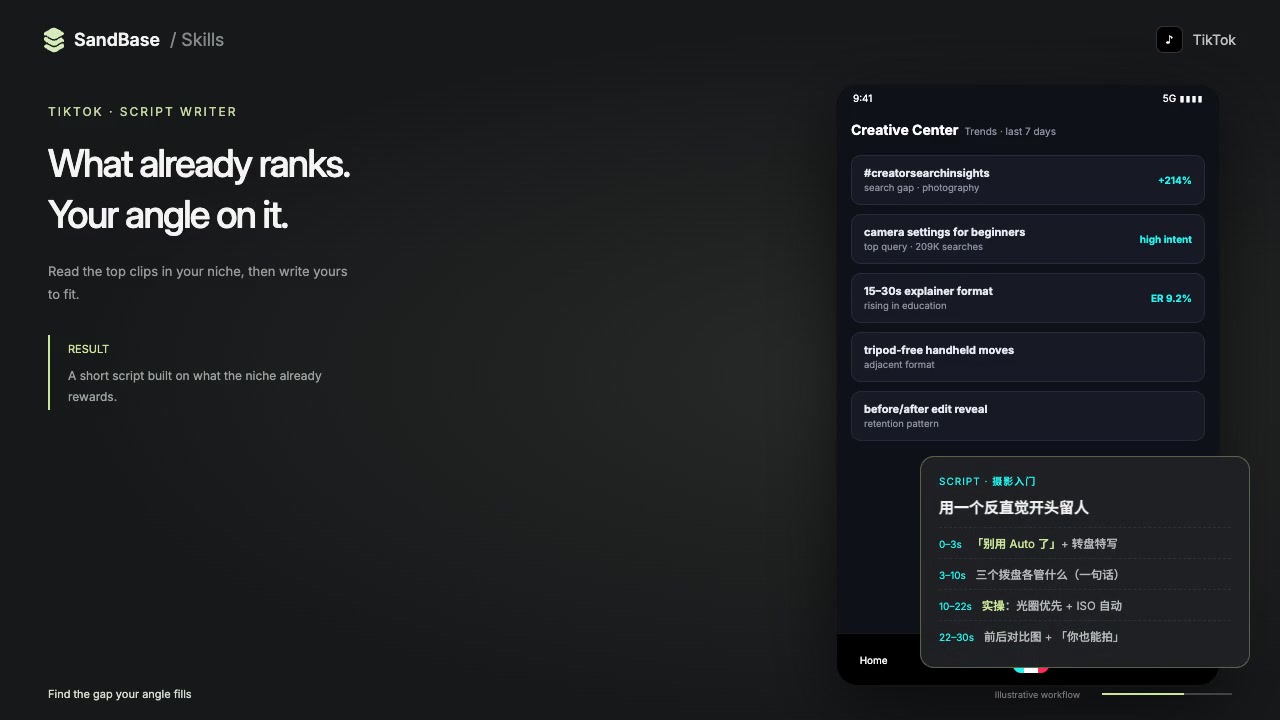
Write a shootable 30–60 second TikTok script grounded in the videos the platform already rewards for your topic.
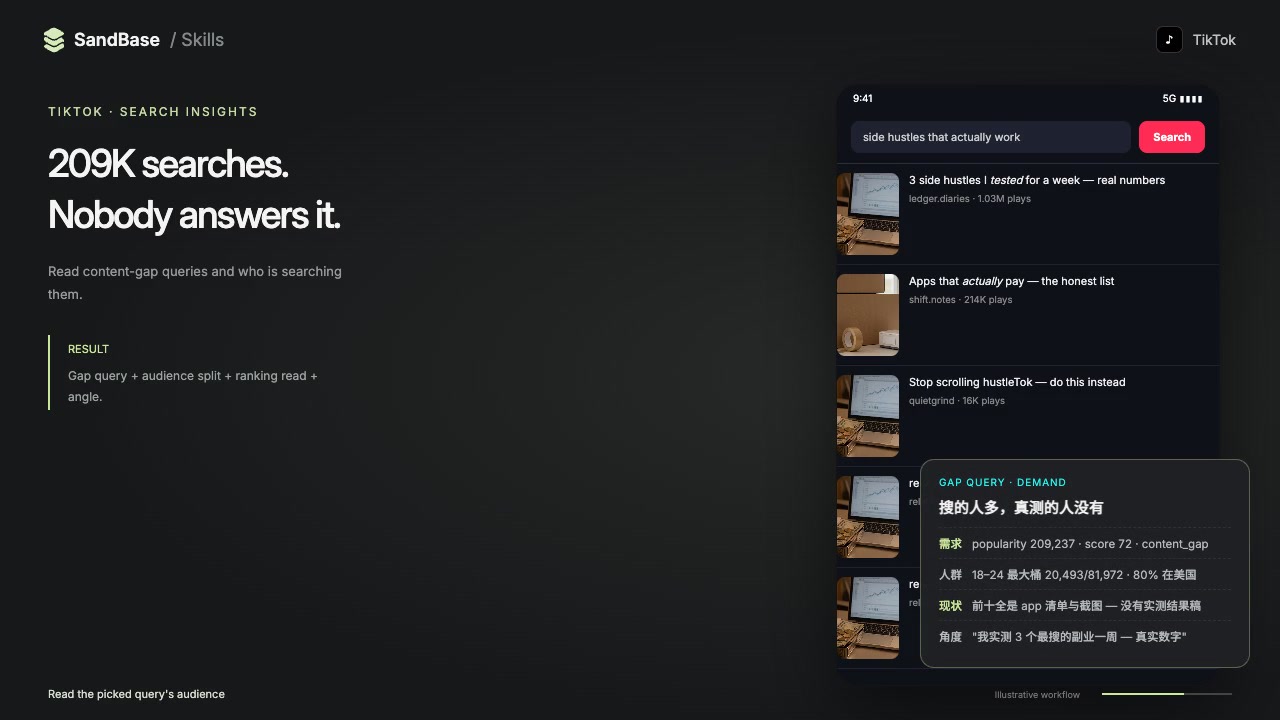
See what TikTok users actually search for — including the content-gap queries TikTok flags as under-served — before deciding what to make.
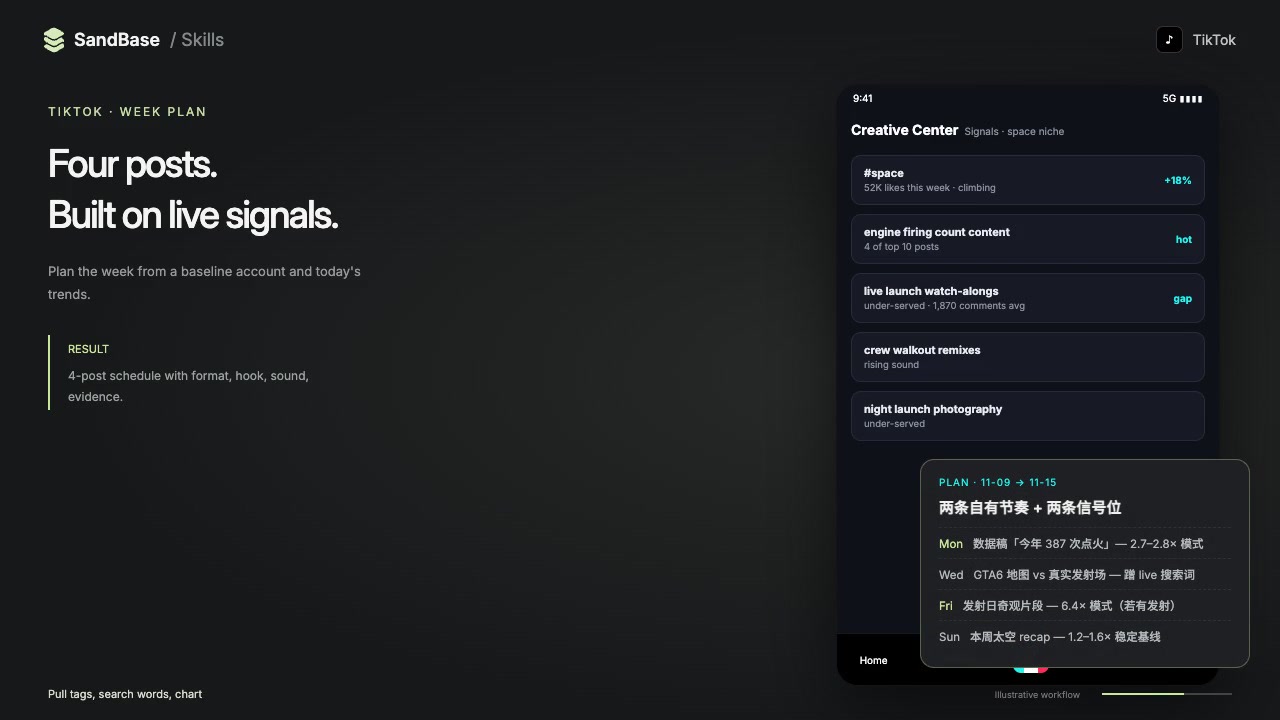
Build a dated one-week posting plan from live signals — your own numbers, this week's rising tags, live search words and the music chart — not generic advice.
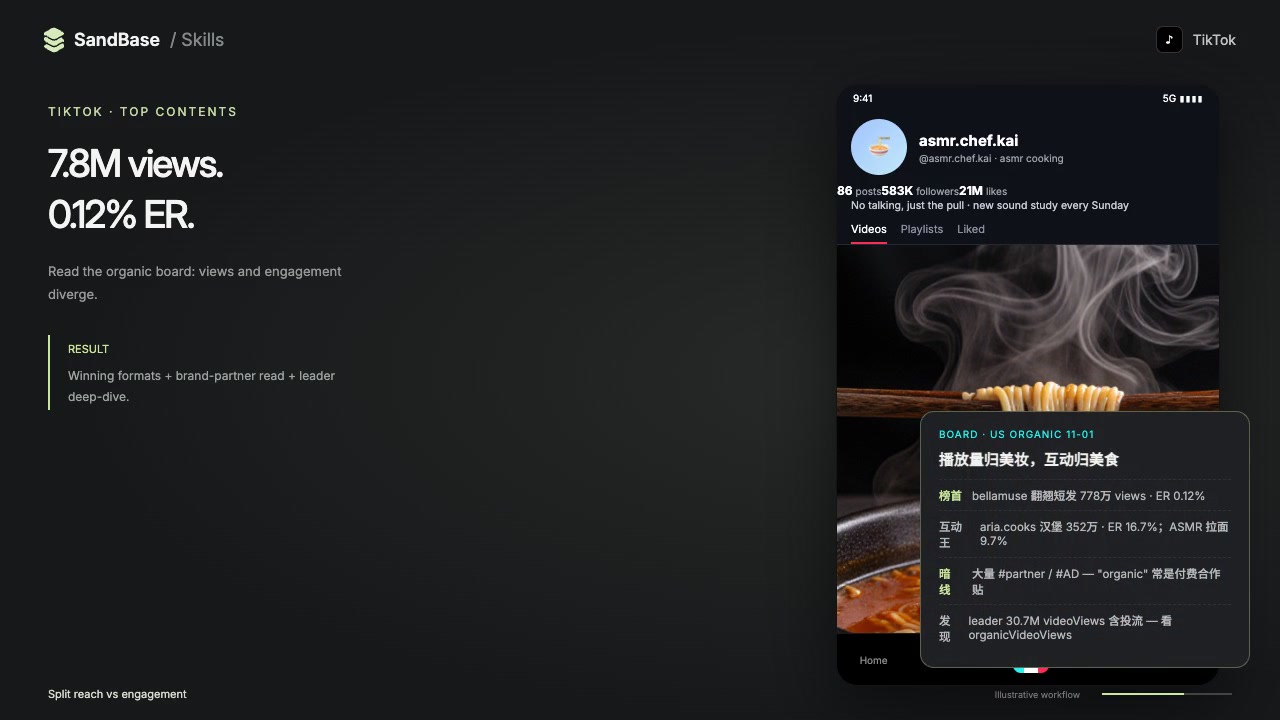
Read Creative Center's Top Contents — the organic videos winning by country and period, with organic views, engagement rate and industry, plus a leader's comments.
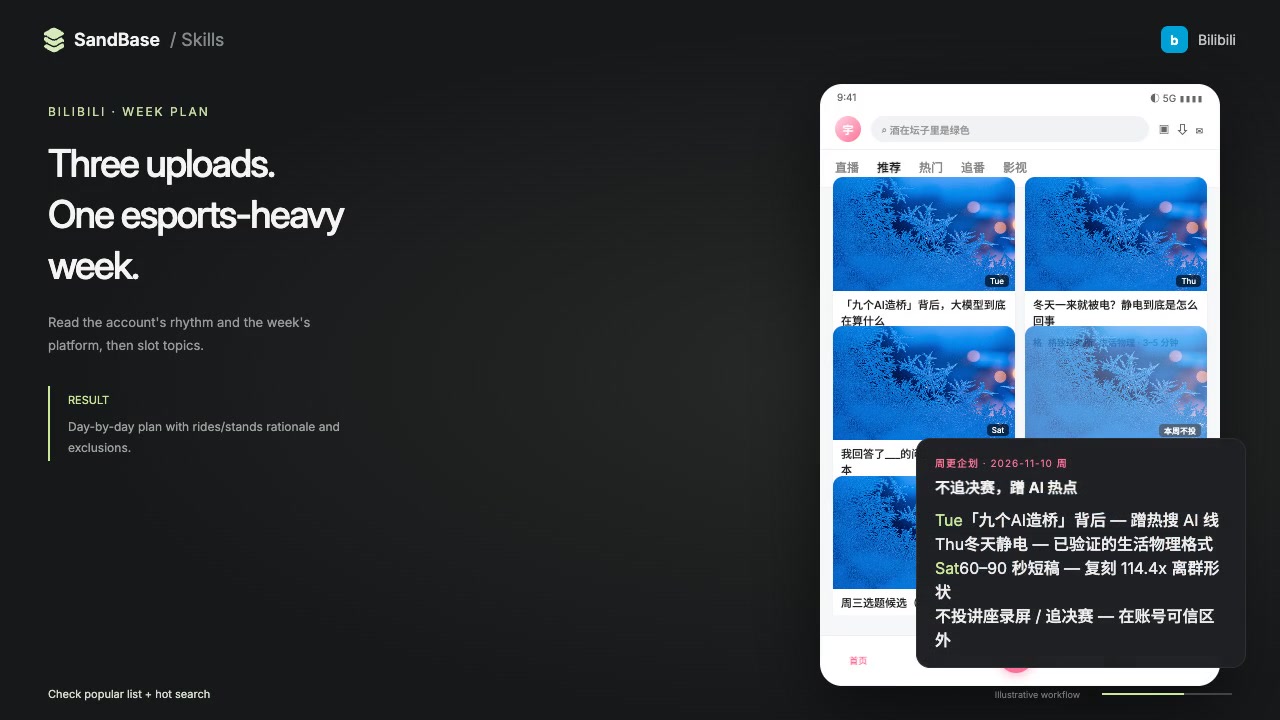
Plan one dated posting week for an uploader — their own rhythm and median, this week's popular list and hot search — instead of a generic content calendar.
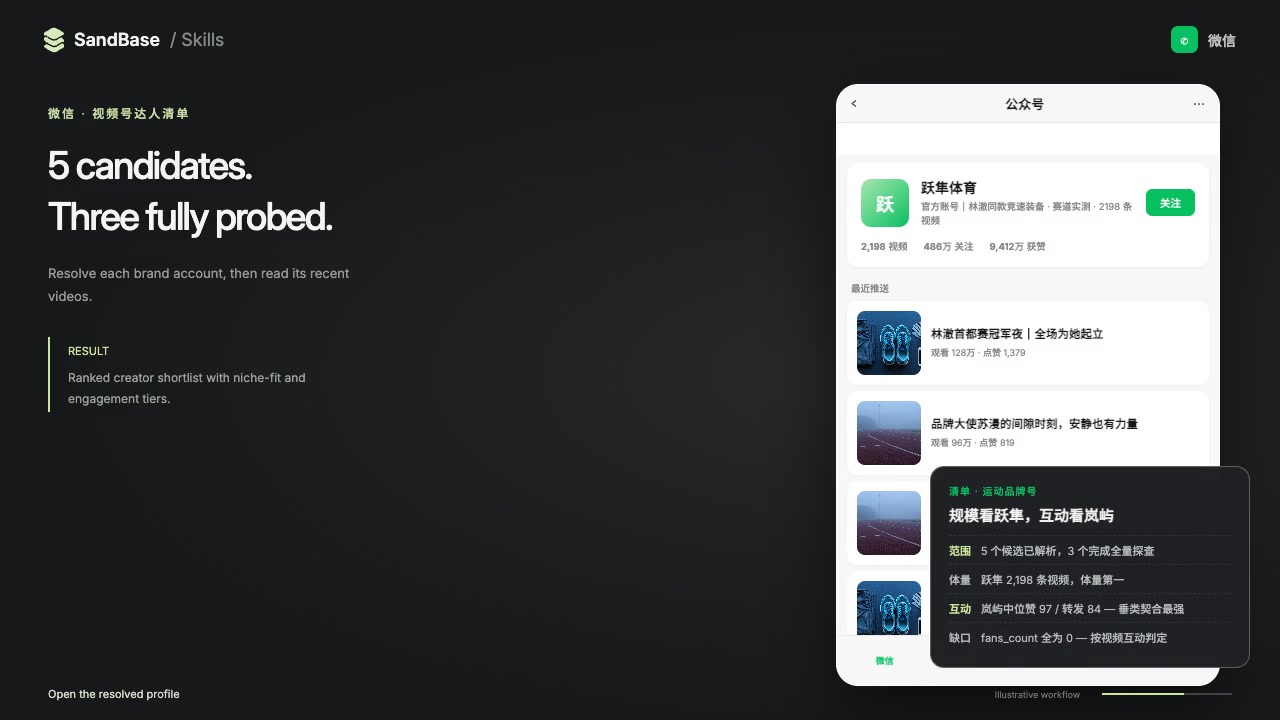
Rank 视频号 creators in a niche by real engagement evidence, with a collaboration angle for each — research only, no outreach.
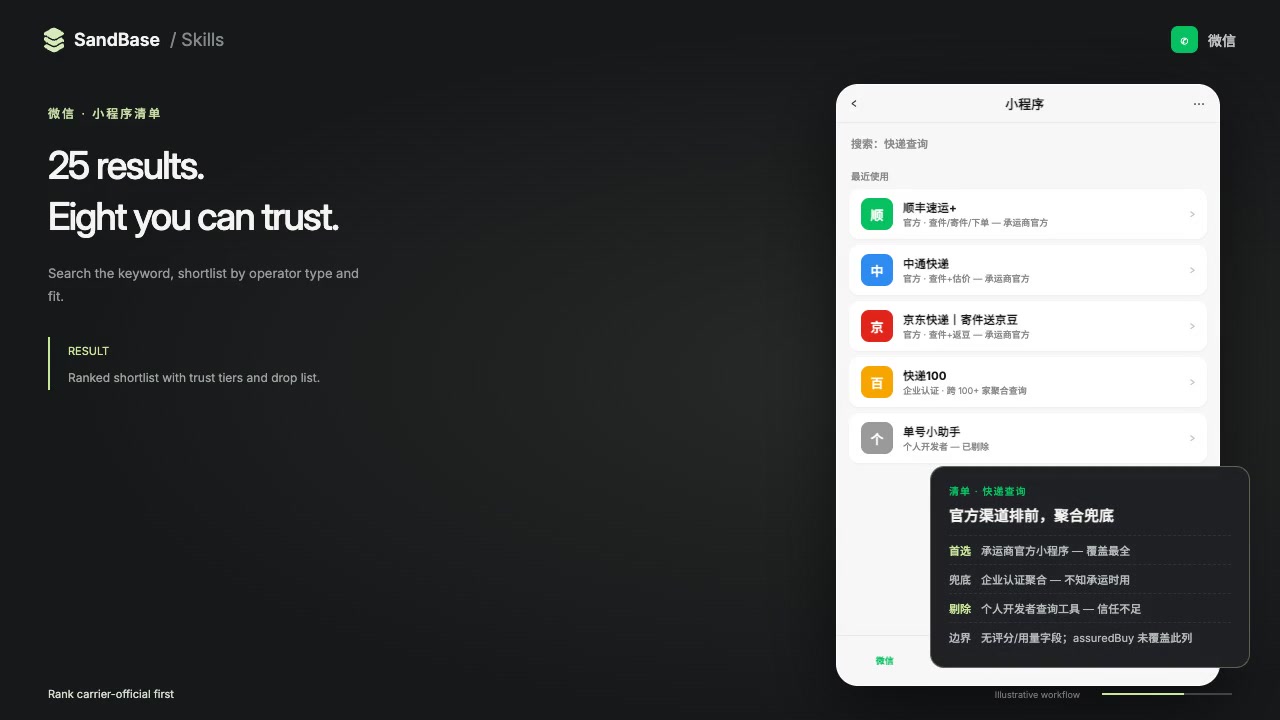
Find and rank 小程序 options for a task — official channels, verified operators and entry points, research only.
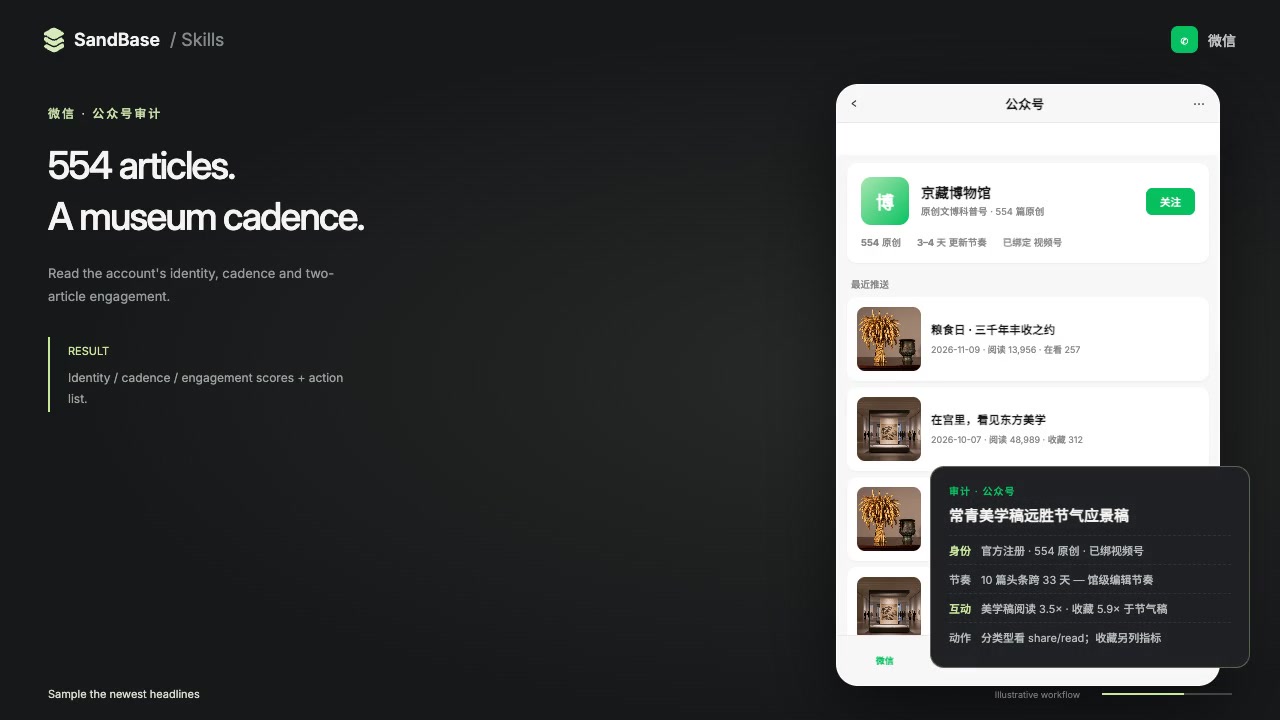
Score a 公众号 on identity, cadence and engagement, then get a diagnosis and a concrete action list.
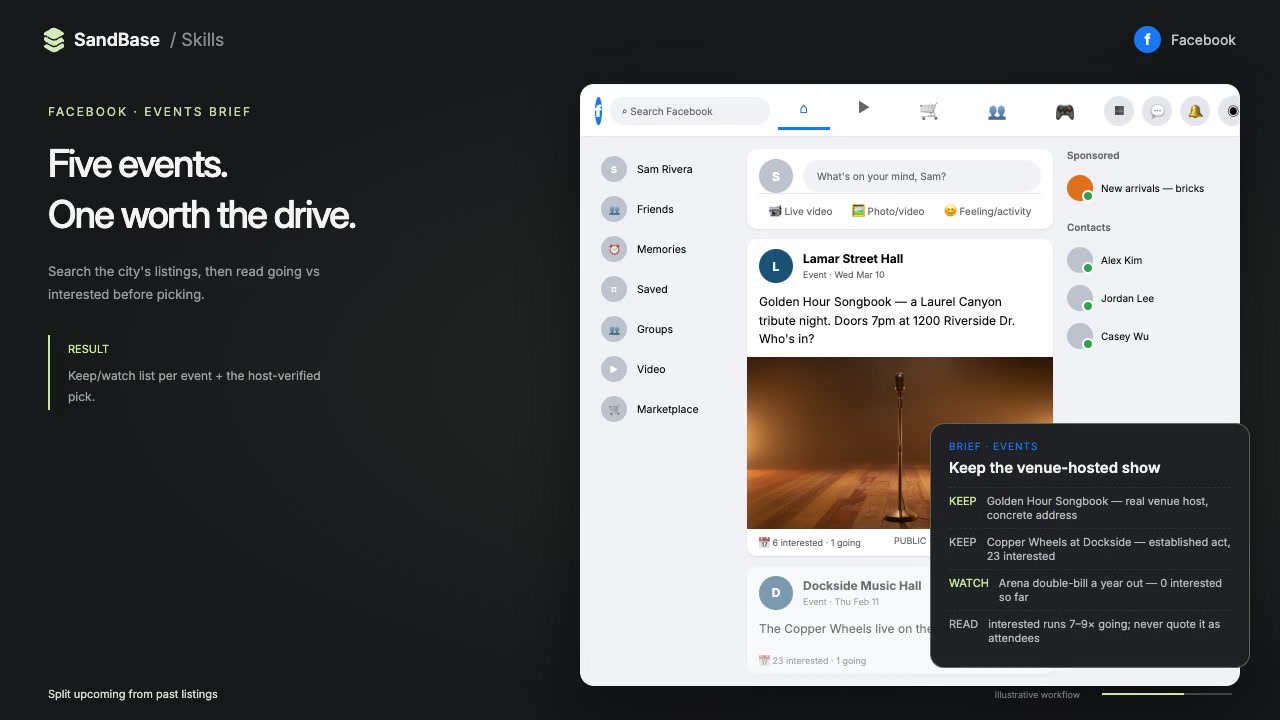
See which public Facebook events on a topic or in a place are coming up — and which are actually worth your time.
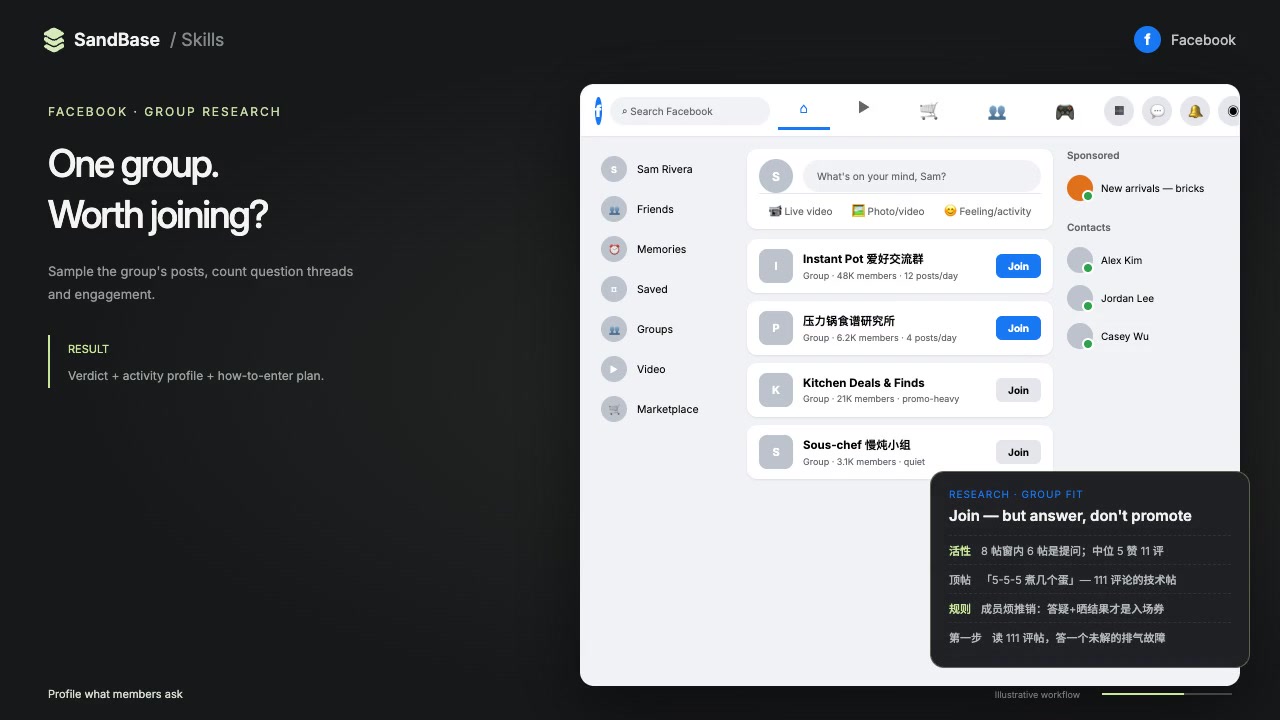
Decide whether a public Facebook Group is worth joining — how active it is, what members post and ask, and what it rewards.
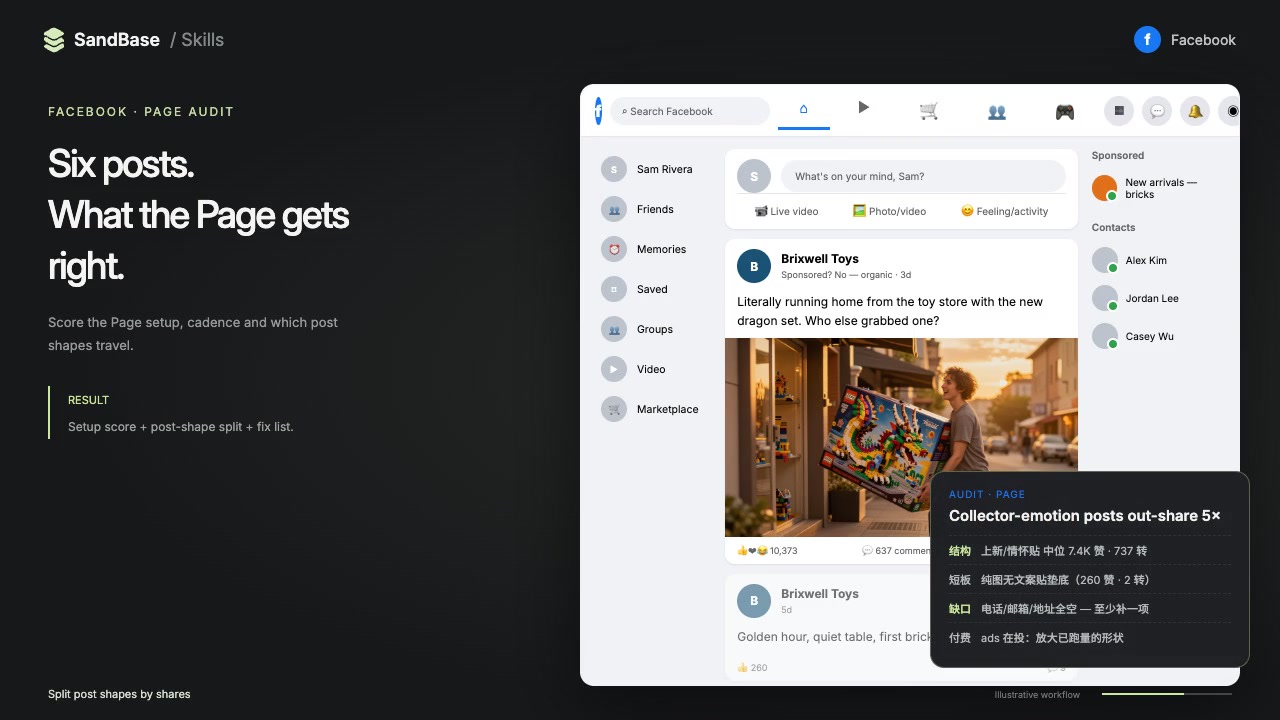
See how a Facebook Page is really doing — setup, posting rhythm, and which posts actually earn shares.
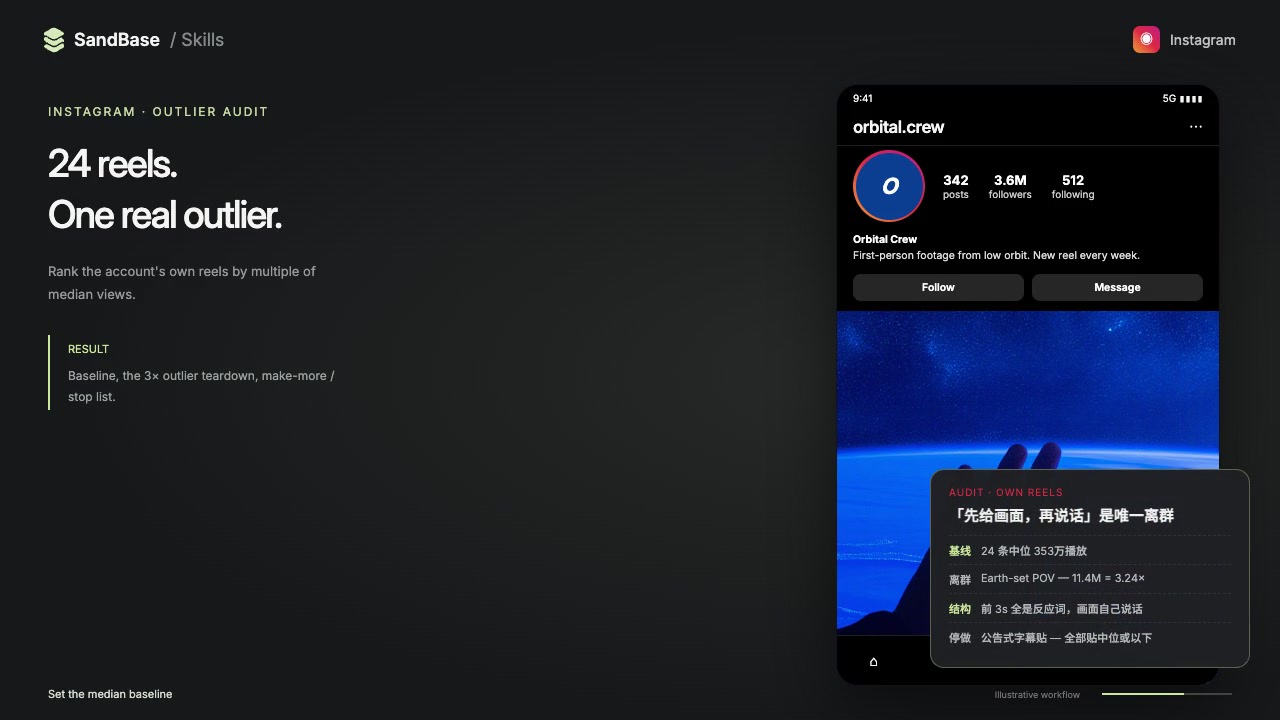
Audit one account's recent Reels against its own median views — which were real hits, why, and what to copy — with per-view engagement context. Reels only.
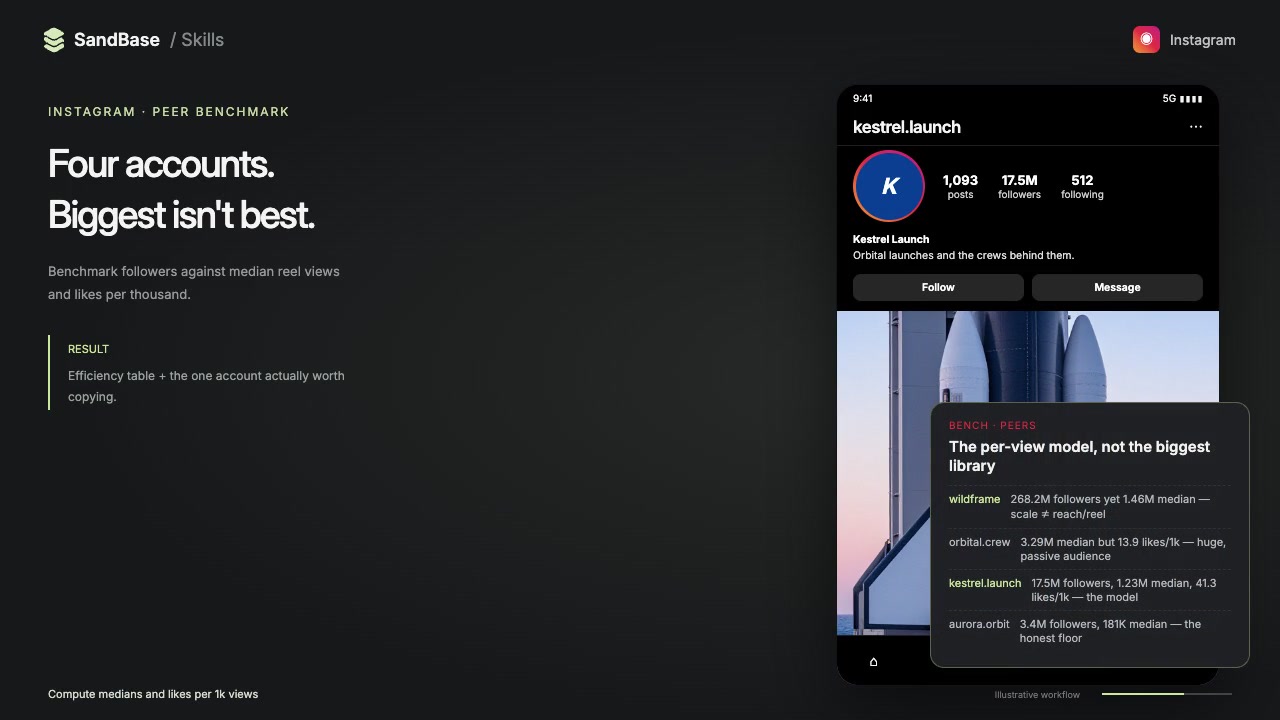
Put two to four Instagram accounts side by side in one table — followers, volume, Reel median views and per-view engagement — to see who is actually worth benchmarking.
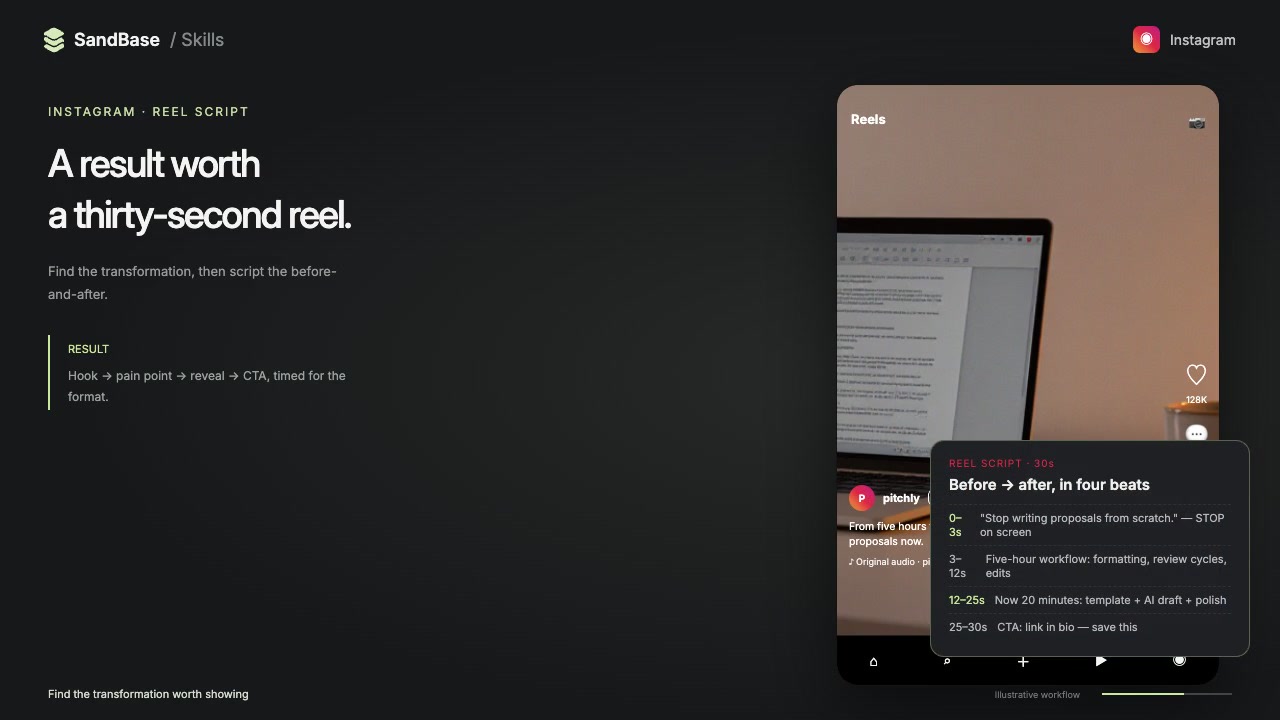
Write a complete, shootable Reel script — ranked hooks, spoken lines, on-screen text and a timed beat sheet — calibrated to what works in the niche's live Reels.
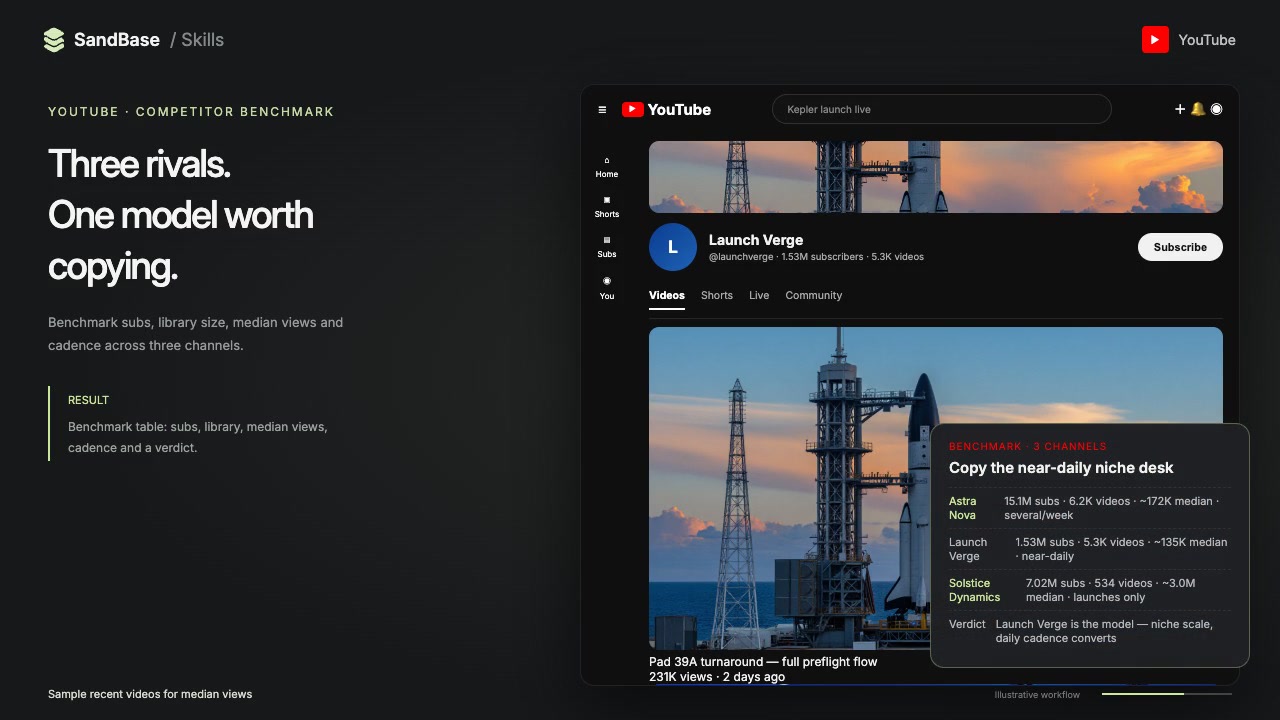
Put 2–4 channels side by side — subscribers, cadence, recent views and best formats — in one comparison table.
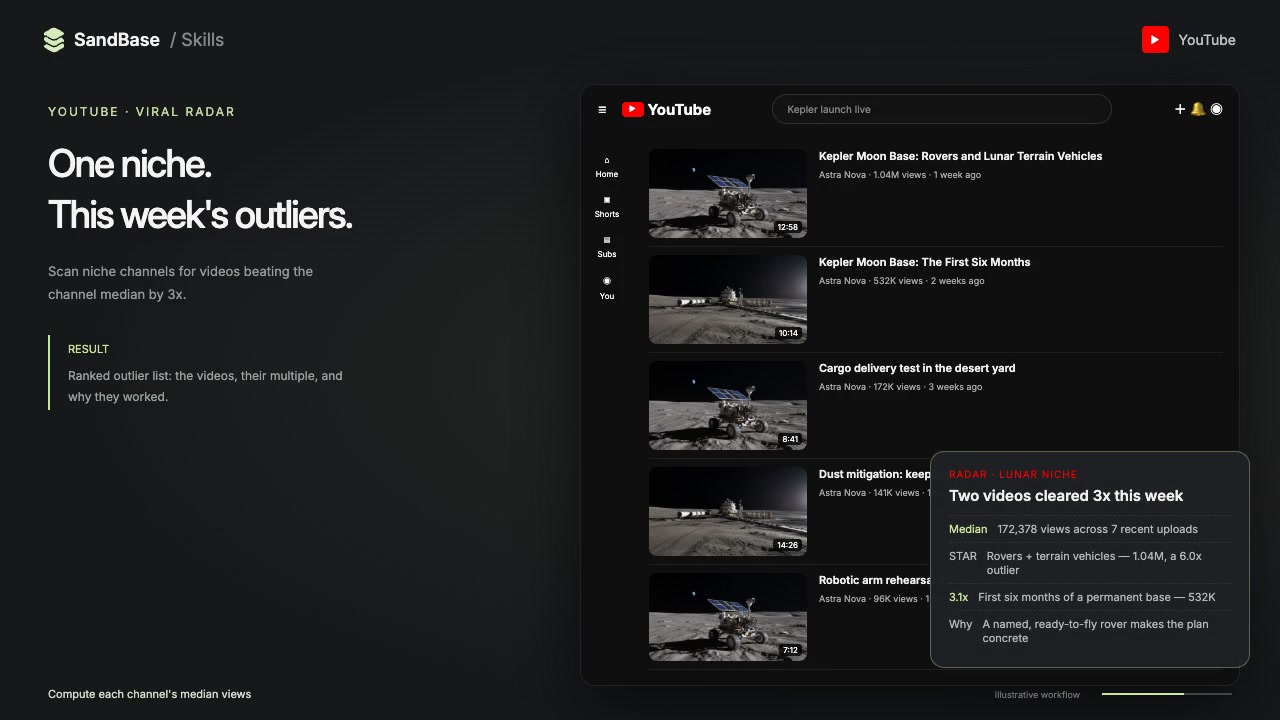
See which ideas are actually beating each channel's normal in your niche this week — not just raw view counts.
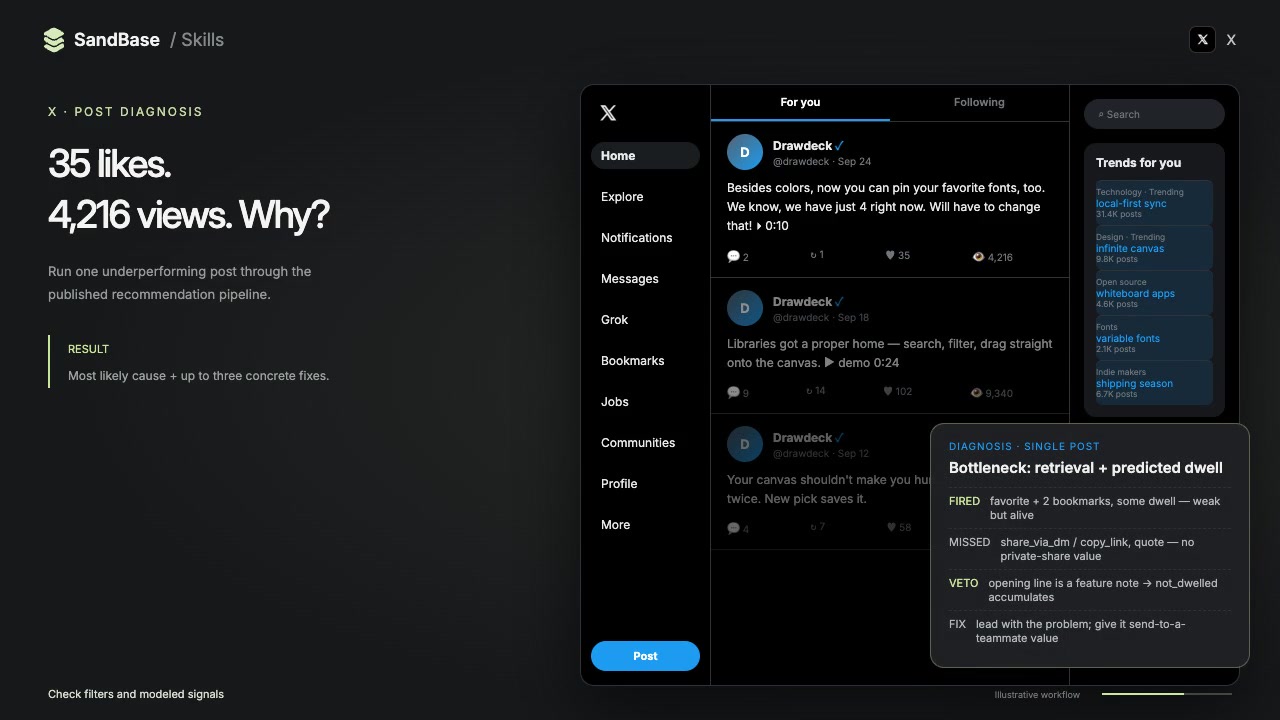
A post that didn't take off needs a structural reason, not a guess about the algorithm.
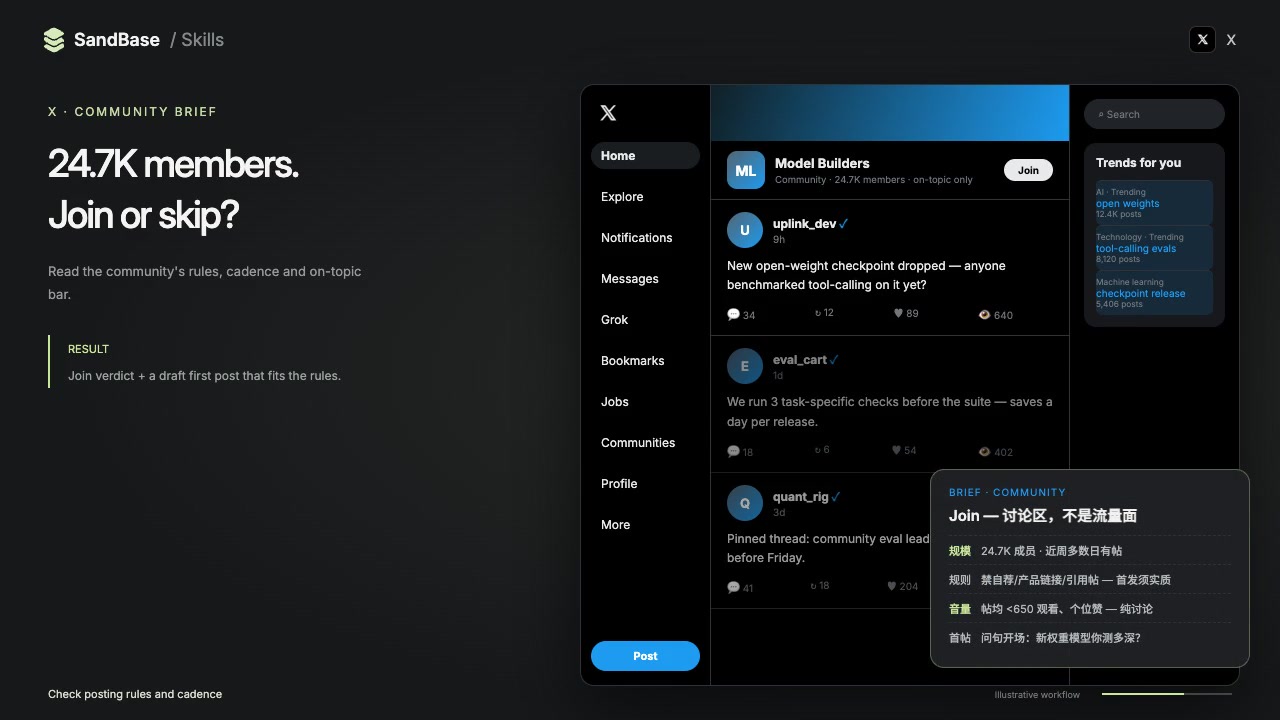
X Communities are a real channel, but you can't tell which are active or worth joining without reading them.
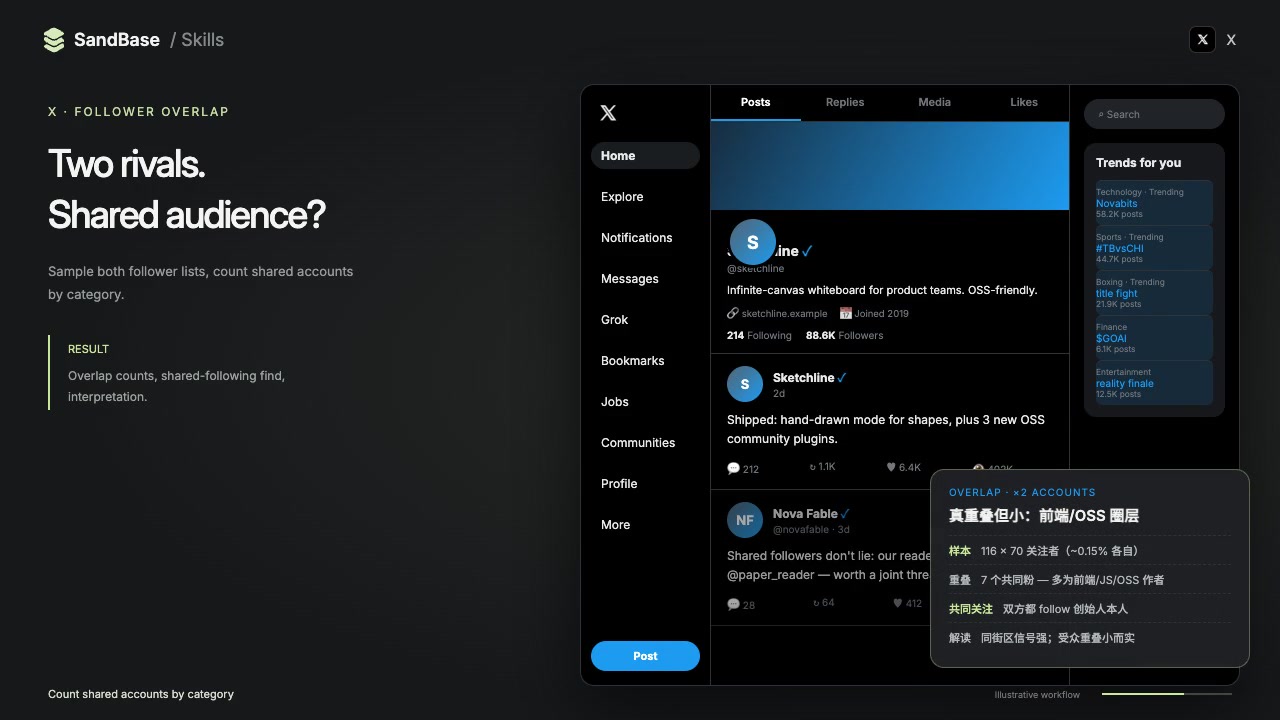
Whether two accounts share an audience is a guess until you compare their followers.
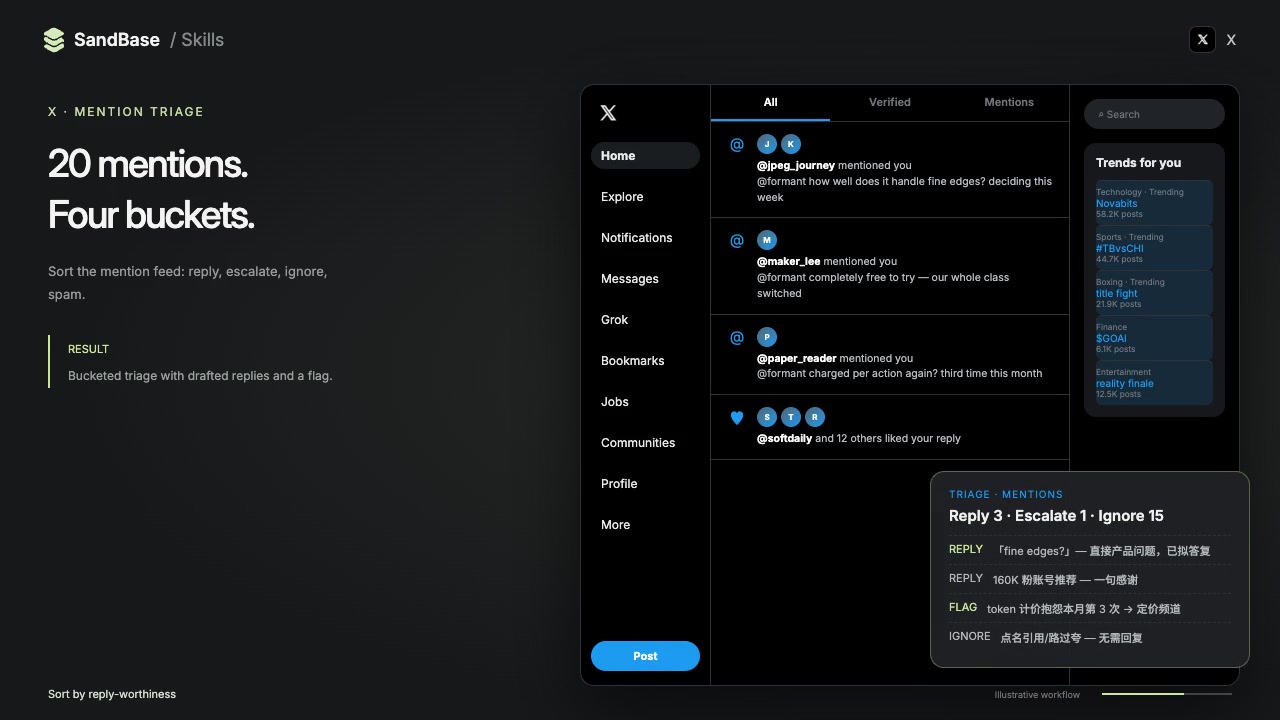
Incoming @-mentions are a mixed bag — some need a reply, most don't, a few need escalating.
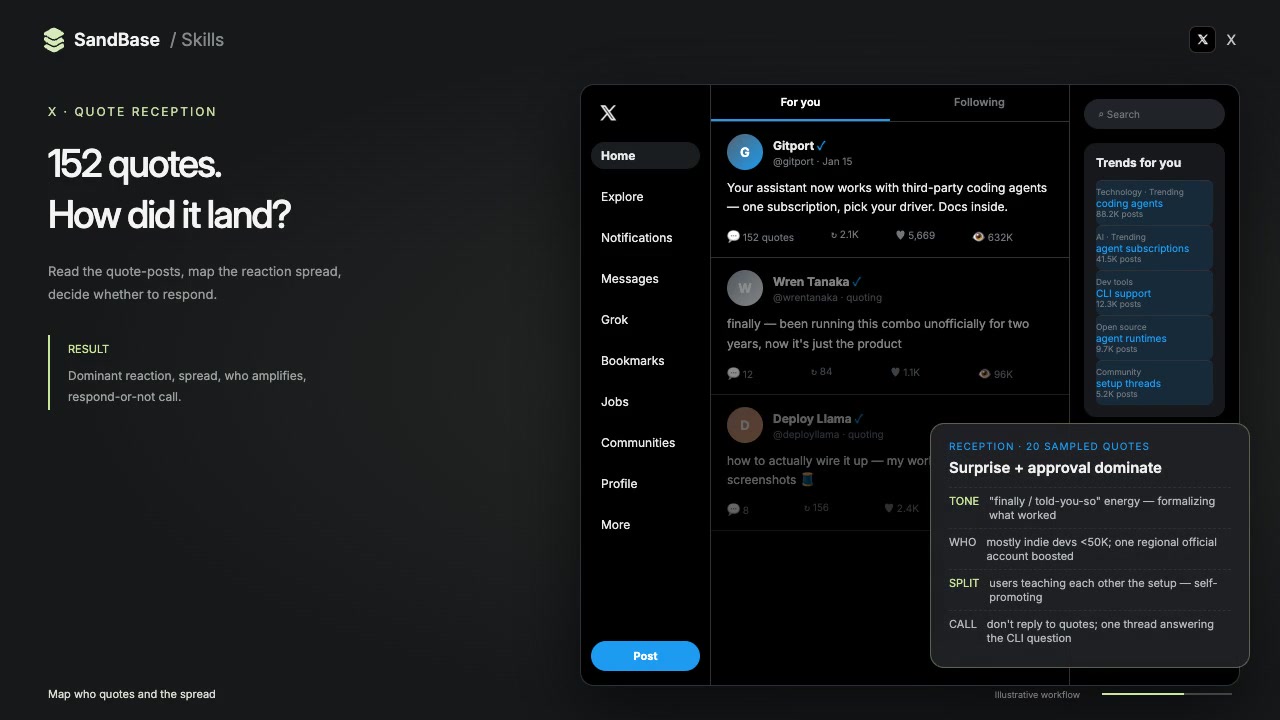
When a post gets quoted a lot you can't tell at a glance whether it's being praised or mocked.
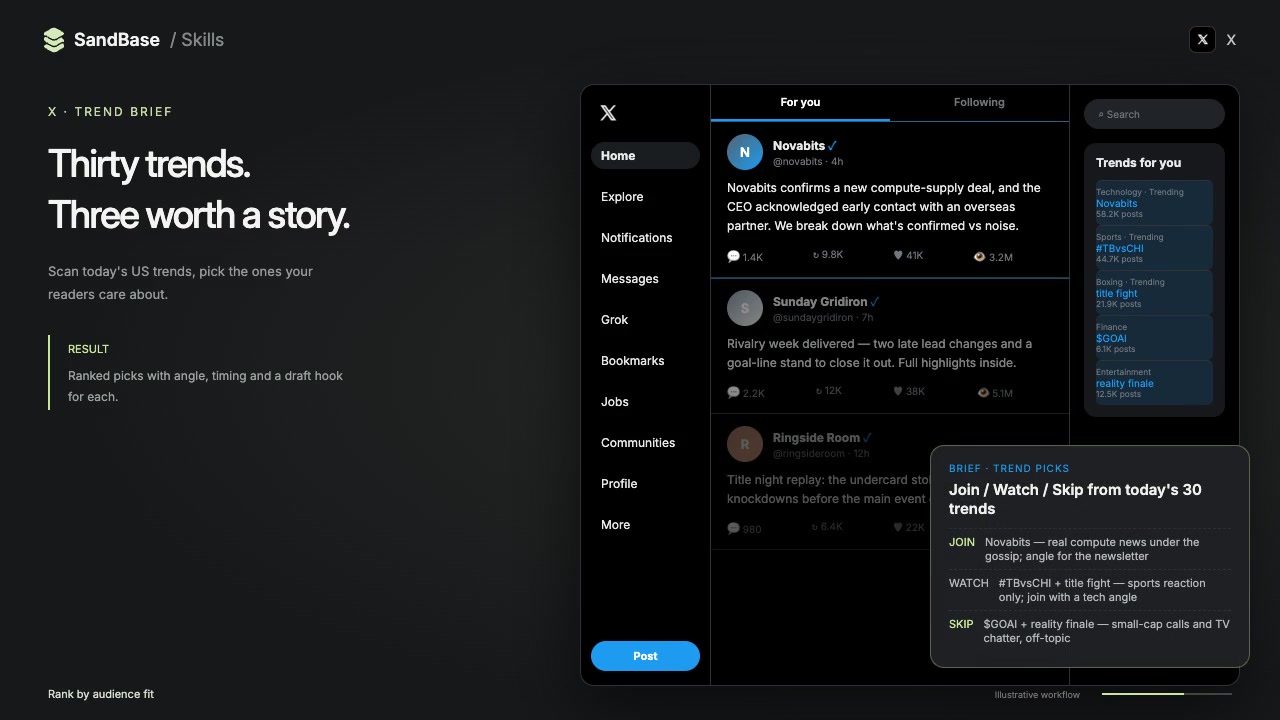
Deciding which of today's X trends is actually worth a post takes opening each one.
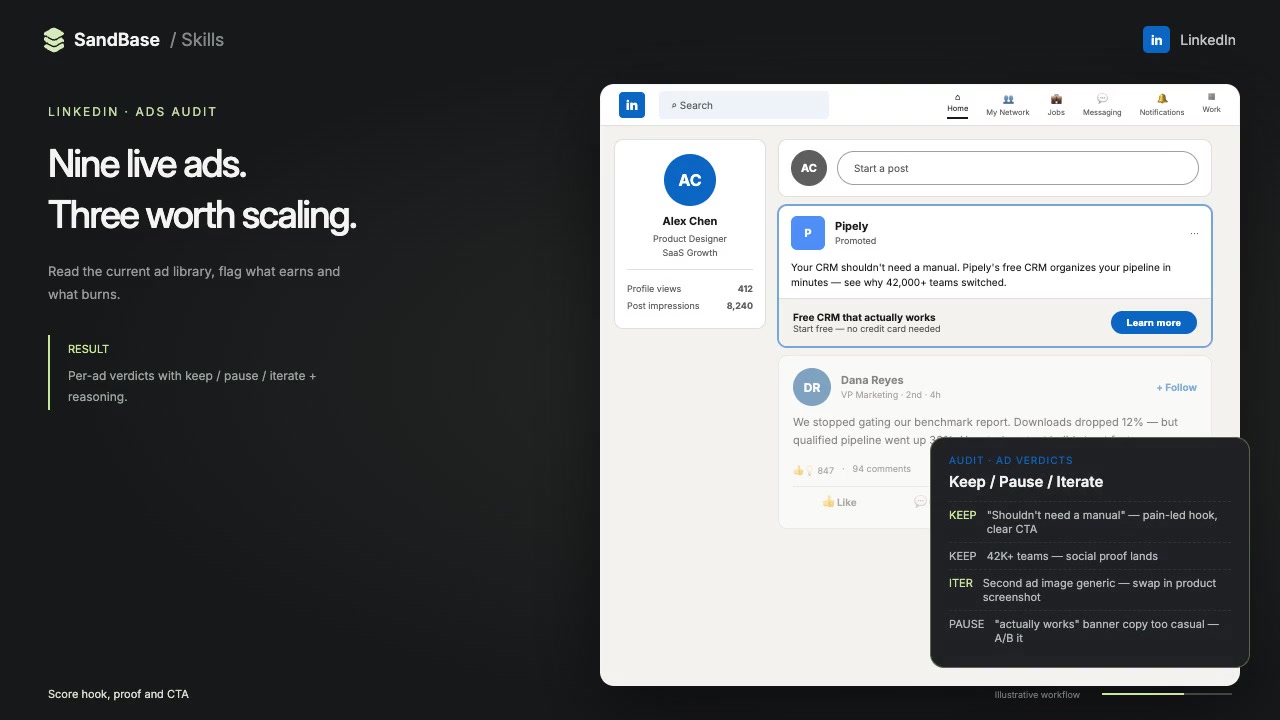
Read what an advertiser is really running on LinkedIn — the creative copy, formats, CTAs and landing pages — and sharpen the creative.
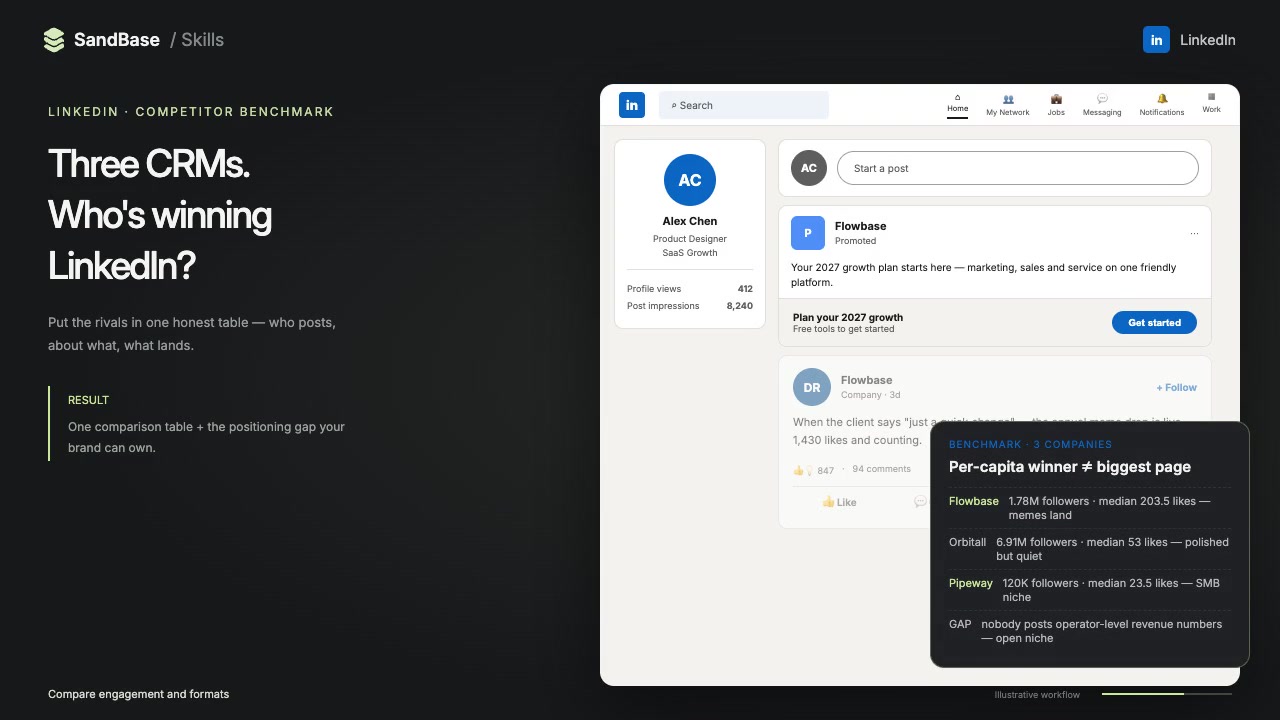
See who is actually winning on LinkedIn among 2–4 rivals — posting cadence, themes, formats and engagement — and where the gap is.
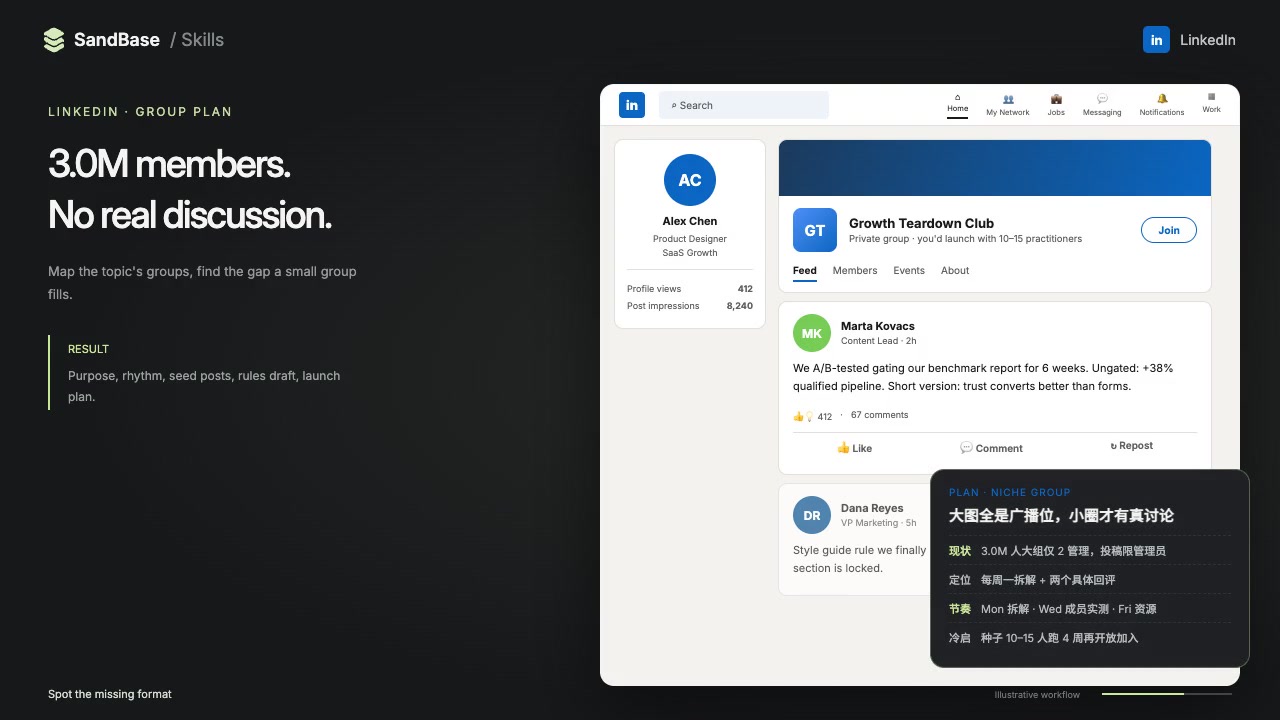
Plan a LinkedIn Group on real landscape data — what competing groups exist, how active they are, what their rules look like — then design around the gap.
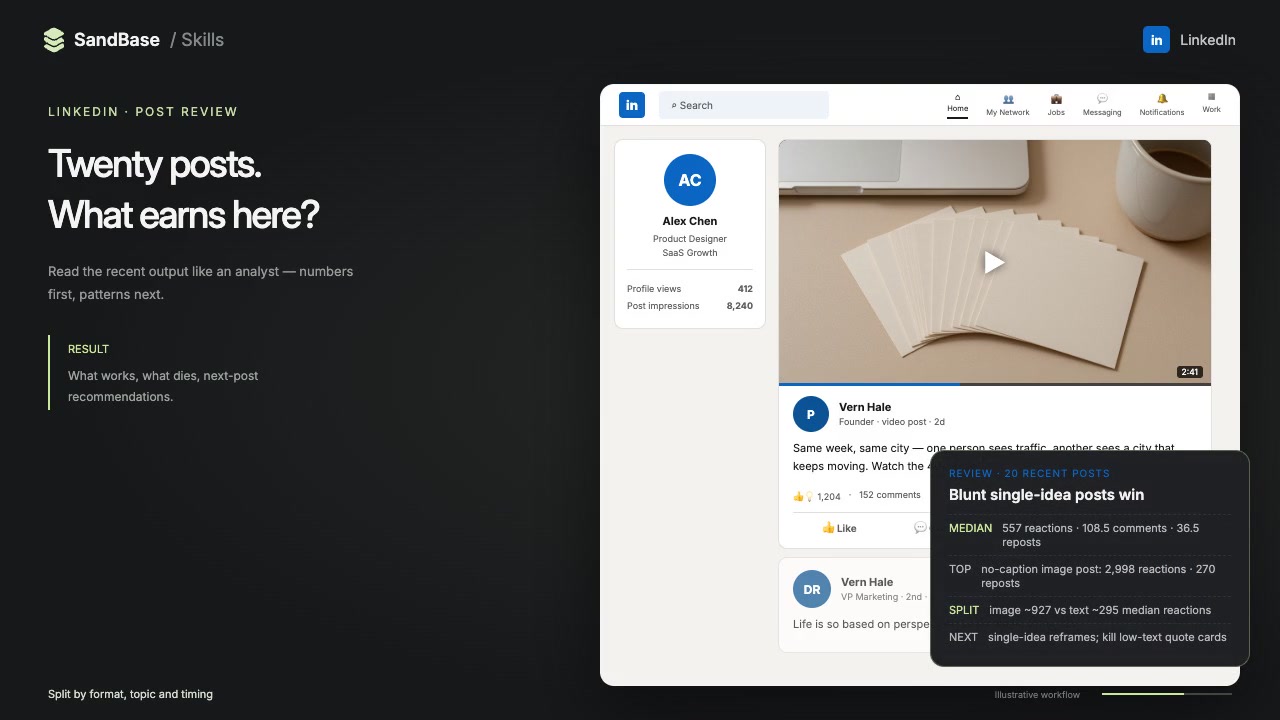
Read what your LinkedIn posts actually did — which formats and topics landed, which flopped — and what to post more of.
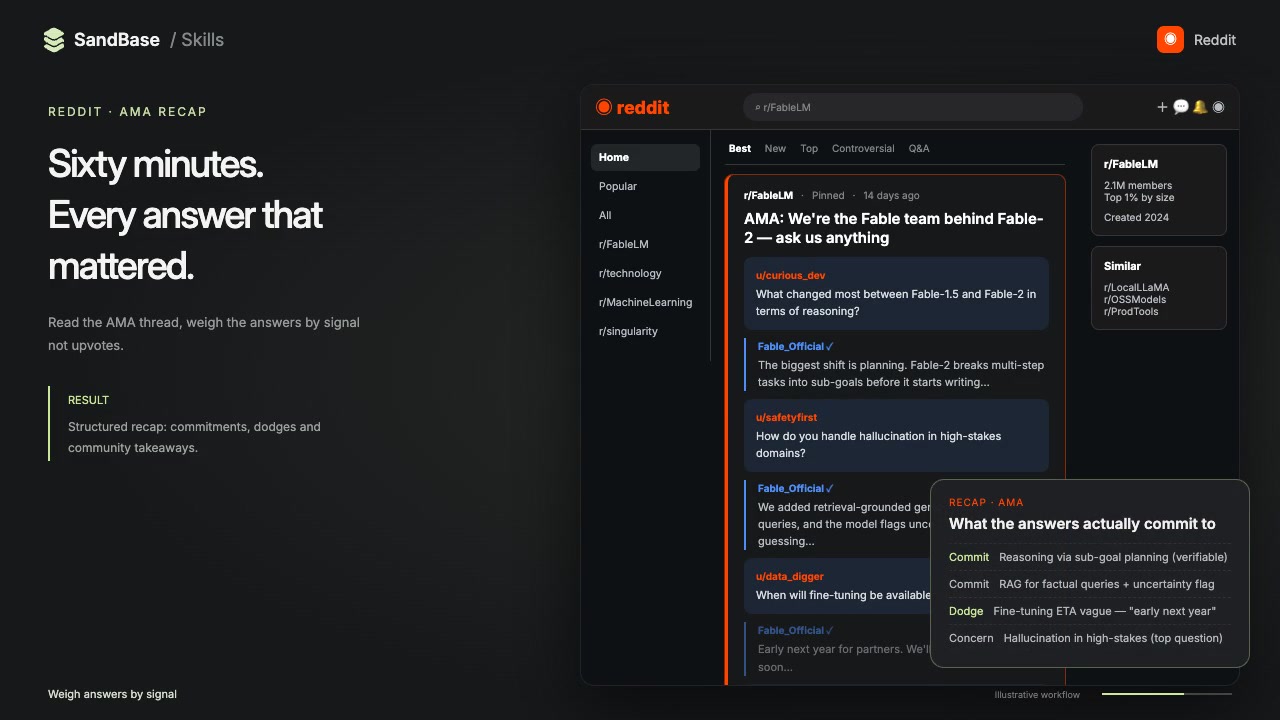
Review a finished AMA: what was asked, what got answered, and what to do differently next time.
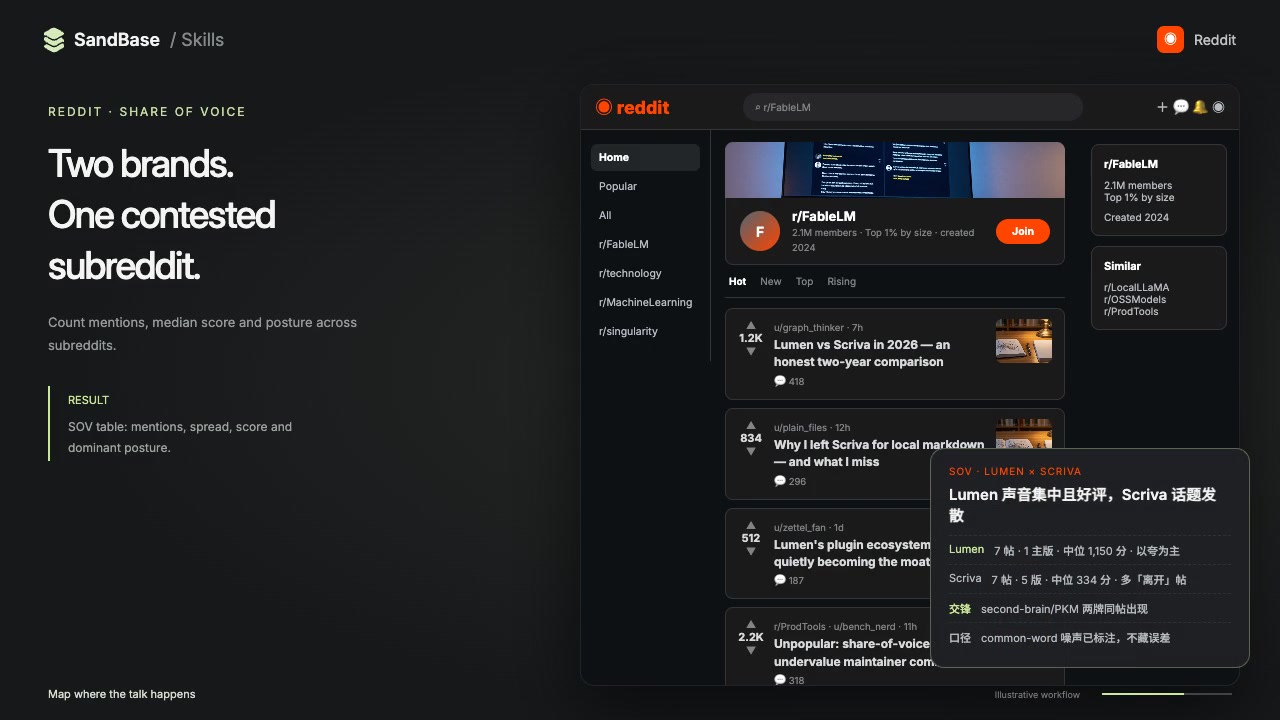
Compare how 2–4 rival brands are talked about on Reddit — who is mentioned more, and how.
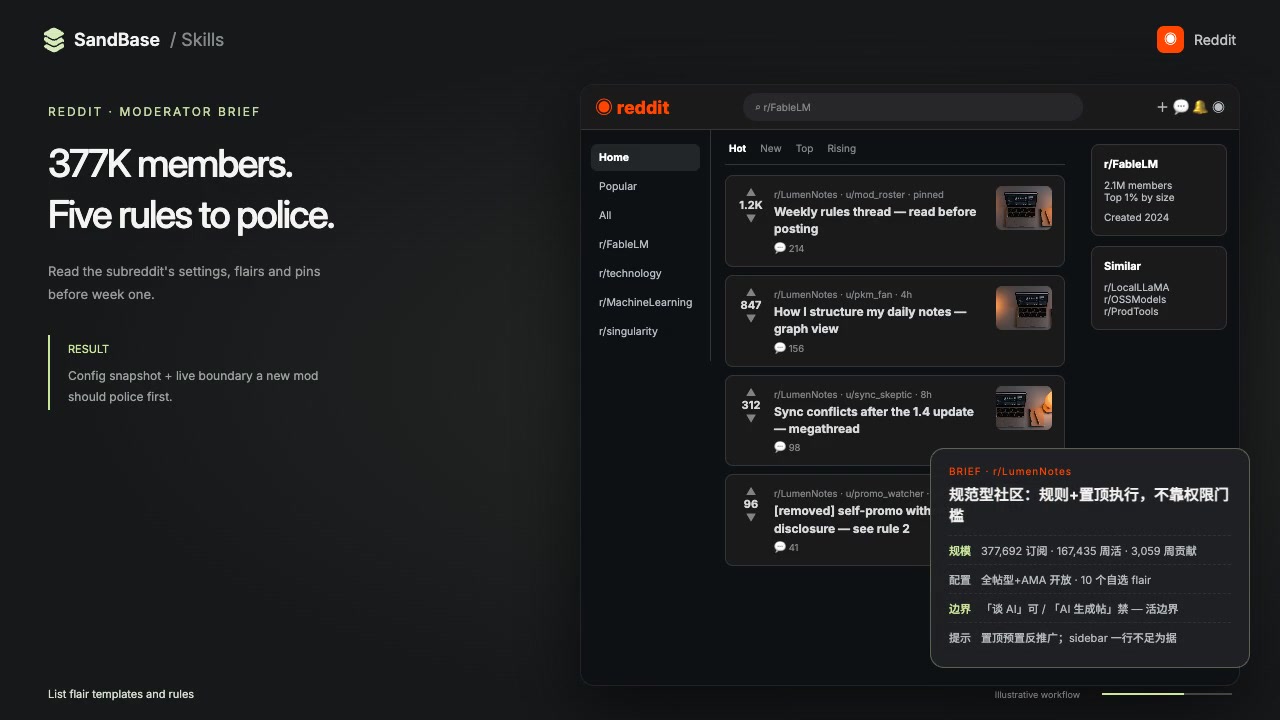
Give a new mod or community owner a one-run read of a subreddit's configuration and pulse.
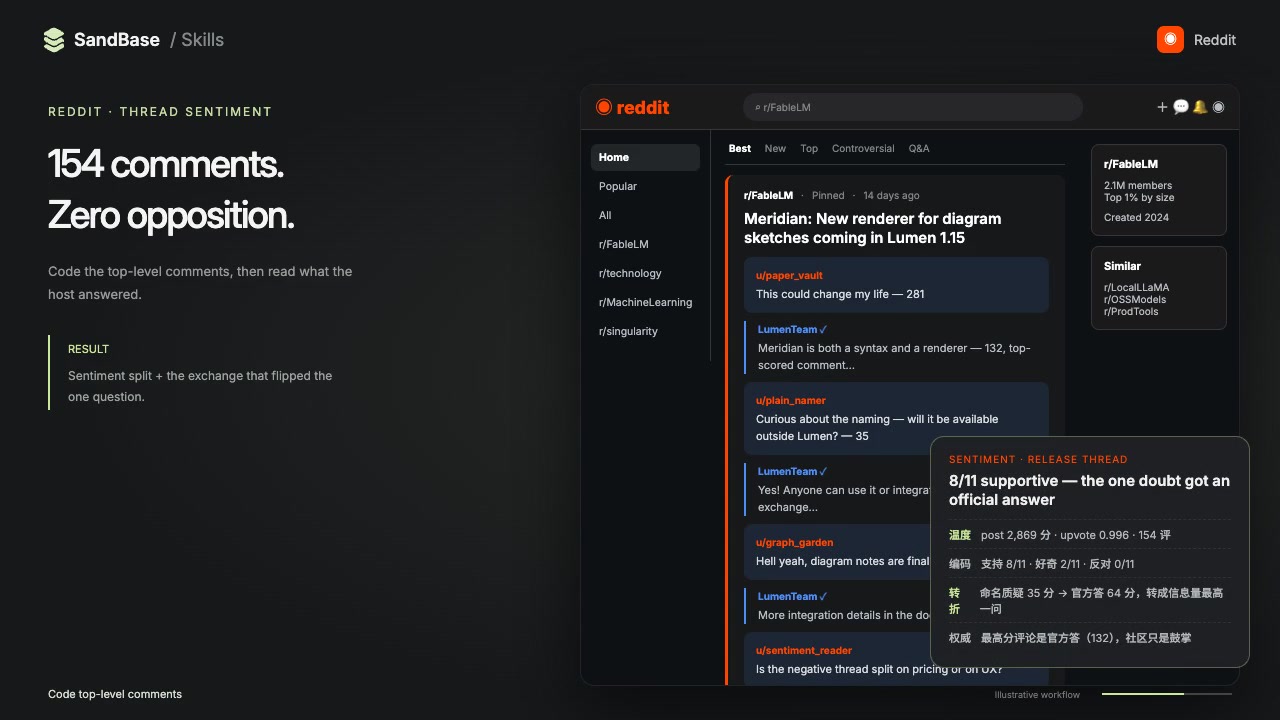
Read how a community actually received one post — the split, the turns, the exchanges that mattered.
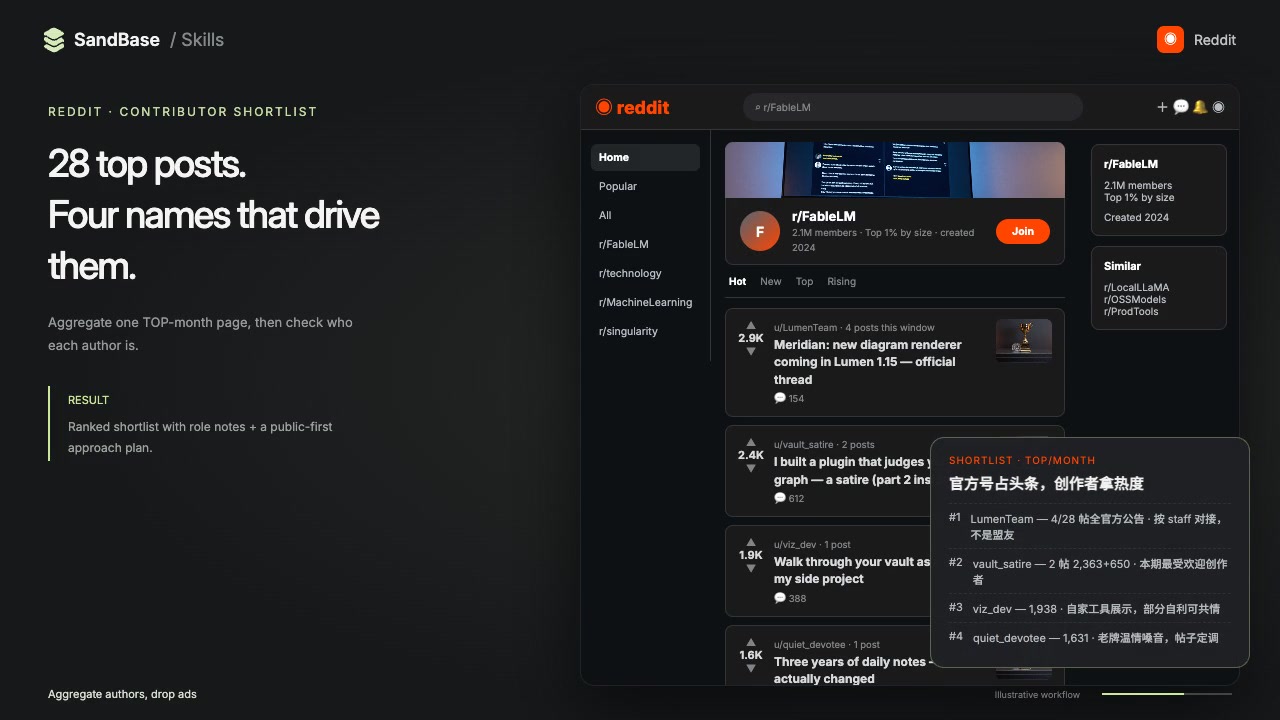
Find who actually drives a subreddit and who is worth engaging first.
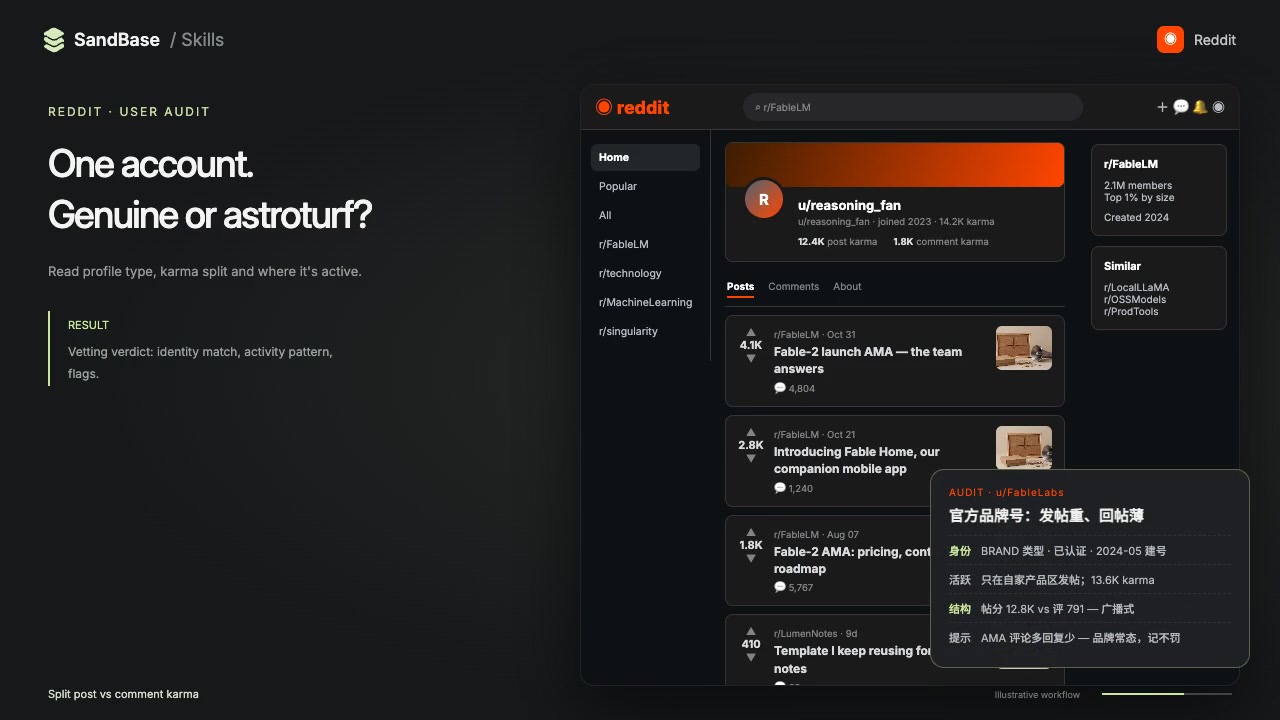
Vet a public Reddit account before outreach, a partnership or an AMA.
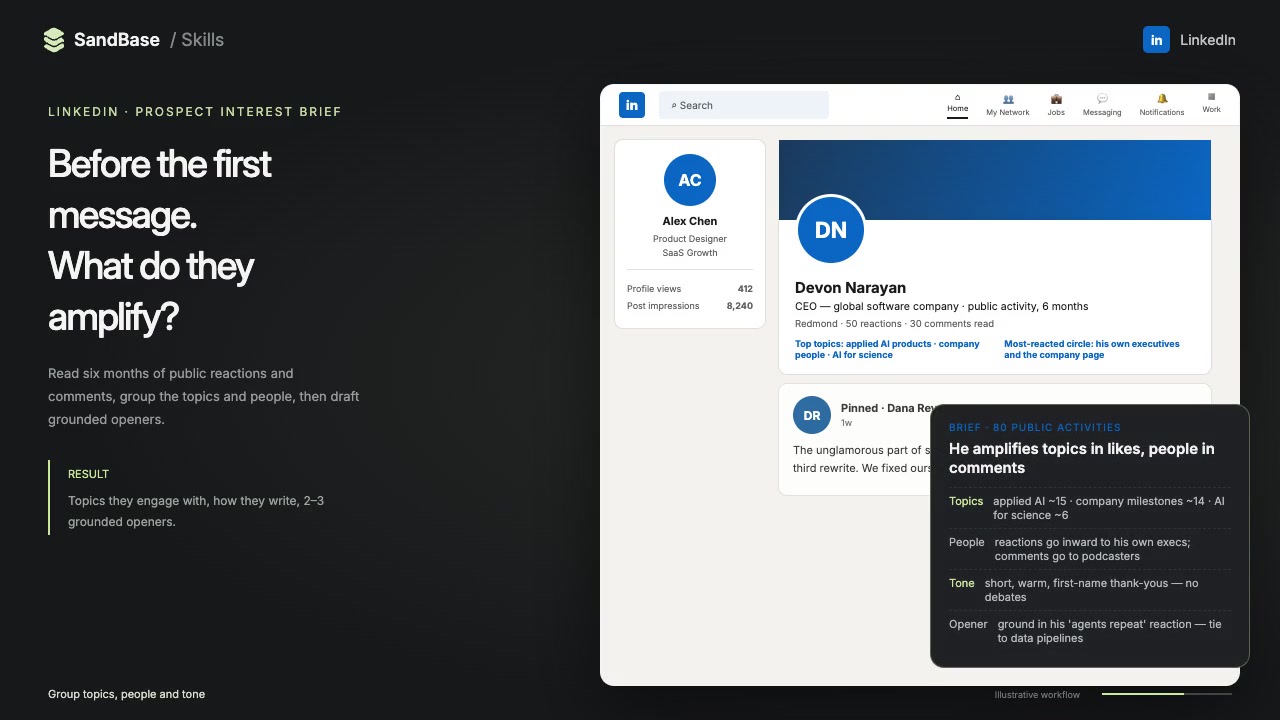
Know what a prospect cares about before your first LinkedIn message.
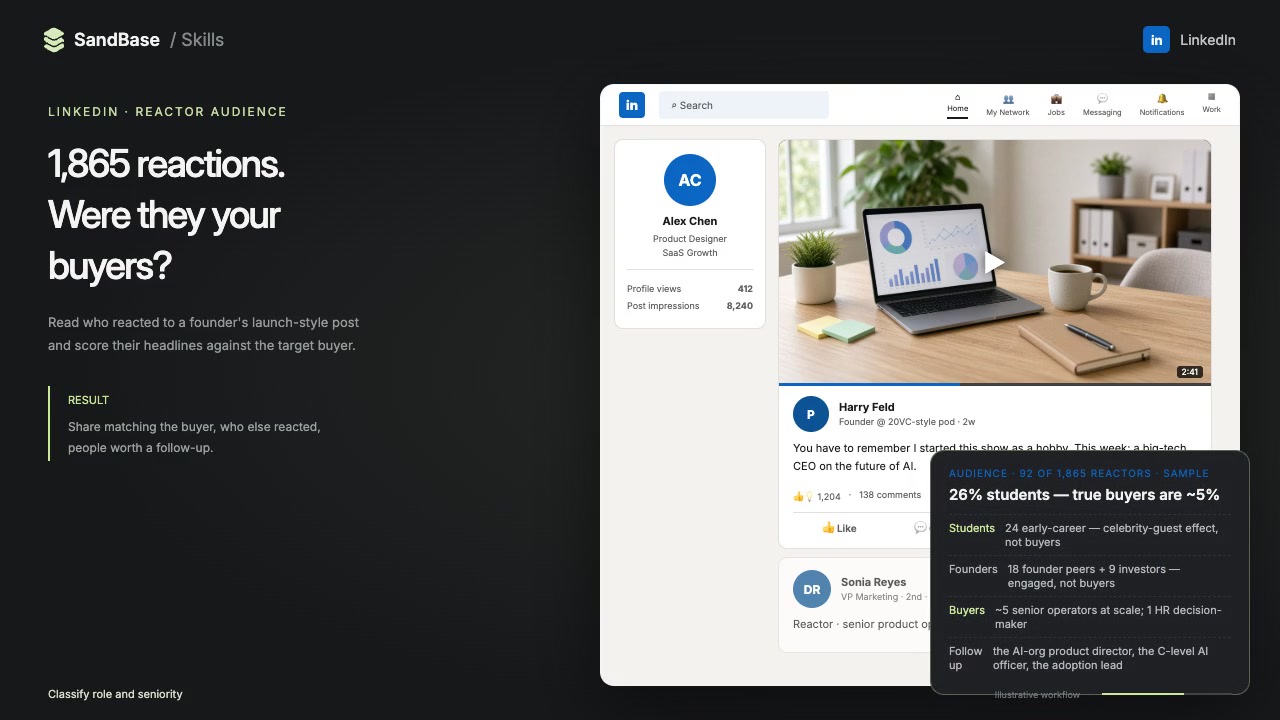
See whether a LinkedIn post's reactions came from your target buyers.
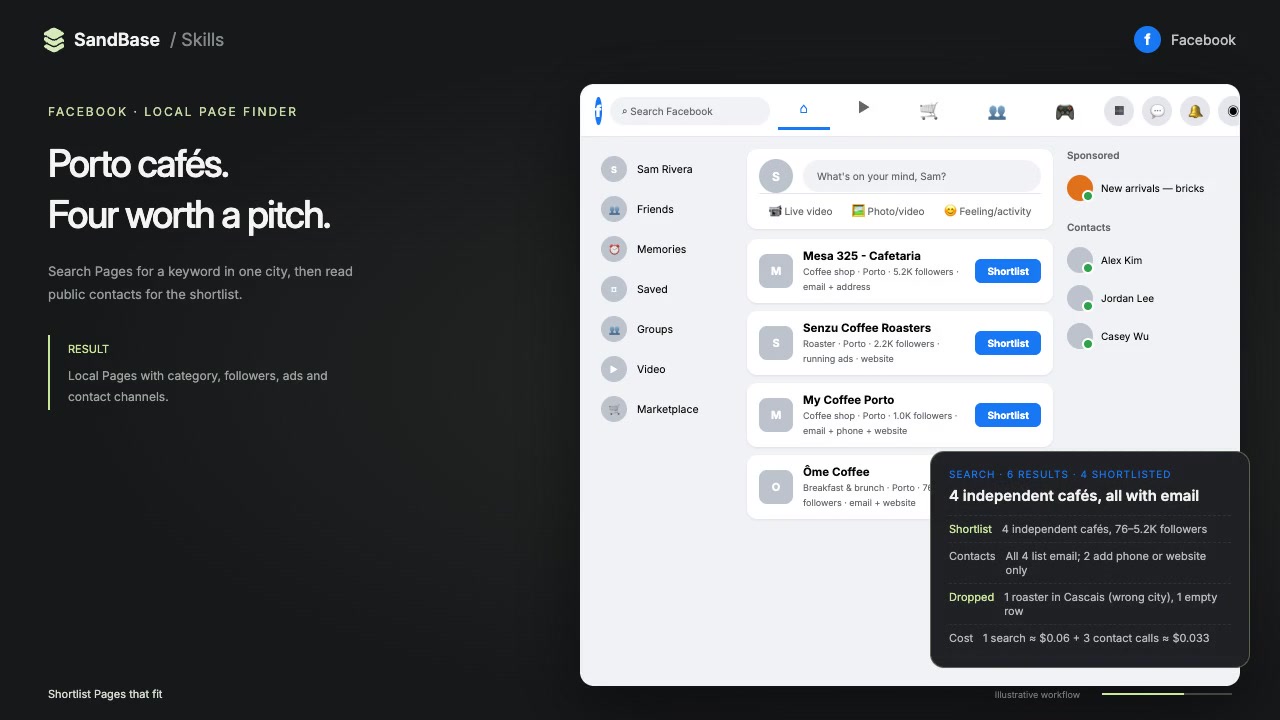
Build a local partner or outreach list from Facebook Pages.
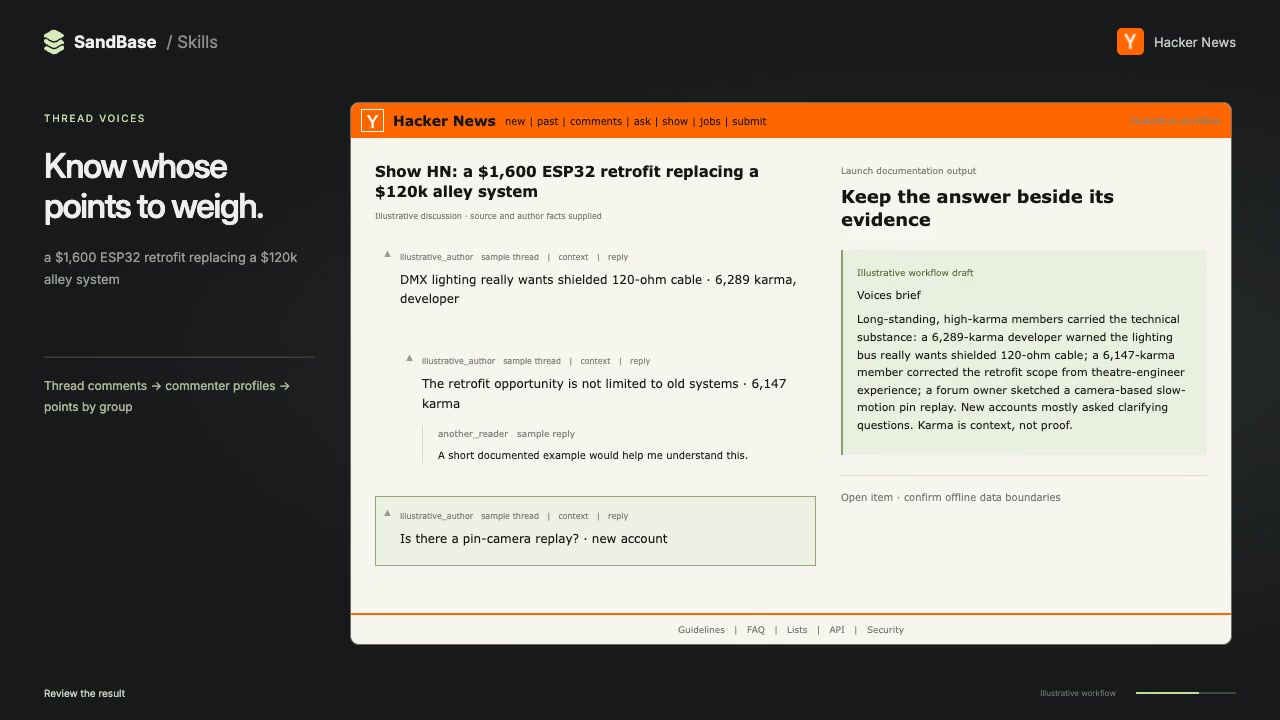
See who is behind the comments in a Hacker News thread.
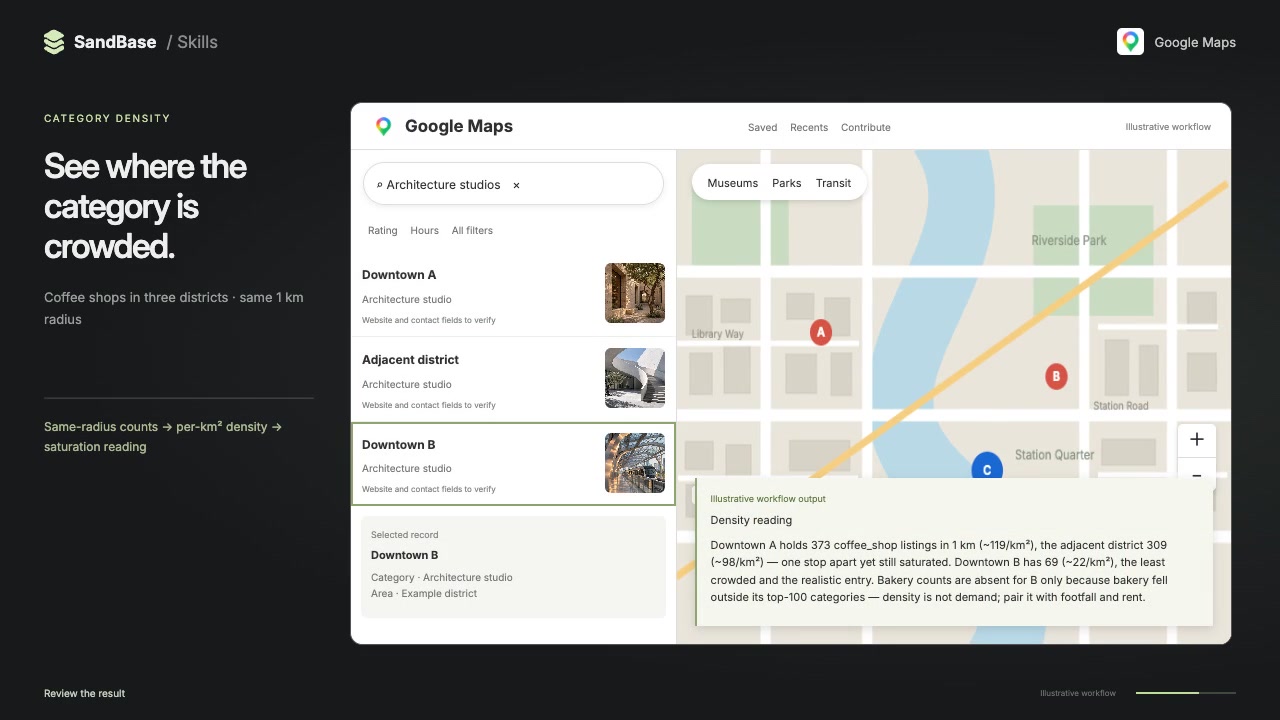
See how crowded a business category is across a few areas.
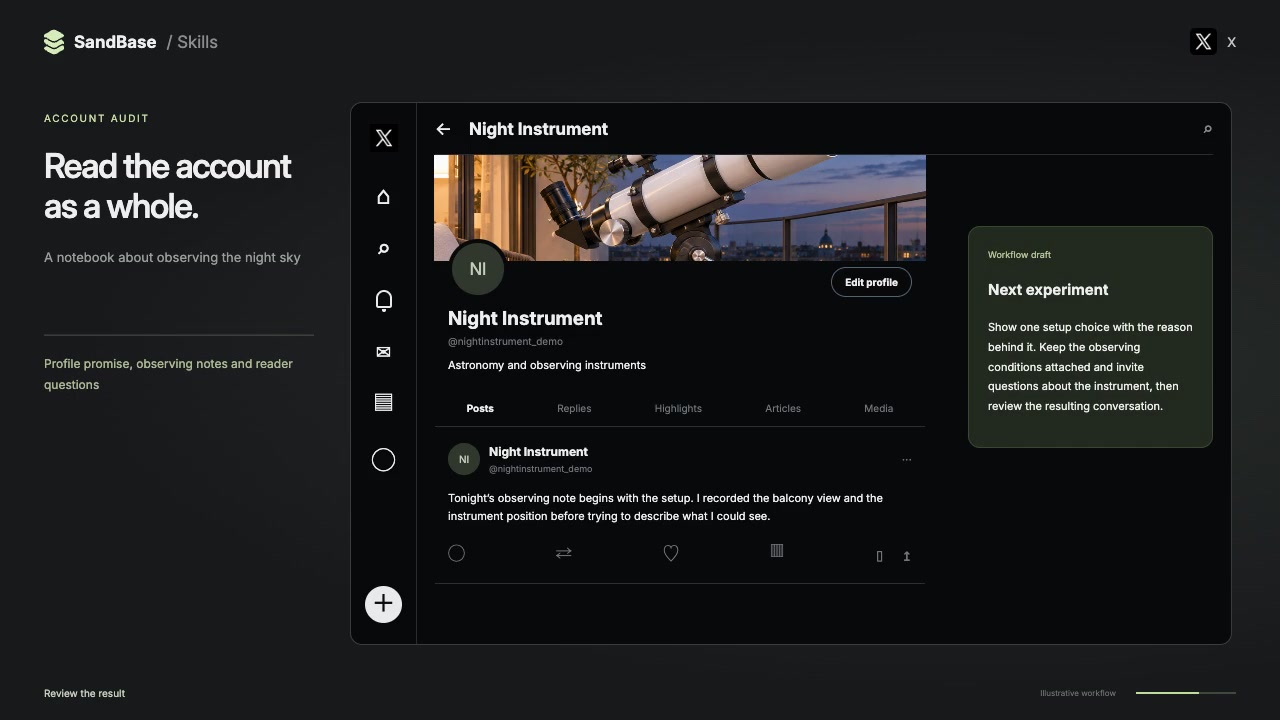
You post on X every week but cannot tell which kinds of post actually work for your account.
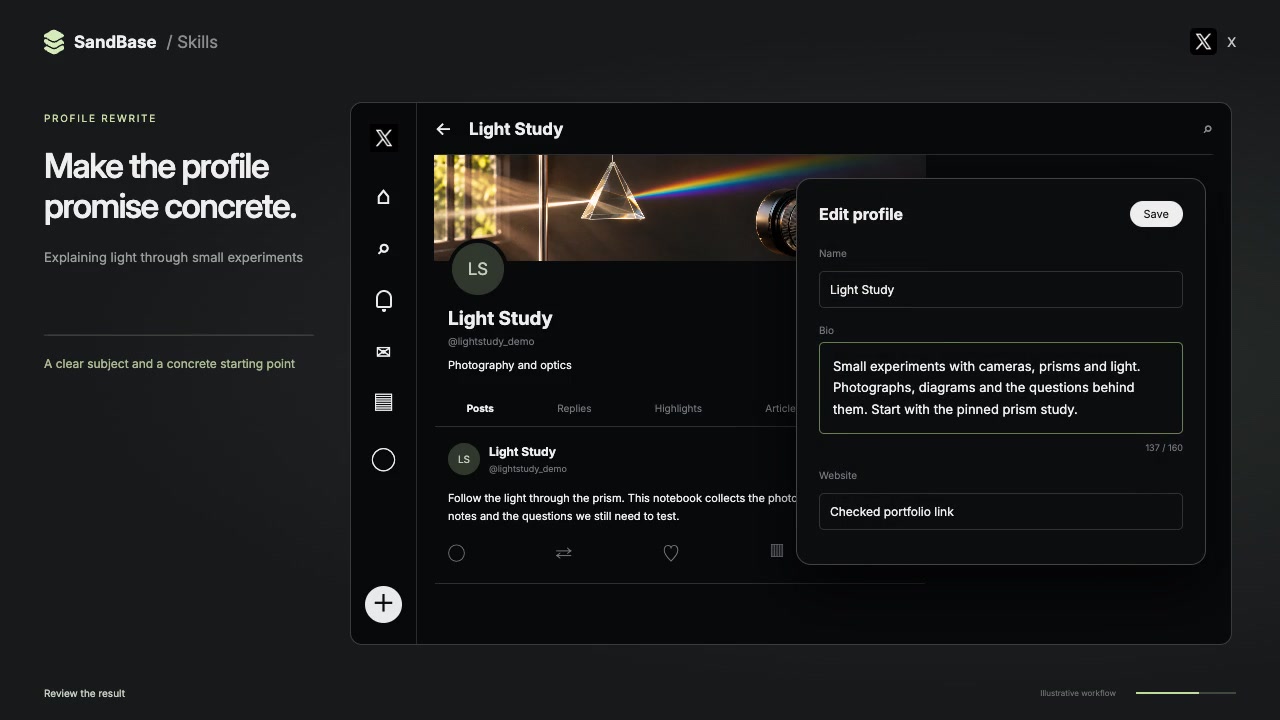
Your X bio, name and pinned post do not tell a new visitor who you help or why to follow.
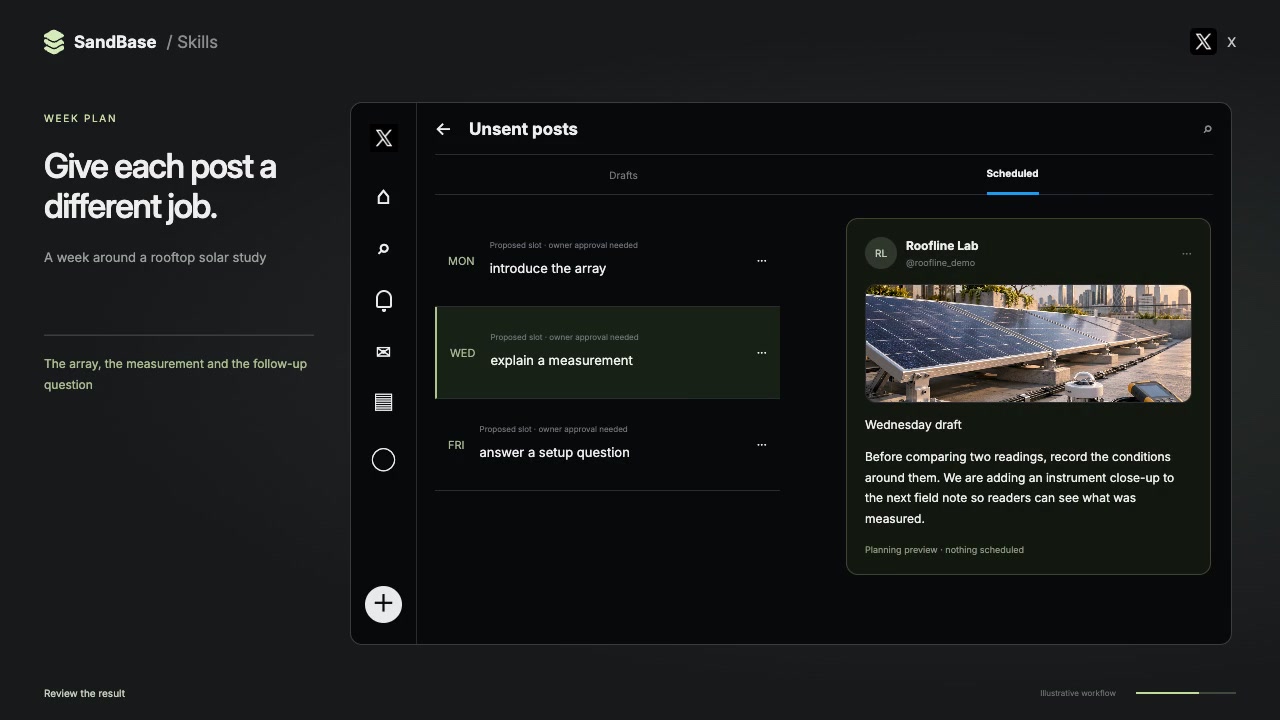
You want a week of X posts that do not repeat last week and only say things you can back up.
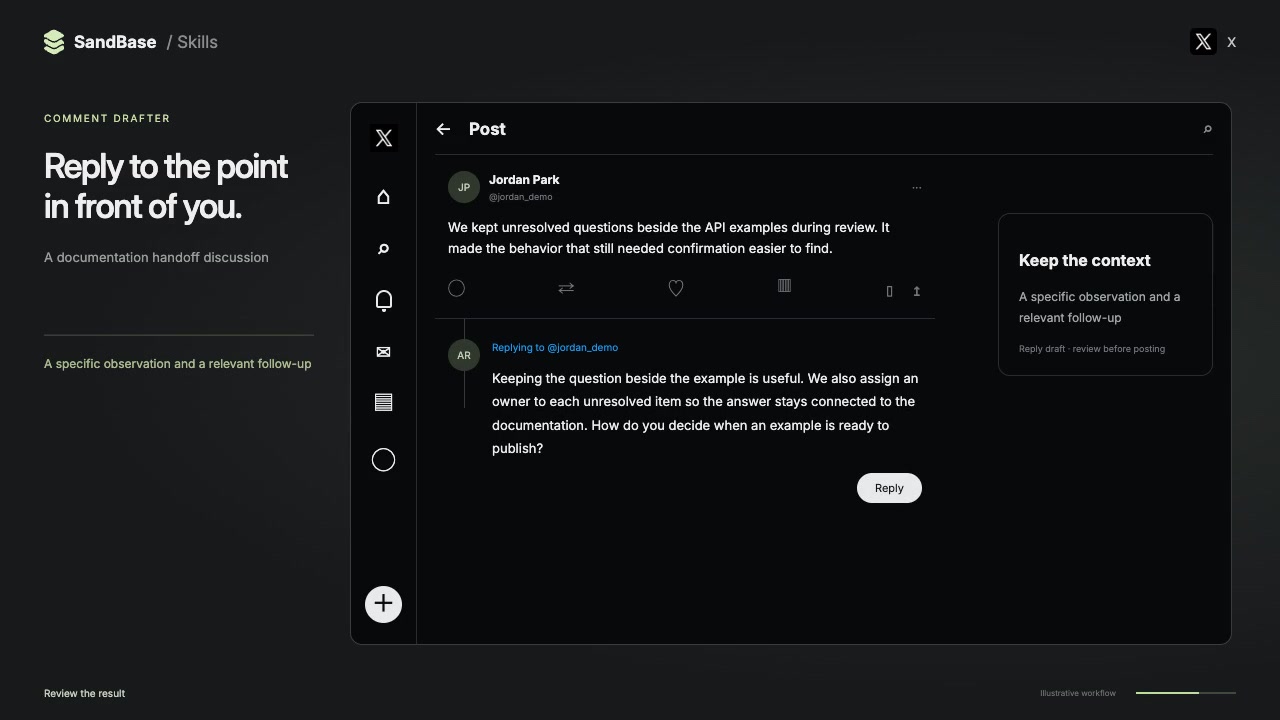
You want to reply to a post in your field with something that adds to it, not another "great point".
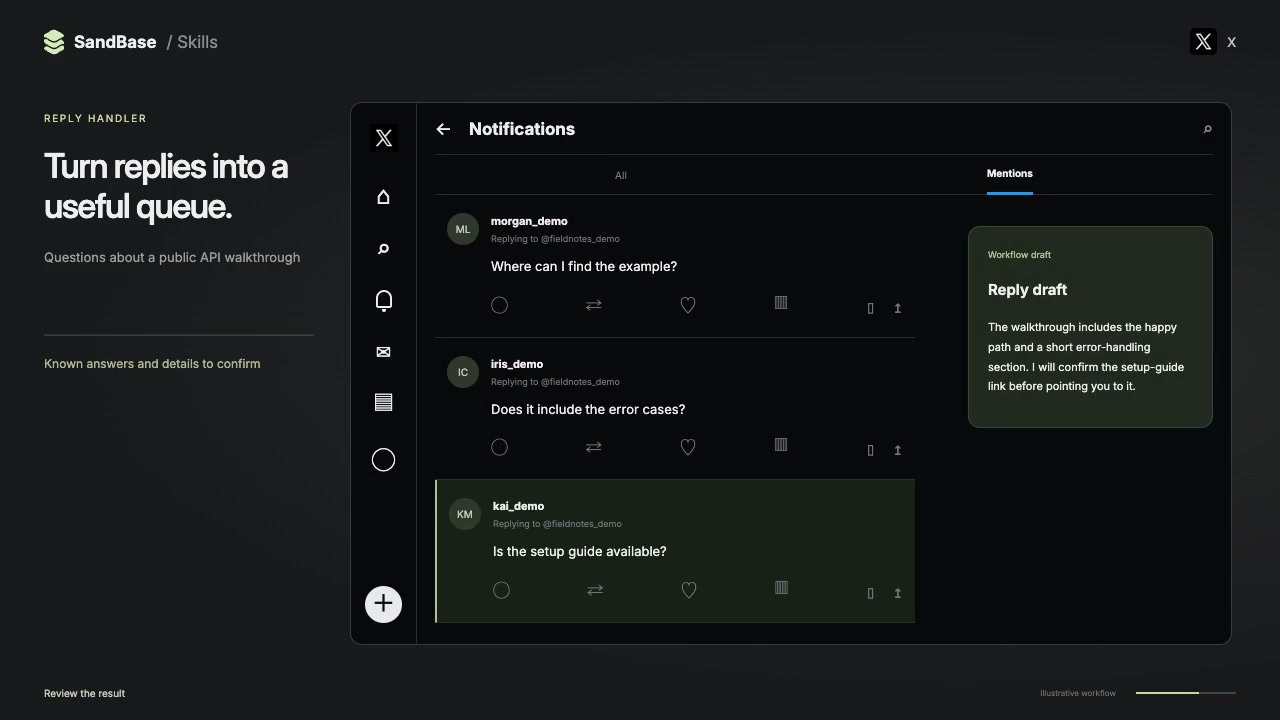
A post of yours got dozens of replies and you need to answer leads and problems first without missing any.
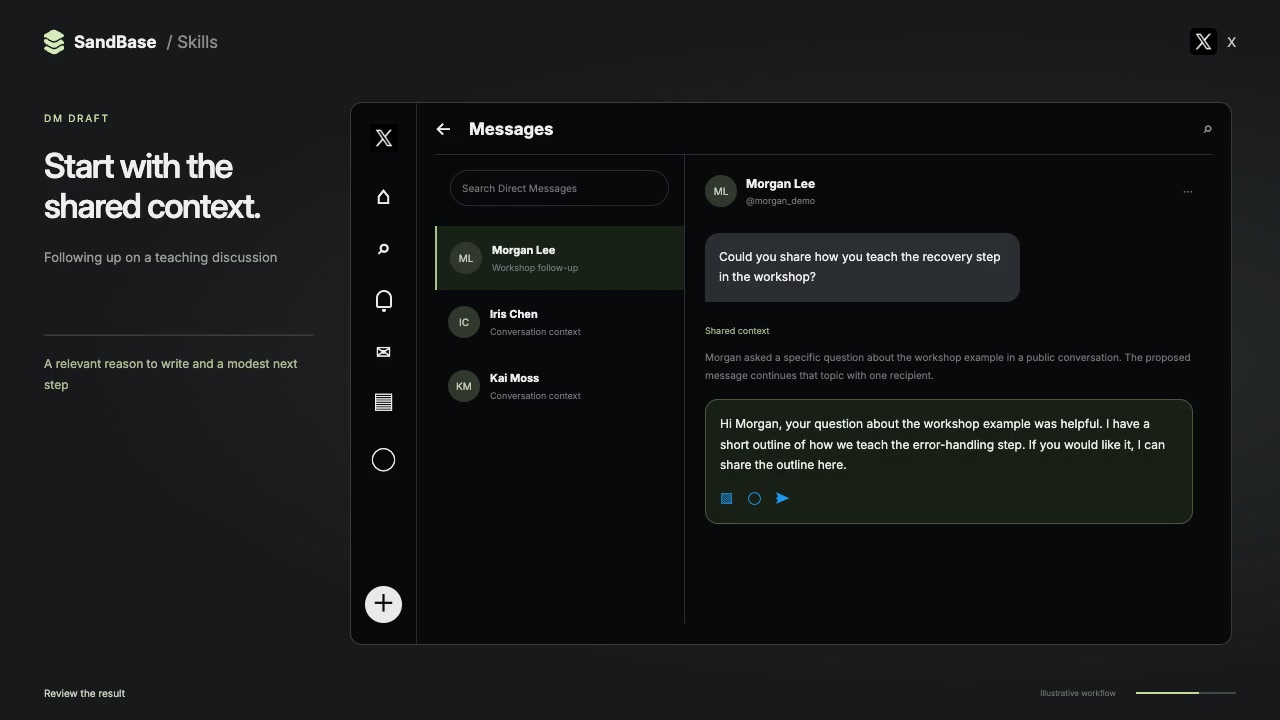
You want to message someone on X you have talked with in public, without it reading like a cold pitch.
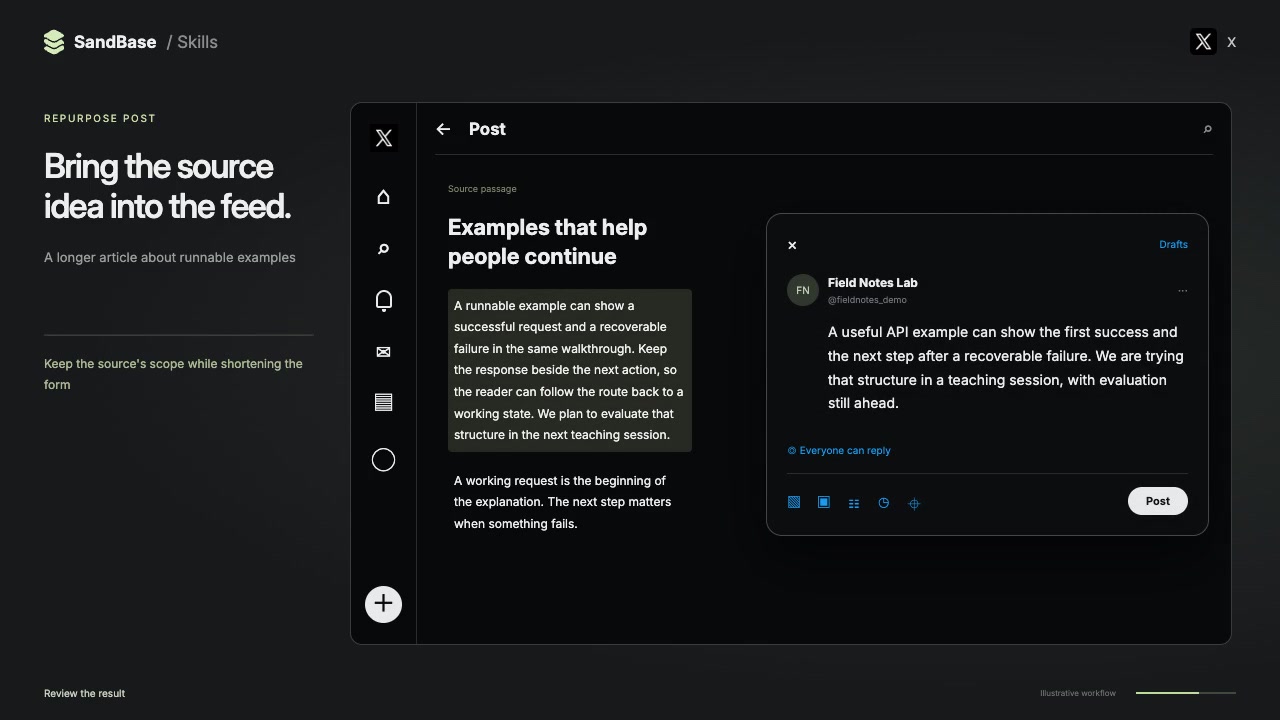
You wrote a long article or recorded a video and want several X posts from it that keep the facts exact.
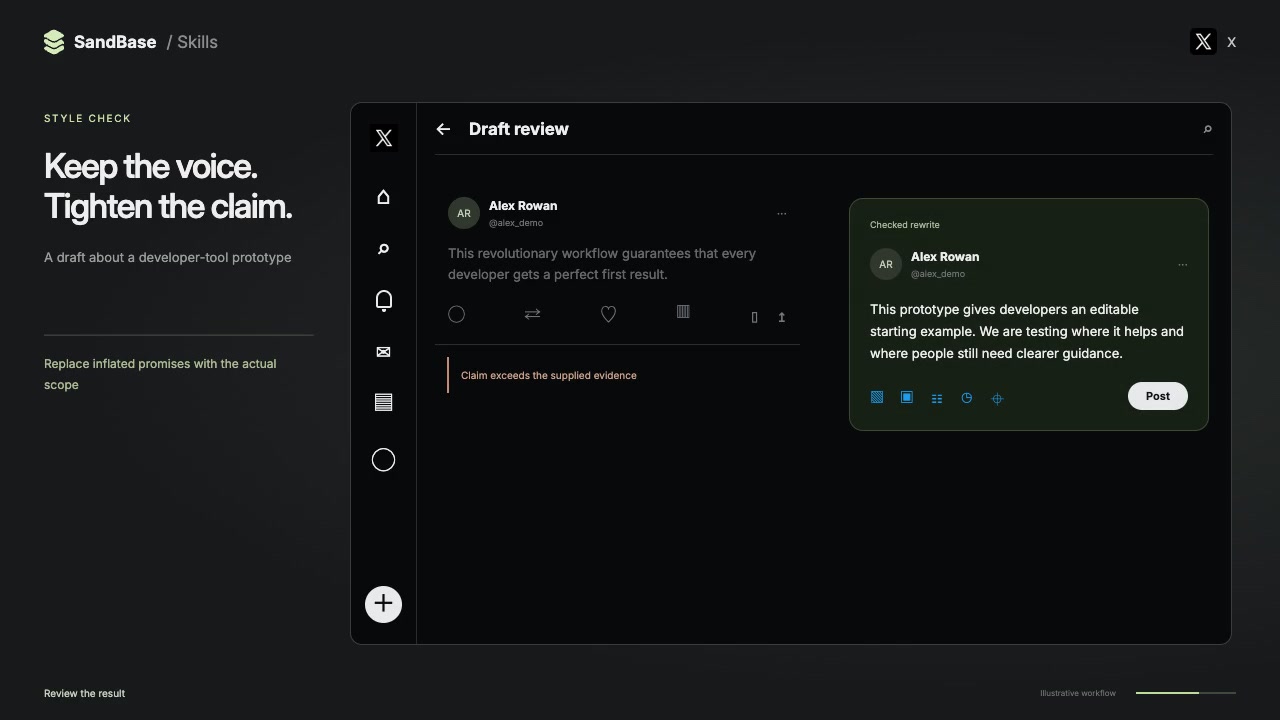
Your X draft reads like filler or hype, and you want to know which exact words cause it.
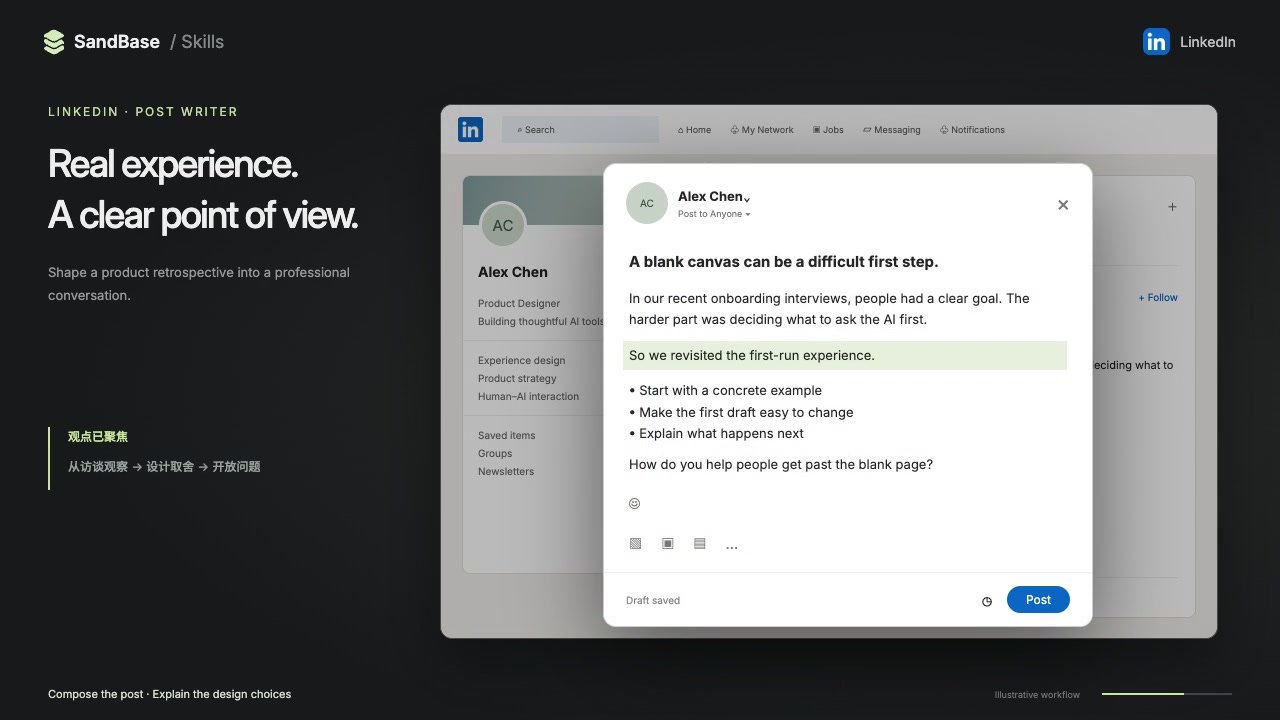
Turn supplied facts and a point of view into a post with a fact map and counted length.
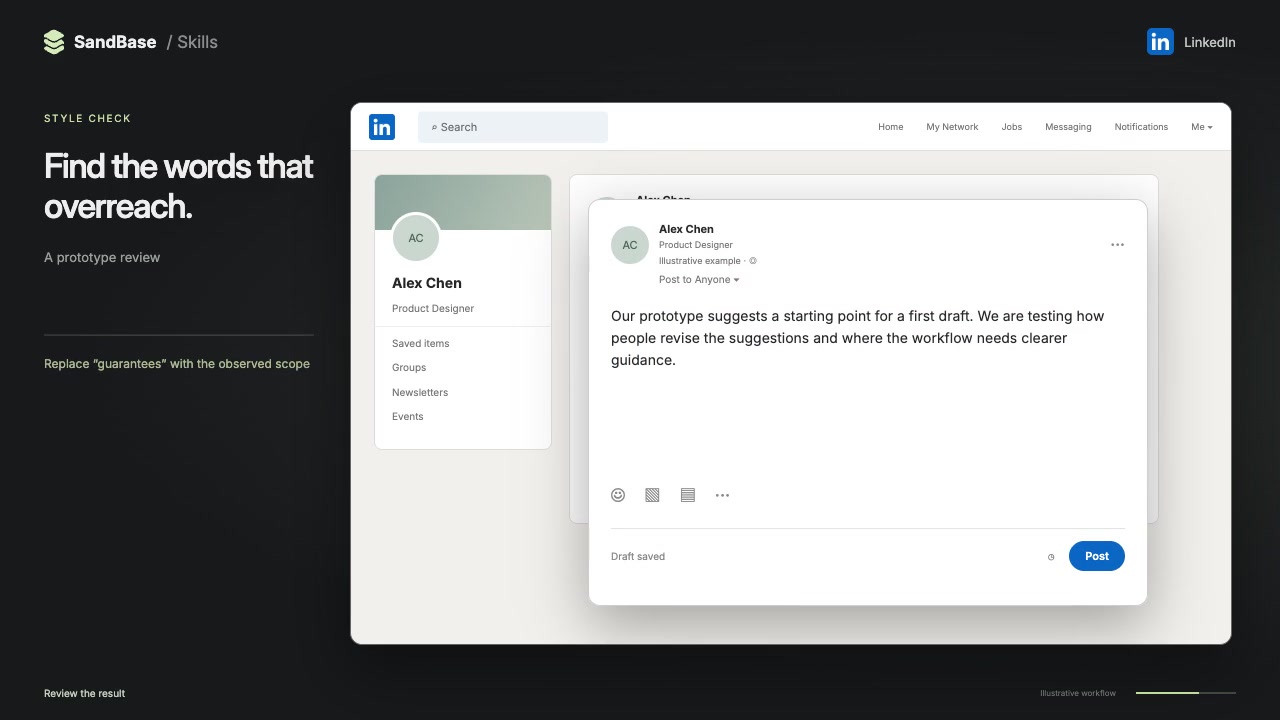
Find vague, stock and repetitive wording without adding facts during revision.
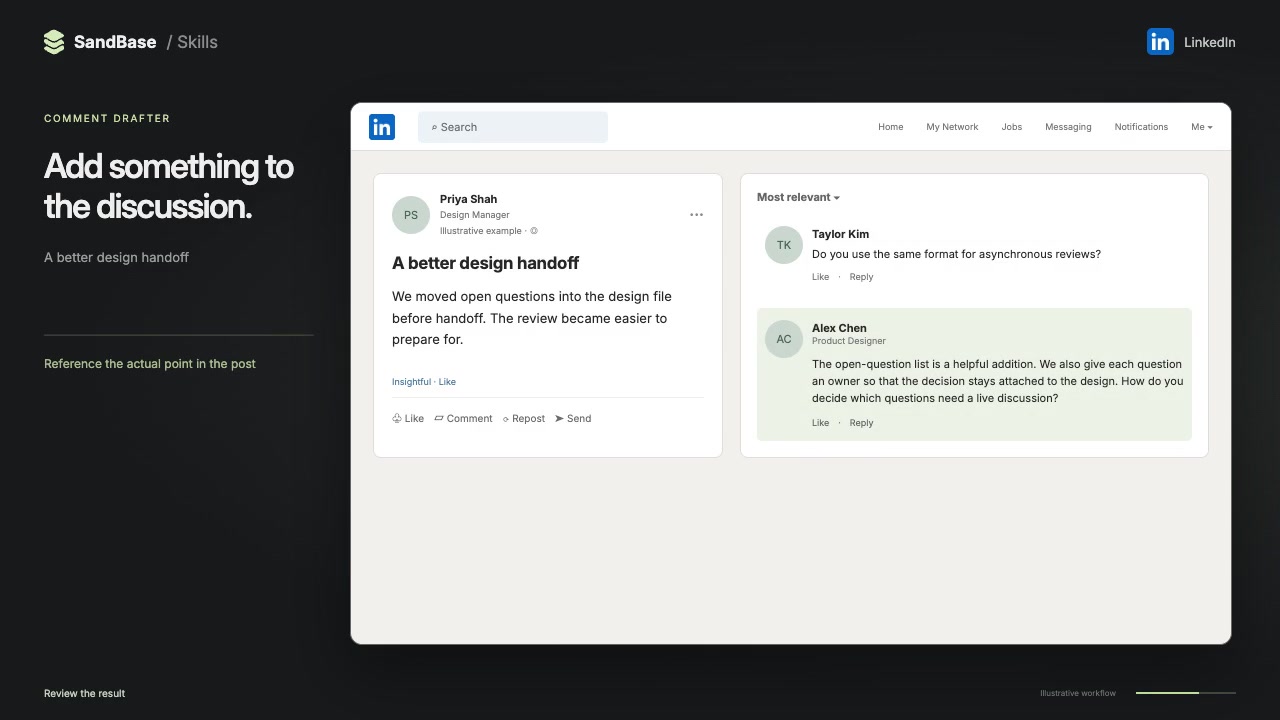
Write a specific comment using only the post and what you can support.
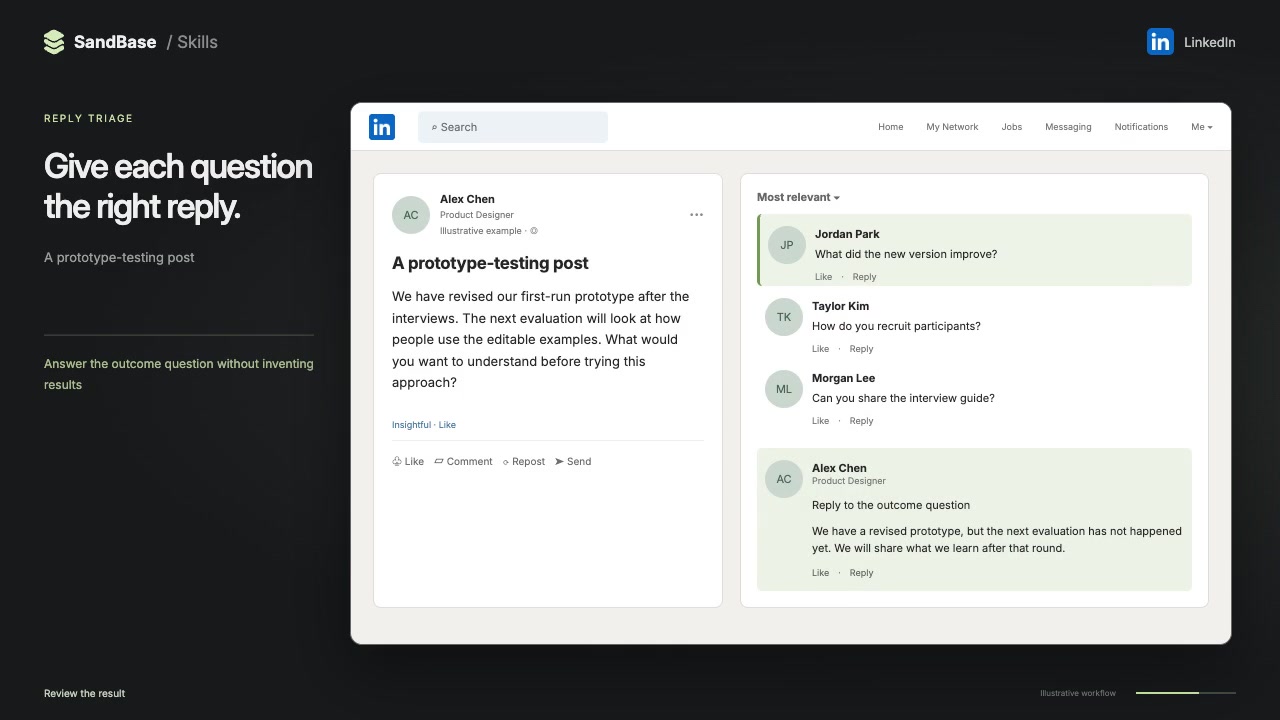
Sort replies to your comments by what needs an answer and when.
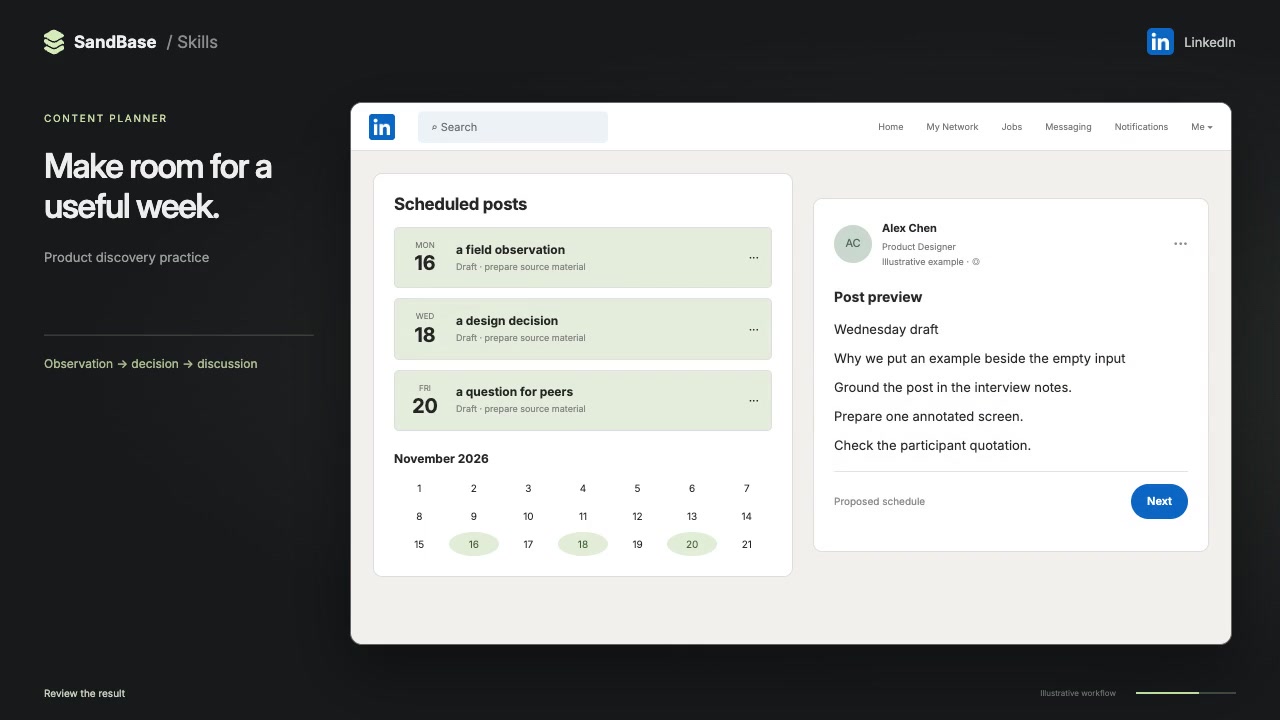
Plan a week that fits your material, posting days and available time.
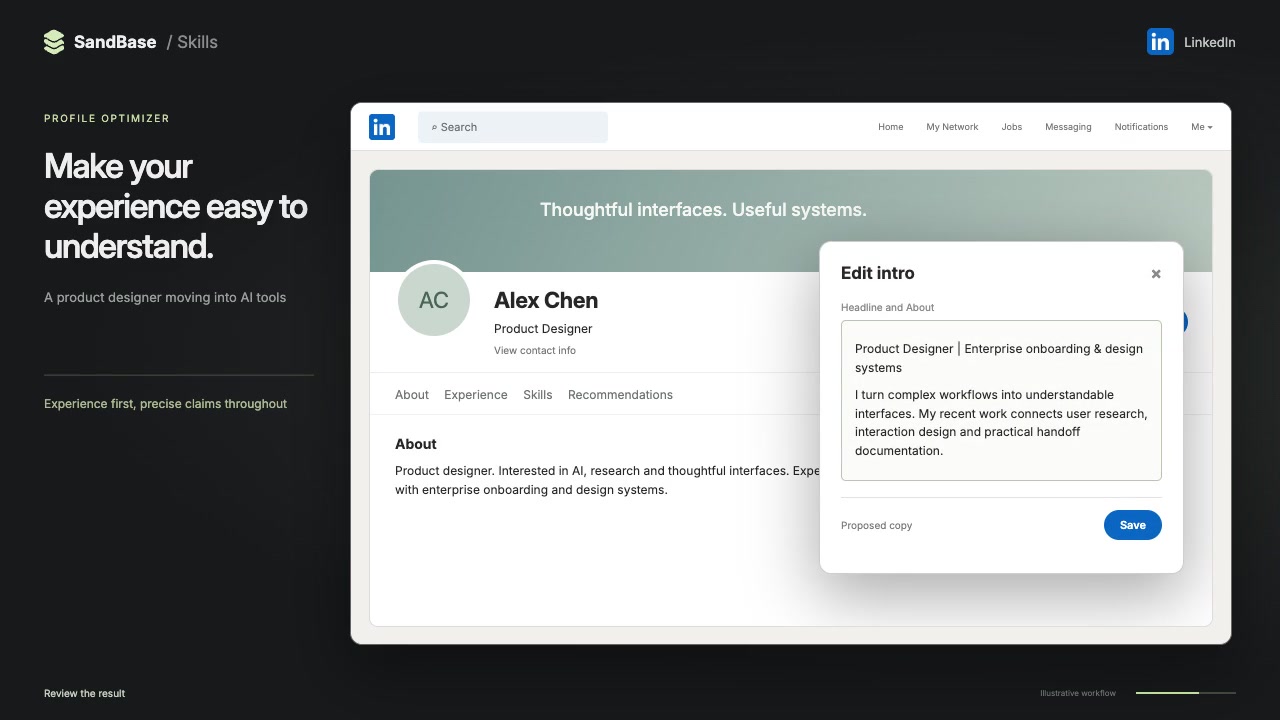
Review supplied sections while keeping future plans distinct from current work.
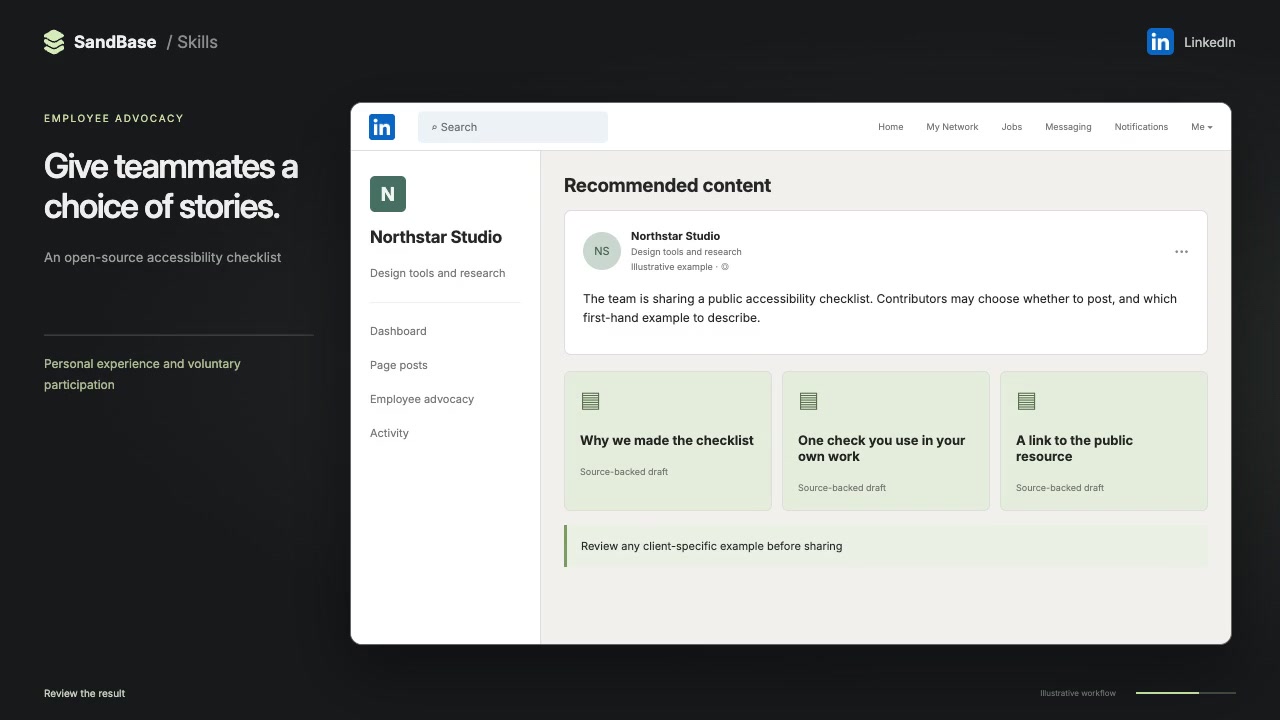
Plan a voluntary two-week programme with approved facts and dates, without posting quotas.
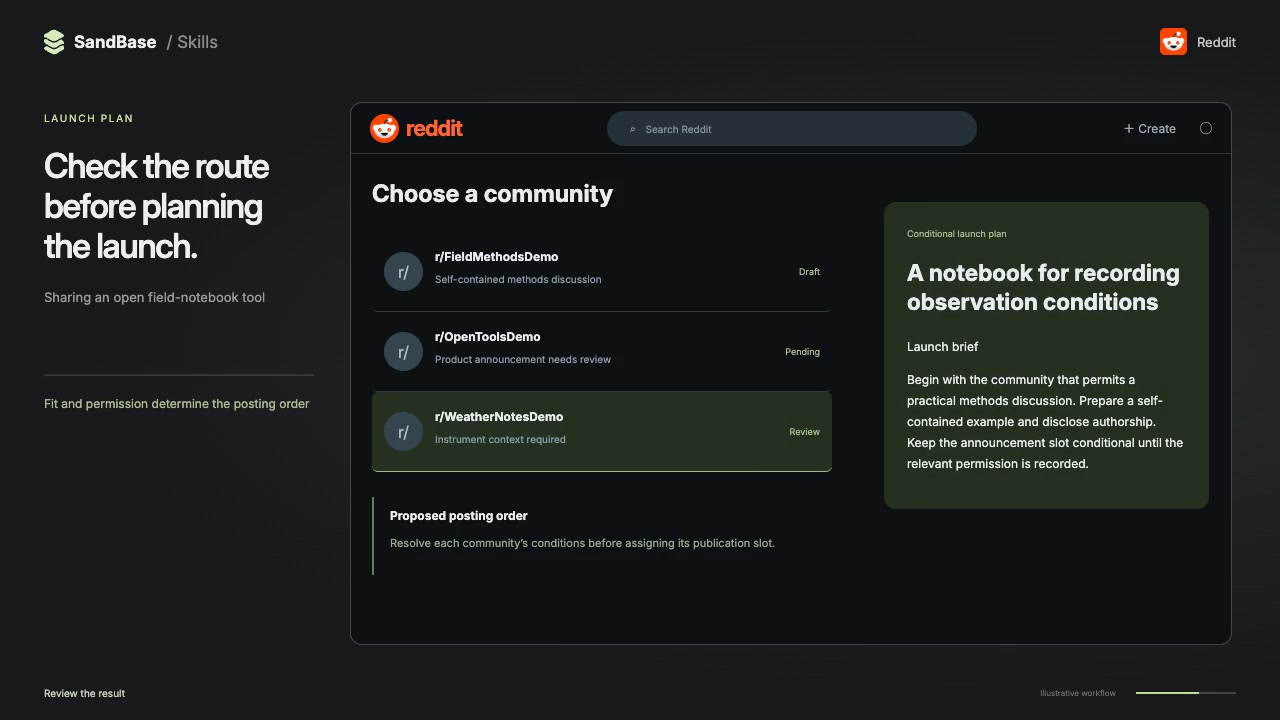
Decide which subreddits a launch can go to, in what form and on which dates, based on each community's current rules.
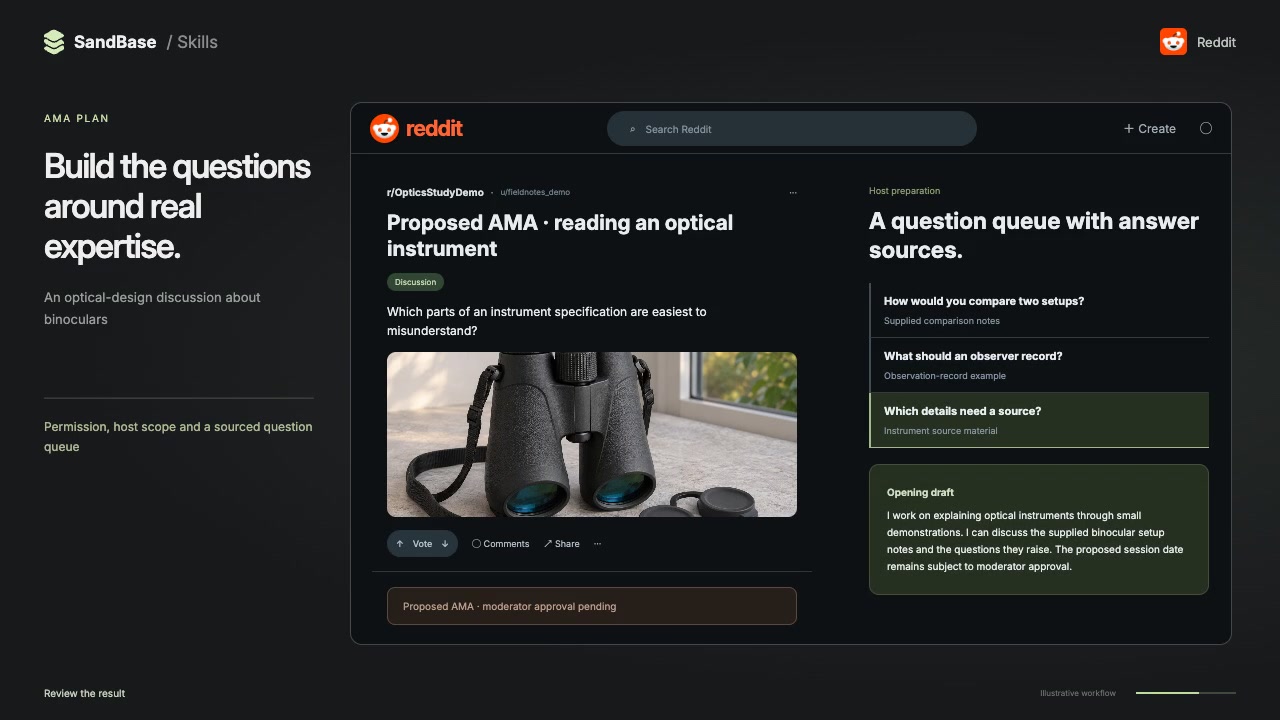
Prepare an AMA that fits the community's approval rules and lead time before you ask the moderators or post anything.
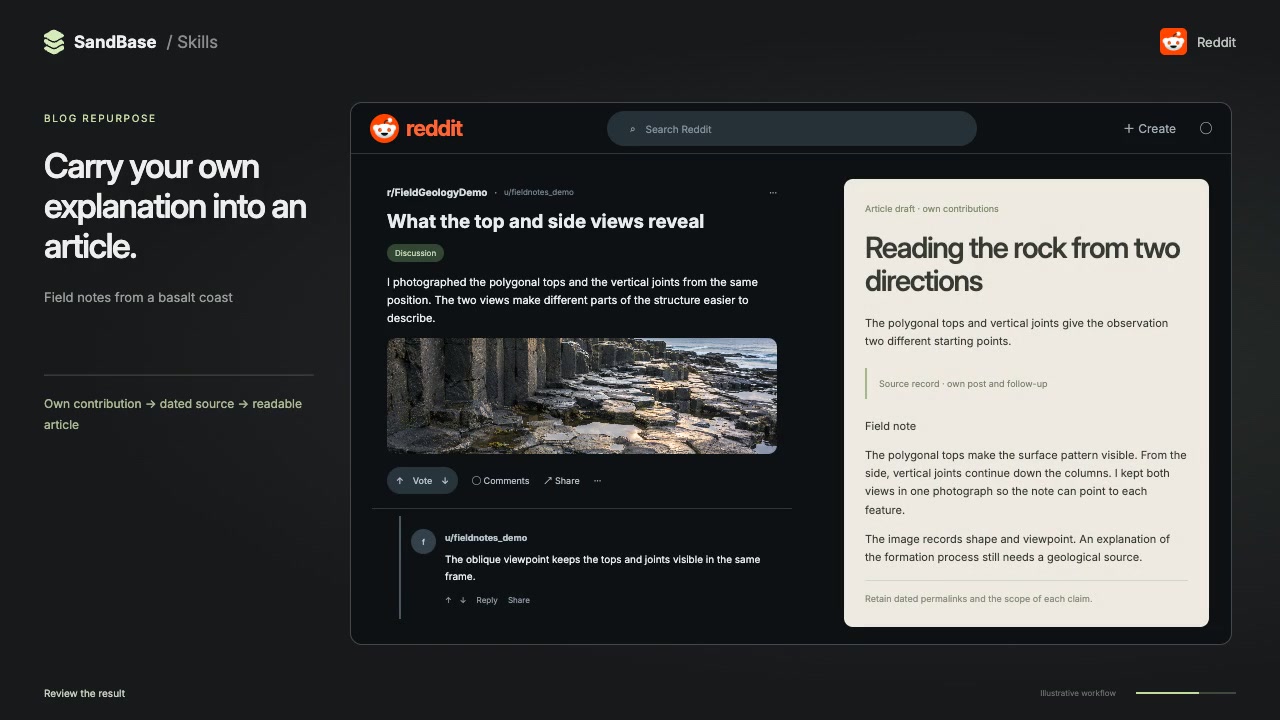
Turn answers you already wrote on Reddit into a blog or help article without losing sources, corrections or other people's privacy.
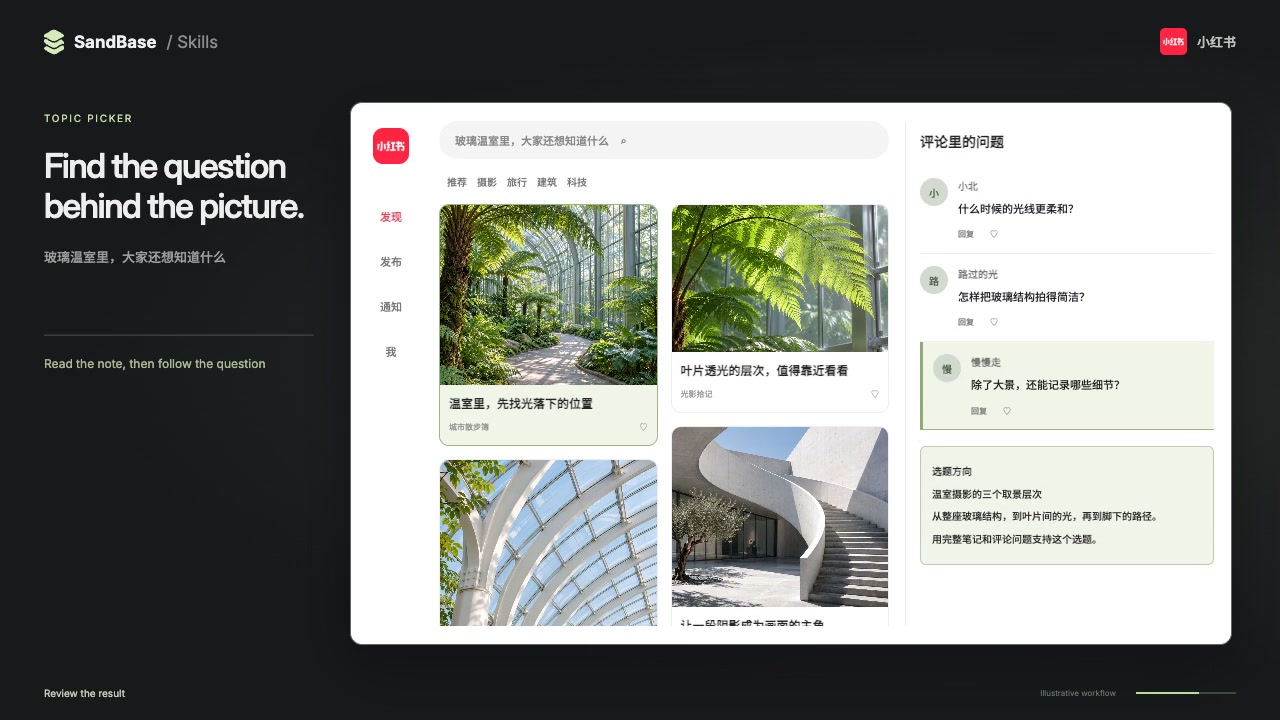
Pick note topics from what this week's search results show readers saving, limited to topics you have real material for.
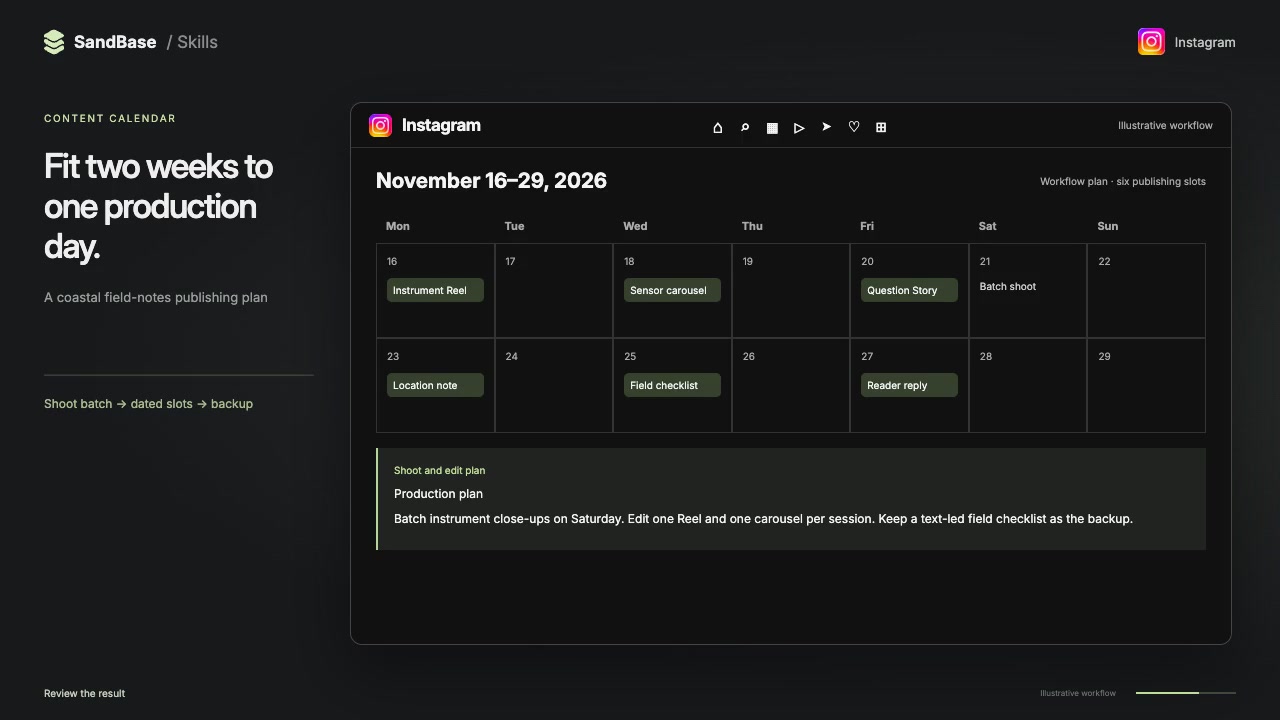
You want two weeks of Instagram posts that fit the hours you actually have and do not repeat a pillar back to back.
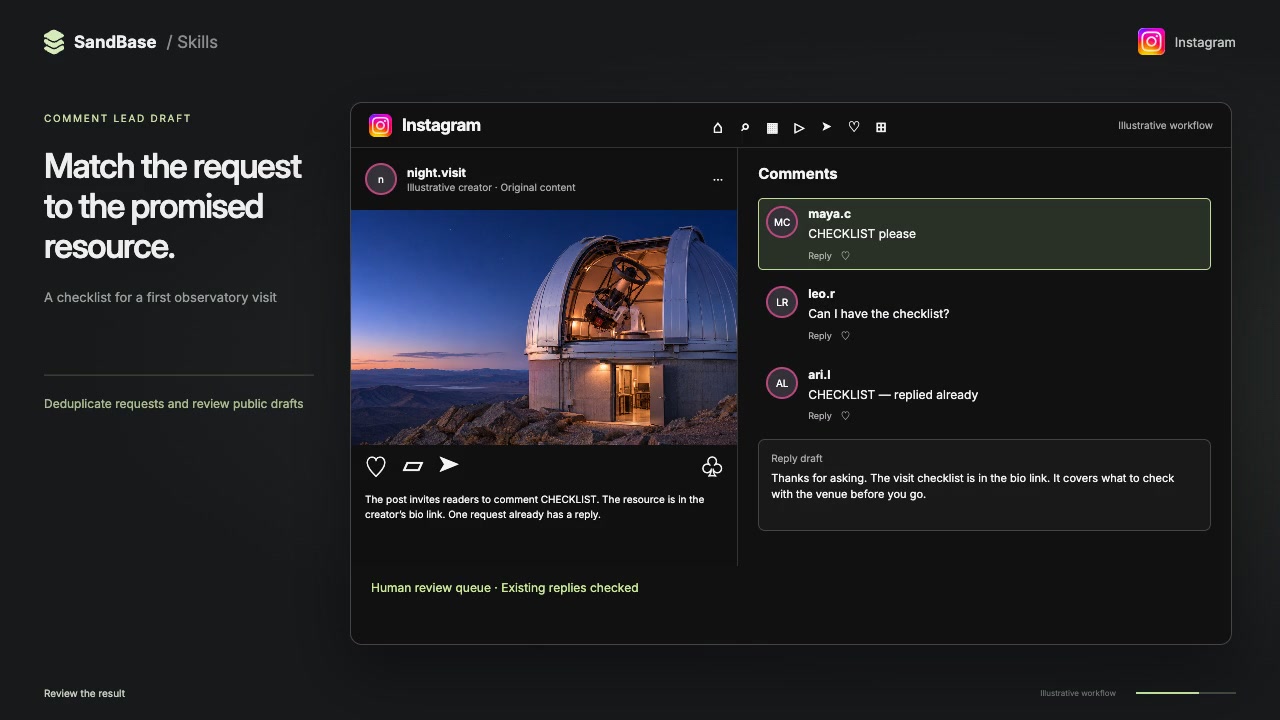
Many people commented a keyword to get your resource and you need varied, link-free replies plus a queue for everything else.
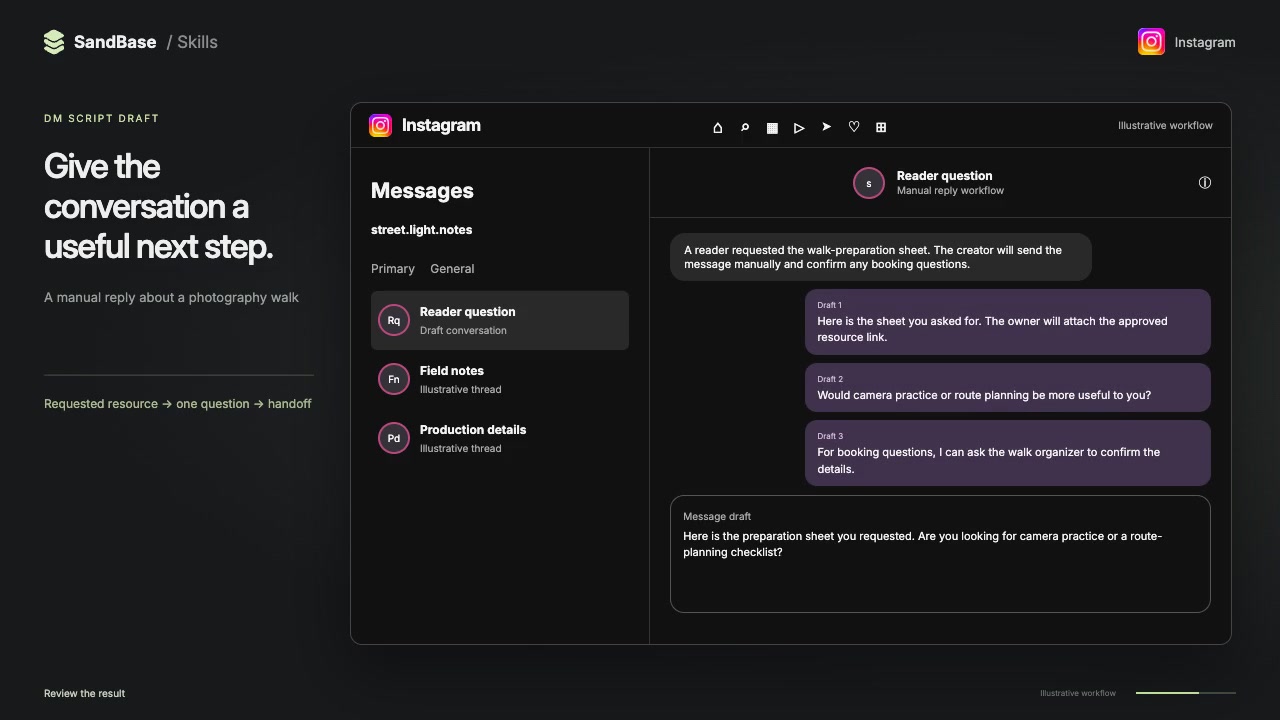
People ask for your resource in comments or Story replies, and you need a short message flow that delivers it and asks one useful question.
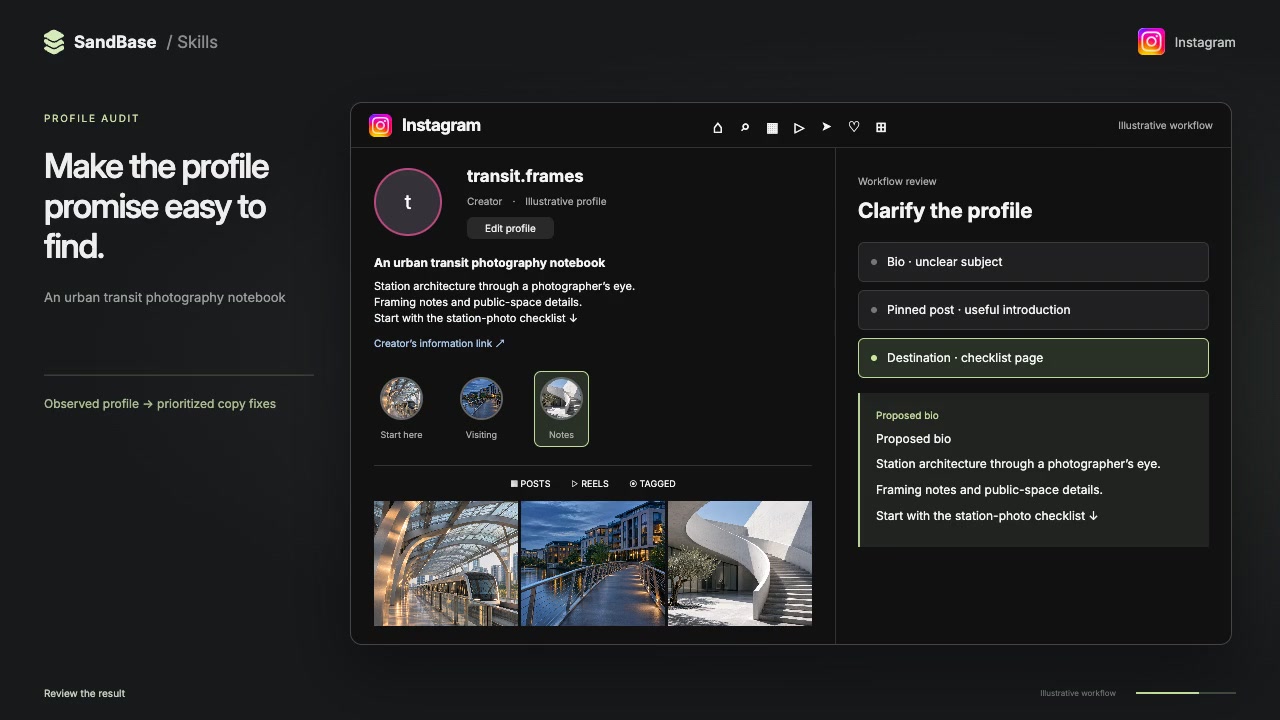
Your Instagram profile does not make clear what you offer or what a visitor should do next.
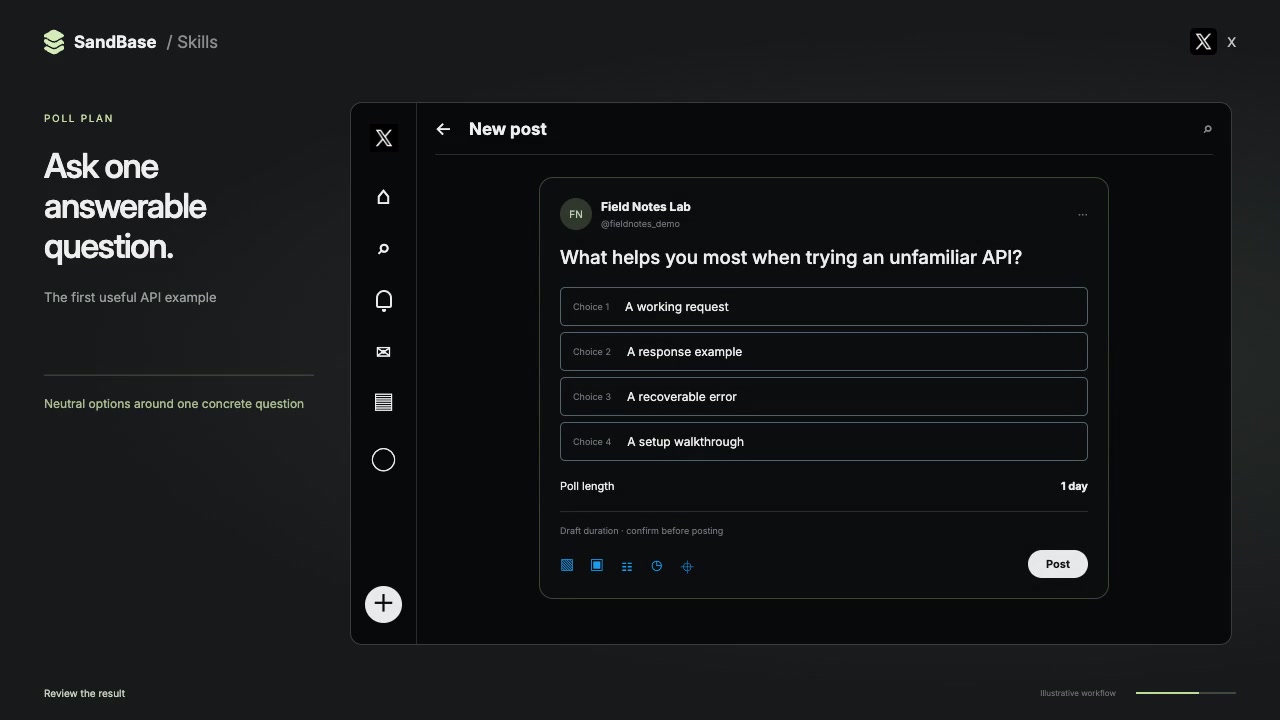
Choose a useful question and options for a decision you can act on.
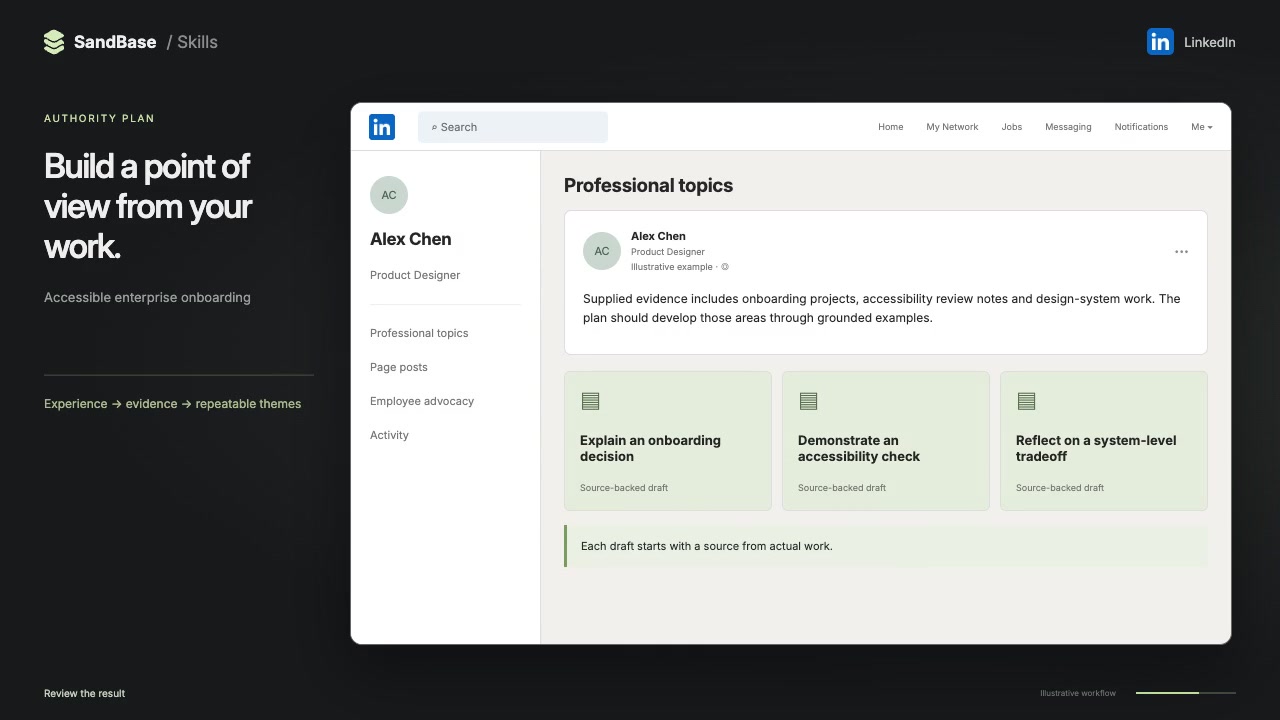
Make your professional experience credible and understandable to a chosen audience.
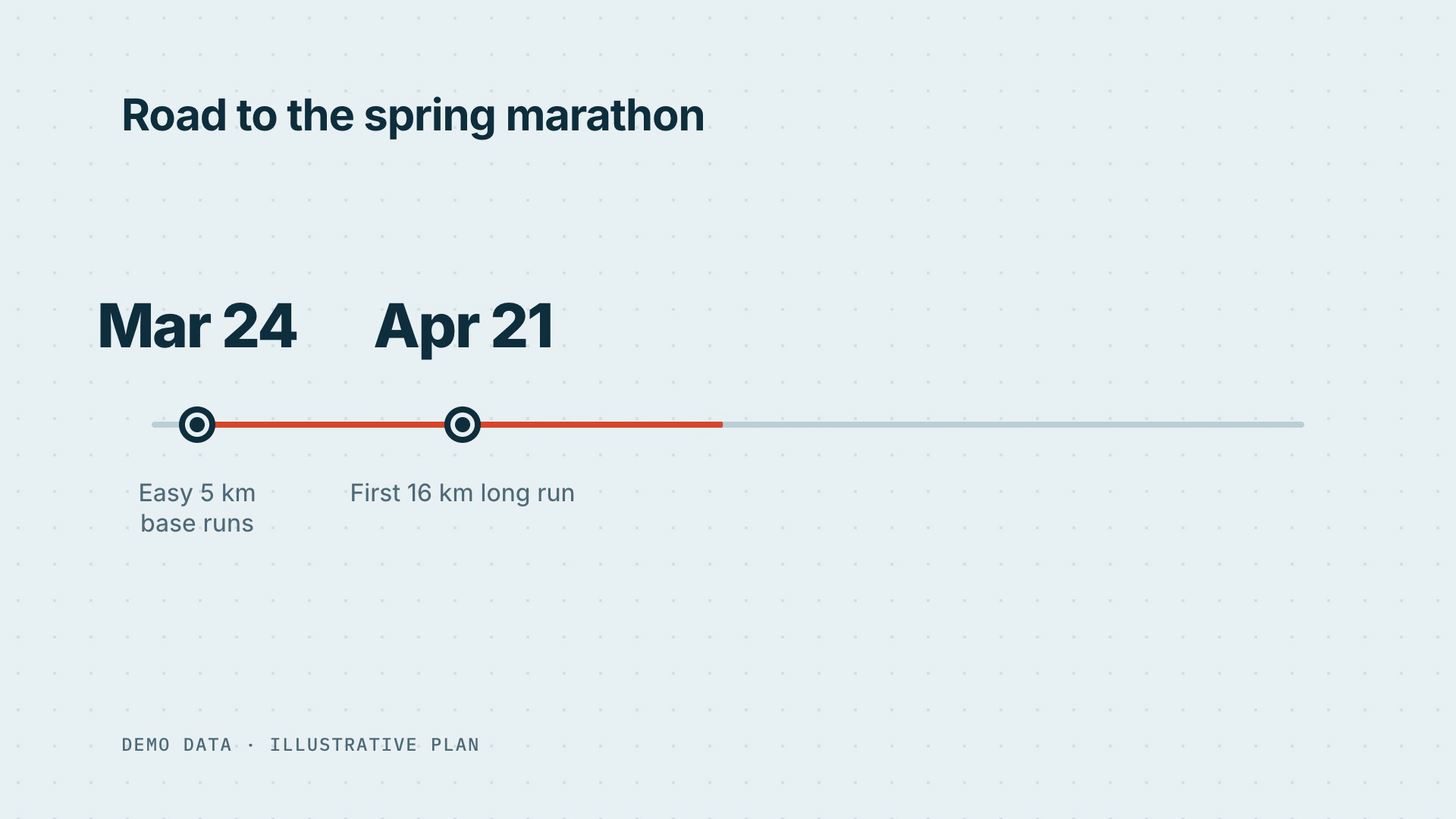
Draw a track and land dated stops in order, then hold the complete plan.
Build a roadmap, push toward its first column and resolve the title into a focus line.
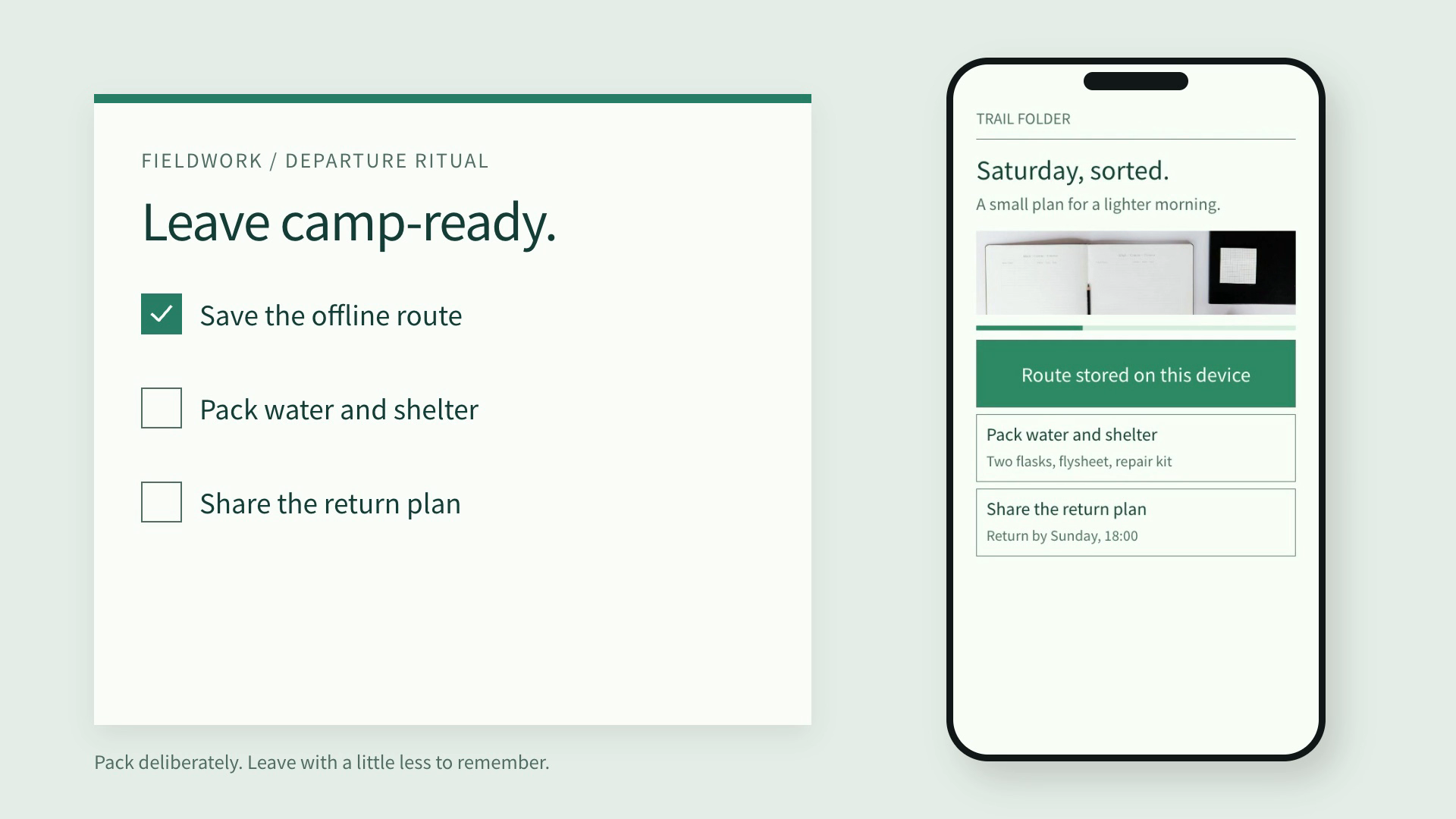
Confirm a sequence of actions beside an editable phone demonstration.
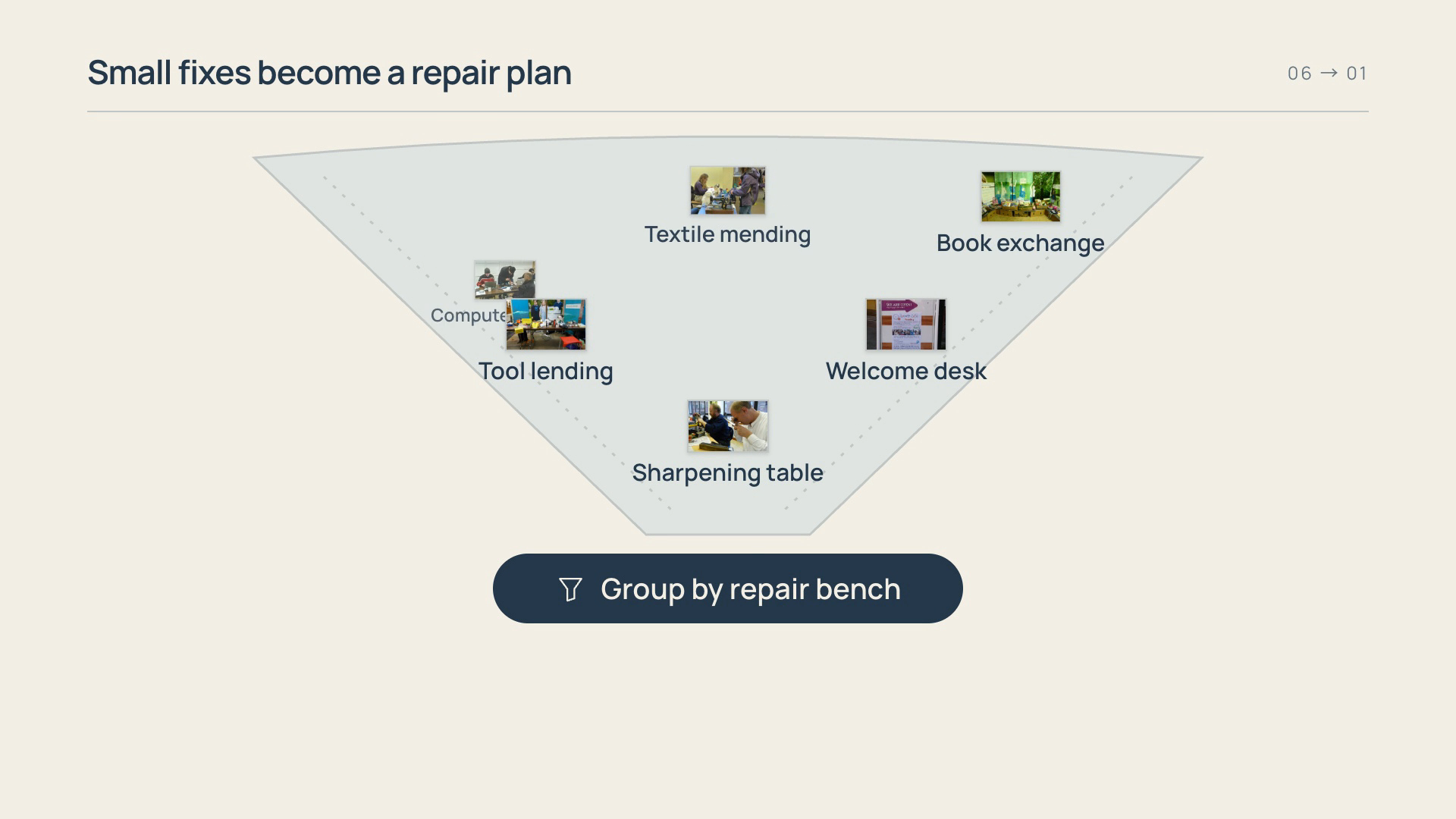
Collect visible signals, show a processing step and resolve into a useful result.
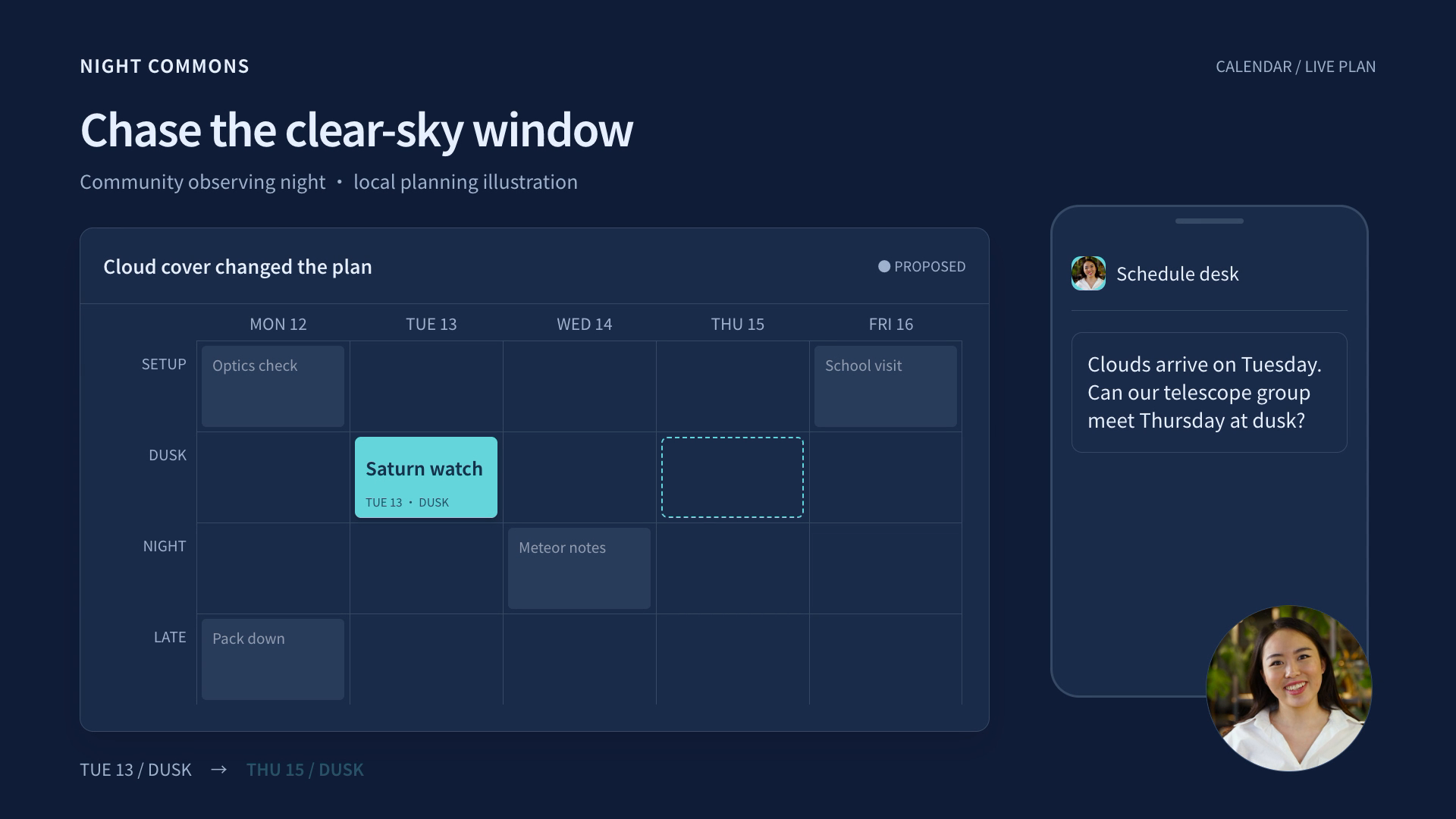
Move one booking between calendar cells, then resolve the change with a message confirmation.
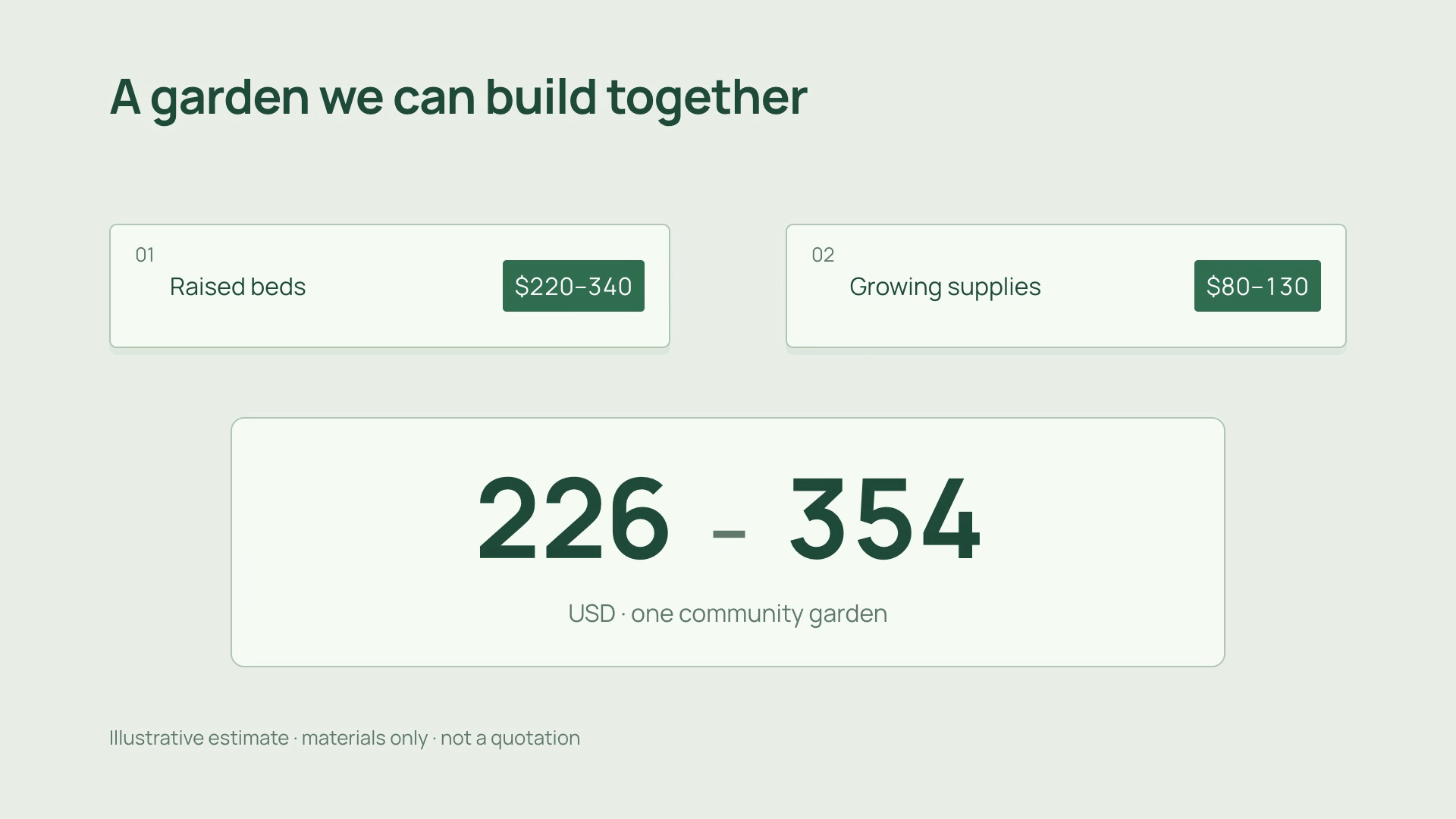
Reveal two estimate receipts, then count the lower and upper bounds together.
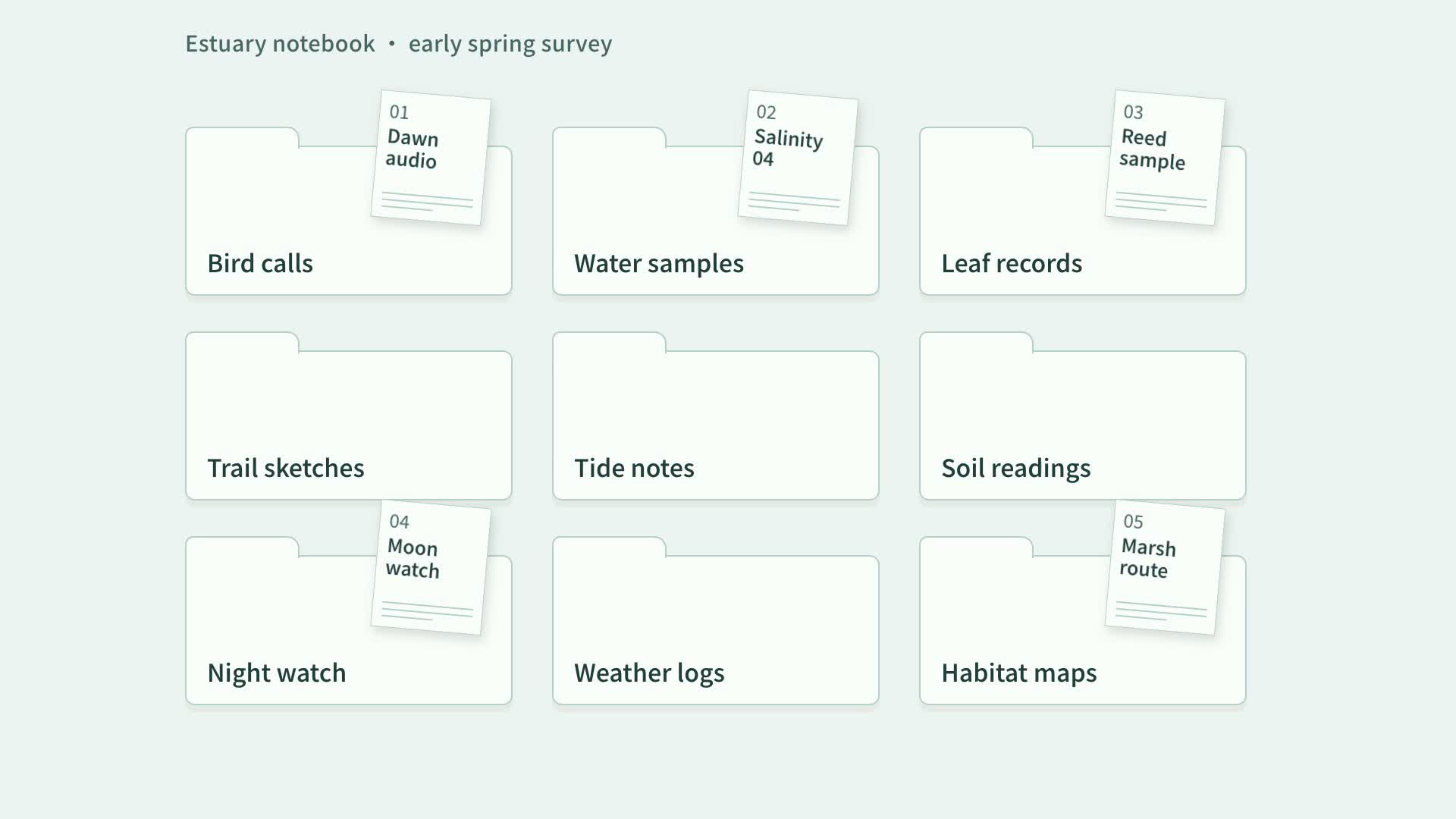
Send papers to explicit destinations in a stable nine-folder grid, with a visible receipt acknowledgement.
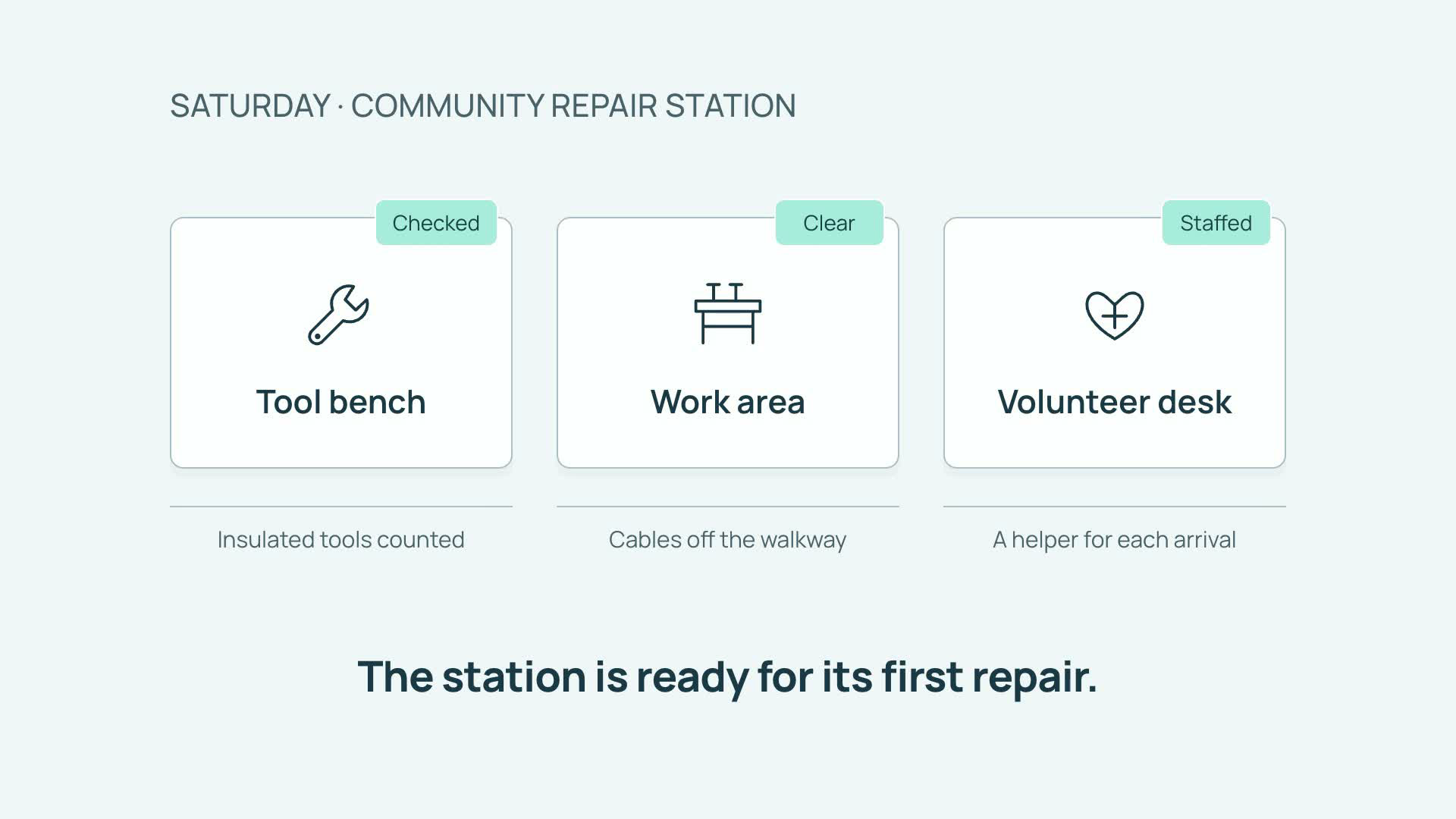
Confirm three stationary illustrated cards with arriving corner seals, supporting details and a shared closing statement.
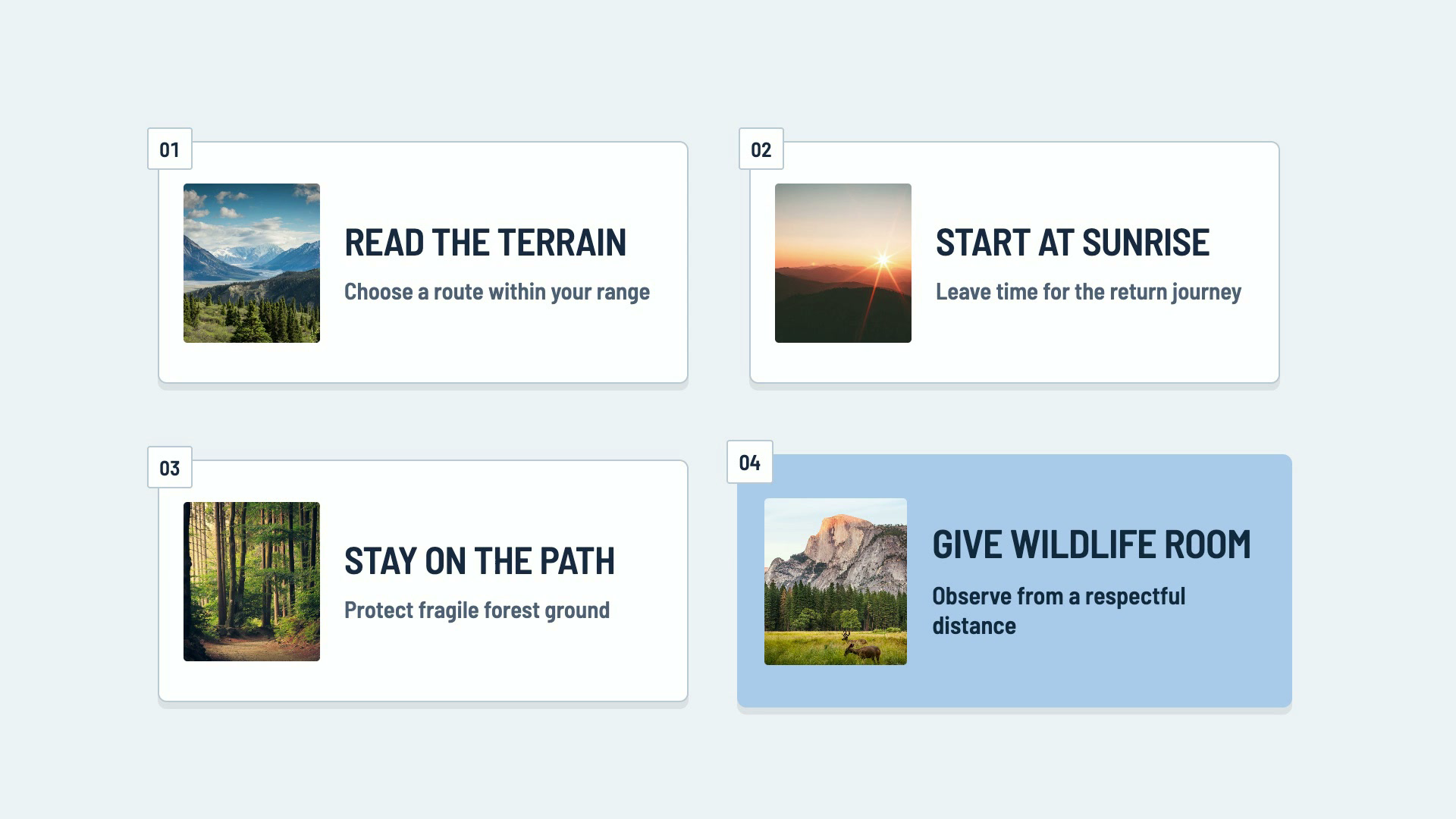
Establish three photo panels, complete a label, then reveal a chosen priority that stays gently enlarged through the ending.
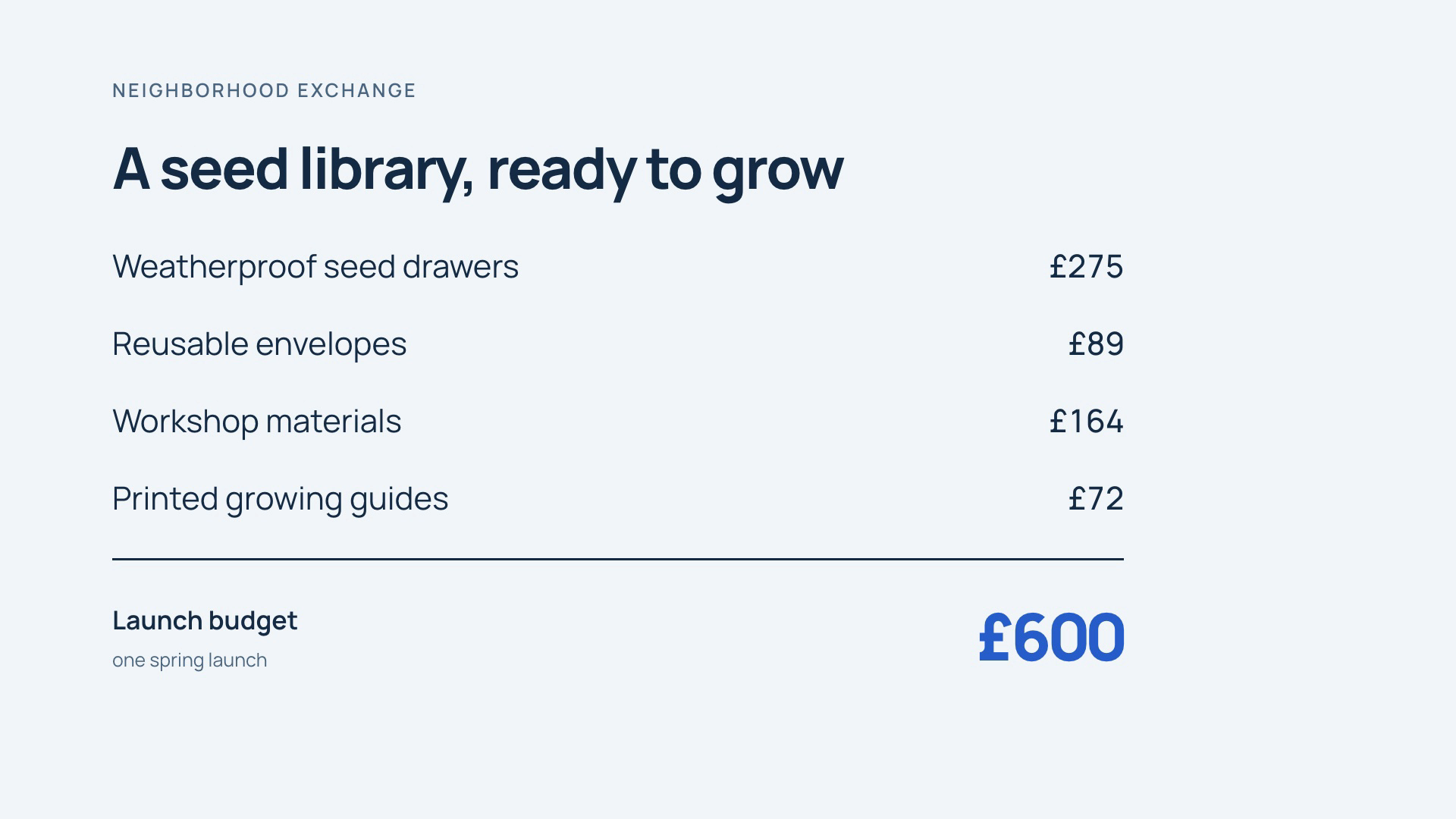
Reveal itemized expenses, draw the divider and count to an exact total, with an optional licensed continuous speaker inset.
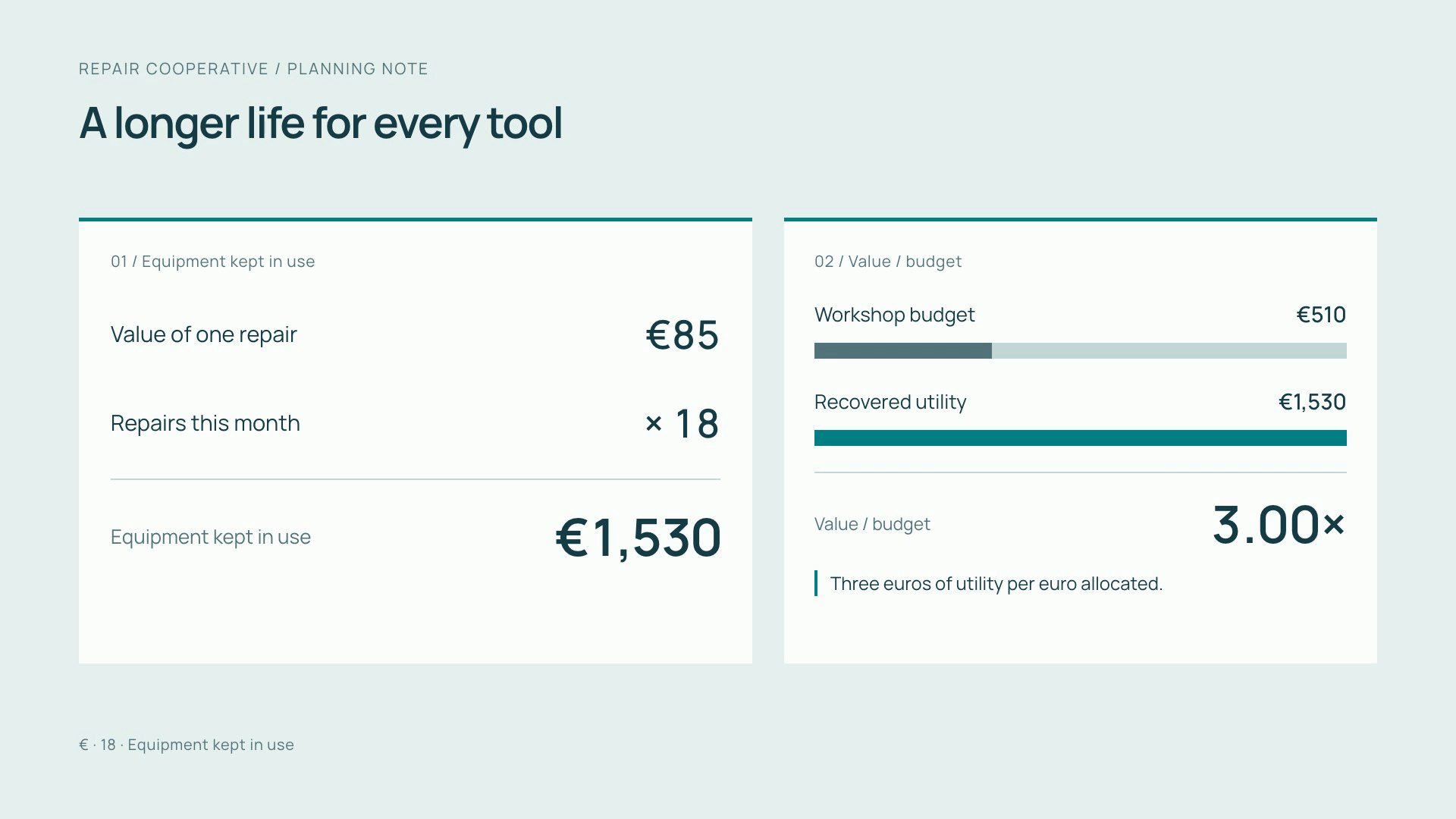
Build a product from a unit value and quantity, then compare the result with a budget on one scale.
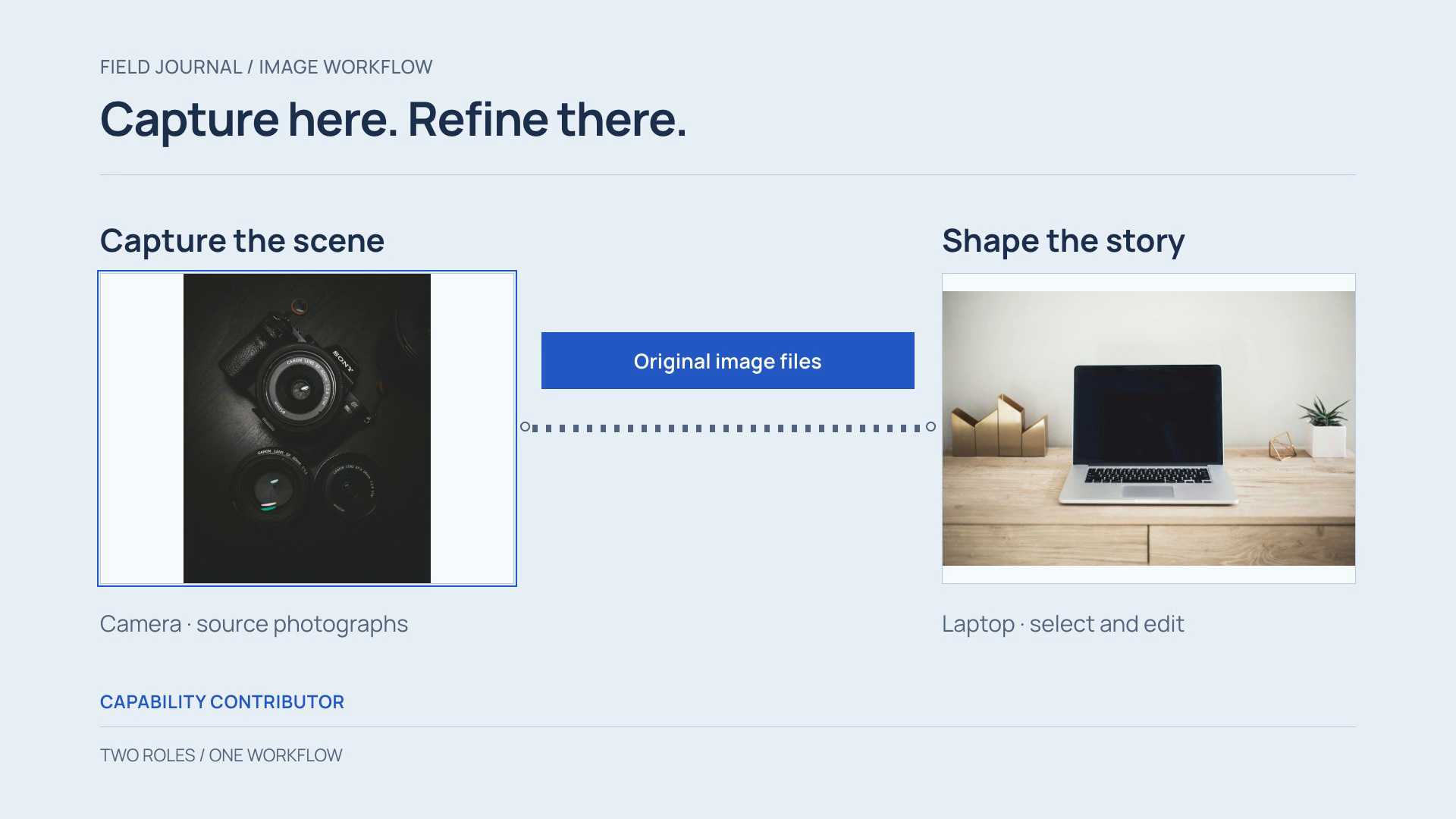
Explain two photographed tools through staged entrances, a dashed collaboration link and contributor emphasis.
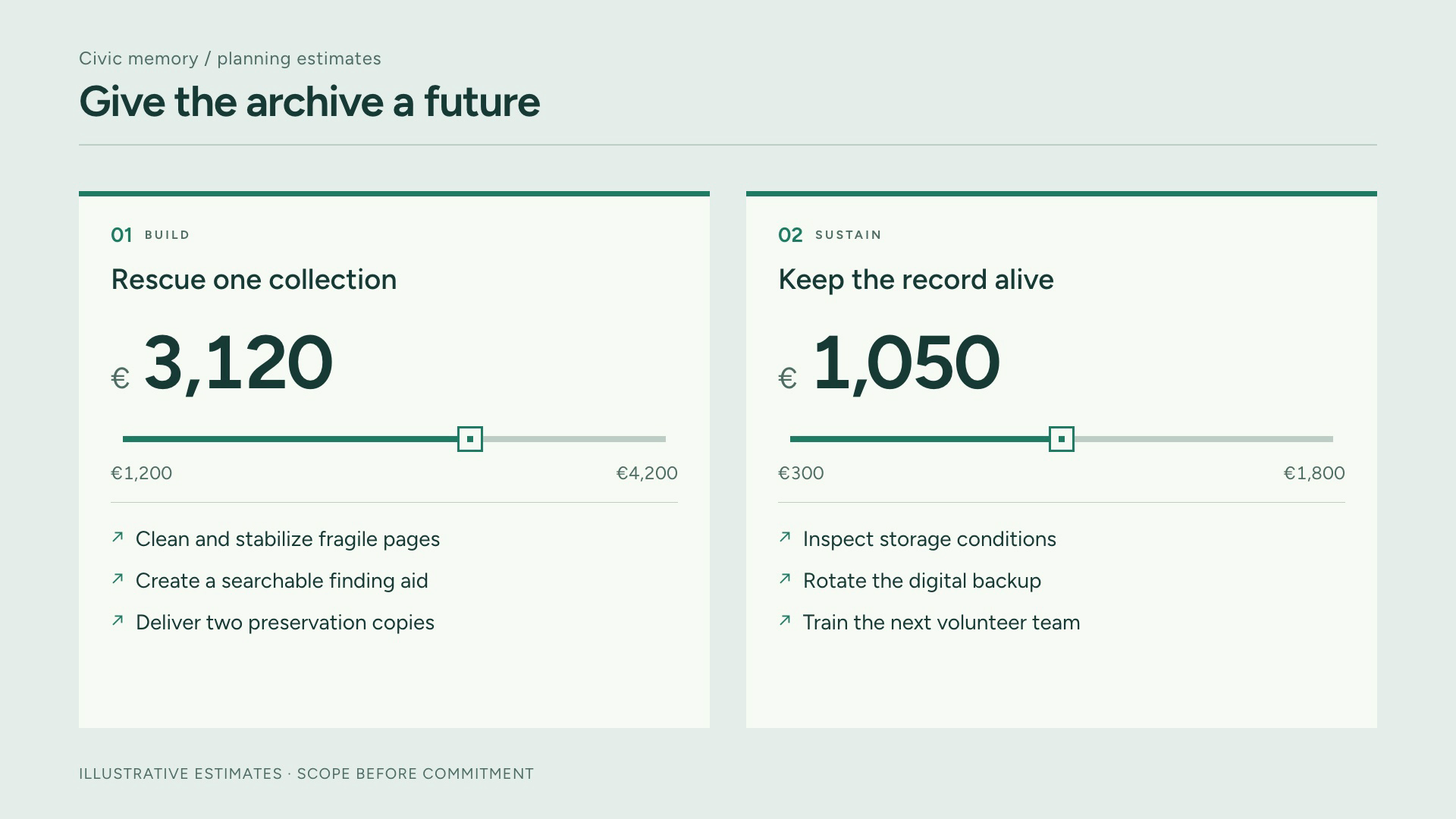
Reveal two scoped estimates with synchronized amount tracks and staged inclusions.
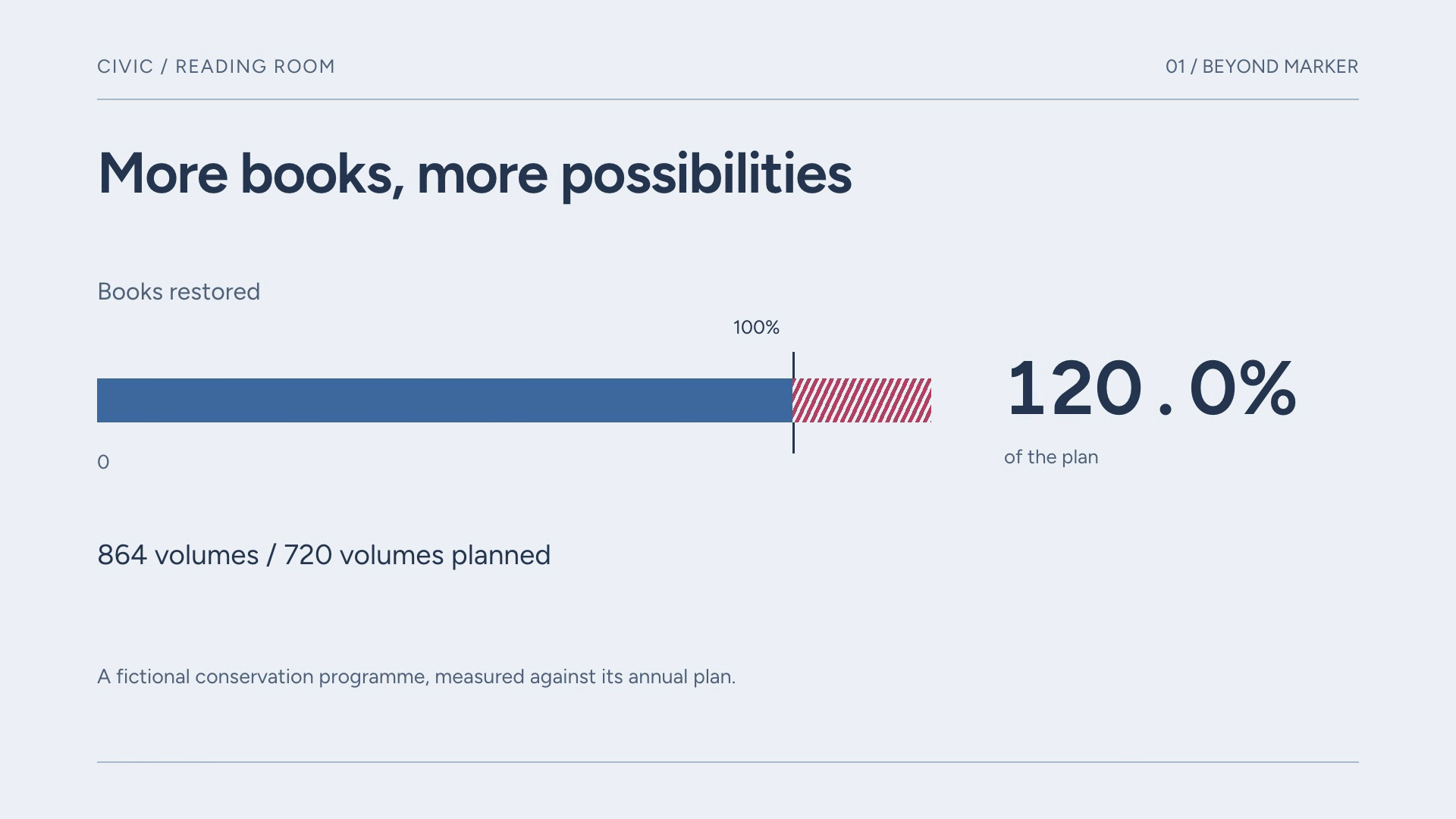
Grow toward a fixed goal,then distinguish the measured excess with a patterned segment and explicit fine-detail scale.
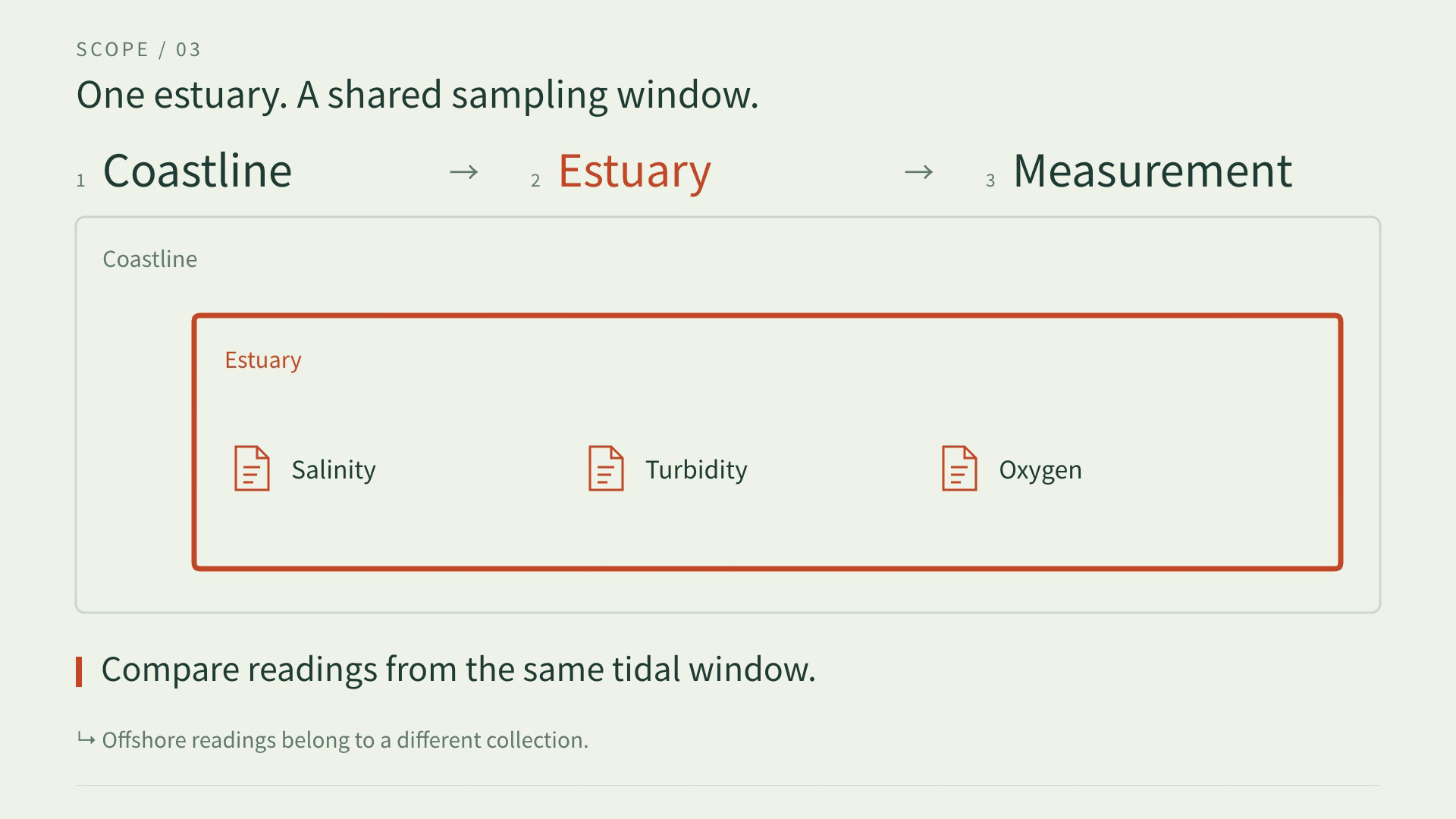
Use nested boundaries and a continuous perimeter to emphasize one collection, then state its benefit and a smaller caution.
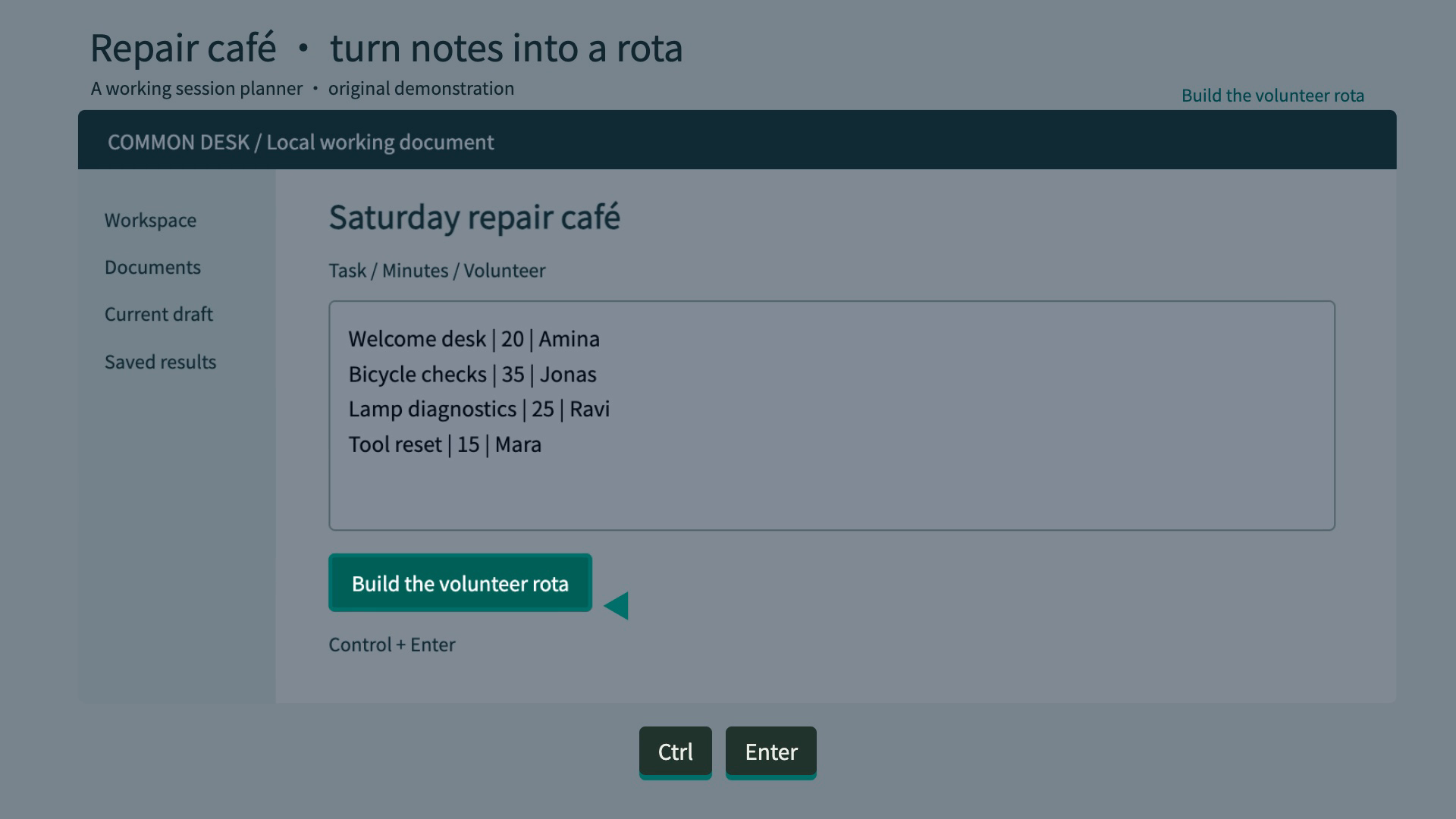
Press one keyboard action in an authored local document, then reveal its executed result while keeping source and focus registered.
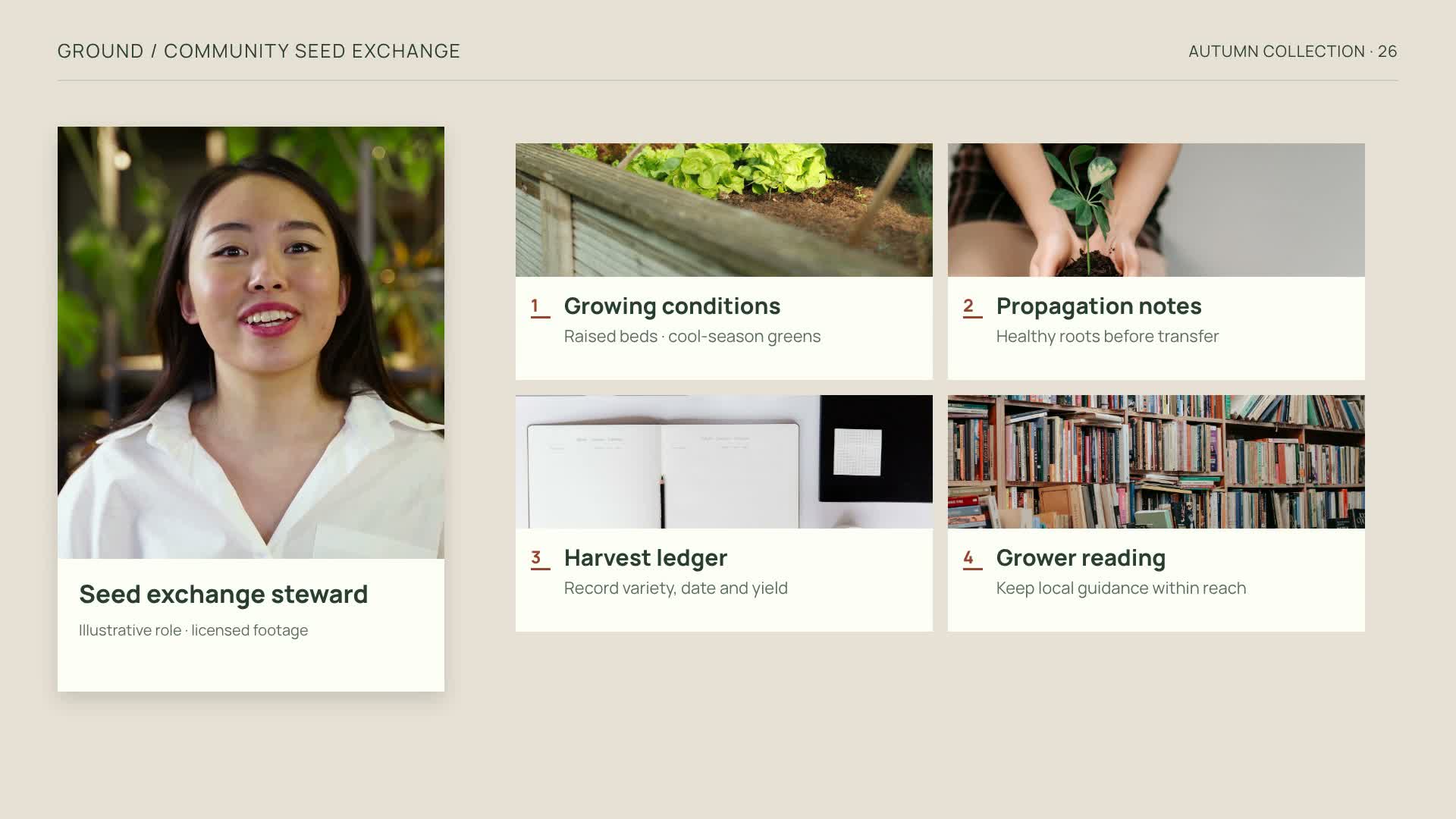
Build an illustrated dossier beside a continuous human role, then gather four records into a usable interface with editable GSAP and HyperFrames.
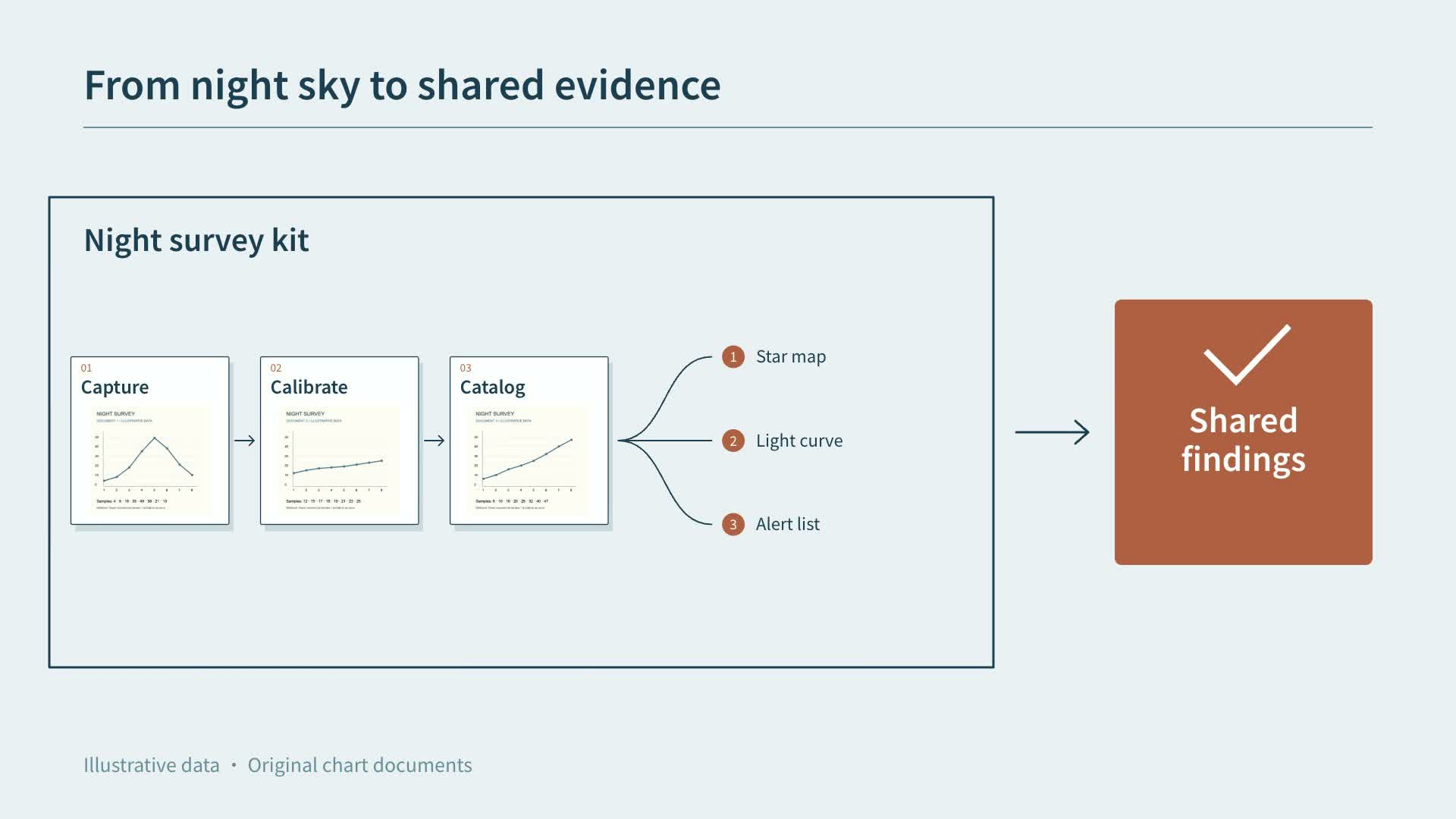
Explain how a sequence of documented operations forms a reusable process that produces a separate benefit.
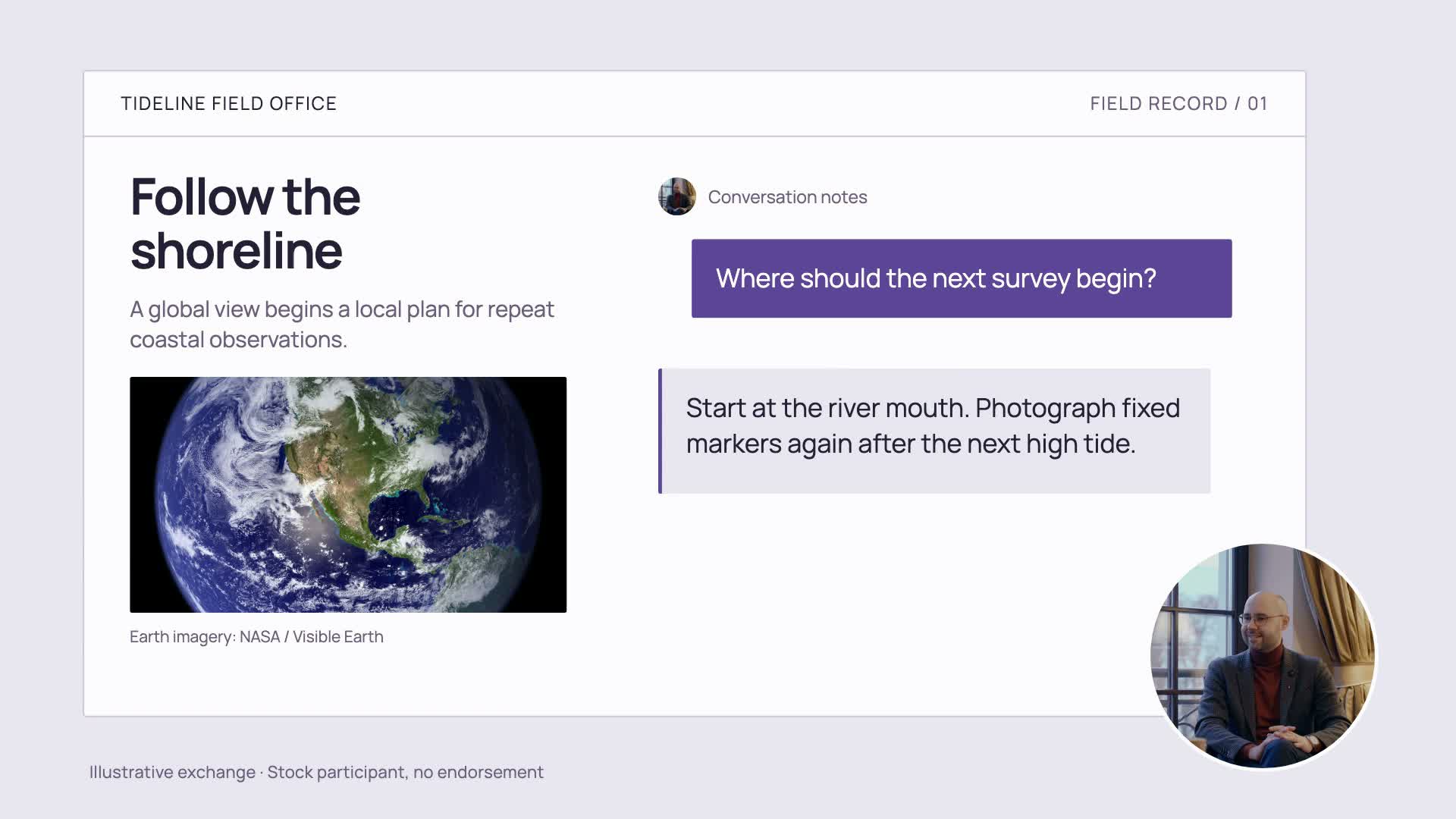
Author an editable page conversation with a live circular participant, timed waiting dots and a downward answer reveal.
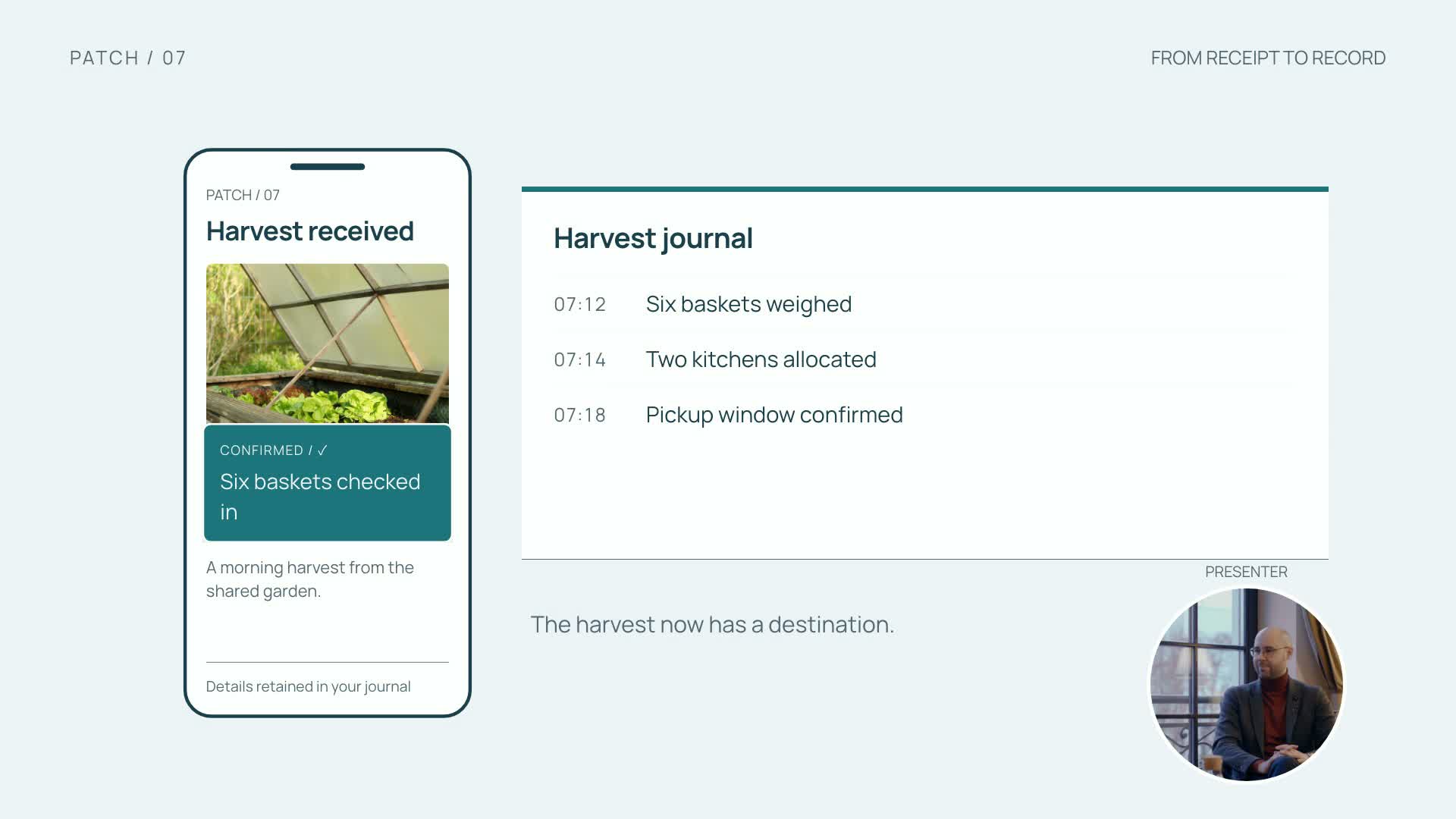
Animate a mobile confirmation into an ordered event journal beside a continuous presenter.
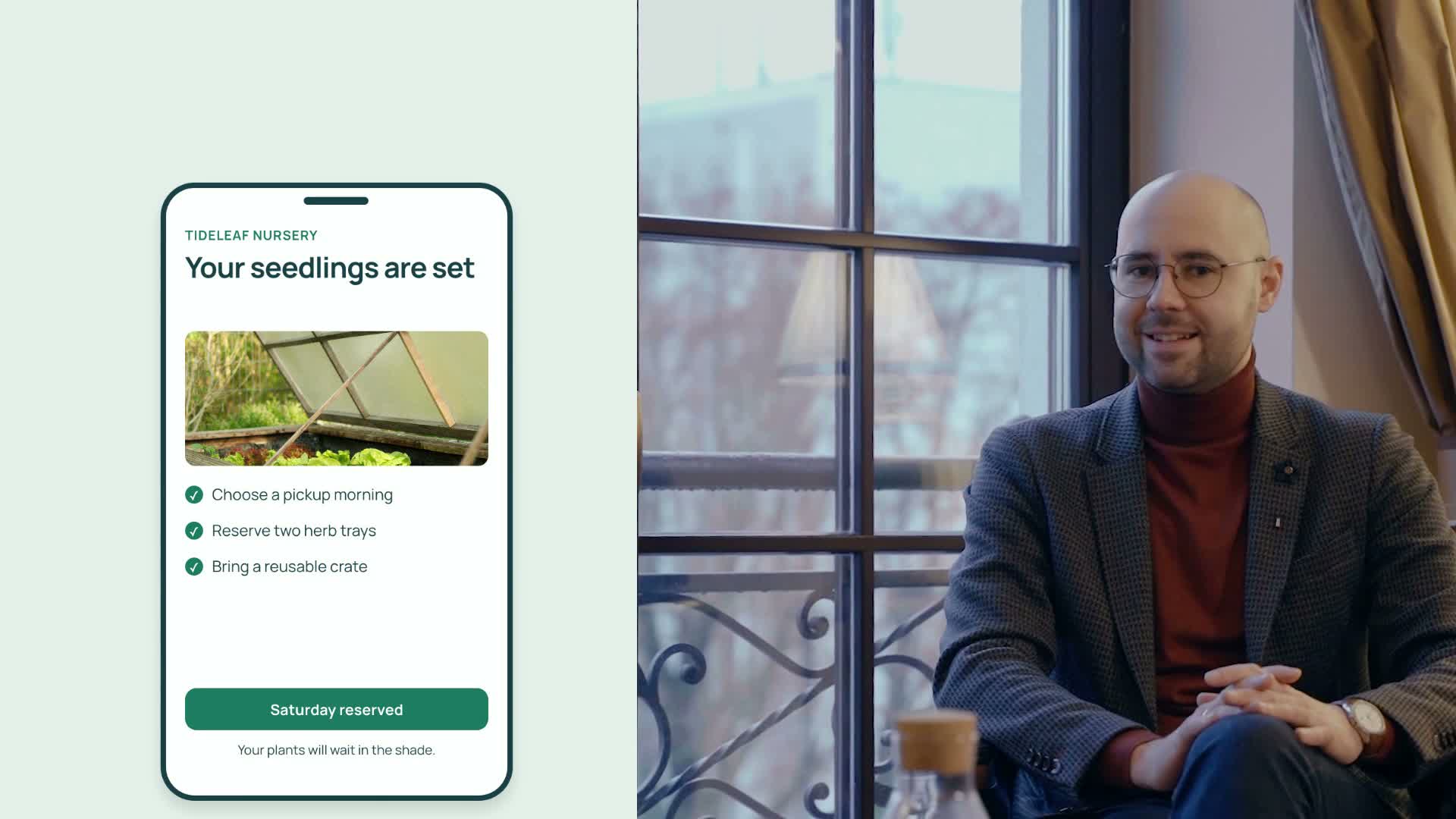
Produce a mobile confirmation sequence beside a continuous human shot, finishing with a smaller device and a readable receipt.
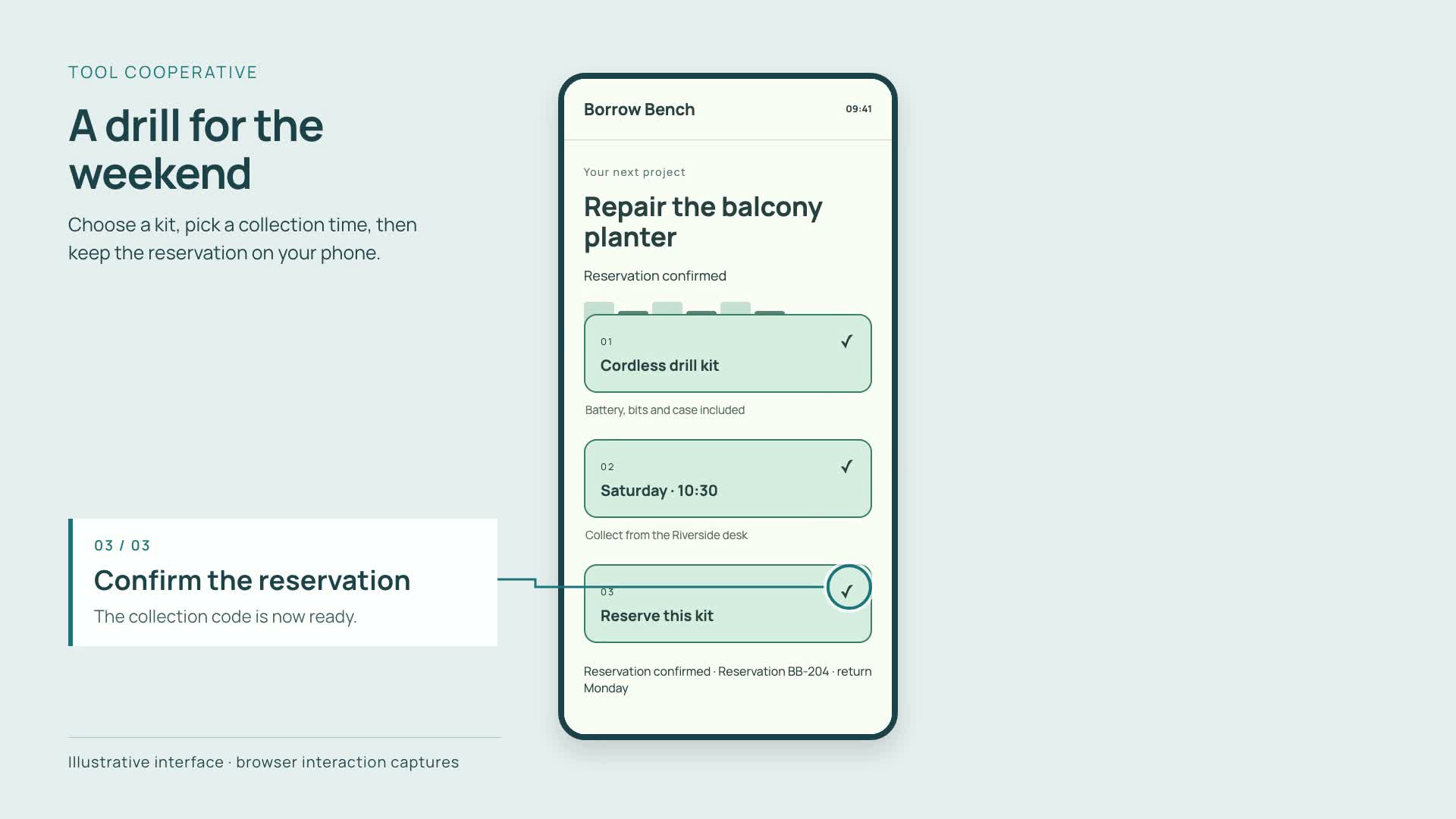
Create an editable mobile walkthrough with a travelling target ring, linked instructions and synchronized screen states.
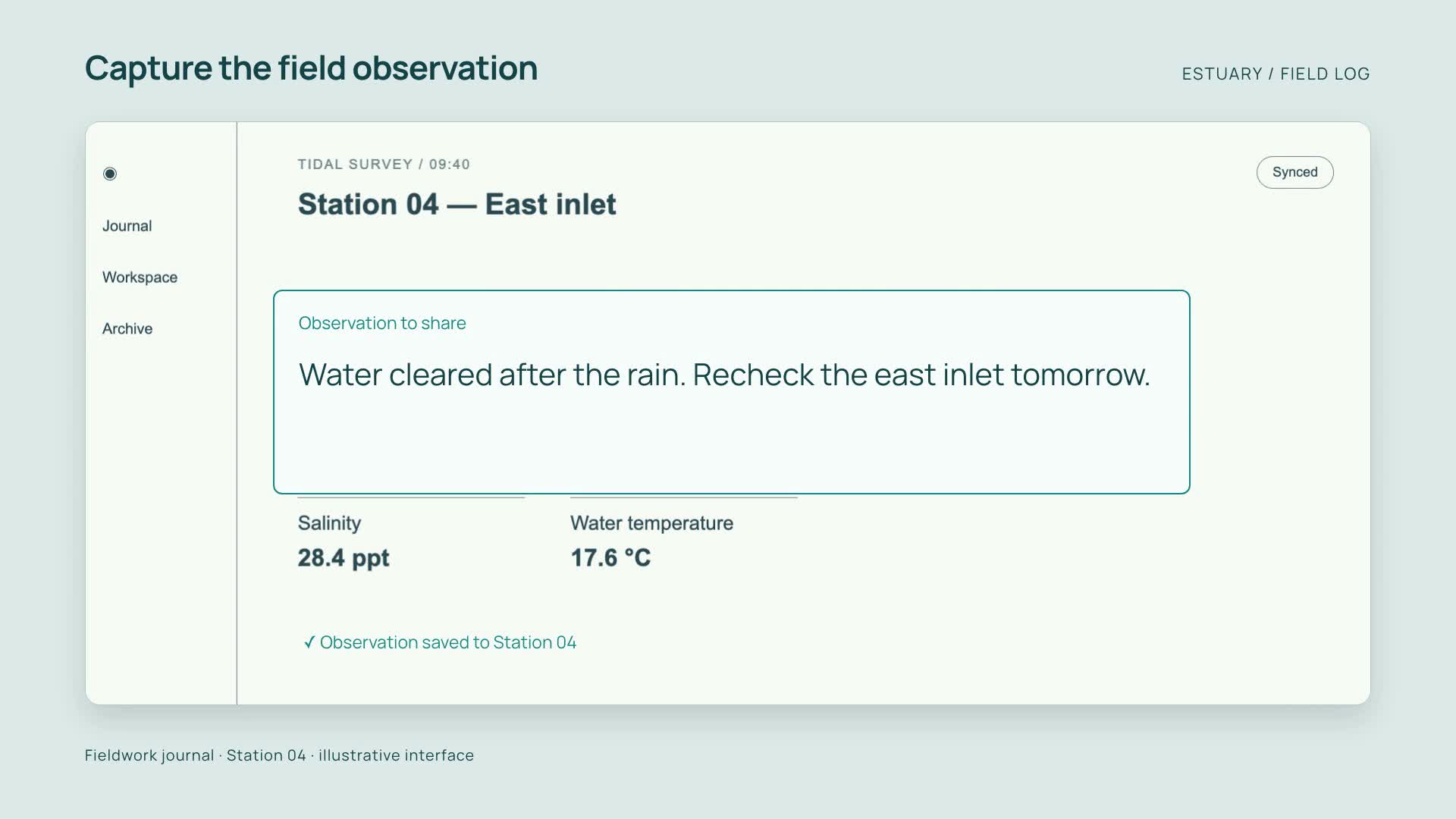
Create an editable ten-second recording-to-field animation from a screenshot and timed text.
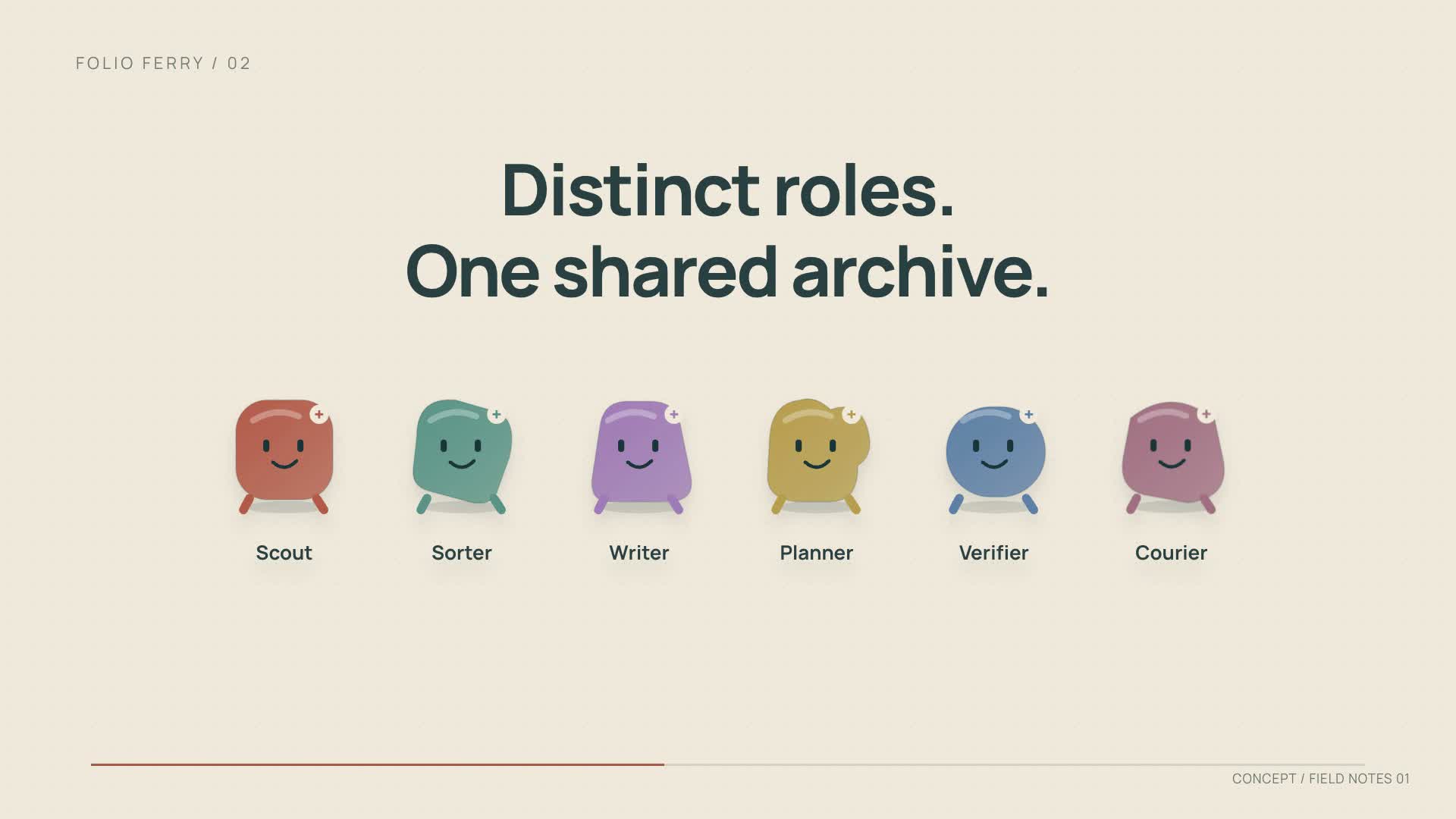
Author an editable character-led concept launch film with live device tasks, connected apps and a skill-to-character reveal.
Author a paced showcase with repeated input across representative interfaces, a musical drop, a synchronized output reel and an executable closing command.
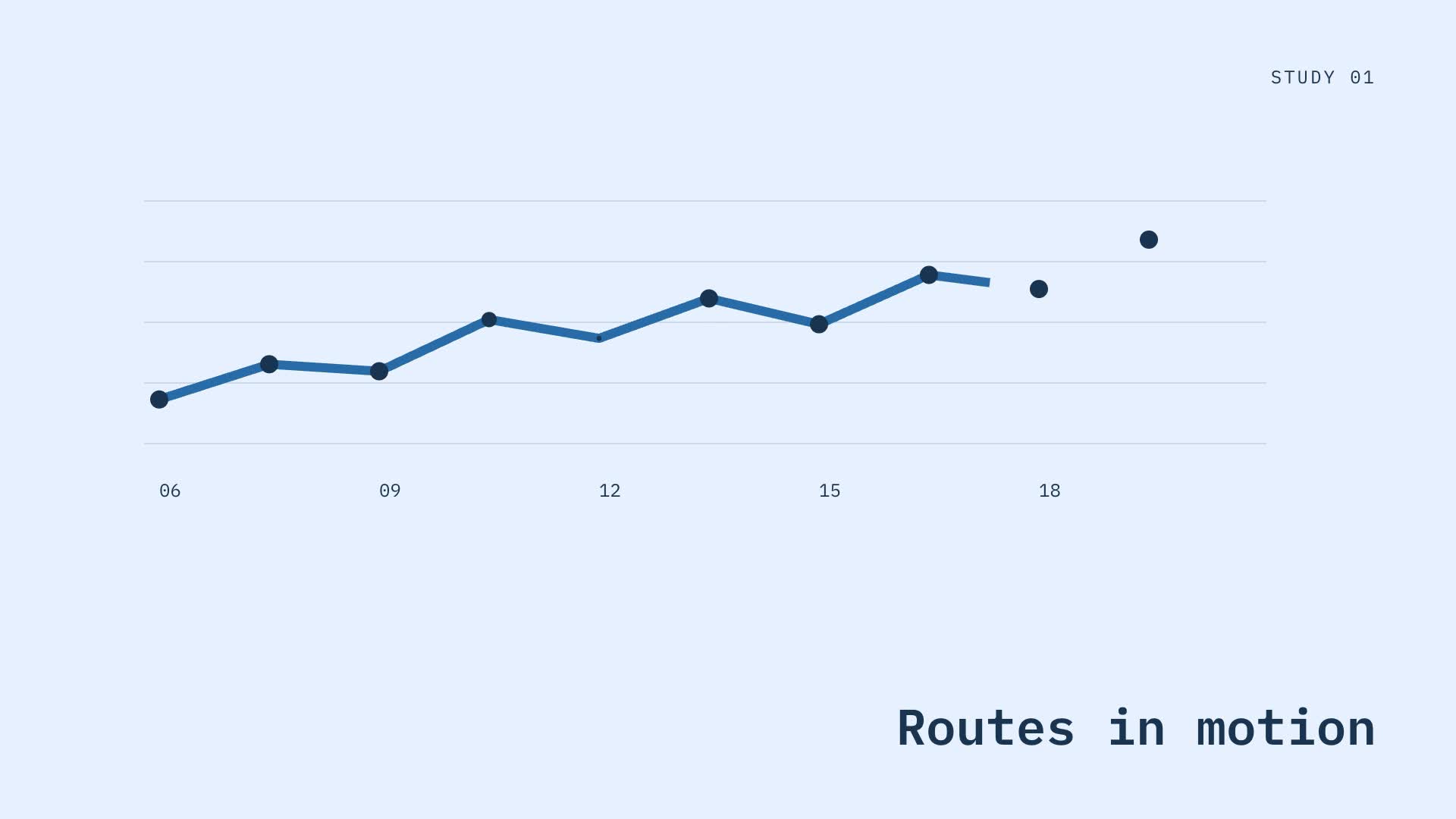
Author a narrated film showing a toolkit through distinct visual compositions, using editable HTML, SVG, GSAP and HyperFrames.
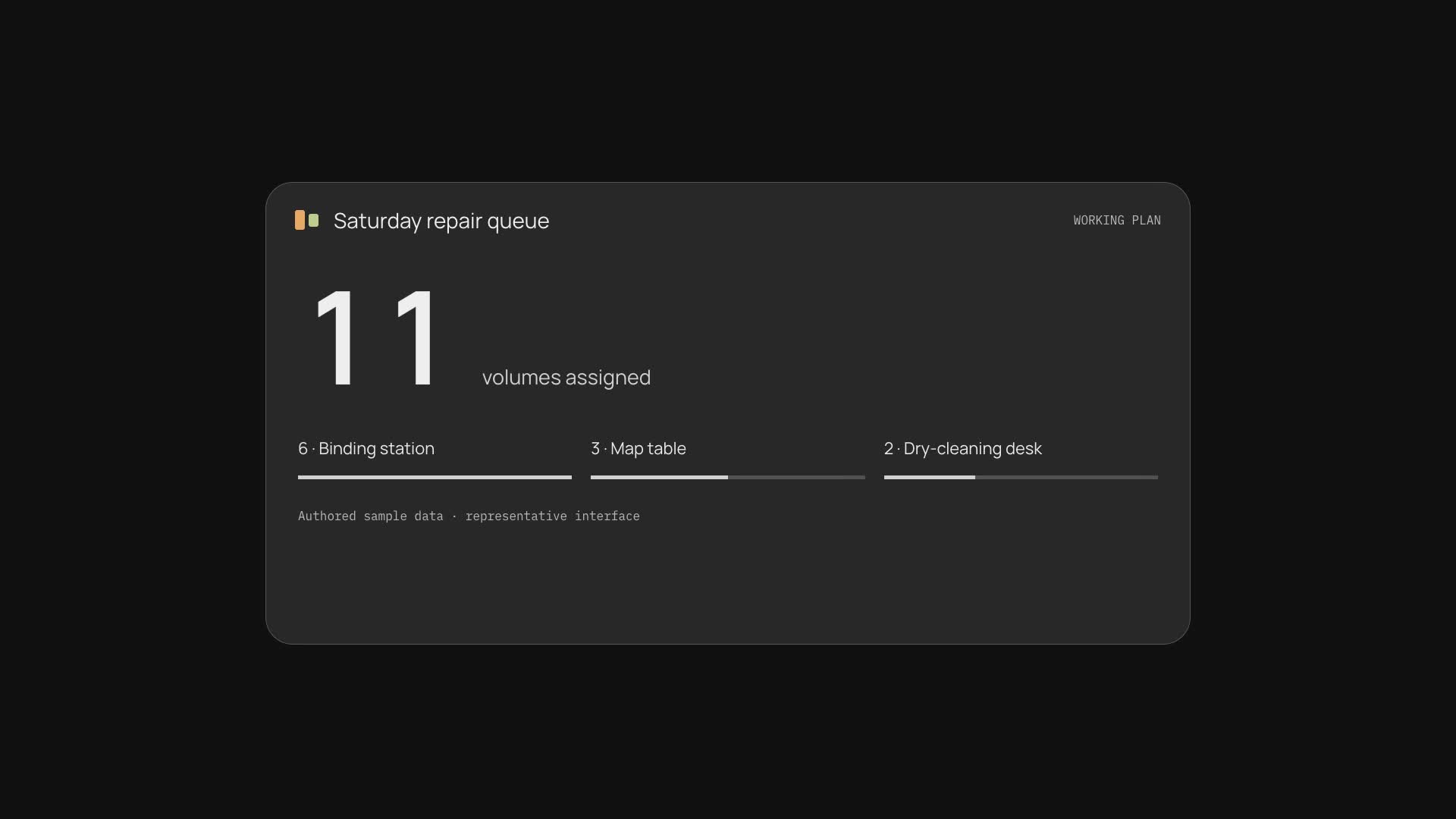
Author a narrated interface film that connects a tool, asks a question, follows the answer, and turns a follow-up into a concrete counted result.
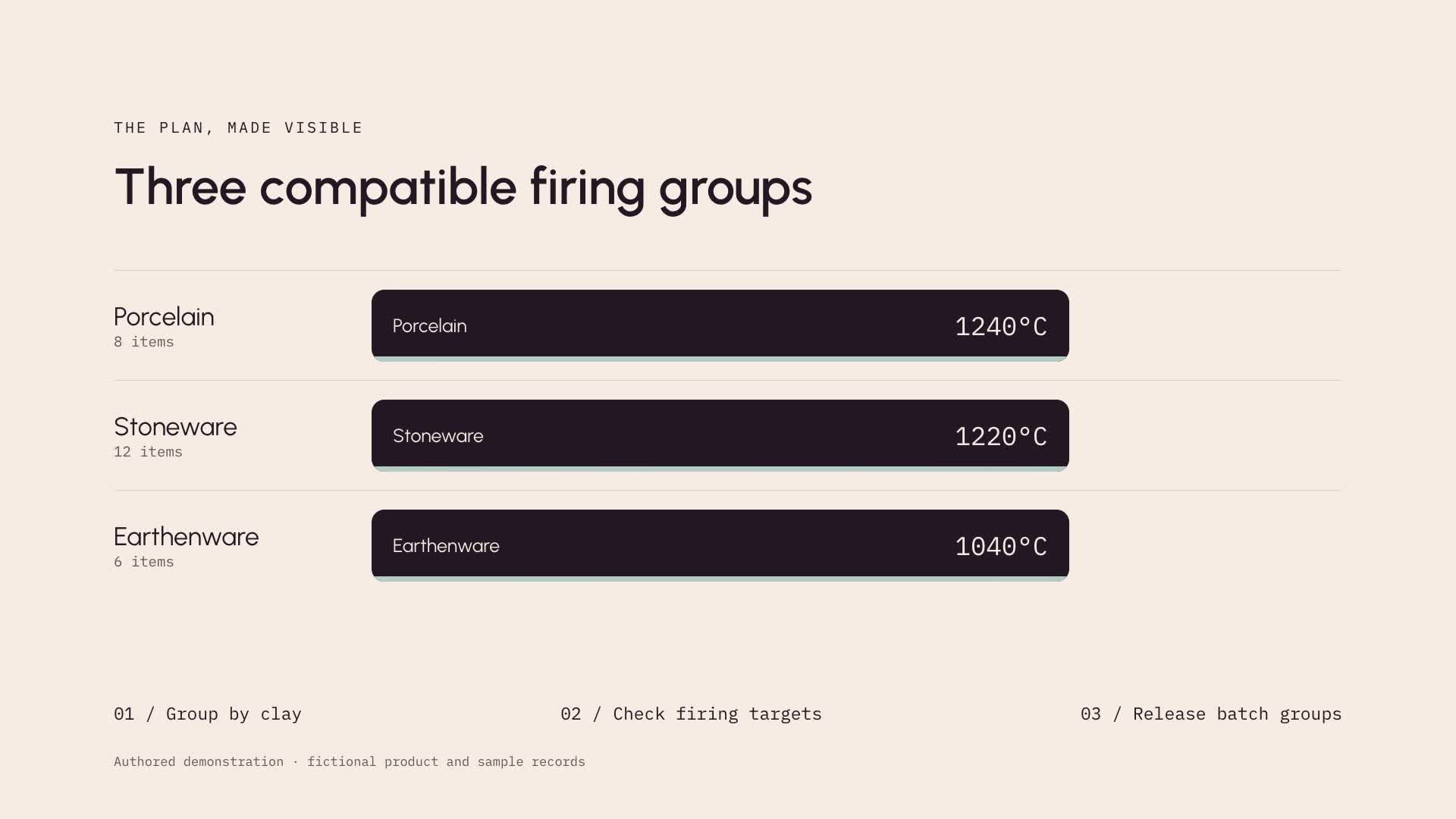
Author an objection-led feature film with a continuous terminal performance and a visible data-based payoff.
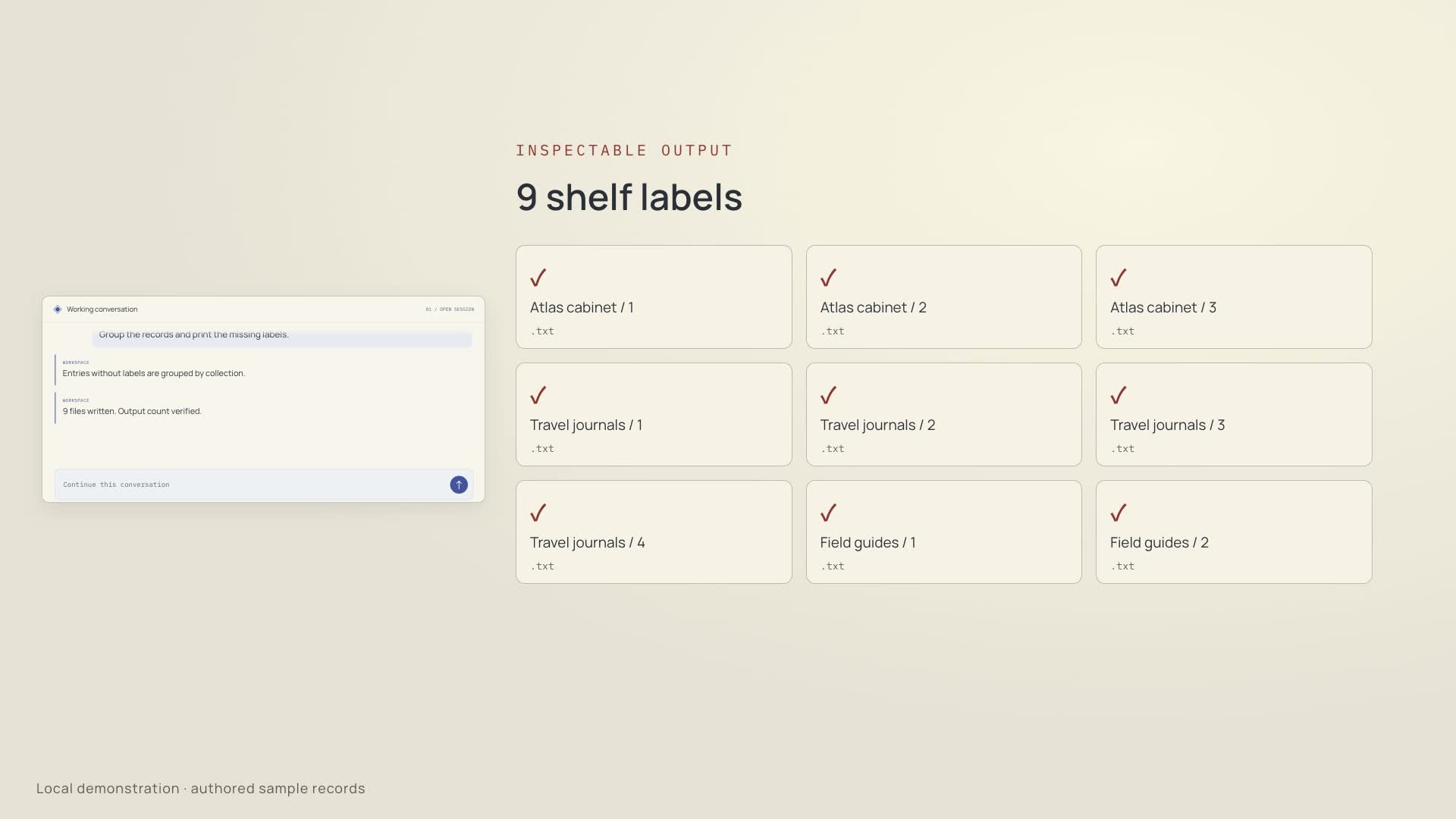
Create editable films in which a continuous conversation becomes a verified set of local output files.
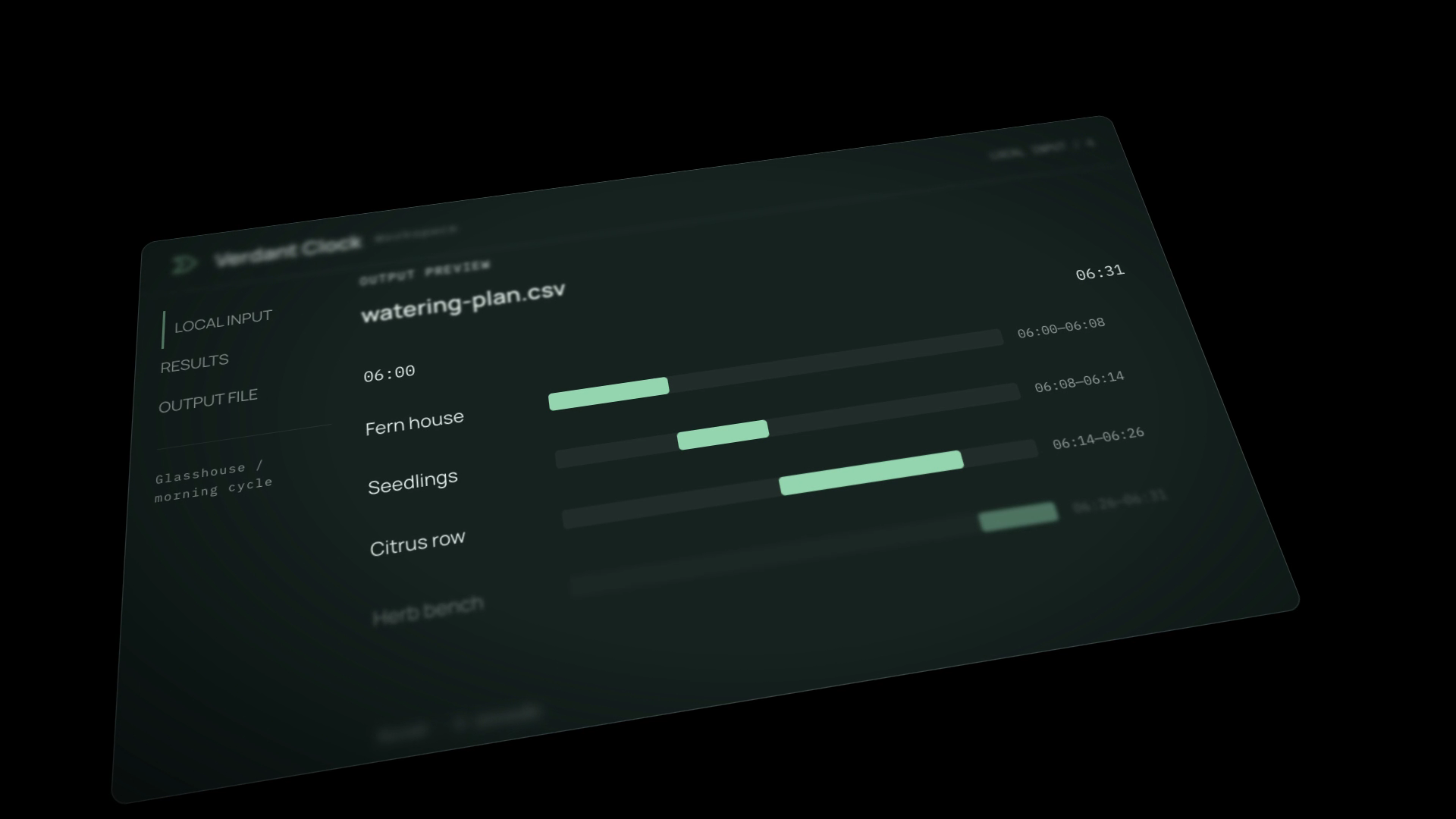
Create an editable perspective UI film around local data becoming an inspectable artifact.
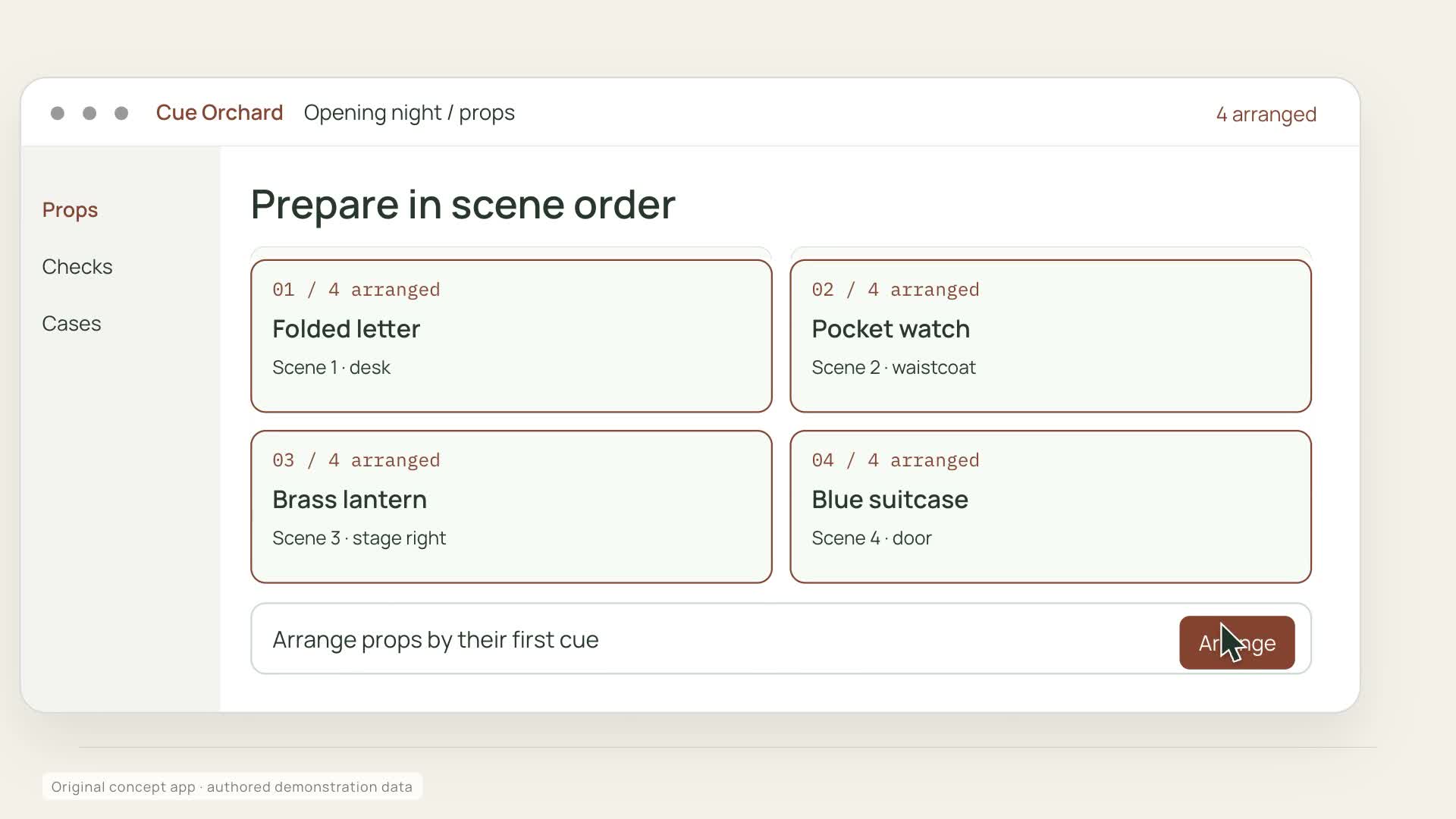
Author beat-led concept application films with progressive typography, rolling chapter words, visible input/result operations, photographic glass cards and a closing reveal.
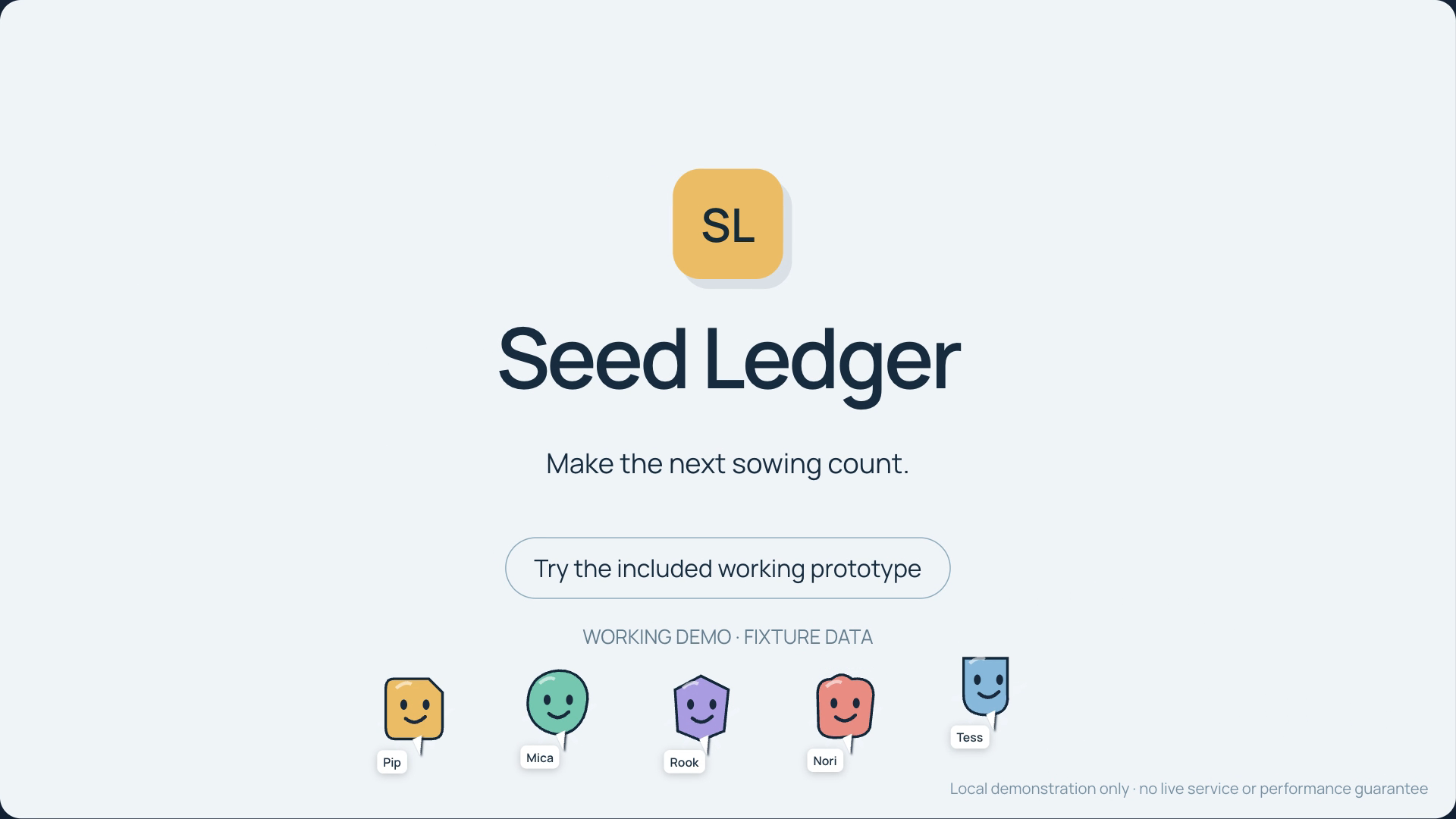
Build a 42-second collaborative-editor film with an original flat-character cast, working local application views and an editable soundtrack.
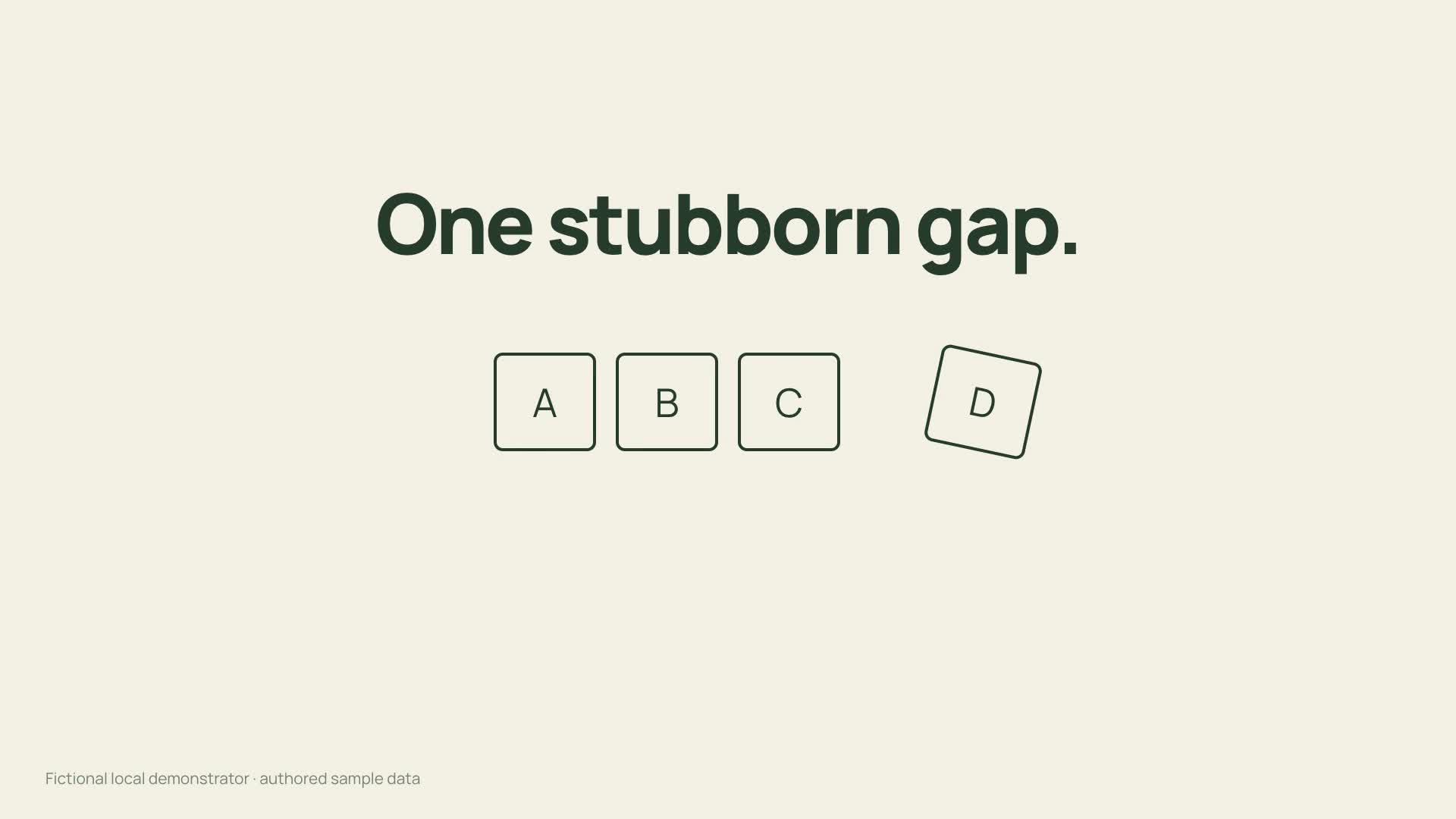
Create an editable narrated film where a small visible frustration turns into a working drag interaction.
Present a photographed transition and let the destination introduce its practical benefits.
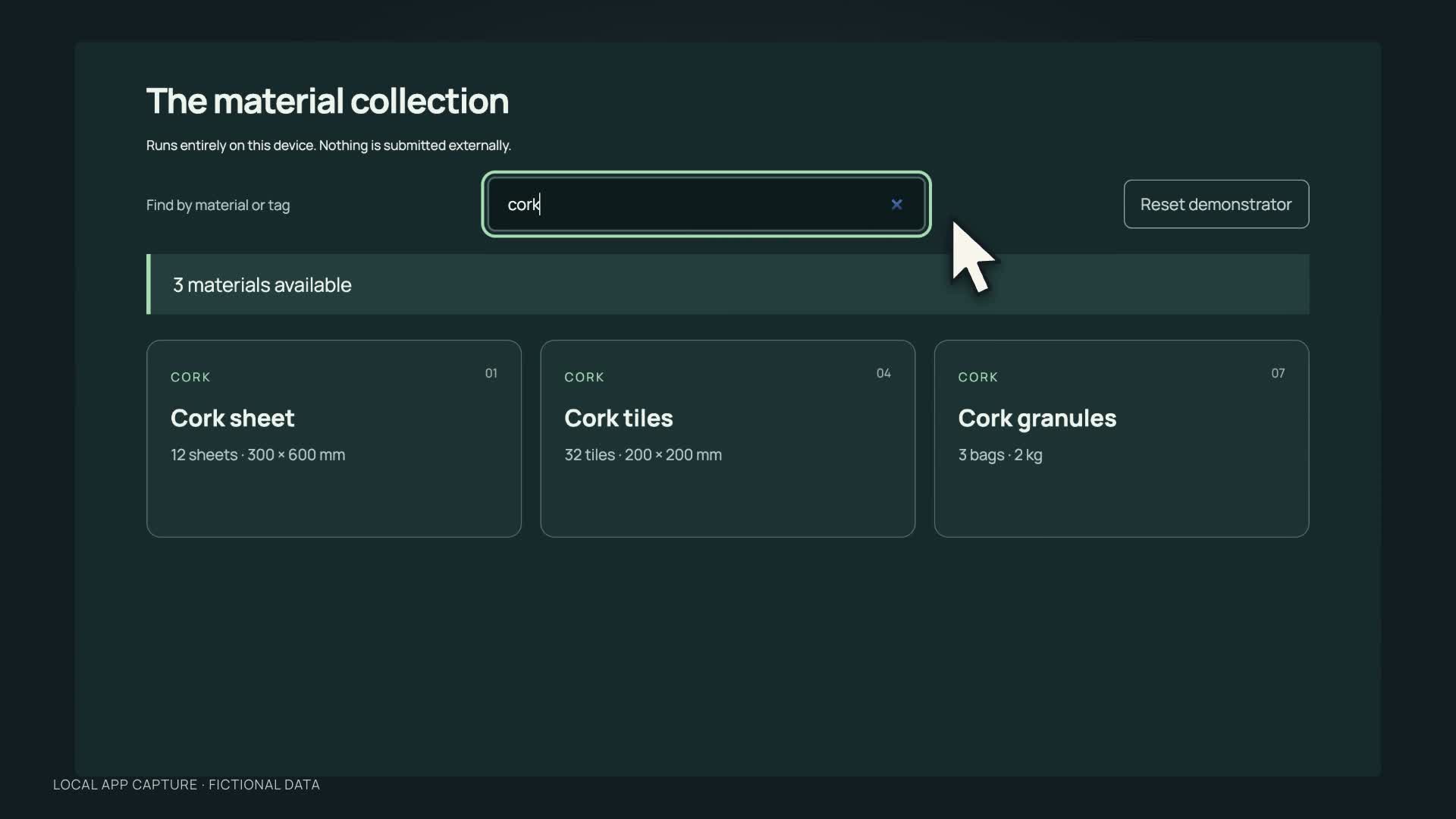
Author an editable studio film around a working local application, with a scrolling device, a real operation, and a bright closing identity.
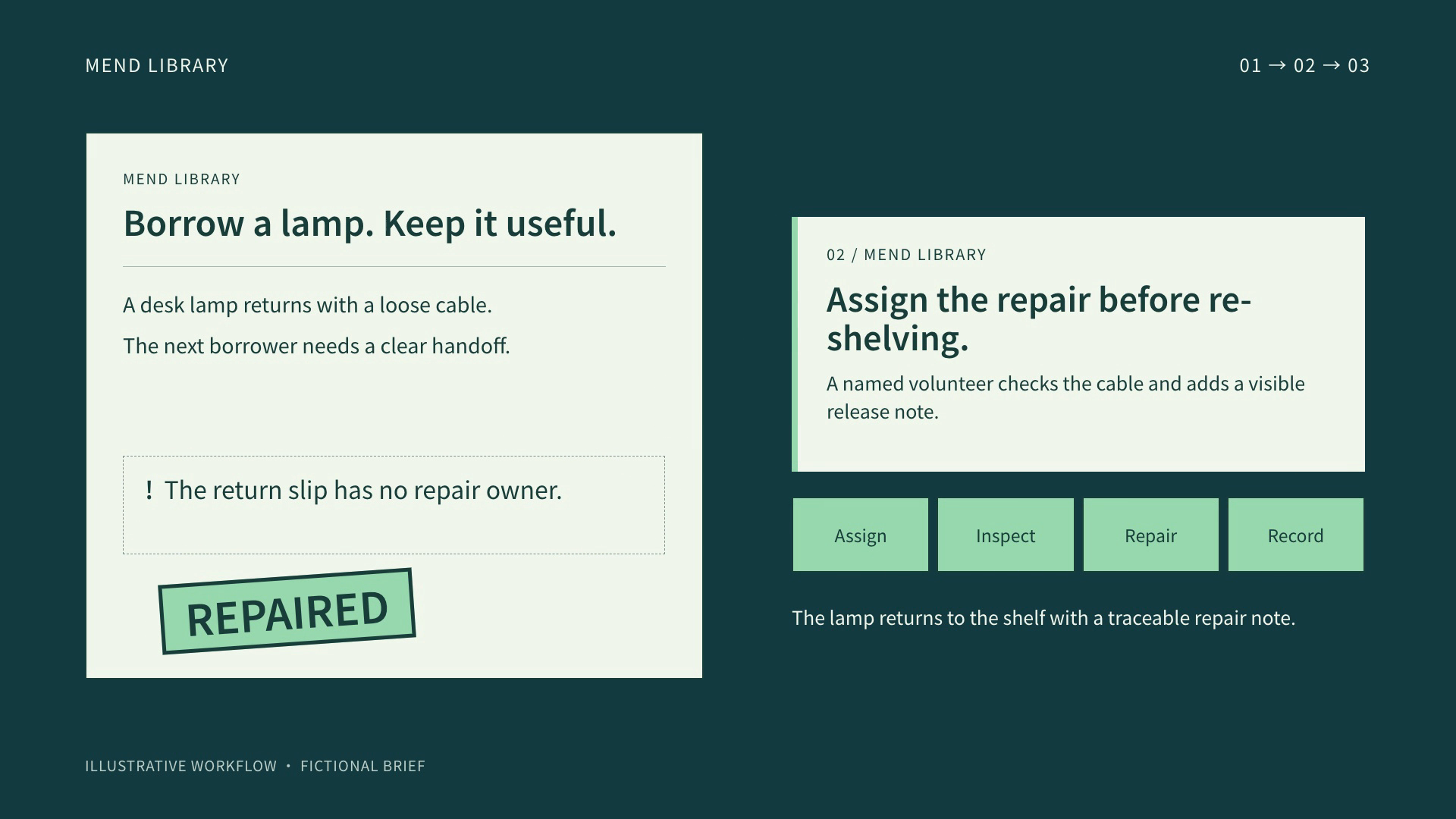
Turn a documented gap into a clear remedy, sequential checks and a completion stamp in an editable ten-second film.
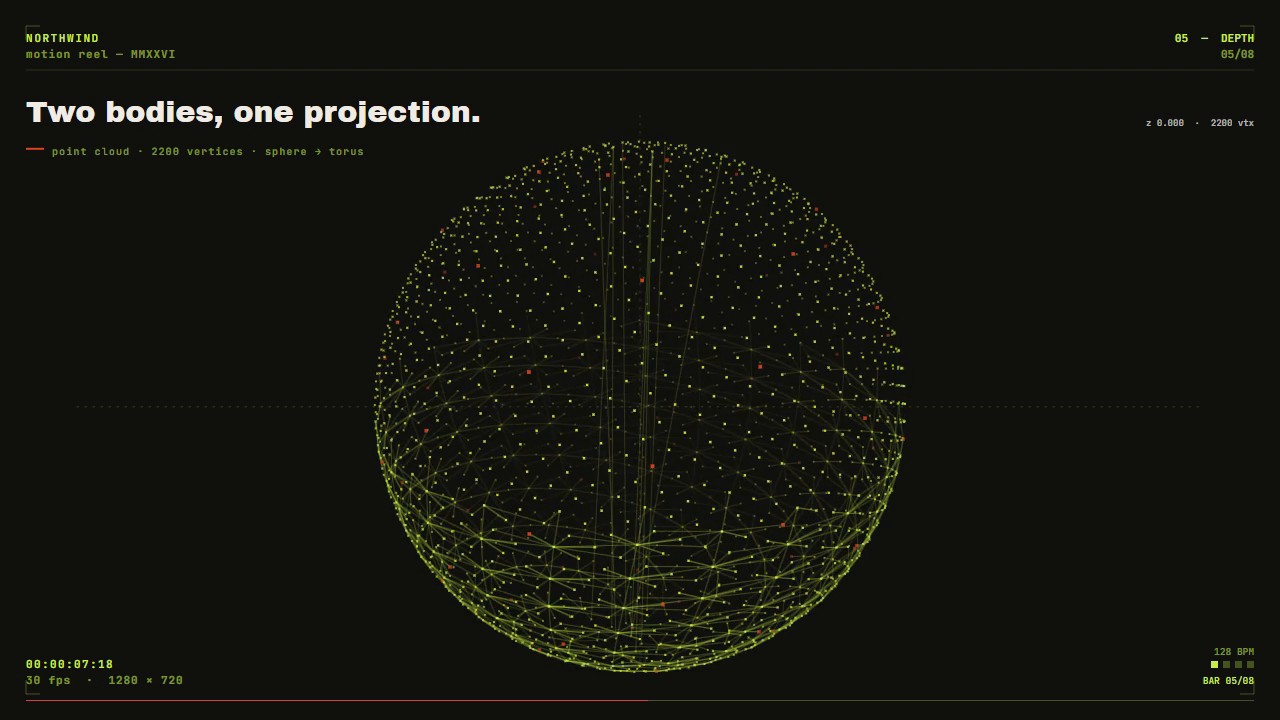
Turns one JSON sheet into a short reel cut on bar lines, where each chapter shows one motion technique inside a persistent technical HUD, with a beat-locked score.
A brand mark lands beside a wordmark that rolls letter by letter through three names, then hands off to a badge before a tagline and CTA settle.
Phrases hard-cut in word by word on a drifting line, then a product badge and name light up letter by letter beside a typed tagline, and the module slides aside to reveal where it runs.
A claim types on inside an orbit of topic pills, three evidence scenes hard-cut through — lit tiles, a spinning coin carousel, toggles flipping on — then one product lands with the answer.
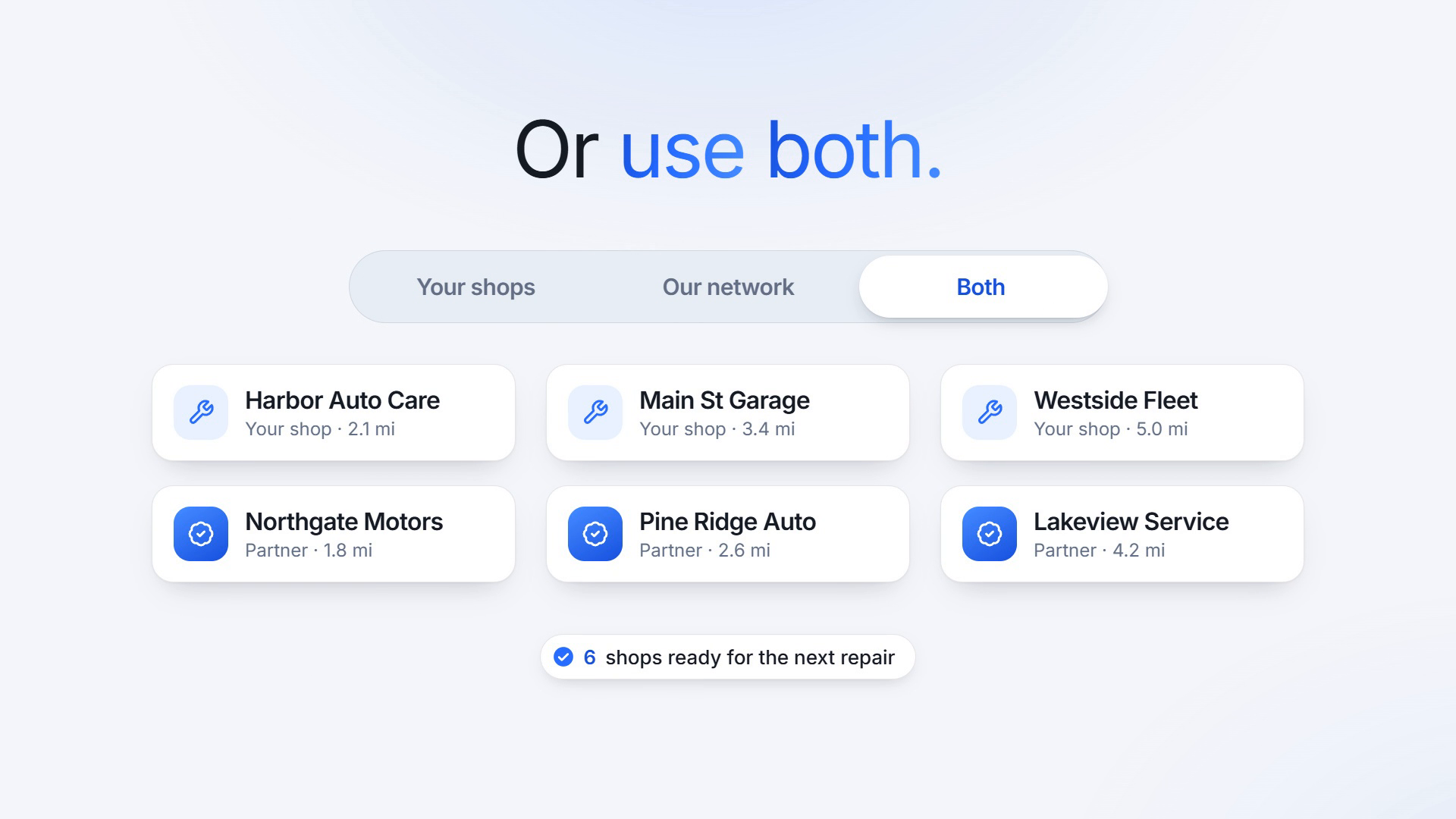
A sentence builds and lifts aside; a recommendation card swings in with a spinning rim, a filling match ring, stats and a pulsing CTA; then three beats switch the list between yours, theirs and both.
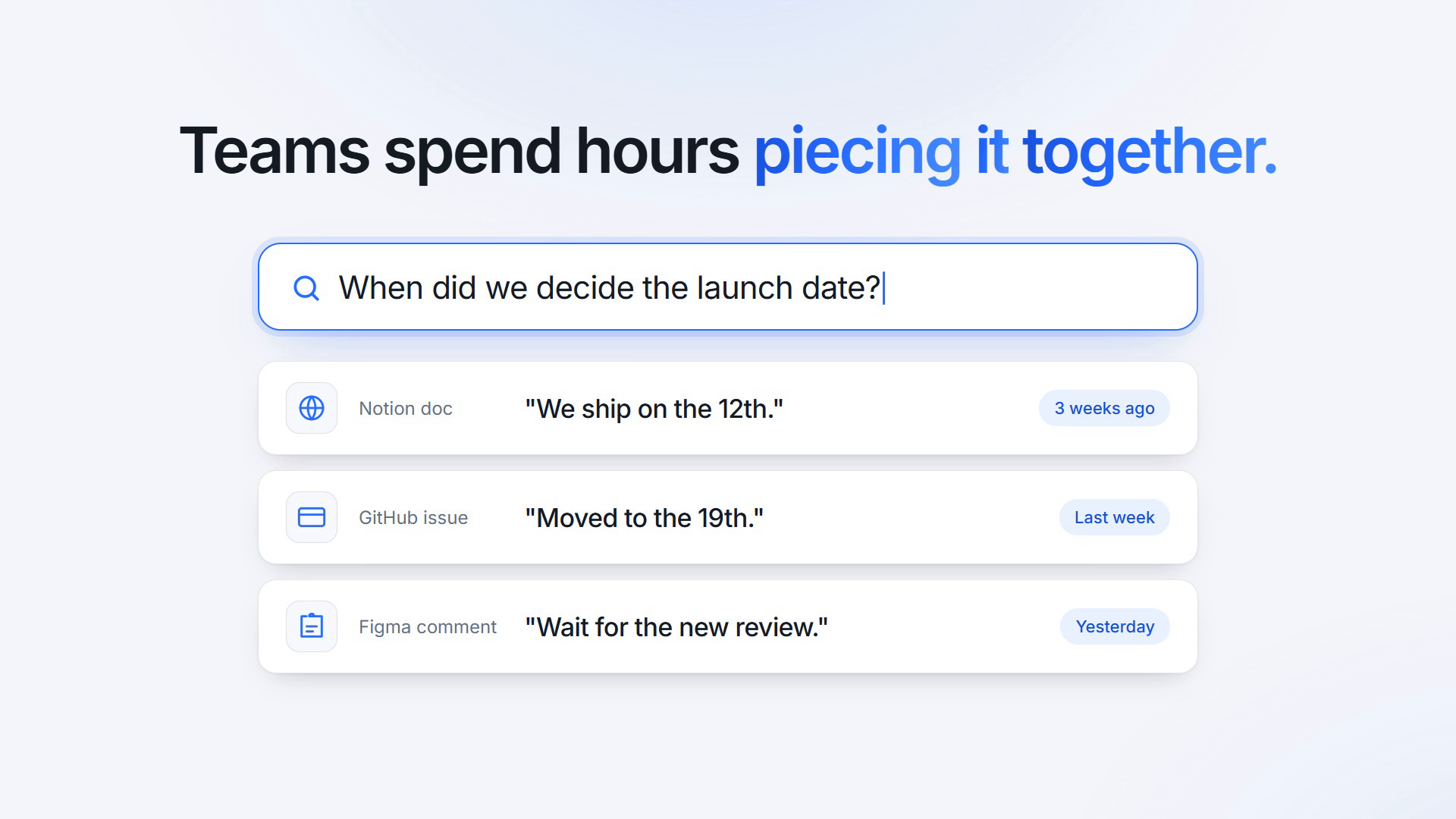
A hook contracts away, an eight-tile grid pulls back with unread badges piling up, a block wipe writes the problem, and a typed search returns three conflicting answers.
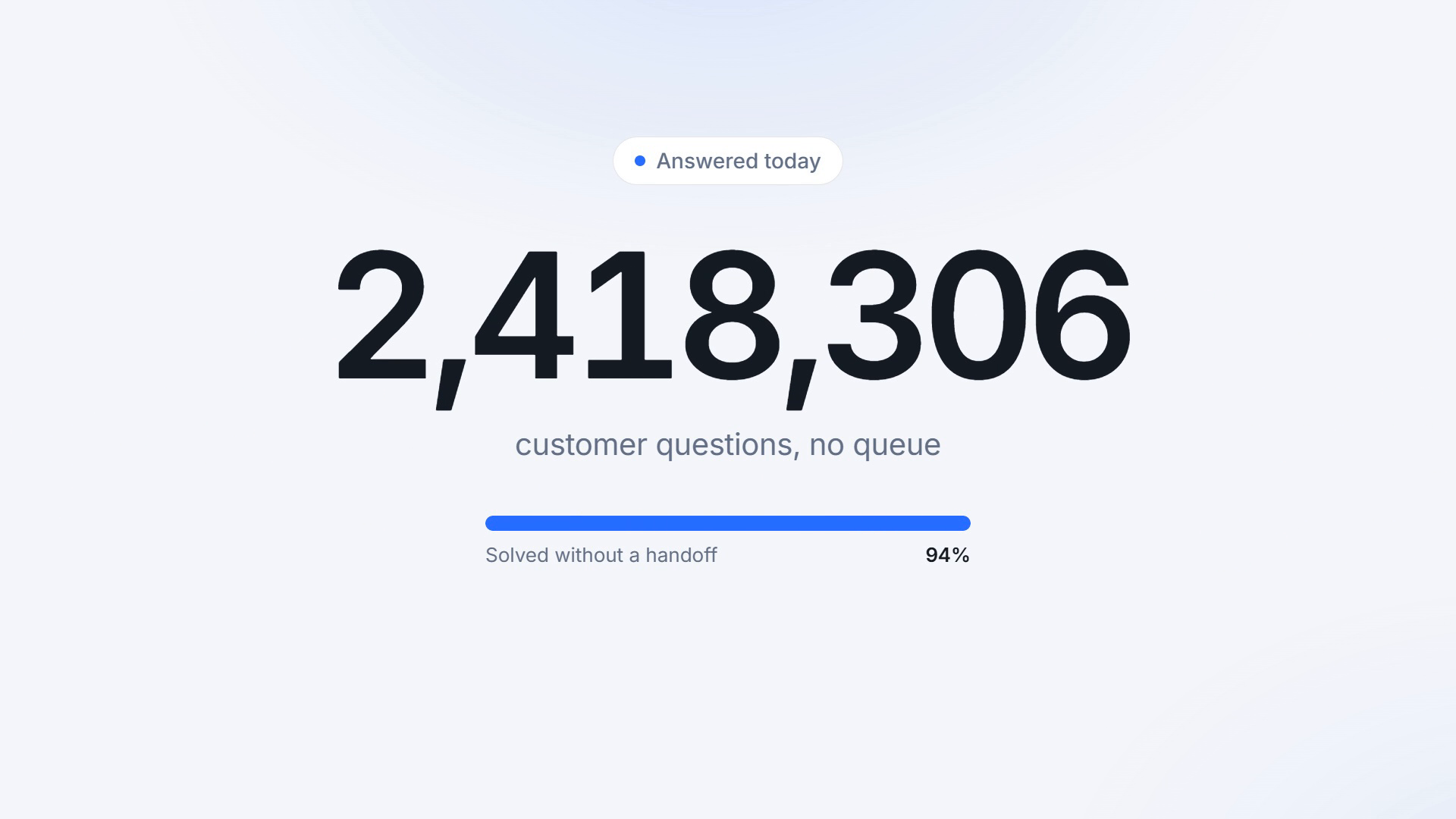
A claim builds and burns down to its tail words, one square multiplies into a mosaic the camera dives through, a ribbon frames "every day", and it all resolves into a big count with a progress bar.
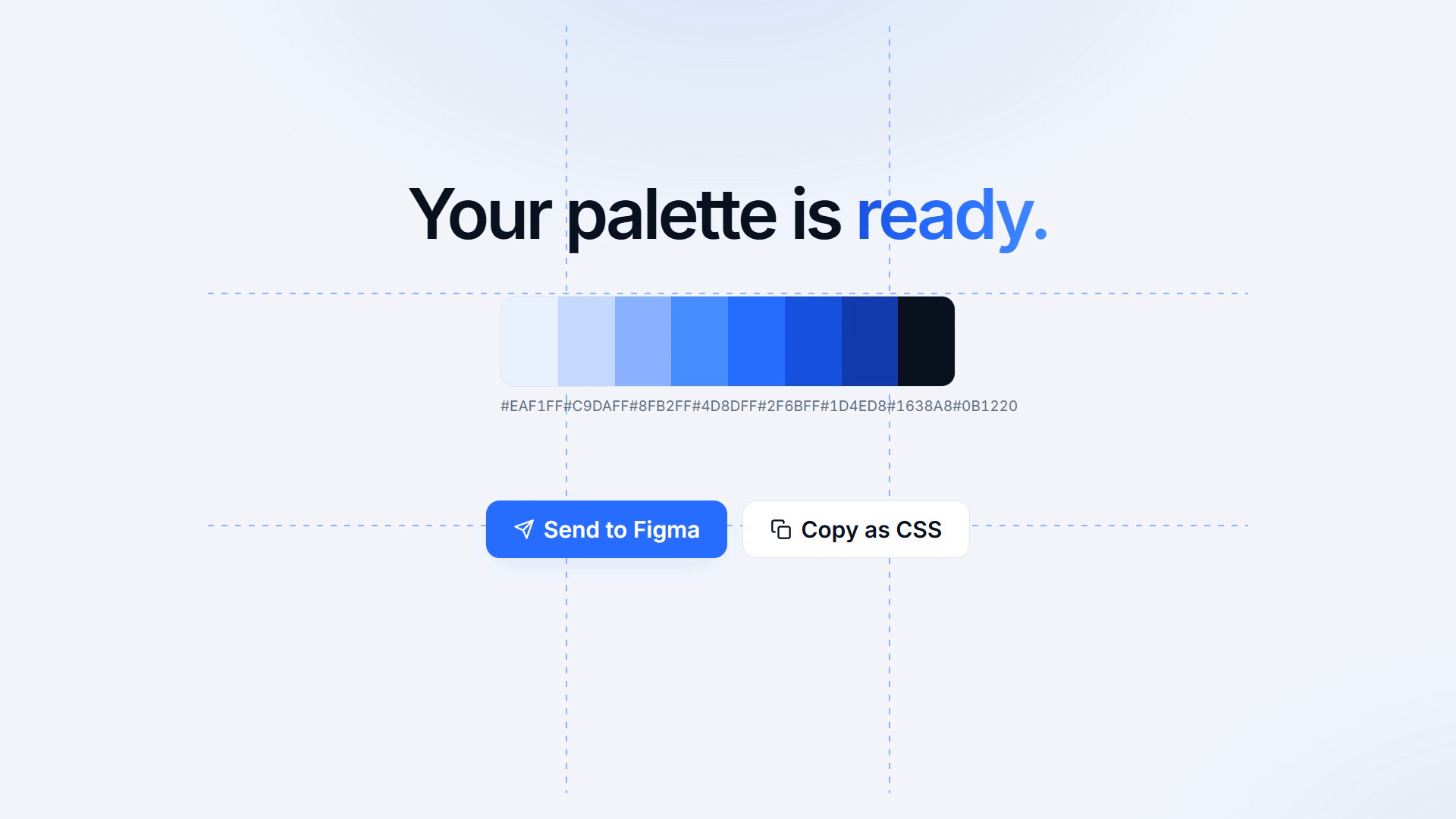
A dot whips in on a curved smear and pops into a colour card, a 3×3 palette board fills and waves, a headline snaps two words into a display face, and the finished palette lands with export buttons.
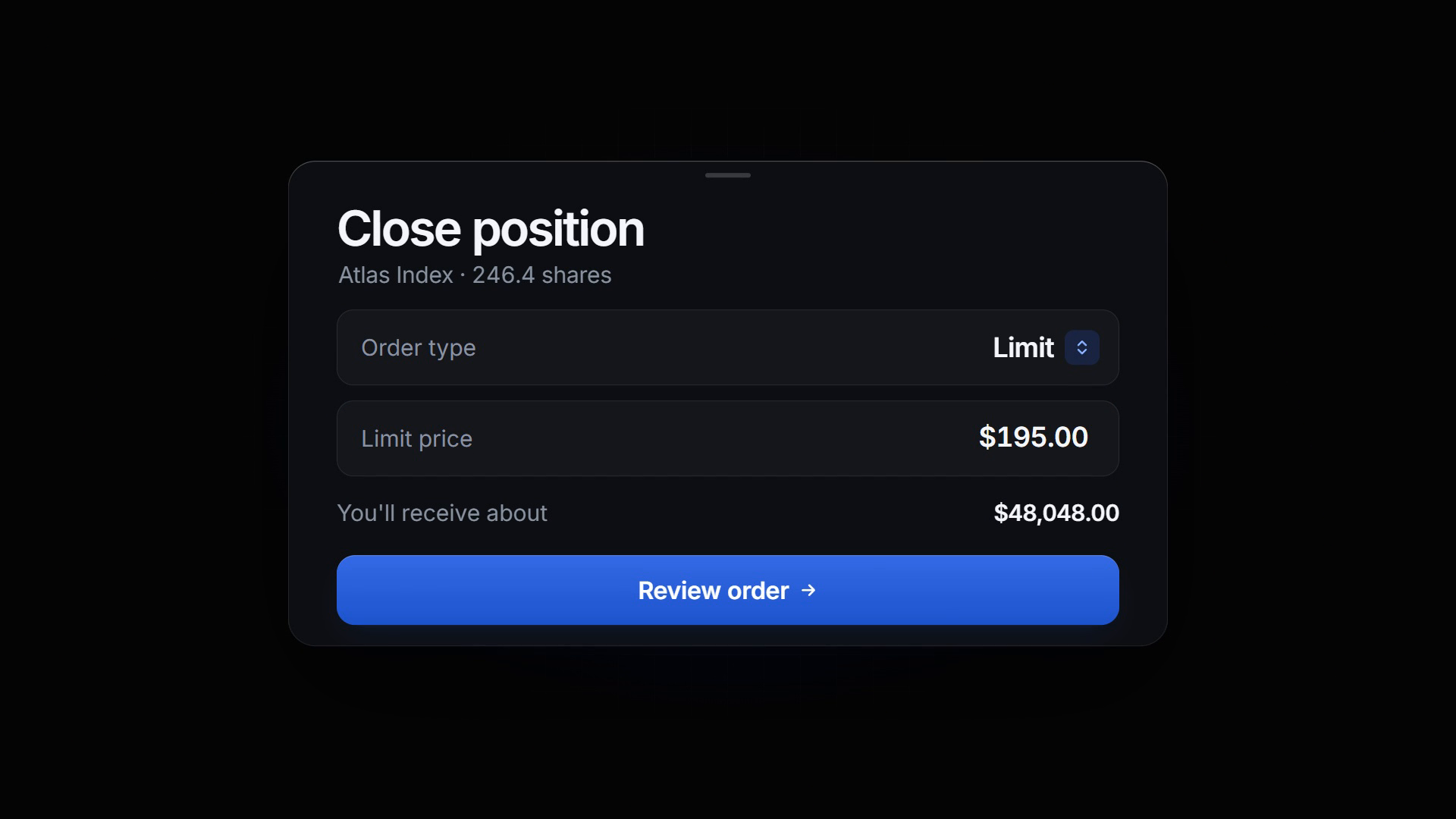
A phone app lights up, the camera pushes into a position card, a tap on the close button floods the frame with brand colour and opens an order sheet where the order type rolls to Limit.

A ragged paint brush sweeps your clip away to reveal a painted sky: a wordmark paints in, two swipes carry the tagline and link, and a mascot pops up.
A two-part claim builds word by word, six chips orbit and get pulled into a star symbol, which slides left beside a wordmark and a call to action.
Words snap in on either side of a clip card, an iris opens onto four letters that land one per beat with a pixel tile each, then the letters close up into a lockup with a tagline and a start button.
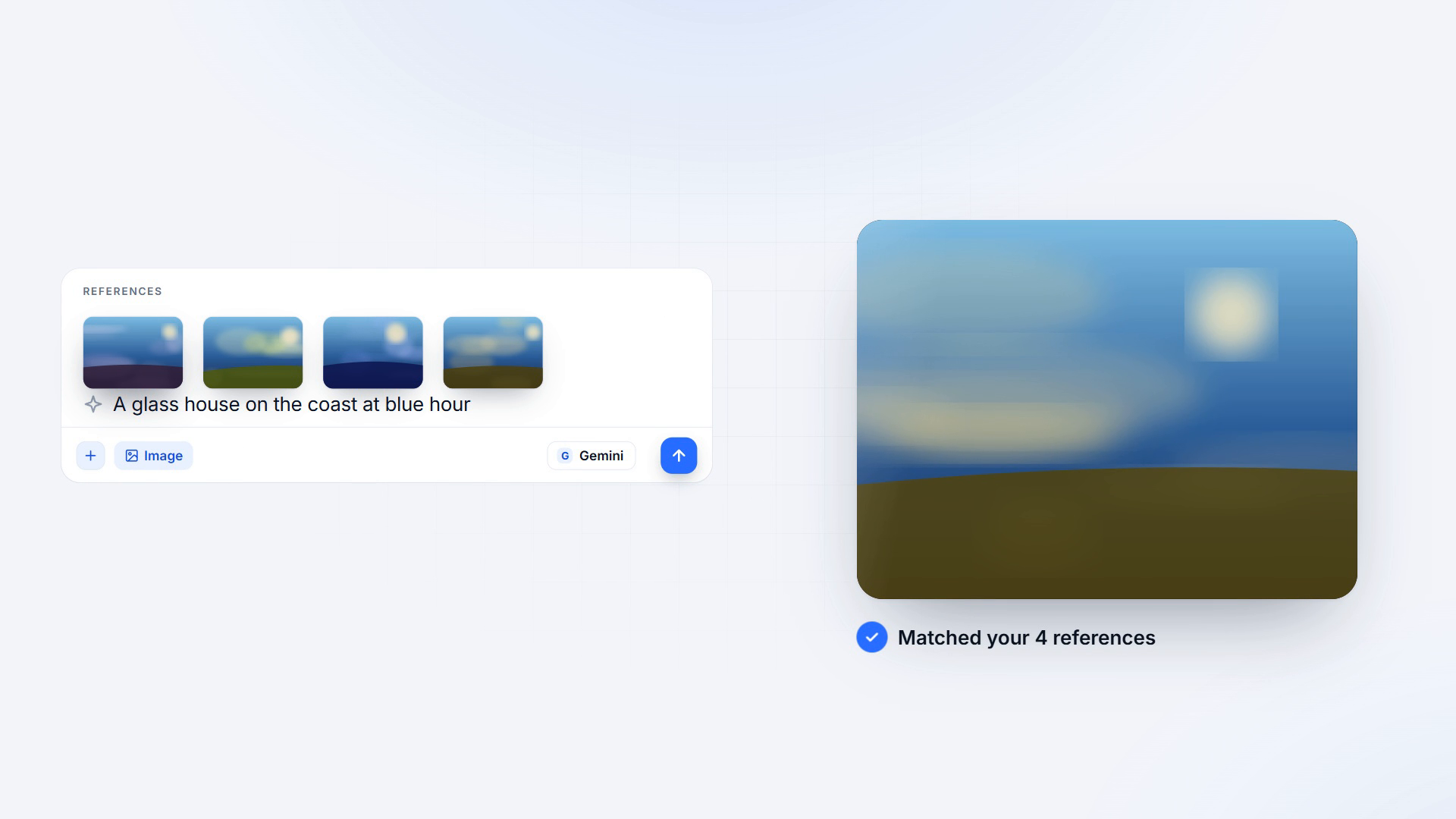
A headline gives way to a frame flipping through five photo styles, four references are dragged into an image prompt, and the matching result renders beside it.
The camera flies through a tunnel of glowing screens to a streaming wordmark, wires reach six devices, a pulse lights the TV and it opens into a full player.
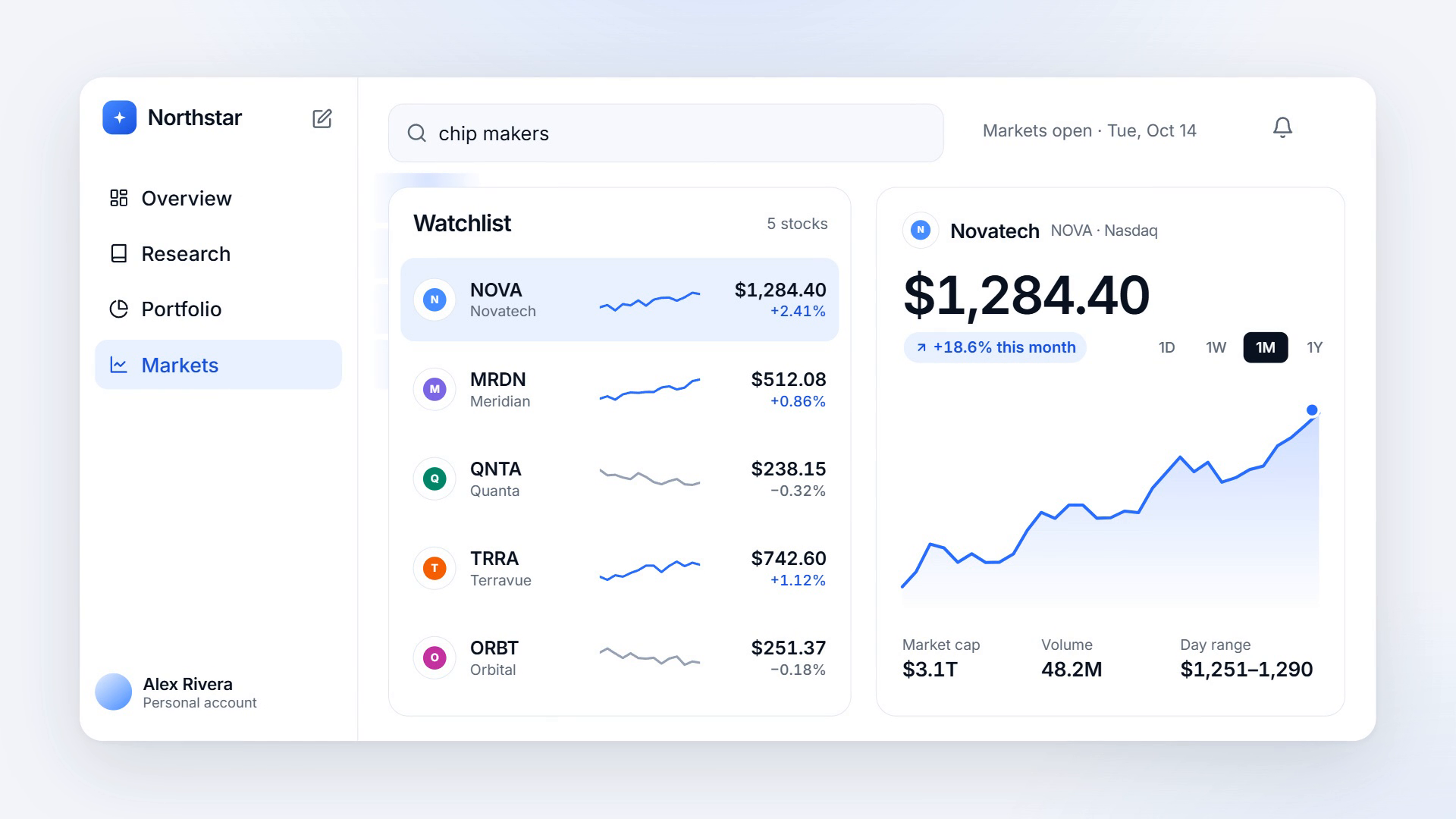
A menu card draws in and fills, a cursor picks Markets, the card floods into a full investing app where a searched stock is added and its chart draws in.
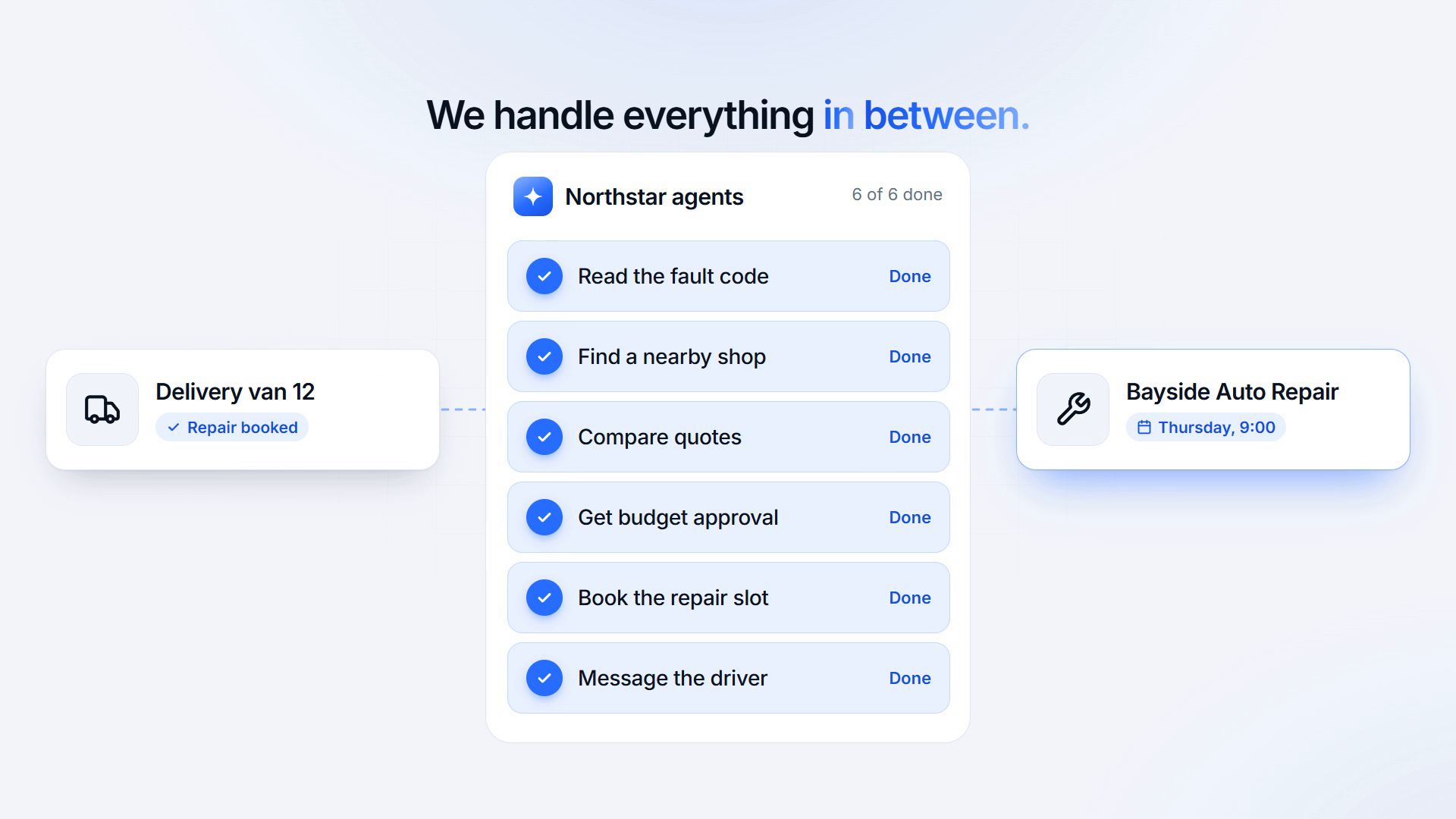
A product tile pops up between a broken-down vehicle and a repair shop, opens into a panel of six agents that finish one by one, and a pulse carries the job through to a booked repair.
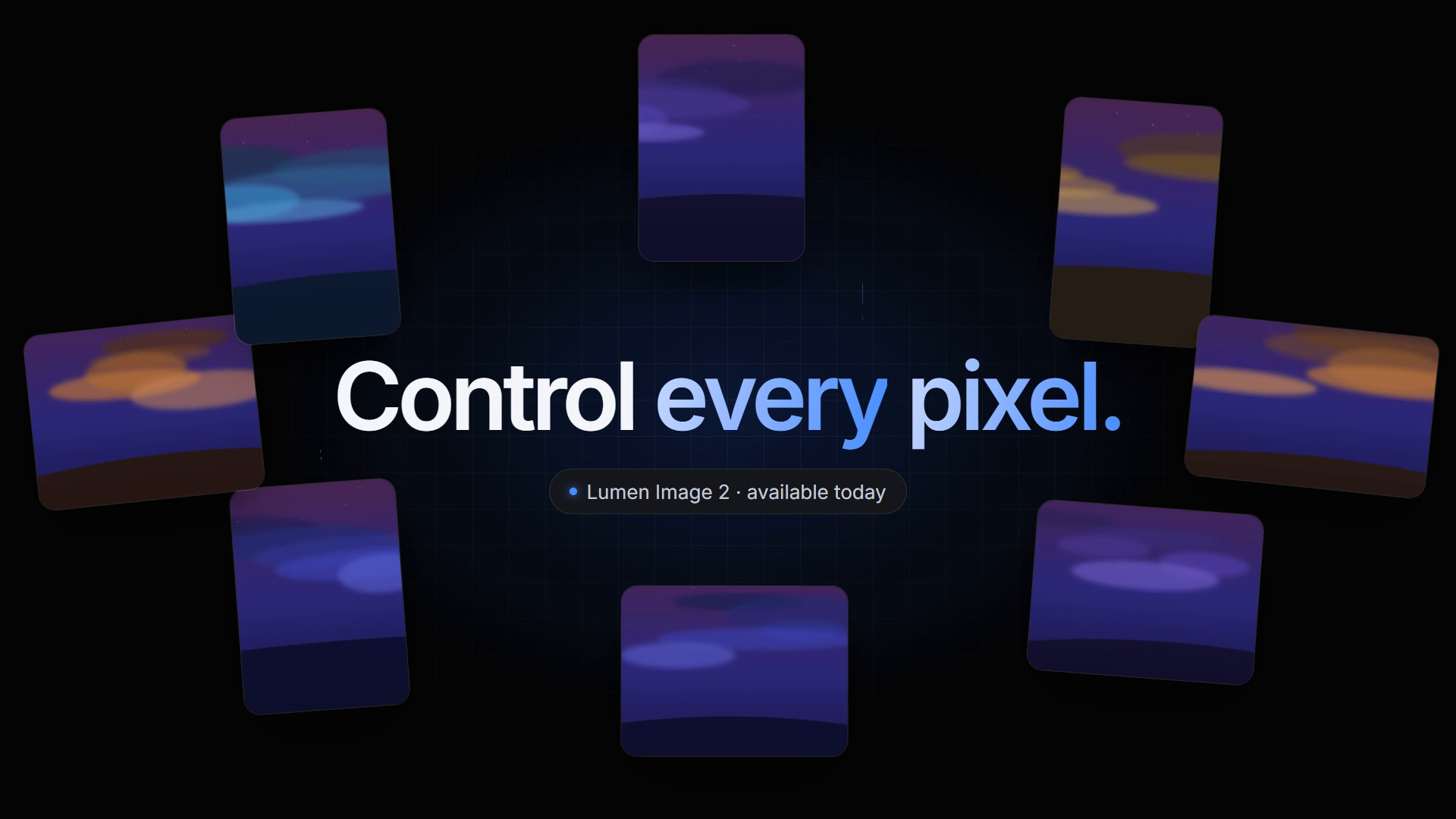
A hero photo lands beside a word-by-word model name while detection boxes snap onto objects, a grid of variations slides in, both rush apart, and a centred claim appears inside a ring of image cards that bursts out and swings round.
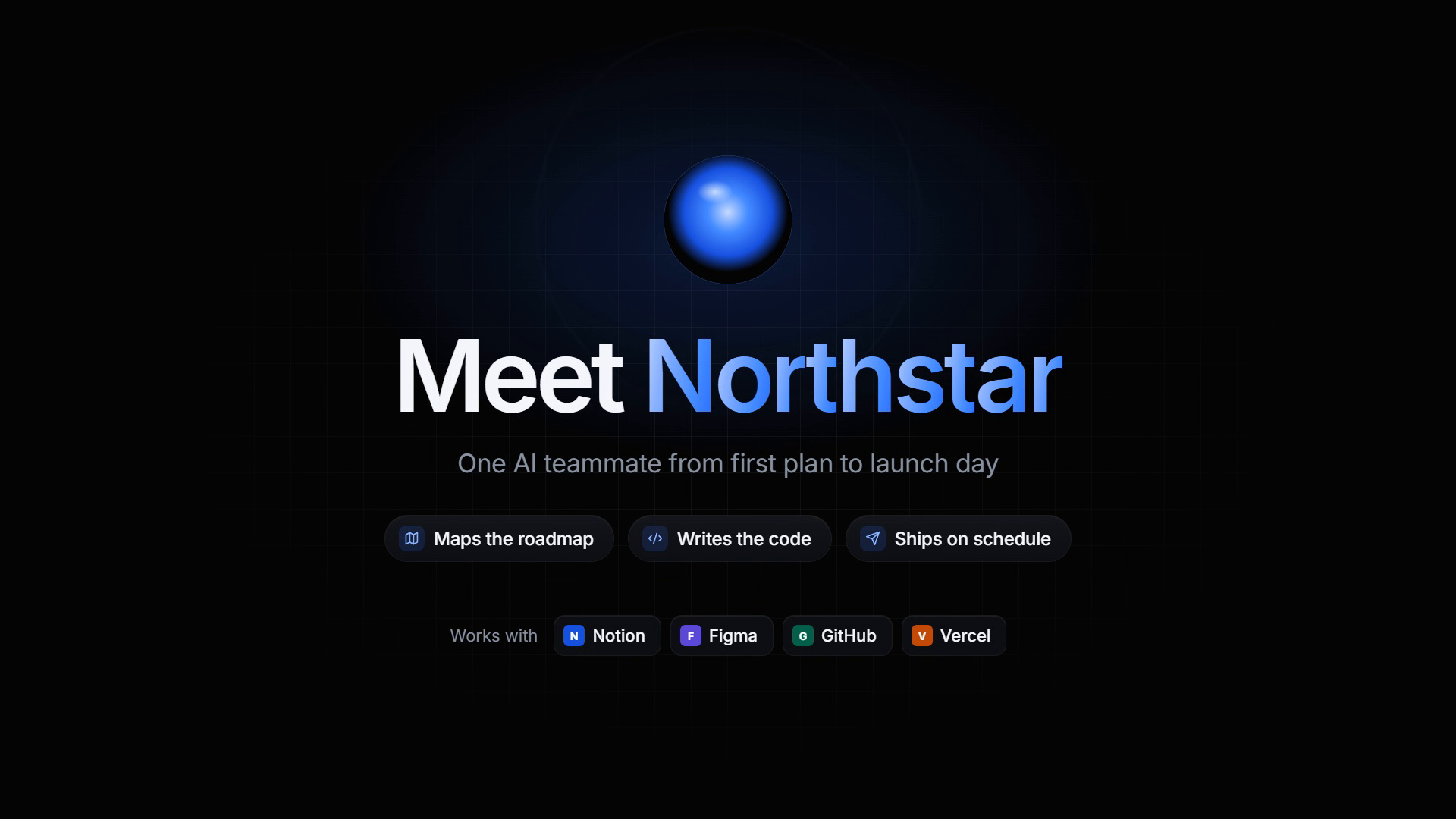
A small portal opens onto blue warp tunnels as three verbs fly by, then everything collapses into an orb above the product name, its strengths and the tools it works with.
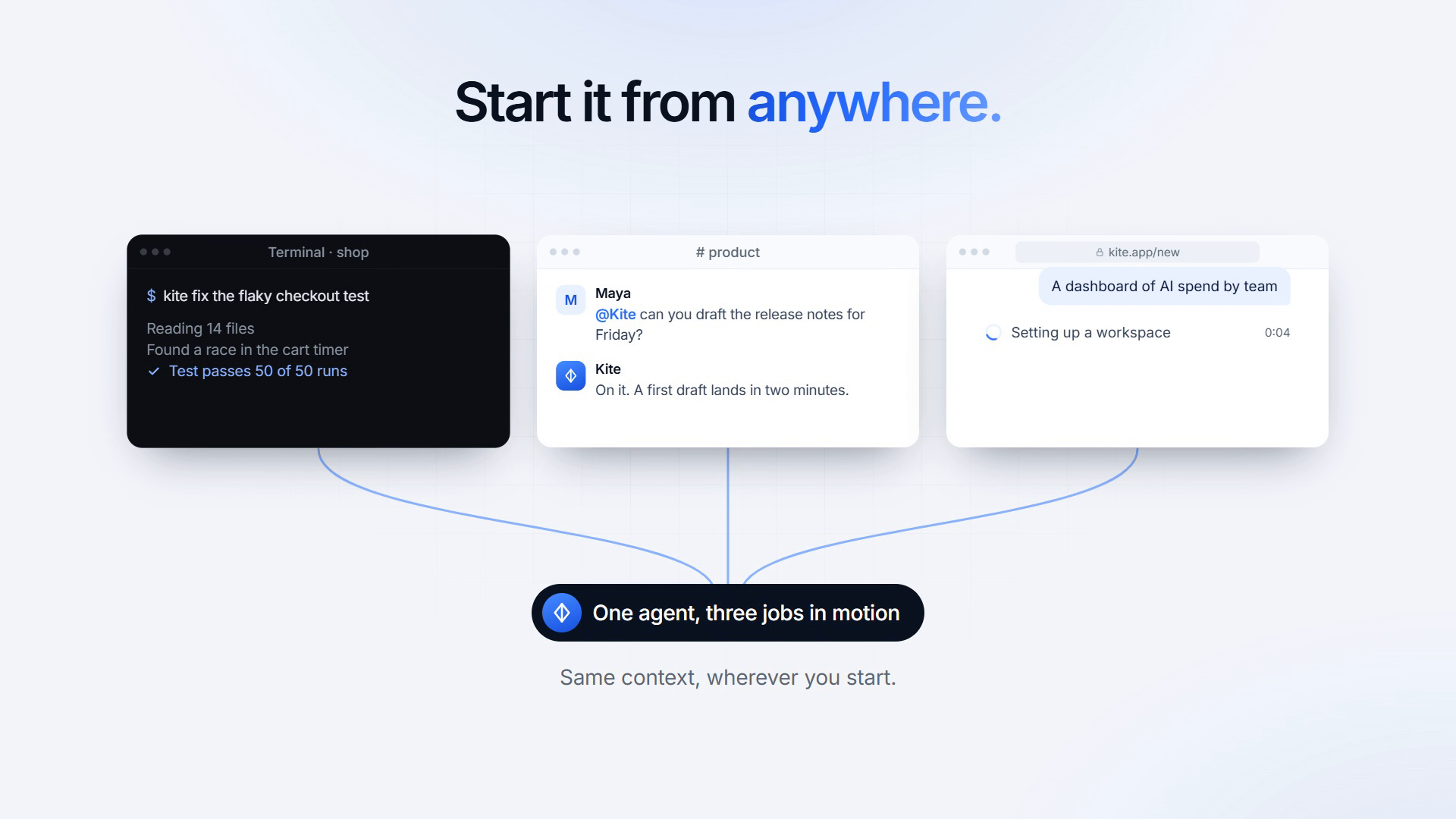
A camera glides across a terminal, a team chat and a browser as each one hands a task to the same agent, then pulls back to show all three wired to one agent.
An editorial launch film on warm paper whose entire visual language is declared in one token file — every colour, size and radius resolves to a named atom.
A launch film on one continuous halftone canvas — the dot field moves a beat before every cut, so the edit feels led rather than assembled.

A fast 19.6-second ASCII-glitch manifesto film — glyph cells, dot-matrix words, tracking boxes and hard cuts in one fixed language; every word, product and post is yours.
An editorial typographic launch film authored in one sheet.json — a prompt mock that thinks too long, giant single-word hits, a pastel token grid filling to a percent, a throughput counter, a logotype beat with a watermark glyph, a soft gradient banner, a benchmark bar race and a closing lockup — rendered deterministically by HyperFrames.
Tells how a product finishes one chore for its user, one prop per step, with a headline that builds word by word, a brand glyph carried through every beat and a sound effect on every action.

A dark sphere of land dots forms out of a star field; great-circle routes arc between the hubs you name, the camera dives, hops and flies after them, beams rise over each hub while HUD cards type and count what happens there, then the whole network pulls back into the brand lockup.
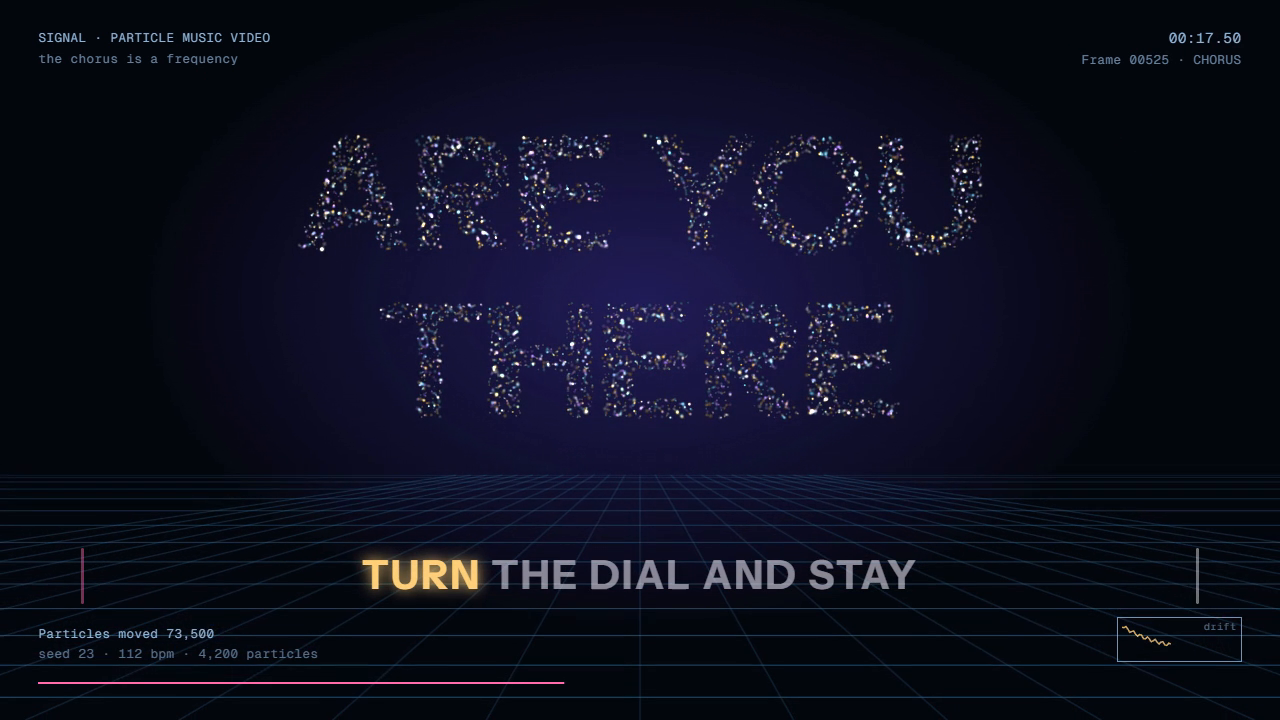
Turns a song's sections and lyrics into a particle music video: thousands of particles form the chorus words, a dancing figure and shapes, fly between them on every section change, and the lyric line lights up word by word under a running HUD.
A low-poly mark assembles itself: a wireframe draws on, then triangle facets fly in with trails and lock into a solid icon, which settles into a lockup beside a typed wordmark and subtitle.

A camera dollies through a rainy neon street at night — building faces slide past, sign cards glow and reflect on the wet ground — then a bold condensed title lands lower-left with an accent word.
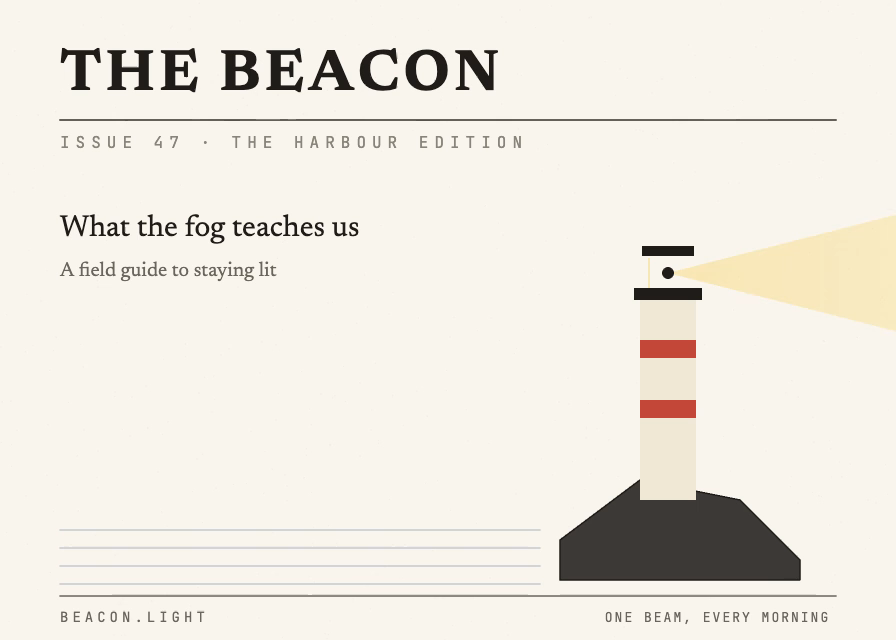
A finished newsletter or blog cover where only the one element you name moves — a beam sweeping a lighthouse lamp, a route line drawing itself on — the loop rotated so frame 1 is already the finished picture, then shipped as a silent GIF plus MP4 preview.
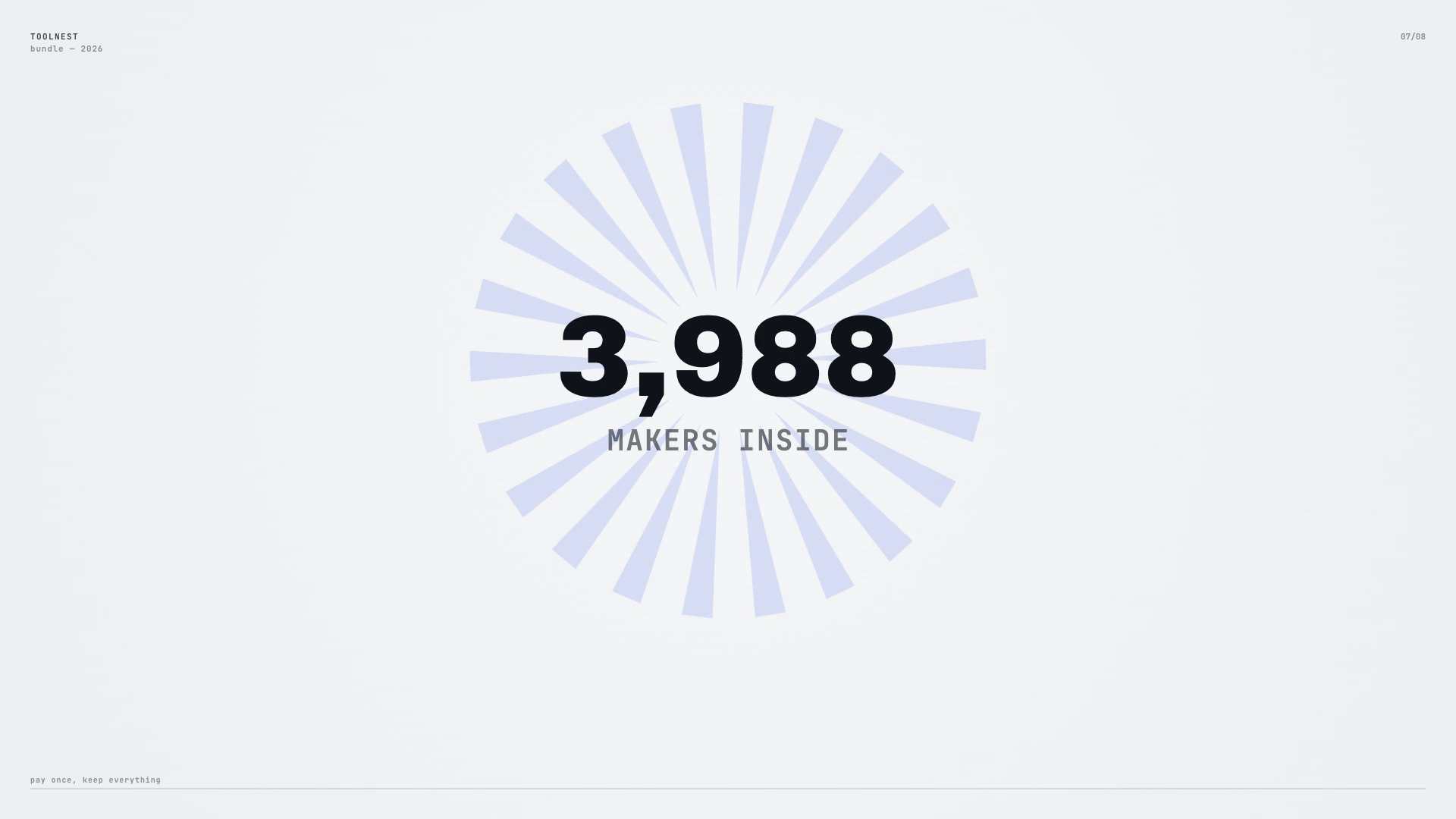
A bundle-launch persuasion reel from one JSON sheet: subscription cards pile up under a live monthly-spend counter, three slamming beat words on a red tint, a diamond-mark brand lockup over a perspective floor grid, four product slides dealing through the frame, a tilted wall of drawn screenshots with lighting feature chips, a deal card that strikes through every subscription price and circles the one-time price, a rolling customer counter over accent rays and stars, and an accent end card with a shining URL pill.
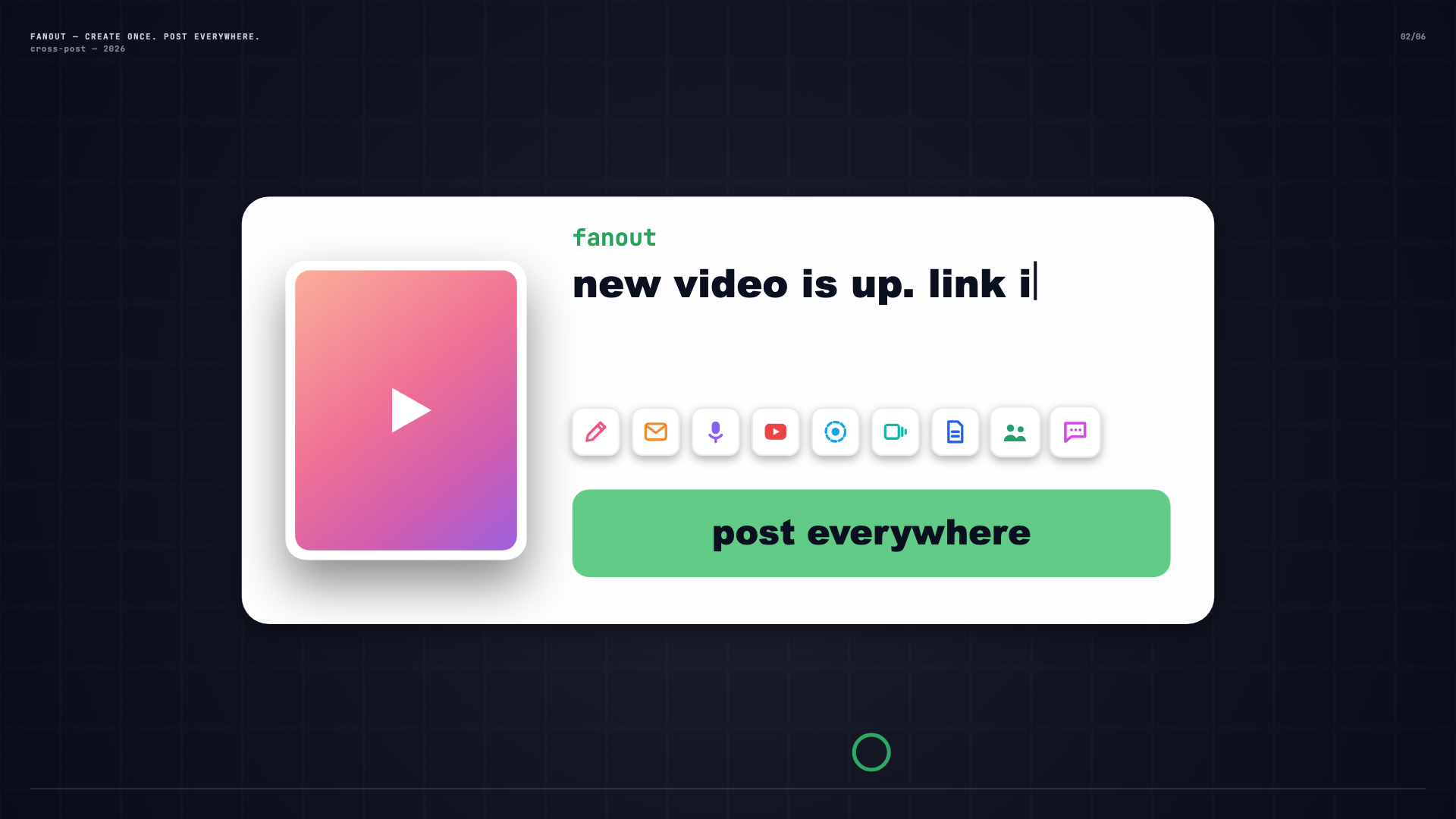
A create-once / cross-post promo reel from one JSON sheet: channel icons fan into an orbit around a video card, a composer types its own caption and posts, ten phones light up one by one while a counter climbs to 10/10, the channel names hard-cut on alternating fields, a chat bubble schedules onto a glowing week calendar, and the broadcast mark closes it.
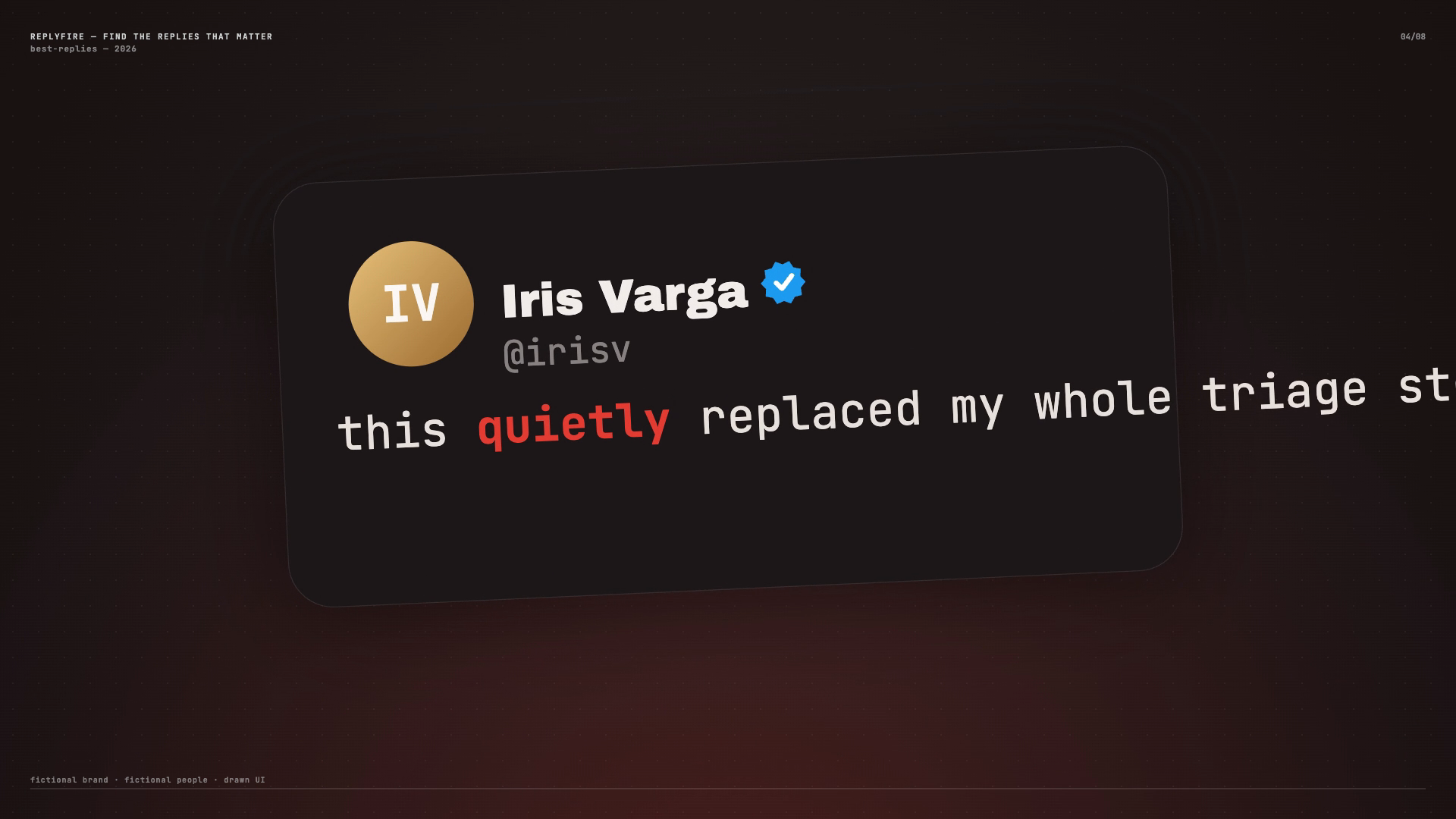
An agentic-triage launch promo from one JSON sheet: a post floats over a wall of replies, an agent window connects and calls two tools with live progress, the reply grid filters down to the kept set, a kept reply earns a rubber stamp and ring, the best one takes a spotlight + red carpet with confetti, the MCP / CLI / API panels fly apart, and the flame mark lands over rising embers.
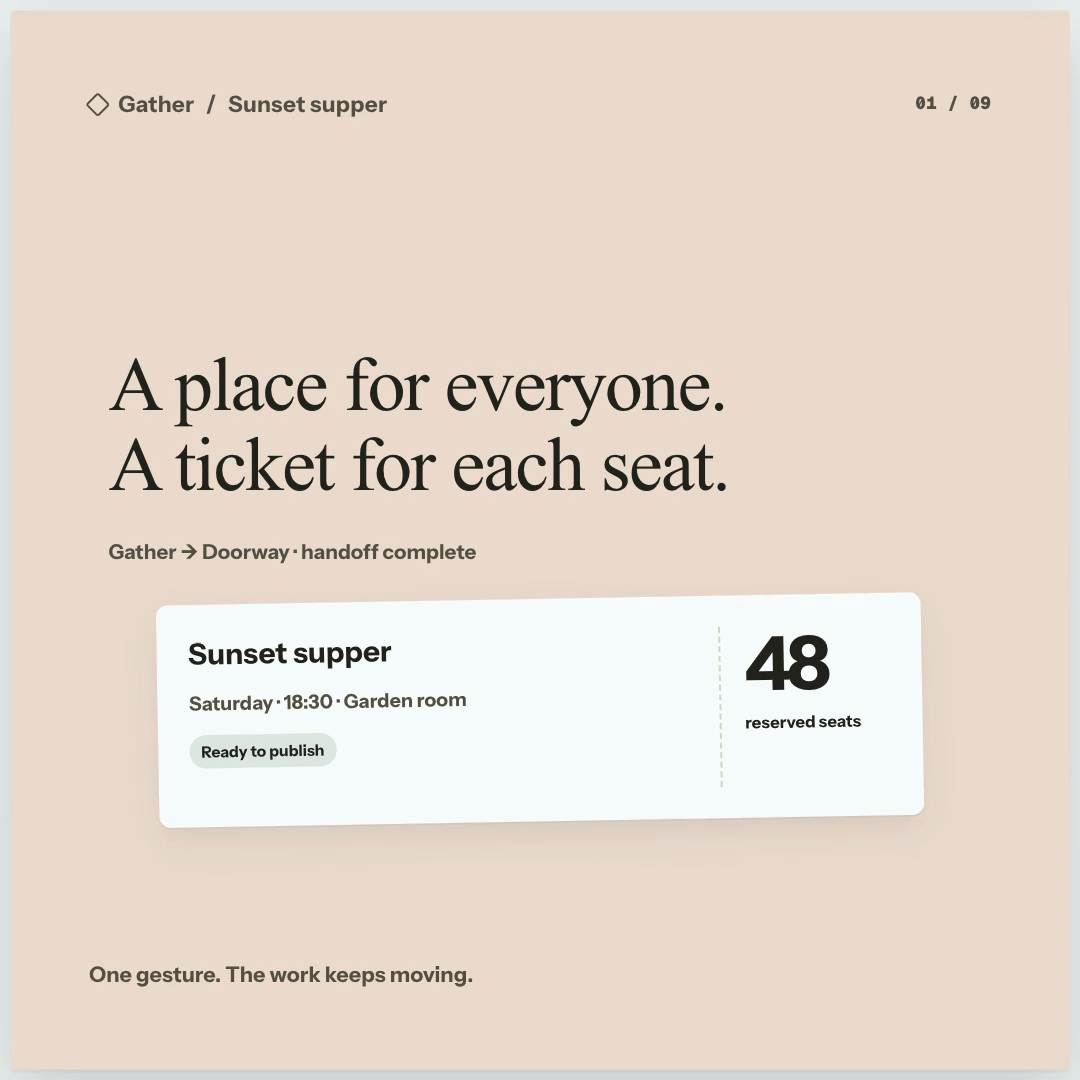
Turn a single gesture into a shared-element morph, then travel across a wall of sessions.
Bring a product idea to life with landing pages, launch assets and presentations.
Clarify the customer problem, product evidence and the story you need to communicate.
Start with a task, then explore the possibilities.
Explain product value through launches and demonstrations.
Explore Product marketing ↗Research audiences, plan content and manage social workflows.
Explore Social media ↗Build websites, landing pages and usable web interactions.
Explore Web design ↗Create marks, visual identities and brand expressions.
Explore Branding ↗Compare the inputs and deliverables before you begin.
| What you have | What to look for | Next step |
|---|---|---|
| A clear brief | Clarify the customer problem, product evidence and the story you need to communicate. | Browse this collection ↗ |
| Source material | Check the chosen Skill’s required inputs and which details it can preserve. | Read the Skills guide ↗ |
| A different output | Develop campaign visuals, product stories and launch content from a focused brief. | Marketer ↗ |
Compare the example, inputs and deliverables against your brief.
Clarify the customer problem, product evidence and the story you need to communicate.
Follow the Skill’s instructions and check the output in its intended context.
Bring a product idea to life with landing pages, launch assets and presentations. Compare the actual example and deliverables with your intended result.
Clarify the customer problem, product evidence and the story you need to communicate.
This depends on the Skill. Check whether it delivers source files, rendered media or an interactive artifact, and which tools are needed to edit it.
Review the Skill license, the model’s terms and the rights to your input media. A public example is not a blanket commercial license.