n8n Explained: AI Workflow Automation for Agent Builders
What n8n is, how its 70+ AI nodes enable agent workflows, and when to choose it over Dify or code-first approaches for building AI automation in 2026.
TL;DR — n8n is an open-source workflow automation platform with 400+ integrations and 70+ AI nodes. Think “Zapier but self-hosted and AI-native.” You build workflows visually, connect to any SaaS or API, drop in LLM/agent nodes, add custom code where needed, and pay zero per-execution fees at any volume. For agent builders who need their AI to interact with the real world (CRMs, databases, messaging apps, file systems), n8n is the connective tissue.
What n8n Is
n8n is a fair-code workflow automation platform. It started as an open-source Zapier alternative and has evolved into what its team calls an “AI workflow automation platform” — with dedicated nodes for LLMs, vector databases, embeddings, memory, agents, and tool use.
Key numbers:
| Metric | Value |
|---|---|
| GitHub stars | 70K+ |
| OpenRank (May 2026) | 225.55 |
| Active contributors | 162 |
| Integrations | 400+ app nodes |
| AI-specific nodes | 70+ |
| License | Fair-code (source-available, free self-host) |
The “fair-code” license means: free to self-host, free to use commercially, source code available, but you can’t resell it as a hosted service. For most agent builders, this is functionally equivalent to open source.
Why Agent Builders Care About n8n
Here’s the gap n8n fills: your agent can reason and generate, but it needs to do things in the real world. Send a Slack message. Update a Jira ticket. Write to a Google Sheet. Query a Postgres database. Trigger a deployment. Send an email with the results.
You could wire all this up with custom API calls in your agent code. Or you could use n8n as the execution layer where your agent’s decisions become real-world actions across hundreds of services.
I resisted this one for a while too — it felt like admitting my agent code wasn’t “real” if it leaned on a workflow tool for integrations. Then I added up the time I’d spent writing and re-writing Slack, Jira, and Google Sheets API wrappers across three projects, each with its own auth quirks and retry logic, and the resistance evaporated. The agent reasoning is the interesting part. The 400 integrations are plumbing I should never have been hand-rolling.
The architecture looks like:
┌──────────────────────────────────────────────┐
│  AI Agent (planning + reasoning)              │
│  - Decides WHAT to do                         │
├──────────────────────────────────────────────┤
│  n8n Workflow (execution + integration)       │
│  - Actually DOES it across 400+ services     │
│  - Handles auth, retries, error paths        │
├──────────────────────────────────────────────┤
│  External World                               │
│  Slack, Jira, GitHub, DBs, APIs, email...    │
└──────────────────────────────────────────────┘
The AI Agent Node
n8n’s AI Agent node is the bridge between traditional workflow automation and agentic AI. It:
- Takes a task description
- Connects to an LLM (OpenAI, Anthropic, local models via OpenAI-compatible endpoints)
- Gets access to tools (other n8n nodes as callable tools)
- Reasons through the task, calling tools as needed
- Returns results to the workflow
This means any n8n integration — all 400+ of them — can become a tool for your AI agent. “Search Slack channels”, “query the database”, “create a GitHub issue” — these become tools the agent can use without writing provider SDKs.
┌─────────────────────────────────────────┐
│  n8n AI Agent Node                       │
│                                          │
│  LLM: Claude Sonnet 4                    │
│  Memory: Window buffer (last 10 msgs)    │
│  Tools:                                  │
│    - Slack (search, send message)        │
│    - PostgreSQL (query)                  │
│    - HTTP Request (any API)              │
│    - Code (JavaScript/Python)            │
│                                          │
│  System prompt: "You are a support..."   │
└─────────────────────────────────────────┘
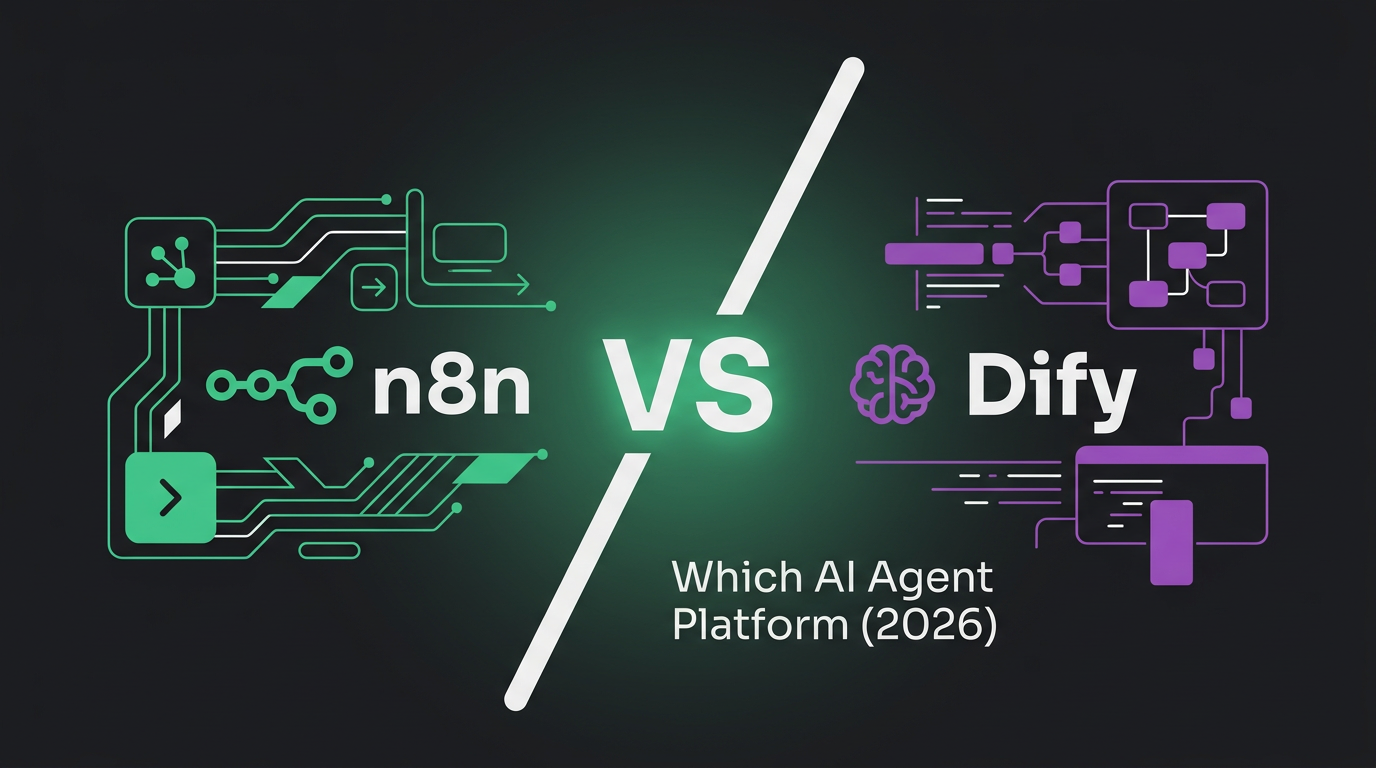
n8n vs Dify: Different Jobs
This comparison comes up constantly. The short answer: they solve different problems for overlapping audiences.
| Dimension | n8n | Dify |
|---|---|---|
| Core identity | Workflow automation platform with AI | AI agent platform with workflows |
| Strength | Connecting to 400+ services | LLM/RAG/Agent-native experience |
| AI is… | One capability among many | The primary focus |
| RAG | Via integrations (Pinecone, Qdrant nodes) | Built-in, first-class |
| Non-AI automations | Excellent (the original purpose) | Not the focus |
| Trigger types | Webhooks, cron, app events, manual | API call, conversation |
| Code execution | JavaScript/Python in Code nodes | Python in sandboxed skills |
| Best for | ”My agent needs to interact with 20 services" | "I’m building an AI-native product” |
Choose n8n when your agent’s value comes from connecting to many external services — the AI is the brain, n8n is the hands.
Choose Dify when you’re building an AI-first product where the agent interaction itself is the product — chatbots, knowledge bases, RAG applications.
Use both when you need Dify’s agent design + n8n’s integration breadth. Dify can call n8n via webhooks for external actions.
Key Features for Agent Workflows
Webhook triggers — Your agent can trigger n8n workflows via HTTP. Agent decides “send a Slack summary” → calls n8n webhook → n8n executes the multi-step flow (query DB, format message, post to Slack, log the action).
Error handling and retry — Production agent workflows fail. APIs timeout, rate limits hit, auth tokens expire. n8n has built-in retry logic, error branches, and fallback paths. You design what happens when things go wrong, not just when they go right.
Credential management — Centralized, encrypted credential store. Your agent doesn’t need to know Slack tokens or database passwords — n8n manages them and uses them when executing integrations.
Custom code nodes — When a pre-built integration doesn’t exist, drop in a JavaScript or Python node. Full access to npm/pip packages. This is where n8n goes beyond no-code: you can write arbitrarily complex logic at any point in the flow.
Sub-workflows — Compose workflows into reusable modules. A “send notification” sub-workflow can be called from any parent workflow. Build your integration library once, reuse everywhere.
Human-in-the-loop — Pause workflow execution, wait for human approval (via form, email, or Slack), then continue. Critical for agent actions that need oversight before execution.
Practical Example: Agent-Triggered Support Workflow
Trigger: Webhook (from your AI agent)
   ↓
Query PostgreSQL: Get customer's recent tickets
   ↓
AI Agent Node: Analyze context, draft response
   ↓
IF: Confidence > 0.9
   ├── YES → Send response via Intercom
   └── NO → Create Slack message for human review
              ↓
              Wait for approval
              ↓
              Send approved response via Intercom
   ↓
Log to Google Sheet: Track resolution metrics
This workflow takes 10 minutes to build in n8n’s visual editor. Doing the same in code means integrating the Intercom API, Slack API, Google Sheets API, PostgreSQL driver, writing retry logic for each, and managing credentials. n8n handles all of that.
Where the AI Agent Node Hits Its Limits
The AI Agent node is genuinely useful, but it’s important to know where it stops being the right tool — because the demos make it look more capable than it is for complex agents.
It’s a single-loop ReAct agent, not an orchestrator. The node runs one reasoning loop: think → call tool → observe → repeat → answer. That’s perfect for “look up the customer, draft a reply.” It’s wrong for “research this topic across 30 sources, synthesize, and write a report” — that needs sub-task decomposition and multiple coordinated agents, which the node doesn’t do. For that you’d use LangGraph or DeerFlow and have it call n8n for the integration steps.
Loop iterations are hard to bound. When an agent gets stuck (keeps calling the same tool, never converging), n8n’s per-node timeout is your main guardrail. There’s no native “max 5 reasoning steps then stop” the way code frameworks expose. You can set a max iterations parameter, but debugging why an agent looped requires digging through execution logs node by node — the visual canvas that’s great for building is less great for debugging a runaway loop.
Token cost is invisible until the bill arrives. n8n doesn’t surface per-execution LLM cost in the UI the way a dedicated gateway does. An agent node that retries tool calls can quietly 5x your token spend on a workflow you thought was cheap. Pair n8n with a gateway like LiteLLM that tracks cost per virtual key, and give each workflow its own key, so you can actually see what each automation costs.
State between executions is your problem. Each workflow execution is largely stateless. If your agent needs to remember context across separate triggers (a conversation that spans hours), you wire up a database or vector store node yourself. n8n gives you the pieces, not a managed memory layer.
None of these are deal-breakers — they’re the boundary of the tool. Use the AI Agent node for bounded, integration-heavy tasks. Reach for a real agent framework when reasoning complexity is the hard part.
Self-Hosting and Cost
One of n8n’s strongest selling points for agent builders: zero per-execution fees.
Zapier charges per “task” (each node execution). At high volume — which agents produce quickly — this gets expensive. An agent running 50 workflows/day at 10 nodes each = 500 tasks/day = 15,000/month. On Zapier’s pricing that’s hundreds of dollars.
n8n self-hosted: unlimited executions on a $5/month VPS. The economic advantage scales linearly with agent activity. But note the asterisk: “unlimited” applies to workflow executions, not LLM tokens. The n8n execution is free; the Claude or GPT-4o calls inside it are not. For agent-heavy workflows, your real cost is tokens, and that’s where the gateway-level cost tracking above matters more than the n8n savings.
# Self-host with Docker
docker run -d \
  --name n8n \
  -p 5678:5678 \
  -v n8n_data:/home/node/.n8n \
  n8nio/n8n
Part of the AI Agent Infrastructure Stack
n8n is a framework-layer platform in the AI Agent Infrastructure Stack 2026. Related reading in the same cluster:
- Dify — the AI-first alternative, and the n8n vs Dify head-to-head.
- LangChain and LangGraph — the code-first orchestration framework for complex agents.
FAQ
Can n8n replace my agent framework?
Partially. The AI Agent node can handle straightforward agent tasks (single-loop reasoning with tools). But for complex multi-agent orchestration, long-horizon planning, or coding agents, you’d still use a dedicated agent framework and have it trigger n8n for integrations.
Does n8n work with local/self-hosted models?
Yes. Any OpenAI-compatible endpoint works — point it at your vLLM or SGLang instance. Also supports Ollama natively.
How does n8n handle agent memory?
The AI Agent node supports window buffer memory (last N messages), vector store memory (RAG-style), and custom memory via connected nodes. For persistent cross-session memory, connect it to a vector database node.
Is n8n good for production?
Yes, with caveats. It’s running in production at thousands of companies. The main scaling concern is the workflow engine itself — very high concurrency (thousands of simultaneous workflows) requires careful resource allocation. For typical agent workloads (tens to hundreds of concurrent workflows), a single instance handles it fine.
Can I use n8n as an MCP server for my agent?
Not natively yet, but the community has built MCP-to-n8n bridges. The more common pattern is: agent calls n8n via webhook, n8n executes the integration workflow, returns the result.
Key Takeaways
- n8n is a workflow automation platform with 400+ integrations and 70+ AI nodes, self-hostable with zero per-execution fees.
- For agent builders, it solves the “last mile” problem: your agent reasons, n8n executes actions across the real-world services your agent needs to touch.
- The AI Agent node turns any n8n integration into an agent tool — no SDK integration work needed.
- Choose n8n over Dify when your agent’s value comes from broad service integration rather than AI-native product experiences. Use both together for maximum coverage.
- Self-hosting makes it economically viable for high-volume agent workflows where per-execution SaaS pricing would be prohibitive.