
YouTube Channel Id Resolve
- Lab Skill
- v0.1.0
- YouTube
Resolve any YouTube channel reference
Cover
What you get
Bring a topic, target or source set and the question to answer. The Skill returns a sourced brief with the findings.
How it works
- 01
Pass each pasted URL unchanged
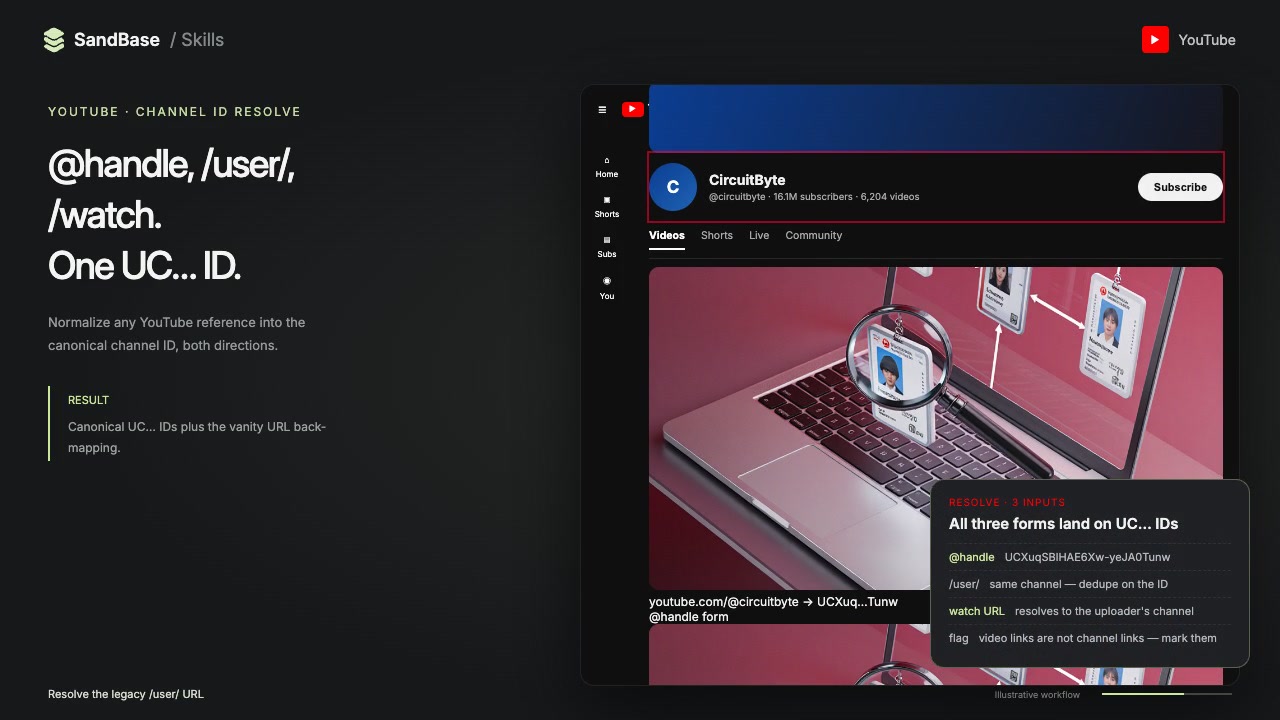
You paste whatever channel reference you have. Observed accepted forms are /@handle, /user/name, /channel/UC IDs, /c/vanity and /watch?v= video links, which resolve to the uploader's channel. No pre-parsing is needed: the full URL goes to channel_id as channel_url, for example a link to @LinusTechTips. Calls run through the SandBase YouTube web-v2 tools.
- 02
Resolve forward and check in reverse
channel_id returns the UC channel ID and its canonical /channel/ URL. When you want both forms shown, or to confirm two different inputs point to one channel, channel_url takes the UC ID and returns the ID, canonical URL and current vanity URL. A target not found reply marks that input unresolvable, and the Agent moves to the next input without retrying.
- 03
Report one row per input
The result table lists each input form, its resolved channel_id, the canonical URL and, when fetched, the vanity URL. Notes record failed inputs and inputs that deduplicate to one ID. Check a row by opening the canonical URL in a browser and confirming it lands on the expected channel; then pass the UC ID to a content tool.
FAQ
What does YouTube Channel Id Resolve output?
YouTube Channel Id Resolve outputs the canonical UC channel ID for any pasted channel reference, with the standard /channel/ URL and, optionally, the current vanity URL. In the reference run, @LinusTechTips and the legacy /user/LinusTechTips both resolved to UCXuqSBlHAE6Xw-yeJA0Tunw.
How is YouTube Channel Id Resolve billed?
YouTube Channel Id Resolve calls two SandBase YouTube tools, channel_id and channel_url, one or two calls per input. The daily free quota applies first, and further calls are billed to your SandBase account. The reference run resolved three inputs in 4 calls. Current rates are at https://www.sandbase.ai/pricing.
Does YouTube Channel Id Resolve fetch channel stats?
No. YouTube Channel Id Resolve only normalises the identifier. Pass the resolved UC ID to a content Skill such as YouTube Channel Audit for stats or videos. It is a small utility that other YouTube workflows chain from.
What does YouTube Channel Id Resolve do with a video link?
YouTube Channel Id Resolve resolves a watch URL to the channel that uploaded the video. That is right for whose channel this is, but wrong if you meant a channel linked inside the video, so paste that channel's own URL instead.
Why might YouTube Channel Id Resolve show a different vanity URL?
YouTube Channel Id Resolve returns the channel's current handle, so an old custom URL may not match what you pasted; trust the UC ID. Deleted, renamed or non-existent handles return target not found, and a deleted channel's UC ID may resolve forward with no vanity on the reverse lookup.
More Skills
All YouTube Skills →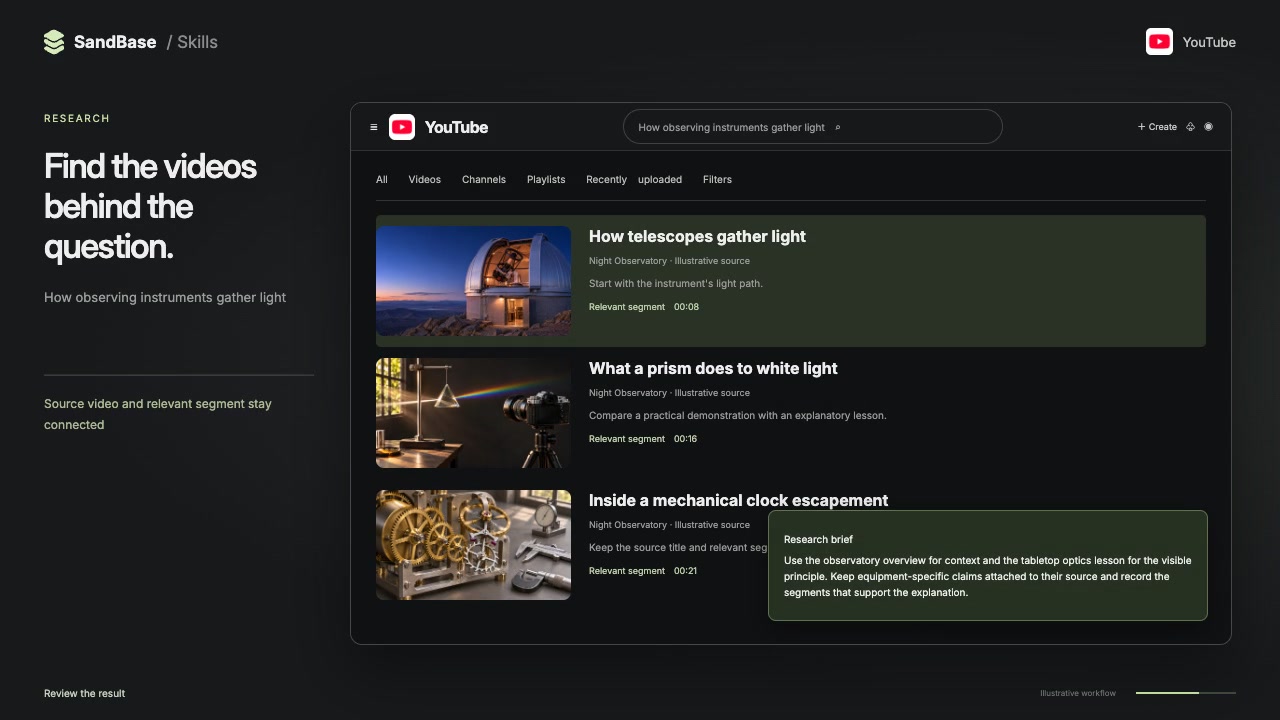
YouTube Research
Search videos, analyze channels, extract captions, read comments, and discover trends on YouTube through SandBase. Use when asked for YouTube research, video discovery, channel analysis, content strategy research, comment sentiment, or video transcript extraction.
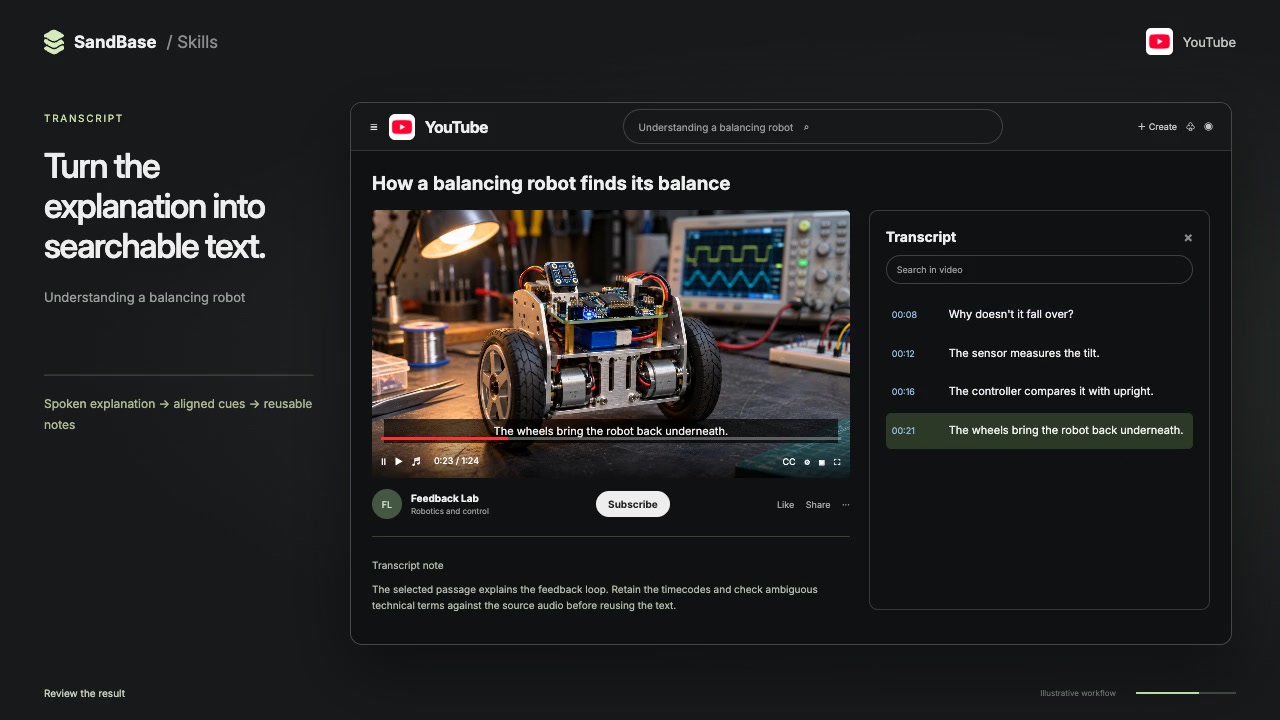
YouTube Transcript
Extract full transcripts and captions from YouTube videos for content analysis, summarization, note-taking, and repurposing. Supports multiple languages and auto-generated captions. Ideal for research, content creation, and accessibility workflows.
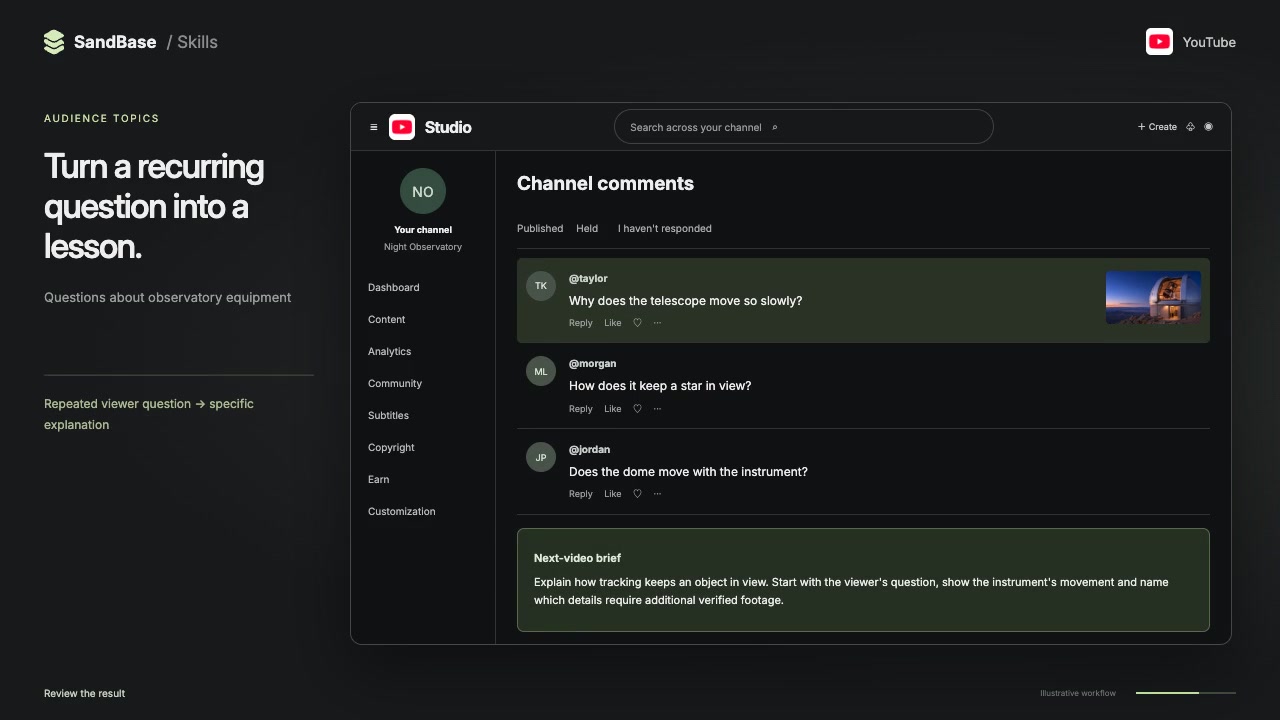
YouTube Audience Topics
Find the next useful video question in a bounded comment sample.
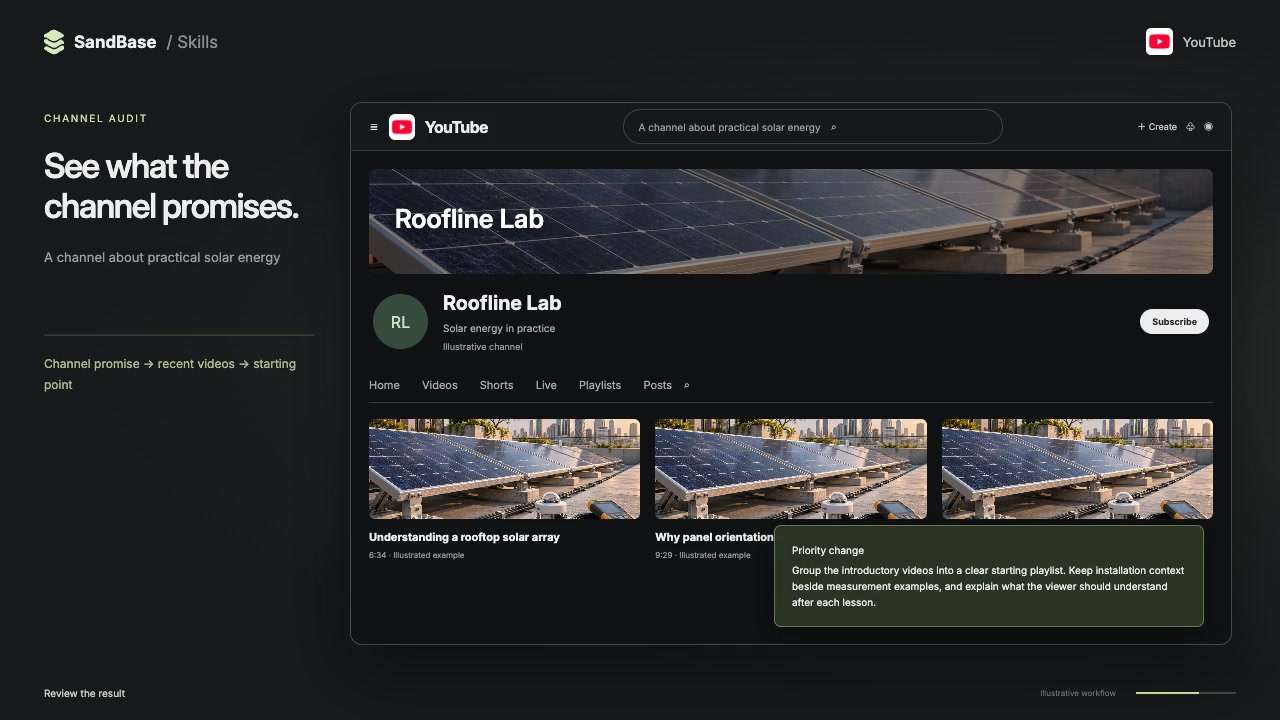
YouTube Channel Audit
Review recent titles, upload rhythm and transcript openings to choose one main fix.
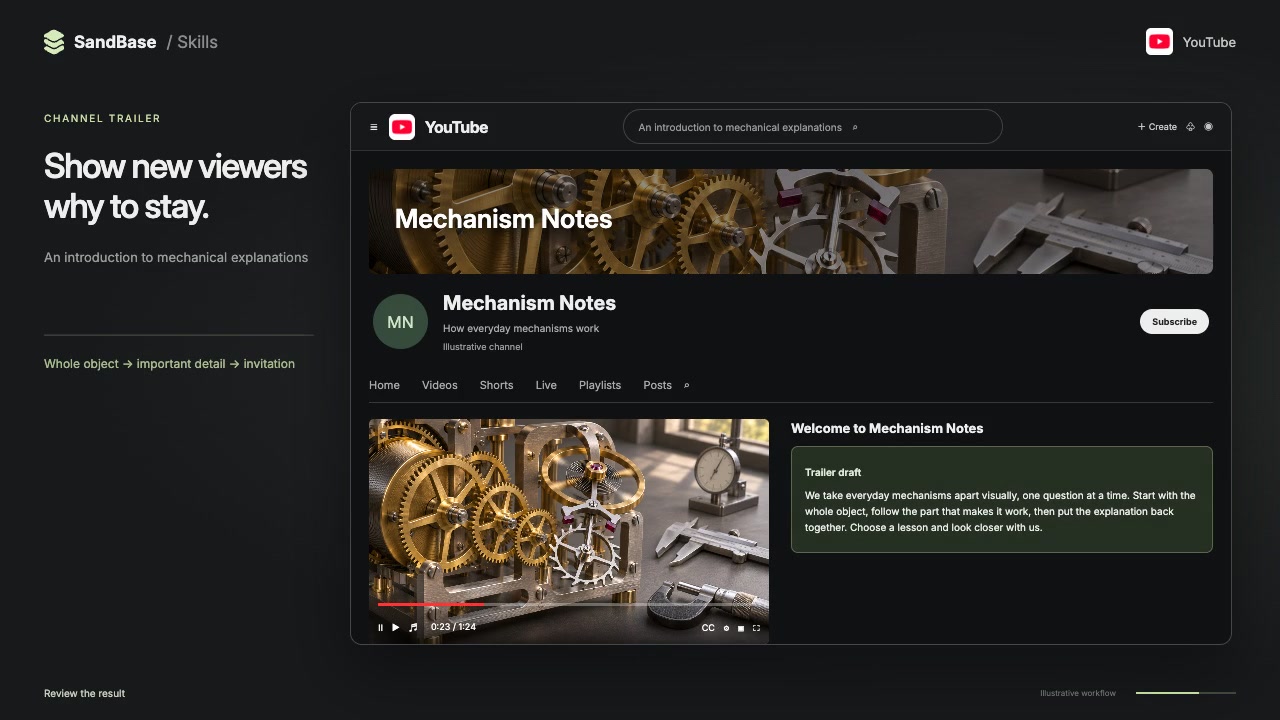
Write a YouTube channel trailer
Introduce the channel with concrete examples and a script that fits the available time.
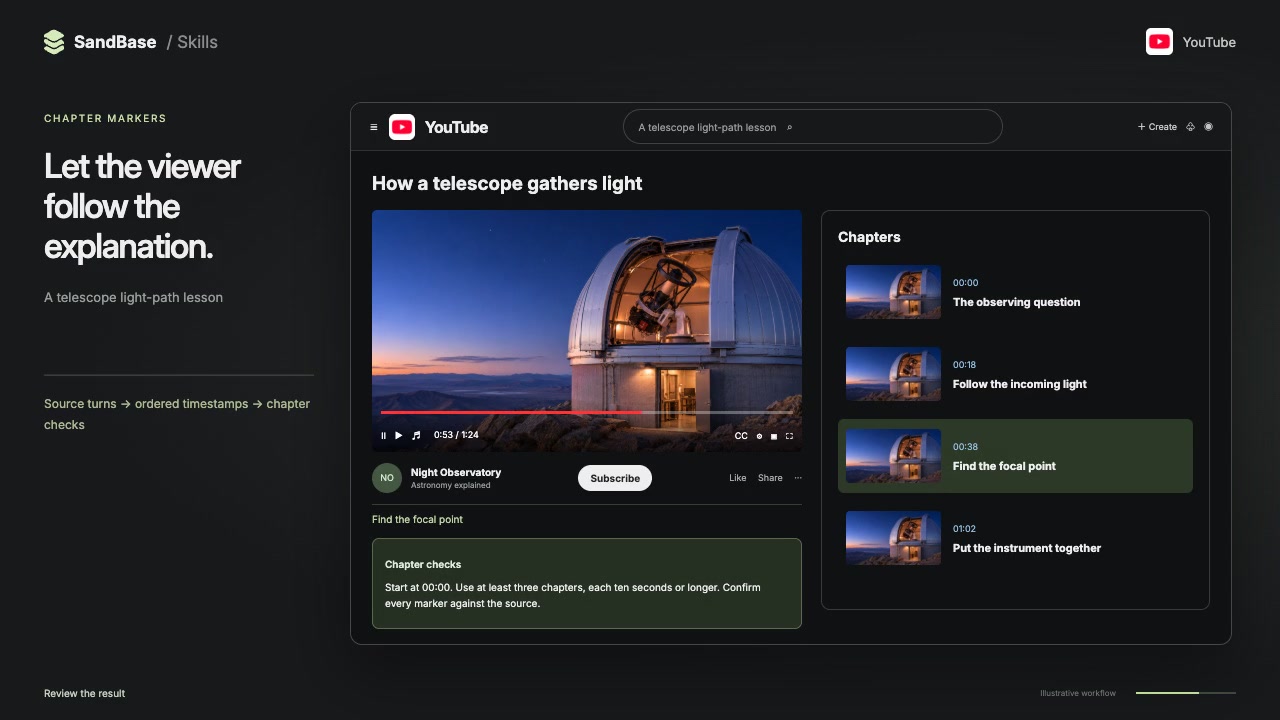
YouTube Chapter Markers
Write chapters from the video’s own transcript that follow YouTube’s rules, so they actually appear on the progress bar.