
AutoZone Fitment Precheck
- Lab Skill
- v0.1.0
- AutoZone
Prepare the information needed to verify an AutoZone part.
Cover
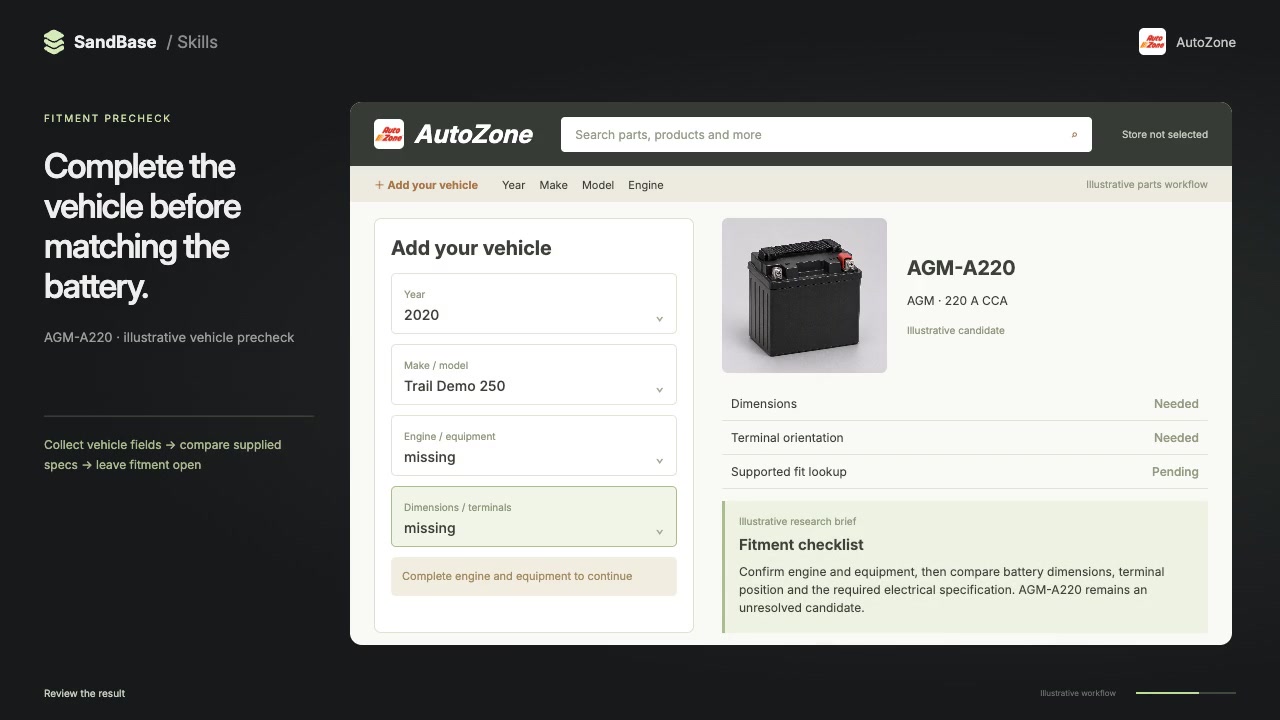
What you get
Bring a product question or public URL, marketplace, region and optional captured data. The Skill returns a source-linked fitment precheck with concrete next steps and unresolved questions.
How it works
- 01
Capture the part as listed
The Agent makes one first-page AutoZone category request, or reads your export or link. It records the time, tool, arguments and run ID, and keeps each part's number, technology and electrical or size specification. Detail is fetched only for parts that were actually returned or that you supplied.
- 02
Collect the vehicle details
The precheck lists what is needed to verify fit: vehicle year, make, model, engine and relevant equipment. When you supply dimensions, terminal layout or electrical specifications, it compares them with the part. In the recorded example a powersport AGM battery's classification and cold-cranking amps were recorded, then vehicle and terminal details requested.
- 03
Leave fitment unresolved until confirmed
The brief gives an evidence table, observed facts, open questions and the next action, with a JSON appendix of sources and unknowns. Fitment stays unresolved until a supported vehicle lookup or a reliable specification confirms it. Appearing in a category is never treated as proof that a part fits.
FAQ
What is AutoZone Fitment Precheck for?
AutoZone Fitment Precheck prepares the information needed to verify that an AutoZone part fits a vehicle. It records the part's specifications and lists the vehicle details still needed: year, make, model, engine and equipment. It does not declare a fit by itself.
Why doesn't it just say the part fits?
AutoZone Fitment Precheck works from category data, and the category response does not confirm compatibility. A part's presence in a category, or a matching name, is not proof of fit. The precheck keeps fitment unresolved until a vehicle lookup on AutoZone or a reliable specification settles it.
Is a live precheck billed?
AutoZone Fitment Precheck can run with no calls on data you supply. A live precheck calls the SandBase AutoZone category tool, billed through your SandBase account. The Agent inspects the tool first, so its price is visible before the call; see https://www.sandbase.ai/pricing.
What details should I have ready?
For AutoZone Fitment Precheck, have the vehicle's year, make, model and engine, plus any equipment that changes the part, such as trim or factory options. For batteries, the terminal layout and size matter; for other parts, the dimensions or electrical ratings the manual gives.
Does it order the part?
No. AutoZone Fitment Precheck reads public data and writes a brief. Ordering, store pickup and any return are up to you. Check the part against your vehicle on AutoZone, or with a store, before buying. Keep the brief with your order notes in case a store asks which specification you matched.
More Skills
All AutoZone Skills →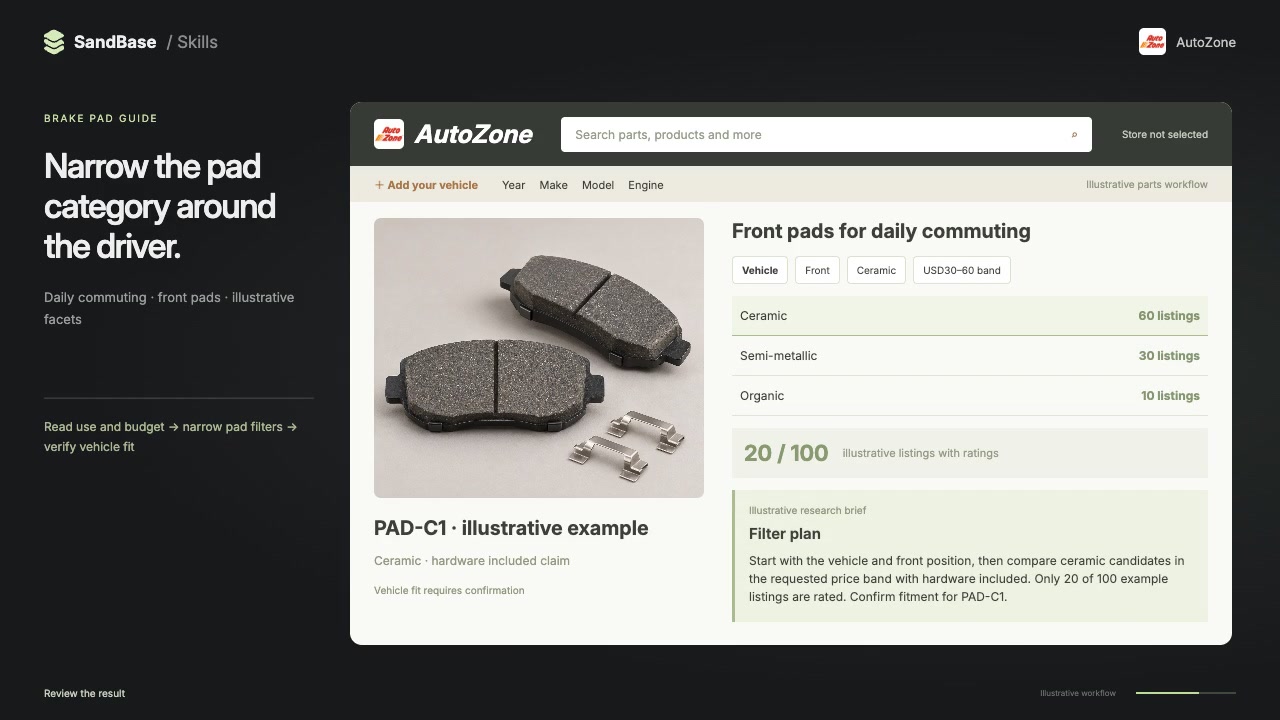
AutoZone Brake Pad Guide
Work out which brake pad type, price band and filters to use at AutoZone before entering a vehicle.
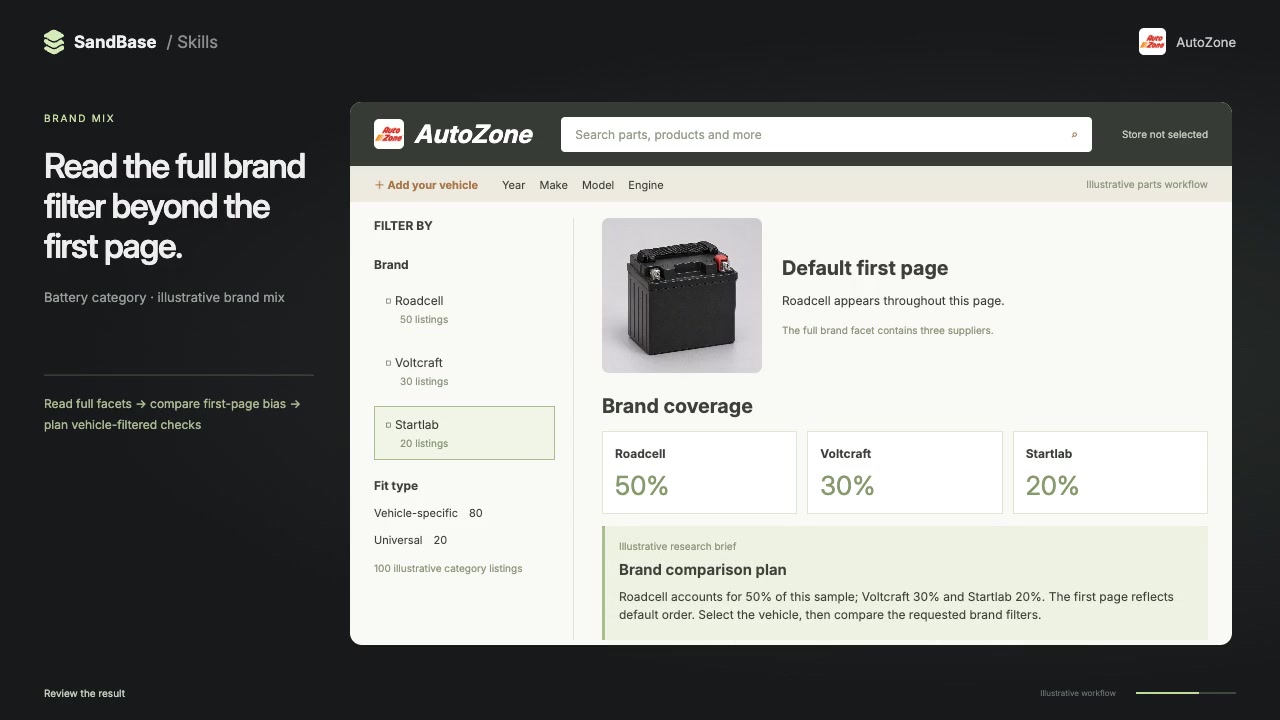
AutoZone Brand Mix
See which brands supply an AutoZone parts category before picking one, and why the first page looks like one brand.
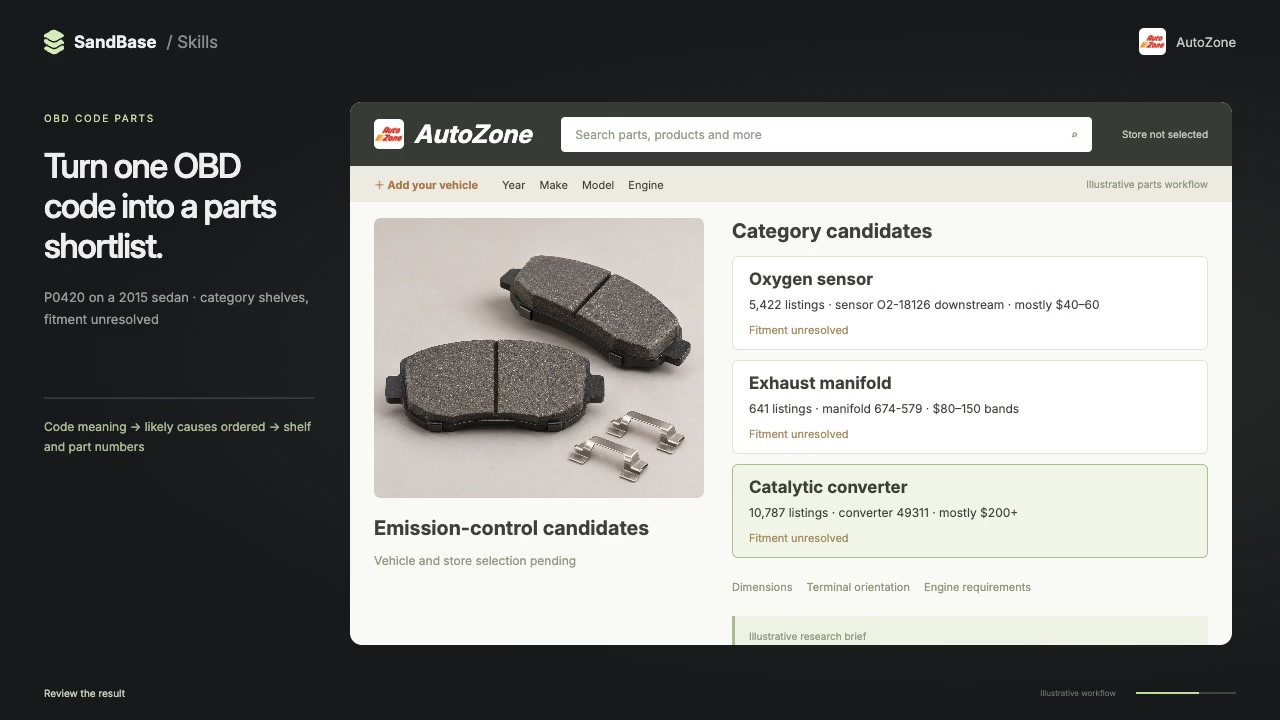
AutoZone OBD Code Parts
Turn a check-engine code into a plan and the parts to look at.
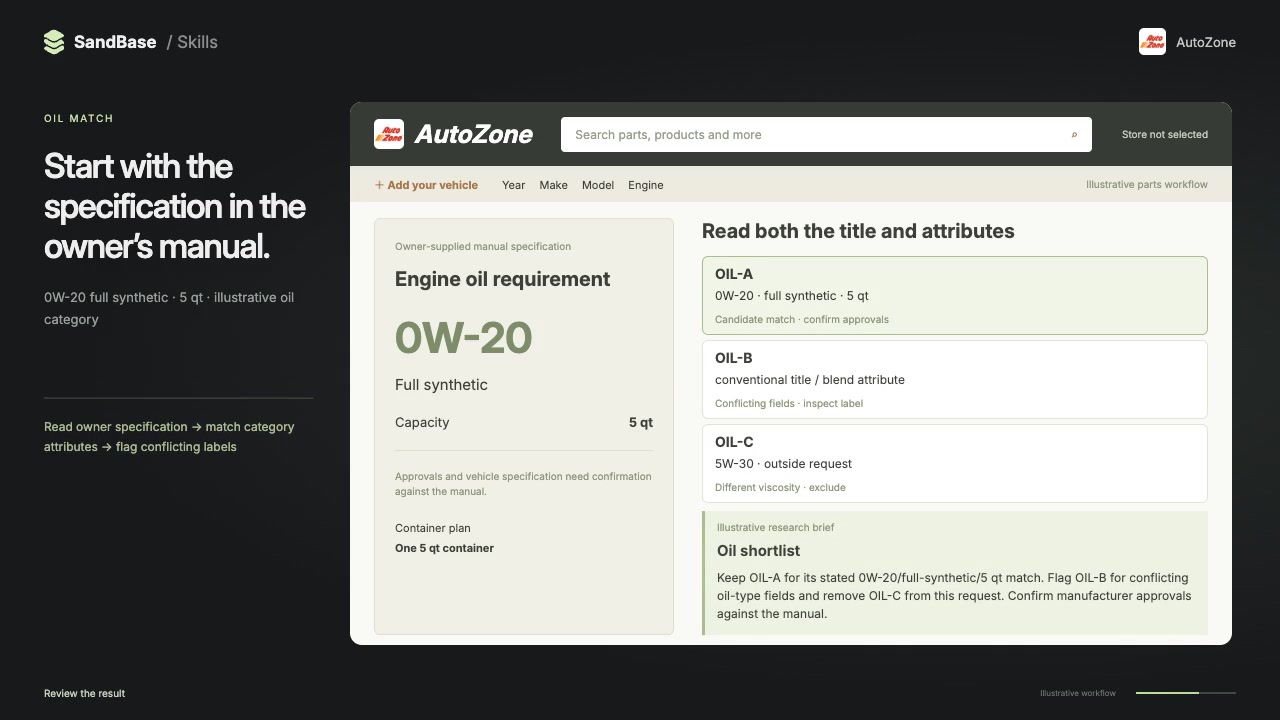
AutoZone Oil Match
Go from the viscosity in your owner’s manual to a short list of motor oils at AutoZone.
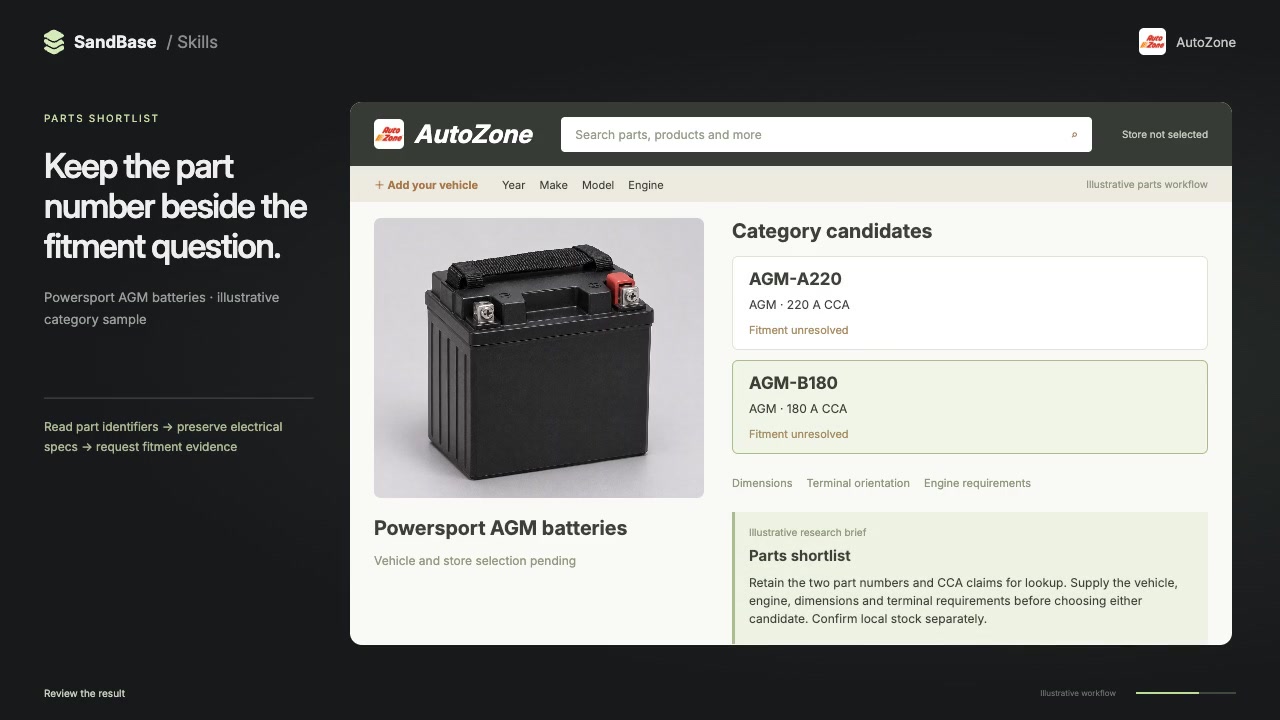
AutoZone Parts Shortlist
Build a parts shortlist without guessing vehicle compatibility.