
Google Trends Watch
- Lab Skill
- v0.1.0
- Google News
Read Google Trends for a topic through SandBase
Cover
What you get
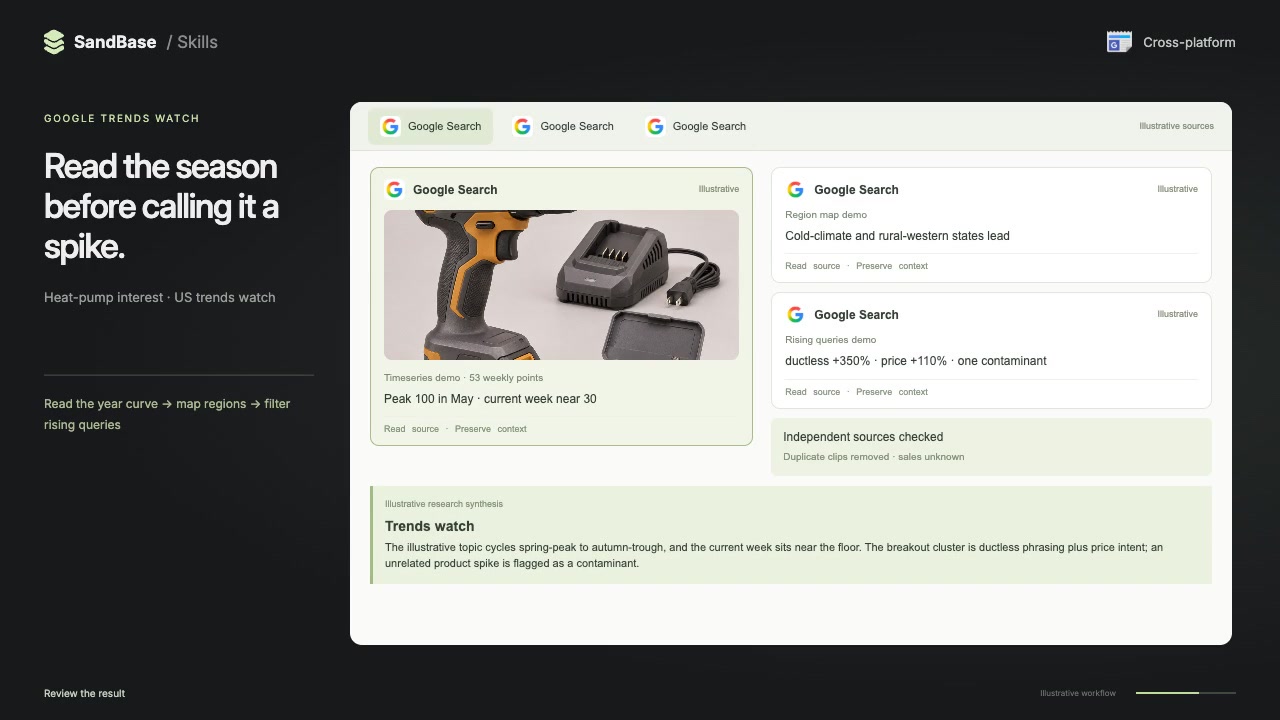
Bring a topic, target or source set and the question to answer. The Skill returns a watch brief naming peak weeks, regional hotspots and breakout queries.
How it works
- 01
Choose a term or topic
You give up to five terms, a geo such as US and a window such as today 12-m. The Agent calls sandbase_google_trends_autocomplete and prefers the Topic entry with its /m/ id, which groups spelling variants, or keeps the literal Search term. Calls go through the sandbase CLI or MCP tools, authenticated with SANDBASE_API_KEY from the environment.
- 02
Read time, region and query surfaces
sandbase_google_trends runs with data_type TIMESERIES for weekly 0 to 100 index points, GEO_MAP_0 for interest by region and RELATED_QUERIES for top and rising queries, where Breakout means growth above 5000 percent. An optional sandbase_google_trends_trending_now call shows the country's current spikes with absolute search_volume, which is not scoped to your term.
- 03
Write the watch brief
The brief gives the latest index against the peak week and the year-ago level, seasonal peaks and troughs, top regions, rising queries with growth values and whether the topic appears in Trending Now. Check it by confirming the peak point equals 100 in the window you chose, since every value is relative to that window and query set.
FAQ
Does Google Trends Watch give search volume?
No. Google Trends Watch reports a normalized 0 to 100 index where the highest point in your window and query set equals 100. Changing the window renormalizes everything. Only the optional Trending Now surface carries absolute search_volume, and the brief keeps those numbers separate from the index.
How much does Google Trends Watch cost?
Google Trends Watch calls sandbase_google_trends, sandbase_google_trends_autocomplete and sandbase_google_trends_trending_now, and each call is billed to your SandBase account. A watch brief takes about four to six calls, one per surface. The Agent runs sandbase inspect on each tool first to confirm the current price; rates are at https://www.sandbase.ai/pricing.
Can Google Trends Watch compare several terms?
Yes. Google Trends Watch accepts up to five comma-separated values in q, and they share one index in a single call. That is the fair way to compare terms, since separate calls each scale their own maximum to 100.
What did Google Trends Watch find for heat pumps?
Google Trends Watch found a spring-peaking cycle for heat pump in the US in its recorded run: the peak week was May 17 to 23 2026 at index 100, with a January cold-snap bump to 76. Wyoming, Maine and Oregon led regionally, rising queries clustered around ductless and mini-split variants, and the topic was absent from Trending Now.
Why can Google Trends Watch numbers change tomorrow?
Google Trends Watch reads data as of the call date, and recent points can shift the next day. Twelve-month windows come back at weekly granularity; shorter windows such as now 7-d give finer points. The brief stamps the read date, window and geo so a later run can be compared fairly.
More Skills
All Google News Skills →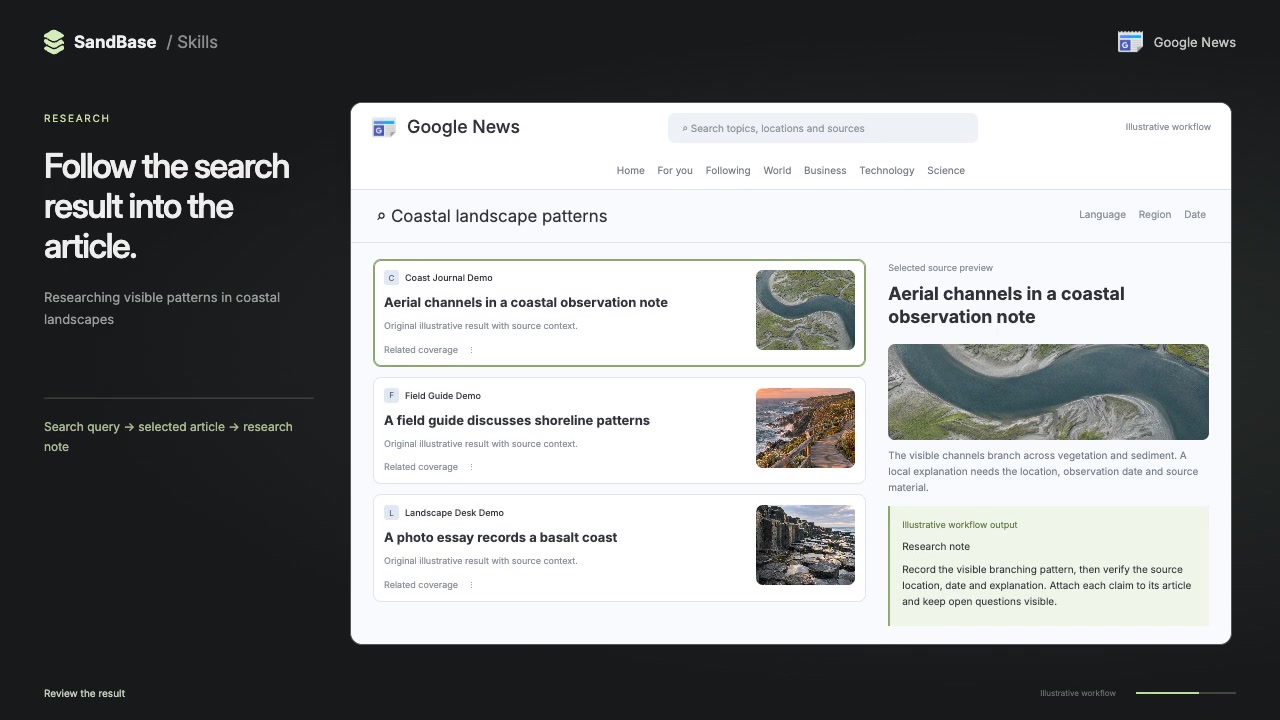
Google News Research
Search and monitor news articles across Google News through SandBase. Use when asked for news monitoring, current events research, news coverage analysis, or media tracking.
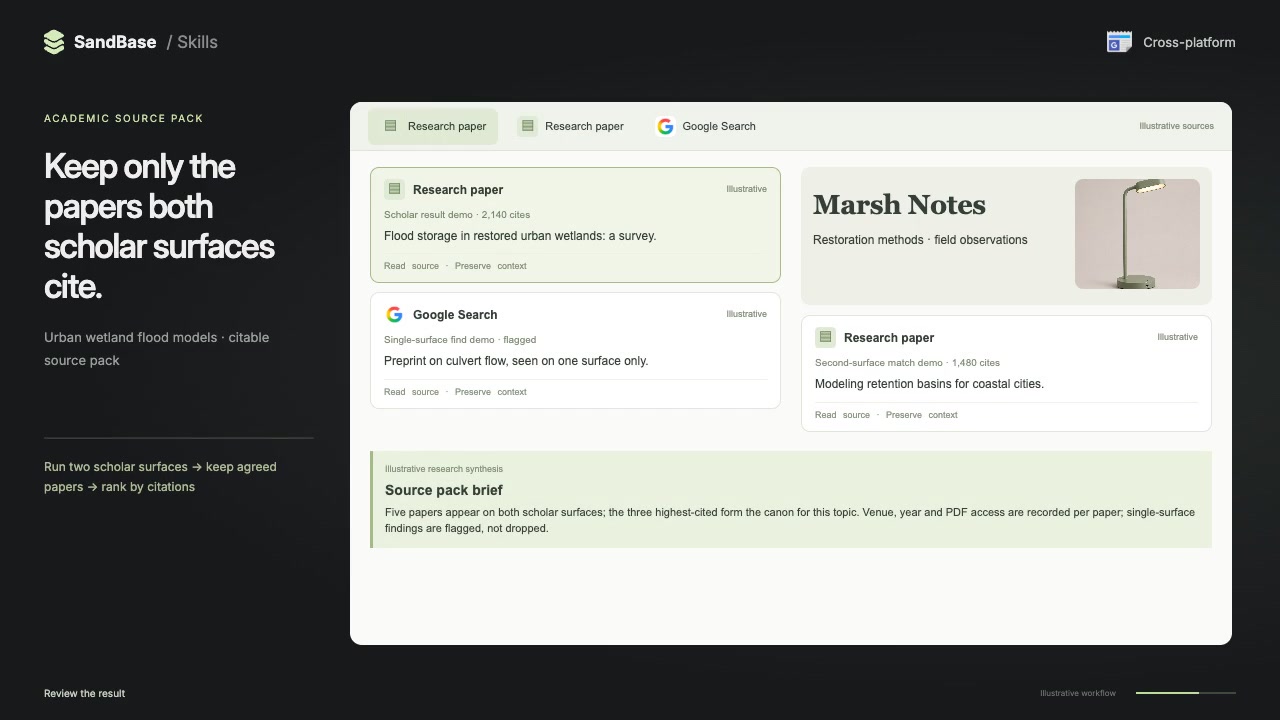
Academic Source Pack
Assemble a citable academic source pack for a topic through SandBase
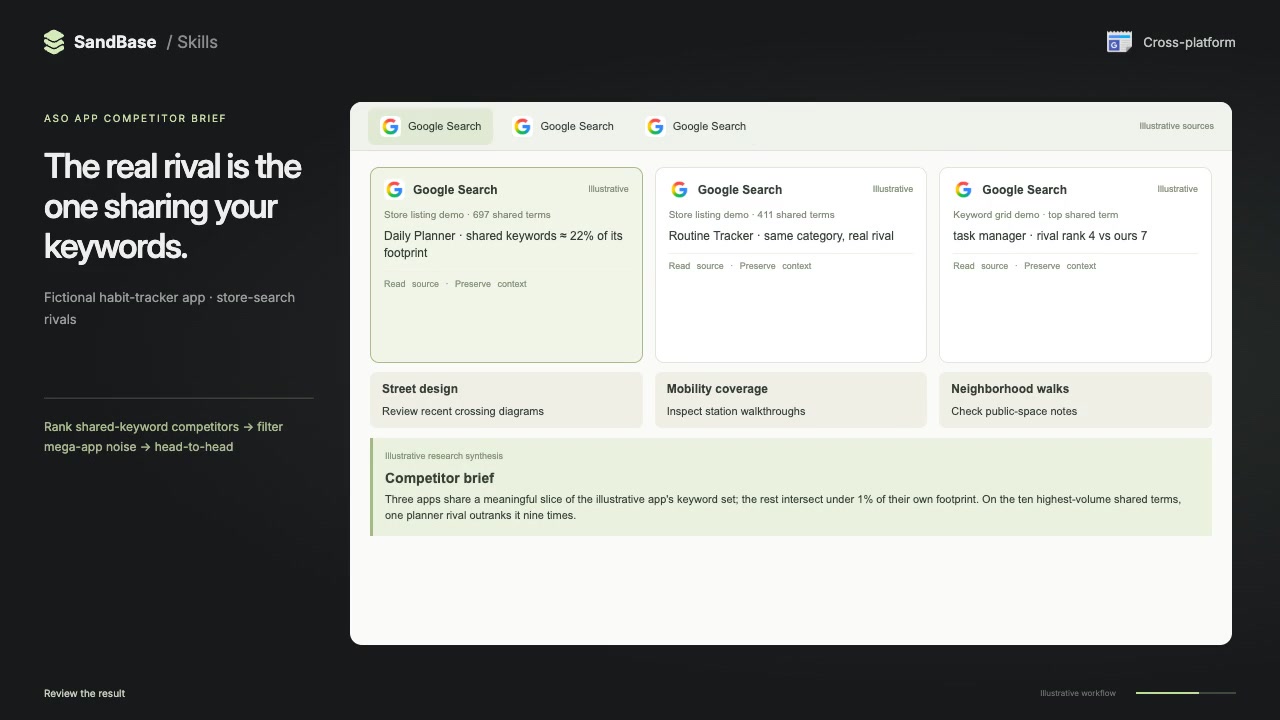
ASO App Competitor Brief
Map the App Store / Google Play apps that genuinely compete with one app through SandBase
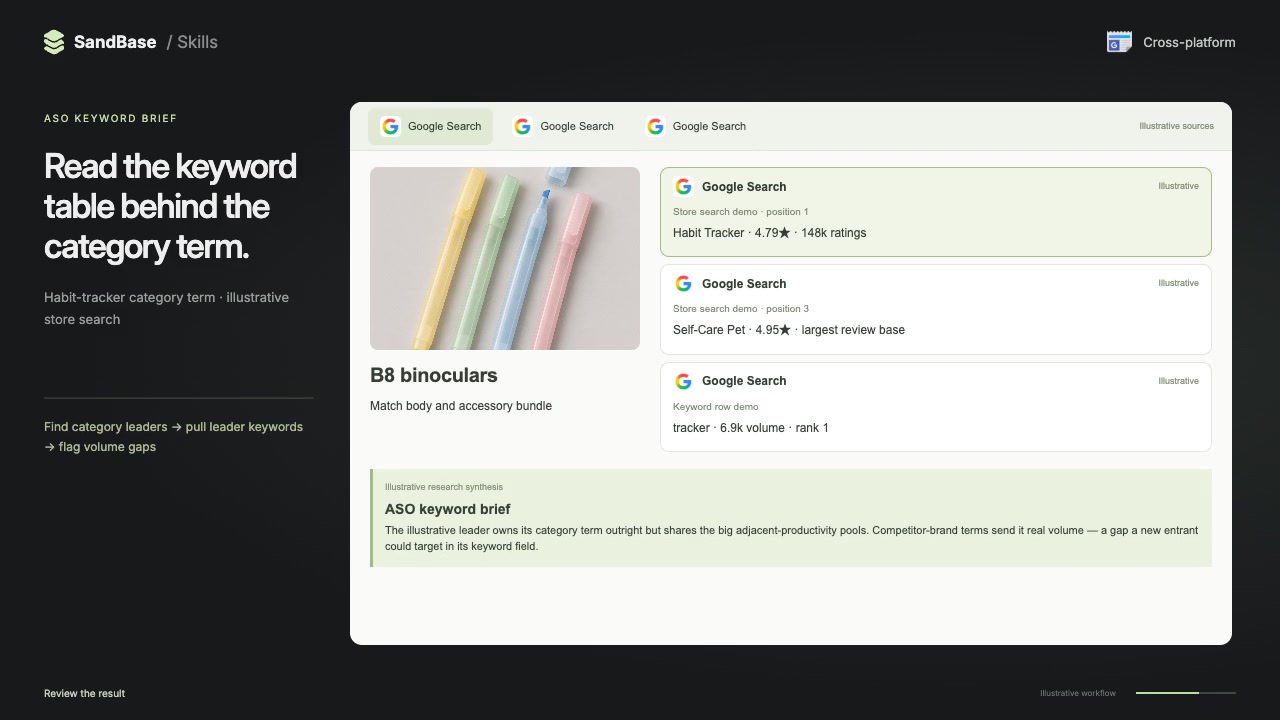
ASO Keyword Brief
Build an App Store Optimization keyword brief through SandBase
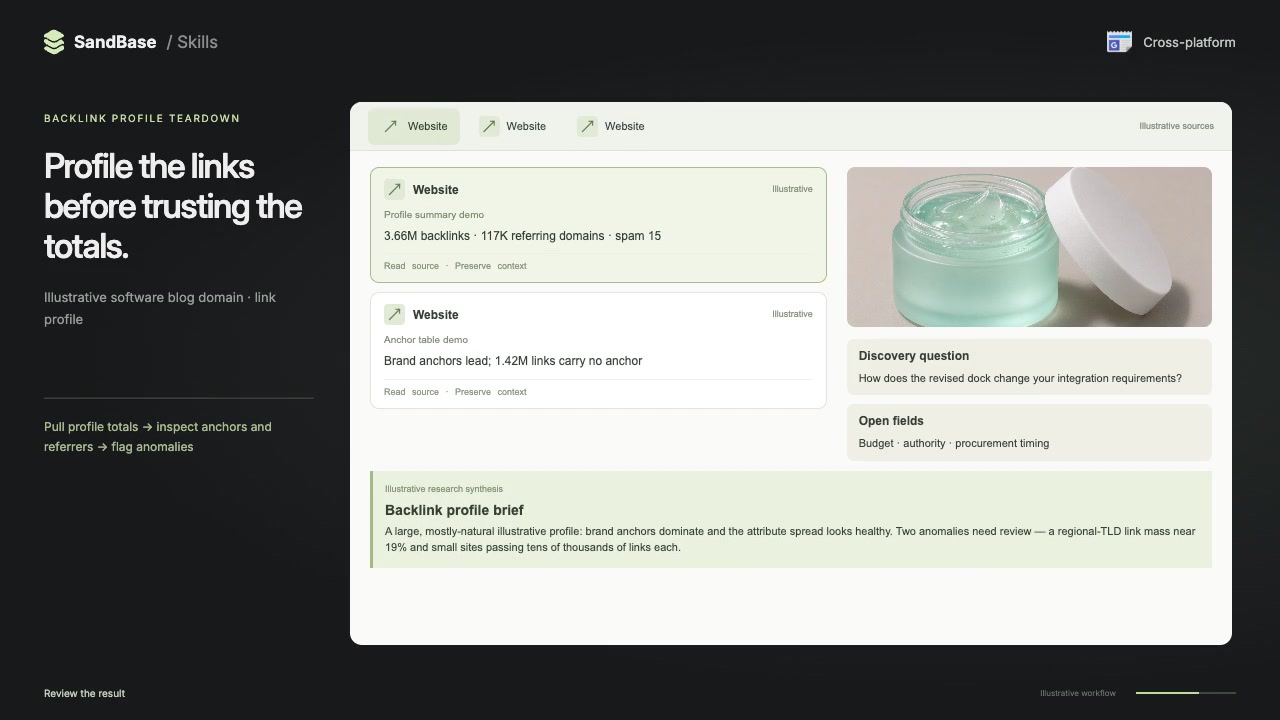
Backlink Profile Teardown
Tear down a domain's backlink profile through SandBase
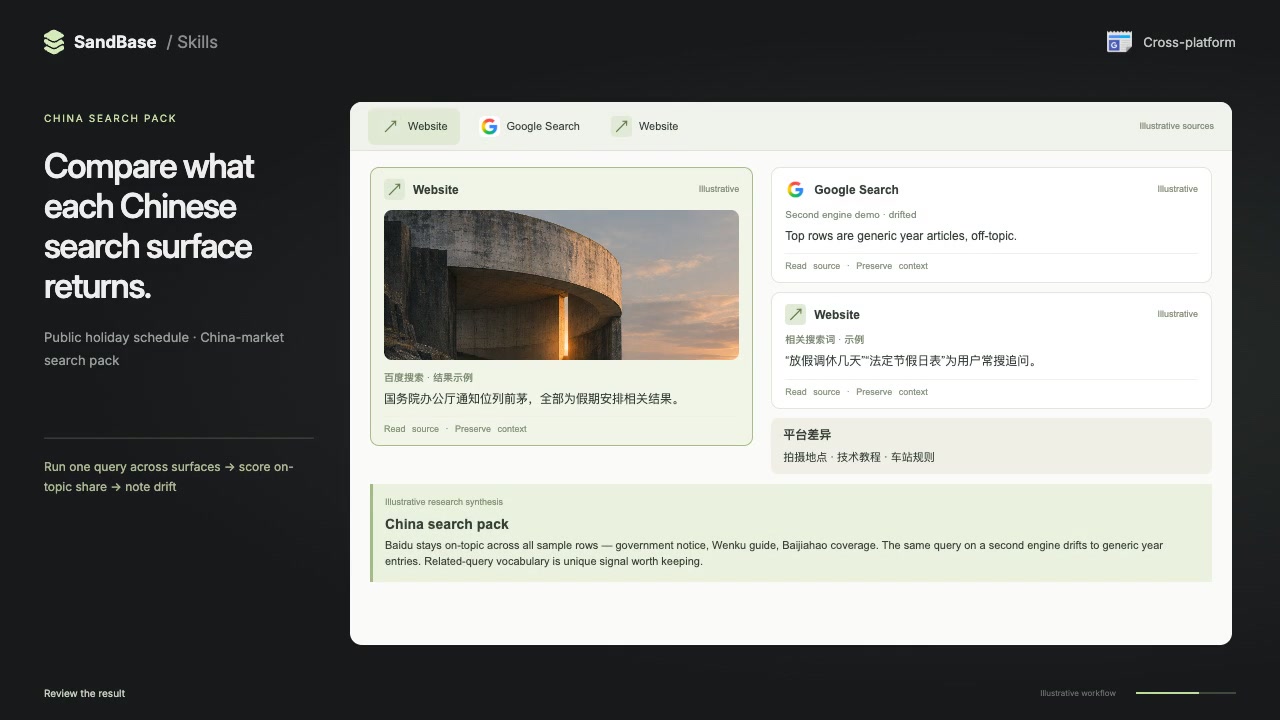
China Search Pack
Assemble a Chinese-web search pack for a query through SandBase