
Photo Shard Sculpture
- Lab Skill
- v0.1.0
- Illustration
Your photo of a pet, toy or object becomes a studio shot of it rebuilt from chiselled rock shards.
Example
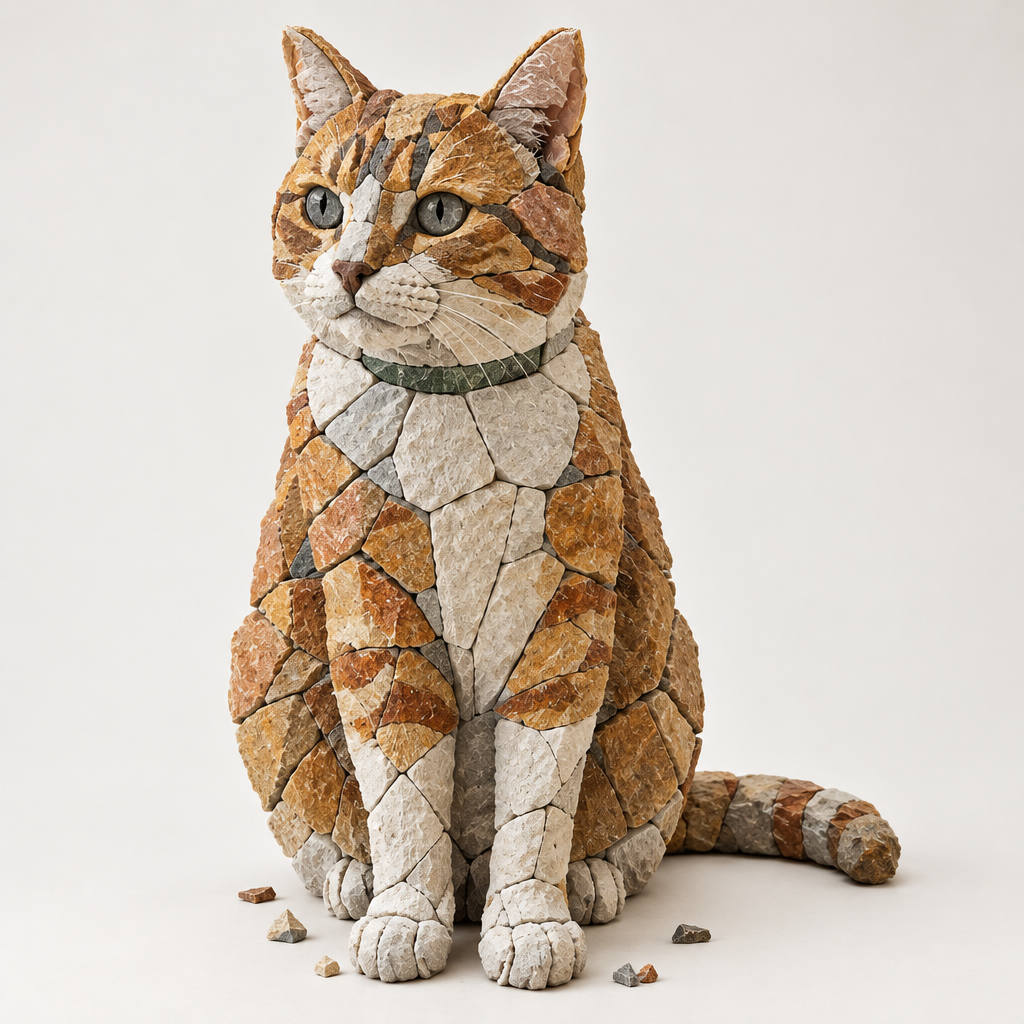
Photo Shard Sculpture
Run online
Run in a SandBase sandbox and view your results in Lab.
Open in Lab ↗What you get
Bring one photo you may use plus consent; optionally pick mixed stone or one stone. The Skill returns one square PNG of the same subject as a stone-shard sculpture.
How it works
- 01
Choose a photo and stone
Photo Shard Sculpture edits one photo of a single pet, plush toy, figurine or object you own or may use; it is not for photos of people. The brief names the photo path, records consent as accepted and picks a stone. Mixed, the default, matches each part to the nearest stone colour; slate, limestone or sandstone builds the whole piece from one stone.
- 02
Check the photo locally
Before anything is sent, the Skill checks the file: PNG or JPEG by content, at most 8 MB, a short side of at least 512 pixels, a long side of at most 6000 and no rotation flag. Location and other metadata are stripped without re-encoding. node scripts/generate.mjs plan then writes the prompt and settings with no network call, for you to approve.
- 03
Run one edit
node scripts/generate.mjs run uploads the cleaned photo to your own SandBase storage and sends one edit to openai/gpt-image-2.5-flare/edit at 1:1, and image usage is billed to your SandBase organization at the rates on sandbase.ai/pricing. The plan shows the preflight estimate and the run refuses a brief above its budget flag. Resume reuses the saved run.
FAQ
What does Photo Shard Sculpture produce?
Photo Shard Sculpture produces one square PNG of your subject rebuilt as a sculpture of separate chiselled rock shards, with dark gaps between them, soft top-left light and a few loose chips on an off-white seamless sweep. It also writes report.json and English and Chinese HTML reports with the dimensions, run ID and recorded cost.
Can Photo Shard Sculpture edit photos of people?
No. Photo Shard Sculpture is for a single pet, plush toy, figurine or object. If a person appears in the background of your photo, they are left out of the sculpture, but you still need the right to use the photo. The result is a stylised picture and never an identity document or proof of ownership.
What do the Photo Shard Sculpture stone options change?
Photo Shard Sculpture defaults to mixed, which picks slate, sandstone or limestone for each part by its nearest colour, so markings such as tabby stripes stay readable. Choosing slate, limestone or sandstone builds the whole sculpture from that one stone, and markings then show only as lighter and darker pieces of the same rock.
Does Photo Shard Sculpture call a paid model?
Yes. Photo Shard Sculpture sends one edit through SandBase to openai/gpt-image-2.5-flare/edit, and image usage is billed to your own SandBase organization. The plan command shows the preflight estimate before anything is sent, the run refuses a brief above its budget flag, and the report records the settled cost. Current rates are on sandbase.ai/pricing.
What happens to my photo in Photo Shard Sculpture?
Photo Shard Sculpture strips location and other metadata from your photo before upload. In local mode it uploads the cleaned photo to your own SandBase account storage so the model can read it; retention follows SandBase platform rules. In hosted mode Lab passes a signed address valid for 15 minutes and deletes the uploaded original when the run ends.
Why might Photo Shard Sculpture change my subject's features?
Photo Shard Sculpture keeps identity on a best-effort basis, because the image model redraws the whole subject in stone. Small markings, fine fur detail or thin accessories can merge into neighbouring shards. A clear, well-lit photo with the subject filling much of the frame helps. Check the result at full size before sharing it.
More Skills
All Illustration Skills →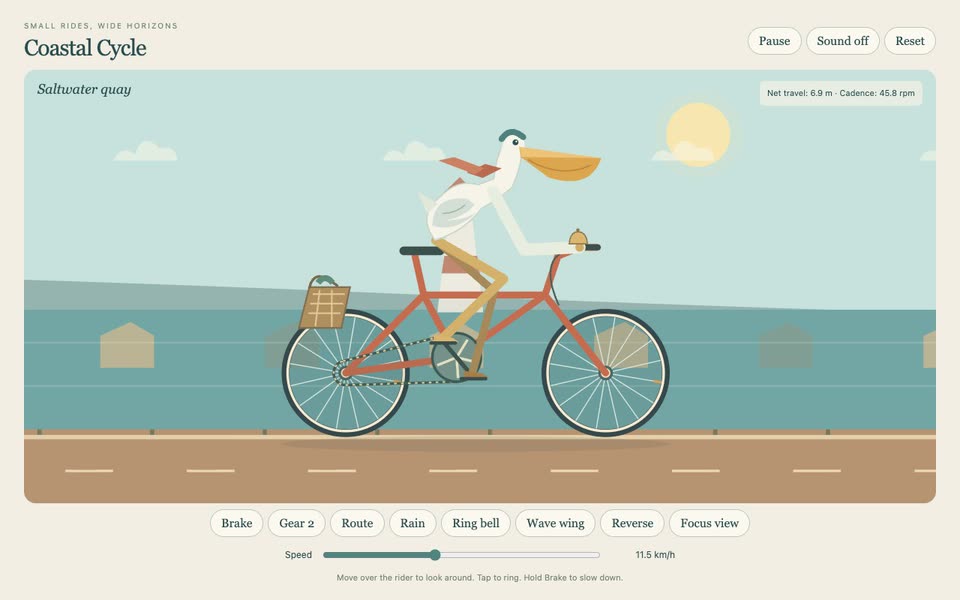
Coastal Cycle: Harbor Pelican
An authored SVG pelican rides a coral bicycle beside the sea. Measured travel drives the wheels, gear ratio drives the crank, and solved joints keep both feet on their actual pedals. Brake, reverse and explore three coastal palettes offline.
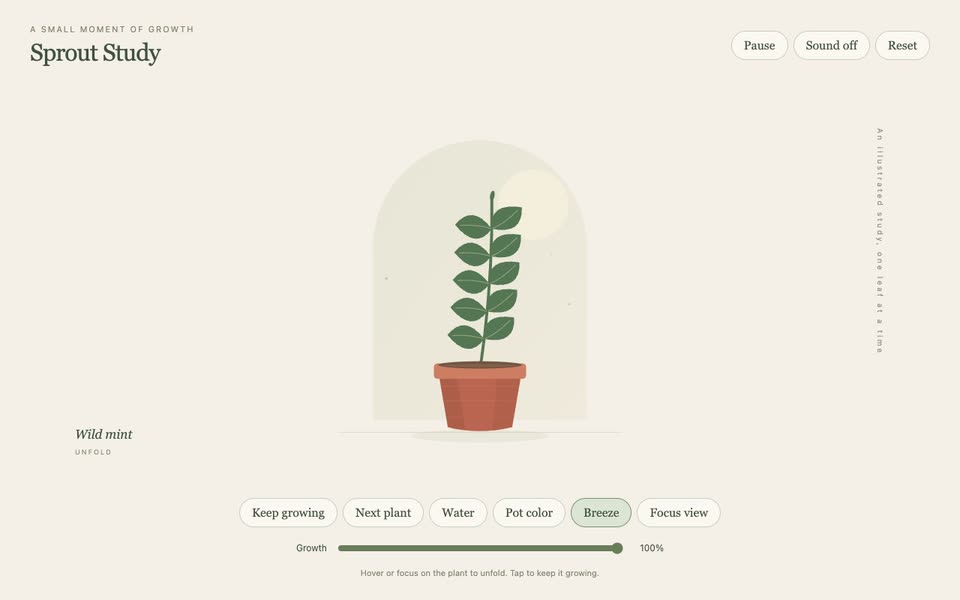
Sprout Study: Terracotta Mint
A quiet SVG botanical illustration. Hover or focus to grow the continuous stem, unfold leaves in sequence and fold them again. Touch hold, exact growth scrubbing and editable plants in one offline HTML.
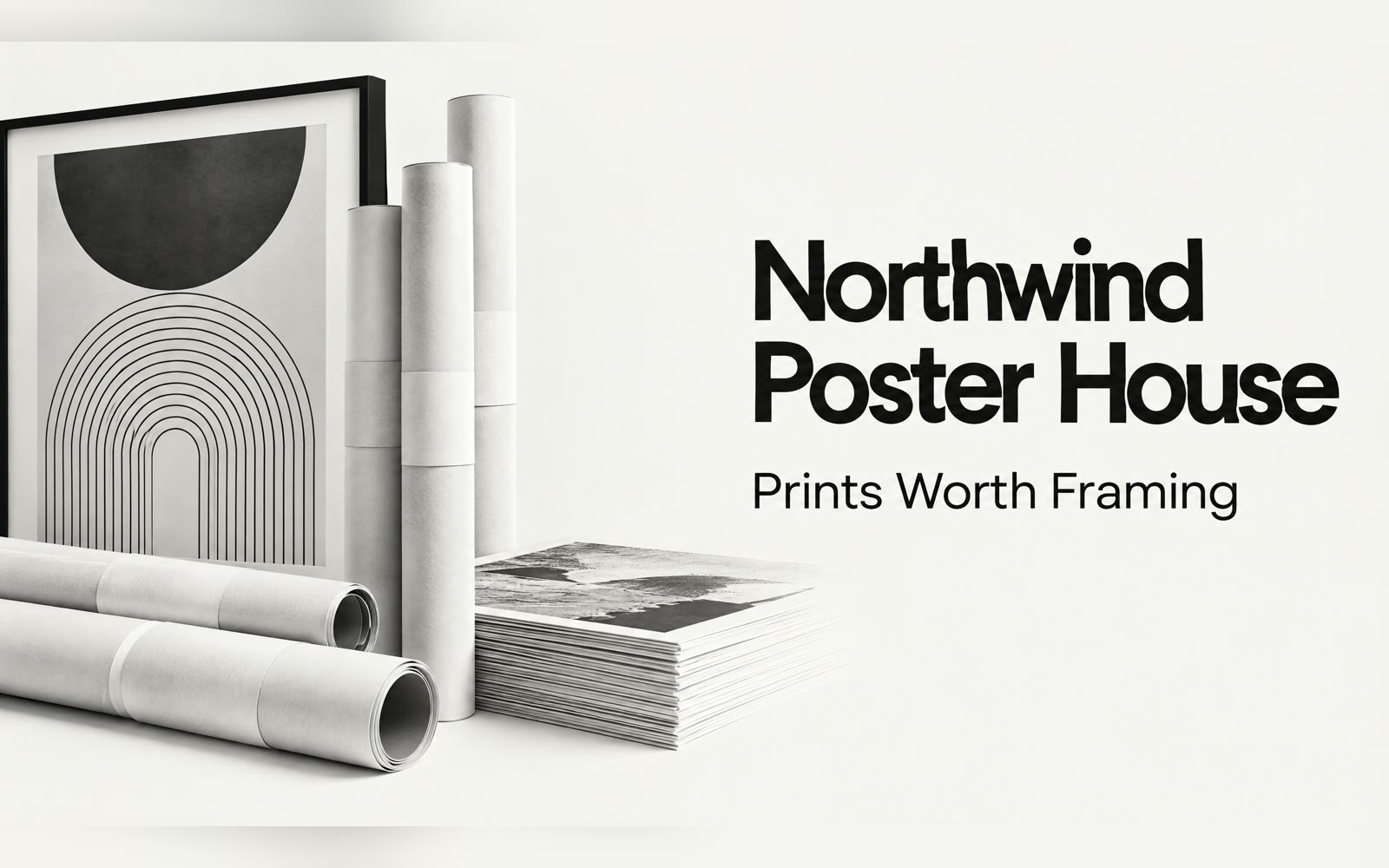
Monochrome editorial
Turn a brand, one headline and context into a high-key monochrome editorial card.
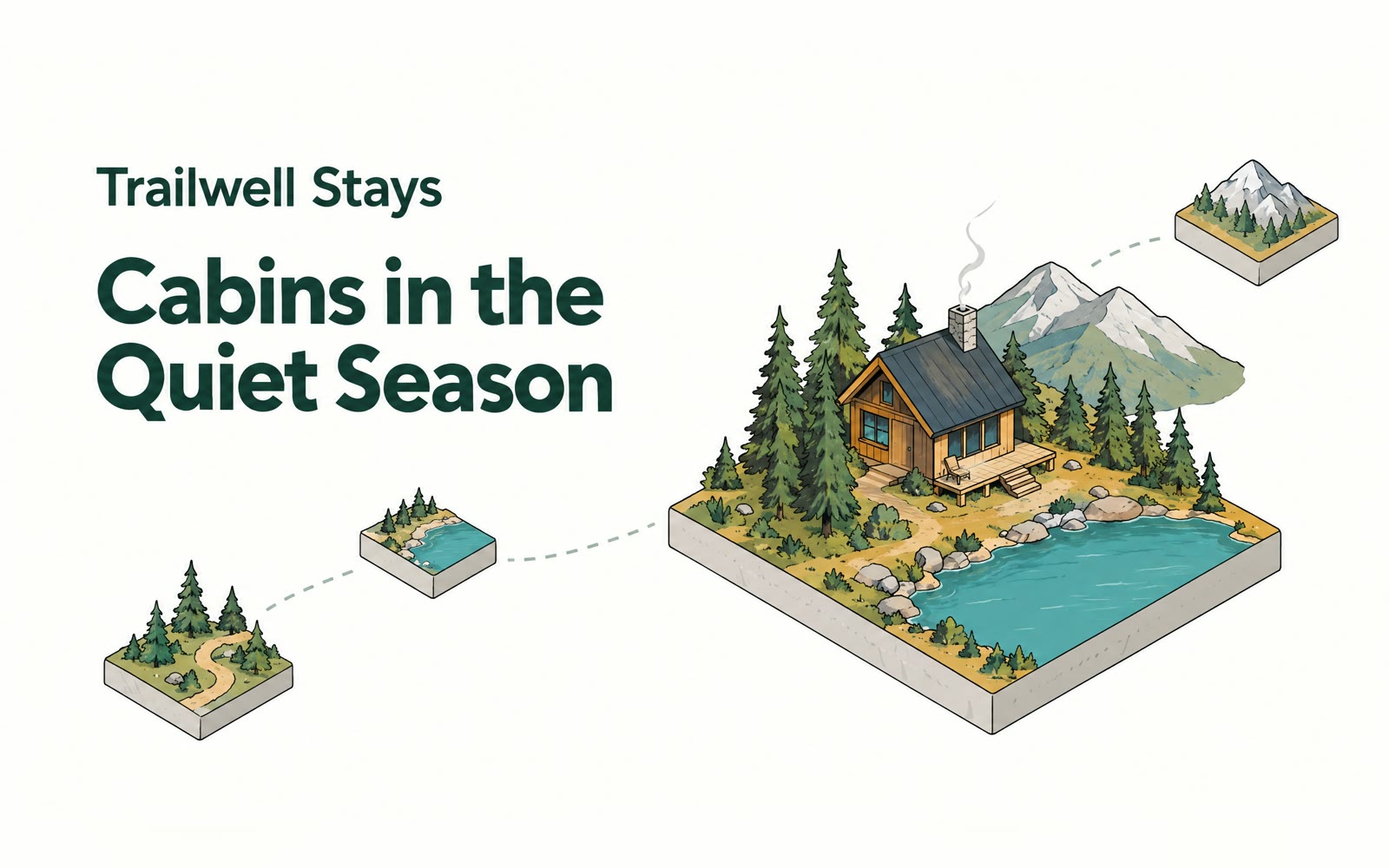
Isometric diorama
Turn a brand, one headline and context into a modular isometric card.

Converging lines
Turn a brand, one headline and context into a precise line-convergence card.
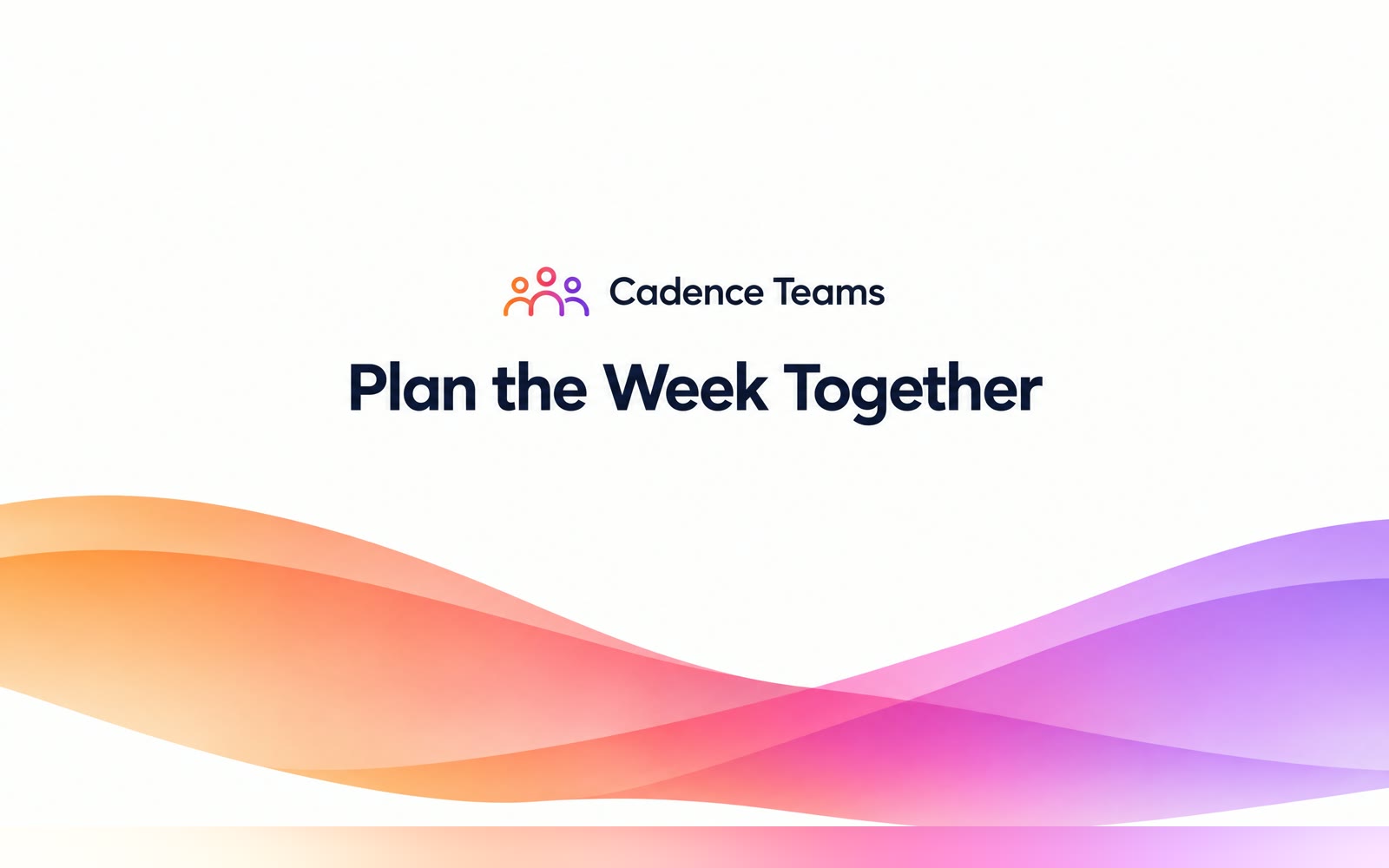
Gradient horizon
Turn a brand, one headline and context into a warm gradient-horizon card.