
Tools

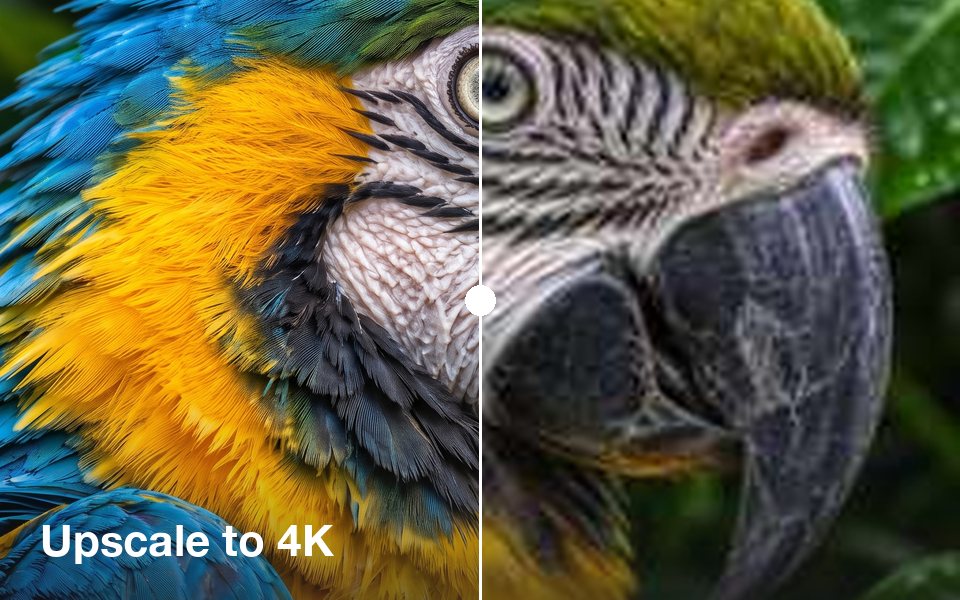
Free AI tools, no sign-up
Remove backgrounds, upscale photos, make headshots and logos, convert images and GIFs, and get video transcripts. Free with or without an account.

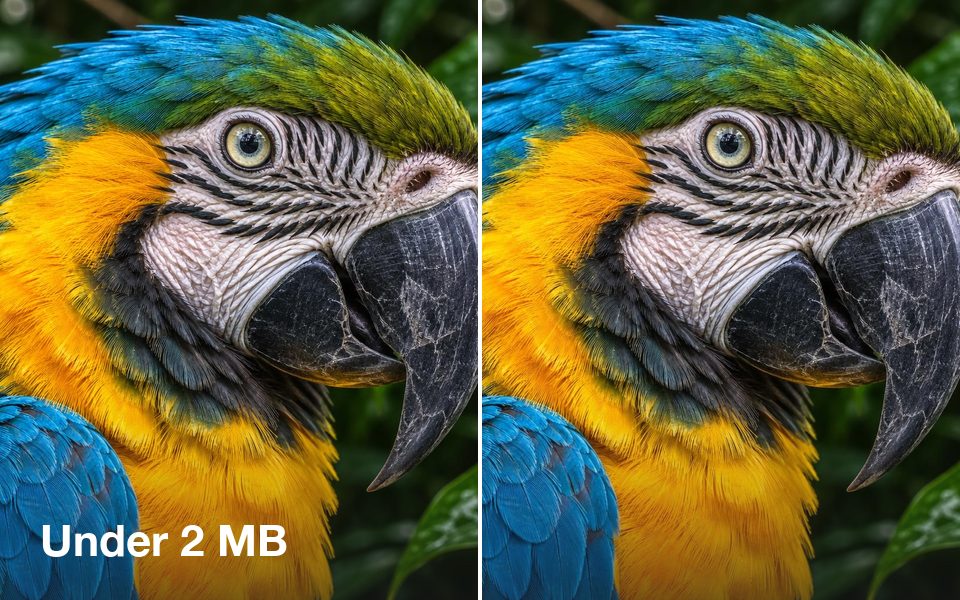
Compress Image to 2 MB
Compress a photo to under 2 MB, keeping the best quality that fits.
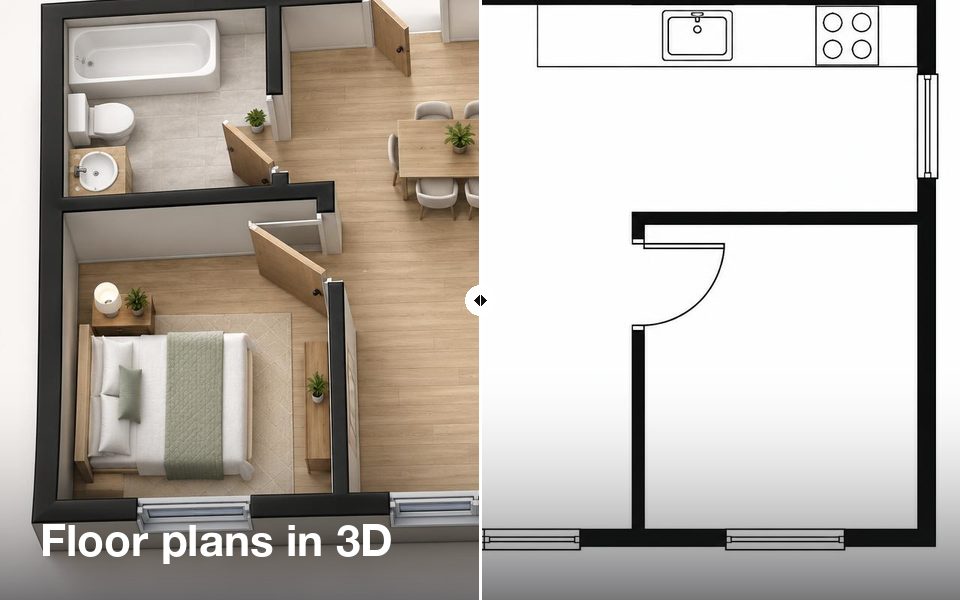
AI Floor Plan Renderer
Turn a 2D floor plan into a furnished 3D isometric view in four styles.

Amazon Opportunity Scanner
Read price bands, ratings and market competition
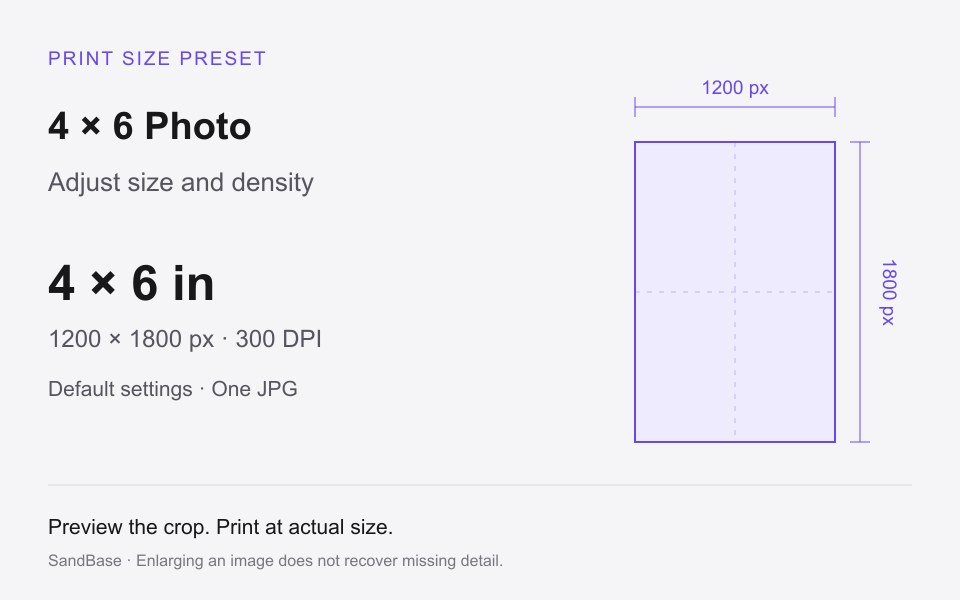
4 × 6 Photo Maker
Start with 4 × 6 in at 300 DPI; adjust the print size and density before saving.
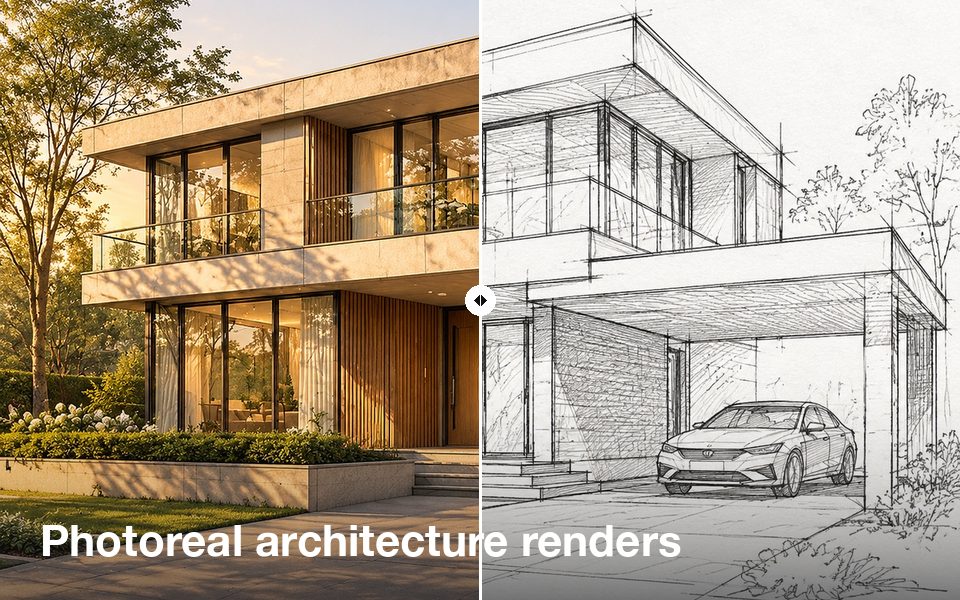
AI Architecture Render
Turn a building sketch or photo into a photoreal render with your light and materials.

1688 Product Finder
Find wholesale products and compare supplier signals
5 × 7 Photo Maker
Start with 5 × 7 in at 300 DPI; adjust the print size and density before saving.
PNG to SVG
Convert a PNG into a scalable SVG made of flat vector shapes, in four vector looks.

Product Review Analyzer
Turn customer feedback into product decisions
8 × 10 Photo Maker
Start with 8 × 10 in at 300 DPI; adjust the print size and density before saving.
JPG to SVG
Convert a JPG into an SVG made of flat vector shapes, with solid colors and crisp edges.

Shopping Price Comparison
Compare live offers across stores and markets
A4 Size Image
Start with 21 × 29.7 cm at 300 DPI; adjust the print size and density before saving.
Image to SVG
Turn any image into an SVG with up to six solid colors.

eBay Price Checker
Live eBay listings, prices and conditions
Resize Image in Inches
Start with 4 × 6 in at 300 DPI; adjust the print size and density before saving.
Convert Image to SVG
Convert a PNG, JPG or WebP image to an SVG online, in four vector looks.

Target Product Search
Target prices, ratings and reviews
Change Image DPI
Change print density while preserving pixel dimensions.
SVG Converter
Convert PNG and JPG images to SVG online, in four vector looks.

Bing Shopping Search
Compare offers from Bing Shopping
300 DPI Converter
Resize a picture for printing at 300 DPI in any size.
Image Vectorizer
Vectorize any image into an SVG with up to eight solid colors.

AutoZone Parts Finder
Prices and availability on an AutoZone category page
Frequently asked questions
- What do these tools cost?
- Free tools cost nothing, with or without an account. Data tools run one SandBase API on your own account: tools marked Free daily quota use APIs in the shared daily free quota (100 calls per organization per day), and the rest are billed at the API list price, usually a fraction of a cent to a few cents. Model tests call the endpoint you are testing with your own key.
- Do I need an account on each platform?
- No. The tools read public data through SandBase APIs, so you do not need a Reddit, Amazon or LinkedIn account. Paid runs only need a SandBase sign-in.
- Can I call the same data from my own code?
- Yes. Every data tool shows the API it calls and a cURL example. Use your SandBase API key to call the same API from your code or Agent.