Best MCP Servers for AI Agents in 2026
Compare the best MCP servers and tool infrastructure platforms for AI agents in 2026: Composio, Zapier MCP, Arcade, Workato, and Pipedream.
TL;DR - The best MCP server in 2026 depends on what problem your agent is trying to solve. Composio is strongest when builders want many toolkits, user sessions, auth, triggers, and an agent workbench in one place. Zapier MCP is the fastest path from AI assistants to thousands of SaaS actions. Arcade is compelling for enterprise-grade authorization and governance. Workato brings mature enterprise automation into the agent era. Pipedream is a developer-friendly option for event-driven workflows and API integrations.
MCP made tools easier to expose to AI agents. It did not make tool infrastructure disappear.
Once an agent can call tools, the hard questions move up one layer:
- Which user is the agent acting for?
- How does OAuth work across hundreds or thousands of apps?
- Which actions are allowed before the agent runs them?
- How do you log, replay, and audit tool calls?
- Can a tool call trigger a workflow, not just return a JSON response?
- How do you keep tool schemas, sessions, secrets, and user context out of your application code?
That is why the “best MCP server” conversation in 2026 is really a conversation about agent tool infrastructure.
This guide compares five platforms that matter for builders evaluating MCP and tool-use infrastructure: Composio, Zapier MCP, Arcade, Workato, and Pipedream. They overlap, but they are not interchangeable.
Quick Comparison
| Platform | Best fit | Core strength | Choose it when |
|---|---|---|---|
| Composio | Agent builders who need toolkits fast | Toolkits, auth, per-user sessions, triggers, and agent workbench | You do not want to build OAuth, tool schemas, and user context handling yourself |
| Zapier MCP | AI assistants that need SaaS actions | Huge app catalog, existing app connections, action history, user-friendly setup | You want Claude, ChatGPT, Cursor, or another AI tool to act across common business apps |
| Arcade | Enterprise agents | Authorization, governance, reliability, and auditability | You need to answer who the agent is acting as and what it is allowed to do |
| Workato | Enterprise automation teams | Mature business automation and integration platform | You already think in workflows, approvals, recipes, and enterprise system integration |
| Pipedream | Developers building event-driven agents | API workflows, event sources, serverless steps, and integration glue | You want developer-friendly workflows that connect APIs, triggers, and agent actions |
The simplest framing:
- Composio is tool infrastructure for agent builders.
- Zapier MCP is automation distribution for AI assistants.
- Arcade is authorization and governance for production agents.
- Workato is enterprise automation entering the agent runtime layer.
- Pipedream is developer workflow infrastructure that maps well to MCP.
What Makes a Good MCP Server?
A basic MCP server exposes tools. A production-grade MCP server helps agents use those tools safely and repeatedly.
For production agents, look for six capabilities.
1. Tool coverage. How many APIs, SaaS apps, databases, files, and internal systems can the agent reach?
2. Authentication. Does the platform handle OAuth, API keys, user consent, token refresh, scopes, and connected accounts?
3. User context. Can the same agent act for different users without mixing permissions, sessions, or data?
4. Action control. Can you approve, deny, scope, or log sensitive actions before they happen?
5. Workflow depth. Can the agent trigger multi-step workflows, retries, schedules, webhooks, and background jobs?
6. Observability. Can operators inspect tool calls, failures, payloads, history, and audit trails?
This is where the category splits. A developer building a personal coding assistant needs a different MCP server than a bank deploying agents that can update customer records.
Composio: Best for Agent Toolkits and Auth
Composio is close to what many agent builders expect when they ask for an MCP server: a large library of toolkits, authentication, user sessions, triggers, and a workbench for connecting tools to agents.
The value proposition is straightforward. Builders usually do not want to spend weeks building OAuth flows, maintaining tool schemas, refreshing tokens, wiring user context, and normalizing hundreds of app APIs. They want their agent to say: “I need Gmail, GitHub, Slack, Linear, Notion, and browser actions,” then connect those tools without rebuilding the same plumbing every time.
Composio is especially useful when:
- your agent needs access to many external tools
- each end user brings their own connected accounts
- you need per-user sessions or user-scoped tool calls
- you want triggers or event-driven actions, not just request-response tools
- you want an agent workbench for prototyping and validating tool behavior
The trade-off is abstraction. A platform that packages many connectors and auth flows will naturally hide some low-level details. That is often the point. But if you need extremely custom enterprise policy, internal-only connectors, or deep workflow governance, you should evaluate how much of that model can be customized.
Choose Composio when the core sentence is: “I want my agent to use many tools without rebuilding auth and tool plumbing.”
Zapier MCP: Best for SaaS Actions and AI Assistant Distribution
Zapier MCP is the clearest example of a classic automation platform moving into the agent era.
The positioning is direct: AI can talk; Zapier MCP helps it act. Instead of asking users to manually copy a model response into Gmail, Slack, Salesforce, Google Sheets, or another SaaS app, MCP gives the assistant a structured way to trigger actions through Zapier.
Zapier’s advantage is distribution and app coverage. Many users already understand Zapier. Many businesses already have app connections, workflows, and history inside Zapier. That makes Zapier MCP attractive for AI assistants that need to act across mainstream business applications without asking every developer to build a connector library from scratch.
Zapier MCP is especially useful when:
- the agent needs access to common SaaS apps
- non-developers need to configure or understand the integration
- the organization already uses Zapier
- action history and app connection management matter
- the use case is closer to business automation than custom runtime infrastructure
The trade-off is depth versus convenience. Zapier is great when the desired action maps cleanly to existing SaaS automations. It may be less natural when you need low-level runtime control, custom policy engines, or deeply specialized internal tools.
Choose Zapier MCP when the core sentence is: “I want AI assistants to act across business apps quickly.”
Arcade: Best for Agent Authorization and Governance
Arcade is interesting because it focuses on one of the hardest production-agent problems: authorization.
When an agent calls a tool, it is not enough to know that the tool exists. The platform needs to know:
- Which human or service is the agent acting for?
- What scopes did that user grant?
- Is this action allowed right now?
- Does it require approval?
- How will the organization audit the call later?
That is the heart of enterprise MCP. In prototypes, tool calling looks like a schema and a function. In production, tool calling becomes delegated authority. Arcade’s value is in helping teams reason about that authority, especially when agents act on behalf of users across real systems.
Arcade is especially useful when:
- your agent handles user-specific permissions
- tool calls need policy checks or approvals
- auditability matters
- reliability and governance are part of the product requirement
- you are moving beyond a demo into enterprise deployment
The trade-off is that governance-first platforms can feel heavier for early experiments. If your agent only calls a few low-risk tools in a prototype, you may not need a full authorization layer yet. But once the agent can send messages, create tickets, update CRM records, or move money, authorization becomes the product.
Choose Arcade when the core sentence is: “My agent must act on behalf of users, and every action needs a permission model.”
Workato: Best for Enterprise Automation and Integration
Workato comes from the enterprise automation and integration world. It has long focused on connecting SaaS systems, orchestrating business processes, and giving organizations a governed way to automate work across departments.
That background matters for MCP. Many enterprise agents will not succeed because they can chat. They will succeed because they can safely trigger business workflows: create a support escalation, update a CRM record, enrich a lead, open a finance approval, or synchronize systems after a customer event.
Workato is especially useful when:
- the company already uses enterprise automation platforms
- workflows require approvals, compliance, or cross-team governance
- integrations span many SaaS and enterprise systems
- business operations teams need visibility and control
- the agent is a front end to existing automation, not a replacement for it
The trade-off is developer ergonomics. Workato is powerful in organizations that already think in recipes, workflows, approvals, and integrations. For a small developer team building a lightweight agent, it may feel more enterprise-oriented than necessary.
Choose Workato when the core sentence is: “My agent needs to trigger governed enterprise workflows.”
Pipedream: Best for Developer-Friendly Event Workflows
Pipedream is a strong fit for developers who want to connect APIs, events, webhooks, and serverless workflow steps. It sits between raw code and no-code automation: flexible enough for developers, but still much faster than building every integration from scratch.
That maps well to MCP because many agent actions are event-driven. An agent may need to react to a webhook, enrich a payload, call a few APIs, write to a database, and notify a user. Pipedream gives builders a workflow-oriented way to compose those steps.
Pipedream is especially useful when:
- your agent needs webhook or event-triggered workflows
- developers want code-level flexibility inside integrations
- you need to connect APIs quickly
- workflows need retries, schedules, and background steps
- you want integration glue without a full enterprise iPaaS rollout
The trade-off is that you still need to design the agent boundary. Pipedream can be excellent workflow infrastructure, but the team must decide how tool permissions, user identity, model calls, and production runtime policy are governed around it.
Choose Pipedream when the core sentence is: “I want developer-friendly workflows that turn APIs and events into agent actions.”
Where SandBase Fits
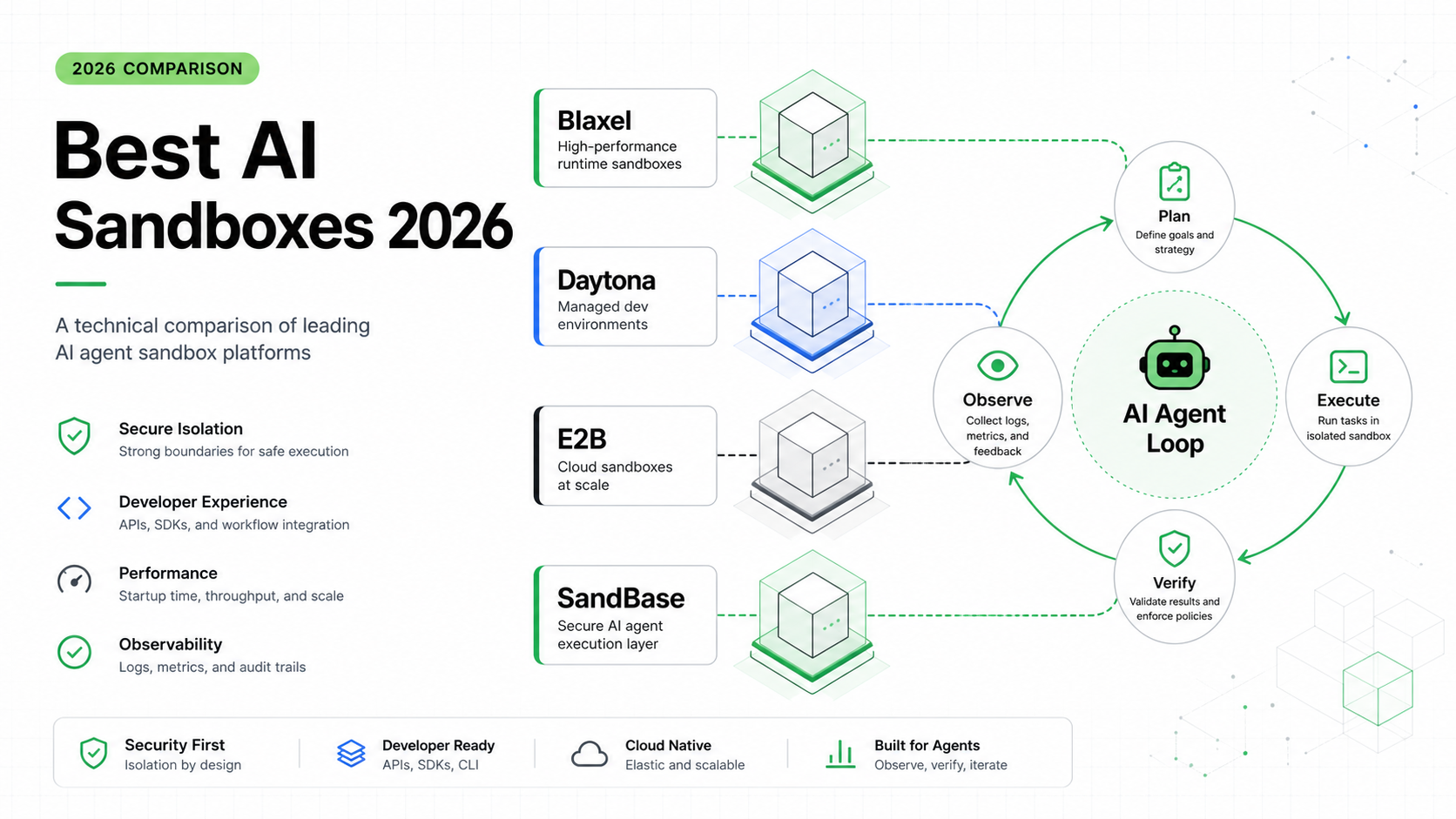
SandBase is not trying to be a catalog of every SaaS connector. It sits closer to the runtime boundary around production agents.
That matters because MCP servers and tool platforms create capability, but production agents also need control:
- model access
- tool execution boundaries
- pre-action authorization
- sandboxed execution
- logs and operational status
- visibility into what happened before and after a tool call
If you use Composio, Zapier MCP, Arcade, Workato, or Pipedream, you still need to decide where the agent runtime enforces policies and captures behavior. SandBase is designed for teams that want the model, tool, and execution boundary to live closer together.
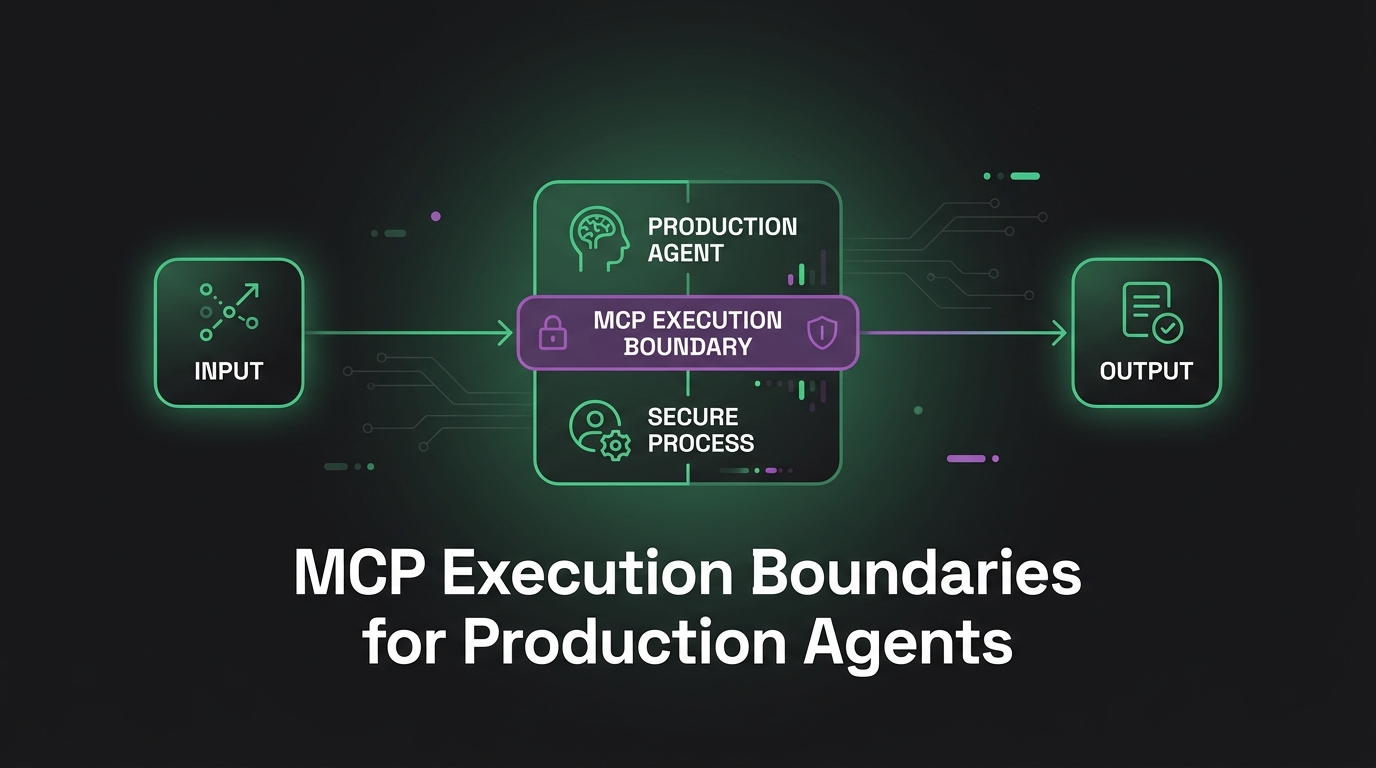
In practice, this can mean using a connector or workflow platform for tool reach, while using SandBase as the runtime layer that governs how the agent calls tools, executes code, and exposes operational signals. We covered the same idea in MCP execution boundaries for production agents and pre-action authorization for AI agents.
Decision Guide
Use this decision tree:
| If your main problem is… | Start with… |
|---|---|
| Many app/tool integrations for agents | Composio |
| Connecting AI assistants to mainstream SaaS actions | Zapier MCP |
| User-level authorization and auditability | Arcade |
| Enterprise business workflow automation | Workato |
| Developer-friendly API and event workflows | Pipedream |
| Runtime policy around model, tool, and sandbox execution | SandBase |
The best architecture may combine more than one layer. For example:
- Zapier MCP for mainstream SaaS actions, plus SandBase for runtime policy.
- Composio for toolkits and user sessions, plus SandBase for execution boundaries.
- Workato for enterprise workflows, plus Arcade for authorization, plus SandBase for agent runtime observability.
- Pipedream for event workflows, plus SandBase for model/tool execution control.
The important part is to avoid pretending that “MCP server” is one product category. It is a protocol surface, and the platform around it determines whether your agent is usable in production.
Evaluation Checklist
Before choosing an MCP server or tool infrastructure platform, ask:
Tool coverage. Which systems does the agent need today, and which will it need in six months?
Auth model. Does the platform handle OAuth, scopes, refresh, user consent, and revoked access?
User identity. Can the same agent act for many users without mixing accounts or permissions?
Policy. Can you block or approve sensitive actions before they run?
Triggers. Can the agent react to events, schedules, webhooks, and workflow state?
Observability. Can you inspect tool calls, inputs, outputs, errors, retries, and audit trails?
Developer experience. Does it work with your agent framework, deployment model, and runtime?
Enterprise fit. Does it match your compliance, data residency, approval, and governance needs?
Runtime boundary. Where do model calls, tool calls, sandbox execution, and logs come together?
If the answer to the last question is “inside our application code,” you may be underestimating how much infrastructure production agents need.
FAQ
What is the best MCP server in 2026?
There is no single best MCP server for every team. Composio is strong for agent toolkits and auth, Zapier MCP is strong for SaaS actions, Arcade is strong for authorization and governance, Workato is strong for enterprise automation, and Pipedream is strong for developer workflows.
Is MCP enough for production agents?
No. MCP standardizes how agents discover and call tools, but production systems still need authentication, authorization, user context, logs, approvals, retries, and runtime controls.
Should I use Zapier MCP or Composio?
Use Zapier MCP when the main need is connecting AI assistants to common business apps quickly. Use Composio when you are building an agent application and need toolkits, per-user sessions, auth, triggers, and developer-oriented agent infrastructure.
Where does Arcade fit?
Arcade fits when the hard problem is not connector coverage, but permission. It helps answer who the agent is acting for, what it can do, and how each tool call can be governed and audited.
Where does SandBase fit?
SandBase fits around the runtime boundary: model access, tool execution, sandboxed actions, authorization checks, logs, and operational visibility. It can complement connector and workflow platforms rather than replacing every integration.
Bottom Line
In 2026, the best MCP server is not just the one with the most tools. It is the one that matches your agent’s authority model.
If your agent only needs to read low-risk data, tool coverage may matter most. If it can write to business systems, authorization matters more. If it triggers multi-step workflows, observability and governance become critical. And if it runs code or uses sensitive tools, the runtime boundary becomes the architecture.
MCP gives agents a common way to reach tools. The real product decision is choosing the infrastructure that decides when, how, and on whose behalf those tools should be used.