Pre-Action Authorization for AI Agents
Pre-action authorization checks every AI agent tool call before it runs. Learn how to gate reads, writes, code execution, and loops.
TL;DR — Pre-action authorization is the permission check that happens after an agent decides what it wants to do, but before the tool call actually runs. It is the layer that answers: can this agent read that data, run code here, mutate this system, spend this budget, or continue this loop? If MCP is the connector layer and the sandbox is the execution layer, pre-action authorization is the gate between intention and side effect.
Tool calling made agents useful. It also made them dangerous in a very ordinary way.
The scary failure is not always a jailbreak or a sophisticated prompt injection. More often it is a reasonable model choosing a reasonable tool at the wrong time. It reads a file outside the task scope. It opens a pull request against the wrong repo. It retries the same browser action 80 times. It runs generated code with network access because nobody turned the network off.
That is why production agents need pre-action authorization. Not just a permission model written in a policy doc, but a runtime check on every meaningful action.
Where Pre-Action Authorization Fits
An agent action has five steps:
- The model decides what it wants.
- The runtime turns that intention into a tool call.
- Authorization checks the tool, arguments, identity, task scope, and current budget.
- The runtime executes the call in the right environment.
- Observability records what happened.
Most demos jump from step 2 to step 4. Production systems cannot.
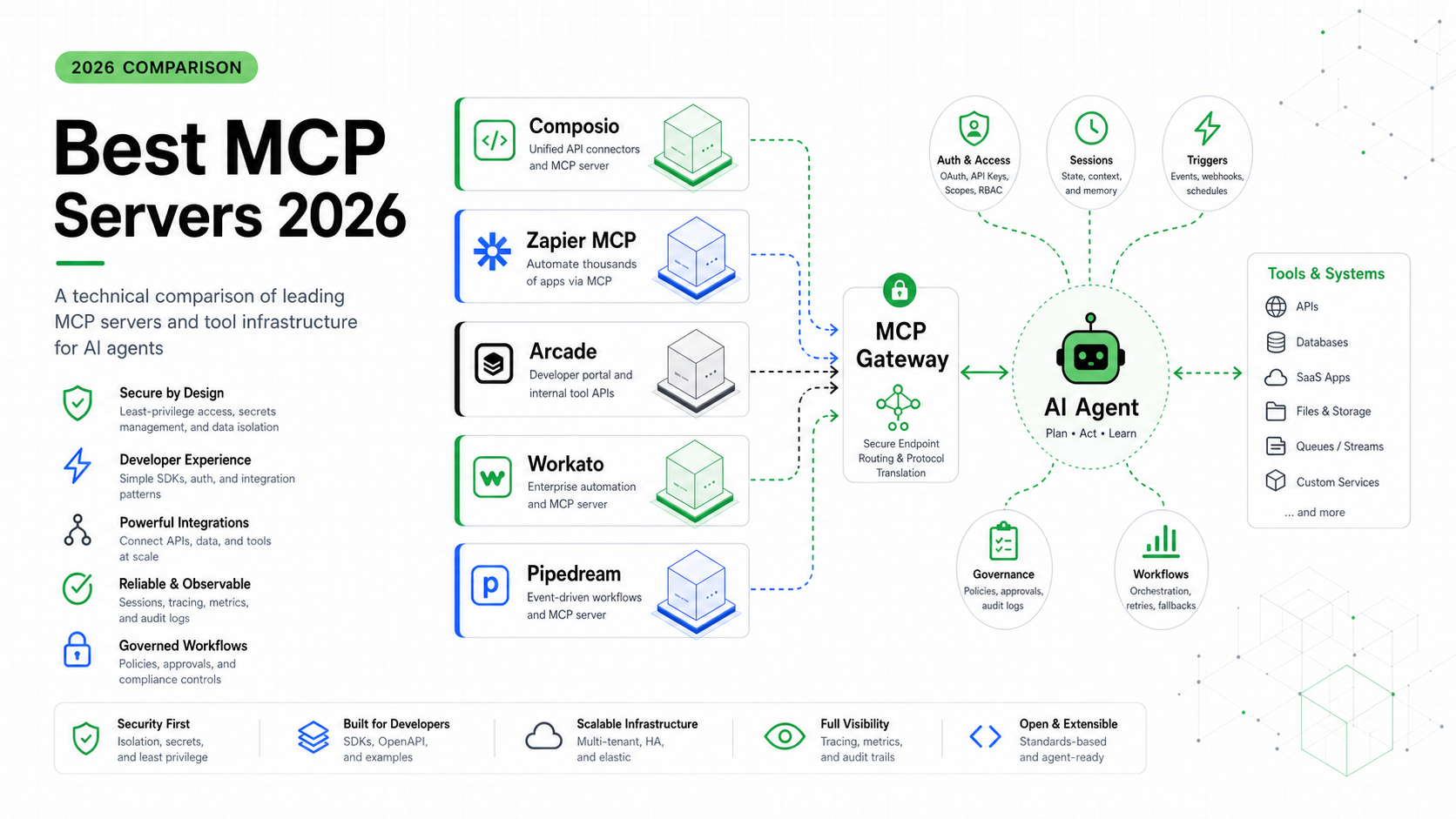
The Model Context Protocol tools specification standardizes how tools are exposed and called. That is useful, but it does not decide whether a specific tool call should be allowed for this agent, this user, this workspace, and this task. The permission check has to sit in the runtime.
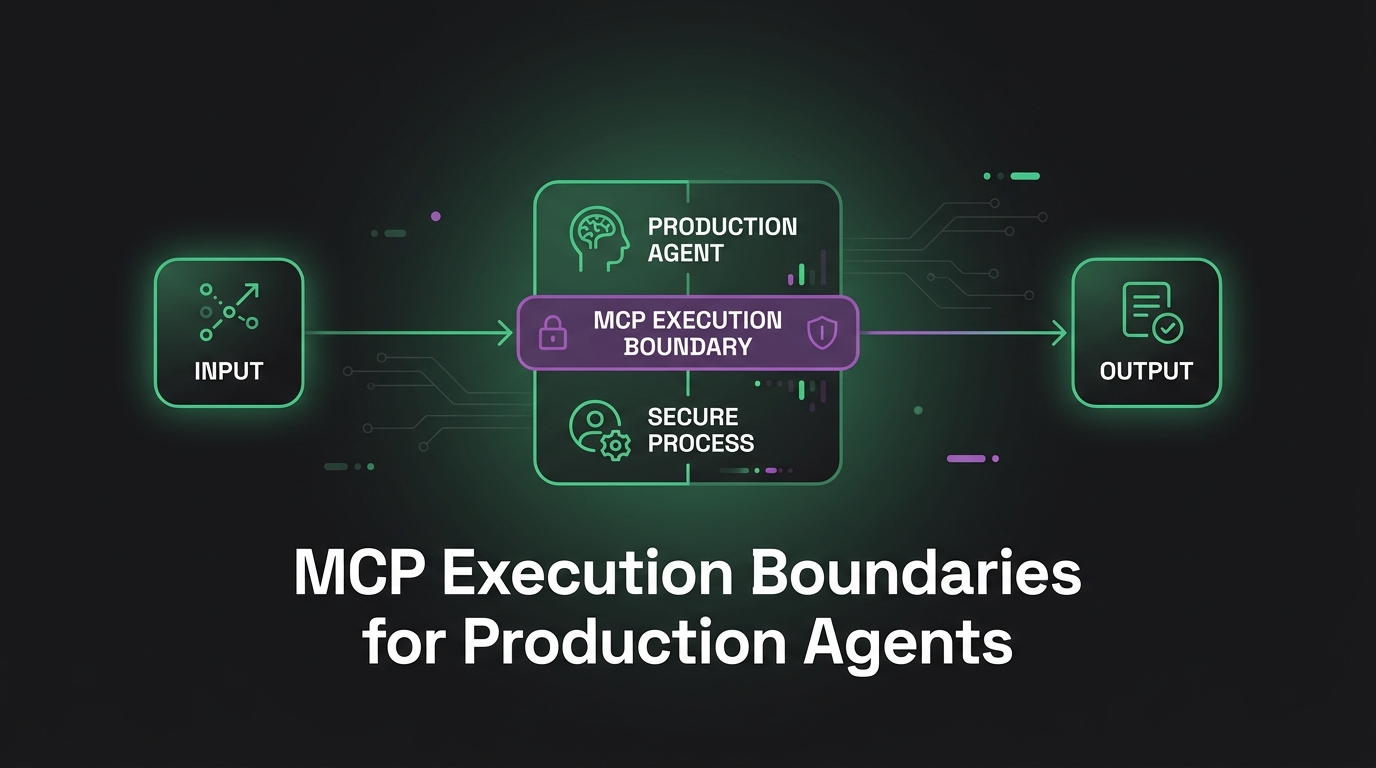
This is the missing middle between MCP execution boundaries and the agent runtime layer. MCP makes tools available. The runtime runs them. Pre-action authorization decides whether the next call is allowed to cross the boundary.
The Permission Question Is Not “Does This Agent Have the Tool?”
Binary tool access is too coarse.
Giving an agent the github tool sounds harmless until you break it apart:
| Operation | Risk class | Default policy |
|---|---|---|
| List issues | Read | Allow within repo scope |
| Read files | Read | Allow within task workspace |
| Run tests | Compute | Allow in sandbox |
| Create a patch | Draft | Allow, but stage locally |
| Open a pull request | External mutation | Require policy or approval |
Push to main | High-risk mutation | Deny by default |
| Delete a repo | Irreversible | Deny |
Those are not the same permission. Treating them as one tool is how teams end up with agents that are either useless or terrifying.
The better model is capability plus context:
{
  "agent_id": "coding-agent",
  "task_id": "fix-login-test",
  "user_id": "u_123",
  "workspace": "repo:sandbase-demo",
  "tool": "github.open_pull_request",
  "arguments": {
    "repo": "sandbase-demo",
    "branch": "agent/fix-login-test",
    "base": "main"
  },
  "risk": "external_mutation",
  "budget": {
    "remaining_tool_calls": 8,
    "remaining_seconds": 420
  }
}
That payload is enough for a policy engine to make a real decision. Same tool, different repo? Maybe deny. Same repo, wrong branch? Deny. Same user, task already exceeded its budget? Stop. Same action but explicitly approved by a maintainer? Allow and audit.
Five Gates Worth Implementing
You do not need a huge policy system on day one. You need five gates that catch the failures agents actually create.
| Gate | What it checks | Example denial |
|---|---|---|
| Scope gate | Is this tool allowed for this task? | A support agent tries to call a deploy tool |
| Argument gate | Are the arguments inside the allowed boundary? | A file path escapes /workspace |
| Execution gate | Where will this run? | Generated Python requests host networking |
| Mutation gate | Will this change external state? | Agent tries to send email or open a PR |
| Loop gate | Is the run still within limits? | Same tool called too many times |
The scope gate is where most teams start. The argument gate is where most teams get surprised.
A file read tool is safe until the argument is ../../.env. A browser tool is safe until the URL points to an internal admin panel. A code execution tool is safe until the generated script asks for network access and a mounted credential. The permission check has to inspect the arguments, not just the tool name.
Put the Gate Before the Sandbox
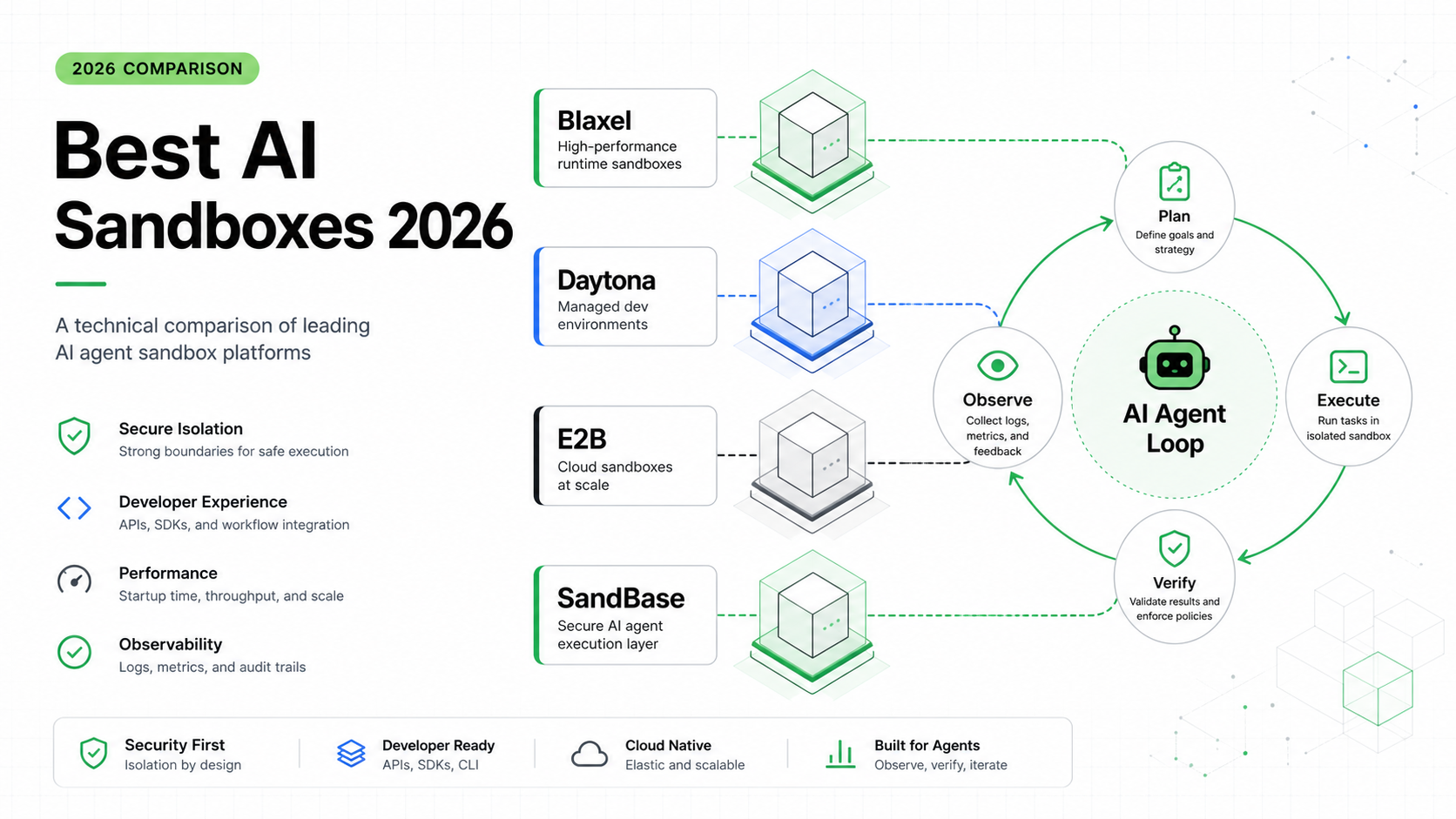
Sandboxing is still non-negotiable. If an agent runs generated code, it should run in an isolated environment with resource limits and network rules. The Claude Managed Agents launch post is a good signal for where the market is moving: long-running agents need sandboxed execution, scoped permissions, and tracing as product infrastructure, not as application glue.
But a sandbox does not replace authorization.
The sandbox answers: if this runs, how contained is it?
Pre-action authorization answers: should this run at all?
You want both. Deny clearly bad calls before they touch execution. Run allowed compute inside a sandbox anyway. That gives you two lines of defense:
- policy prevents obvious mistakes
- isolation contains the mistakes policy missed
This is why I do not like designs where the model is handed a generic shell and all safety is pushed into the container. A container can limit blast radius, but it cannot tell whether git push origin main is appropriate for this task. That is a policy question.
Human Approval Should Be Narrow, Not Constant
Some teams hear “authorization” and imagine a confirmation modal on every tool call. That kills the product.
The trick is to make approval narrow:
| Action type | Good default |
|---|---|
| Read scoped data | Auto-allow and log |
| Run compute in sandbox | Auto-allow within budget |
| Draft text or code | Auto-allow, keep staged |
| Mutate external systems | Require policy or approval |
| Irreversible operations | Require explicit human approval |
The agent should be able to do most of the work without interruption. It can inspect files, run tests, prepare a patch, draft a customer reply, summarize logs, or render a report.
The approval belongs at the line where staged work becomes external state. Sending the reply, merging the patch, deploying to production, charging a card, deleting data. That is the point where a human or a stricter policy should step in.
Anthropic’s Claude Code hooks documentation points at the same shape: hooks like pre-tool-use checks are useful because they let a system inspect and block actions before execution. The exact product surface will vary, but the pattern is durable. Intercept before the side effect.
A Minimal Policy Model
Here is the simplest version I would ship first:
type Risk = "read" | "compute" | "draft" | "mutation" | "irreversible";

type Action = {
  agentId: string;
  taskType: "code" | "support" | "research";
  tool: string;
  risk: Risk;
  args: Record<string, unknown>;
  workspaceId: string;
  remainingSteps: number;
};

type Decision =
  | { allow: true; audit: boolean }
  | { allow: false; reason: string }
  | { allow: false; reason: string; approvalRequired: true };

const taskTools = {
  code: ["repo.read", "tests.run", "sandbox.exec", "pull_request.draft"],
  support: ["ticket.read", "docs.search", "reply.draft"],
  research: ["web.search", "page.fetch", "notes.write"],
};

export function authorize(action: Action): Decision {
  if (action.remainingSteps <= 0) {
    return { allow: false, reason: "step budget exhausted" };
  }

  if (!taskTools[action.taskType].includes(action.tool)) {
    return { allow: false, reason: "tool not allowed for task type" };
  }

  if (action.risk === "irreversible") {
    return {
      allow: false,
      reason: "irreversible action requires approval",
      approvalRequired: true,
    };
  }

  if (action.risk === "mutation") {
    return {
      allow: false,
      reason: "external mutation requires approval",
      approvalRequired: true,
    };
  }

  return { allow: true, audit: action.risk !== "read" };
}
This is intentionally plain. The goal is not to invent a policy language. The goal is to force every tool call through one boring, testable decision point.
You can later replace the hard-coded rules with Open Policy Agent, Cedar, Zanzibar-style relationship checks, or your own internal authorization service. The interface should stay the same: action in, decision out, audit record written.
What to Log
Authorization without audit is a support nightmare. When a user asks why the agent stopped, “policy denied it” is not enough.
Log at least this:
| Field | Why it matters |
|---|---|
trace_id | Tie the decision to the agent run |
agent_id and user_id | Understand who acted on whose behalf |
tool and normalized arguments | Reproduce the decision |
risk | Explain why approval was needed |
decision | Allow, deny, or approval required |
reason | Human-readable denial reason |
policy_version | Debug behavior after policy changes |
This connects directly to agent observability. A trace should show the model call, proposed tool call, authorization decision, execution result, and any approval event as one timeline. Otherwise you will spend hours guessing whether the model chose the wrong tool, the policy blocked it, or the sandbox failed.
The Failure Mode to Watch
The common failure is over-blocking.
Someone ships a strict policy. The agent starts asking for approval every 20 seconds. Users get tired and approve everything. Now the system has a permission model, but no judgment.
The fix is to design for progressive autonomy:
- Start with read and sandboxed compute auto-allowed.
- Keep drafts staged instead of external.
- Require approval only for external mutation.
- Promote repeated safe actions into policy after observing them.
- Keep irreversible actions behind human approval permanently.
This is how the system earns trust. Not by declaring agents safe, but by making the safe path faster than the unsafe path.
FAQ
Is pre-action authorization the same as guardrails?
No. Guardrails are the broader set of controls around an agent. Pre-action authorization is one specific guardrail: the runtime decision before a tool call executes. See the broader production agent guardrails guide for the full stack.
Should every tool call be approved by a human?
No. Human approval should be reserved for external mutations and irreversible operations. Reads, sandboxed compute, and draft creation should usually run automatically within scope and budget.
Does MCP handle authorization for me?
No. MCP standardizes how tools are exposed and called. Your runtime still needs to decide whether a specific agent is allowed to call a specific tool with specific arguments in a specific workspace.
Where should the authorization check live?
Put it in the runtime, between tool selection and execution. Do not bury it inside the model prompt. The model can explain intent, but the runtime must enforce policy.
Key Takeaways
Pre-action authorization is boring in the best possible way. It turns “the model wanted to do something” into a controlled decision before anything touches the outside world.
If you are building production agents, start with five gates: scope, arguments, execution, mutation, and loop limits. Keep most safe work automatic. Gate the moment where work mutates external state. Log every decision.
That is the difference between an agent that can use tools and an agent you can let keep using tools tomorrow.