
promptstringrequired
Text description of the image.
microsoft/mai-image-2.7-flashMAI Image 2.7 Flash by Microsoft turns a text prompt into a high-quality image, with optional transparent background.
Try the model
What would you like to do next?
Select an example to load its inputs and result into the playground.
{
  "aspect_ratio": "16:9",
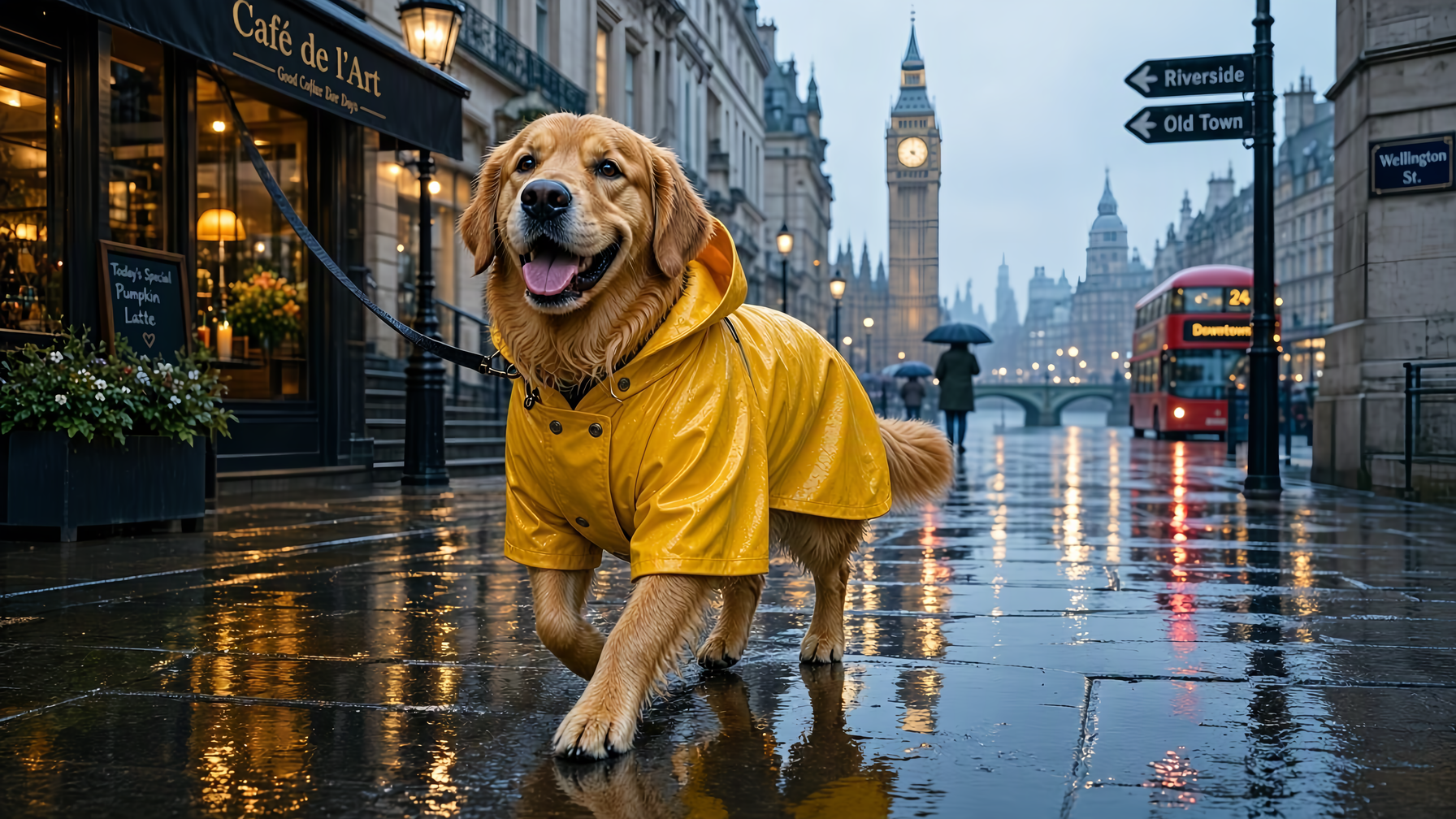
  "prompt": "A golden retriever wearing a yellow raincoat on a rainy city street, cinematic photo"
}{
"aspect_ratio": "16:9",
"prompt": "A ceramic teapot beside a sunlit window, realistic photography."
}MAI Image 2.7 Flash is the faster, lower-cost tier of Microsoft's MAI-Image-2.7 model. It turns a text prompt into a photorealistic or illustrated image, with optional transparent background.
| Field | Type | Default | Notes |
|---|---|---|---|
prompt | string, required | — | What to draw. |
aspect_ratio | 21:9 / 16:9 / 3:2 / 4:3 / 5:4 / 1:1 / 4:5 / 3:4 / 2:3 / 9:16 | 1:1 | Output shape. |
background | opaque / transparent | opaque | transparent needs png or webp. |
output_format | png / jpeg / webp | png | File format. |
$0.025 per image. Failed runs are not charged.
Related: microsoft/mai-image-2.7-flash/edit, microsoft/mai-image-2.5/edit.
Start building
Submit this model through the SandBase Unified Run API.
# The quoted heredoc keeps Unicode and shell metacharacters unchanged.
result=$(curl --fail-with-body --silent \
  -X POST "https://api.sandbase.ai/v1/run" \
  -H "Authorization: Bearer $SANDBASE_API_KEY" \
  -H "Content-Type: application/json" \
  --data-binary @- <<'SANDBASE_JSON'
{
  "model": "microsoft/mai-image-2.7-flash",
  "prompt": "A ceramic teapot beside a sunlit window, realistic photography.",
  "background": "opaque",
  "aspect_ratio": "1:1",
  "output_format": "png"
}
SANDBASE_JSON
)
run_id=$(printf '%s' "$result" | jq -r .id)
for attempt in $(seq 1 120); do
  status=$(printf '%s' "$result" | jq -r .status)
  case "$status" in completed|failed|timeout) break ;; esac
  sleep 2
  result=$(curl --fail-with-body --silent \
    -H "Authorization: Bearer $SANDBASE_API_KEY" \
    "https://api.sandbase.ai/v1/run/$run_id")
done
status=$(printf '%s' "$result" | jq -r .status)
[ "$status" = completed ] || { echo "Generation ended: $status" >&2; exit 1; }
printf '%s\n' "$result"Create a SandBase API key and set it in your server environment. All requests use Bearer authentication.
export SANDBASE_API_KEY="YOUR_API_KEY"Keep the key on your server. Do not expose it in browser code or commit it to a repository.
POST to /v1/run with this model ID and its inputs. The request example above includes submission and polling.
Use the returned run ID to poll until the status is completed, failed or timeout. Read output only after completed.
curl "https://api.sandbase.ai/v1/run/$RUN_ID" \
-H "Authorization: Bearer $SANDBASE_API_KEY"Pass a publicly accessible file URL in the model’s image, video or audio field. Supported formats and limits are shown beside each Playground input.
Use the upload or replace control on supported image fields in the Playground. Video URL fields accept a hosted driving video; they do not imply video-upload support.
promptstringrequiredText description of the image.
backgroundstringtransparent returns an alpha channel (png or webp output).
Default: "opaque"
Possible values: "opaque", "transparent"
aspect_ratiostringOutput shape, about 1-2 megapixels.
Default: "1:1"
Possible values: "21:9", "16:9", "3:2", "4:3", "5:4", "1:1", "4:5", "3:4", "2:3", "9:16"
output_formatstringImage file format.
Default: "png"
Possible values: "png", "jpeg", "webp"
{
  "model": "microsoft/mai-image-2.7-flash",
  "prompt": "A ceramic teapot beside a sunlit window, realistic photography.",
  "background": "opaque",
  "aspect_ratio": "1:1",
  "output_format": "png"
}A completed run exposes its result in output. The following is the model’s saved example, not a new generation.
[
  {
    "url": "https://static.sandbase.ai/examples/5b0ff56f-0b2e-44fc-87d4-07fc1d4d9809/output/e3e7121e-9509-46b5-a467-57937984fb29.png"
  }
]