
Research
Investigate markets and evidence, and communicate research findings.
Explore Research ↗Read Polymarket event odds, order books, holders and comments with live data your agent reads through SandBase.
Browse Skills ↓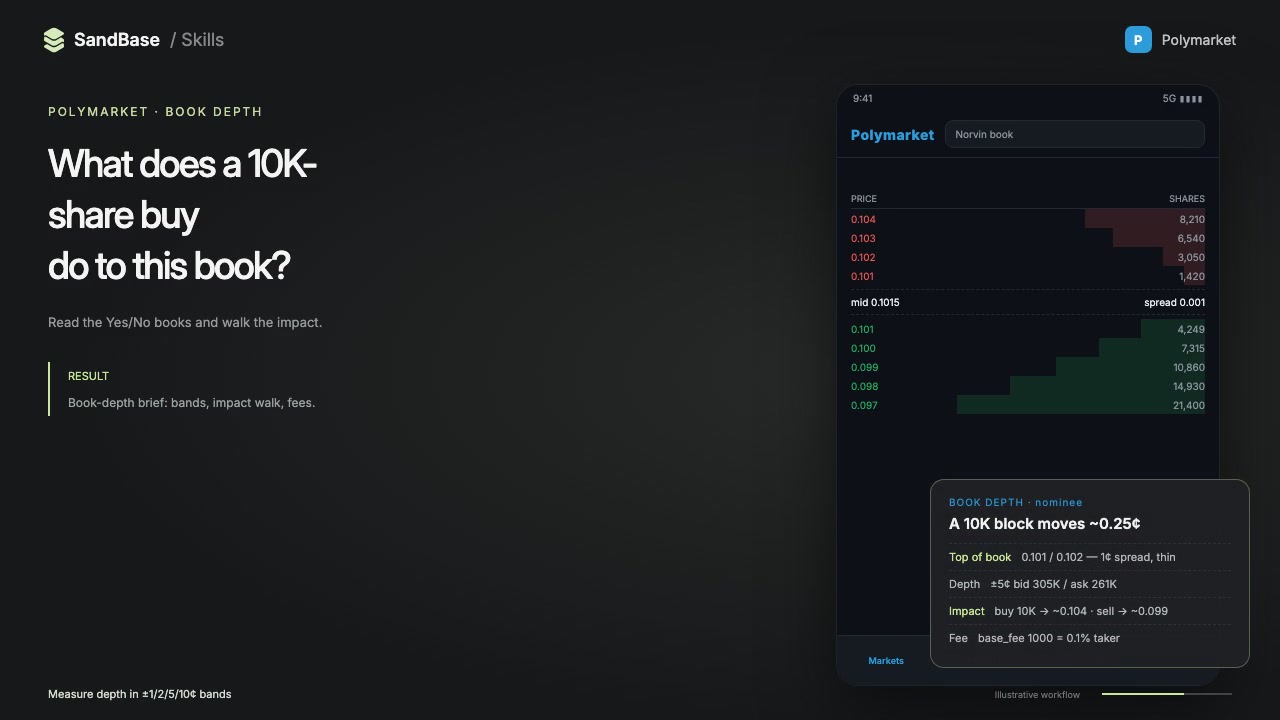
Read the live order book of one Polymarket market through SandBase — spread, depth bands and a walk-the-book impact estimate
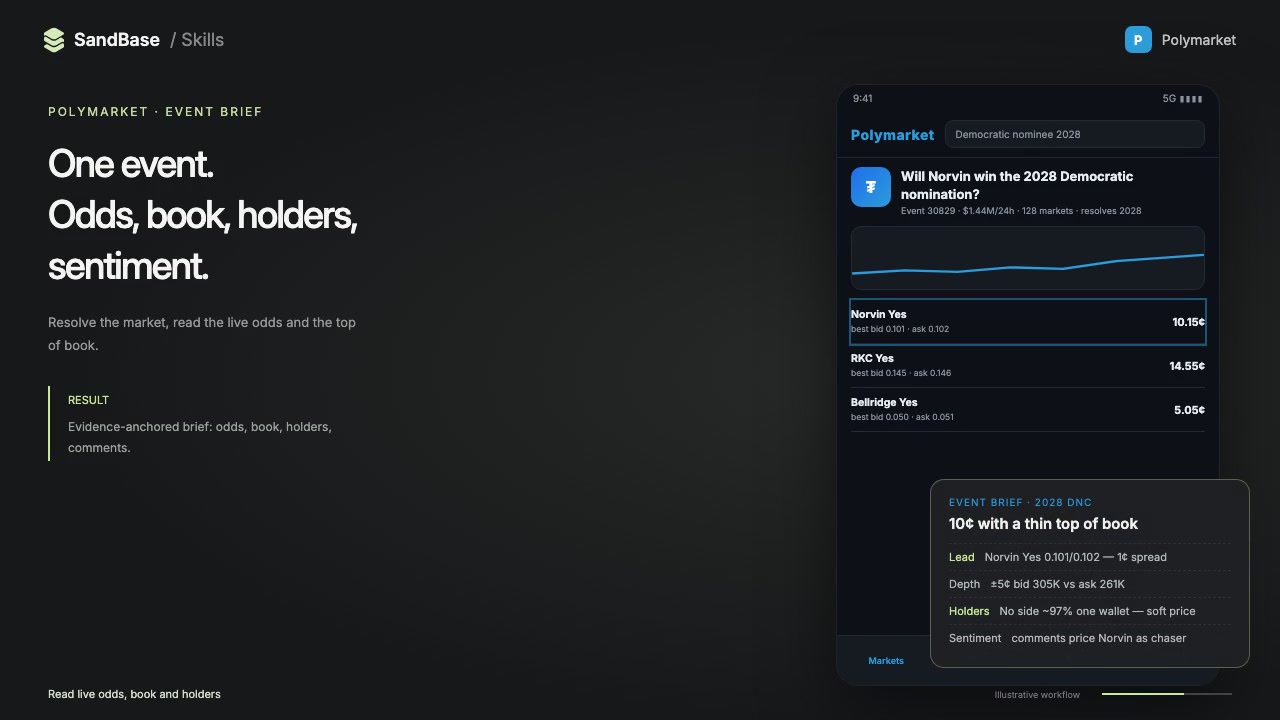
Brief one Polymarket event through SandBase — odds, book, history, holders and comments in one evidence-anchored brief
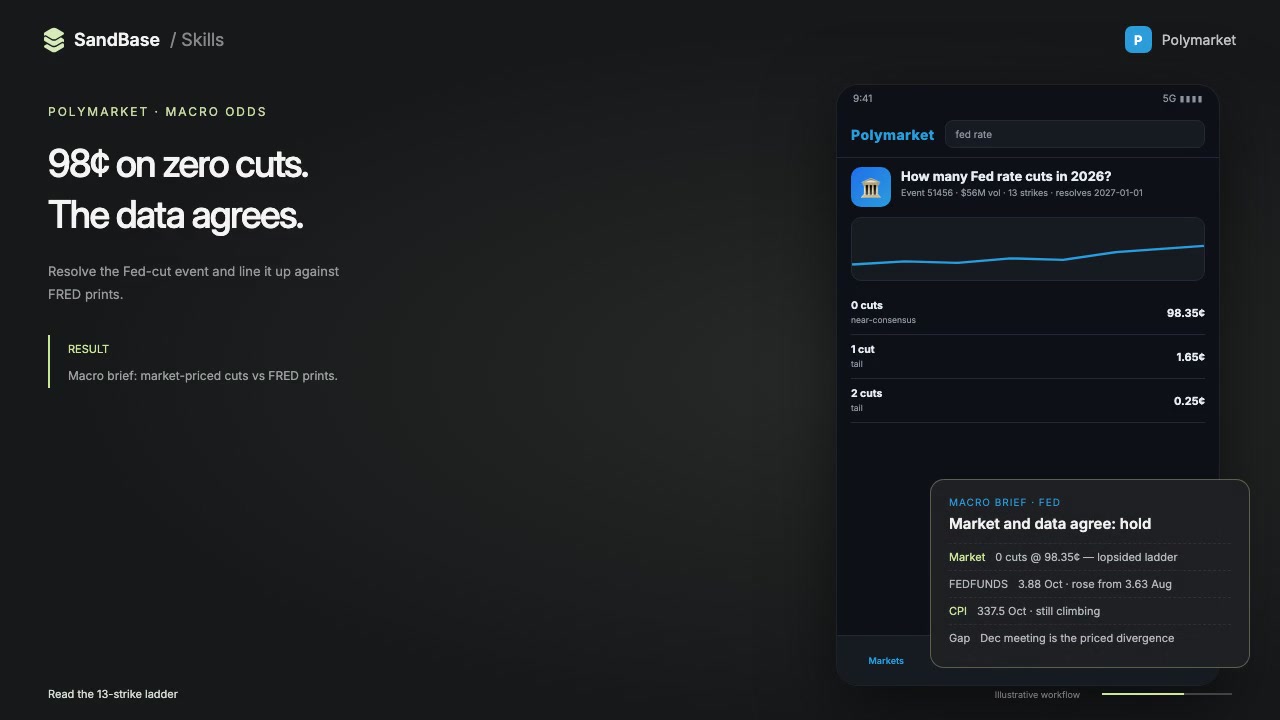
Brief a macro question on Polymarket against actual macro data through SandBase — market odds cross-checked with FRED series
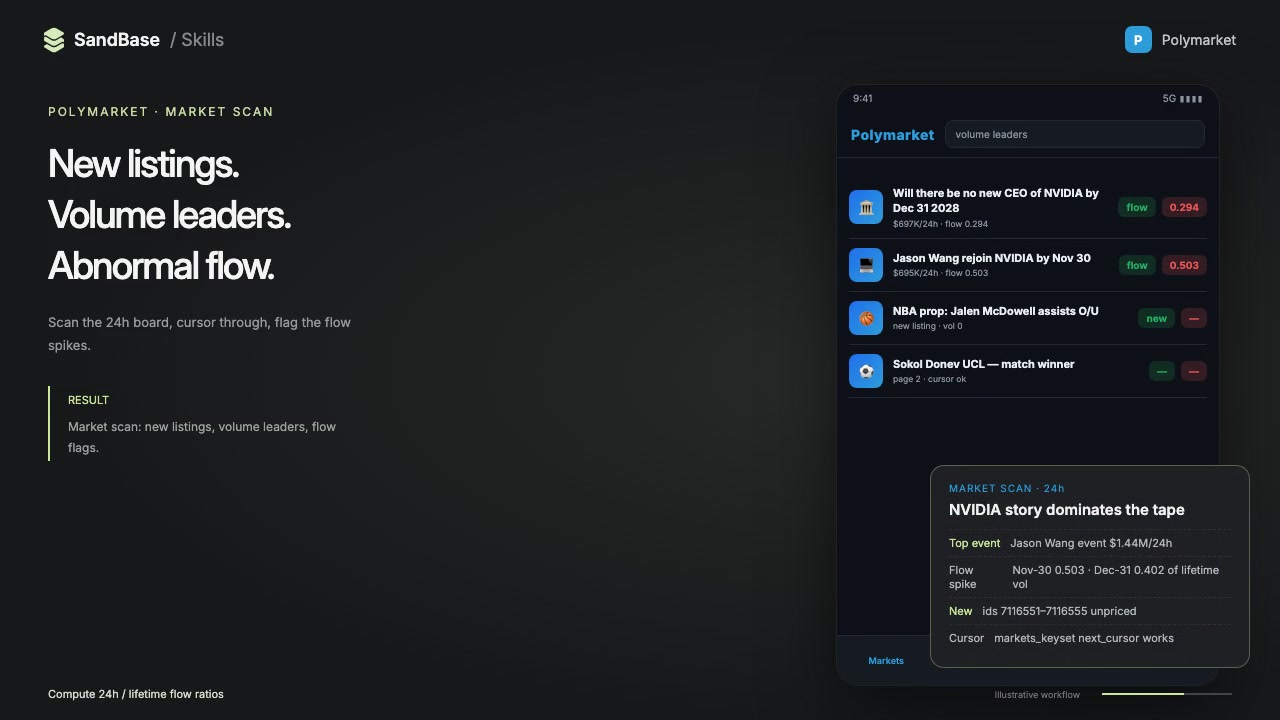
Scan Polymarket markets through SandBase for what is new, moving and abnormally hot
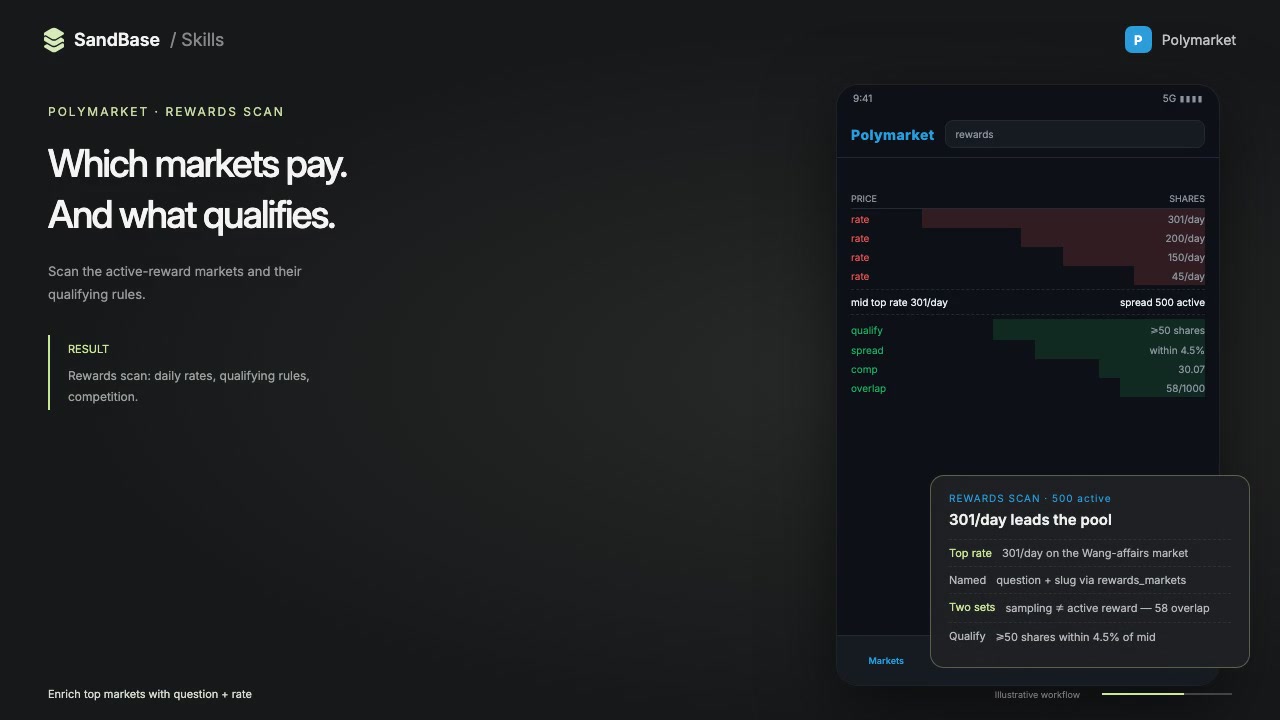
Scan Polymarket's liquidity-rewards and sampling-eligible markets through SandBase
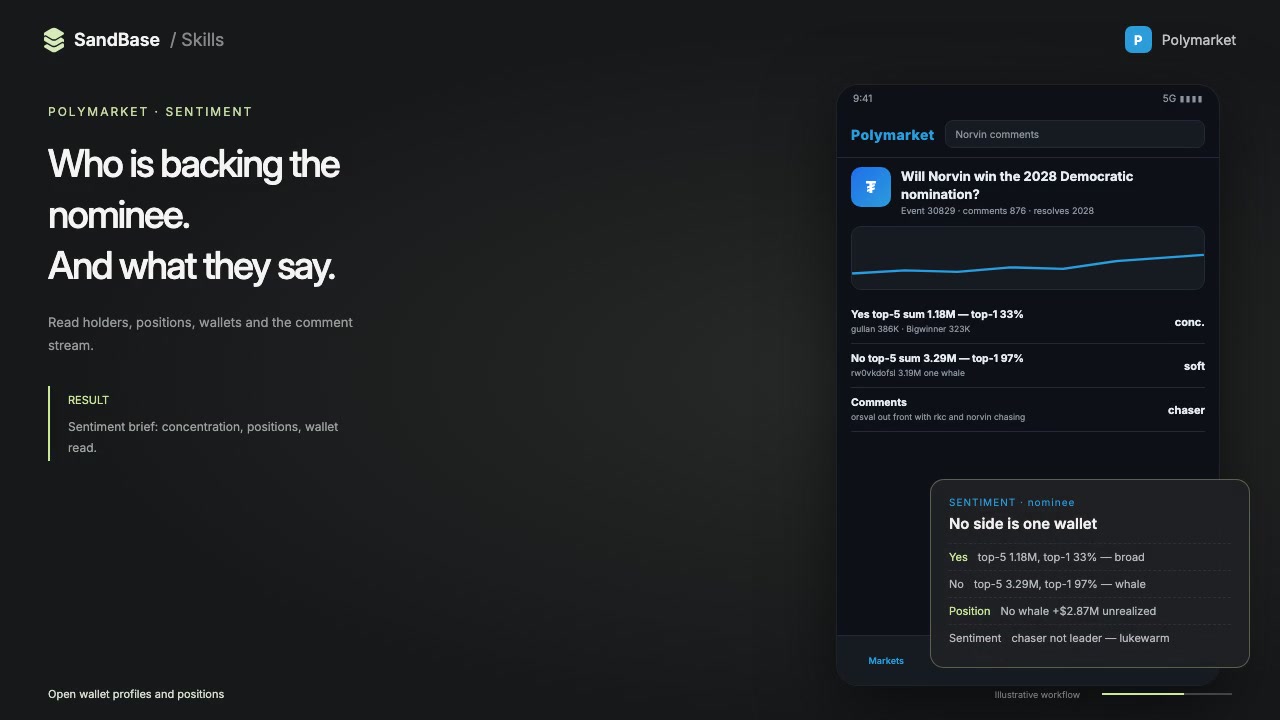
Read the crowd behind one Polymarket market through SandBase — comments, holder concentration and wallet track records
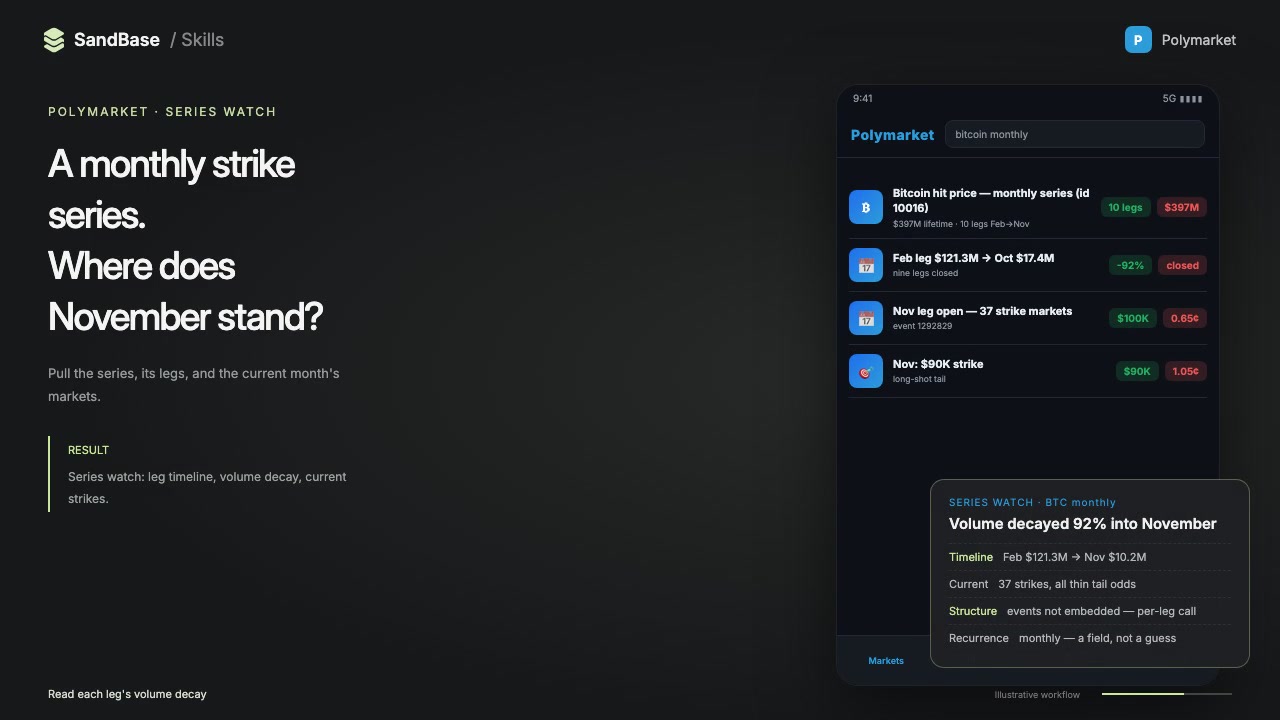
Track a Polymarket series through SandBase — recurring theme families across legs
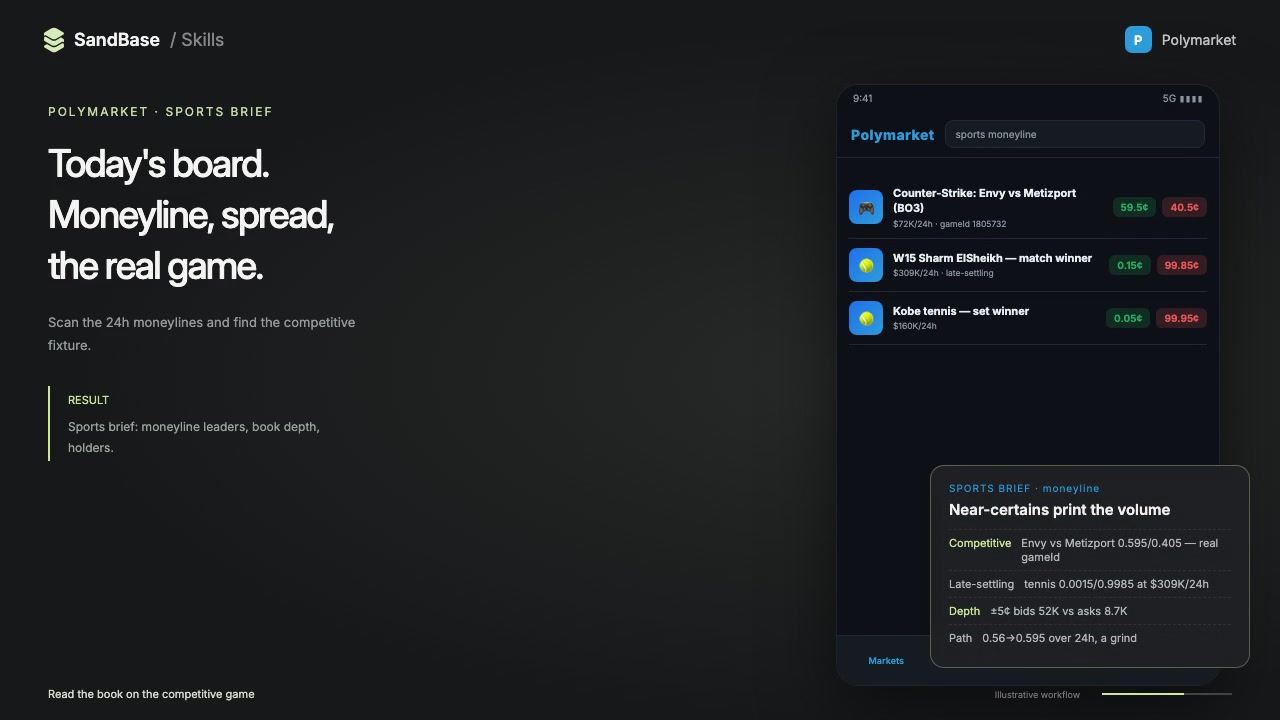
Brief Polymarket sports markets through SandBase — fixtures, odds quality, book depth and who holds each side
Read Polymarket event odds, order books, holders and comments with live data your agent reads through SandBase.
Install the Skill in your agent, connect SandBase and name the events, markets or sports to research on Polymarket.
Start with a task, then explore the possibilities.
Investigate markets and evidence, and communicate research findings.
Explore Research ↗Compare the inputs and deliverables before you begin.
| What you have | What to look for | Next step |
|---|---|---|
| A clear brief | Install the Skill in your agent, connect SandBase and name the events, markets or sports to research on Polymarket. | Browse this collection ↗ |
| A connected agent | Follow the installation instructions on the Skill page and connect your agent to SandBase. API calls are billed to your SandBase organization. | Read the Skills guide ↗ |
| A different output | Investigate markets and evidence, and communicate research findings. | Research ↗ |
Follow the Skill page: download and unpack its complete folder, or use the provided installation command. Choose an Agent that supports its requirements.
Connect your agent to SandBase so the Skill can call its data APIs.
Describe what you need, then check the sources in the output before you use it.
A set of instructions your agent follows to call SandBase data APIs, such as search, social or business data, and turn the results into a sourced answer.
You need a SandBase account connected to your agent. SandBase API calls are billed to your SandBase organization.
SandBase Agent, Codex, Claude and Cursor. Check each Skill page for its runtime requirements and installation method.