
Sage Card Slides
- Lab Skill
- v0.1.0
- Business reporting
Make decks that read as quiet studio cards: alternating navy and sage fields, a nested-arch window and one orange dot, for workshop briefs and programme updates.
Examples · 2
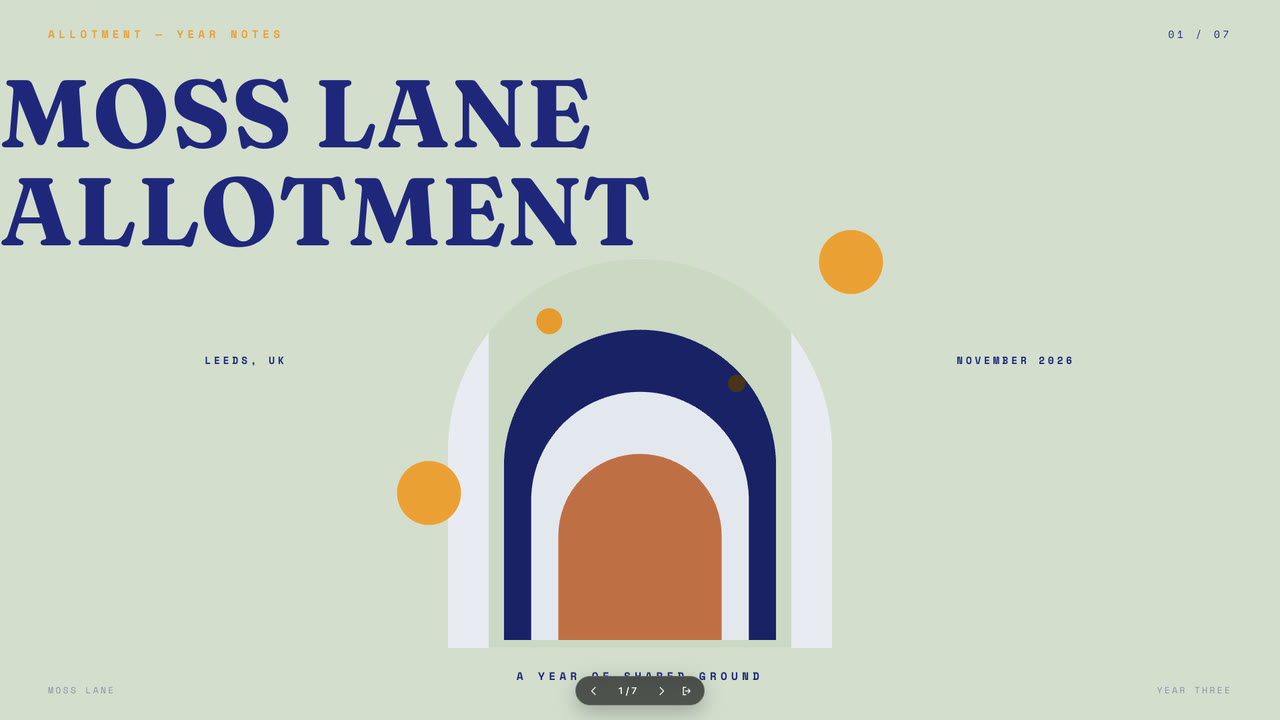
What you get
Bring the workshop, principles or season, the one thing to land, the audience, the figures you can stand behind, page count and content language. The Skill returns one offline HTML deck that edits in the browser and exports editable PowerPoint.
How it works
- 01
Brief the term and outline grounds
Sage Card slides asks what is presented, such as a term, programme, method or season, the one point to land, the audience, the figures the user stands behind, page count, language and owned pictures. The default arc runs cover, index, quote, principles, divider, metrics, process, compare, triptych and close. Navy and sage grounds alternate, so two navy or two sage pages do not sit back to back.
- 02
Draw arch plates and compose
One preset's accent, wash, surface and text go into the plan's swatch and into art.json. scripts/sage-art.py then draws nested arches, a glaze shelf, an orbit wall, drying lumps, a quiet field or a vessel line, with no paid model calls. Inline plate SVG goes under art with matching alt, and python3 scripts/kit.py compose --kit references/kit.json --plan plan.json --out deck.json follows.
- 03
Build, flip pages and render the export
make-deck.py writes presentation.html and verify-deck.py --kit references/kit.json checks it, with no server or network calls. Every page is flipped in the browser to confirm alternating grounds, the arch window and a single orange dot. For the PowerPoint path, the export is rendered with render-pptx on its Docker backend, and any substituted font counts as a finding to fix.
FAQ
What does Sage Card slides look like?
Sage Card slides alternates navy and sage fields under Tenor Sans caps display. A nested-arch window holds code-drawn flat plates, a single orange dot is the accent, brown serif-italic lines carry asides, and spaced mono chrome frames each page. Framed tally walls and a three-arch triptych carry the denser pages.
What kind of deck suits Sage Card slides?
Sage Card slides suits a quiet studio's field notes: a pottery or craft programme's term notes, a small agency's principles, a workshop's seasonal brief or a community studio's open-table invitation. Its demos are a 7-page year report for the Moss Lane Allotment society and a 9-page autumn course programme for a ceramics studio, written in Chinese.
Does Sage Card slides call a paid model?
No. Sage Card slides forbids paid model calls, and its plate art comes from scripts/sage-art.py, code shipped in the package. The deck is built on Python 3 with no server, no build step at use time and no network calls, so a deck is not billed. The Docker backend for render-pptx is used only to check exports.
Can I add my own photos to Sage Card slides?
Yes, but only outside the arch windows, as ordinary pictures, and only ones the user has the right to use. Sage Card slides keeps the arch windows for its drawn plates. Without plates the arch form, the dot and the two grounds carry each spread, since the look is meant to stay flat and quiet.
Can I add rows or plates to a Sage Card page?
No. Sage Card slides fixes the counts of index rows, principle columns, process steps, compare rows, stat blocks and triptych plates. You rewrite their text and drop nodes you do not need. sampleLeft also catches the chrome the sample hard-codes, such as spaced kickers, NN / TT counters, footer columns and rail labels.
Is the Sage Card PowerPoint export editable?
Yes. Sage Card slides exports text, shapes and speaker notes as native PowerPoint objects, and only the drawn arch plates arrive as pictures. The SKILL.md asks for the export to be rendered with render-pptx and treats any substituted font as a finding. Print/PDF is also available from the file.
More Skills
All Business reporting Skills →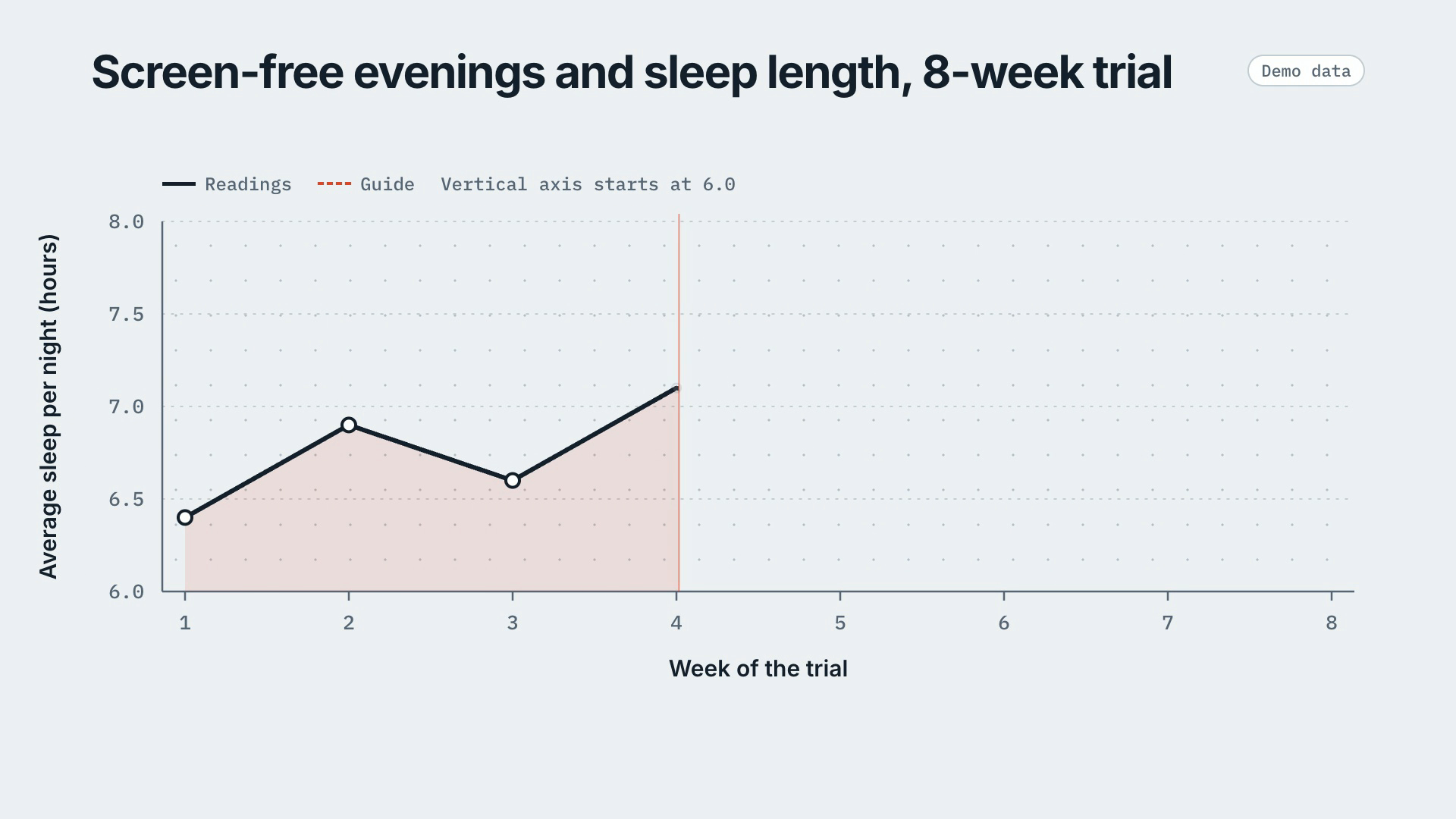
Trend Line
Reveal measured readings, a separate dashed guide and a final takeaway on an editable chart.

Advisory Thread Slides
Argue one recommendation to a committee or board with action titles, a storyline tracker, evidence charts and a bounded decision ask.
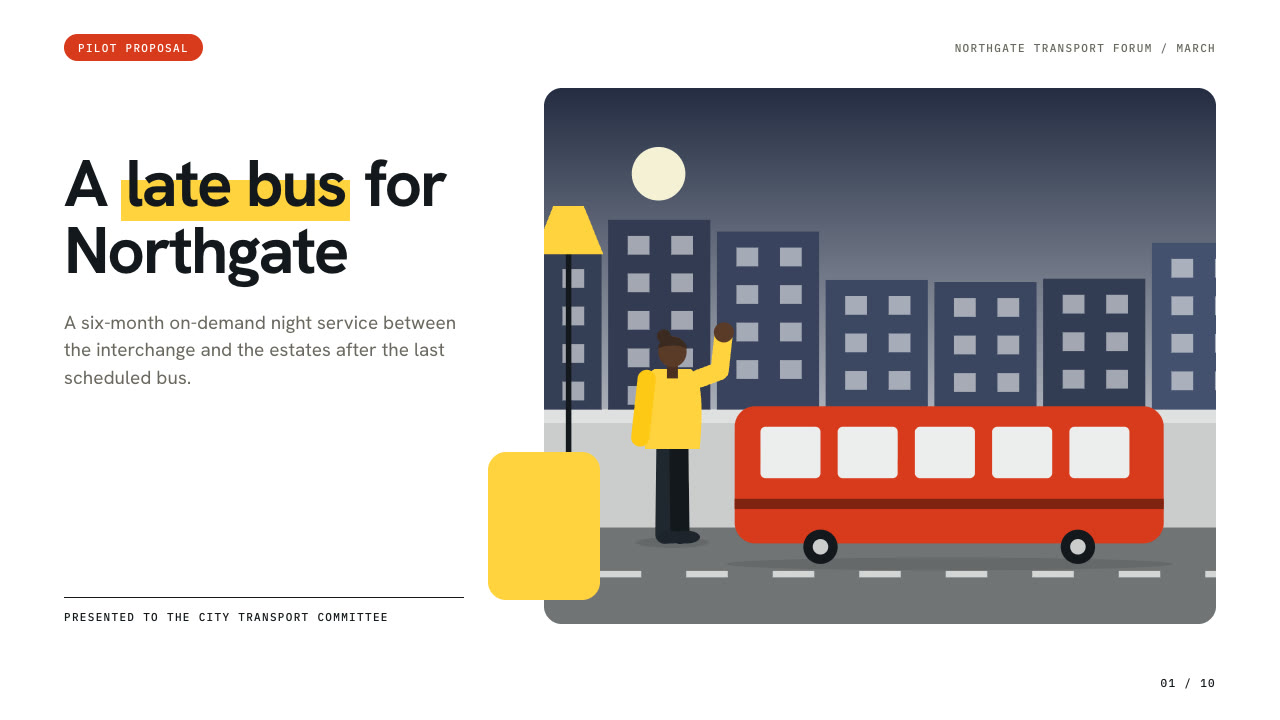
Civic Bars Slides
Make the case for a public or community service decision with picture cards, thin bar charts, stat tiles and a clear ask.
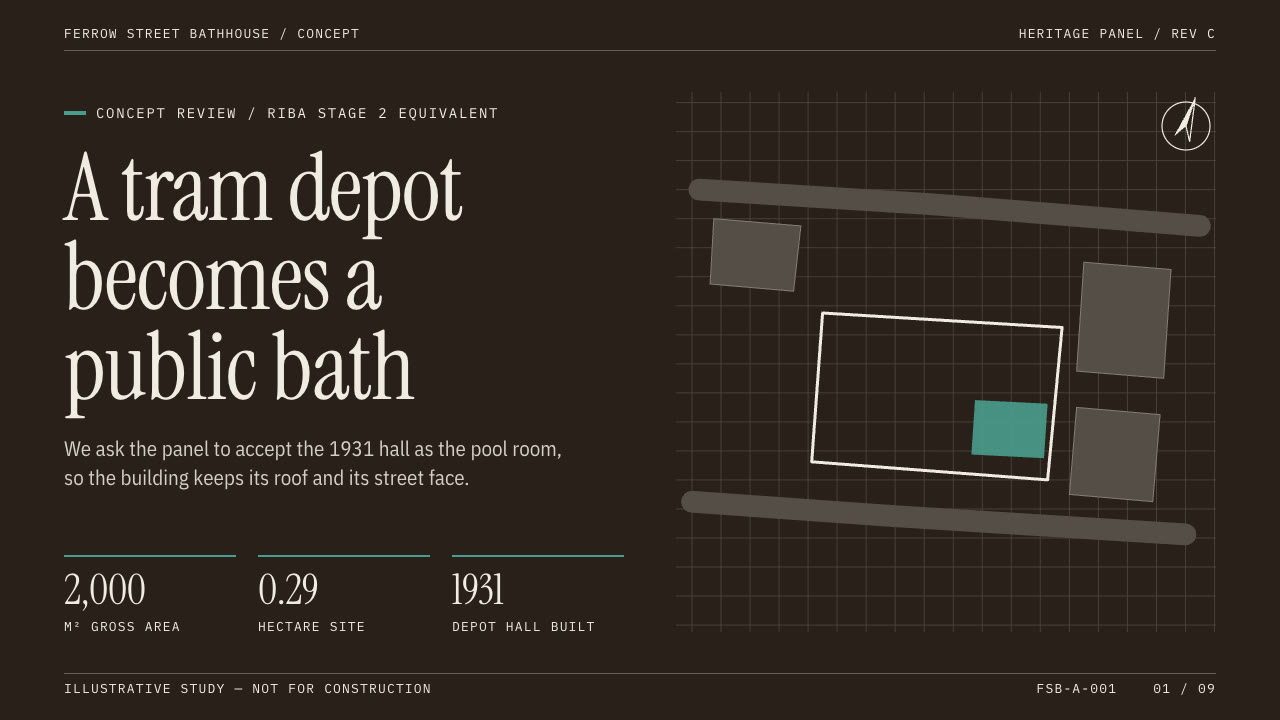
Site Sequence Slides
Take an architecture or site-design proposal to a review panel like a drawing sheet: site, massing, plan and section, program, phasing and one clear decision.

Deepframe Company Slides
Present a company, practice or member organisation calmly: white pages, offset colour blocks behind pictures, service cards, ring figures, value bars and a portrait row.
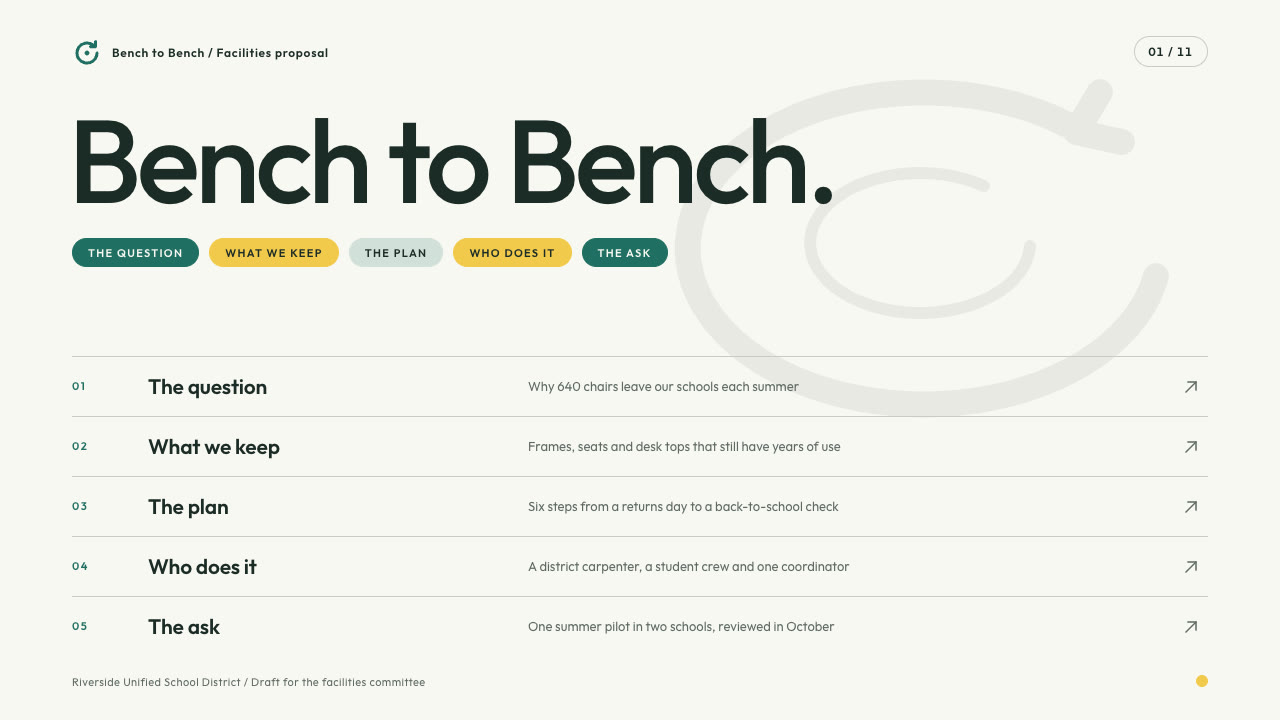
Circular Module Slides
Propose a repair, reuse or take-back step in a light modular deck: rounded cards and pill capsules, an open-ring motif, notched principle cards, a six-step grid and a capsule bar chart.